

ROATEE 991ES MAX Scientific Calculator with 417 Functions and LCD Writing Tablet
Reviews
Price
Product description
With a 4-line display, the ROATEE 991ES MAX keeps several calculations visible together, making it easier to follow work without losing track of earlier steps.
Its LCD writing tablet and included stylus add a space for jotting down equations or quick notes while you calculate. The writing area and erase button work when the lock key is unlocked.
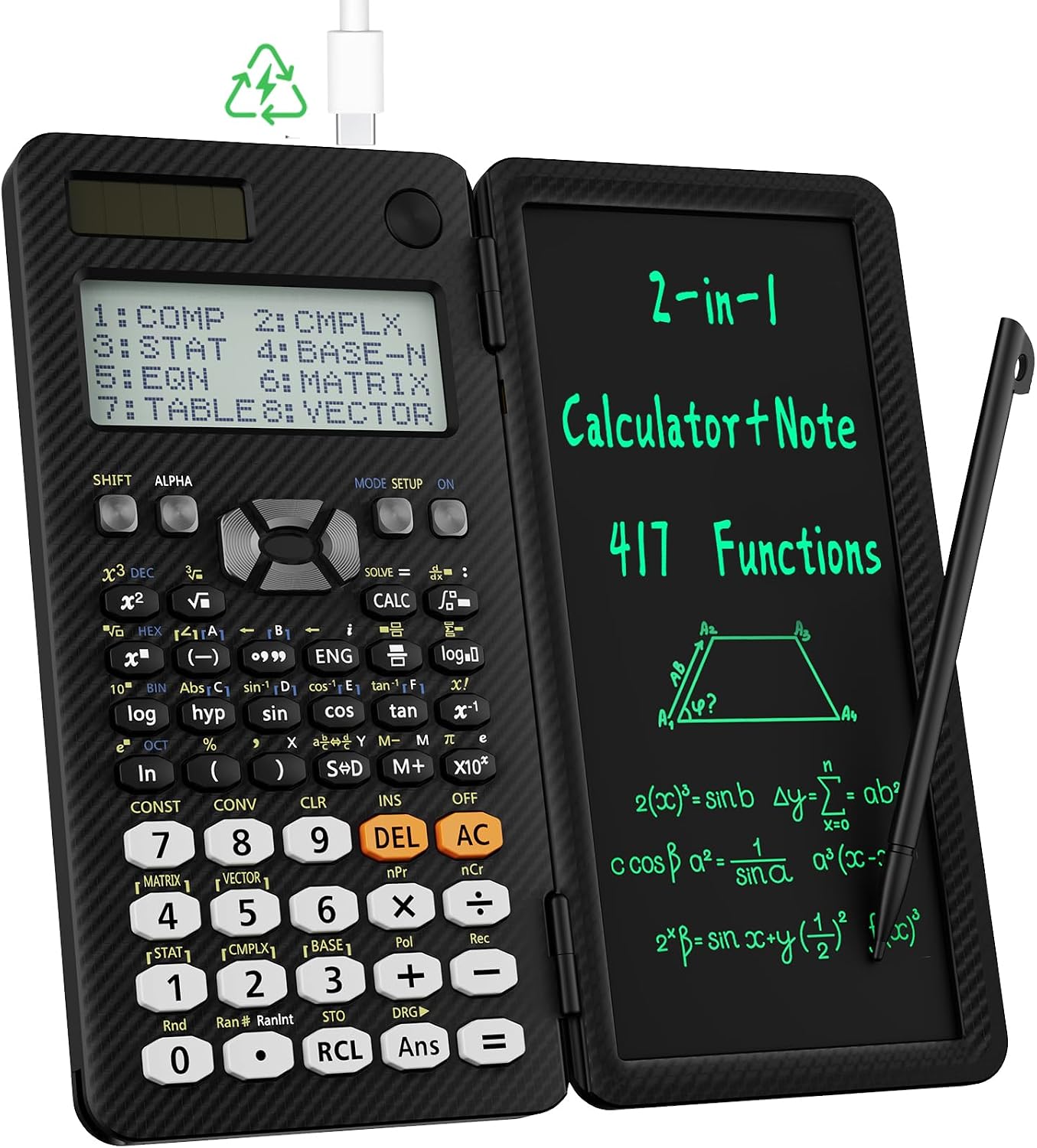
With 417 functions for subjects from algebra and geometry to statistics, calculus, and chemistry, this scientific calculator is designed for schoolwork as well as general math and science tasks.
What matters most
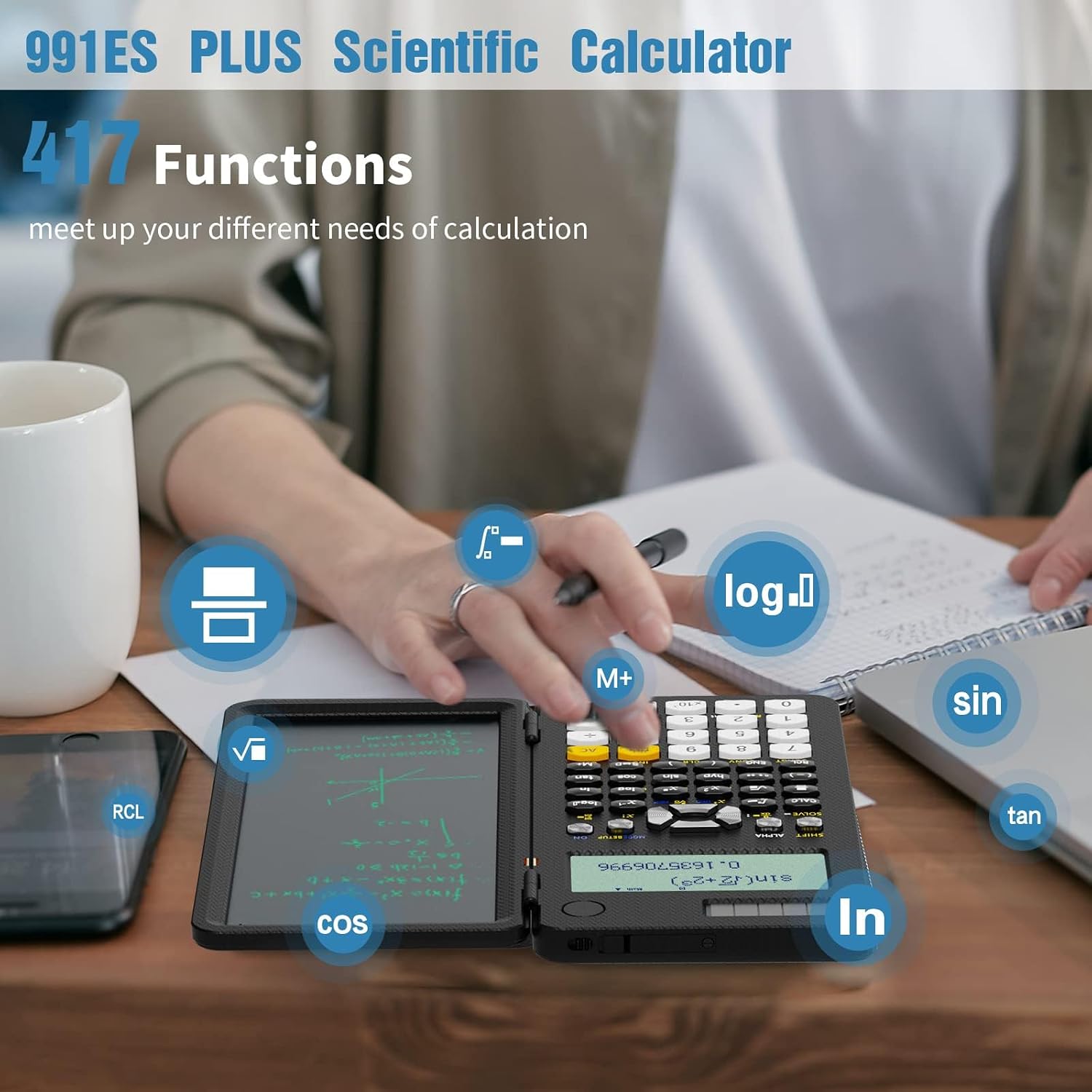
The four-line display can show four calculations at once, giving students a useful way to compare steps or keep intermediate work in view. Its 417 functions cover a broad range of school topics, including fractions and decimals, complex numbers, matrices, vectors, equations, and number-system calculations such as binary and hexadecimal. That range makes it a more versatile classroom tool than a basic calculator focused on everyday arithmetic.
The built-in LCD writing tablet adds a practical companion to the keypad: use the stylus to note an equation, record a step, or keep a short reminder beside the calculation. The stylus slides out from the lower-left corner of the calculator. Buyers often highlight the writing area and the calculator’s usefulness for school subjects, some report mixed experiences with calculation accuracy, especially with fractions, and with button responsiveness. Fraction or decimal output can be selected using the S⇔D key, or through the calculator’s mode settings.
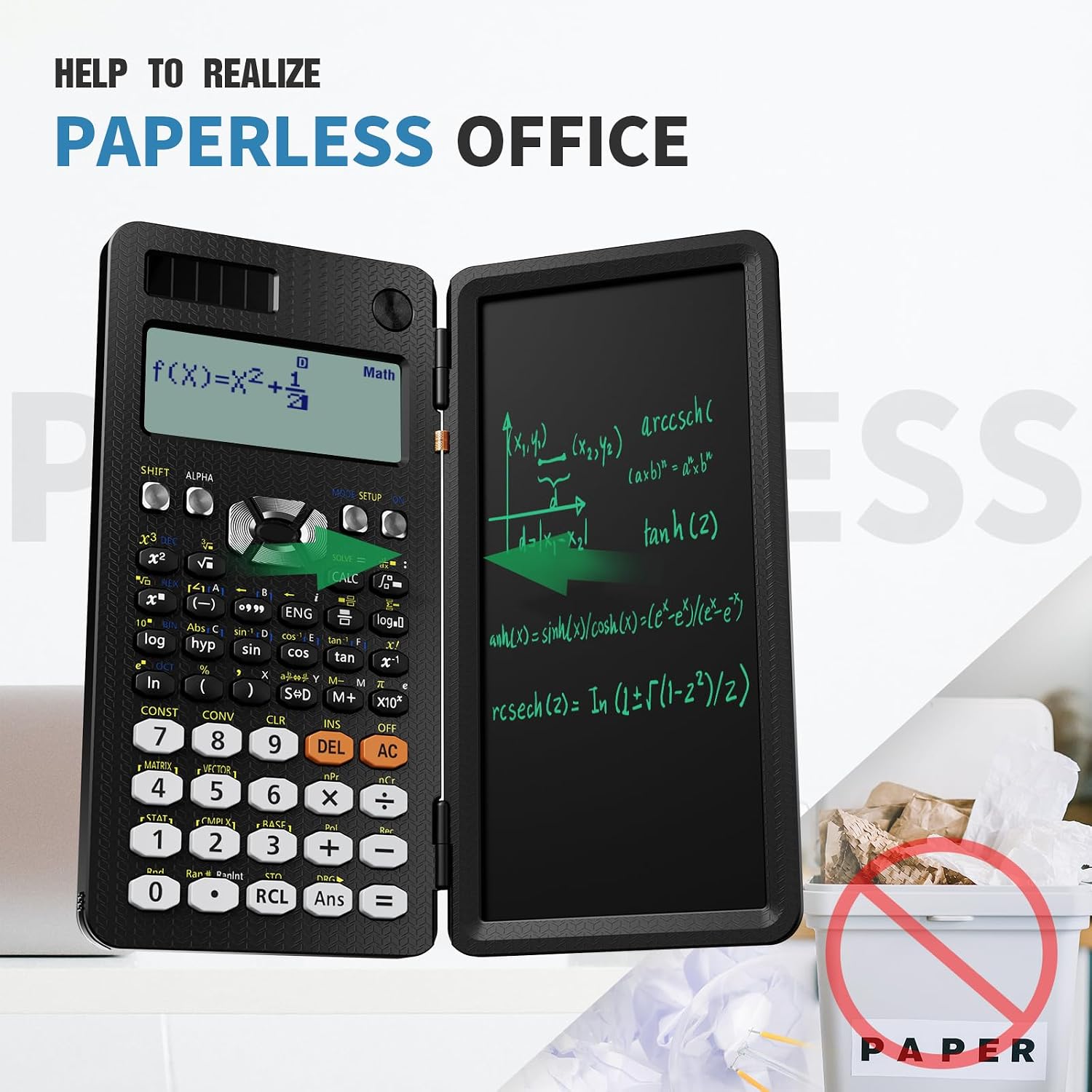
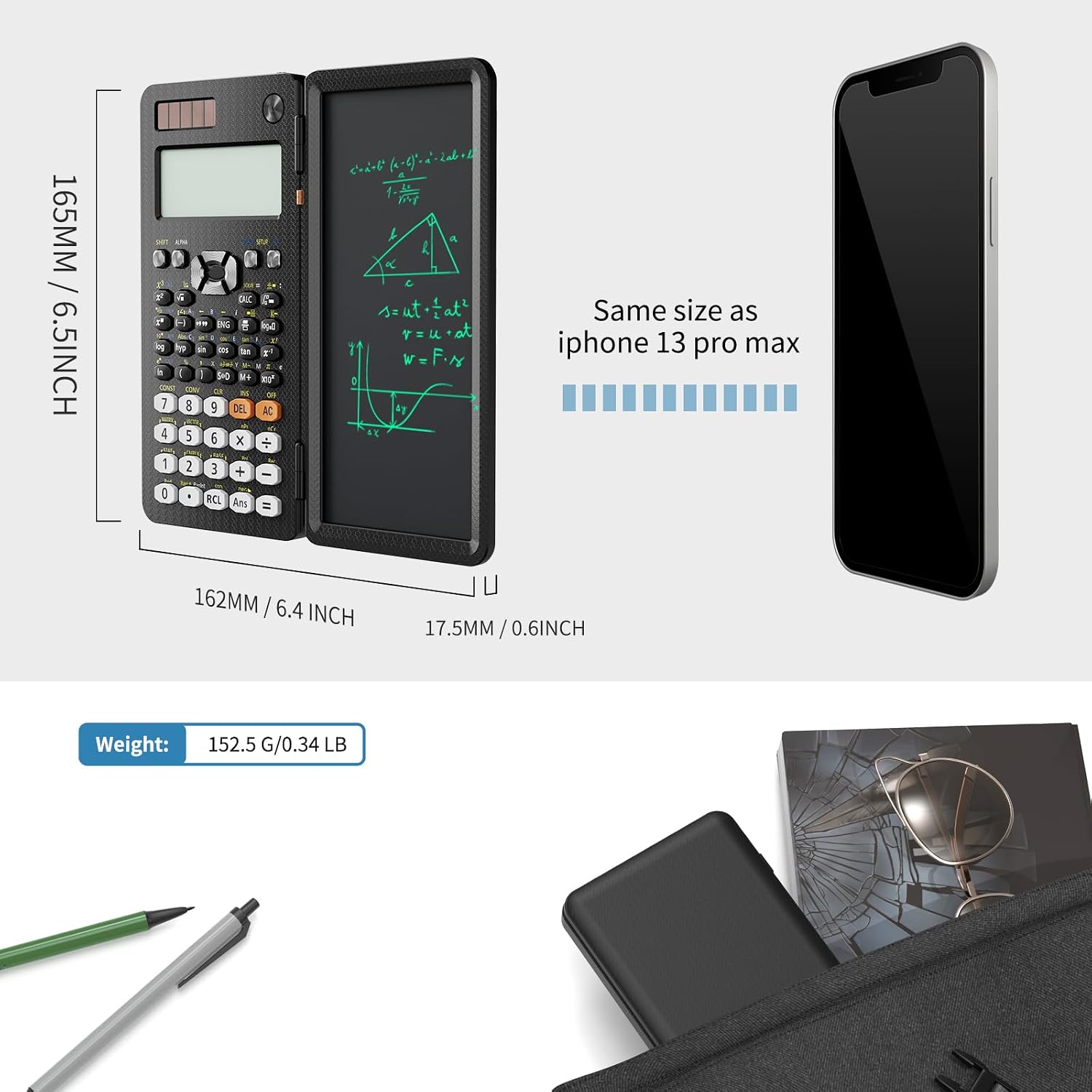
The black body is made of ABS and measures 6.32 inches long by 3.28 inches wide. A listed 6.2-centimeter screen size and the integrated writing surface keep the display and note-taking area together in one handheld study tool.
Tips for day-to-day use
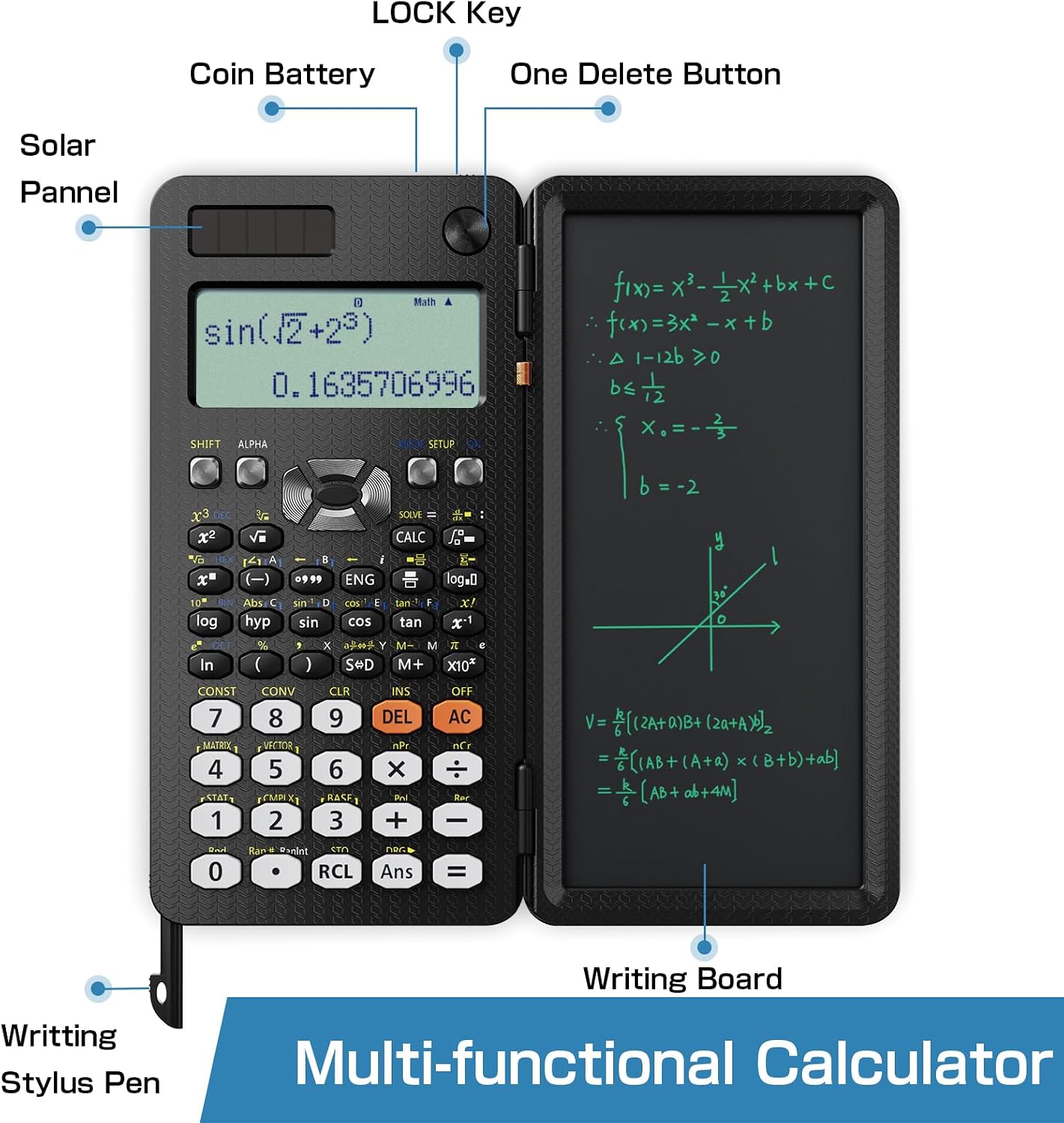
To erase notes, move the lock key to the unlocked position and press the clear button. Locking the writing area helps prevent an accidental press from clearing notes while you work. The stylus is stored in the calculator itself, so it has a designated place between study sessions.
For fraction answers, use S⇔D to switch the displayed result, or choose MthIO for fraction mode and LineIO for decimal mode through the SHIFT and MODE keys. The calculator uses one CR5 coin battery, listed as included. Its anti-drop body design and stated 5-ounce weight support carrying it between home and class, the listed package also includes instructions and a carrying case.
Best use cases
This calculator suits school assignments that move beyond basic arithmetic, including algebra, geometry, statistics, calculus, and science coursework. The multiview display is helpful when a student needs to refer to several calculation lines, while the tablet provides room to write down an equation before entering it. For a study setup that combines a scientific calculator with a separate scratch pad, the ROATEE brings both functions into one device.
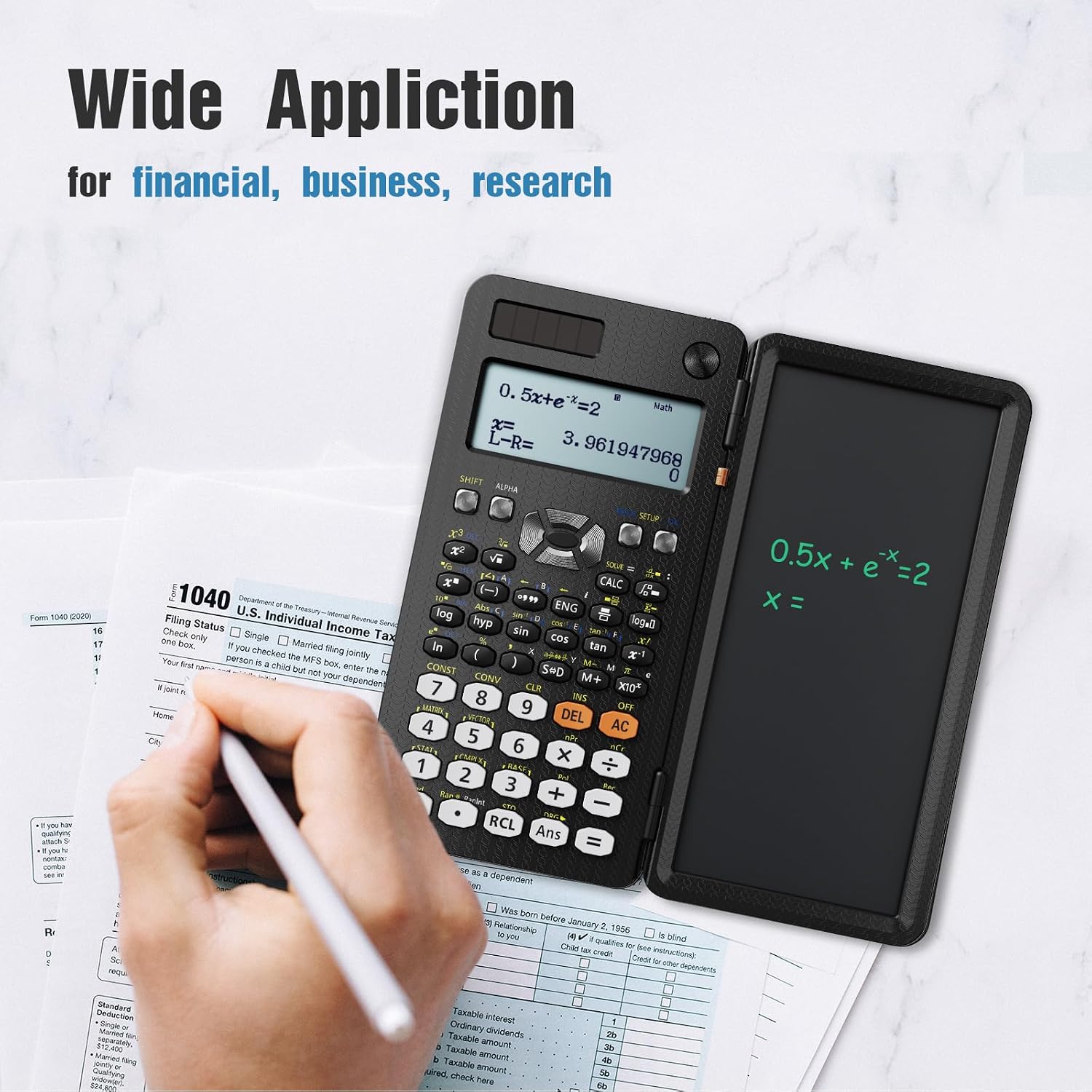
It suits you if you want broad subject coverage alongside a built-in place for quick written notes. Its four-line display, 417 functions, and included stylus make it especially relevant for high school, college, and general science study.
Before you decide
How do you erase the writing tablet? Move the lock key to the unlocked position, then press the clear button to erase the notes.
How can you switch between fraction and decimal results? Press S⇔D to change the result display, or use SHIFT and MODE to select MthIO for fractions or LineIO for decimals.
Where is the stylus stored? It slides out from the lower-left corner of the calculator, keeping it close at hand for notes and equations.
Is it worth it?
For students who need more than a four-function calculator, the 991ES MAX combines a wide set of math and science functions with a four-line display and an integrated writing tablet. It is a practical fit for schoolwork that involves working through equations and keeping brief notes in the same compact device.