


Gagalay 67XL Ink Cartridge Combo Pack for HP DeskJet and Envy Printers
Product description
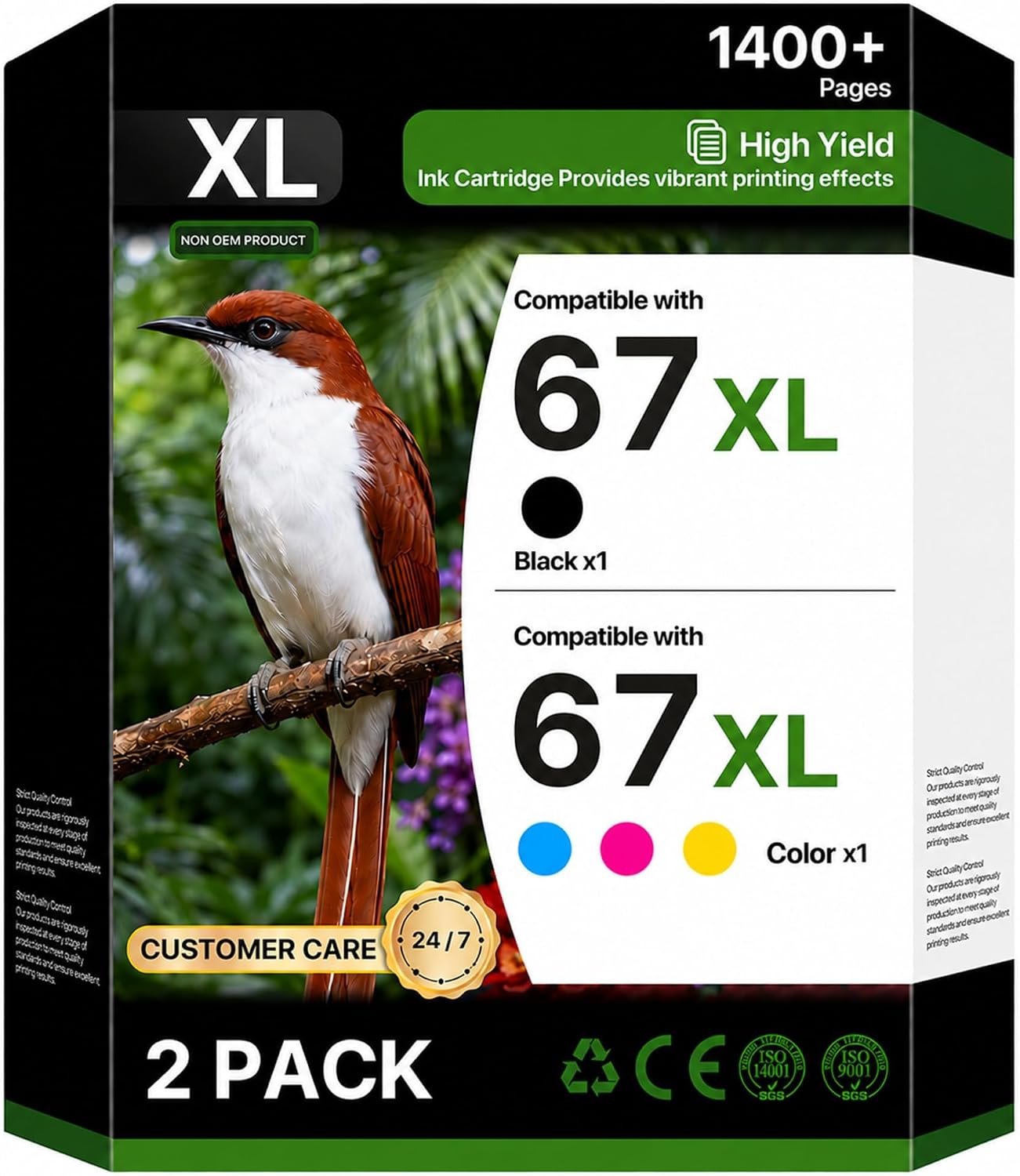
For owners of a listed HP DeskJet, DeskJet Plus, Envy, or Envy Pro printer who need both black and color ink, this Gagalay combo pack includes one black 67XL cartridge and one tri-color cartridge. It is an aftermarket replacement, so matching the exact printer model to the compatibility list is an important part of the buying decision.
The listing gives estimated yields of up to 700 pages for the black cartridge and 450 pages for the tri-color cartridge, based on 5% coverage. These figures offer a reference for routine home, school, and home-office printing, but actual page counts depend on what you print.
Specifications
- Name: Gagalay 67XL black and tri-color combo pack
- Type: Inkjet replacement cartridges
- Compatibility: Selected HP DeskJet, DeskJet Plus, Envy, and Envy Pro printers
- What’s included: One black 67XL cartridge and one tri-color cartridge
- Listed yield: Up to 700 pages in black and 450 pages in color at 5% coverage
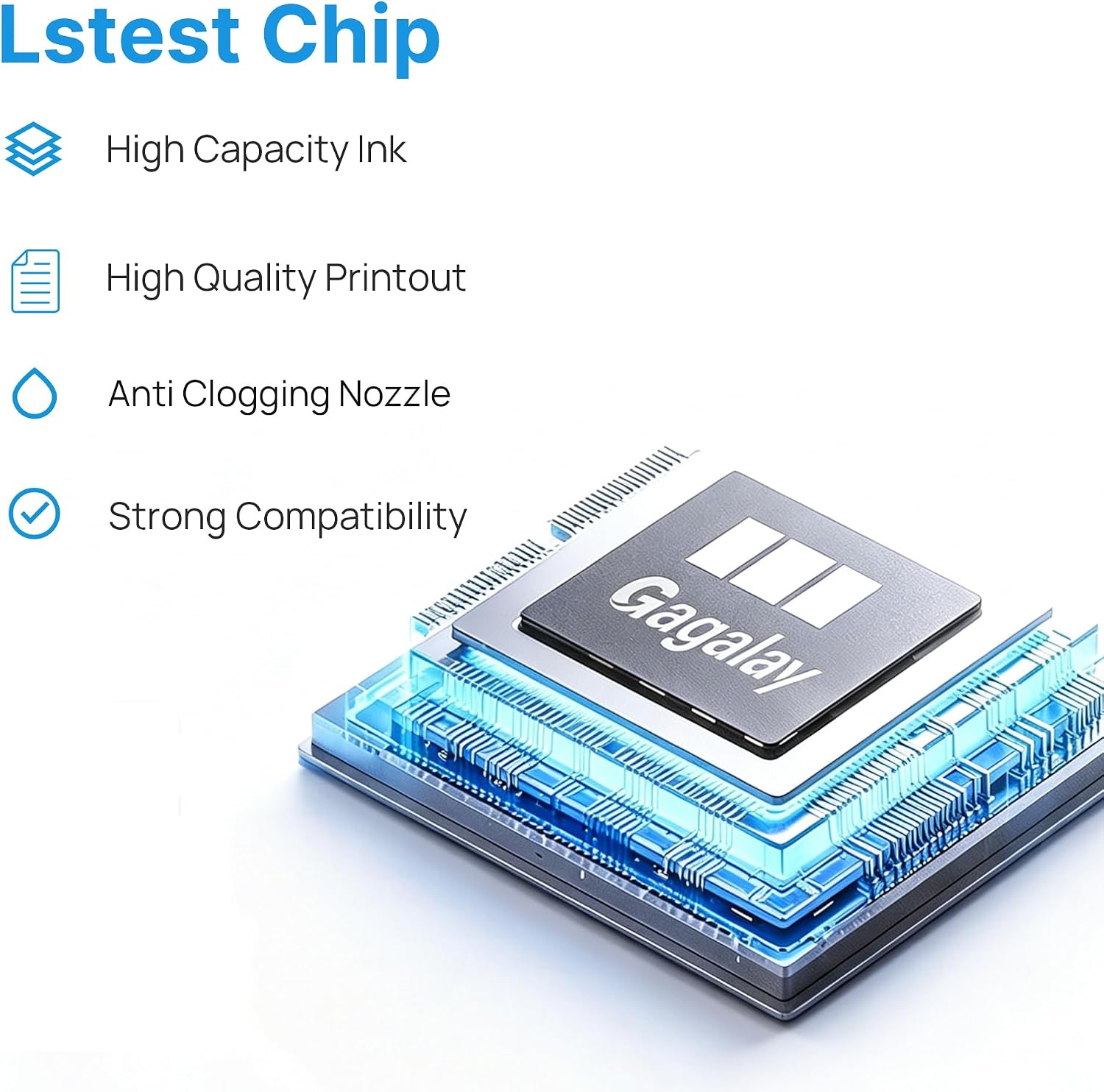
- Warranty: 24 months, with free replacement for reported defects or compatibility issues, according to the product listing
The stated uses include plain-paper documents, reports, charts, photos, and school projects. Gagalay describes the ink as producing crisp black text and vivid color, and says it is smudge- and fade-resistant on plain and copy paper. Those are manufacturer claims rather than a guarantee of identical results across different printers or print jobs. The listed page yields are estimates, not a promise of how long the cartridges will last in a particular household.
Requirements

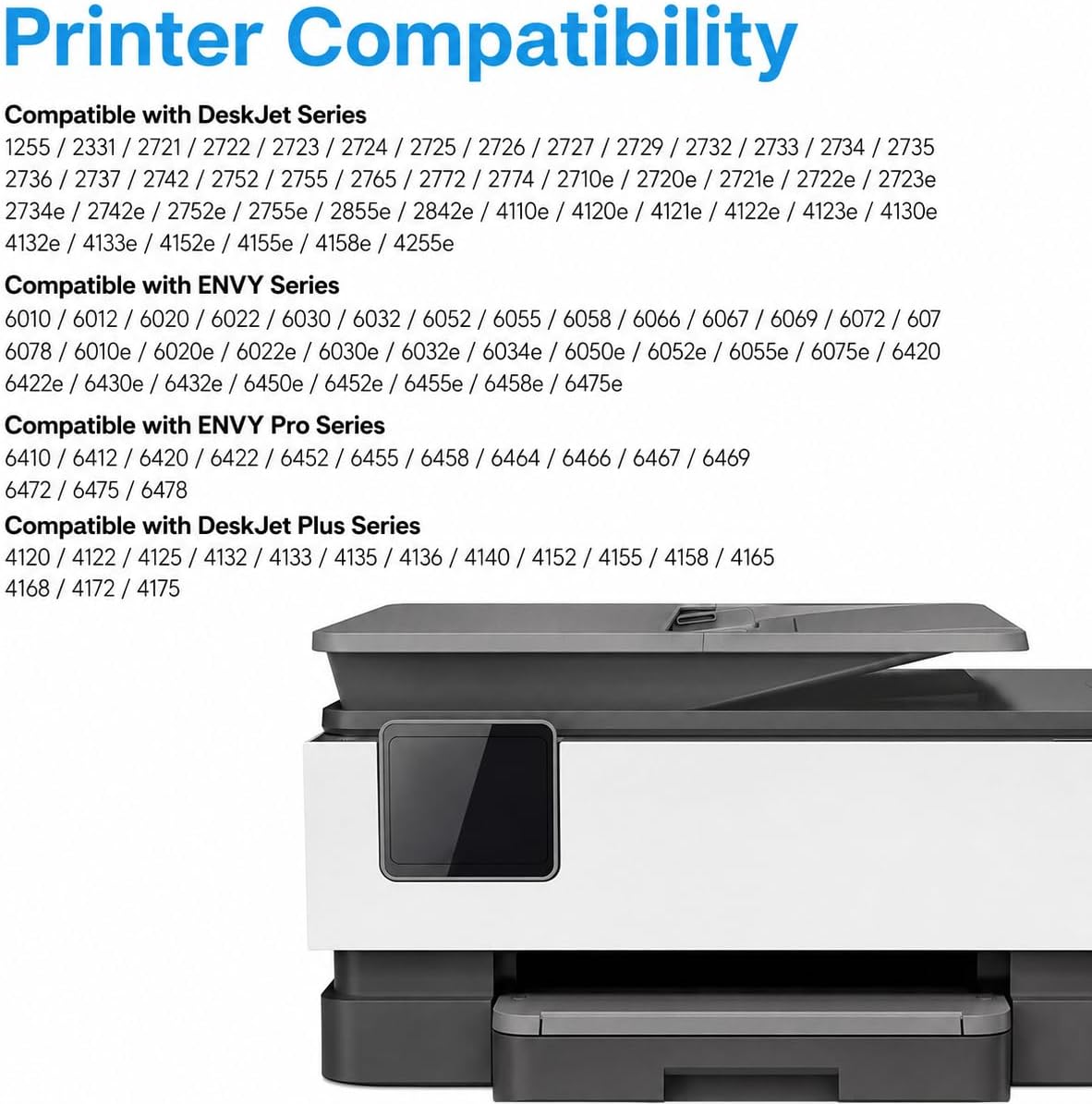
The pack is listed for specific models in the HP DeskJet 1255, 2700, 4100, and 4200 families, as well as selected DeskJet Plus, Envy 6000, Envy 6400, and Envy Pro printers. The compatibility list includes models such as the DeskJet 2855e and 4155e, and the Envy 6055e and 6455e. It does not establish compatibility with every printer in those ranges. Check the full list against the model name on your printer before ordering.
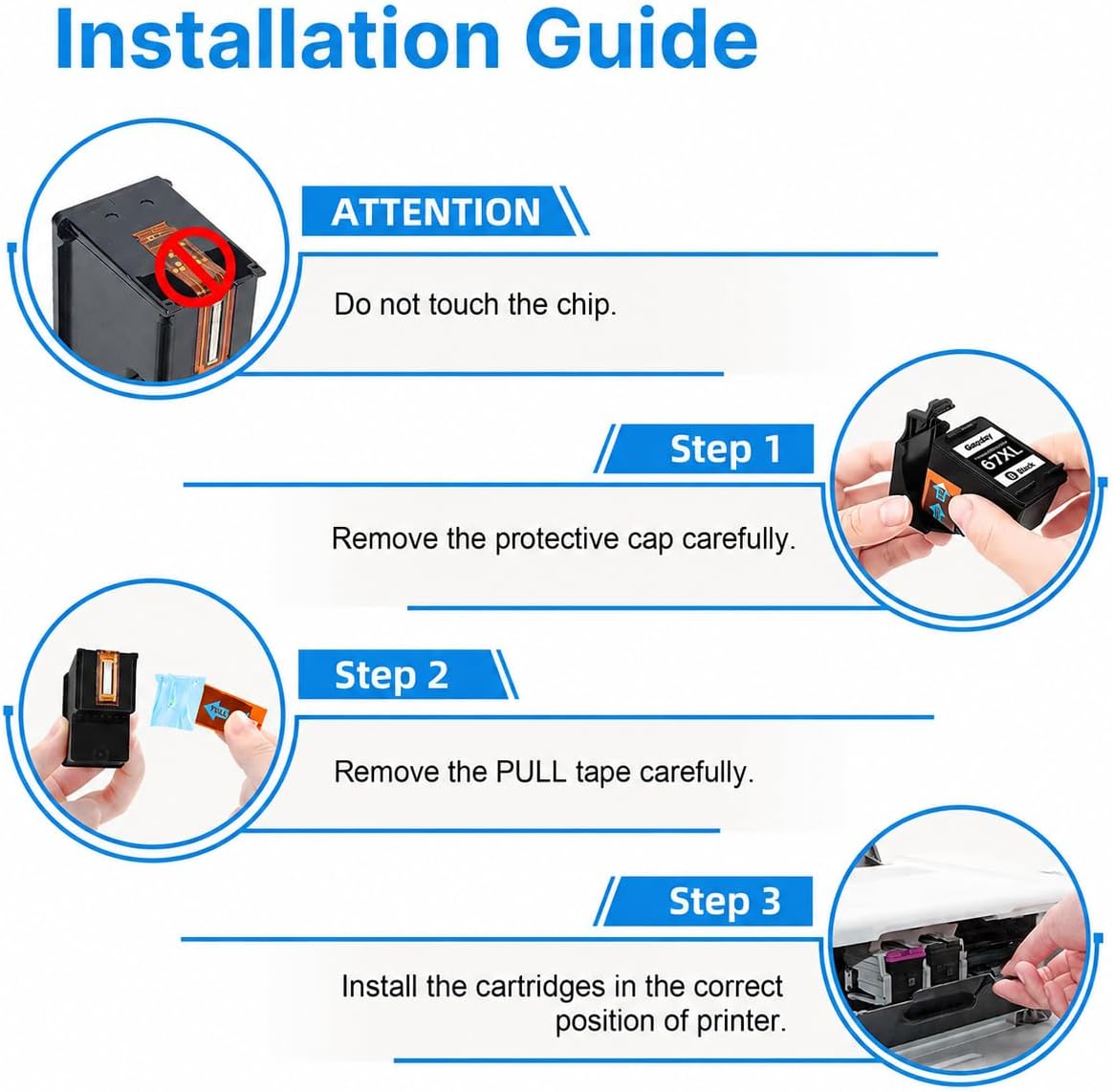
That check matters here: while some buyers say the cartridges arrived as described and performed comparably to original HP ink, other buyers report recognition or compatibility problems with their HP printers. The listing suggests removing all protective tape and clips, wiping the copper contacts gently with a lint-free cloth, and firmly reinserting the cartridge if the printer does not detect it. A printhead cleaning cycle after installation is also recommended by the manufacturer.
Best use cases
This two-cartridge set is aimed at everyday printing where both black text and color are useful: homework, household forms, reports, and occasional charts or photos on paper. The stated yields may help buyers estimate supply needs when their print jobs are mostly standard pages, though heavy color coverage can change how quickly ink runs out.

Compared with choosing original-brand cartridges, this is a third-party replacement approach. It makes sense if your exact printer model is listed and you want a black-and-color pair in one purchase. Not the best choice if your printer model is absent from the compatibility list or you would rather avoid the reported uncertainty around printer recognition.
Before you decide
Which cartridges are in the pack? It includes one black 67XL cartridge and one tri-color cartridge, according to the listing.
How many pages are they rated for? The stated estimates are up to 700 black pages and 450 color pages at 5% coverage. Actual yield varies with print content.
What can I try if the printer does not recognize a cartridge? Remove the protective tape and clips, gently clean the copper contacts with a lint-free cloth, and reinsert it until it clicks. The listing also recommends a printhead cleaning cycle after installation.
Buying verdict
The main decision point is not the bundle format but your exact printer model. If it appears in the compatibility list, this pack provides both black and tri-color ink with stated yields for ordinary document and school printing. If reliable recognition is your priority and you do not want to troubleshoot a possible detection issue, the buyer reports give a reason to consider that risk before choosing a third-party cartridge.