

RISIÓN Thermal Camera, 320x240 QuadIR
Product description
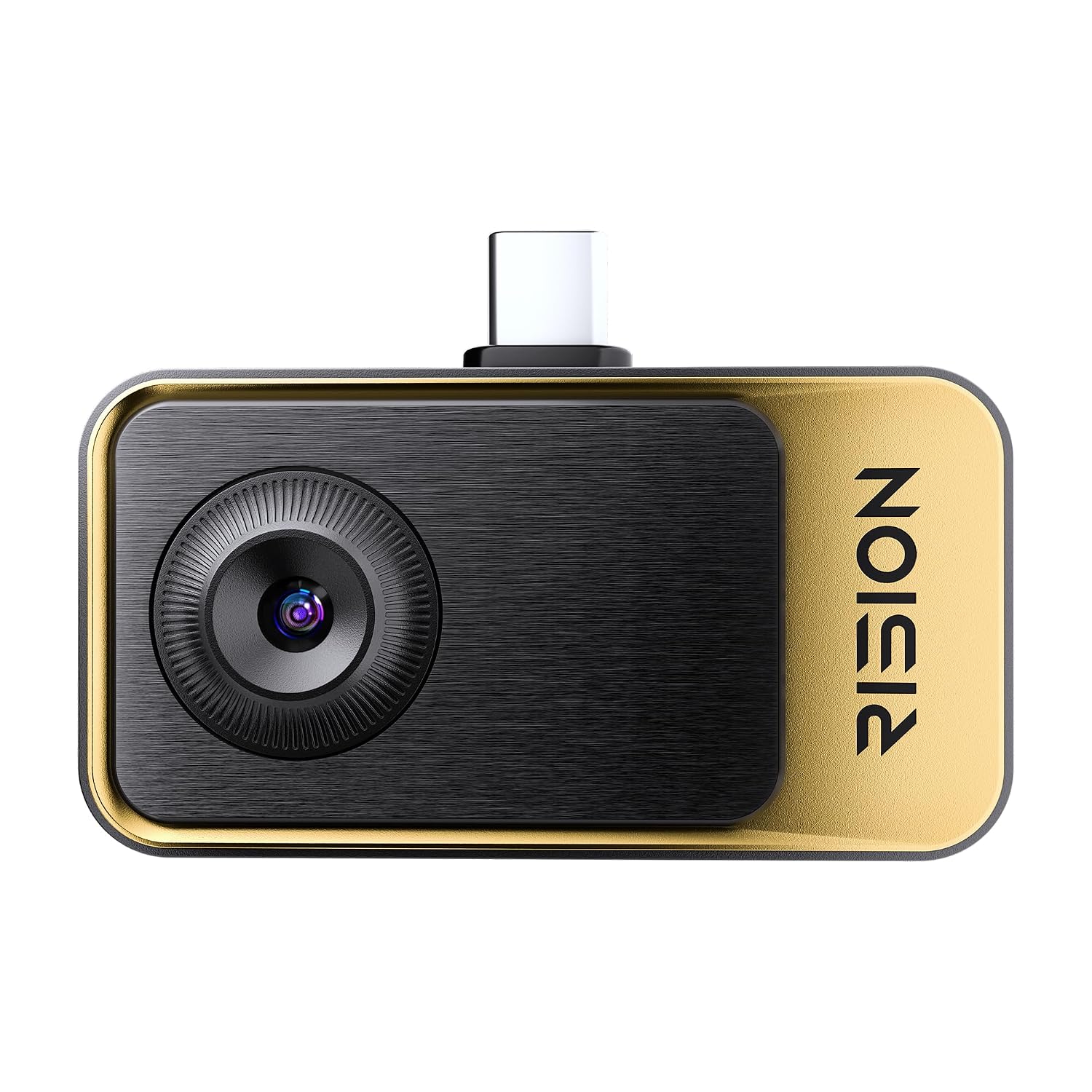
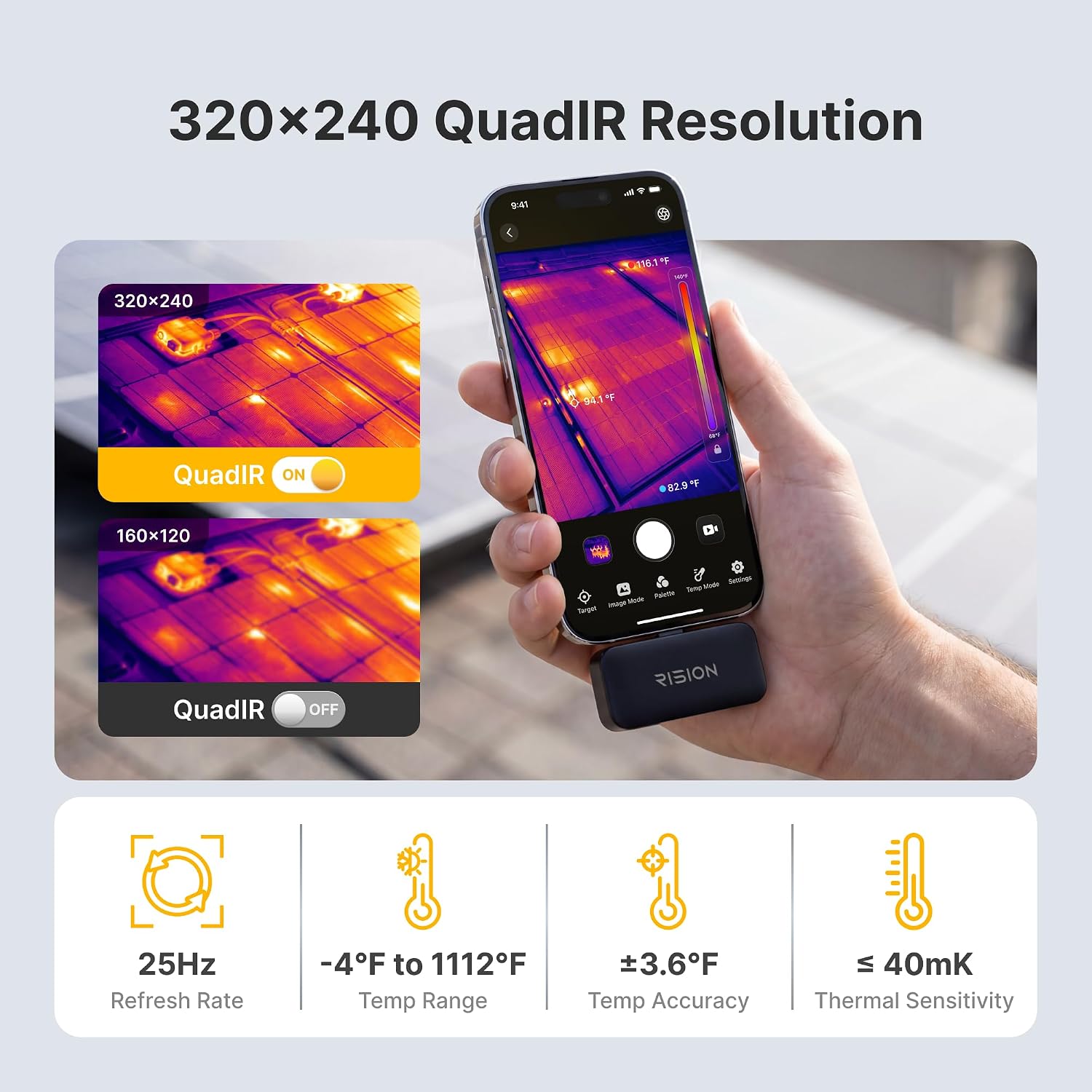
A basic temperature reading can tell you that something is hot, but it won’t show how heat is distributed across a panel or pipe. The RISION Magic thermal camera is built for that more visual kind of inspection, connecting through USB-C to compatible iOS, Android, and Windows devices. Its 320×240 QuadIR image is upscaled from a native 160×120 resolution, so that distinction matters if you’re comparing it with a camera that captures at a higher native resolution. Mac devices are not supported.
Key specifications
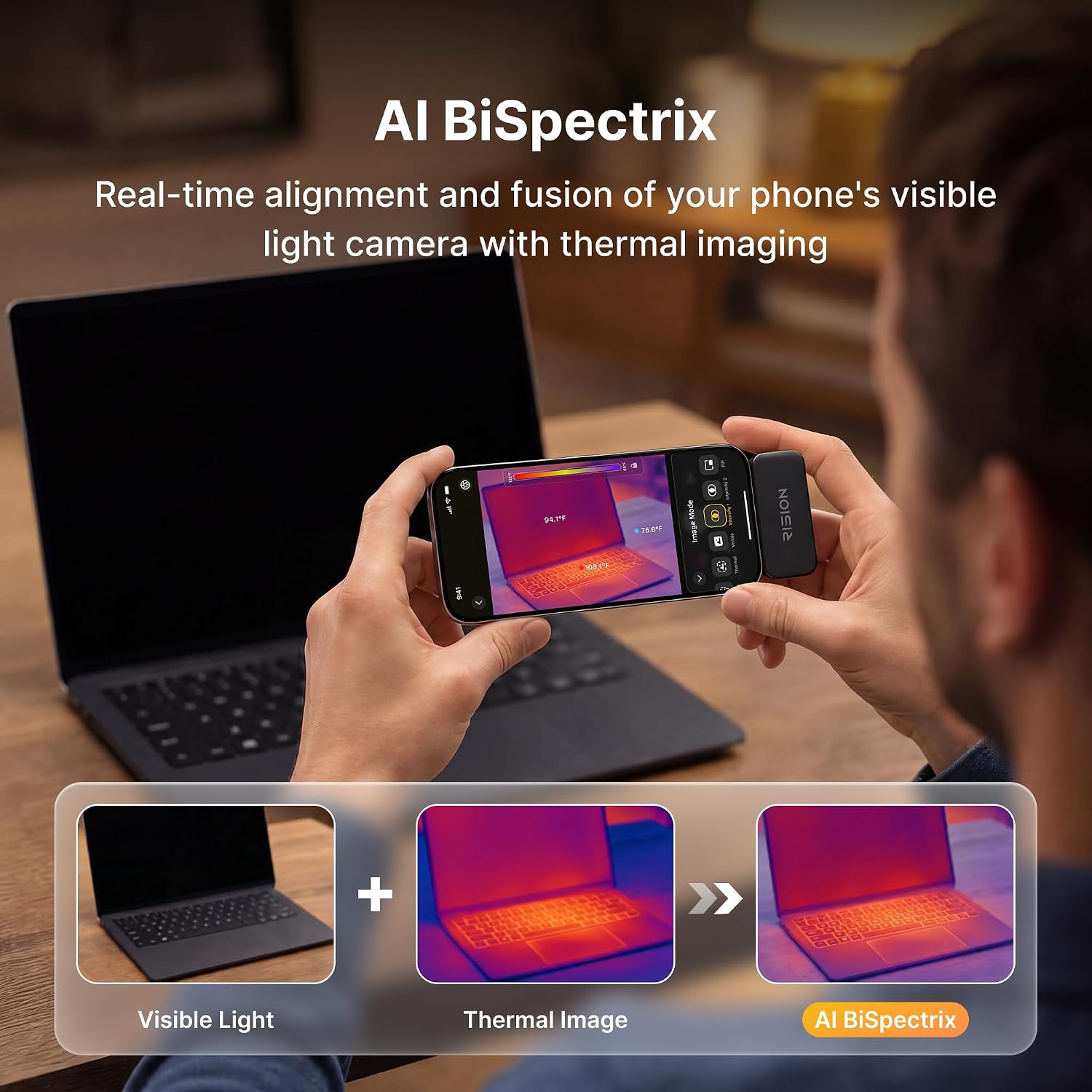
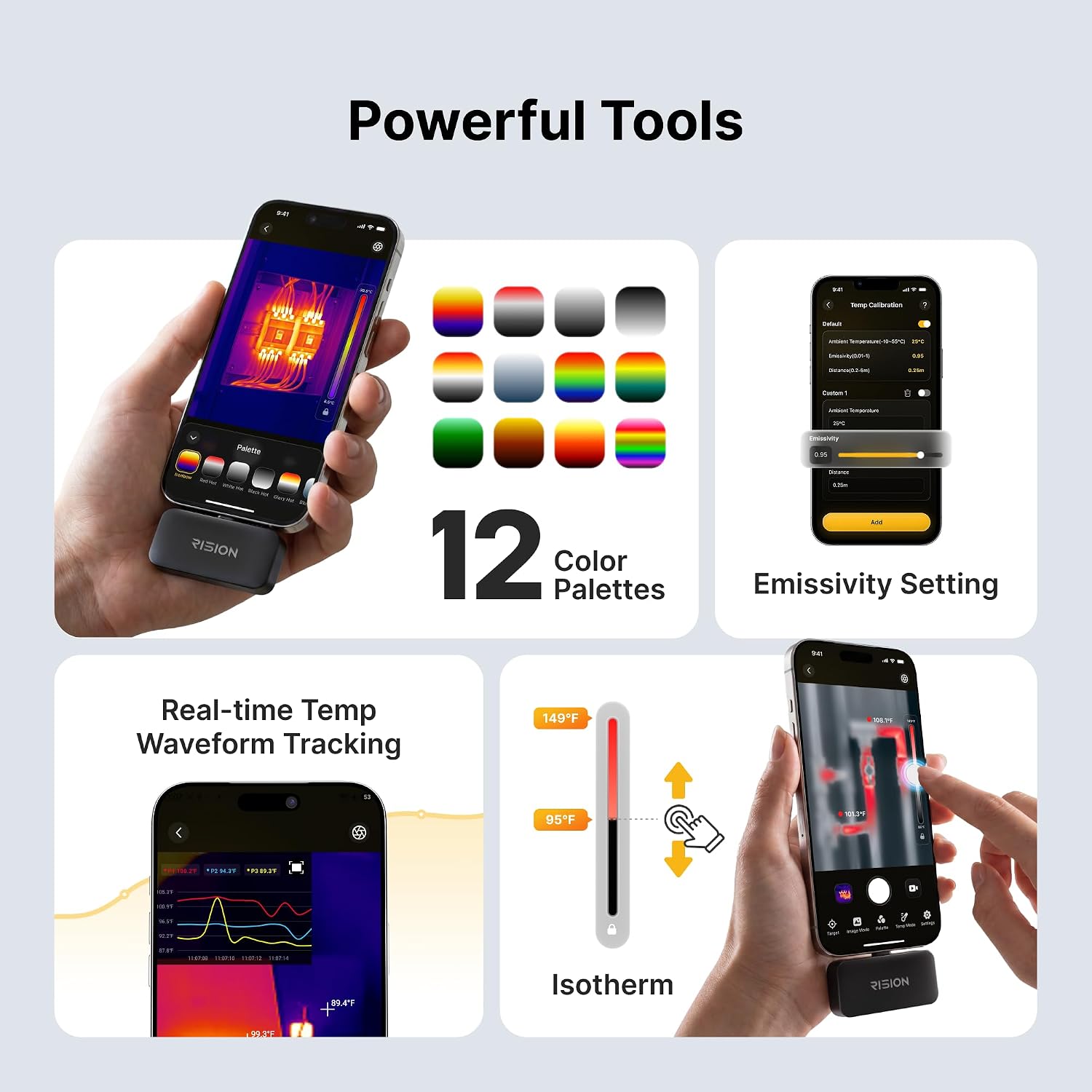
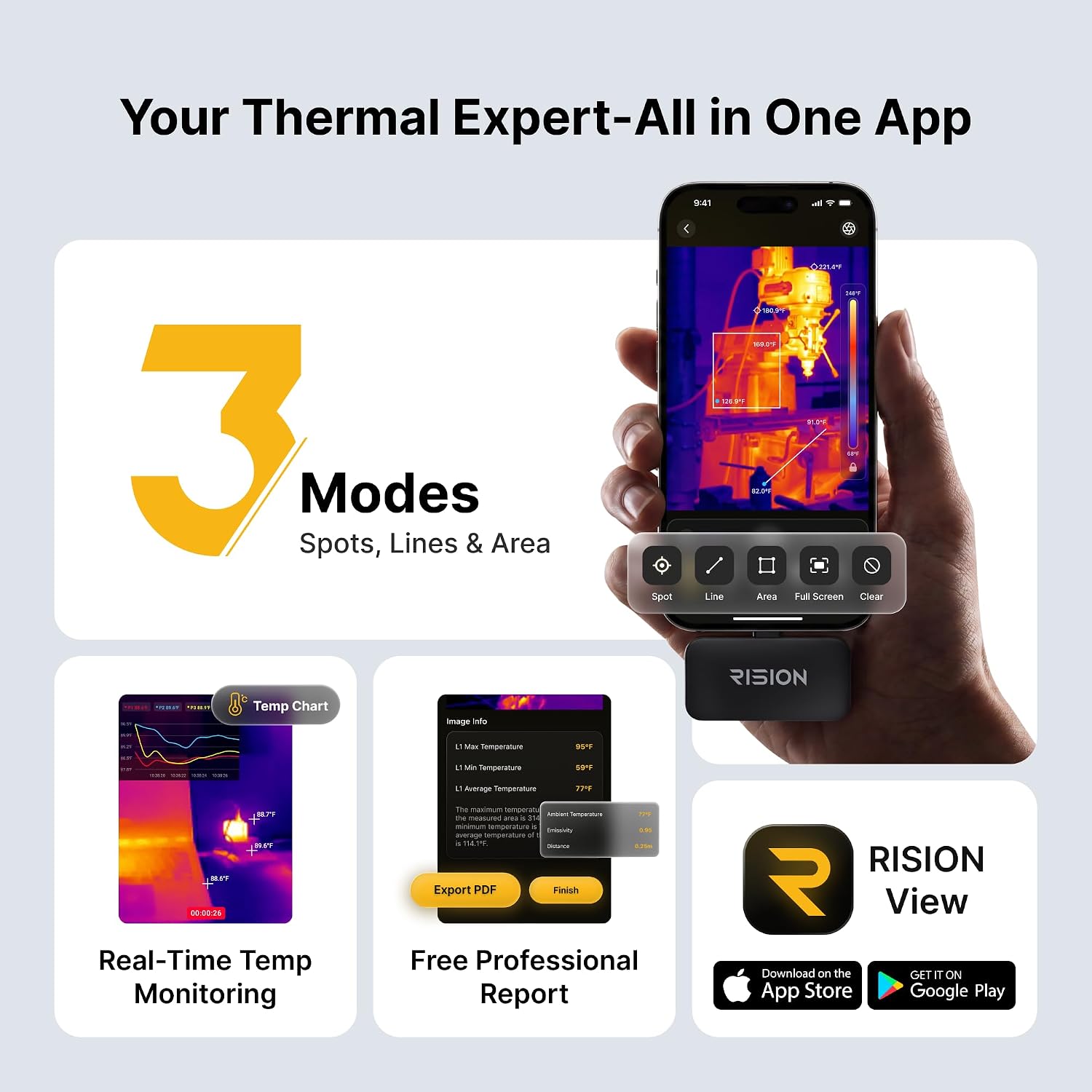
The camera lists a temperature range of -4°F to 1112°F and ±3.6°F accuracy, with 40mK thermal sensitivity. Its 25Hz refresh rate and 52°×39° field of view are intended to make live scanning easier, while adjustable emissivity lets you account for differences between materials. The app also provides 12 color palettes and tools for spot, line, and area analysis, temperature thresholds, picture-in-picture, graphs, and isotherm data. Photo and video capture are supported during monitoring, and the app does not require registration.
One important distinction: the advertised 320×240 QuadIR image comes from upscaling the camera’s native 160×120 resolution. On the spec sheet, that can sound closer to a higher-resolution sensor than it is, so buyers who need fine detail across small components should weigh the native resolution alongside the enhanced image. The stated accuracy is also a useful reference, not a reason to treat every reading as exact.
Who it’s for
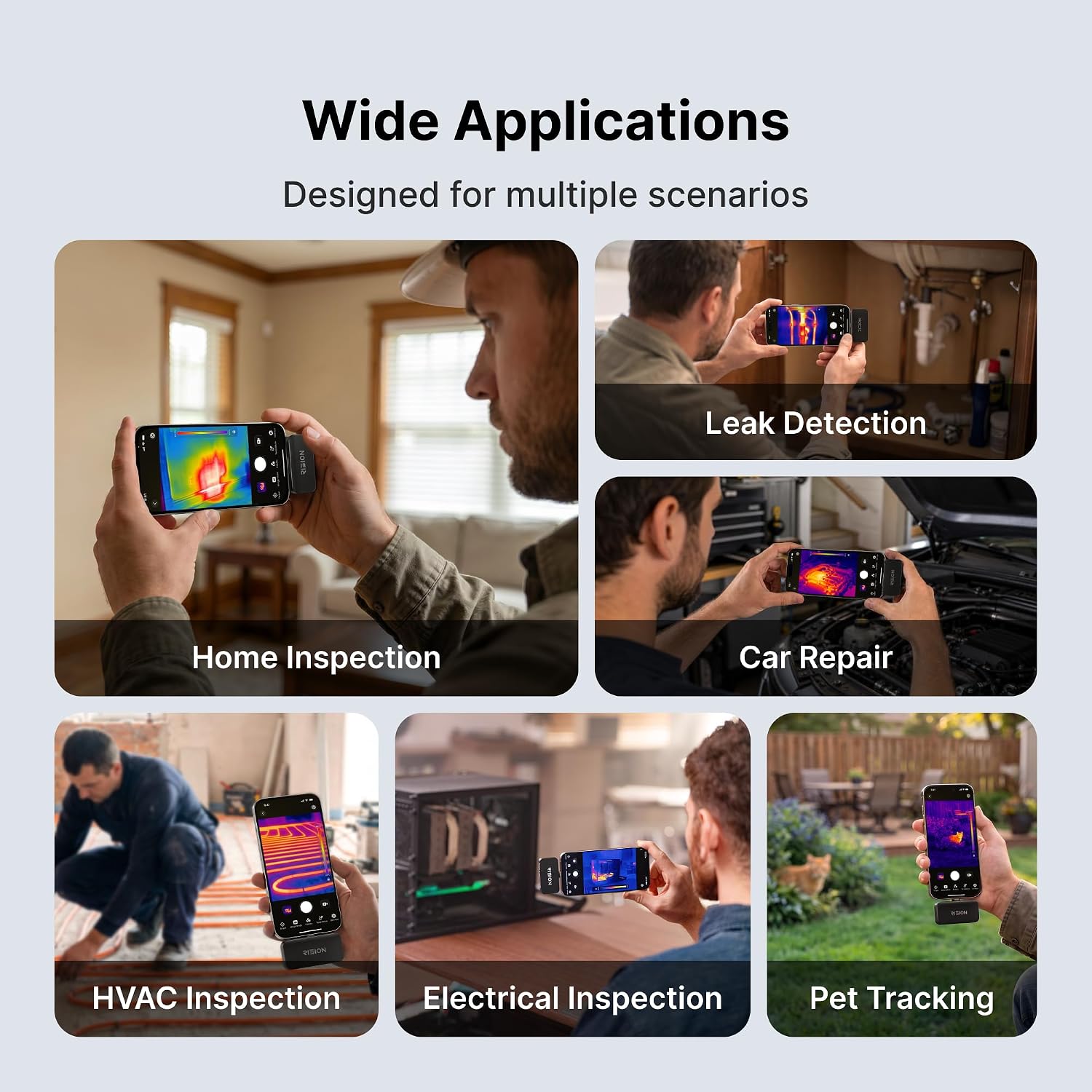
It suits you if you want to sweep an electrical panel, HVAC equipment, a vehicle, or a section of a home and quickly see where temperatures differ. For example, you could move the camera across a row of terminals and use the live thermal view to spot one warmer area, then inspect it with the app’s point or area tools. That visual overview is a different approach from using a basic infrared thermometer, which gives a temperature reading without the same thermal image context.
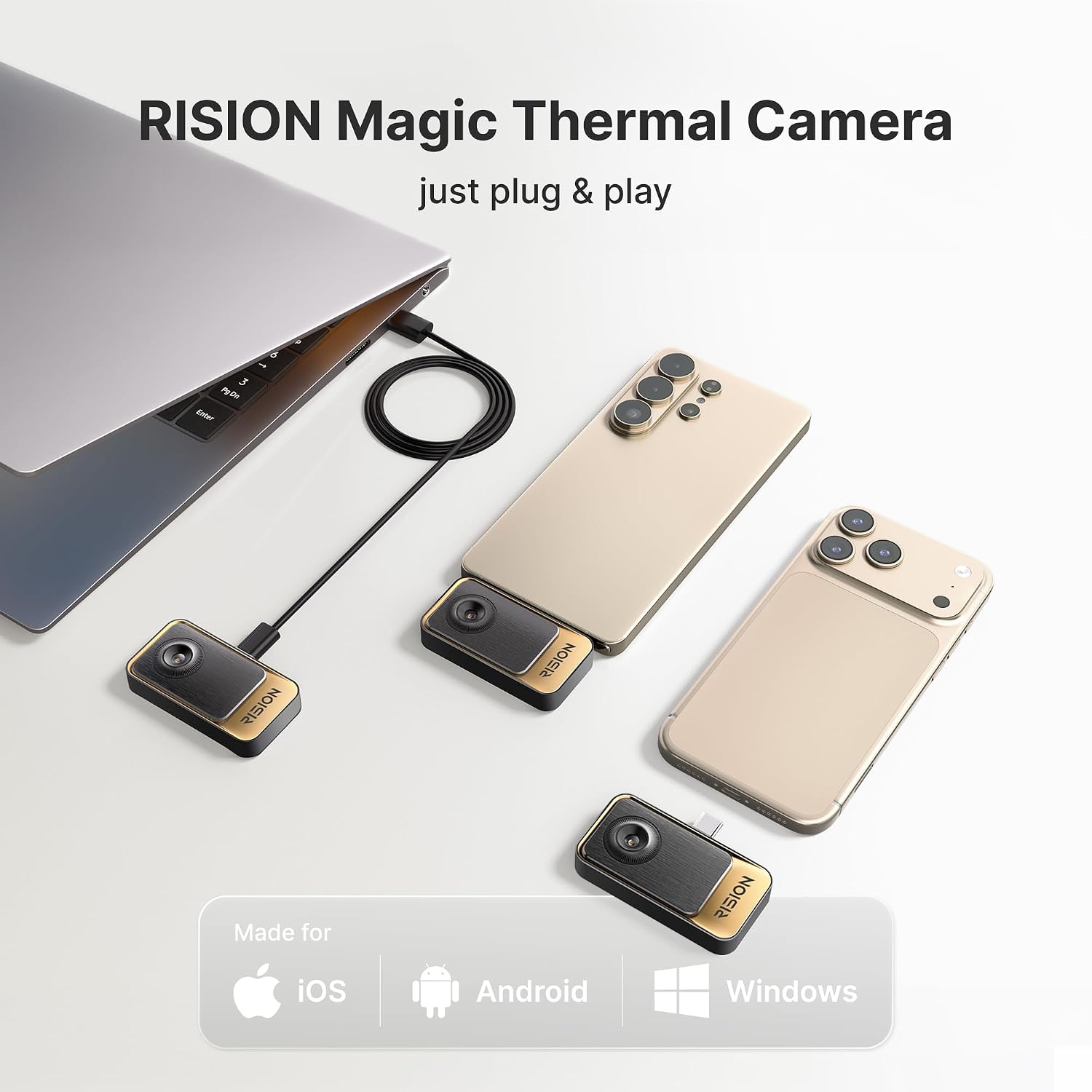
The USB-C connection and app features make this a phone- or Windows-based inspection tool rather than a standalone camera with its own display. You may want to skip it if you use a Mac, need a higher native thermal resolution, or expect the camera alone to establish the cause of a temperature anomaly. Thermal contrast can point to an area worth investigating, it doesn’t explain why it is warmer.
Everyday use
The supplied information describes the camera and app features but does not specify what accessories are included, so don’t assume a particular cable, case, or other add-on comes in the box. In use, the most practical workflow is to connect it to a supported USB-C device, scan the area, and use a spot, line, or area measurement to examine a heat pattern. Adjustable emissivity may help when checking different surfaces, but readings still depend on using the tool appropriately for the material and task.
Practical doubts
Does it work with a Mac? No. The listed compatible platforms are iOS, Android, and Windows, Mac devices are explicitly excluded.
Is 320×240 the native sensor resolution? No. The description says the image is upscaled to 320×240 QuadIR from native 160×120.
Can it record inspections? The app supports photo and video capture during real-time monitoring, along with graphs and measurement tools.
Is it worth it?
This camera makes the most sense for someone who wants a live thermal map and app-based measurements for routine HVAC, electrical, automotive, or home checks, and already has a supported USB-C device. Its wide temperature range, adjustable emissivity, and analysis tools offer more context than a simple point-reading tool. The tradeoff is the native 160×120 resolution, plus the need to use a compatible device and interpret heat patterns rather than treating them as a diagnosis. If those limits fit your inspection needs, its phone-connected format is a practical way to investigate temperature differences, if native image detail or Mac support is essential, this is not the right fit.