

Tapo Outdoor Security Camera 4K
Product description
What matters most
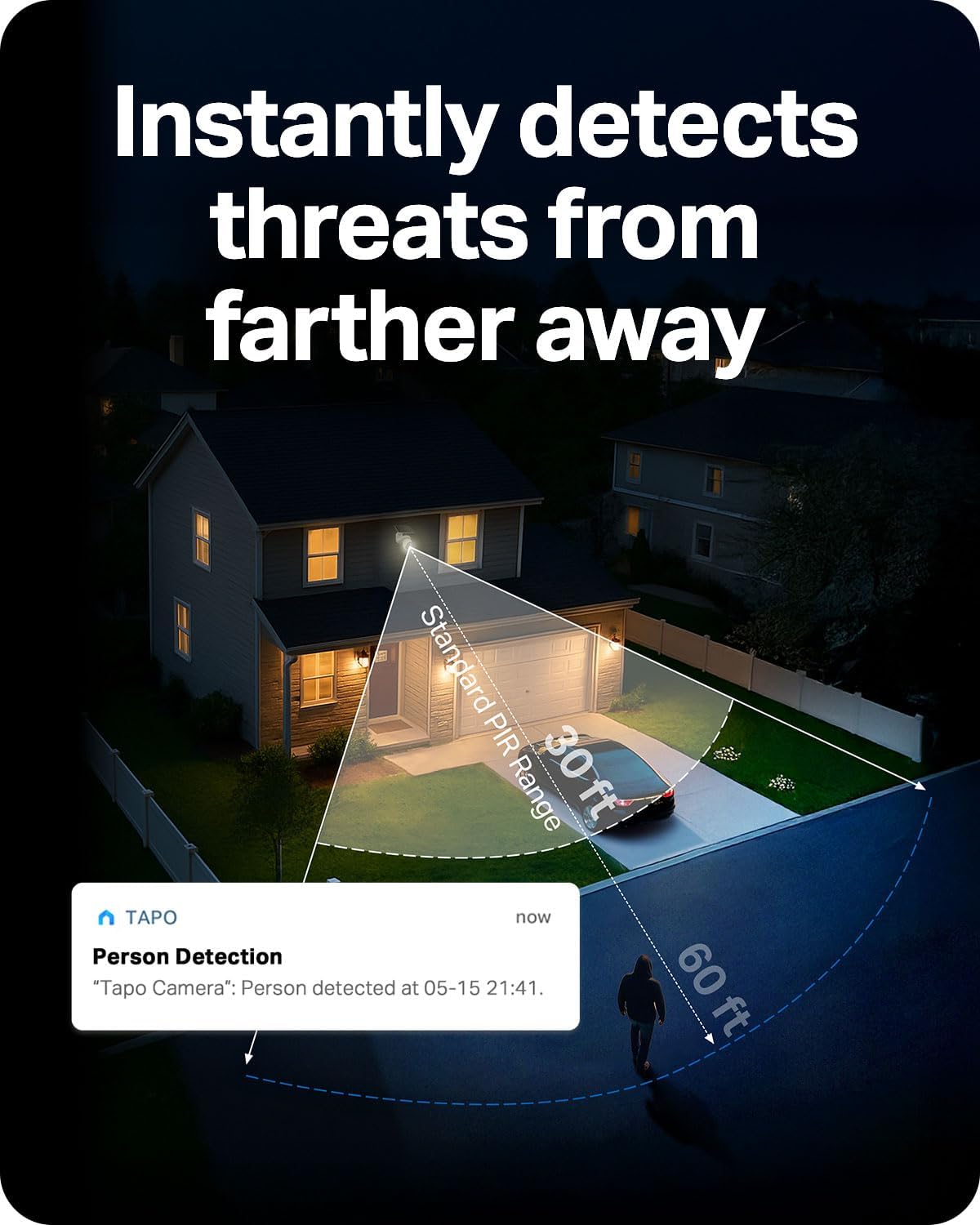
A driveway or backyard can have blind spots that a fixed camera never catches, and checking the view by hand gets old fast. This Tapo two-camera kit pairs 4K resolution with remote pan and tilt, so you can adjust the view in the app and let motion tracking follow activity across a wider area. Solar charging is designed to reduce routine battery attention, while dual-band Wi-Fi gives you a choice between 2.4 GHz range and faster 5 GHz connectivity at shorter distances. The trade-off is that this setup depends on a suitable place for the camera, sun, and Wi-Fi—not just a convenient outlet.
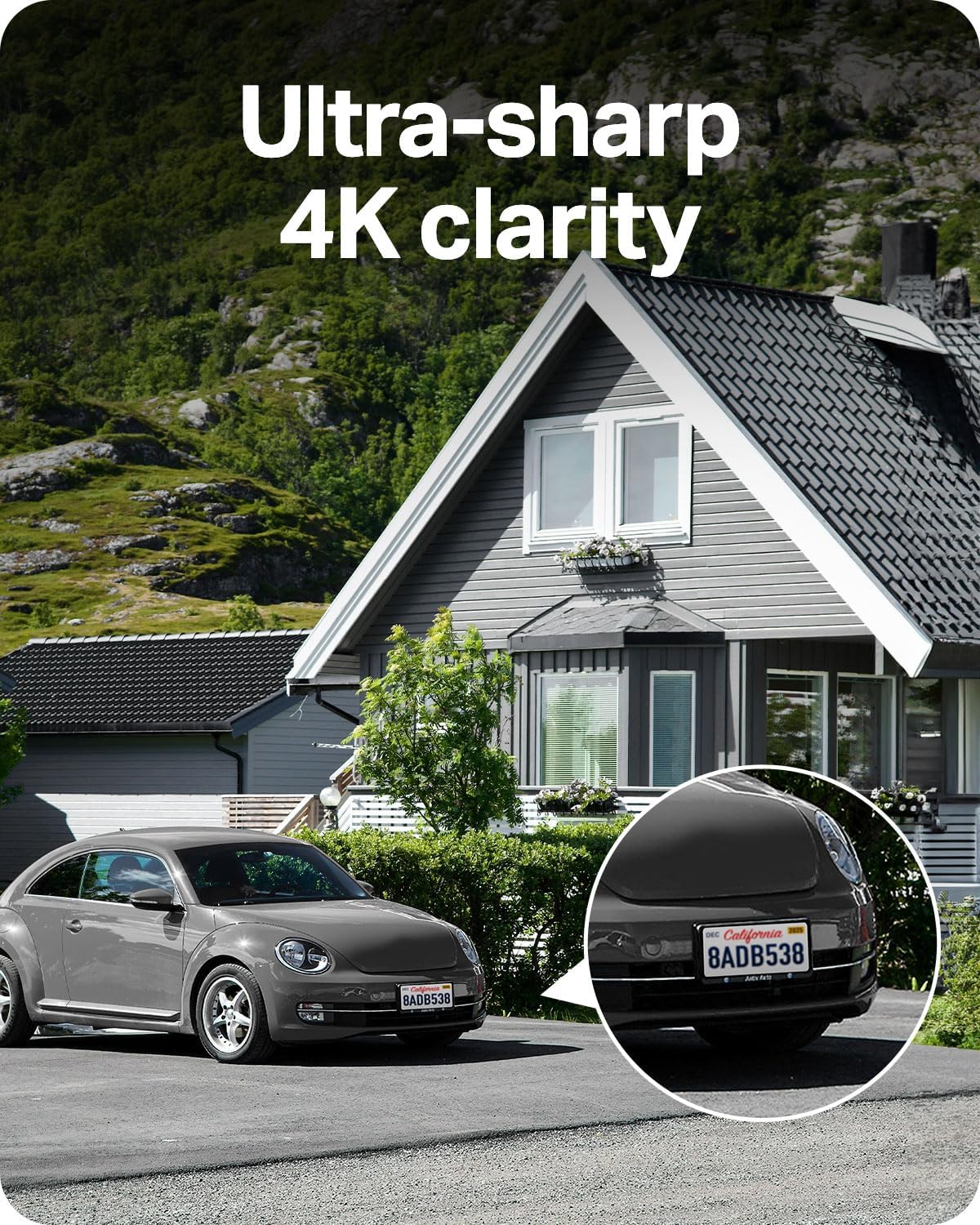
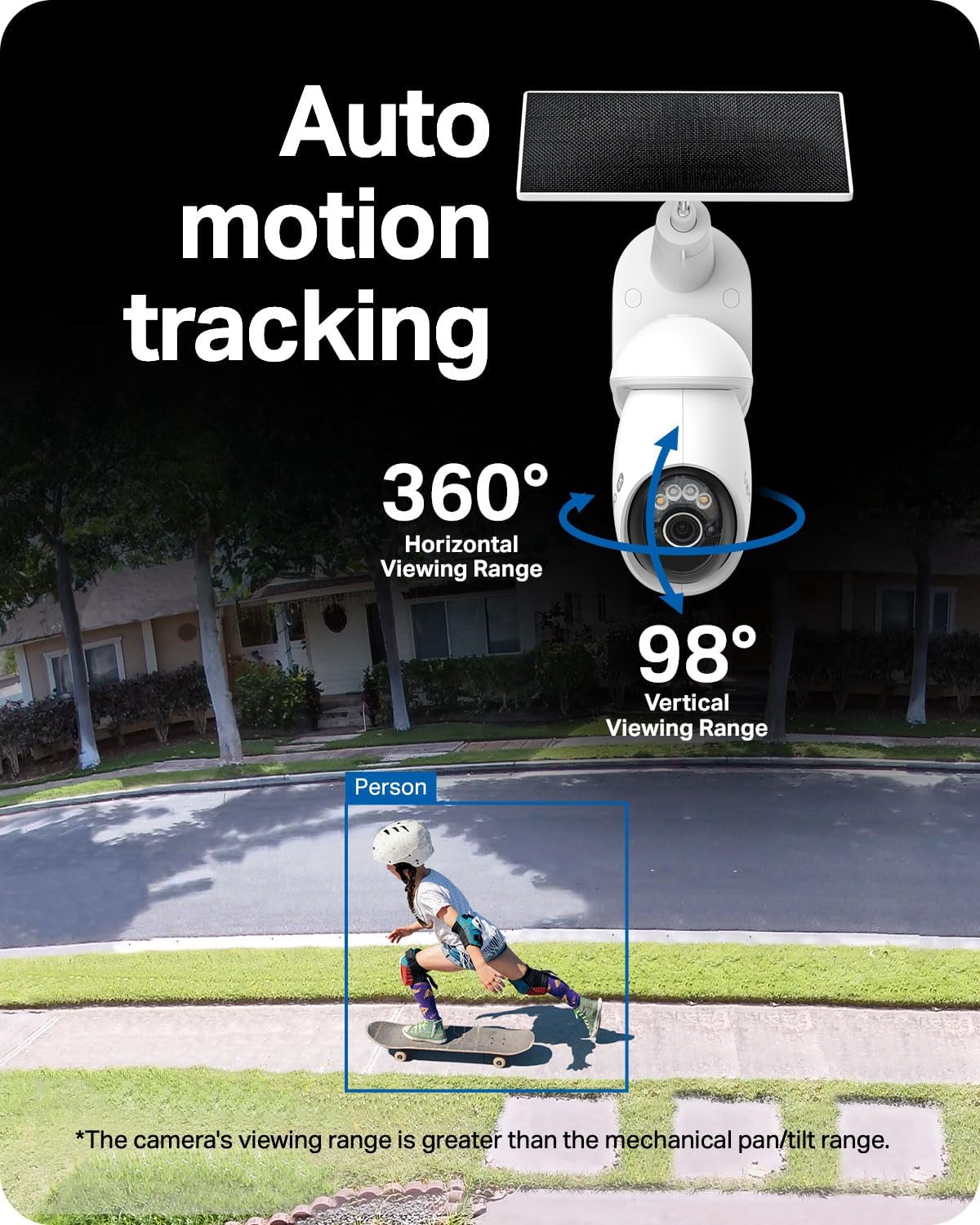
The camera pans through 360° and tilts through 98°, but those figures describe its mechanical movement, not an uninterrupted view of every angle at once, the stated field of view is wider than its pan/tilt range. Motion tracking can automatically pan and tilt toward a moving subject. For a practical example, if someone walks across the driveway while you’re inside, the camera can follow the movement rather than keeping its lens pointed at the original spot. 4K is intended to show more detail, though results still depend on placement and conditions.
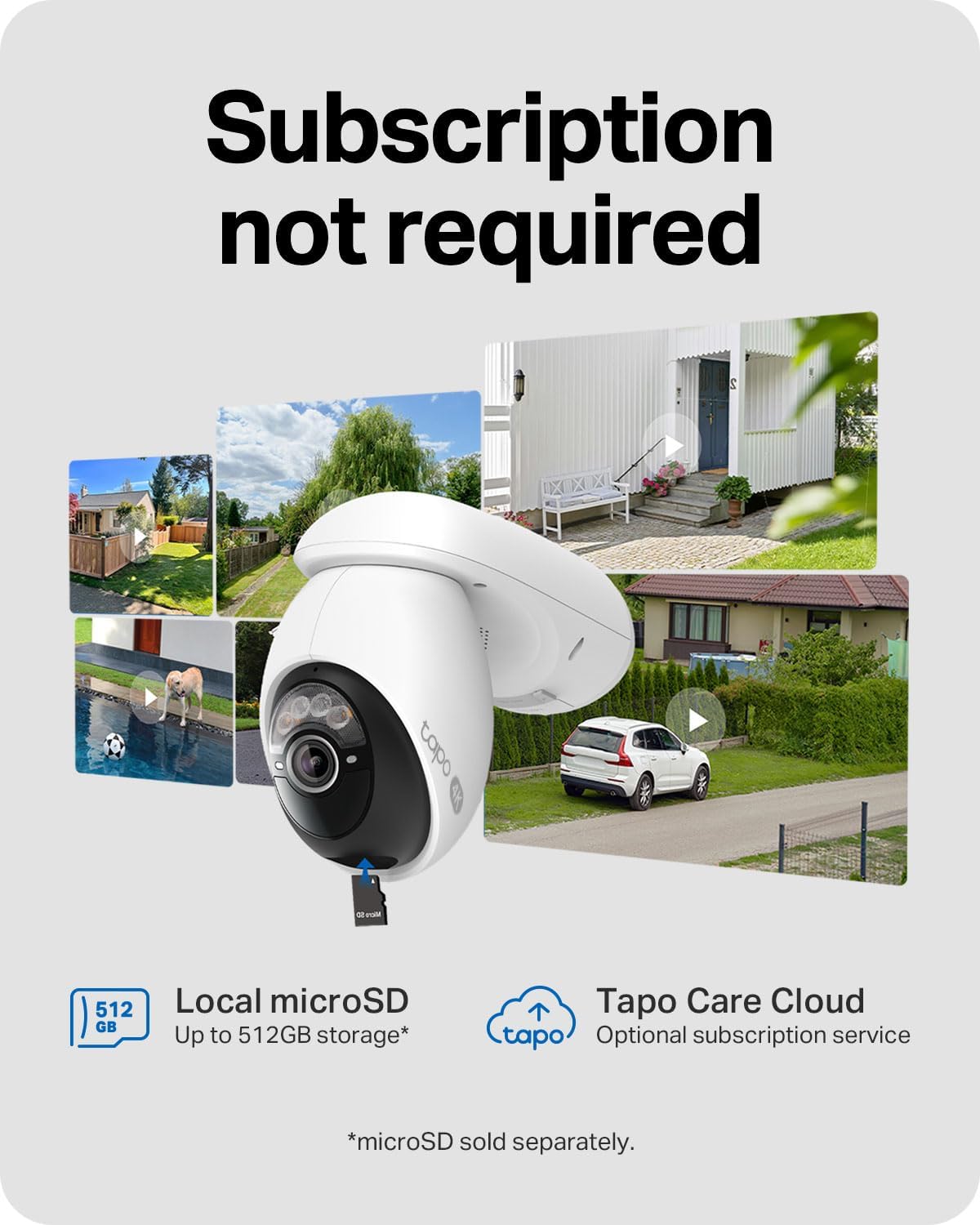
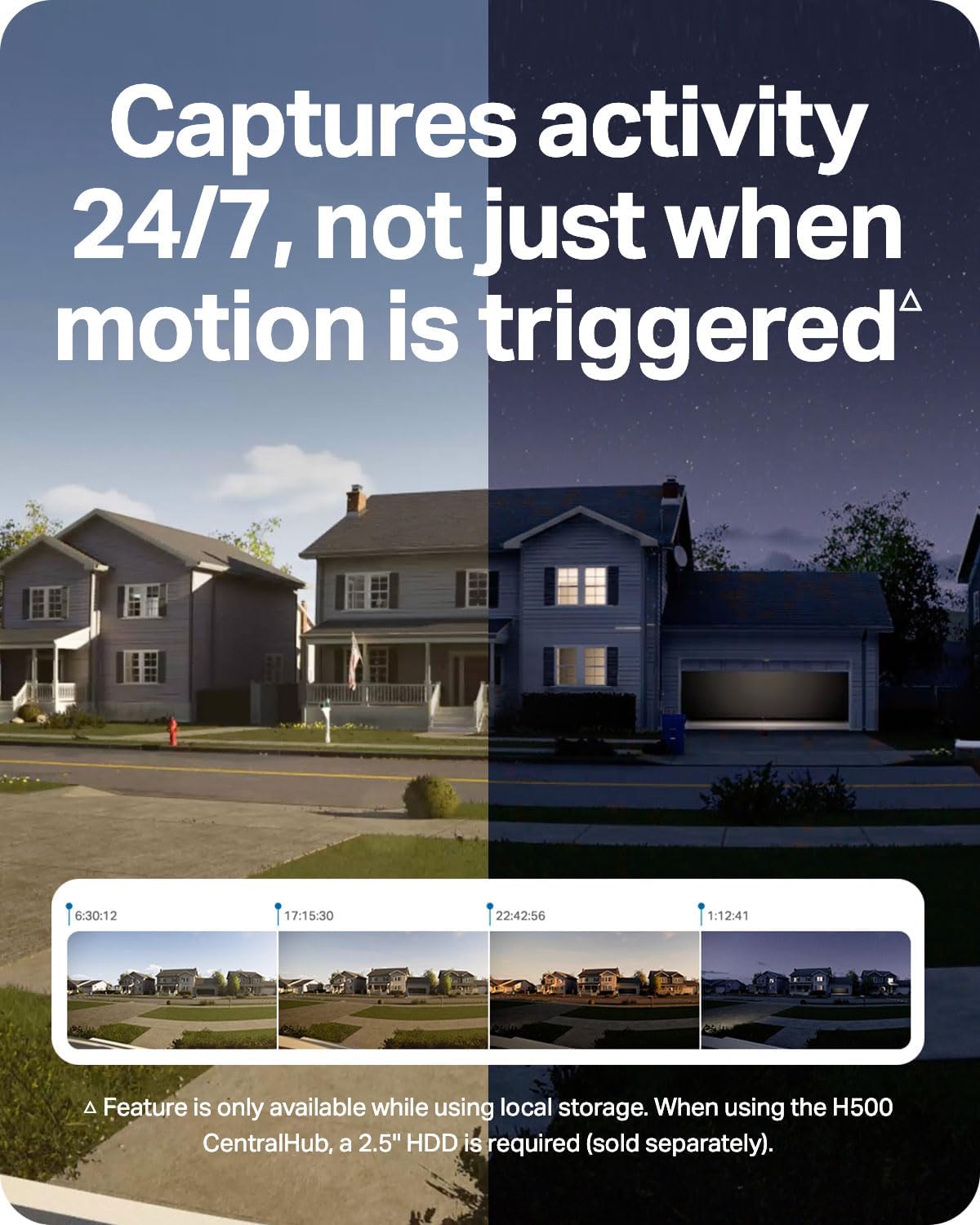
A useful distinction: 24/7 Capture records images at customizable intervals from 1 to 60 seconds. That is not the same as continuous video footage. Keep in mind that this capture feature requires a microSD card or a 2.5-inch hard drive when paired with the H500 CentralHub, which is sold separately. The product also offers subscription-free local storage or optional cloud storage, but the storage setup matters if you want the interval-capture feature.
How to use it
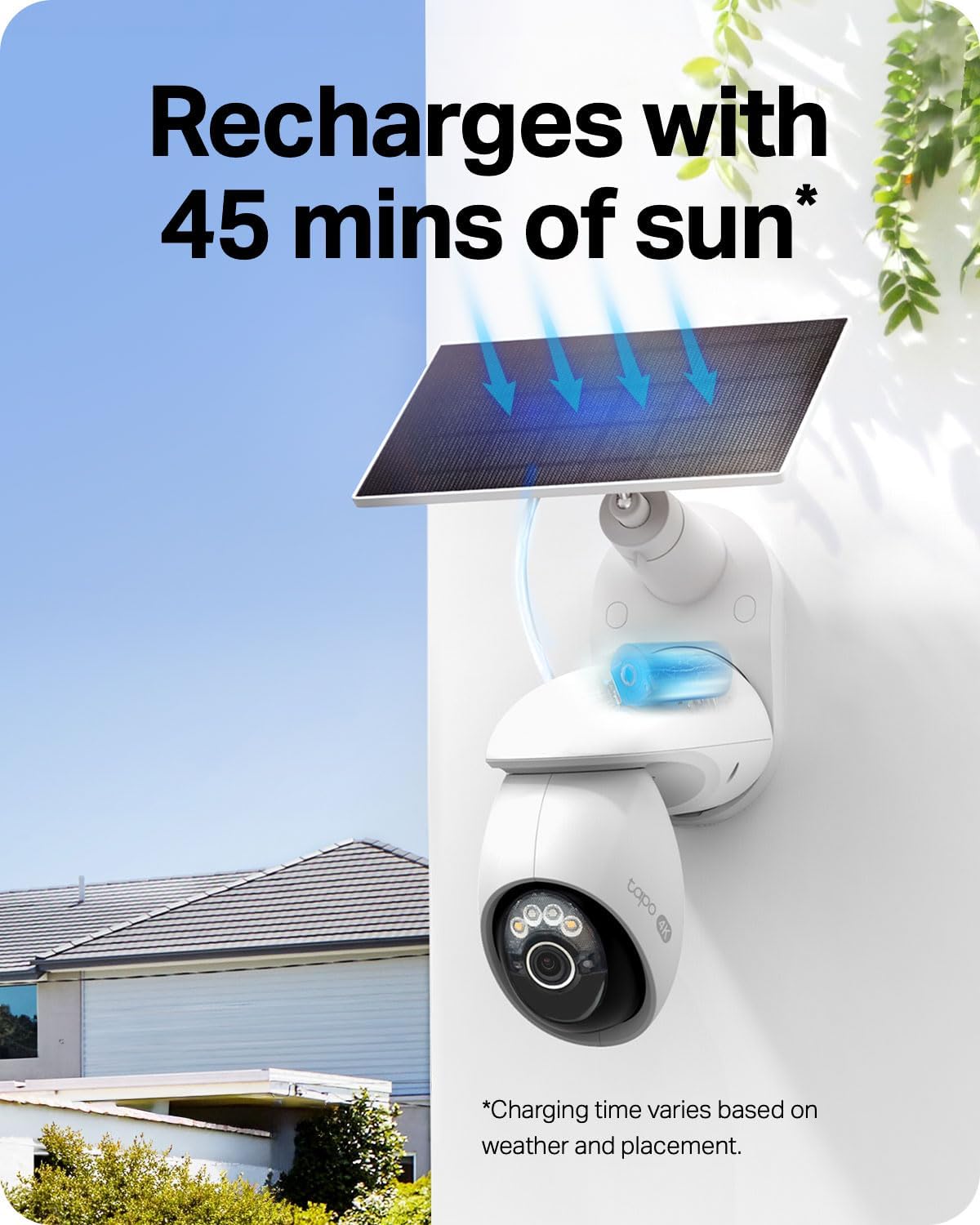
Mount the camera where its view covers the area you want to monitor, then use the Tapo app to move it remotely or set auto-patrol. The included solar panel can be positioned separately using its 13-foot cable, which gives you some flexibility to seek better sun exposure without placing the camera itself in the same spot. The built-in 10,000mAh battery is described as backup for cloudy days, according to the maker, the solar panel needs 45 minutes of sunlight per day for continued operation. Actual suitability will depend on the light available at your chosen mounting point.

Practical tips
Before settling on a location, think about three things together: the camera’s view, sunlight for the panel, and Wi-Fi signal. A spot that looks ideal for seeing the front yard may not be ideal for charging or connectivity. The 2.4 GHz band offers longer range, while 5 GHz offers faster speeds over shorter distances, so choose based on how far the camera sits from your router. The app also needs to be part of your routine if you plan to steer the camera or adjust patrol settings.
A solid pick if you want adjustable outdoor coverage and are willing to plan around solar placement and storage. Not the best choice if you need continuous video capture from the 24/7 Capture feature, since it records still images at set intervals instead.
Before you decide
Does it need to be wired for power? The camera is battery powered and the kit includes a solar panel, no wired power requirement is stated.
Can it follow movement automatically? Yes. Motion tracking can pan and tilt to follow a subject across the camera’s viewing range.
Does 24/7 Capture save video? No. It captures images at customizable intervals. With the H500 CentralHub, the feature requires a microSD card or 2.5-inch hard drive, and the hub is sold separately.
When it makes sense
Choose this kit if you want to monitor a yard or driveway with a camera you can reposition remotely, and you have a sunny place for the panel plus dependable Wi-Fi. It suits a more involved setup than a basic fixed camera, especially if following movement or changing the view matters. Skip it if the mounting area gets little sunlight, or if your priority is interval-based continuous video rather than image capture. Those needs are better matched by a setup whose power and recording method are designed around them.