

Replacement Remote for Hisense Smart TV
Product description
A replacement remote can make a smart TV feel usable again fast. This infrared remote control is built for Hisense Smart Google TV models in the A6 and U series, so you can return to everyday viewing without complicated setup. It includes 6 hotkeys for quick access to popular streaming apps, and it works with simple battery installation. 📺
Key points
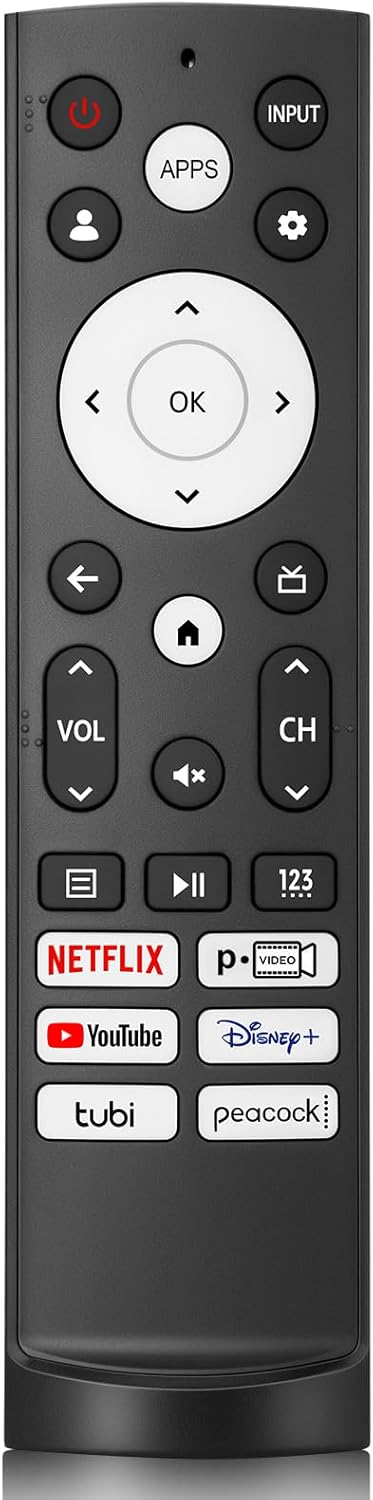
If your original remote is lost, damaged, or simply stopped responding, having a dedicated replacement matters for day-to-day comfort. This Hisense-compatible infrared remote is designed to be easy to pick up and use right away, so you can get back to browsing and watching quickly. With shortcut buttons for Netflix, YouTube, Disney, Tubi, and Peacock, you spend less time navigating menus.
You can also appreciate the practical design details. The shell is made of ABS material, which the manufacturer describes as resistant to falling and free of a strong odor. The button layout is intended to feel comfortable, and the improved shape helps the remote stand on a desktop, making it easier to spot at a glance. 👌
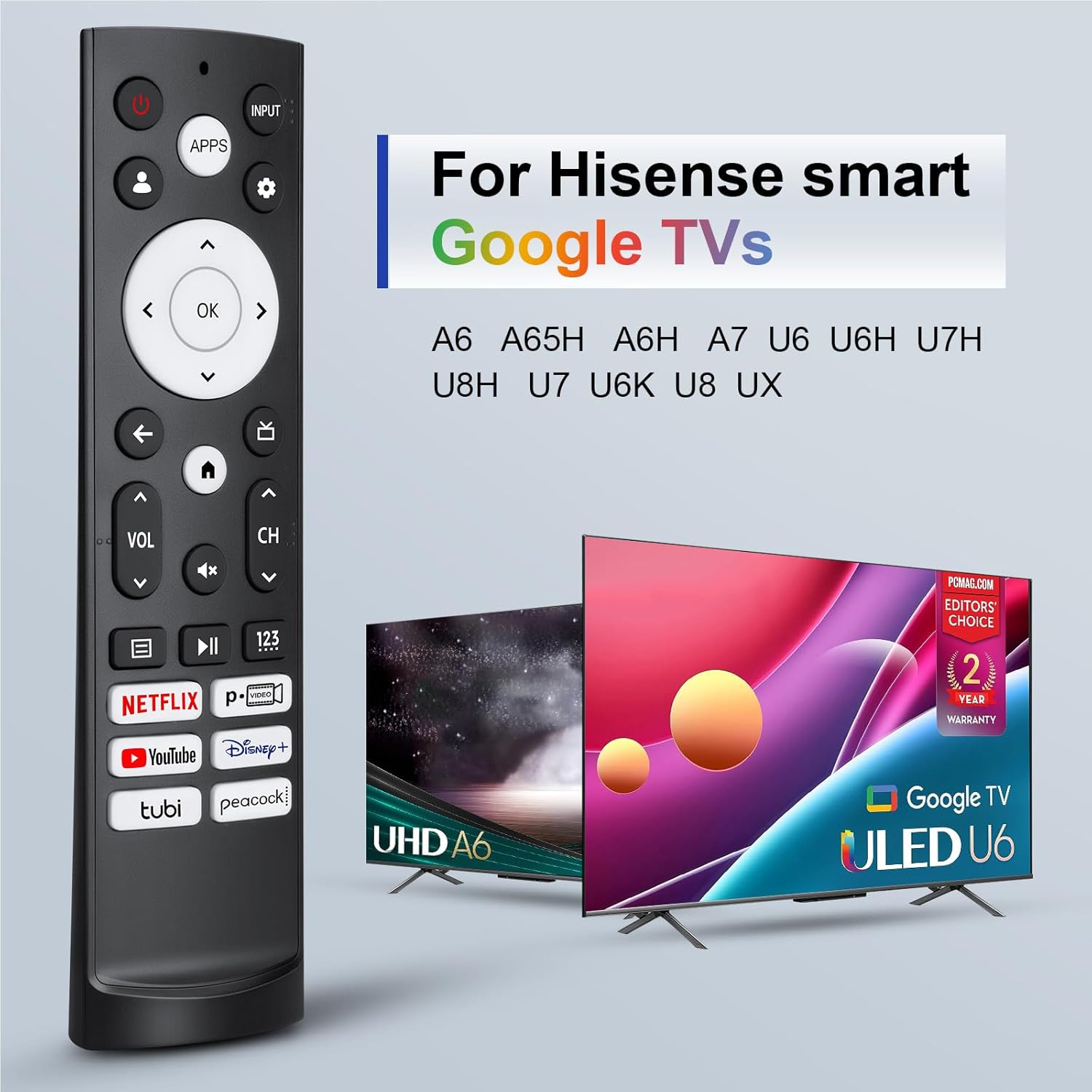
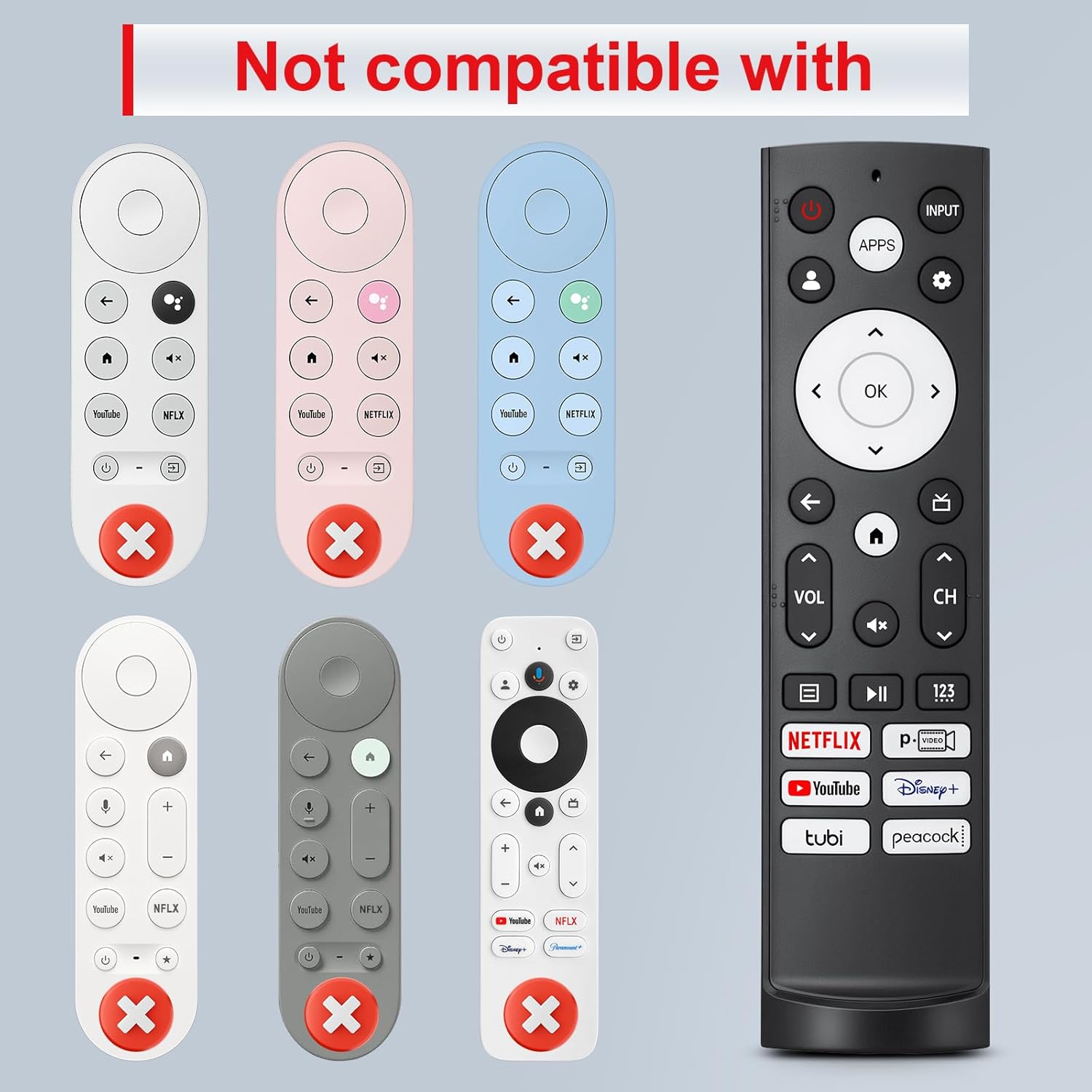
There is one important limitation to keep in mind. This remote is not compatible with Google Chromecast remotes, Google TV remotes, or Google TV streaming devices. Checking your TV model series before purchasing helps ensure the remote will work as expected.
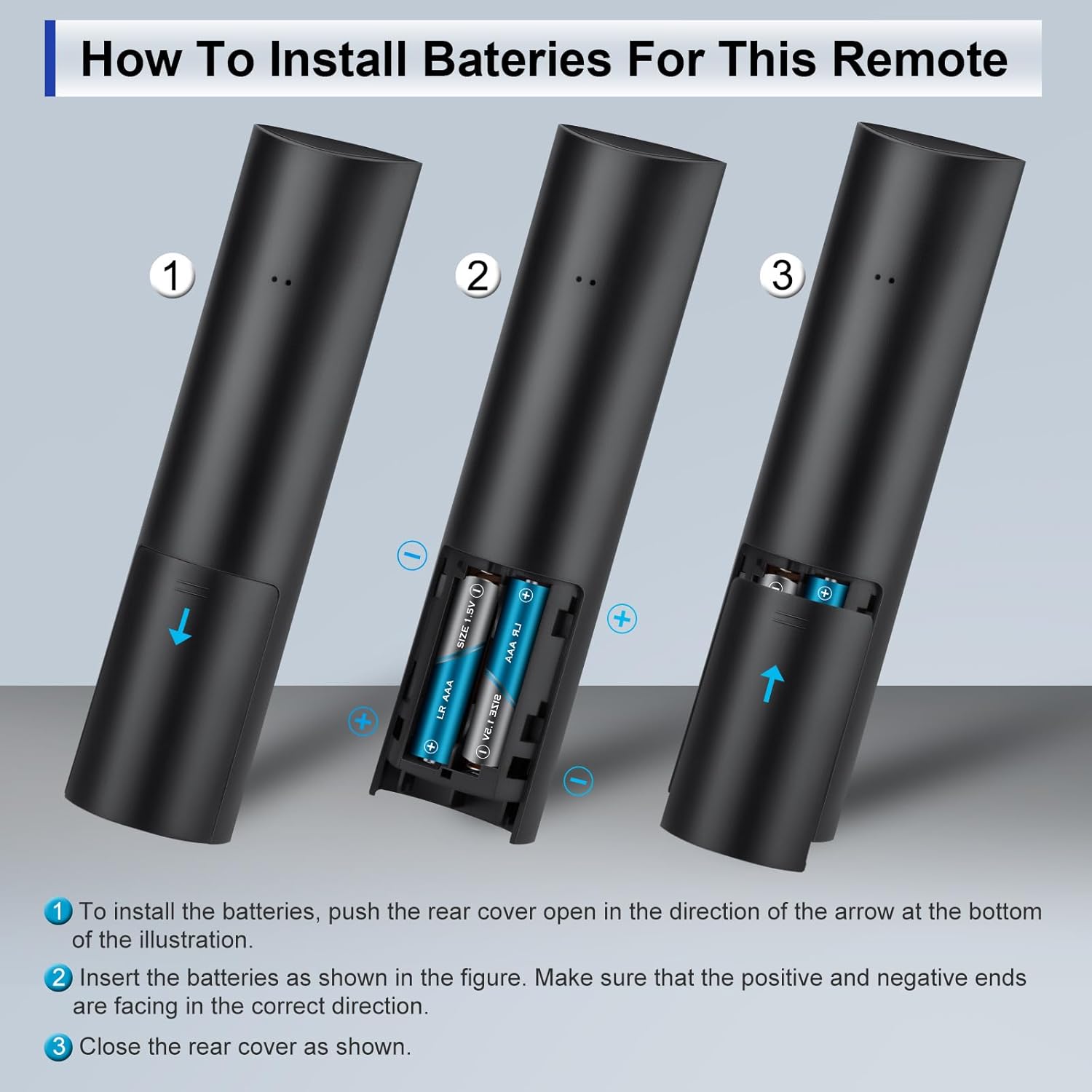
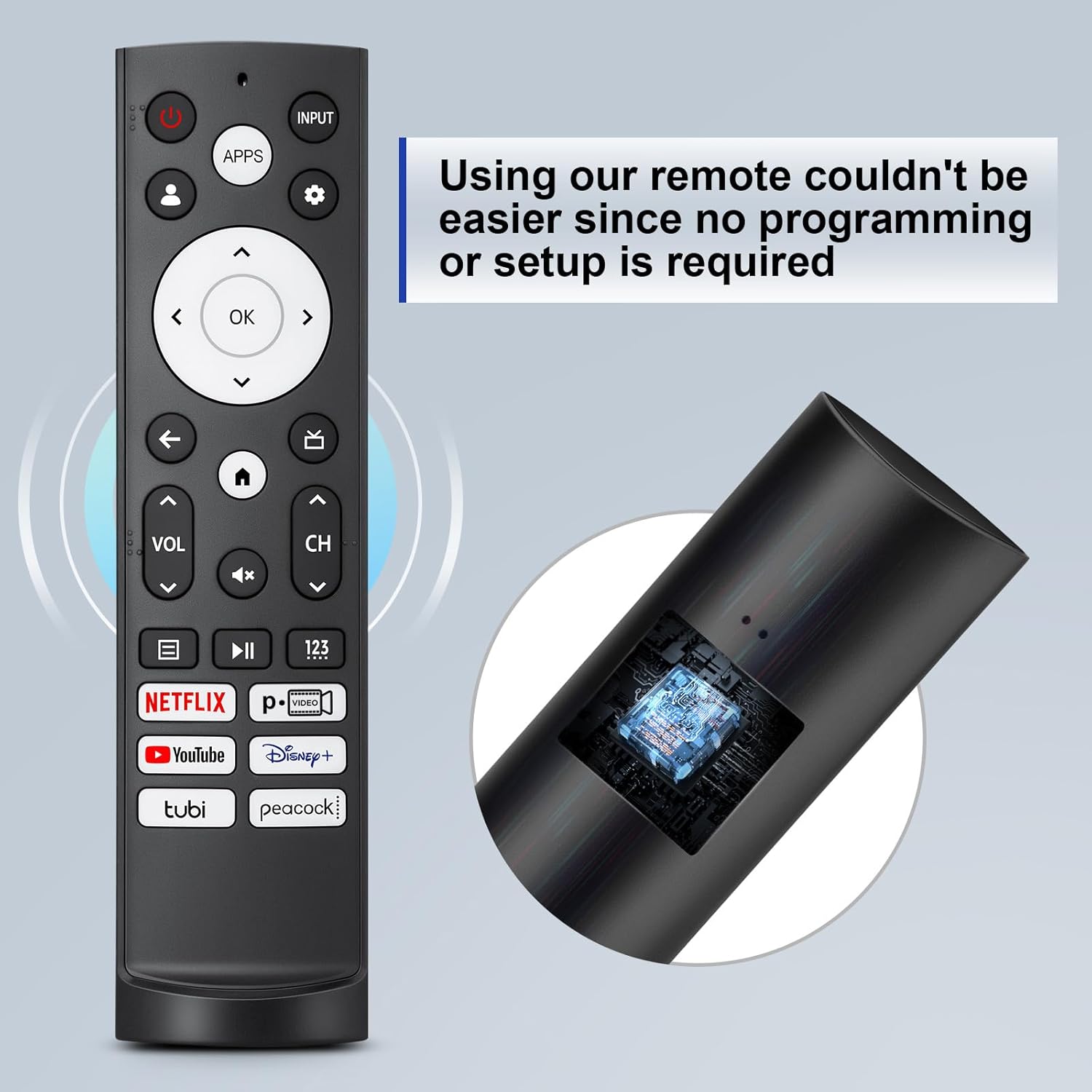
A simple setup can be part of a smoother viewing routine. Insert 2 AAA batteries, and the remote is ready to operate with no programming or setup steps required, according to the product description. Since batteries are not included, you will want to have two AAA batteries on hand. ✅
Tech specs
- Type: Infrared remote control
- Compatible with: Hisense Smart Google TV Series A6, A65H, A6H, A7, U6, U6H, U7H, U8H, U7, U6K, U8, UX
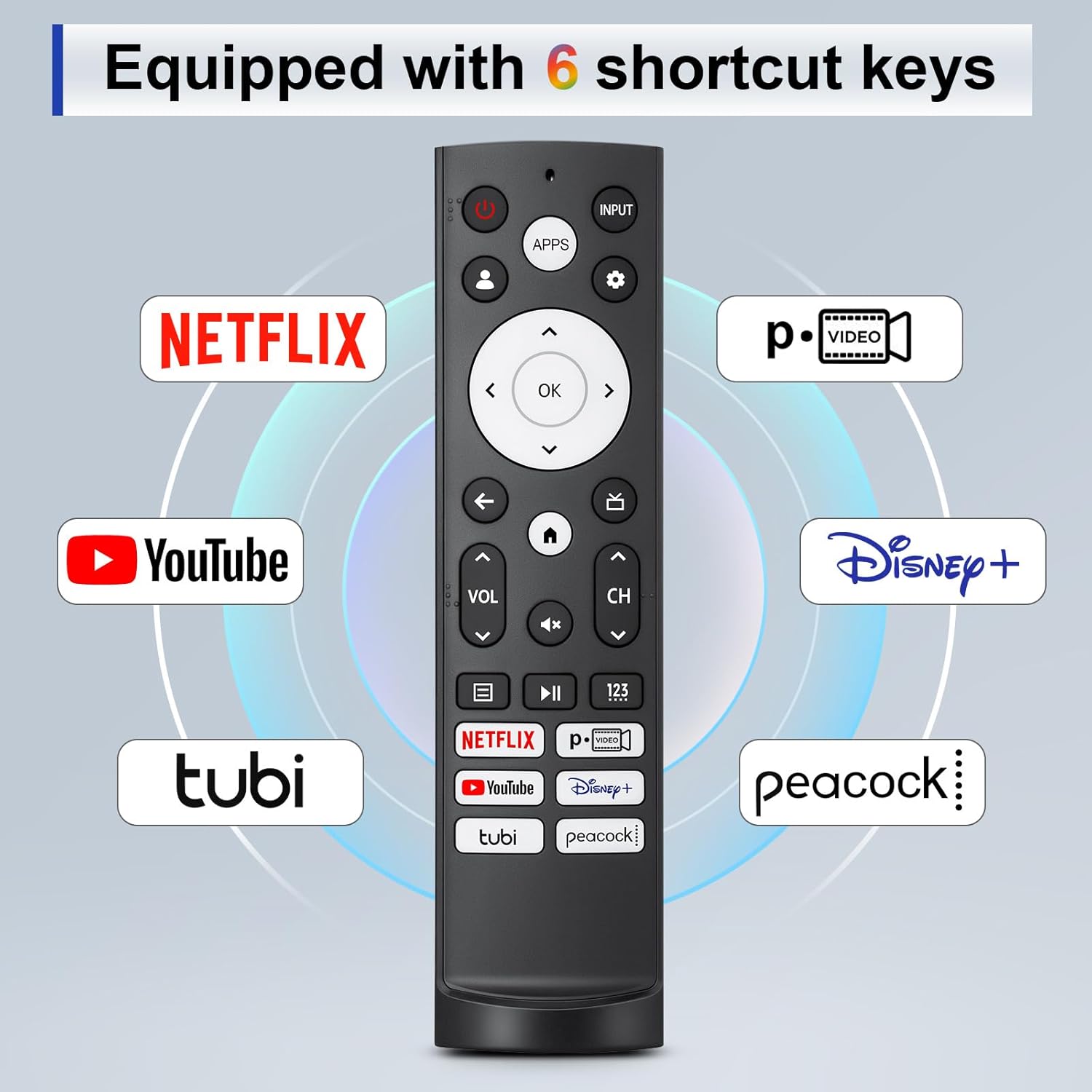
- Shortcut keys: 6 hotkeys
- Hotkeys include: Netflix, p.video, YouTube, Disney, Tubi, Peacock
- Setup requirement: No programming or setup required
- Range: Over 35 ft transmitting distance
What’s included
You get a replacement infrared remote control that is ready for battery installation. The manufacturer notes that the remote requires 2 AAA batteries, and that batteries are not included in the package. This means you can focus on getting it set up immediately after unboxing, without needing pairing steps.
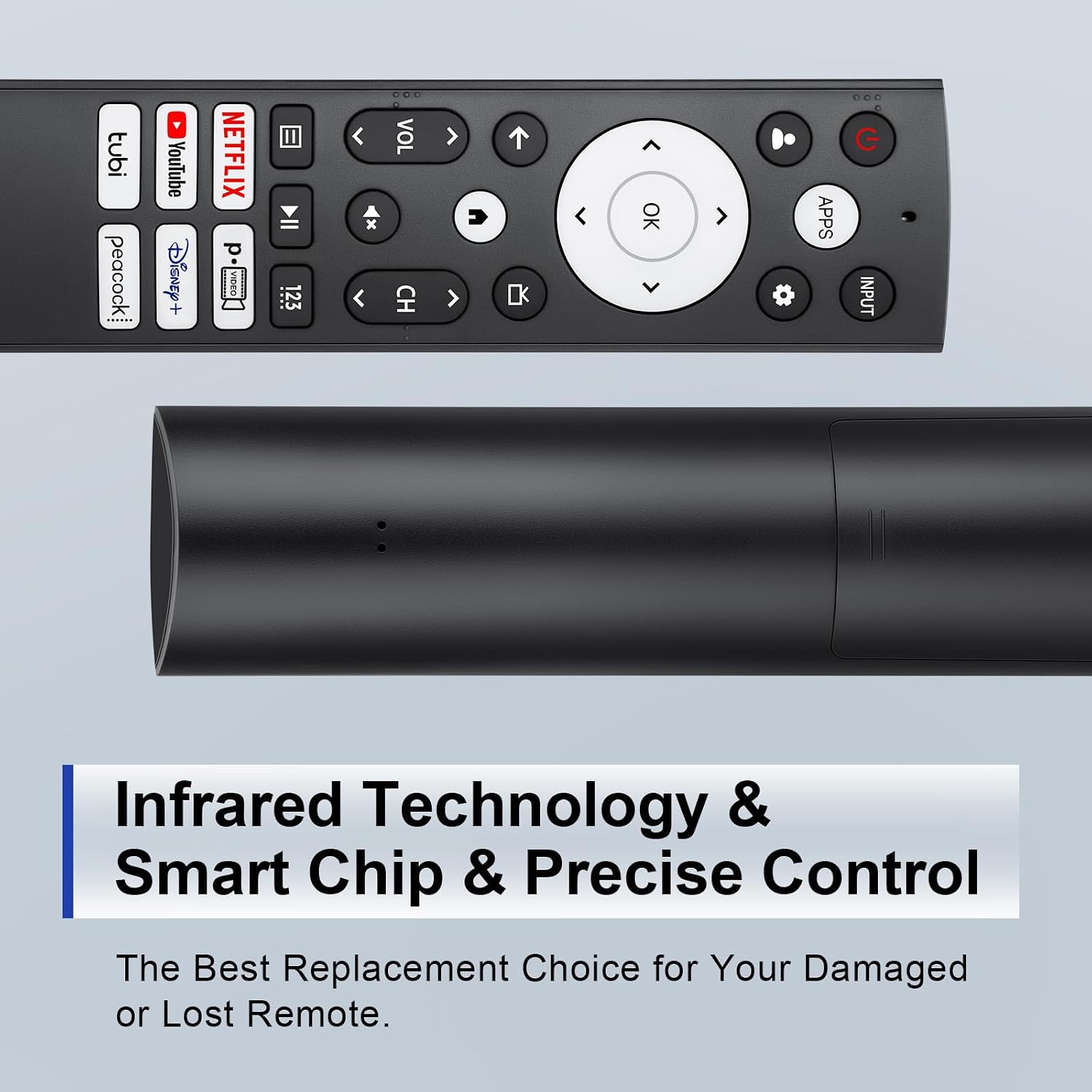
The remote is also described as having an ABS shell, with features meant to support regular use. The product appearance improvements include comfortable buttons, a scratch resistant shell, and a narrow-top wide-bottom design intended to help the remote stand on a desktop for quick visibility. 📌
Worth noting, the remote is designed around quick app access. With the 6 hotkeys, you can jump into popular streaming services more directly, reducing how often you need to search through on screen menus.
Usage tips
For best results, keep the remote setup simple and consistent with how infrared remotes work. Insert 2 AAA batteries, then point the remote toward the TV and try the hotkeys right away so you can confirm it responds in your viewing spot. If you use the remote frequently for streaming, the shortcut layout is meant to speed things up during daily sessions.
It can also help to place the remote where it is easy to find between viewing. The design is intended to stand on a desktop, so you can leave it in a visible spot and grab it without searching. If you have multiple devices around the TV, remember that this remote is built for specific Hisense Smart Google TV series listed by the manufacturer, and it is not meant to replace Chromecast or other Google TV remotes.
When you are checking compatibility, look at the TV model series in your settings or label and compare it to the supported series list. That small step can prevent frustration and saves time if you are replacing a remote in a hurry. 😊
It’s a solid pick if you want a straightforward, battery-powered remote replacement with quick streaming access for a supported Hisense Smart Google TV.