

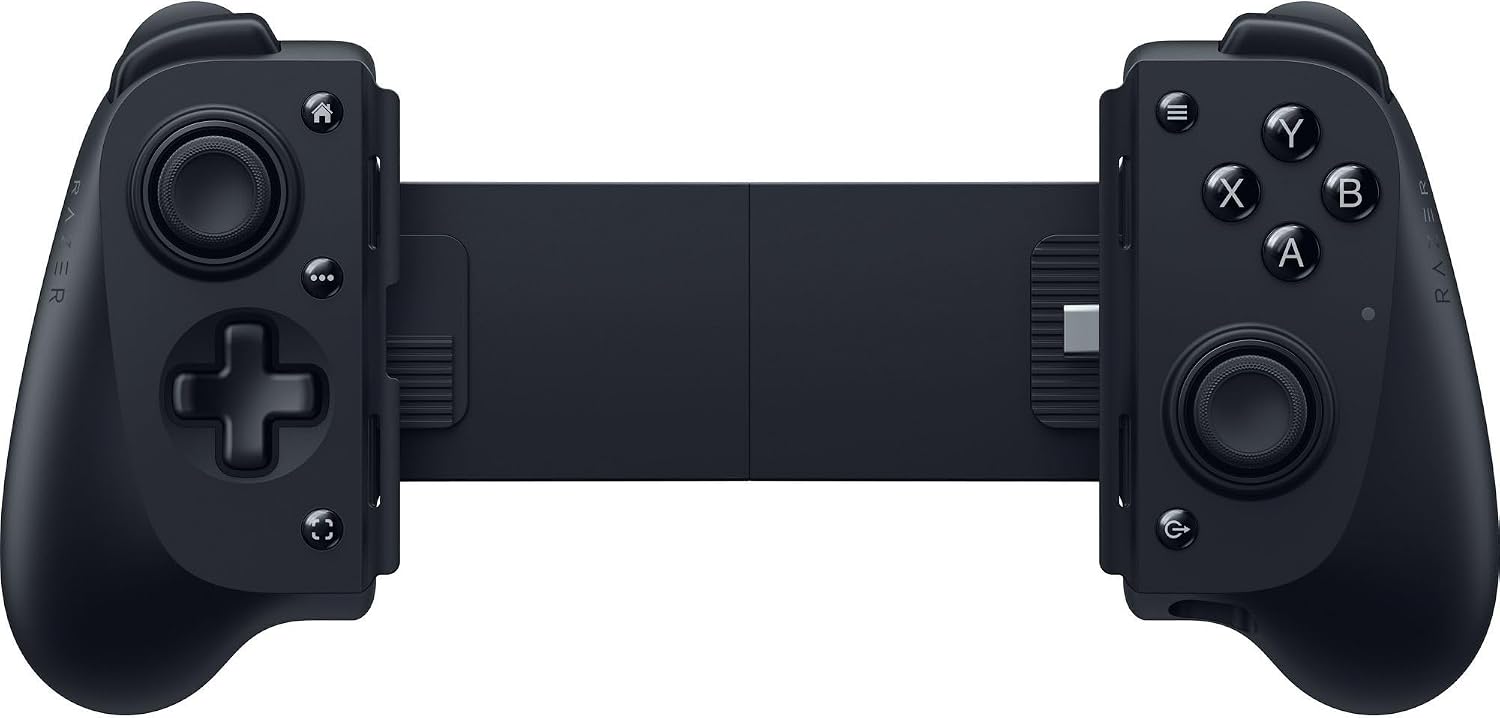
Razer Kishi V3 Gaming Controller for iPhone 15/16/17 Series and Android
Reviews
Price
Product description
What it is and who it’s for
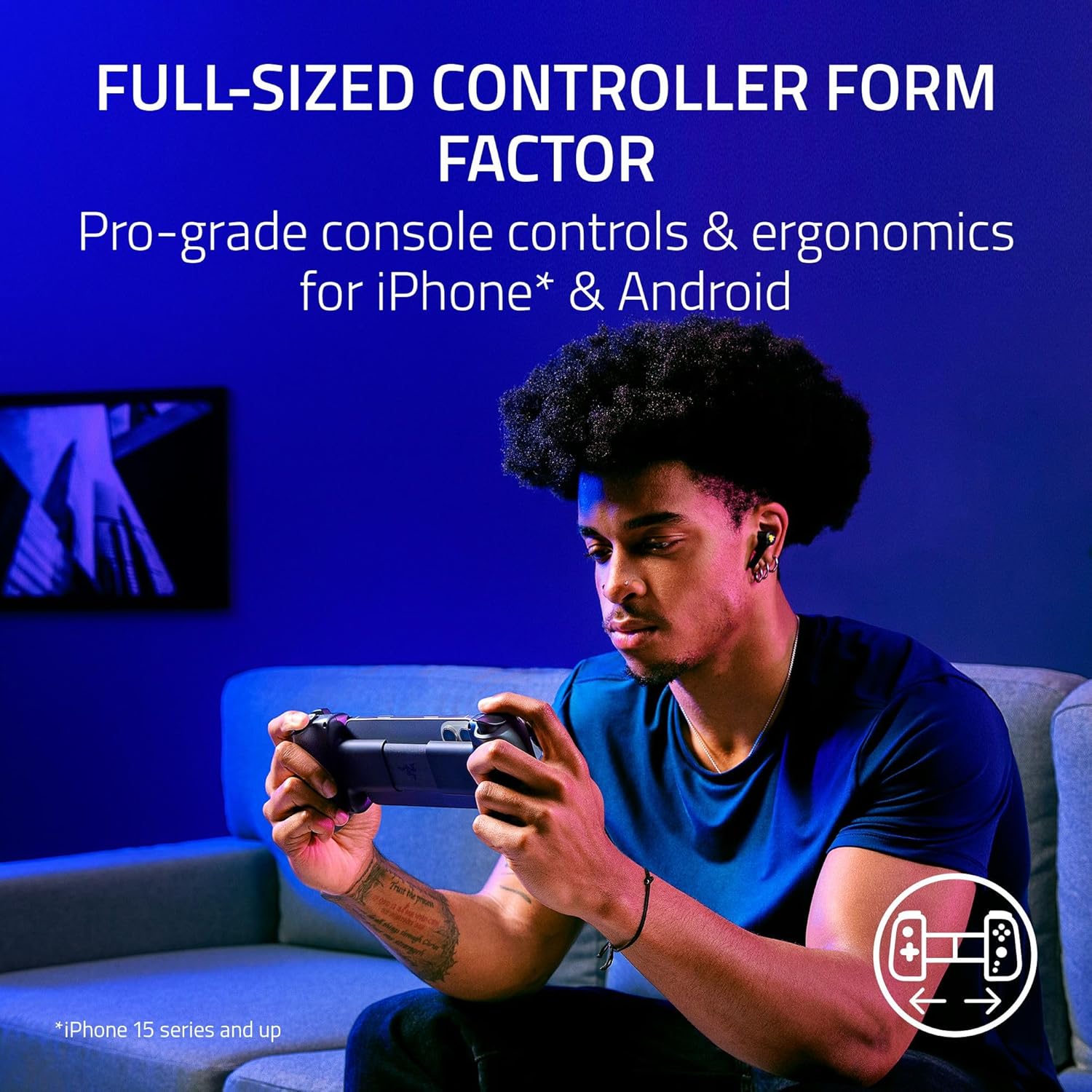
The Razer Kishi V3 is a full-sized mobile game controller designed to bring console-style play to your iPhone (15 series and up) or Android device. If you’re juggling long commute gaming sessions, cloud or remote play, or simply want more precise control than a touchscreen can offer, this controller aims to bridge that gap. It emphasizes comfort with larger ergonomic handles, enhanced thumbsticks, and practical features that fit in with how people actually play on mobile today. If you prioritize a “console-like” feel on the go, the V3 is worth considering.
How it feels in use
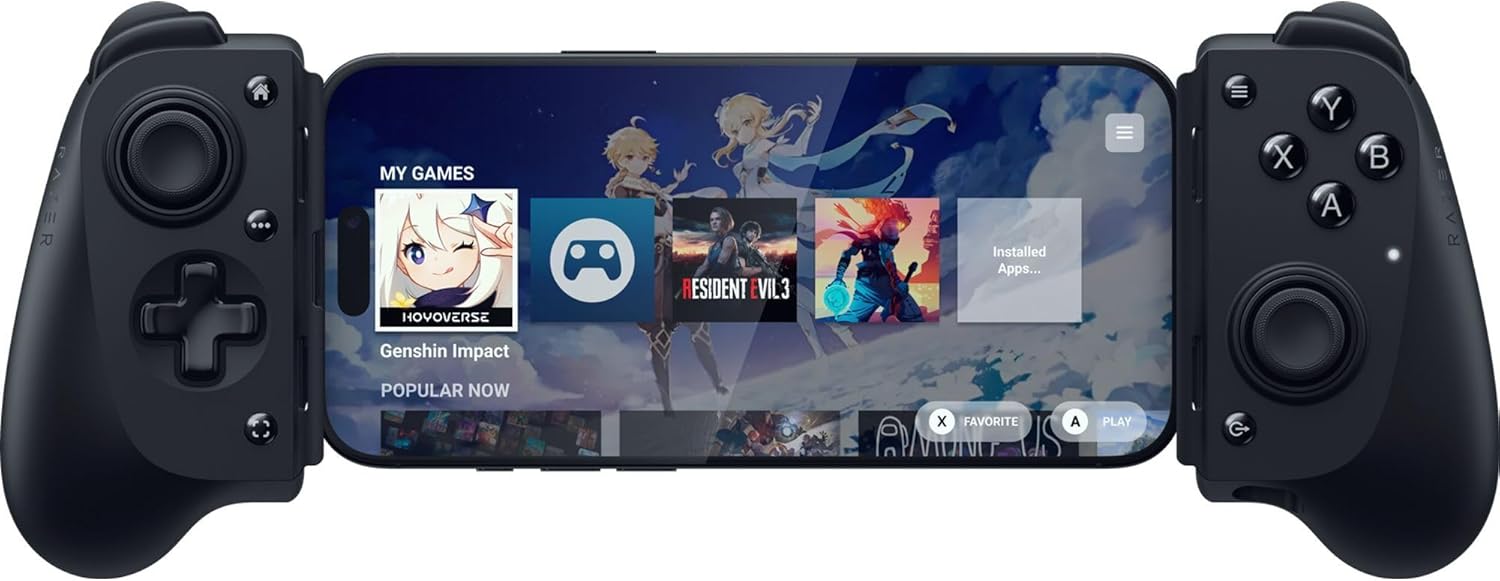
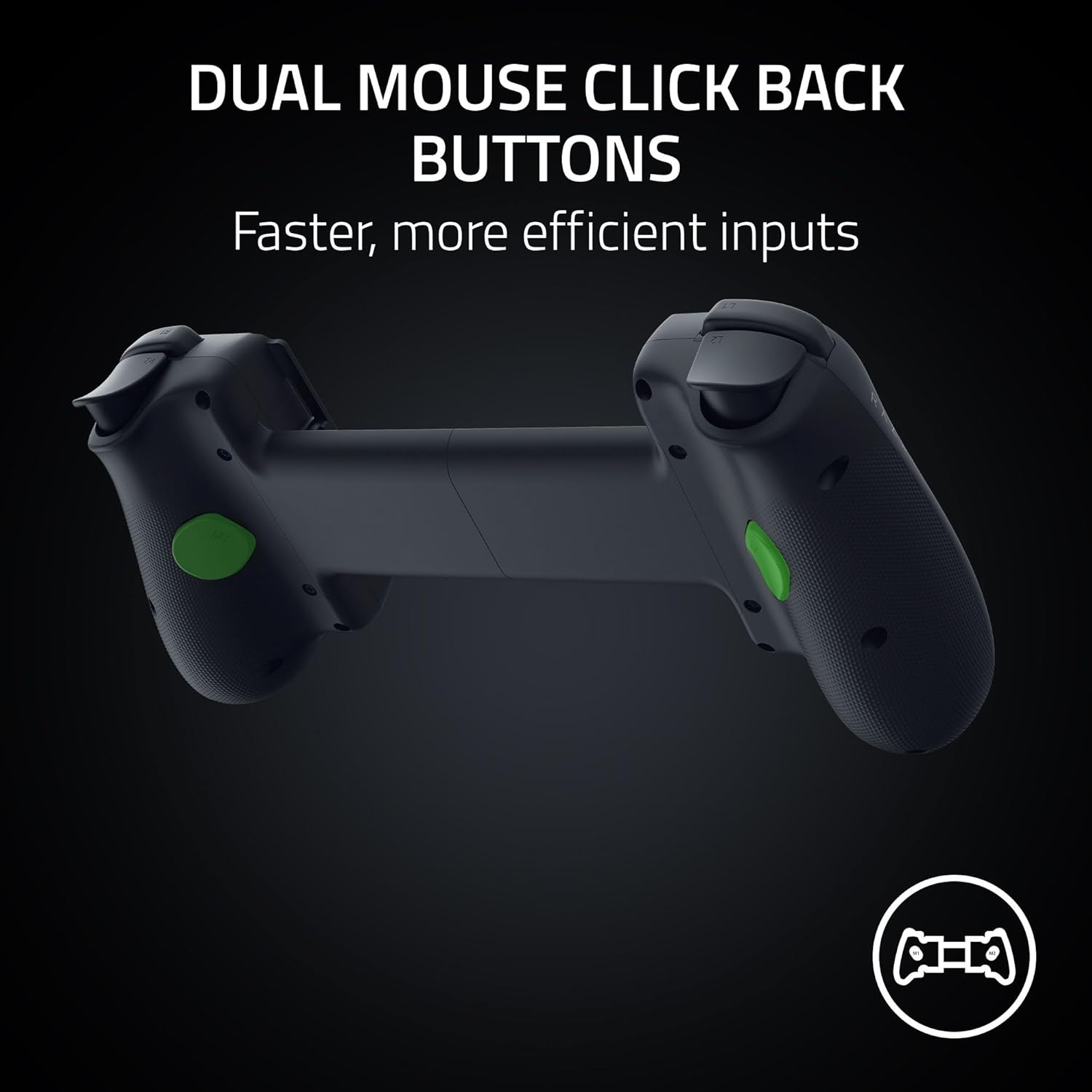
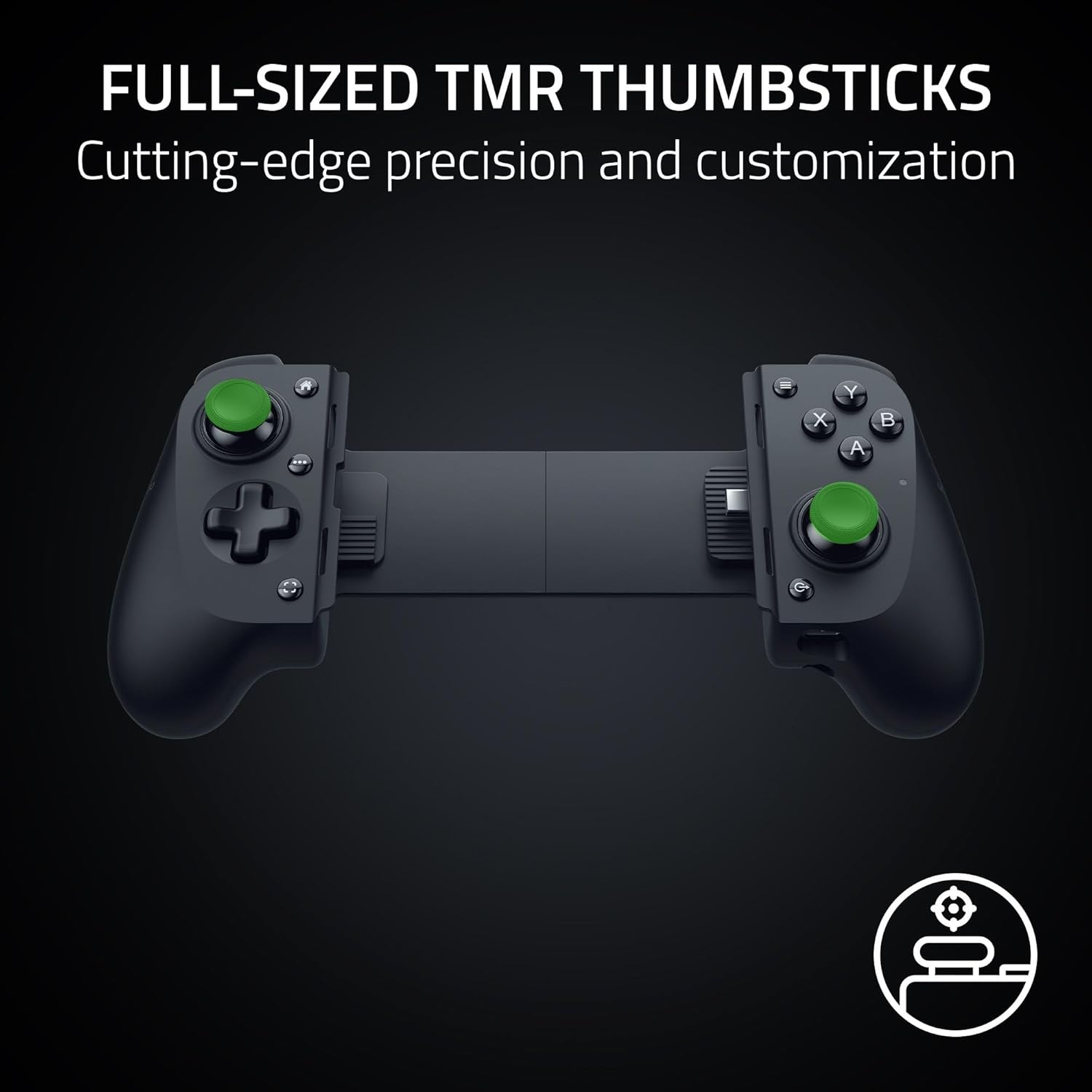
Razer leans into comfort with full-sized ergonomic handles that balance weight and grip for longer sessions. The thumbsticks are described as full-sized with anti-drift performance, which can translate into steadier aiming. The two back buttons add quick-access inputs, echoing the layout many PC and console players rely on. And the USB-C island design aims to fit a wide range of phone cases, reducing some of the typical compatibility friction when you’re strapped to a case and a mounting setup.
What stands out most
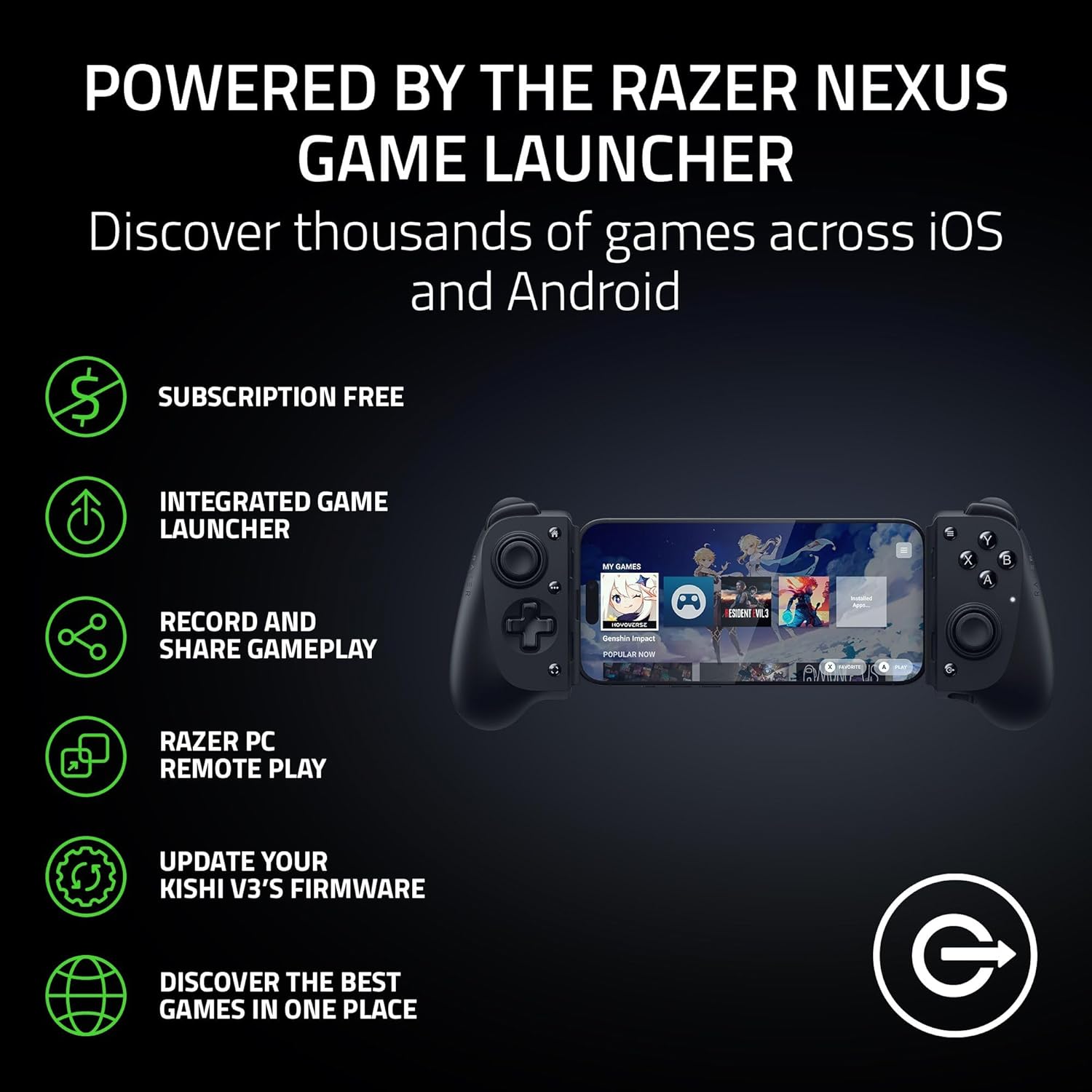
The dual back buttons, high-precision thumbsticks, and a dedicated app—Razer Nexus—are the differentiators here. Nexus lets you launch games, customize controls, and handle updates from a single, centralized location. The claim of “console performance” on mobile is attractive, especially if your goal is tighter input response and more reliable button mapping than you get from touchscreen play.
Pros and what may hold you back
Pros: stronger grip and comfort for longer sessions, back-button input increases quickness of actions, thumbsticks are designed to minimize drift, wide case compatibility reduces the hassle of slipping the controller around your phone. Nexus provides a centralized way to manage settings without leaving the game. Cons: the experience hinges on the quality of your phone’s fit with the island design—if your case is unusually thick, you’ll want to verify fit, the app ecosystem can feel like overkill if you’re not planning to customize regularly.
Who should consider this
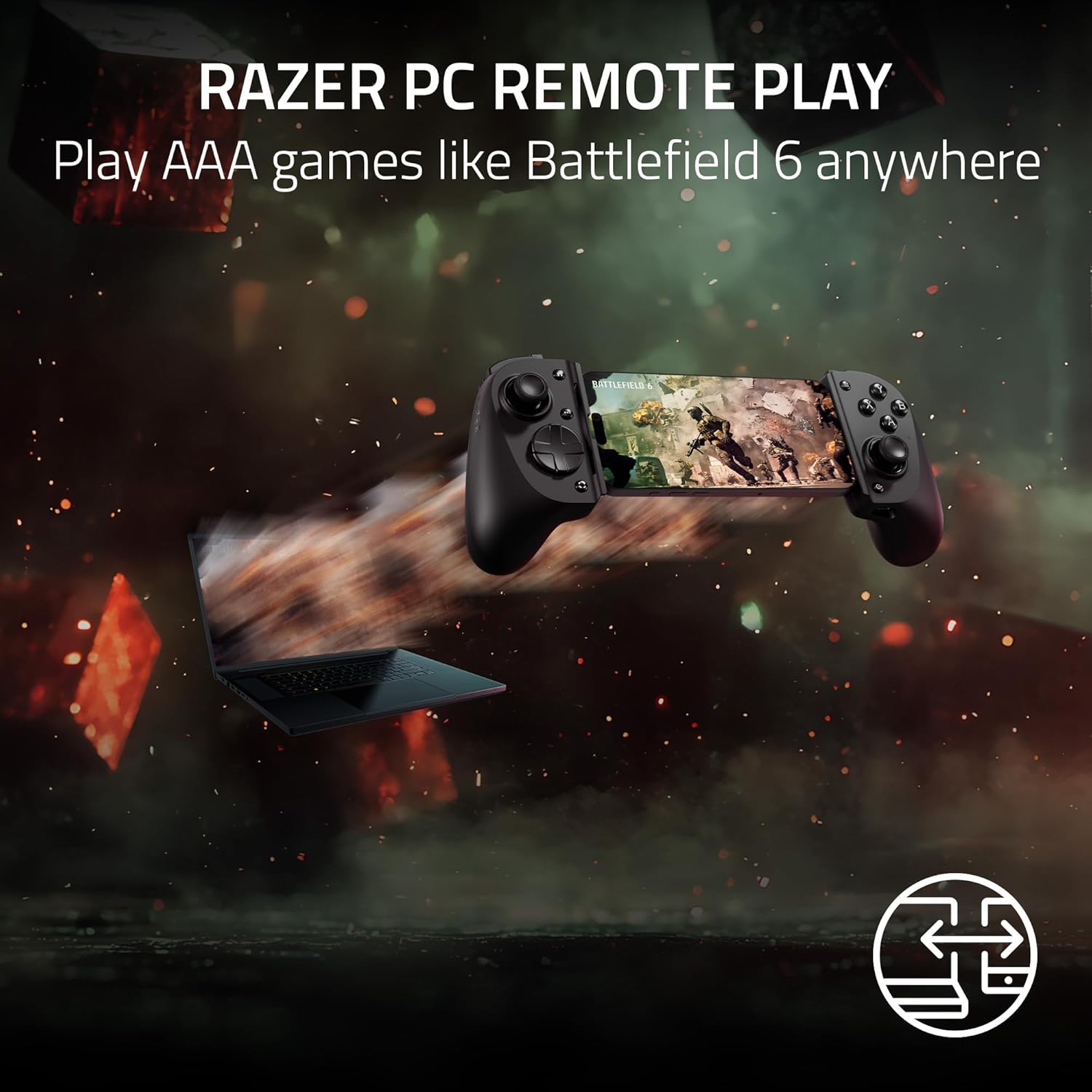
If you want a mobile setup that mimics console ergonomics and you frequently play via PC Remote Play or similar cloud/remote play setups, the Kishi V3 can help you transform your iPhone or Android into a more precise gaming device. It’s particularly appealing if you value button remapping, quick access to game-launch features, and a more comfortable grip for extended sessions.
Who should think twice
Not ideal if you primarily play casual mobile games that don’t require precise aiming or complex input mappings. If you rarely use back buttons or you don’t plan to engage with the Nexus app, you may not extract the full value. Also, if you’re in tight spaces where case clearance is critical, testing fit with your exact phone-cases is advised.
When it makes sense to buy
If your goal is to improve accuracy and comfort over touchscreen input, and you use mobile gaming for longer sessions or remote play, this controller provides a structured upgrade. It also helps if you rotate between iPhone and Android devices, thanks to cross-platform compatibility. If you already have a light, compact setup and don’t need the extra weight, you might find a simpler option sufficient.
What to check before buying
Look at your case clearance and phone thickness to ensure the USB-C island design accommodates your setup. Consider how you’ll use the Nexus app—whether you’ll customize controls or just use default mappings. If you rely on extremely compact travel gear, assess whether the full-sized grip aligns with your portability needs.
Practical use case
Imagine you’re on a commute and want precise aiming in a shooter or racer. With the Kishi V3, you mount your phone in the controller, map a few back-button actions for quick throws or reloads, and launch your game through Nexus. The result is a more tactile, responsive experience compared to holding the device alone, with the added benefit of consistent grip through longer play.
Tech specs (highlights)
- Full-sized thumbsticks with anti-drift design
- Dual back buttons for additional inputs
- Ergonomic, console-like handles
- Fits many popular phone cases via USB-C island design
- Supports Razer Nexus game launcher for customization and updates
- Compatible with iPhone 15 series and up, and Android devices
What’s included
In the box you’ll typically find the Kishi V3 controller and USB-C passthrough connectors, plus documentation for setup with Razer Nexus. If you rely on additional accessories for mounting, check compatibility with your preferred phone and case.
FAQ
- Does it work with all iPhone and Android models? It targets iPhone 15 series and up and most Android devices, but fit can vary with thicker cases.
- Is there a subscription to use Nexus? No fee is required for Nexus, though some apps within Nexus may have costs.
- Can I use it for non-gaming tasks? While designed for gaming, the controller inputs can be repurposed in certain apps that support gamepad inputs.
Is it worth it?
Worth considering if you crav e a more console-like control experience on mobile and you regularly engage in longer play sessions or remote play. If you prioritize compactness, or if your case setup is exceptionally bulky, this might not be the easiest fit. Overall, it’s a solid pick if you want a real grip and extra backside inputs to elevate mobile gaming.