

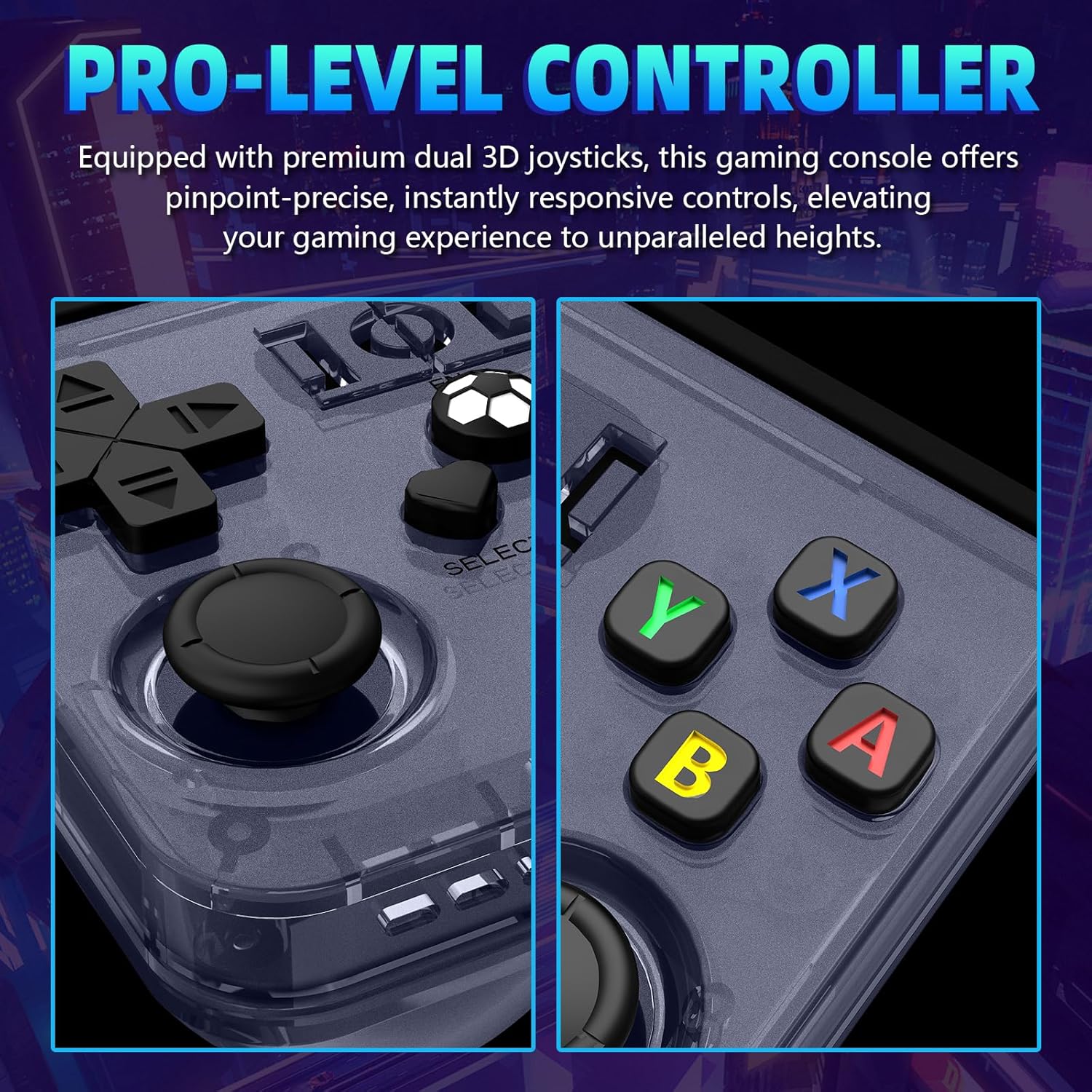
R36MAX Retro Handheld Game Console — 4.0-Inch IPS Display, 64GB, Open Source Linux, 30+ Emulators, 6-Hour Battery
Product description
What it is and what it solves
The R36MAX is a compact handheld game console designed for nostalgia and convenience. It ships with a library of preloaded retro titles and supports more than 30 emulators, all running on an open-source Linux system. If you’re after a portable way to dive into classic games without juggling multiple devices or complex setup, this device aims to deliver that experience in a single, ready-to-play package.
Display and visuals you can actually enjoy
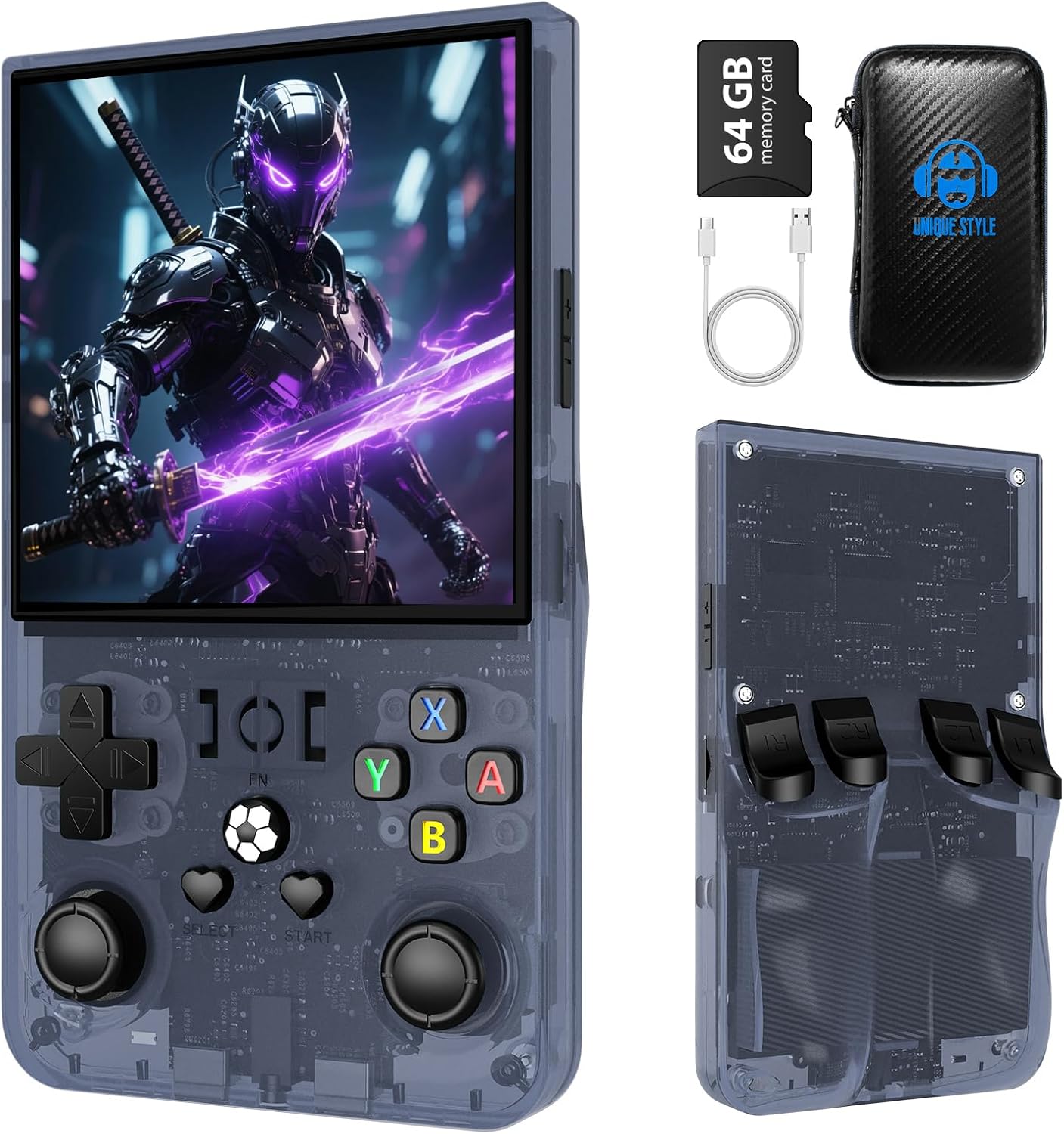
With a 4.0-inch IPS HD display (720x720), the screen is meant to show retro titles with improved color accuracy and wider viewing angles. The goal is to keep pixel art crisp and colors faithful to the era, so stories, puzzles, and racing action feel more immersive whether you’re at home or on the go.
Performance and stability you can rely on
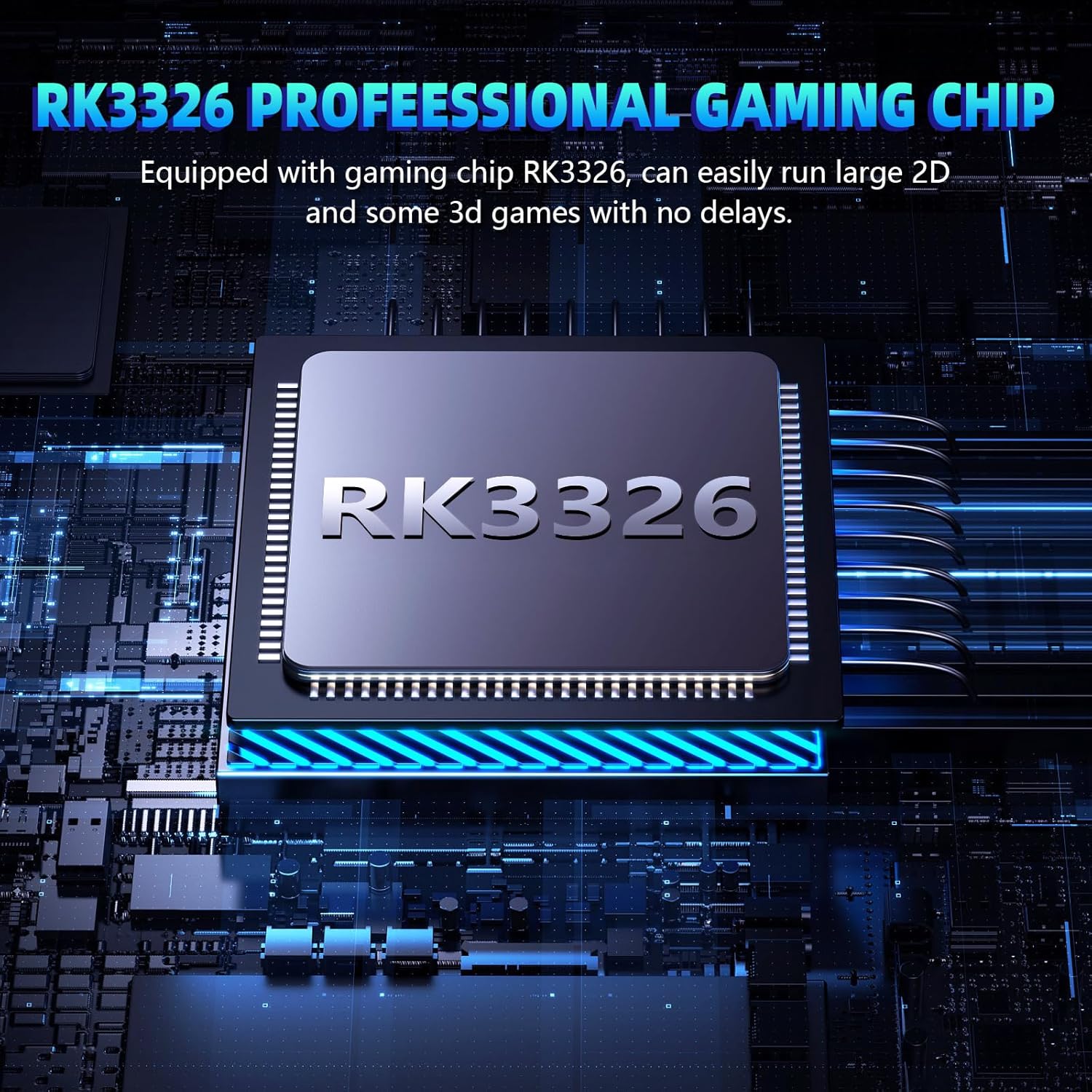
Powered by a capable processor and a Linux-based system, the R36MAX prioritizes steady performance and efficiency. The combination is intended to handle both 2D adventures and traditional 3D-era titles smoothly, reducing lag during fast-paced moments and letting you focus on the game rather than the tech.
How much you get out of the box
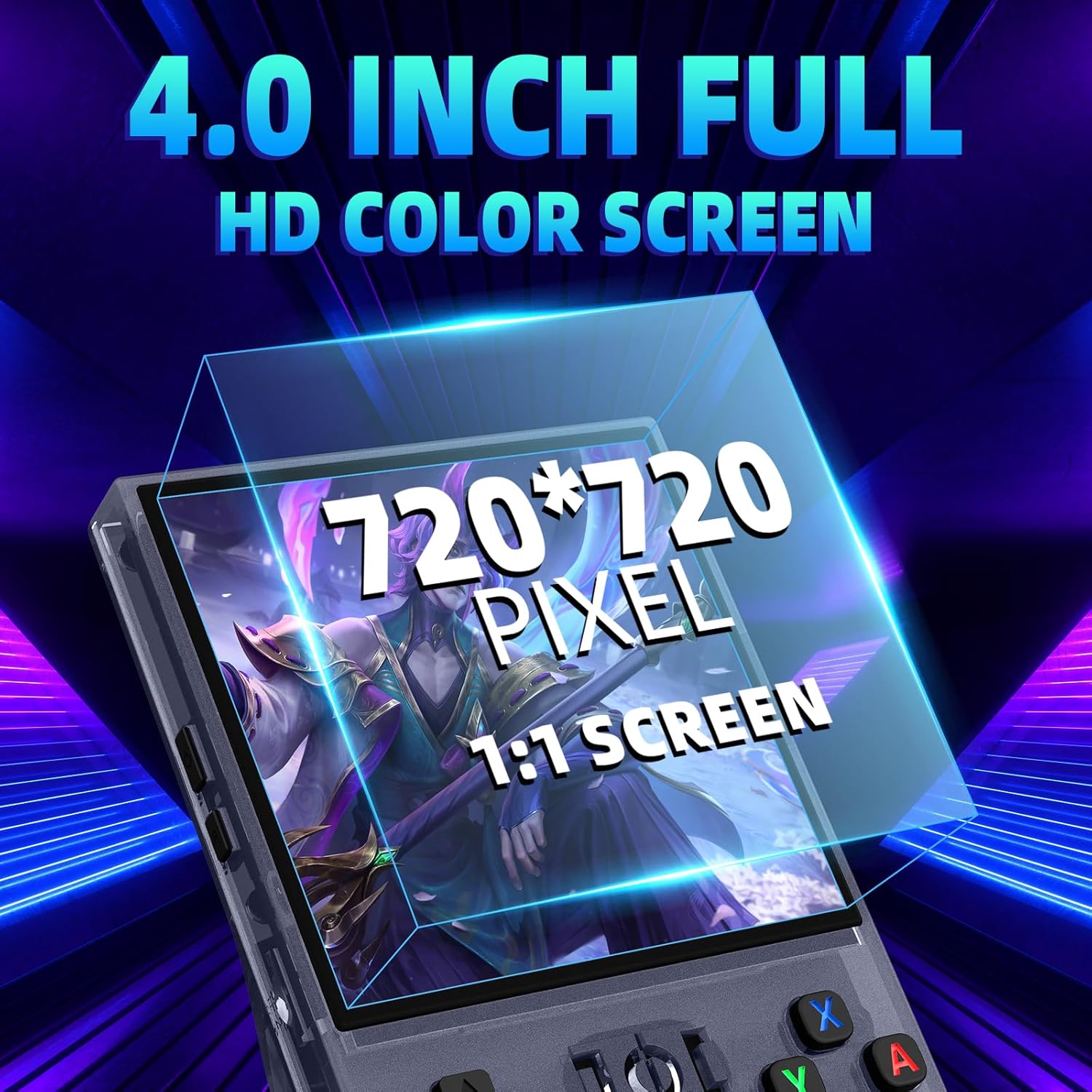
You get 64GB of built-in storage, which is framed as “instant, hassle-free” for preloaded games. There’s no extra setup needed to start playing, simply unbox, power up, and go. The storage is described as optimized for faster load times, cutting down some of the waiting that can pull you out of the moment.
Battery life and portability
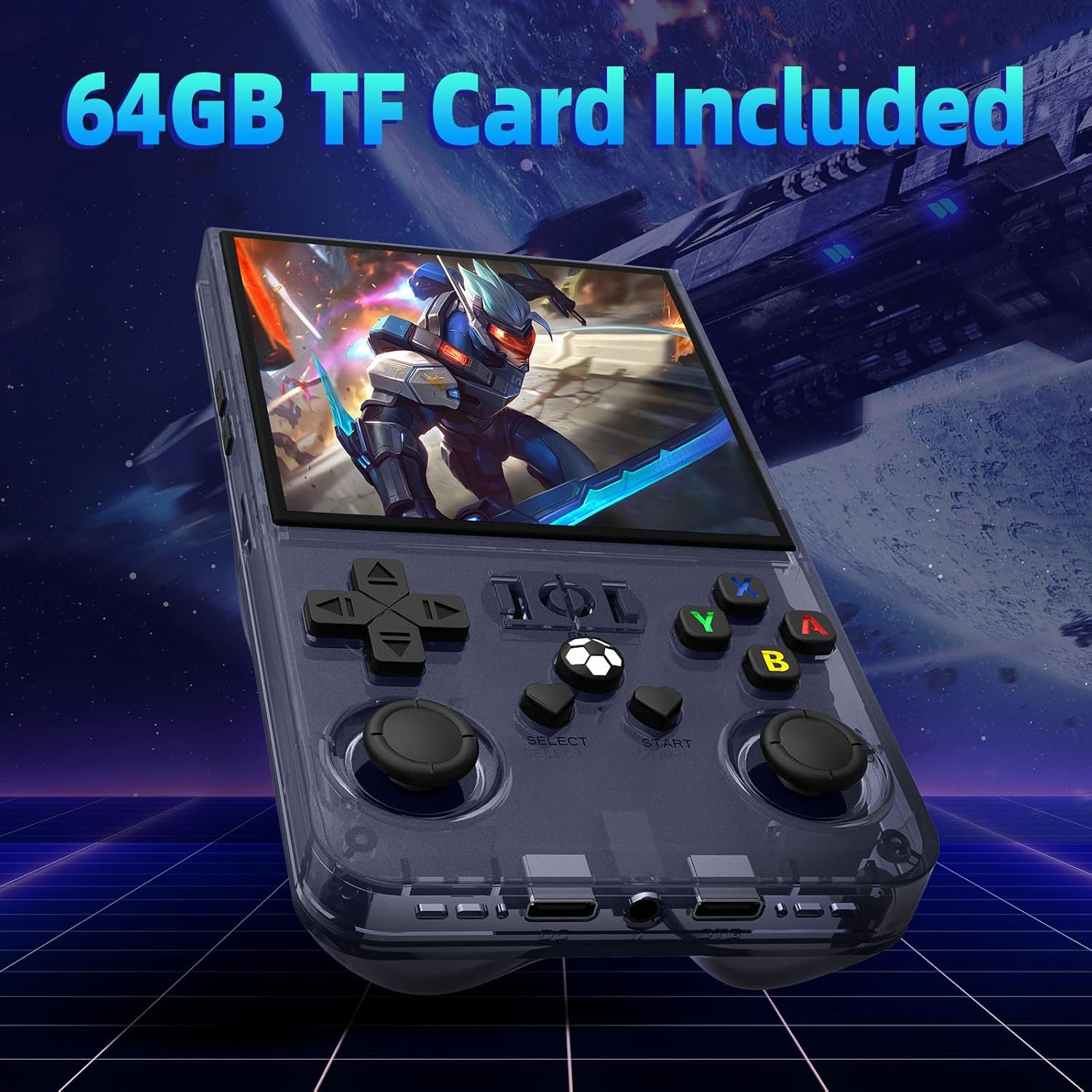
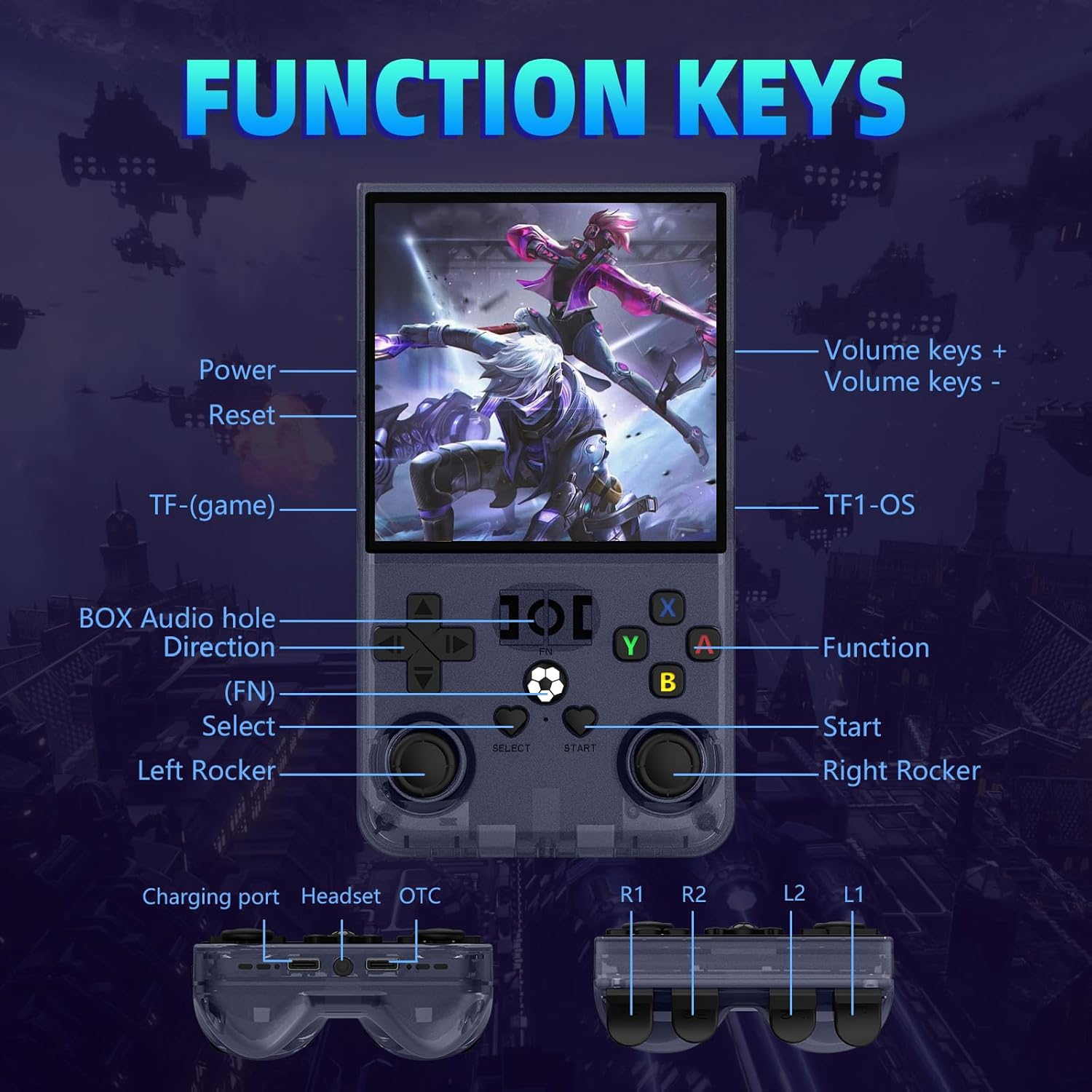
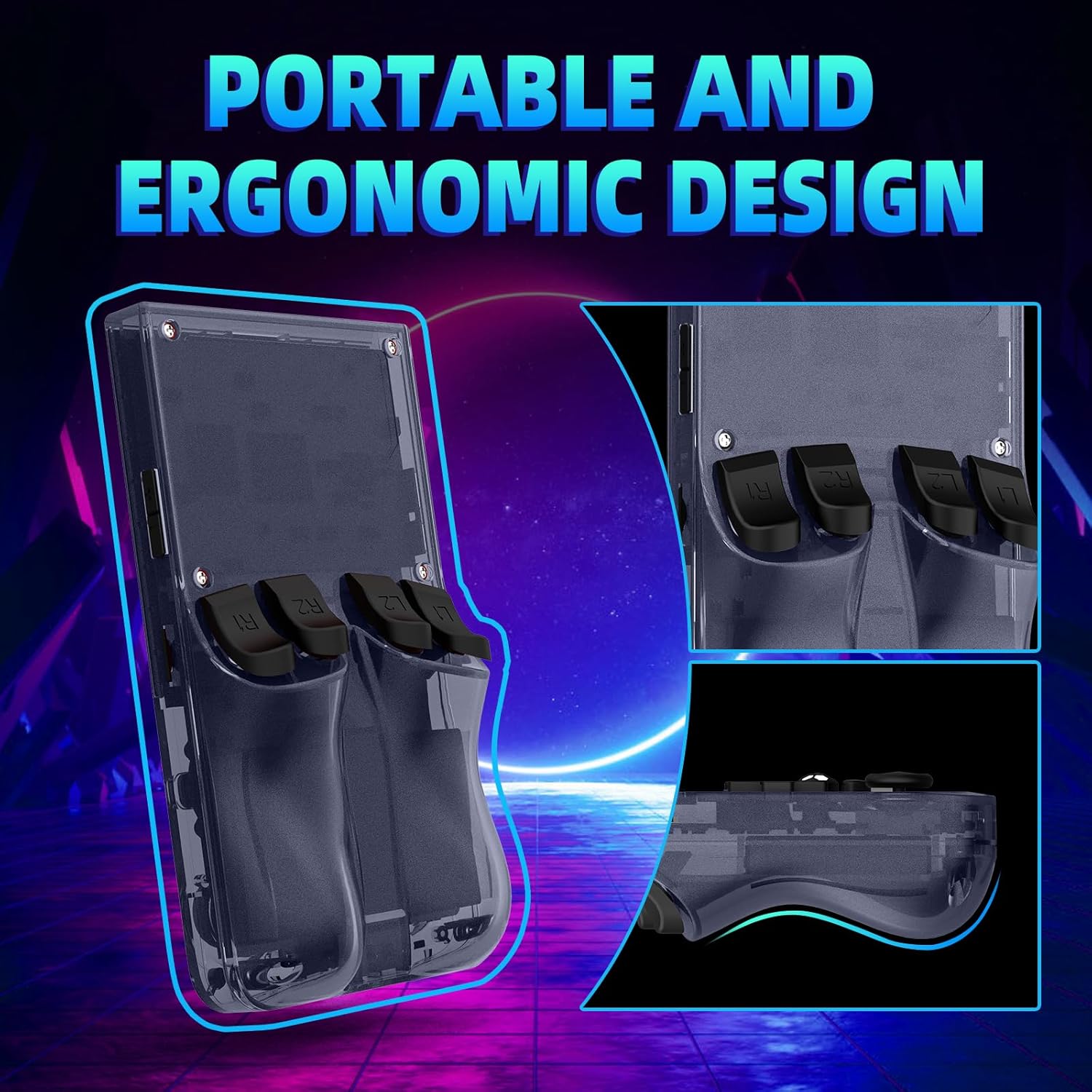
The device is compact and designed for mobility, with a 4000mAh battery that claims up to 6 hours of continuous play. Built-in speakers provide casual sound, and a 3.5mm headphone jack adds privacy when you’re in a public space. The combination targets on-the-go nostalgia—enough for a commute, a road trip segment, or a lazy weekend session.
Practical limits and things to know
If you run into a screen rotation issue in certain games, there are steps to adjust video output in the RetroArch settings. These steps suggest a practical workaround rather than a guaranteed fix across every title, so you may encounter occasional quirks typical of emulation-focused devices.
Who it’s for and who should think twice
This handheld is a strong pick for fans who want a plug-and-play retro experience without building an arcade library from scratch. It also works for newcomers curious about classic games, since the library is already preloaded. If you prioritize the latest 3D modern titles or a pristine, flagship handheld experience, this device sits more in the nostalgia-driven niche and may not satisfy power players looking for cutting-edge performance.
How to compare and what to consider before buying
Compare this with devices that either require you to source and load ROMs yourself or those that come with different emulation ecosystems. If you value convenience, stability, and a compact form factor for quick gaming sessions, the R36MAX offers a balanced approach. If you want highly customized emulation or ongoing software updates from a larger platform, you might want to explore other options.
What to review before you buy
- Confirm you’re satisfied with 64GB of built-in storage and don’t expect extensive expansion.
- Consider whether a 4.0-inch screen aligns with your preference for portability over larger viewing real estate.
- Note the Linux-based system for stability and potential open-source quirks, especially if you’re sensitive to firmware updates.
- Check how comfortable you are with occasional setup tweaks like video rotation in certain games.
Everyday usage example
Imagine pulling this out during a short commute. You power it on, pick a familiar throwback title from the preloaded collection, and you’re immediately in a familiar interface. The compact size slips into a pocket, and the built-in speakers let you share a quick co-op moment with a friend without needing extra hardware.
Decision maker: Is it worth it?
Is it worth it? It makes sense if you want a ready-to-play retro handheld with long battery life and a compact footprint. It may not be the best fit if you’re chasing the latest graphics or a device that thrives on heavy, modern emulation. Consider this option if your priority is quick access to classic games, portability, and a stable Linux-based system for uninterrupted sessions.
Quick FAQ
- How many emulators does it support? It claims support for 30+ emulators, with preloaded retro games included.
- What about storage? 64GB built-in storage is available for immediate play without extra setup.
- Can I use it on public transport? Yes, with the built-in speakers or via the 3.5mm headphone jack for private listening.
- What if a game rotation issue appears? There are in-interface steps to adjust video rotation in RetroArch settings.
- Does it require internet to play the preloaded games? The description emphasizes preloaded content, online access isn’t specified as a requirement for gameplay.