

PowerA USB Charging Cable 6.5ft
Product description
This USB charging cable keeps DualShock 4 controllers ready for play, with a longer reach that suits living rooms and gaming stations. If you need a simple, reliable cord for PS4 controllers the USB charging cable for PlayStation 4 covers the basics and reduces downtime between sessions. The cable length helps when the console sits across the room, and the construction aims for steady connections during use.
Highlights
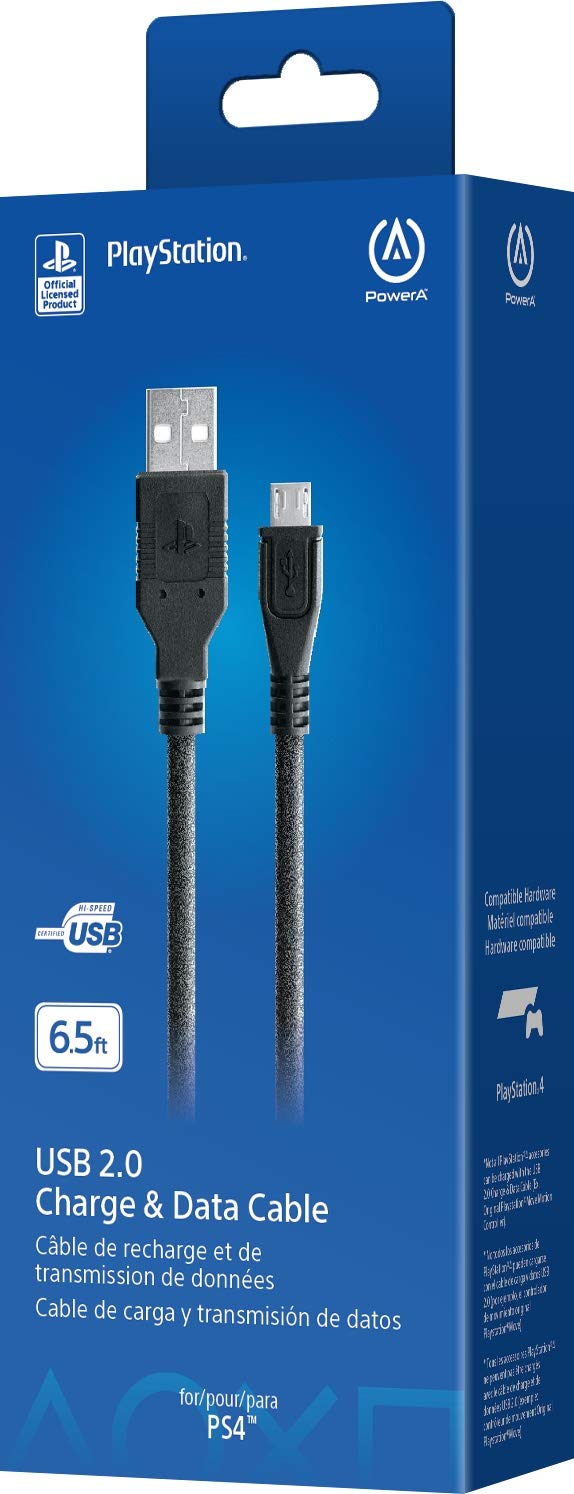
A straightforward accessory that focuses on dependable charging and ease of use. The cord works with DualShock 4 controllers and uses a Micro-USB end for direct connection, so you can keep controllers docked or charge while holding them. It includes a ferrite coil to help with interference and gold plated connectors for improved contact. Keep in mind that this is a charging cable only and does not add wireless features. 🎯
Technical details
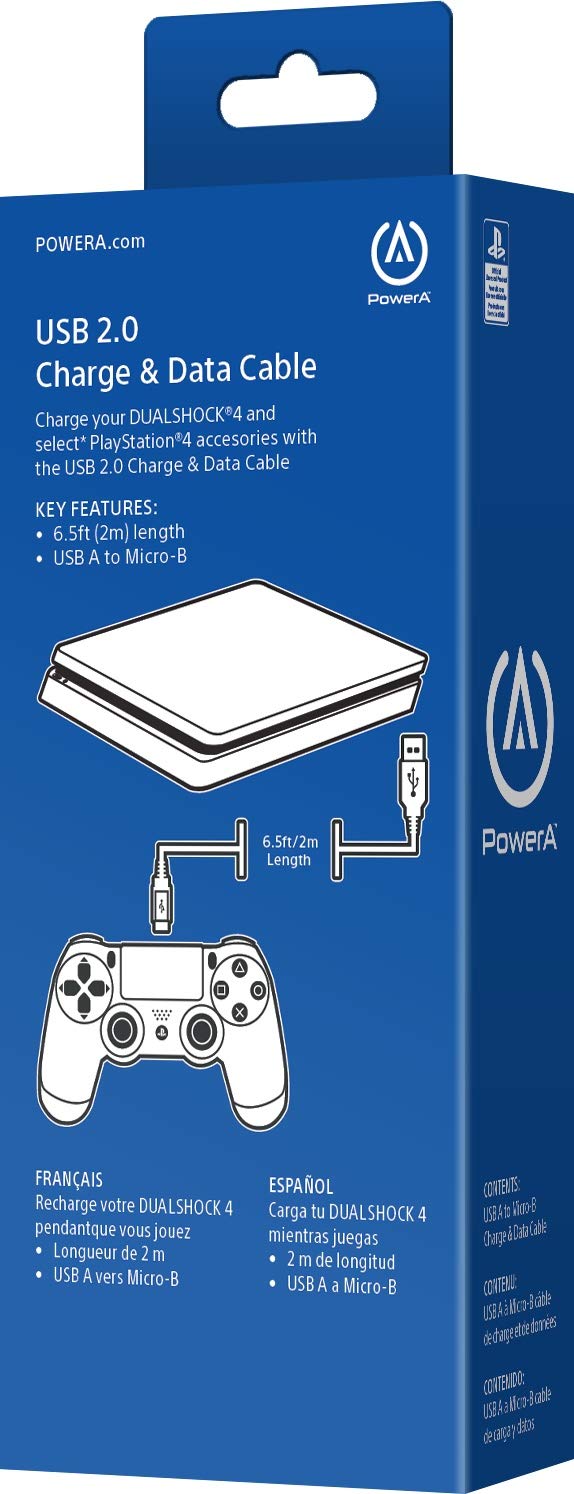
- Name: PowerA USB Charging Cable for Playstation 4
- Length: 6.5ft
- Type: USB to Micro-USB
- Material: cable with ferrite coil
- What’s included: USB charging cable with gold plated connectors
Where it shines
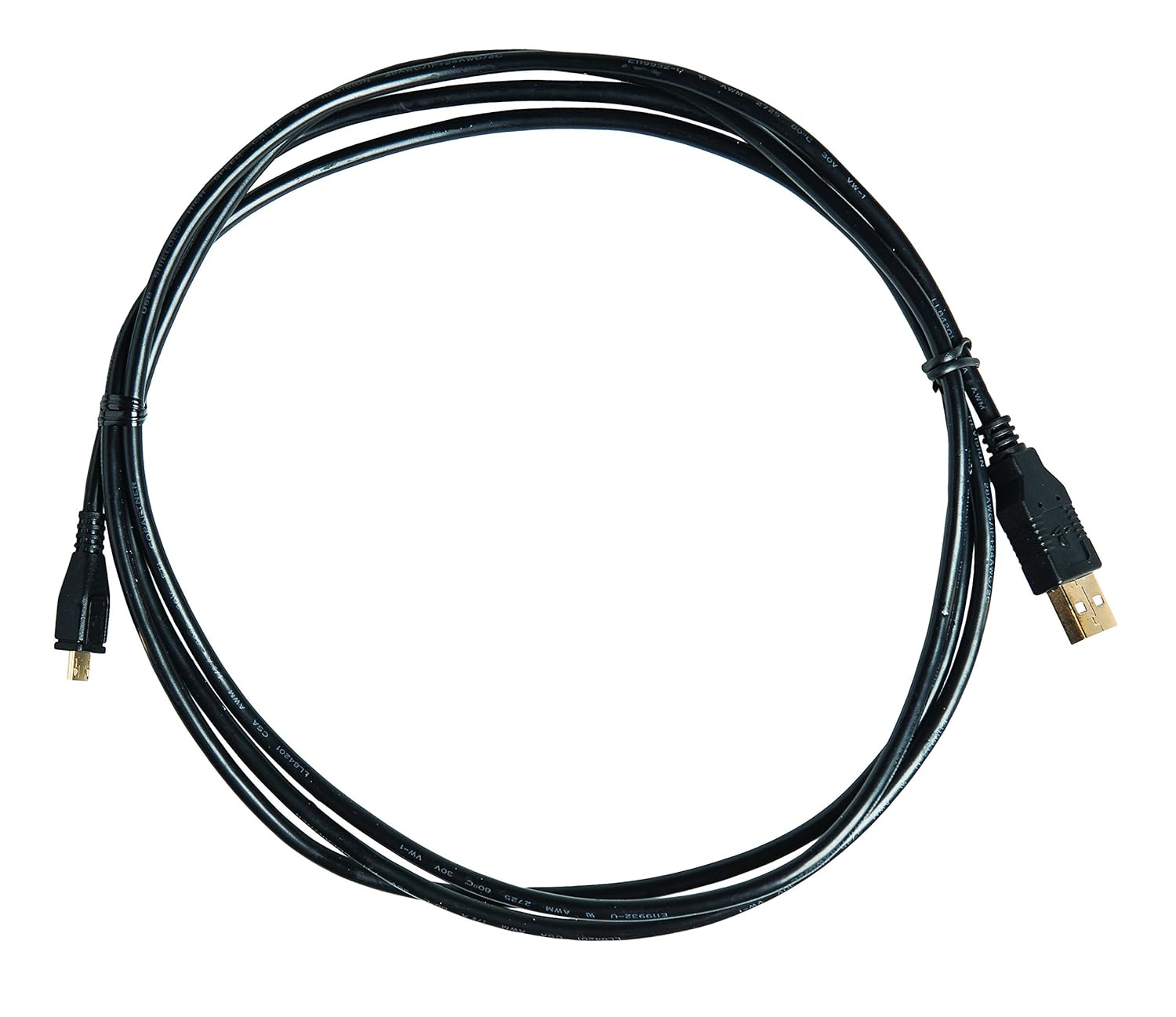
The cable stands out for offering a longer-than-average reach, which makes it easier to charge while sitting on a sofa or using a controller for extended play. The ferrite coil helps reduce electrical noise for a more stable connection, and the gold plated connectors aim to maintain reliable contact over time. The design is simple, without extra adapters, so setup is plug and play.
How to use it
Plug the Micro-USB end into your DualShock 4 controller and the USB end into your console or a compatible USB charger. For best results place the power source on a stable surface and avoid sharp bends in the cable. If you use third-party chargers, check compatibility with your charger’s output to avoid slow charging or unexpected behavior.
Care & maintenance
Store the cable loosely coiled to avoid kinks and keep connectors clean with a dry cloth. Avoid exposing the cable to high heat or moisture. Over time connectors can accumulate dust, so wipe them gently to help preserve contact quality. Note that performance depends on the power source used, according to the manufacturer.