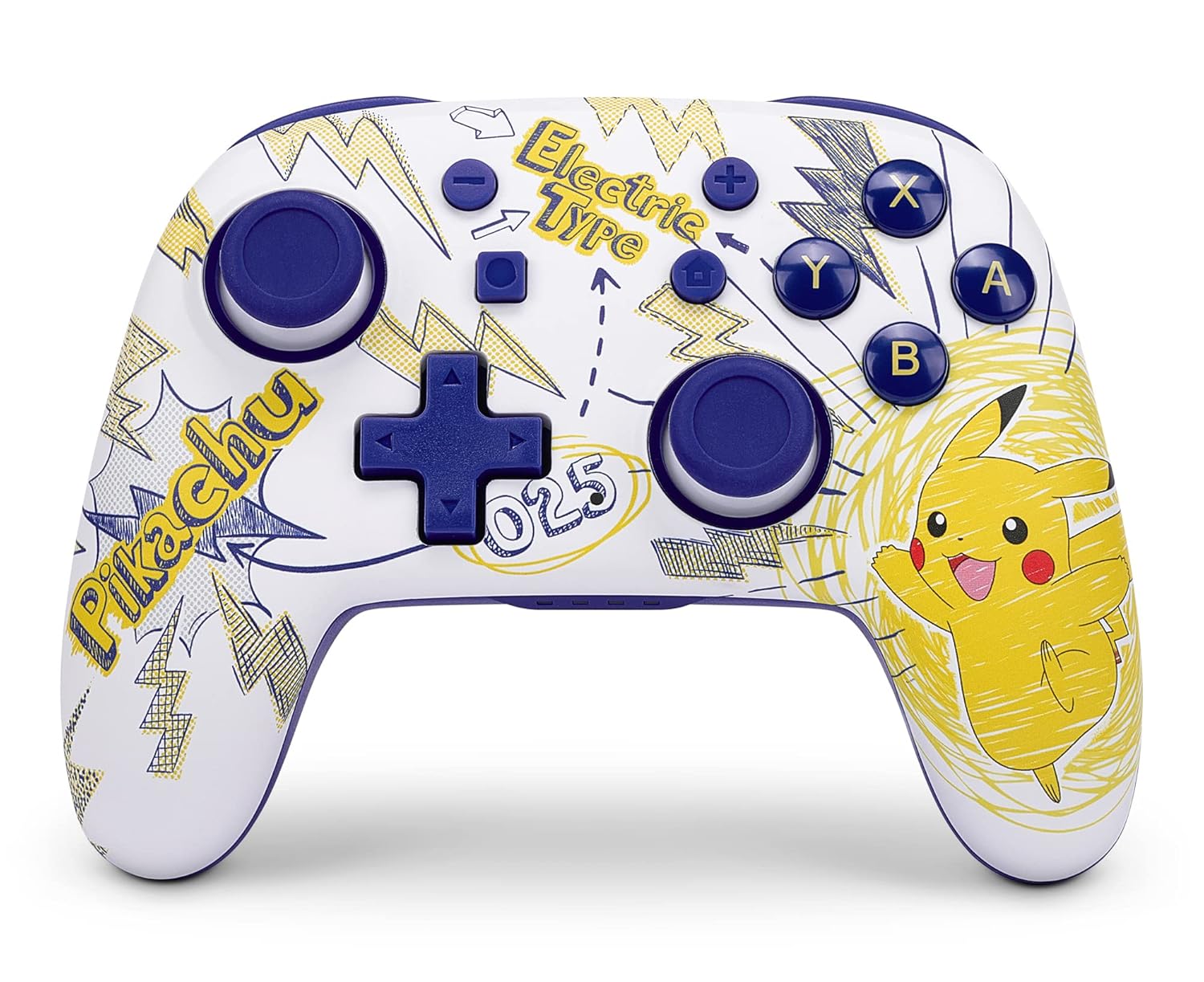
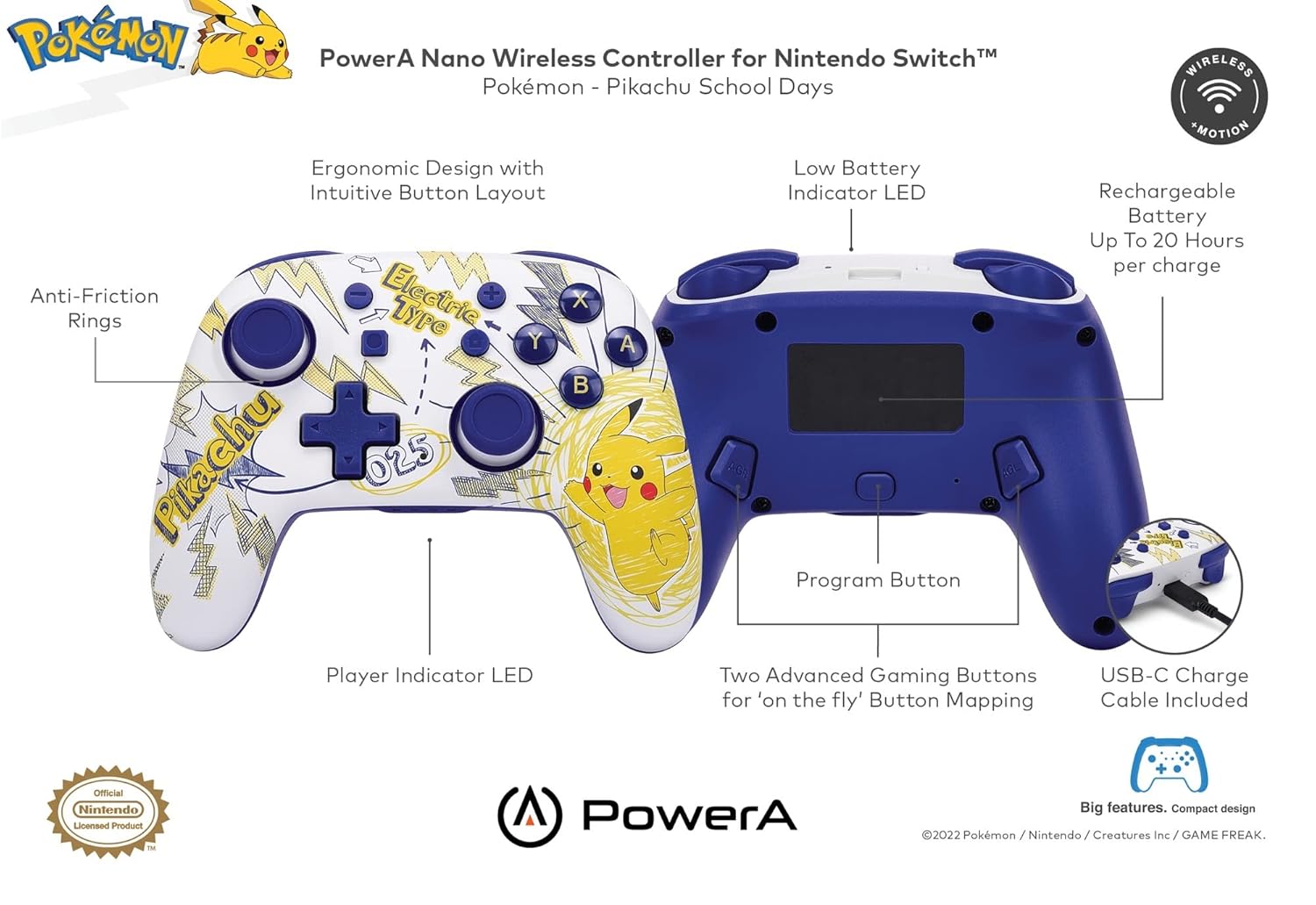
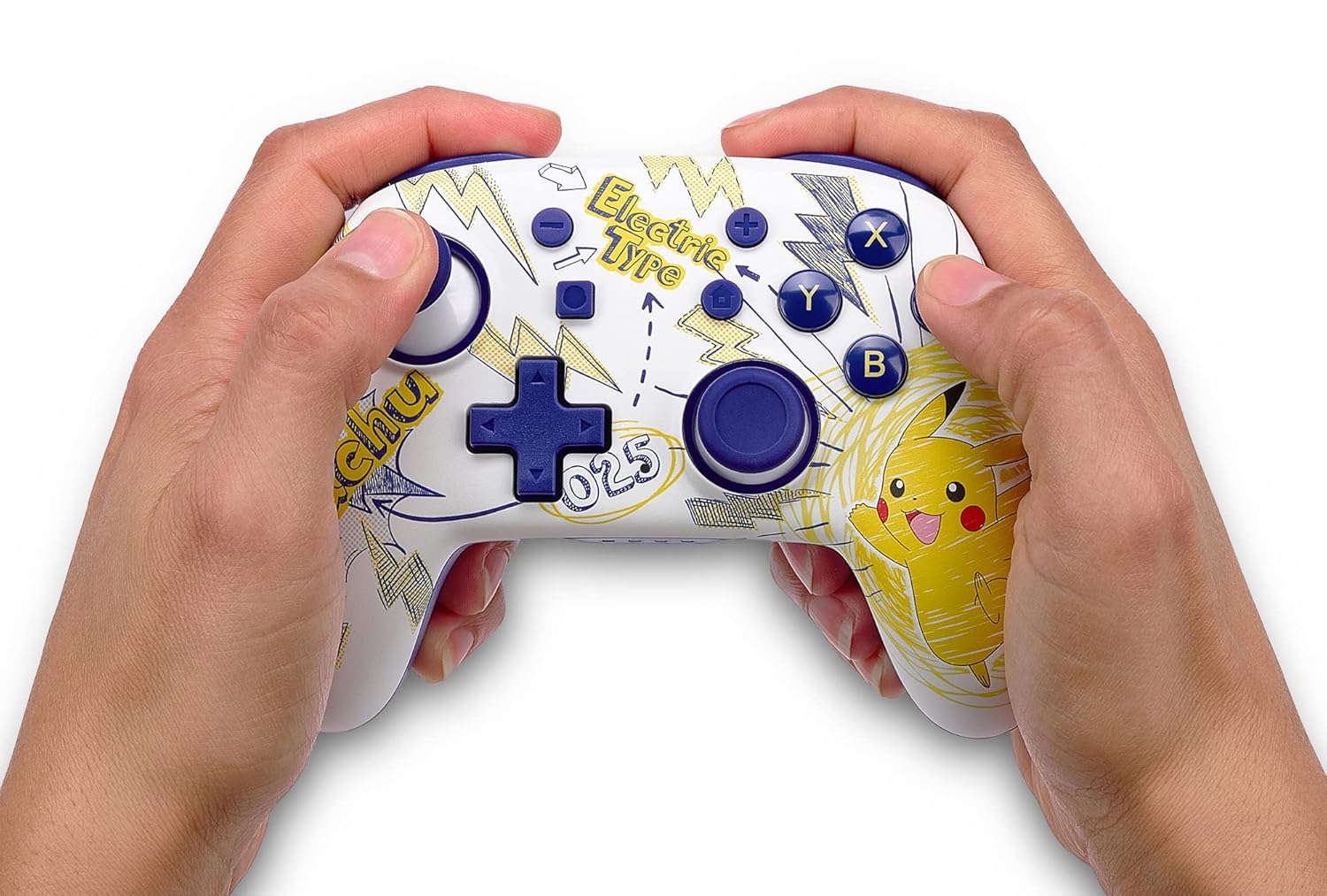
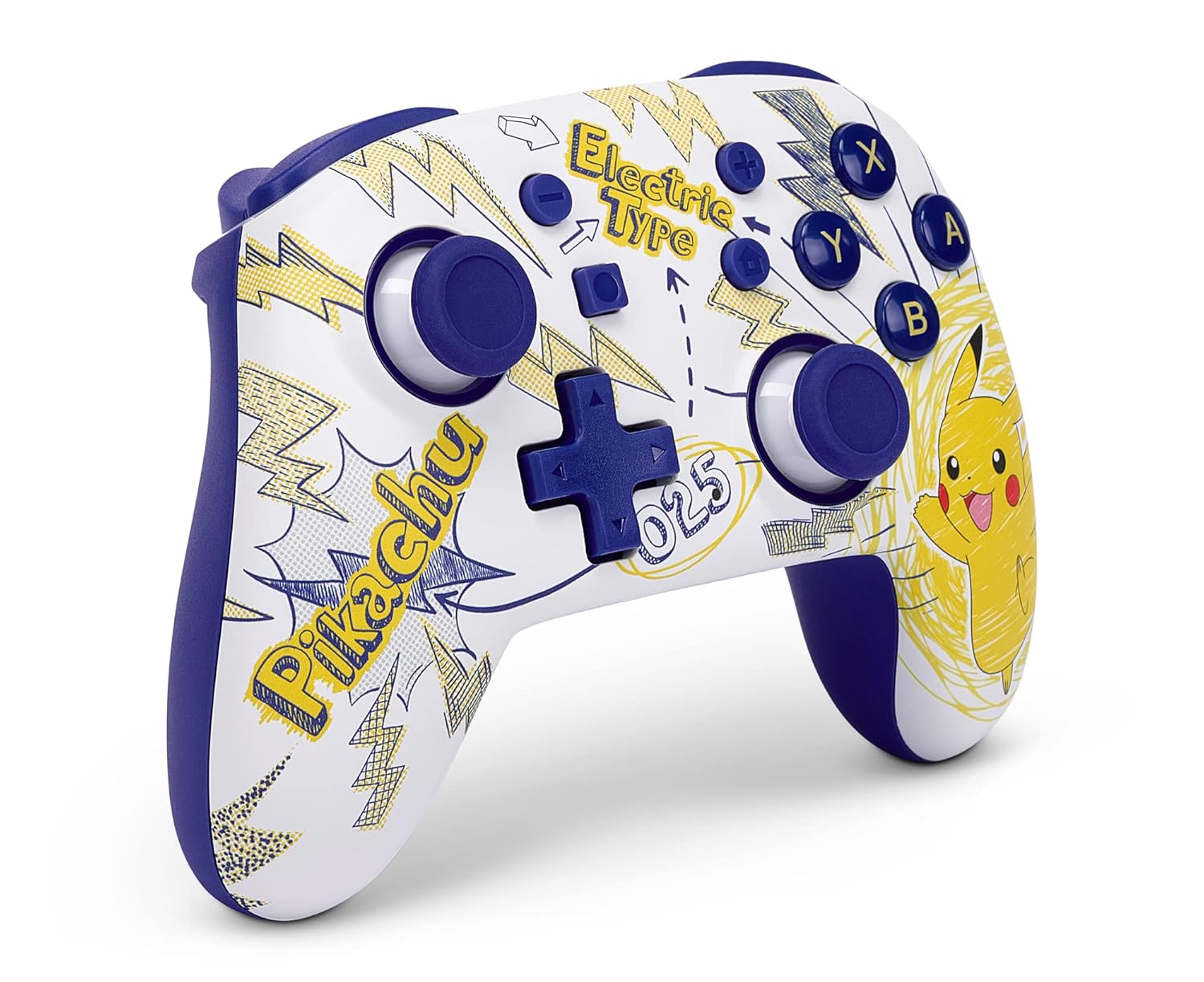
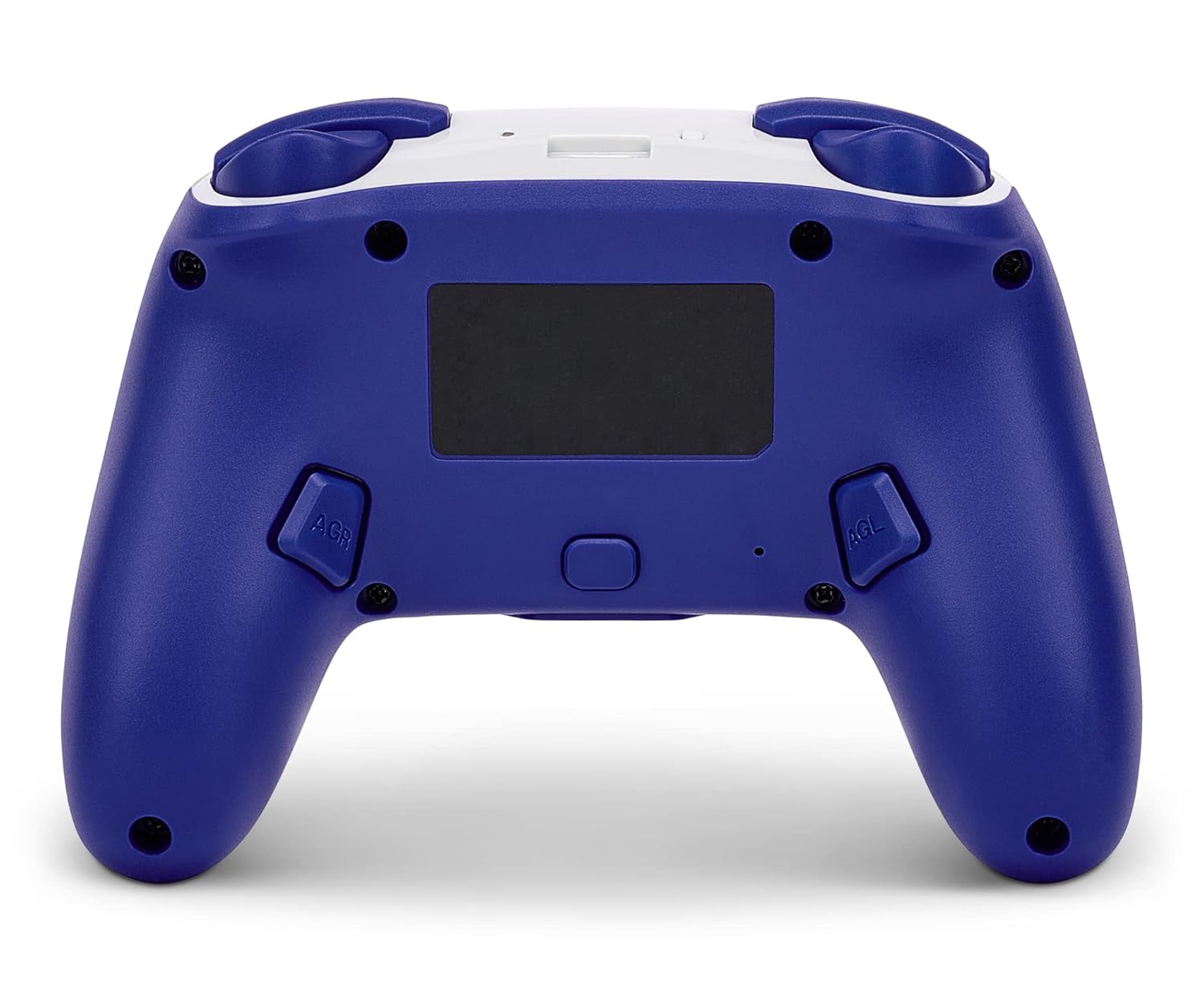
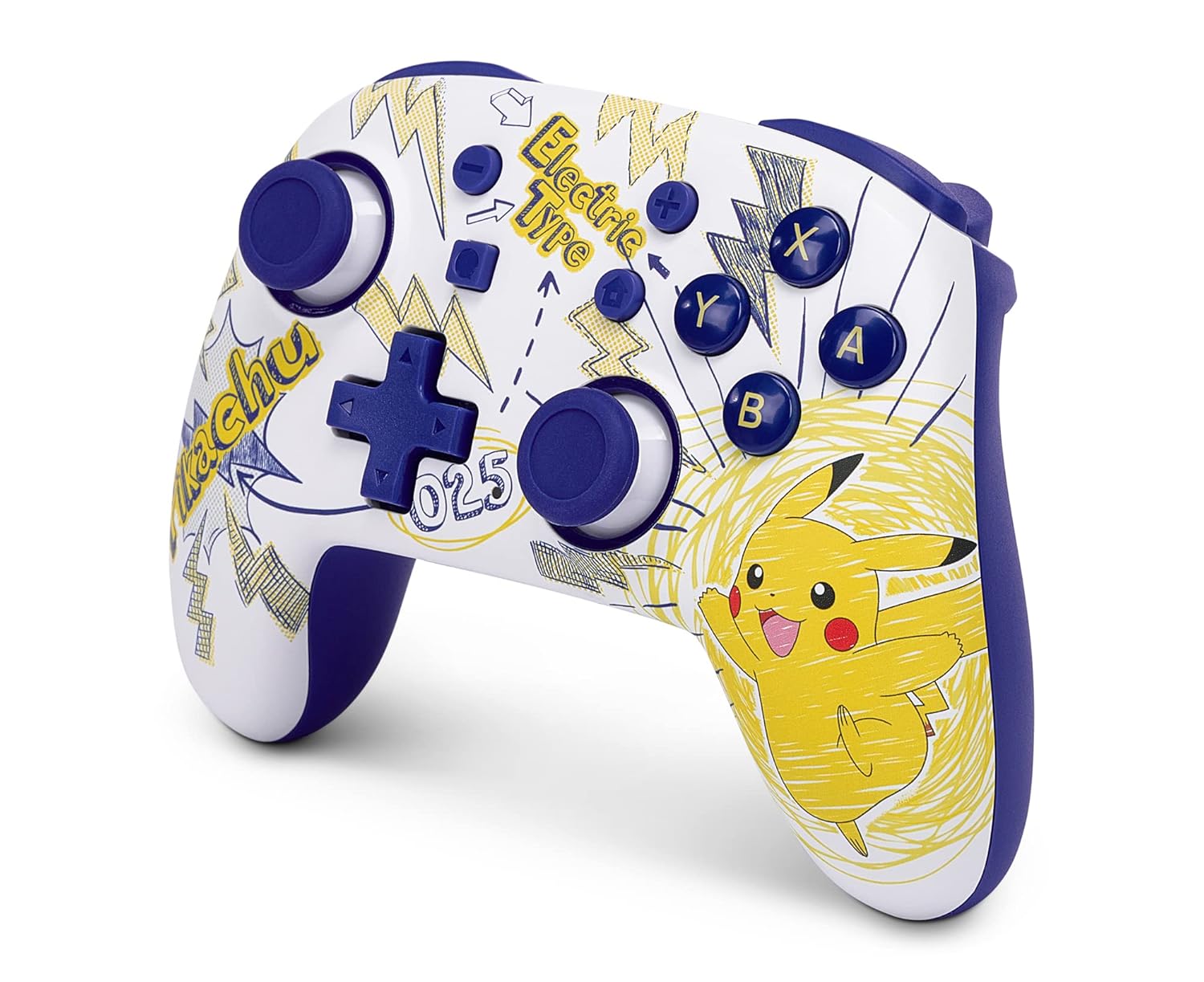
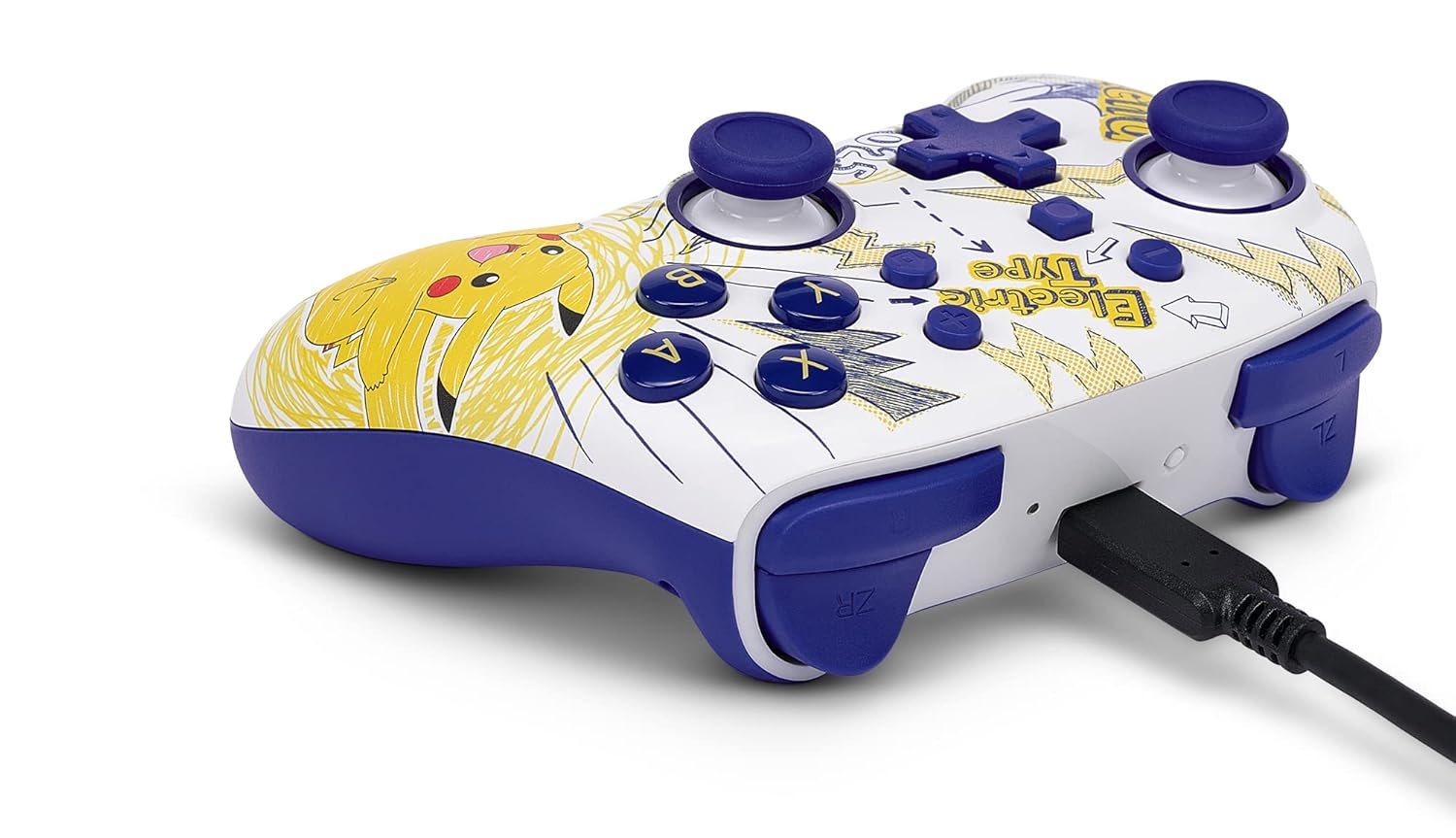
What this is and who it’s for\nThe PowerA Nano Enhanced Wireless Controller is a compact, portable gamepad designed for the Nintendo Switch. It blends a familiar layout with wireless freedom via Bluetooth 5.0, aiming at players who want a smaller form factor without sacrificing button feel. Its Pikachu School Days theme adds a playful aesthetic for fans who enjoy cuter, cartoon-inspired hardware. If you value a lightweight option you can slip into a bag and pull out for quick sessions, this model targets you. On paper, it promises motion controls, a rechargeable internal battery, and a few user-friendly extras like LEDs to show player number and a low-battery warning.\n\n## How it feels and how it works\nThe shell is described as compact and ergonomic, with standard-sized buttons and controls. That means most players familiar with official controllers should find the layout comfortable, even in shorter hands. The wireless connection relies on Bluetooth 5.0, which is designed to reduce latency and improve pairing reliability compared to older Bluetooth versions. An included 6ft USB-C cable gives you a straightforward charging option at a desk or on a couch. The internal battery supports up to 20 hours of play per charge, which is a practical figure for lighter or casual sessions.\n\n## Key features and what they imply\n- Motion controls: adds a layer of input for compatible games, but motion precision and usefulness can vary by title.\n- Mappable Advanced Gaming Buttons: convenient for reassigning inputs, potentially speeding up some in-game actions. The real-world benefit depends on how much you rely on remapping controls in your favorite titles.\n- LEDs for player number, mapping, and battery: helpful at a glance in multiplayer or shared setups, though not a substitute for clearer in-console indicators.\n- Rechargeable battery: avoids frequent battery swaps, a clear convenience if you play in multiple locations.\n- USB-C charging: standard nowadays, makes topping up straightforward on most outlets or hubs.\n\n## What stands out and what might hold it back\nOn the positive side, its compact form makes it easier to travel with than larger official controllers, and the price point (relative to flagship wired or higher-end wireless options) can be appealing for casual players or families. The Pikachu School Days styling is a charming touch for fans. On the flip side, a mini footprint can mean smaller buttons or a lighter feel that some players don’t prefer, especially if you’re used to bigger controllers with more thumbroom. The motion controls, while a nice bonus, may not be as precise or necessary for every game, and the effectiveness of the remappable buttons depends on game support and your own playstyle.\n\n## Ideal user and scenarios\nThis controller is a good fit for backpack gaming sessions, quicks sessions at the coffee shop, or kids who want a smaller footprint without sacrificing wireless convenience. It makes sense if you prize portability, ease of charging, and a themed aesthetic that aligns with your Pikachu interest. If you prioritize a premium feel, higher-grade haptics, or extensive in-game customization, you may prefer a larger, more traditional controller.\n\n## When it might not be the best choice\nIf you mostly play at home on a big screen with extended sessions, a larger controller with more weight and possibly a longer battery life might feel more comfortable over time. If you rely heavily on precision in fast-paced competitive games, the smaller form and motion features may not deliver the same feel as a larger, pro-style option. Also, if you stream or play at length in a shared space, the battery life is workable but not groundbreaking.\n\n## What to review before buying\nCheck the compatibility with your preferred Switch models and ensure your favorite games support motion controls and button mapping as you intend. Confirm that the exact Pikachu School Days design aligns with your preference in colorway and character style, since cosmetic variants can differ by region. Consider how often you travel or game on the go, since portability is a core selling point here.\n\n## Practical use example\nYou’re on a road trip and want a quick local multiplayer session. You pull out the Nano, pair via Bluetooth, and quickly assign a couple of actions to the d-pad and rear buttons to customize a casual party game. The package includes a USB-C cable so you can charge during a stop, keeping devices ready for the next leg of the journey.\n\n## FAQ (brief)\n- Is the controller compatible with all Nintendo Switch models? It’s designed for Switch, but exact compatibility can depend on firmware and game requirements.\n- How long does the battery actually last in practice? Up to 20 hours per charge is the stated figure, real-world use can vary with LED usage and motion features.\n- Do the motion controls feel precise? Motion controls add value for certain games, but expectations should be realistic for a compact, budget-oriented controller.\n\n## Final decision (Is it worth it?)\nWorth considering if portability, a themed design, and budget-conscious wireless play matter to you. It’s not the ultimate option for high-precision gaming or marathon sessions, but for casual play in varied locations, it offers a sensible balance of comfort, convenience, and personal style. If your priorities align with a lightweight, travel-friendly gamepad with Bluetooth connectivity and reasonable battery life, this is a viable option.\n\n## Quick benefits at a glance\n- Portable, compact design with standard layout\n- Bluetooth 5.0 for wireless play\n- Internal rechargeable battery with up to 20 hours of use\n- Motion controls and button remapping for select games\n- Pikachu School Days aesthetic for fans\n\n## Related considerations\nIf you expect to push intensive titles or need ultra-precise inputs, you may want to compare with fuller-sized options or controllers that emphasize grip and weight. For occasional multiplayer or on-the-go gaming, this Nano model can serve as a practical companion with a touch of personality.