

PORTHOLIC Wii to HDMI Converter 1080P (Wii2HDMI) with 3.5mm Audio Jack
Reviews
Price
Product description
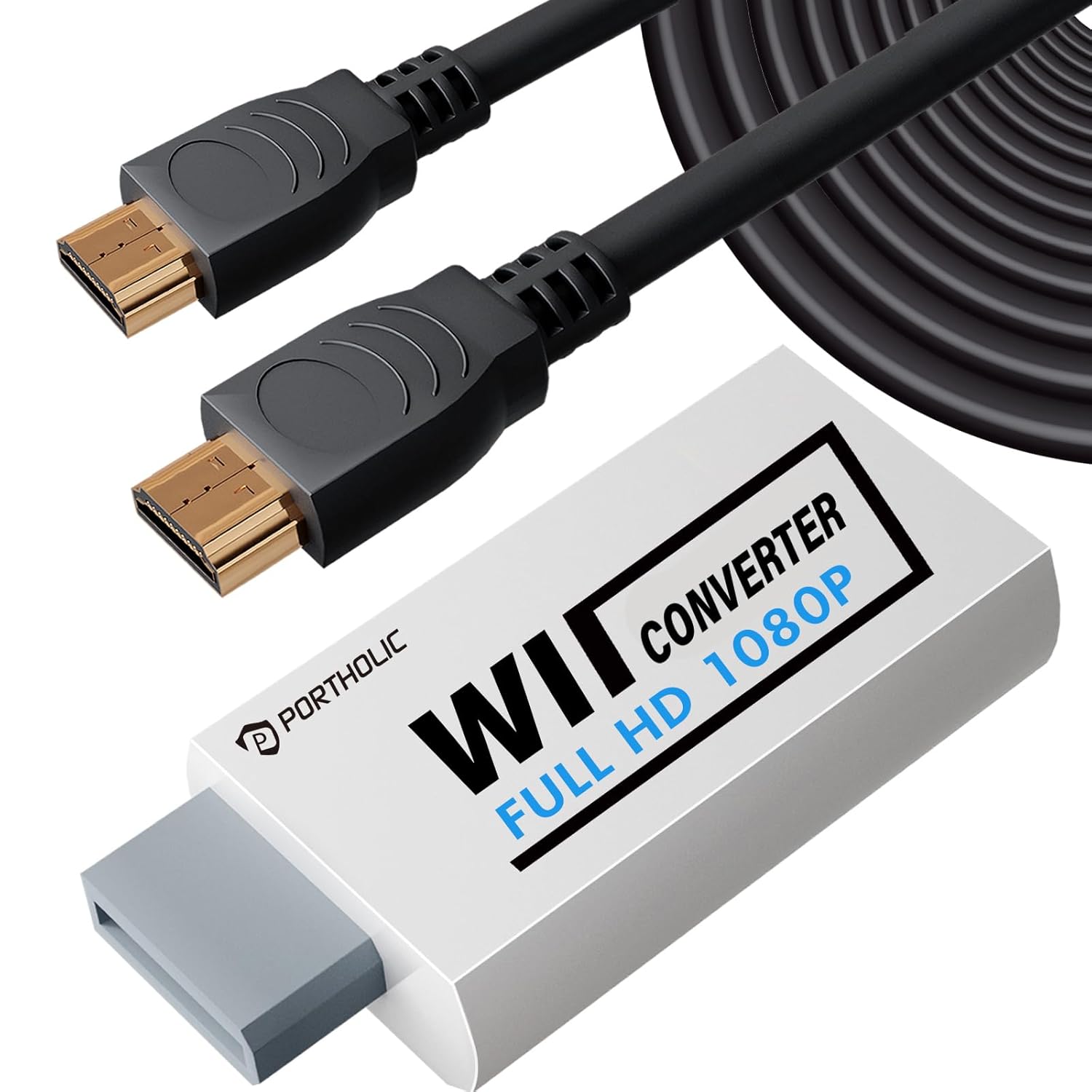
If your Wii display setup feels stuck in the past, this PORTHOLIC Wii to HDMI Converter is built to make it simple: you connect the adapter, plug HDMI into your TV/monitor, and get gameplay on a modern screen without wrestling with drivers or menus. It’s a plug-and-play approach that prioritizes convenience—though it comes with a couple of real-world limitations worth knowing before you buy.
Quick overview
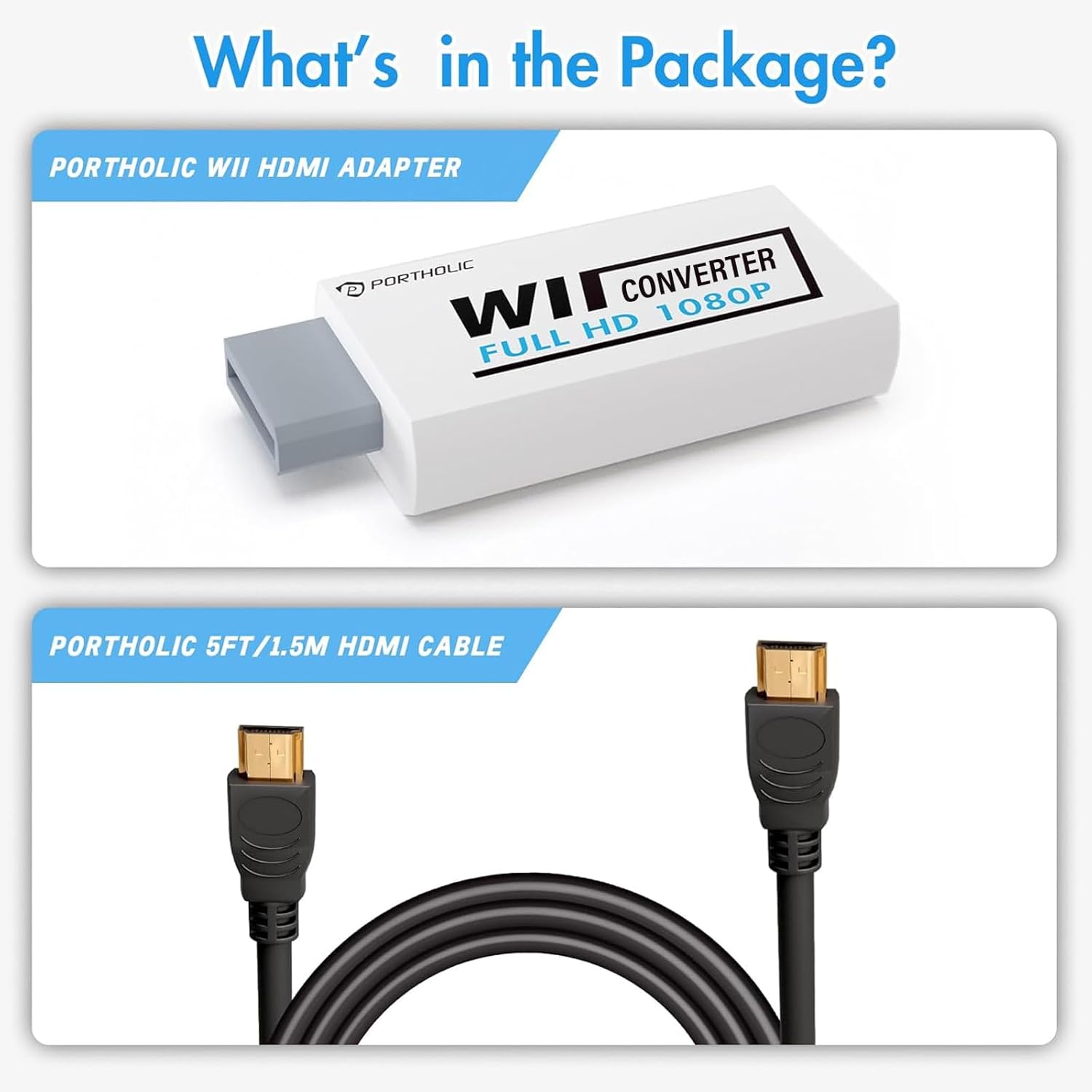
On paper, this is a straightforward Wii to HDMI adapter that supports Wii video output up to 720P and aims for Full HD compatibility on the receiving device side. It also includes an extra 3.5mm jack for audio, so you’re not limited to HDMI audio alone if your setup needs a speaker or headphone connection.
It’s also physically compact, which matters more than you’d think if your space is tight. The idea is to reduce cable clutter by replacing a mess of legacy display hookups with a single HDMI connection from the adapter to your TV/monitor.
Key features that actually affect your setup
The big “make or break” features here are the connection experience and audio options.
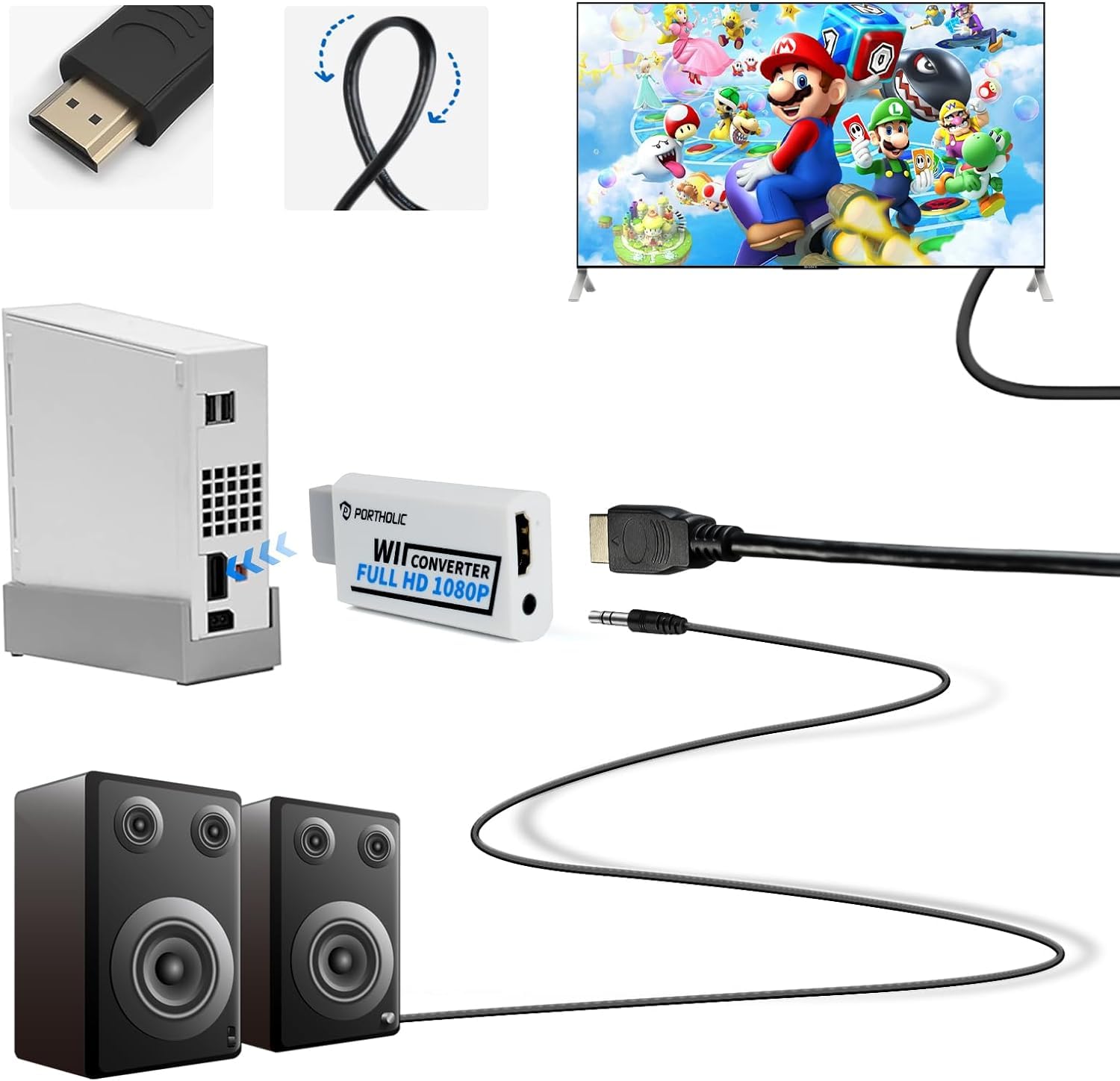
The converter is described as plug and play—no setting and no driver installation required. In practice, that usually means fewer steps before you see a picture, which is great if you’re the type who just wants to boot a game and start playing.
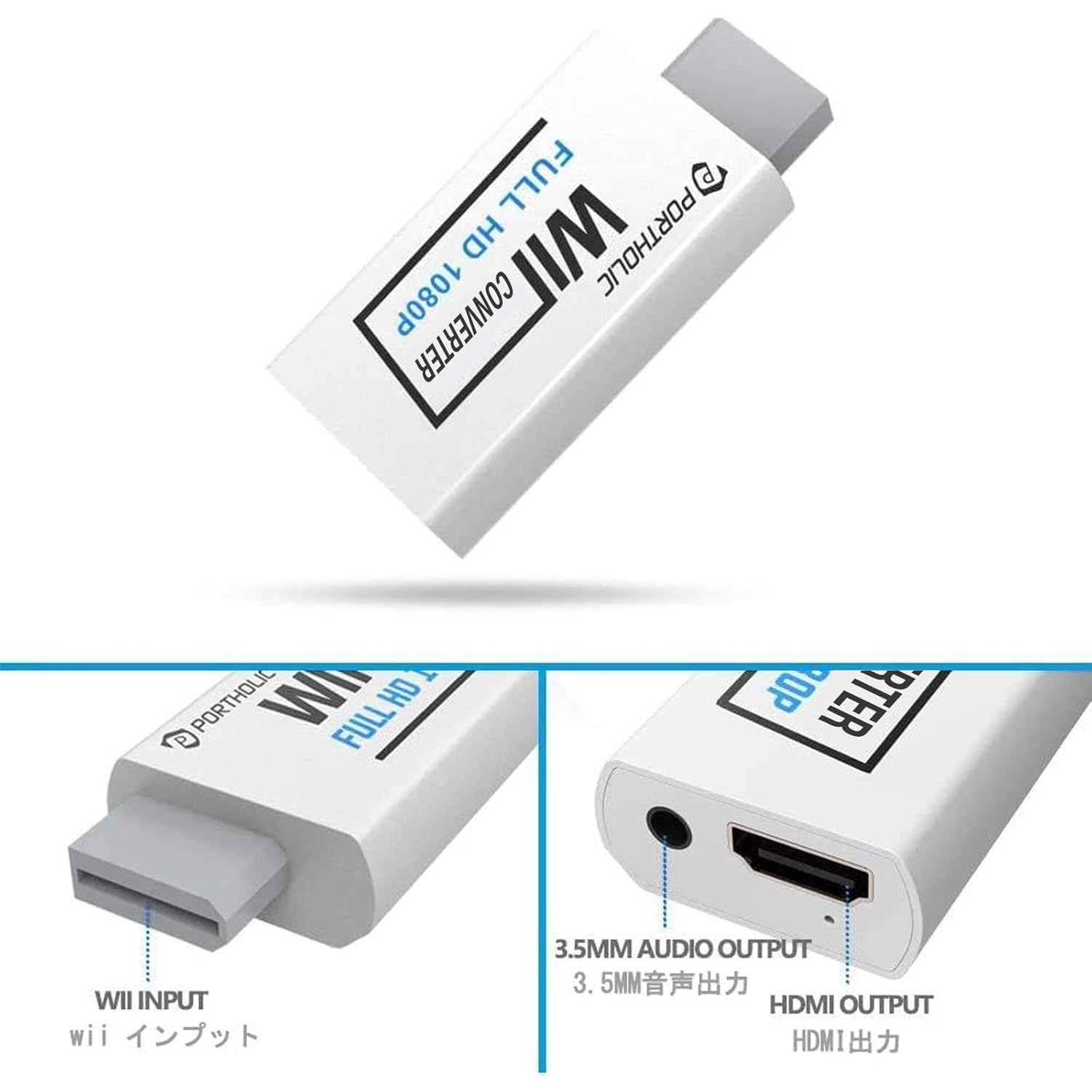
Audio is handled in two ways: HDMI output is said to provide audio output, and the adapter adds a 3.5mm audio jack for connecting a speaker or headphones. If you’ve ever tried to route game audio through a TV and ended up fighting volume control or audio lag, that 3.5mm option can be a helpful backup plan.
There’s also a warning embedded in the product notes: it may not work as expected with certain resolution behaviors (specifically around 480i vs 480p). That’s not something you can fully “solve” with careful setup, but you can work around it if you’re willing to switch the Wii to 480p mode.
What you’ll notice day to day
This is the kind of adapter you buy when you want fewer cables and less hassle.
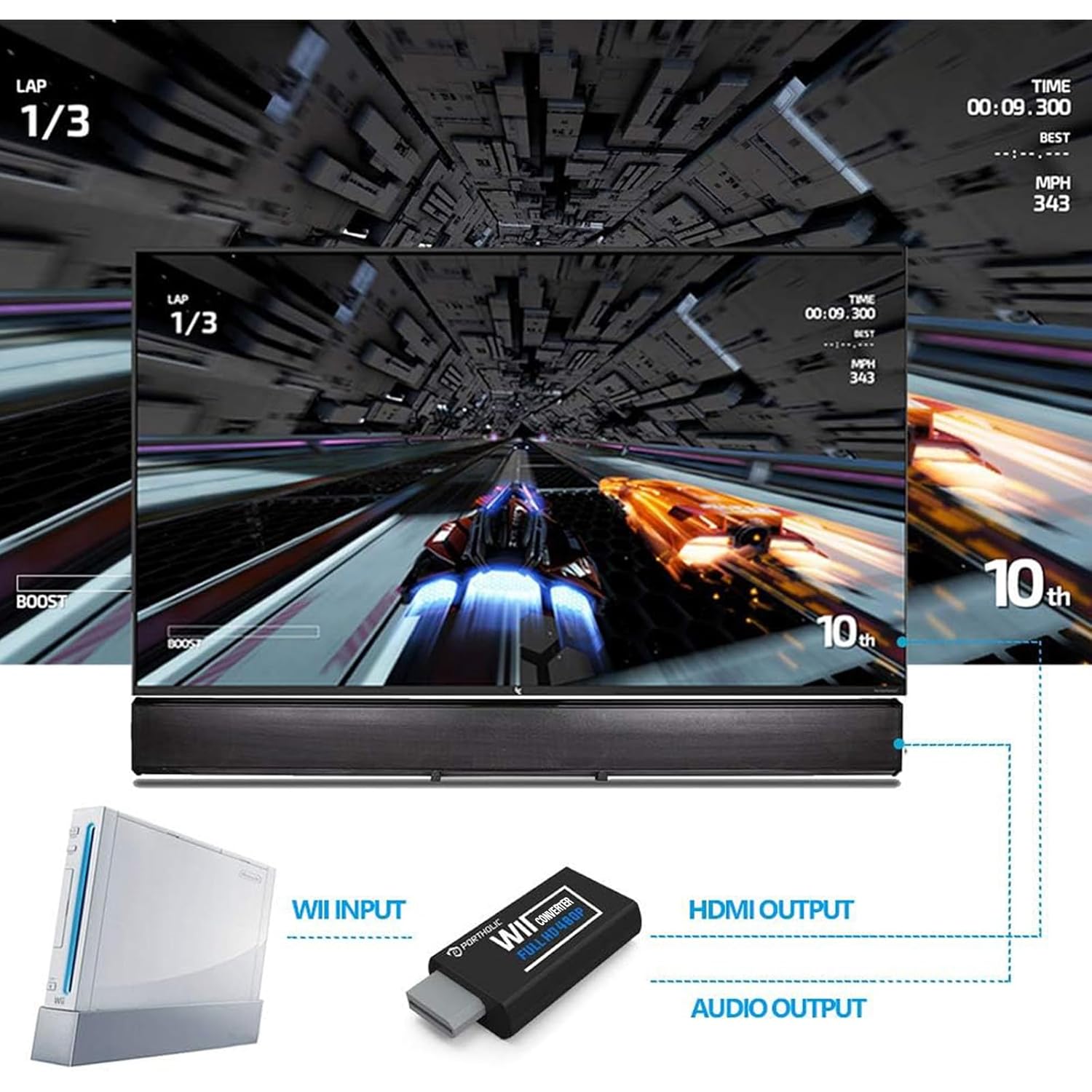
A small example: you plug the Wii into the adapter, run the HDMI cable to your TV or monitor, then launch a game. Instead of connecting the Wii to older input types, you’re feeding a single HDMI signal into a modern display. The “small in size” design is meant to keep it from turning into an obstacle behind your entertainment unit.
Still, not everything is magic. The converter is explicitly stated as needing a direct connection to the TV, monitor, or projector. If you’re thinking of placing it behind a switch/splitter setup, the product notes say it can’t be connected that way.
What to know before buying (important limitations)
Here’s where you should slow down and confirm your setup.
First, auto screen resolution can be a problem. The notes mention that some devices may auto-set the screen resolution to 480i instead of 480p, which may not support games at 240p/480i over HDMI. If you can switch the Wii to 480p mode, it may work over HDMI—so this converter is more reliable if you’re comfortable checking those display/resolution settings.
Second, it’s not compatible with the Wii Mini extra audio jack. Even though the adapter provides an audio jack and HDMI audio output, that specific “Wii Mini Extra Audio Jack” use case isn’t supported.
Finally, the adapter isn’t meant to be used through a switch/splitter. If your home theater setup relies on HDMI switching gear, you’ll want to plan your wiring so the adapter connects directly to your display.
Tech specs
- Type: Wii to HDMI converter (Wii2HDMI adapter)
- Supported Wii display output: 720P
- Output resolution claim: 1080P
- Audio output: HDMI audio plus 3.5mm jack audio
- Cable length (included HDMI cable): 5ft high-speed HDMI cable
- Size: 6 x 3 x 1.9cm
- Compatibility notes: direct connection to TV/monitor/projector, not for Wii Mini extra audio jack
Is it worth it?
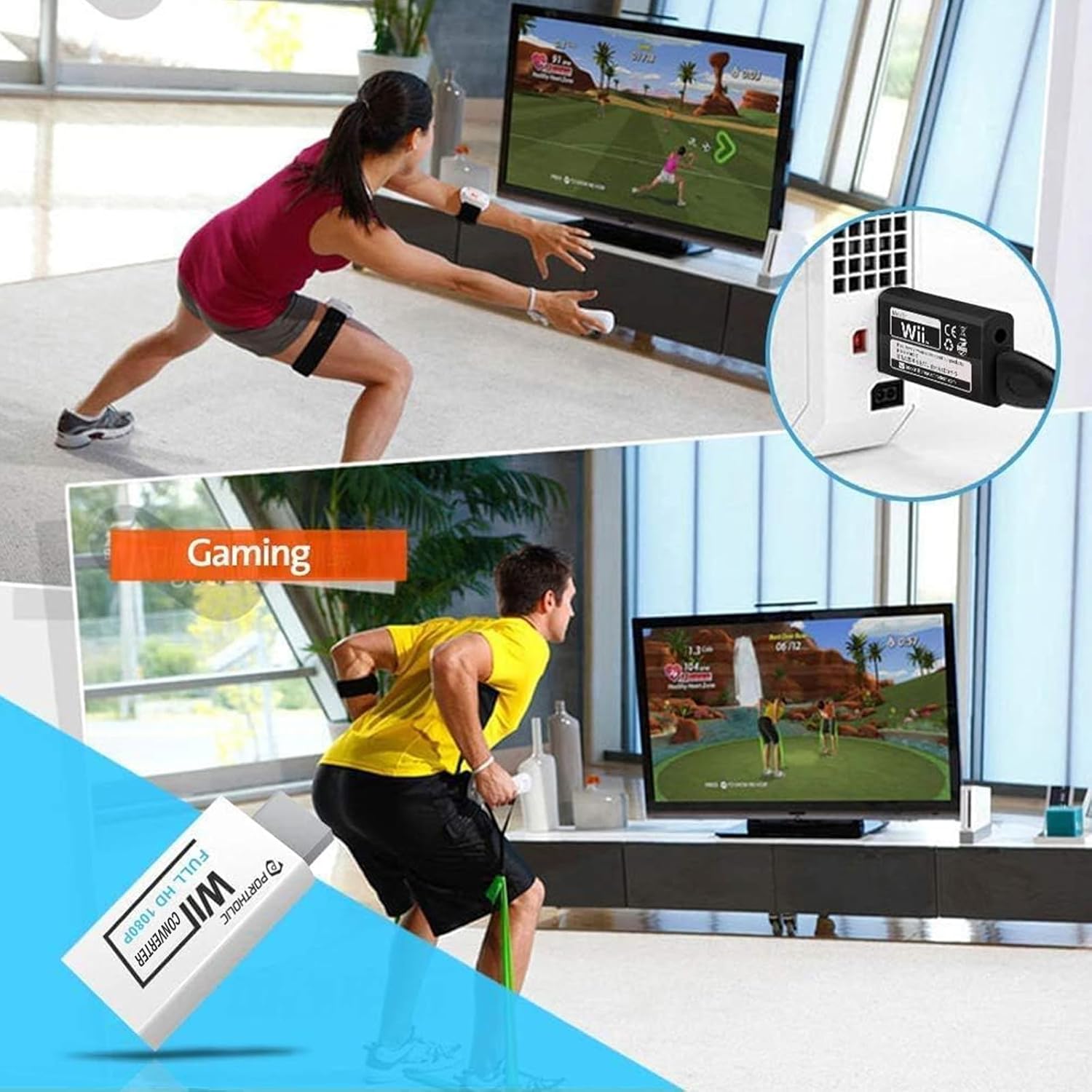
A solid pick if you want a simple Wii to HDMI setup with plug and play operation, and you have a TV, monitor, or projector that can accept HDMI directly. You’ll likely appreciate the 3.5mm jack if you prefer using headphones or a speaker without relying solely on HDMI audio.
It may not be a great match if your plan depends on running the adapter through an HDMI switch/splitter, or if your Wii/TV combo tends to stick to 480i in a way that prevents stable HDMI output. Also skip it for the Wii Mini extra audio jack use case.
Mini FAQ
Does it require drivers or setup?
The product description says no—just plug in and connect HDMI to your TV/monitor/projector.
What resolution does it support?
It’s described as supporting Wii display output up to 720P, with an output claim of 1080P for compatibility on the receiving device side.
Can I connect it through an HDMI switch or splitter?
No. The notes say it can’t be connected to a switch/splitter—connect directly to the TV, monitor, or projector.
Does it support Wii Mini extra audio?
No. The notes specify it does not support the Wii Mini extra audio jack.
What if I get no picture or missing audio?
The listing notes mention contacting support if you receive a defective unit (examples include wavy lines or no sound/picture) for replacement or assistance.