

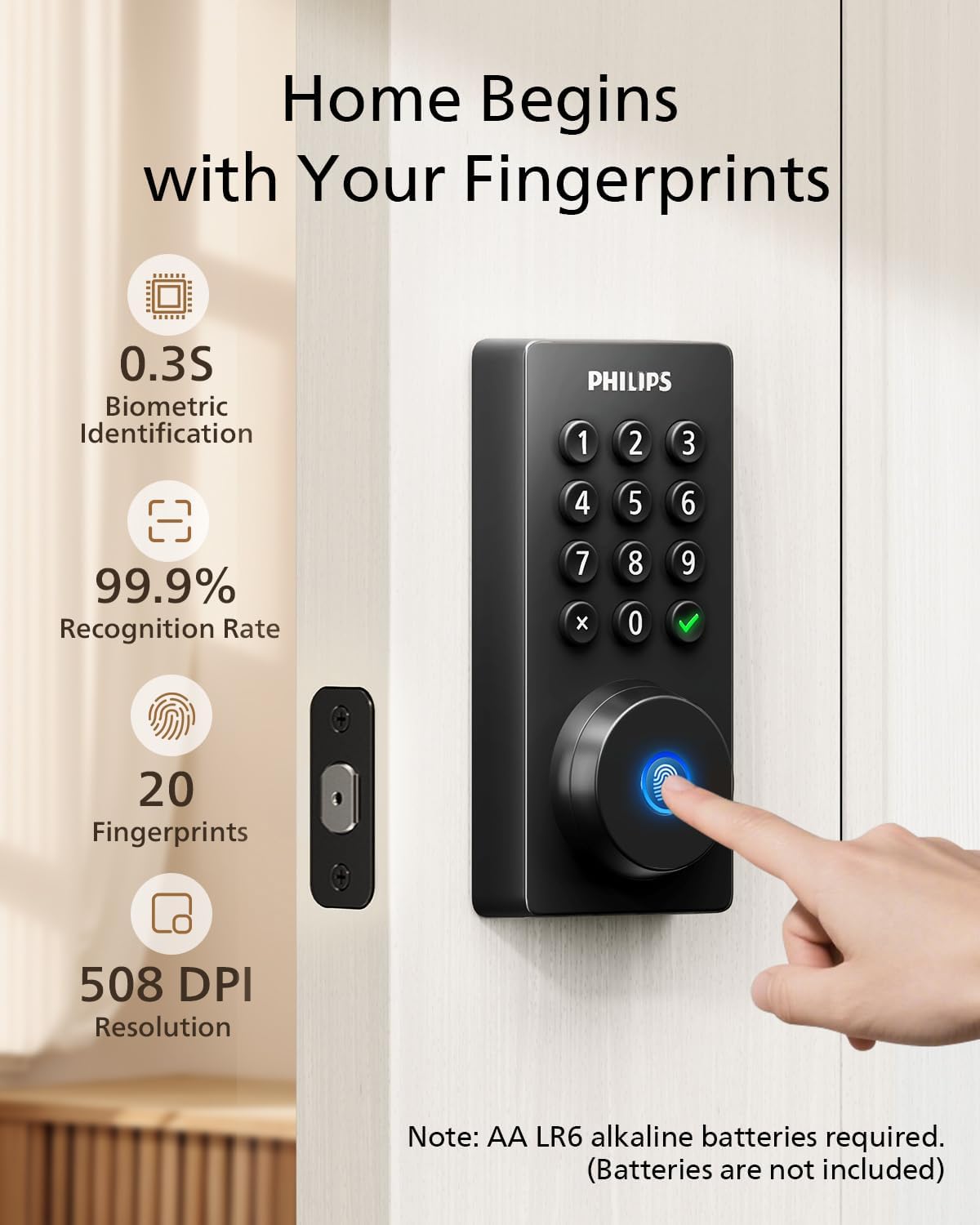
Philips Wi-Fi Smart Deadbolt Lock with Fingerprint, Passcode and Remote Access
Product description
For households that want more than one way to unlock a front door, the Philips Wi-Fi Smart Deadbolt offers app, fingerprint, passcode, physical-key, and voice access. It also supports remote locking and unlocking through built-in Wi-Fi. That mix suits homes managing everyday family entry as well as temporary guest access. If you only need a basic keyed deadbolt, many of these connected features may not be useful.
Best use cases
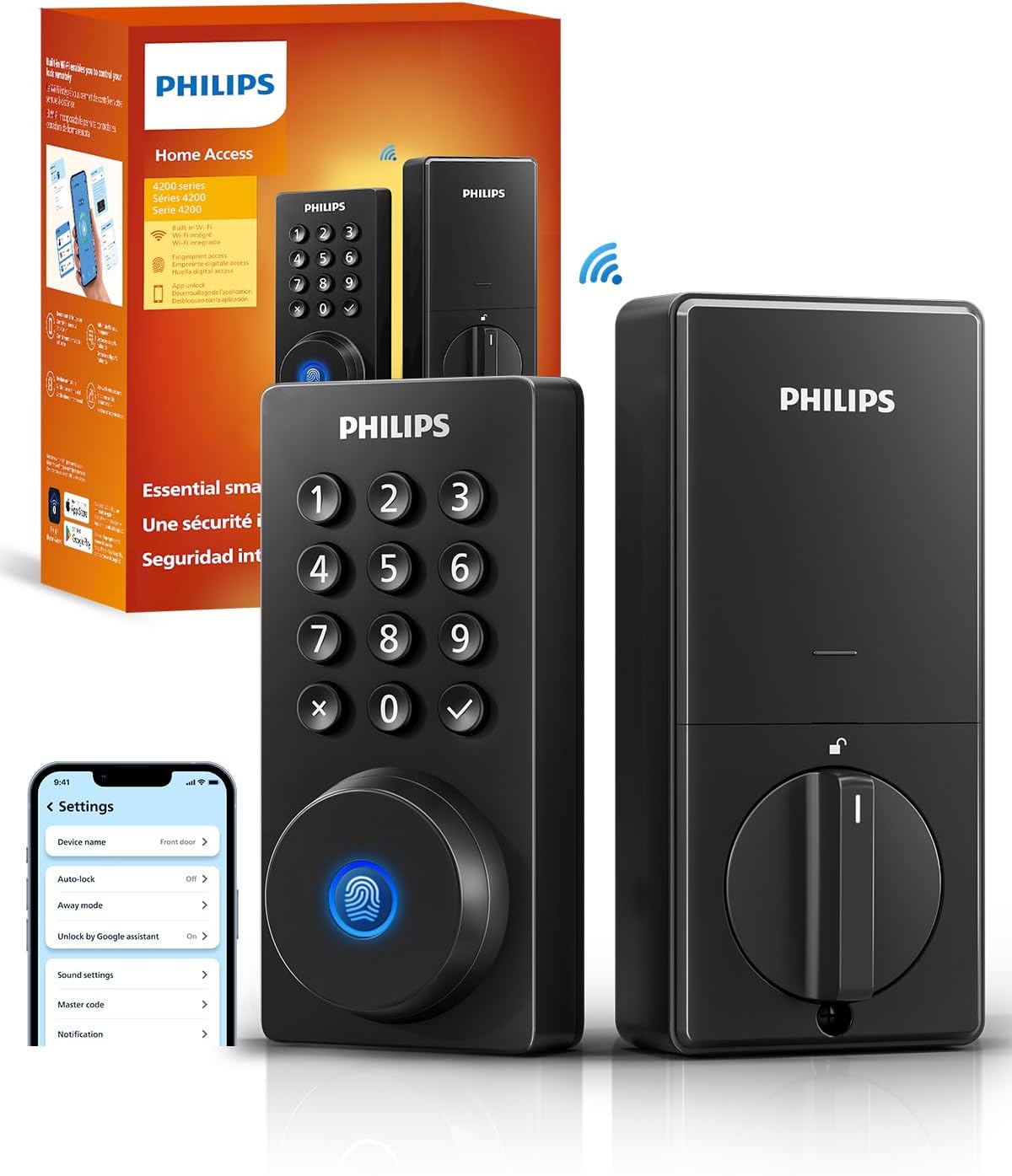
This lock is designed for people who want to choose how they enter rather than depend on a single key or code. A fingerprint can be convenient when your hands are full, while passcodes offer another route for family members or visitors. The product supports up to 100 custom passcodes and allows one-time or scheduled codes to be shared, which can help when coordinating access for guests, cleaners, or deliveries.
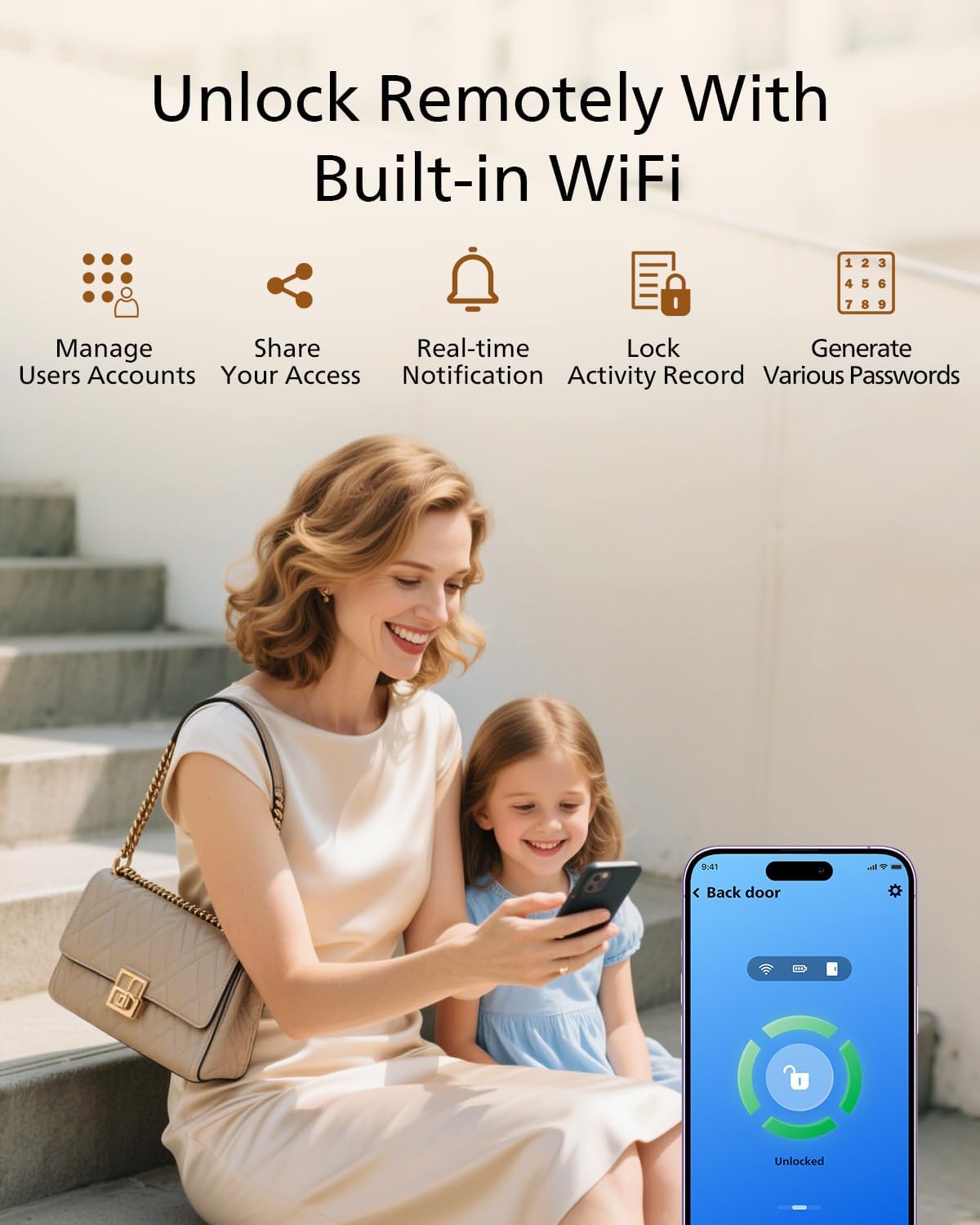
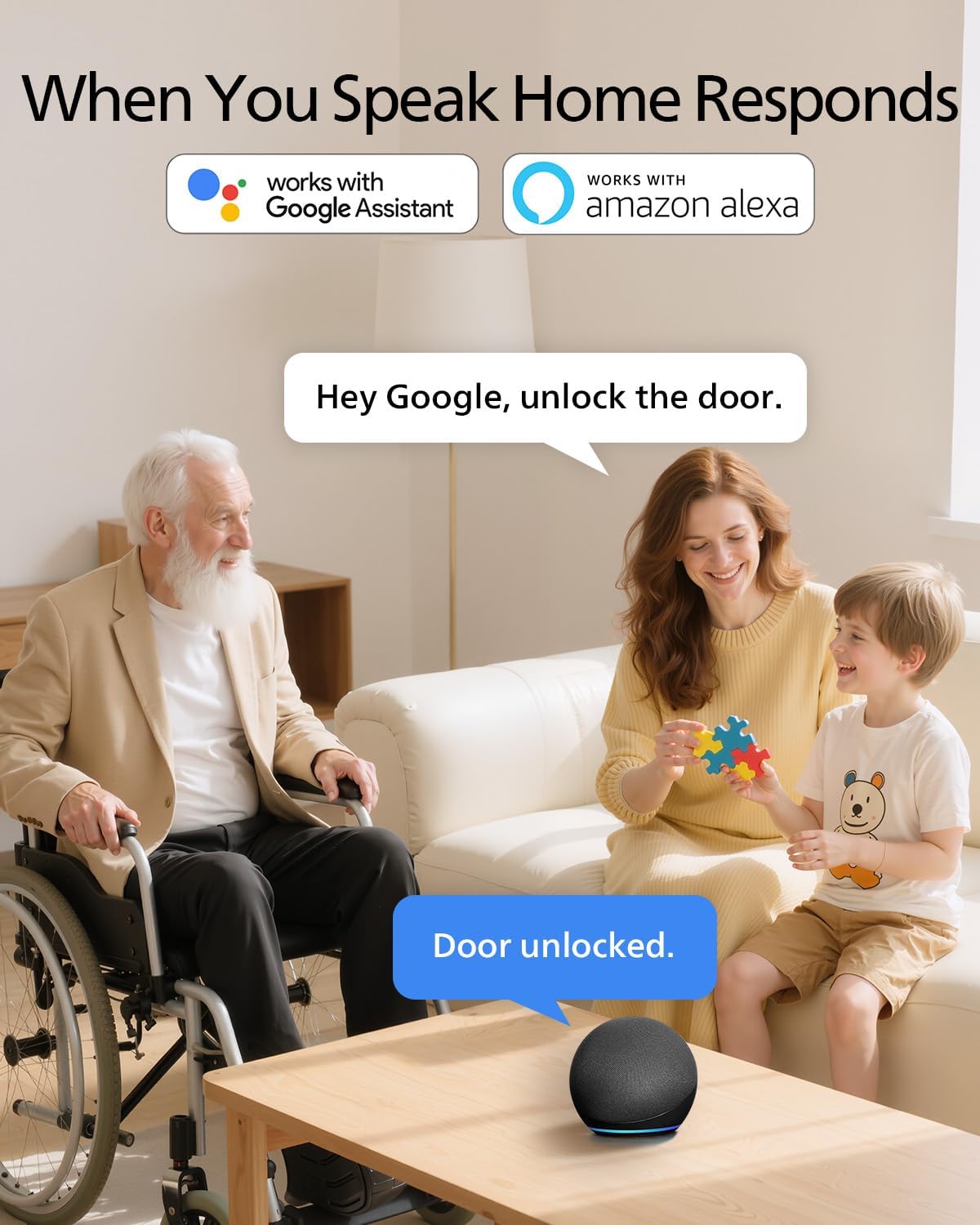
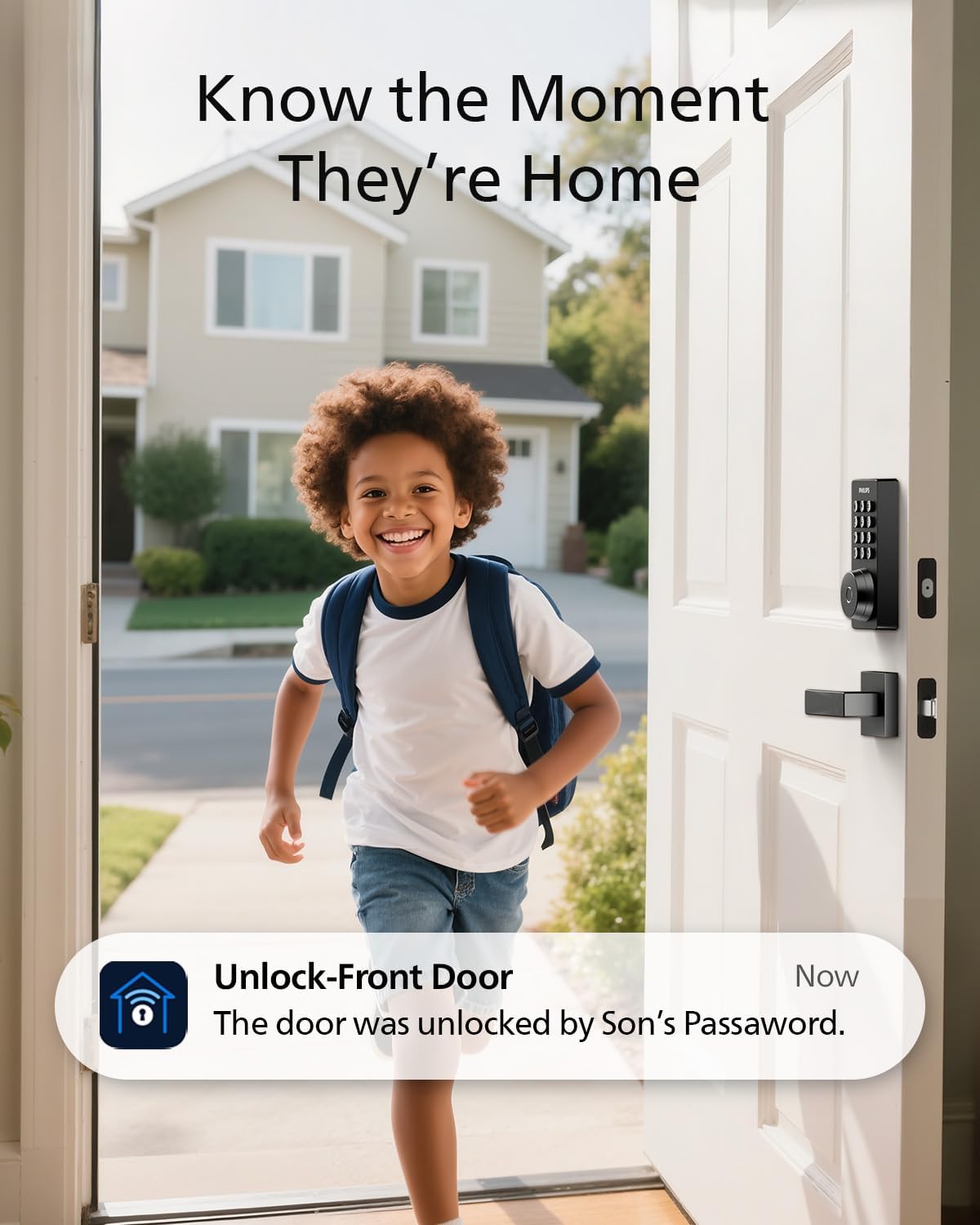
Built-in Wi-Fi enables remote control from a smartphone without an extra hub, and the lock can send alerts when the door opens or locks. It works only with a 2.4GHz network, the listed guidance is to keep the router within 65 feet for better remote control. Voice control is available through Alexa or Google Assistant after signing into the relevant account. Batteries are not included, and the lock requires AA alkaline (LR6) batteries.
Where it shines
The appeal is flexibility: someone can use a fingerprint or passcode at the door, while the person managing access can use the app or share a temporary code. For a household juggling different routines, that is more adaptable than a lock that relies only on physical keys. A practical example is arranging entry for a visitor while you are away, then receiving an alert when the lock is used.
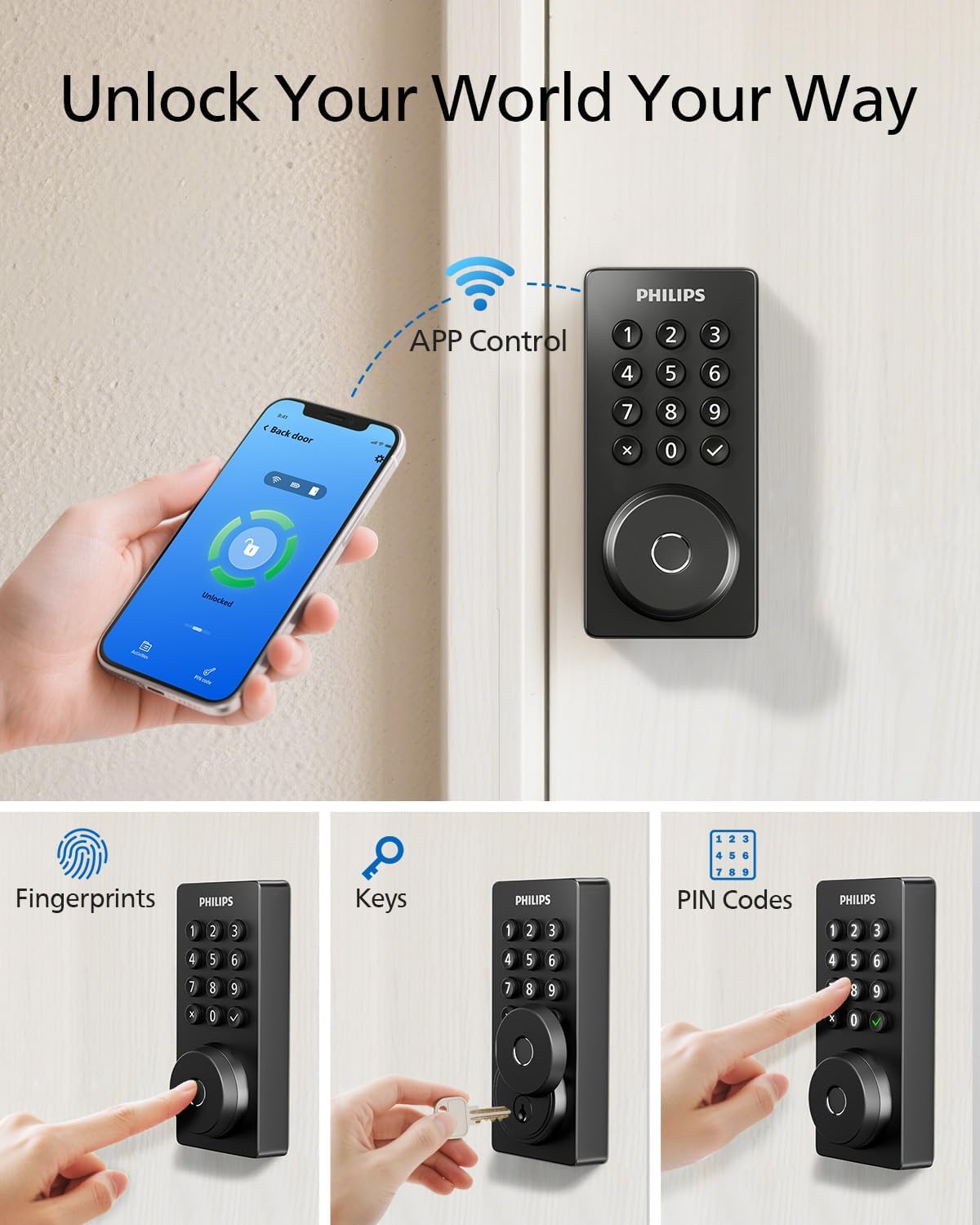
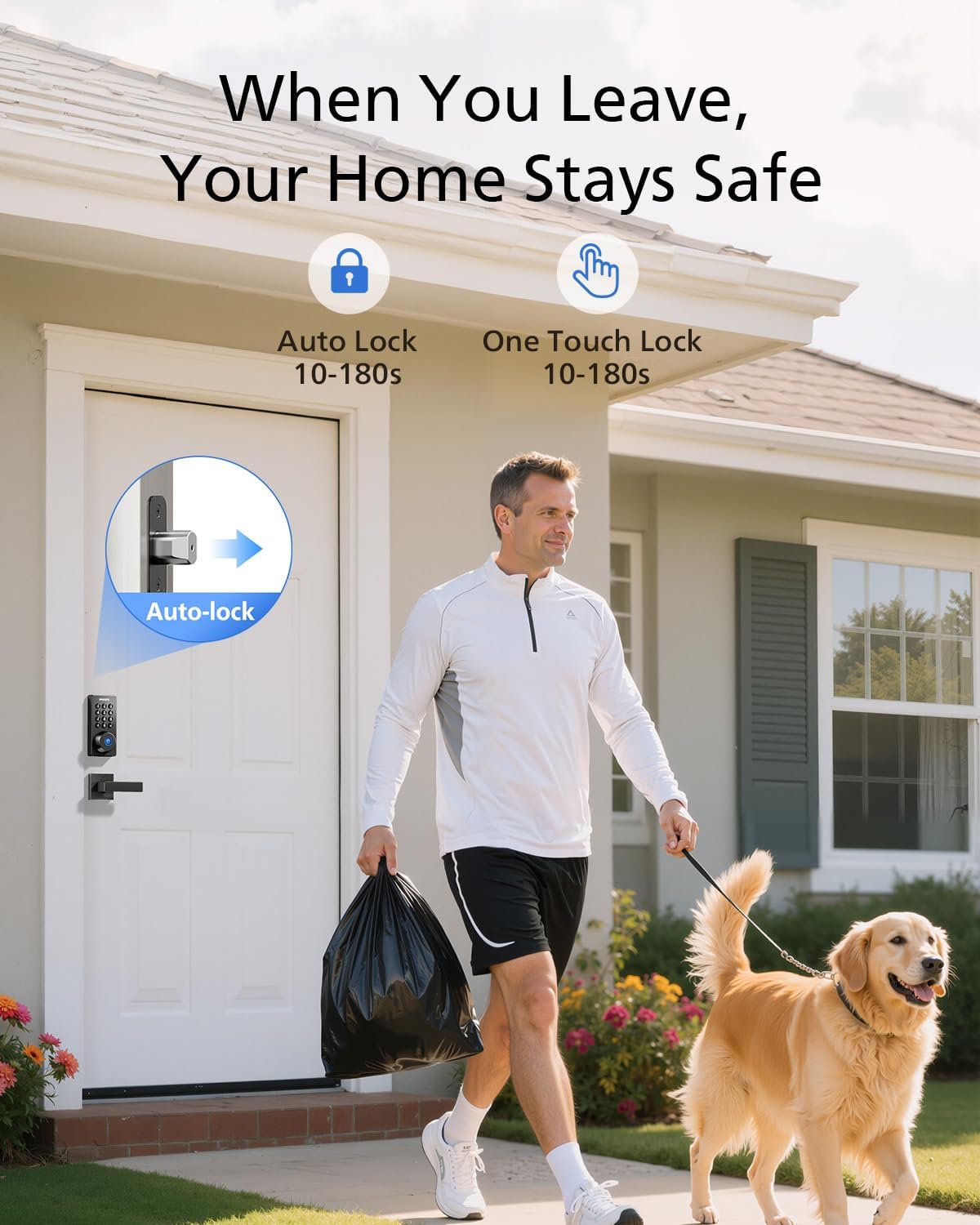
The backlit touchscreen is intended to make code entry easier to use, and auto-lock can be set for a delay between 10 and 180 seconds. There is an important distinction, though: the product does not have a door sensor. Auto-lock therefore does not confirm that the door has fully closed before locking.
Buyer feedback is positive about the fingerprint reader, app usability, and appearance, but experiences with Wi-Fi connection and overall reliability are mixed. Battery life is also a recurring concern in customer comments. Those reports are perceptions rather than a guaranteed indication of how the lock will perform in every home, but they make battery maintenance and a stable network worth considering. A solid pick if you want several entry methods and remote access, you may want to skip it if you need the lock to detect whether the door is shut.
Specifications
- Type: Wi-Fi deadbolt lock
- Unlock methods: App, passcode, fingerprint, physical key, Alexa, and Google Assistant
- Passcodes: Up to 100 custom codes, one-time and scheduled codes are supported
- Connectivity: Built-in Wi-Fi, 2.4GHz network only
- Auto-lock: Adjustable from 10 to 180 seconds
- Door sensor: Not included
- Material: Aluminum
- Dimensions: 6 x 2 x 1.5 inches
- Batteries: AA alkaline (LR6), not included
Buying verdict
Choose this Philips deadbolt if your priority is flexible entry for household members and visitors, with app-based control when you are away. It offers more access options than a basic keypad or key-only lock, but it also depends on Wi-Fi for remote functions and needs batteries that are not supplied. If you prioritize a system that can verify the door is closed before locking, the absence of a door sensor is a meaningful reason to consider a different setup.