

OMITTA Wireless HDMI Transmitter and Receiver (Upgraded 4K Wireless Extender) — 100FT Range, Dual-Band 2.4G/5G, LED Signal Display
Product description
The essentials first: what it is and why people buy it
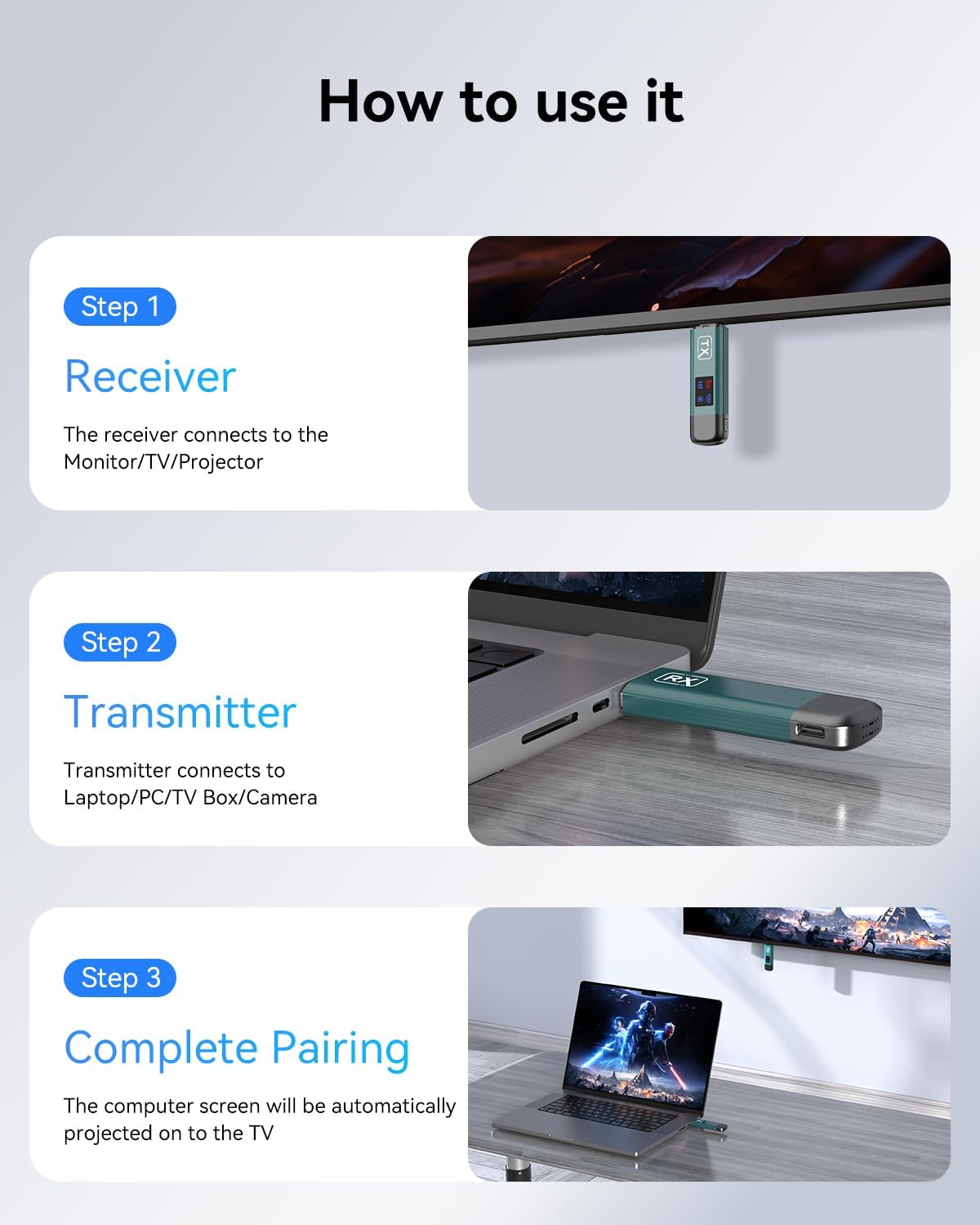
OMITTA’s Wireless HDMI Transmitter and Receiver is meant to replace long HDMI cable runs with a wireless link. The idea is simple: plug the transmitter into your source (like a laptop, PC, or camera), plug the receiver into your display (TV, projector, monitor), then mirror or extend your content without dealing with cable tangles.
On paper, it’s designed for everyday practicality. There’s no app setup and no Bluetooth/Wi‑Fi connection required, which usually means less troubleshooting when you just want the picture to show up. It also includes a built-in LED display for signal strength, so you’re not completely guessing if the connection is drifting.
That said, wireless HDMI is always a bit “situational.” Walls, layout, and power delivery can affect stability. If your use case is highly demanding (or you need guaranteed performance through heavy interference), you may find it a touch more finicky than a direct wired HDMI setup.
Key takeaways: the experience you can expect
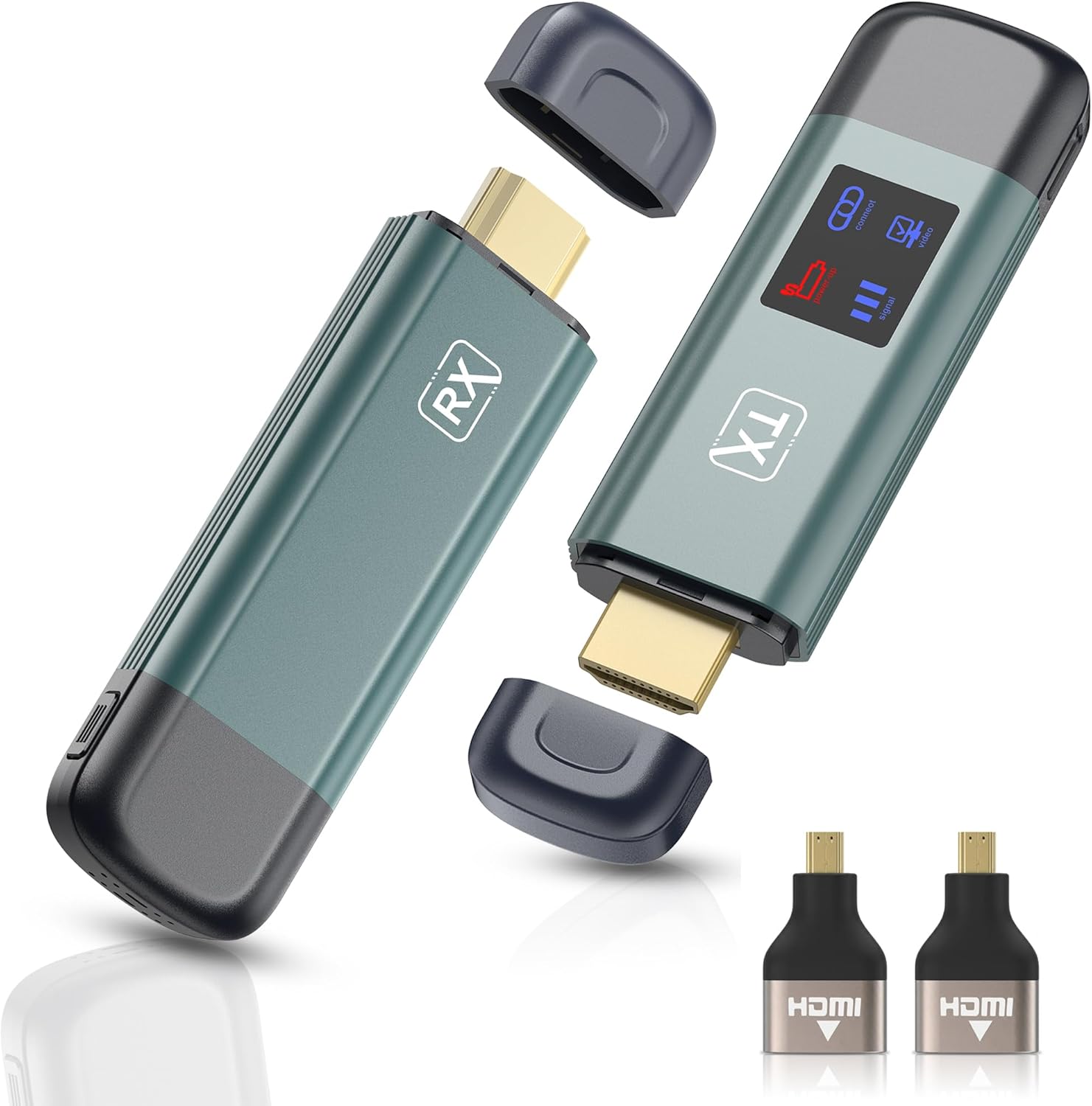
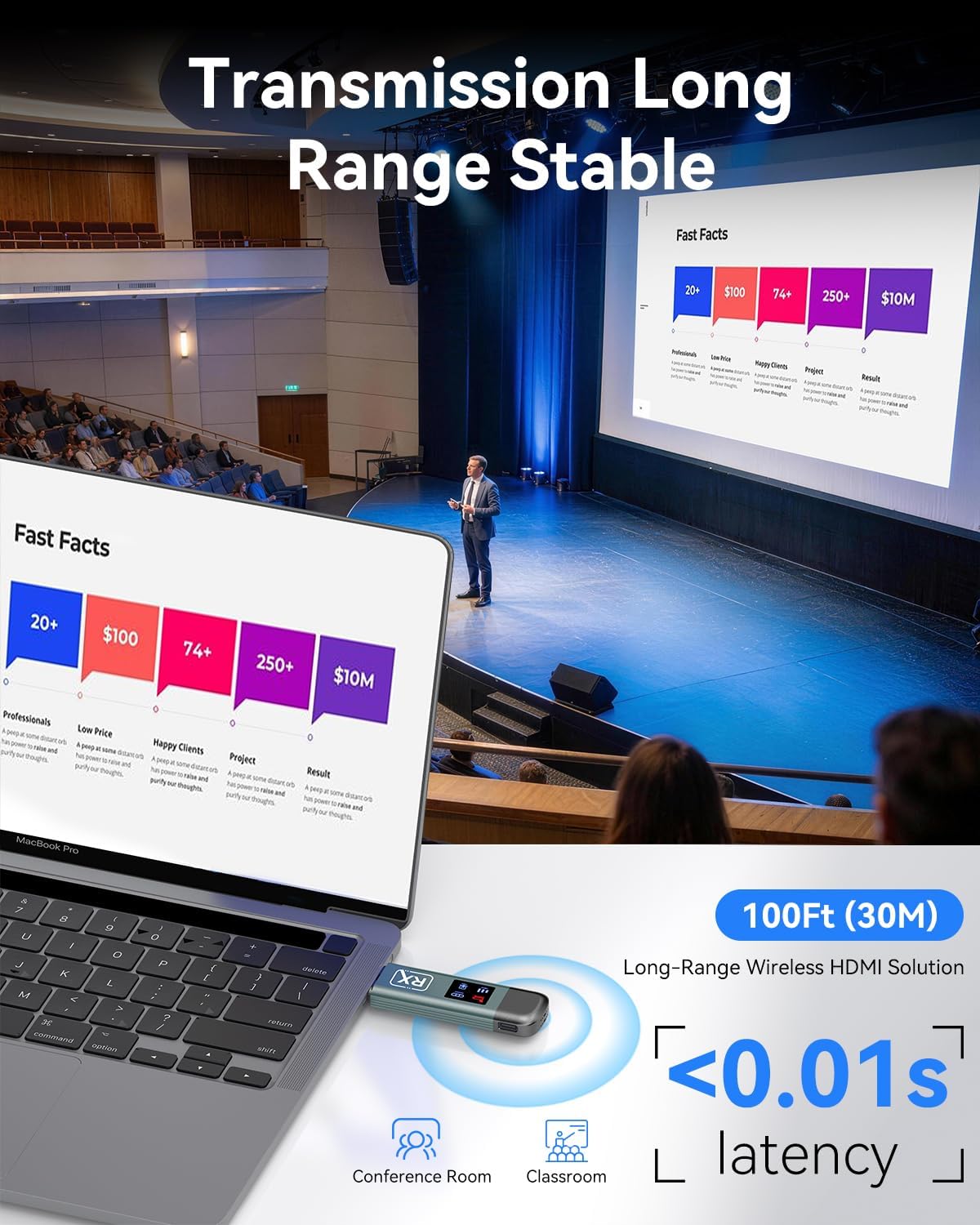
The set supports dual-band 2.4G/5G transmission and is positioned as a 4K-capable wireless HDMI extender. It’s described as delivering 4K decoding with 1080P ultra HD audio/video output, and it’s rated up to about 100 feet / 30 meters of range.
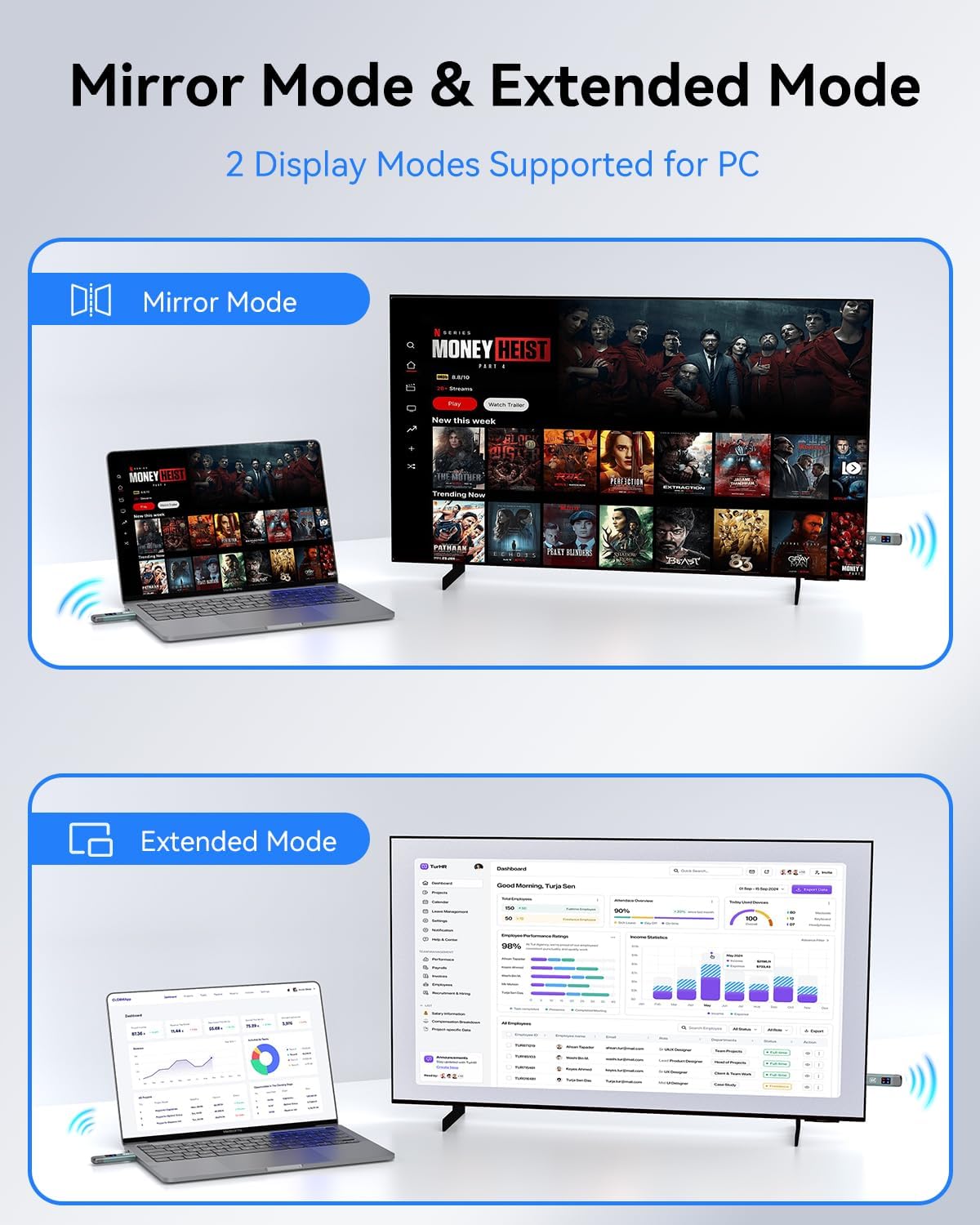
Mirroring and extension modes are both supported, which is where the real value shows up: - Mirroring mode duplicates your screen in real time—useful for presentations and classrooms. - Extension mode expands your workspace across two displays—helpful if you want a second screen for notes, panels, or reference material while presenting.
The package also aims to be turnkey. “Plug & Play” is the theme, and the inclusion of HDMI converter pieces and charging cables suggests the intention is to get you running quickly instead of hunting for extra bits.
What to know about setup (and the one limitation to keep in mind)
This is one of those products where the setup can be smooth—if you match the expected inputs/outputs. The product description specifically notes it does not support smartphones or iPad. So if your goal is “wireless HDMI from a phone/tablet,” this likely isn’t the direction you want.
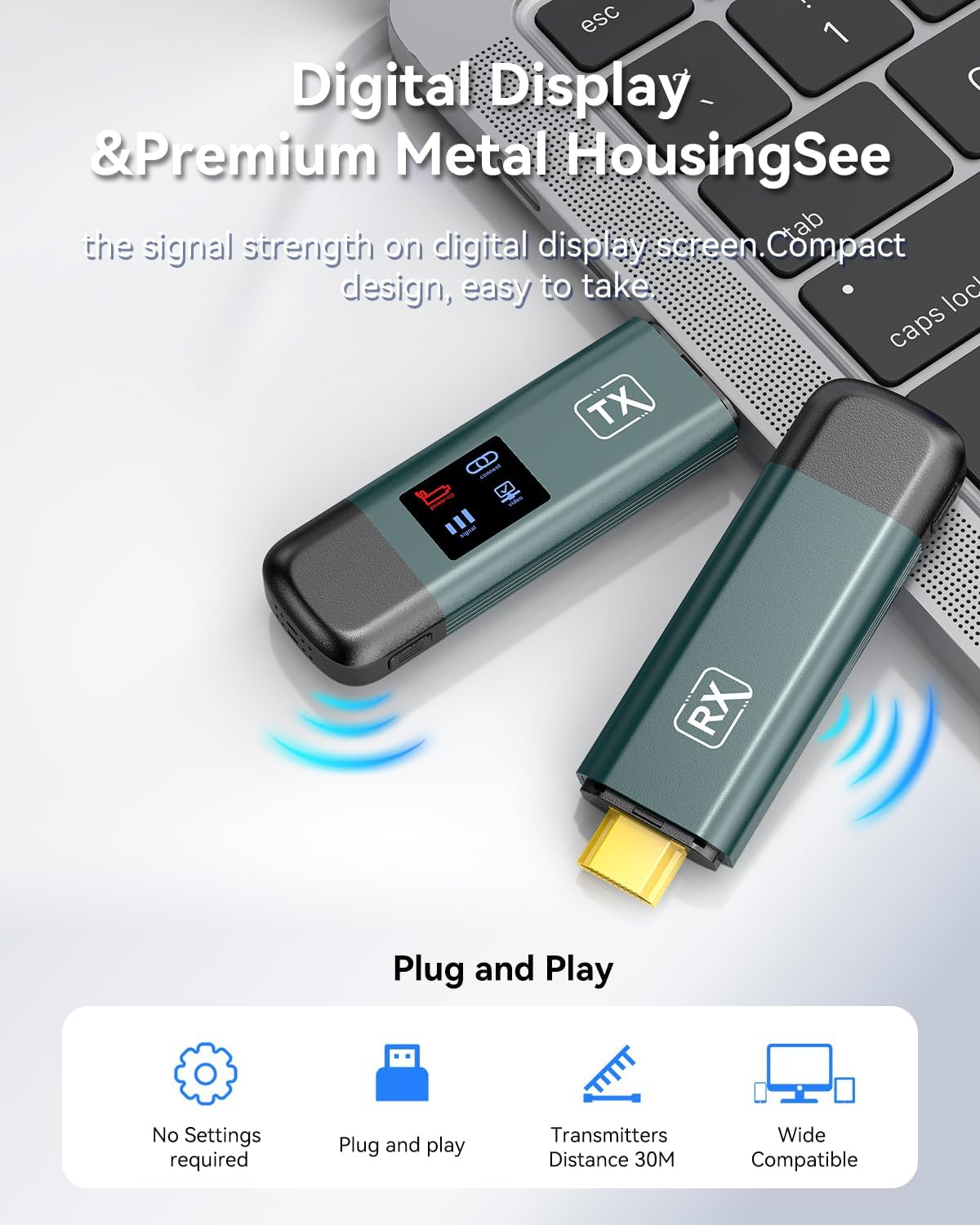
Also, the LED display shows real-time signal strength. That’s helpful, but it comes with a practical caveat mentioned in the details: if the connection is unstable, it may be due to insufficient power. The guidance is to use a Type-C cable above 5V/2A to charge the transmitter & receiver.
A micro example: imagine you’re running a small meeting in a room where cables are a hassle. You plug the transmitter into your laptop, receiver into a TV, switch to mirroring, and use the LED display to confirm signal strength before the meeting starts. If the LED indicates weaker signal, adjusting placement and confirming power can prevent the “wait—why is it buffering?” moment.
Where it shines day to day
If your use case matches the category—home theater swapping, outdoor movie nights, business presentations, conferences, and classrooms—this wireless extender makes sense because it reduces physical constraints.
It’s especially appealing when: - you want quick changes between screens without rerouting HDMI cables - you’re setting up temporary displays (event, class room, demo table) - you need real-time mirroring for teaching or presenting
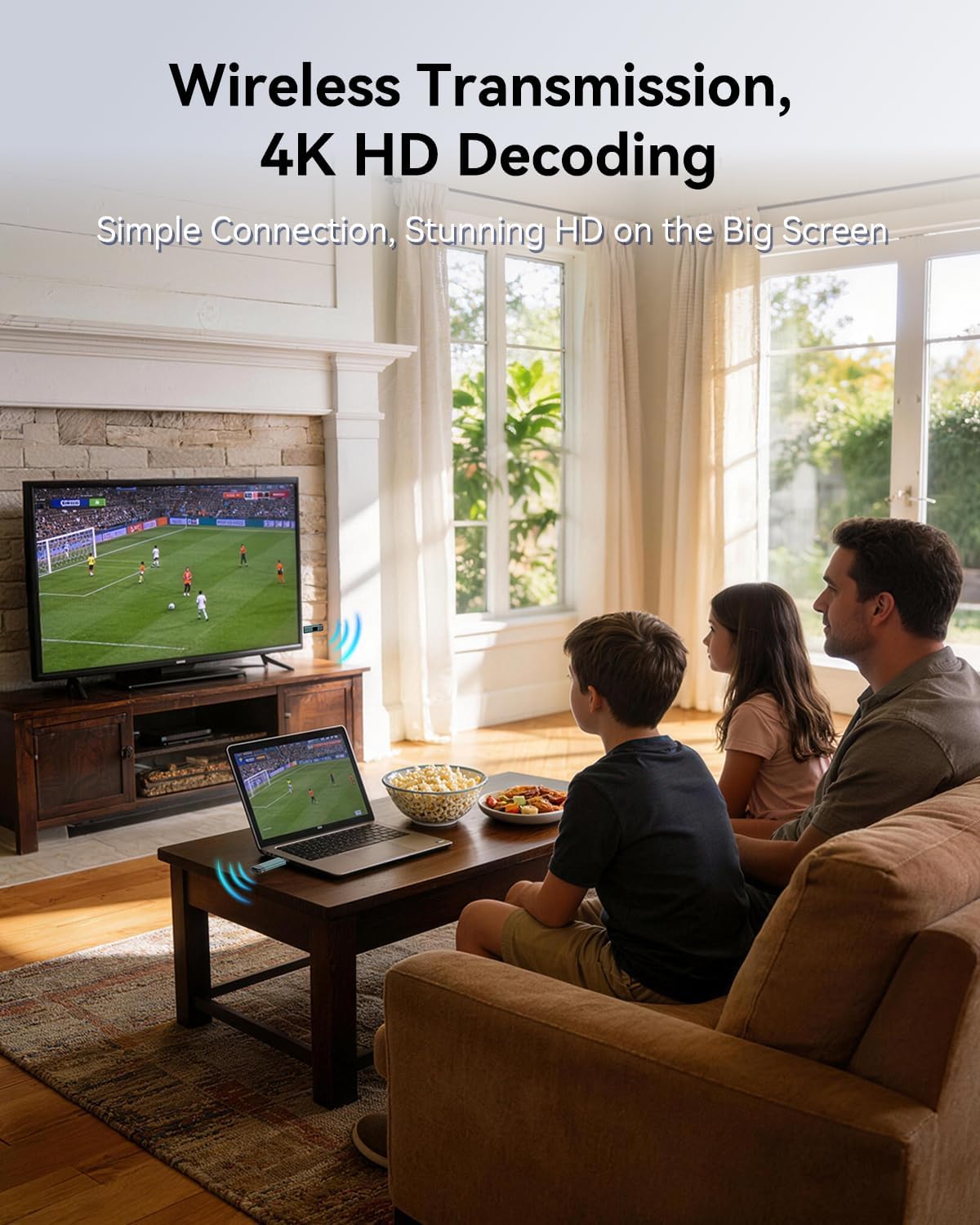
The description also claims “negligible latency” and a stable connection even through walls. Wireless HDMI claims like that can vary by environment, but the intent is clear: it’s built to be usable, not just a novelty.
Pros and cons before you buy
Pros - No app, no Bluetooth, and no Wi‑Fi connection required—setup is meant to be straightforward. - Dual-band 2.4G/5G transmission with a stated range up to about 100 feet / 30 meters. - Mirroring and extension modes let you choose between showing your full screen or expanding your workspace. - Built-in LED signal display helps you monitor connection status. - Includes cables/converters in the box, which reduces “did I miss something?” friction.
Cons / limitations - Not designed for smartphones or iPad, so it won’t fit that use case. - Wireless reliability can depend on power and placement, insufficient power is explicitly called out as a cause of instability. - If your priority is absolute consistency, a wired HDMI connection will generally remove variables that wireless can’t fully eliminate.
Who it’s for (and who should probably skip it)
It suits you if you regularly connect a laptop/PC/camera to a TV or projector and you’d rather avoid cable clutter. It’s also a decent fit if you want the flexibility of switching between mirroring and extension modes with minimal fuss.
It might not suit you if: - you’re trying to stream from a phone or iPad - your environment has heavy interference or thick walls where wireless signal performance becomes unpredictable - you can’t control power delivery and placement well enough to support stable operation
Tech specs
- Transmission bands: 2.4G / 5G dual-band
- Range: up to 100 feet / 30 meters
- Video/audio support (as described): 4K decoding with 1080P ultra HD audio and video output
- Signal status indicator: built-in LED display showing real-time signal strength
- Modes: mirroring and extension
What’s included
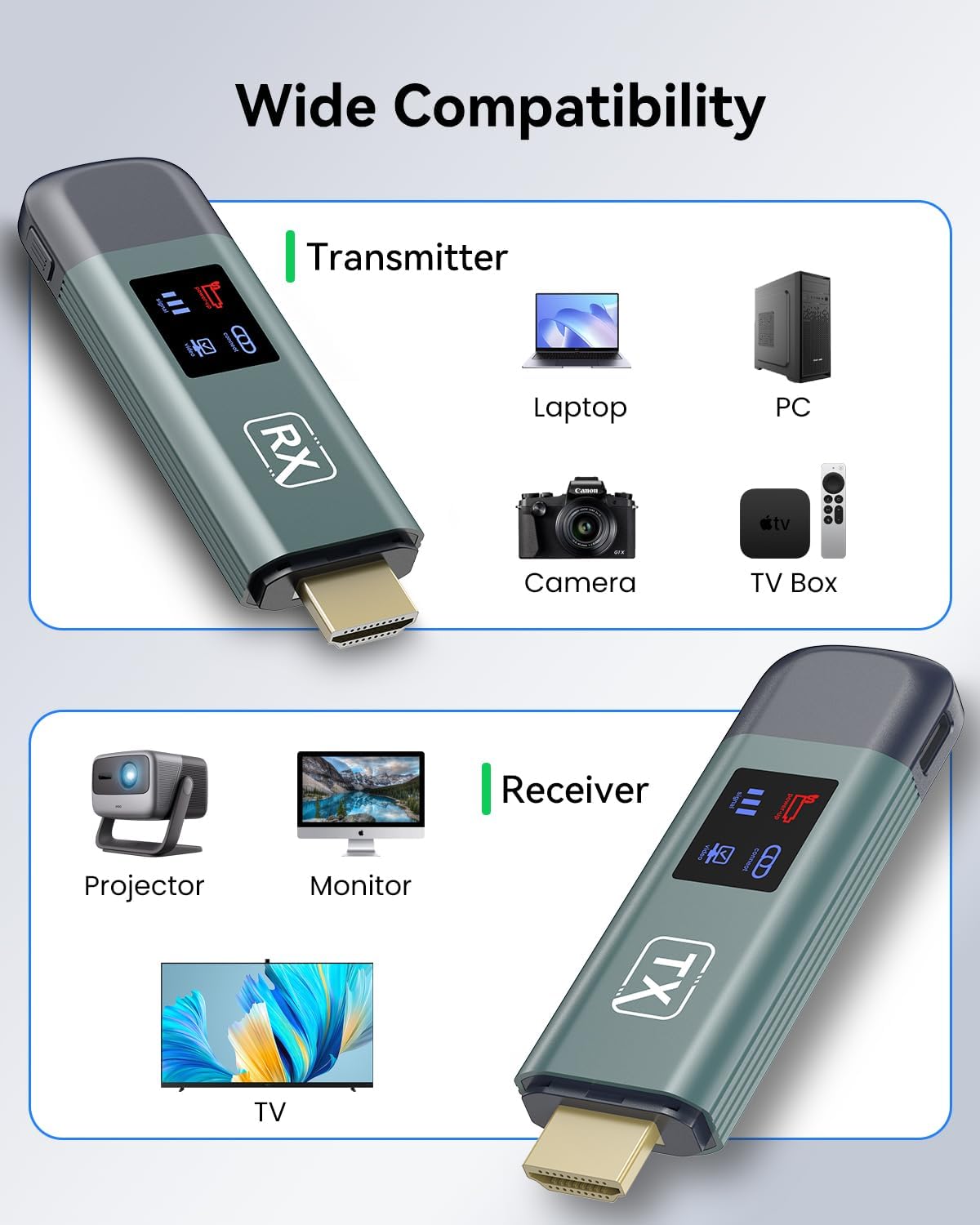
Wireless HDMI Transmitter 1, wireless receiver 1, user manual, quick guide, HDMI converter 2, Type-C charging cables 2, HDMI extended cable *1
Is it worth it?
This OMITTA wireless HDMI extender is worth considering if you want a plug-and-play way to mirror or extend a laptop/PC/camera feed to a TV, projector, or monitor—without app setup and without relying on Wi‑Fi/Bluetooth. The LED signal display is a practical touch, and the “insufficient power can cause instability” note is something you can act on before you’re stuck mid-demo.
But it’s not the best match if you need phone/iPad support, or if you’re buying with zero tolerance for wireless variables. In those cases, you may want to stick to a wired HDMI approach or choose a solution that’s less dependent on placement and power.
Mini FAQ
Does it require an app to set up?
No. The description emphasizes no app, no Bluetooth, and no Wi‑Fi connection requirement.
Can it mirror and extend displays?
Yes, it supports both mirroring and extension modes.
Does it work with smartphones or iPad?
No. It does not support smartphones or iPad, according to the product details.
What should I do if the signal becomes unstable?
The description points to insufficient power as a possible cause. It advises using a Type‑C cable above 5V/2A to charge the transmitter & receiver.
How far will it reach?
It’s rated up to about 100 feet / 30 meters (actual performance can vary by room and obstacles).