

Beyn Wireless HDMI Transmitter and Receiver with LED Status Display (4K Decode, 1080P Output) — Plug and Play Screen Mirroring
Product description
The essentials
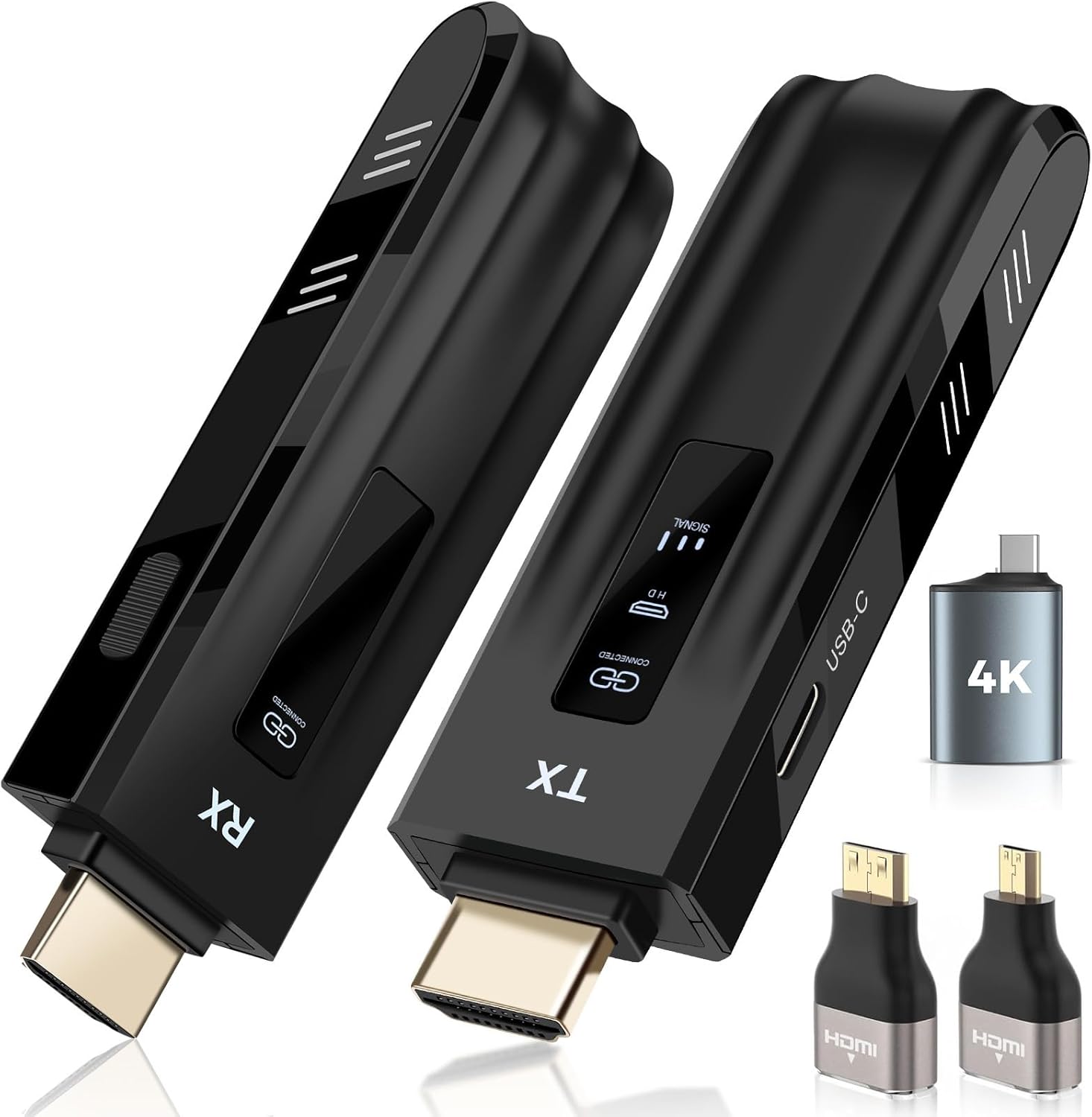
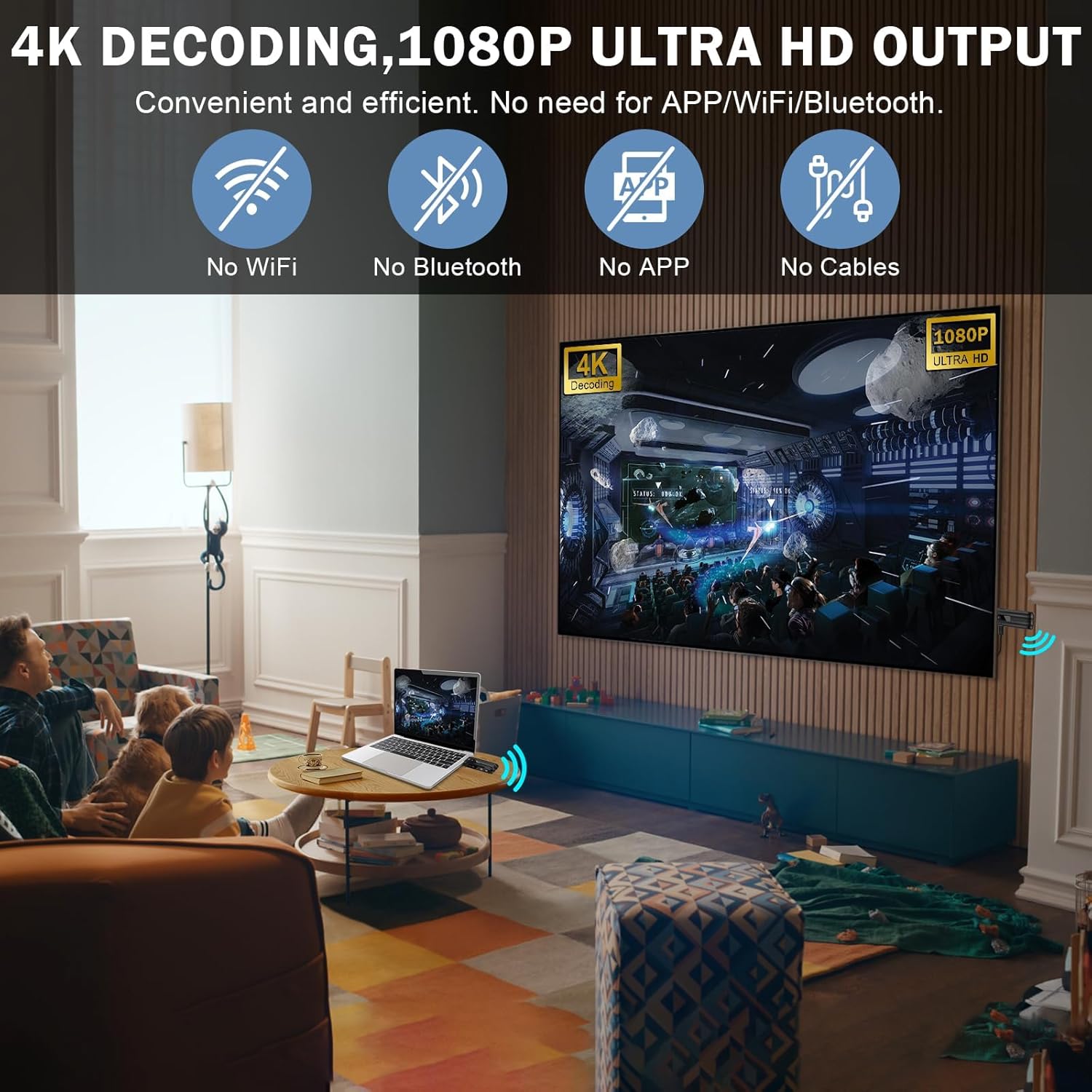
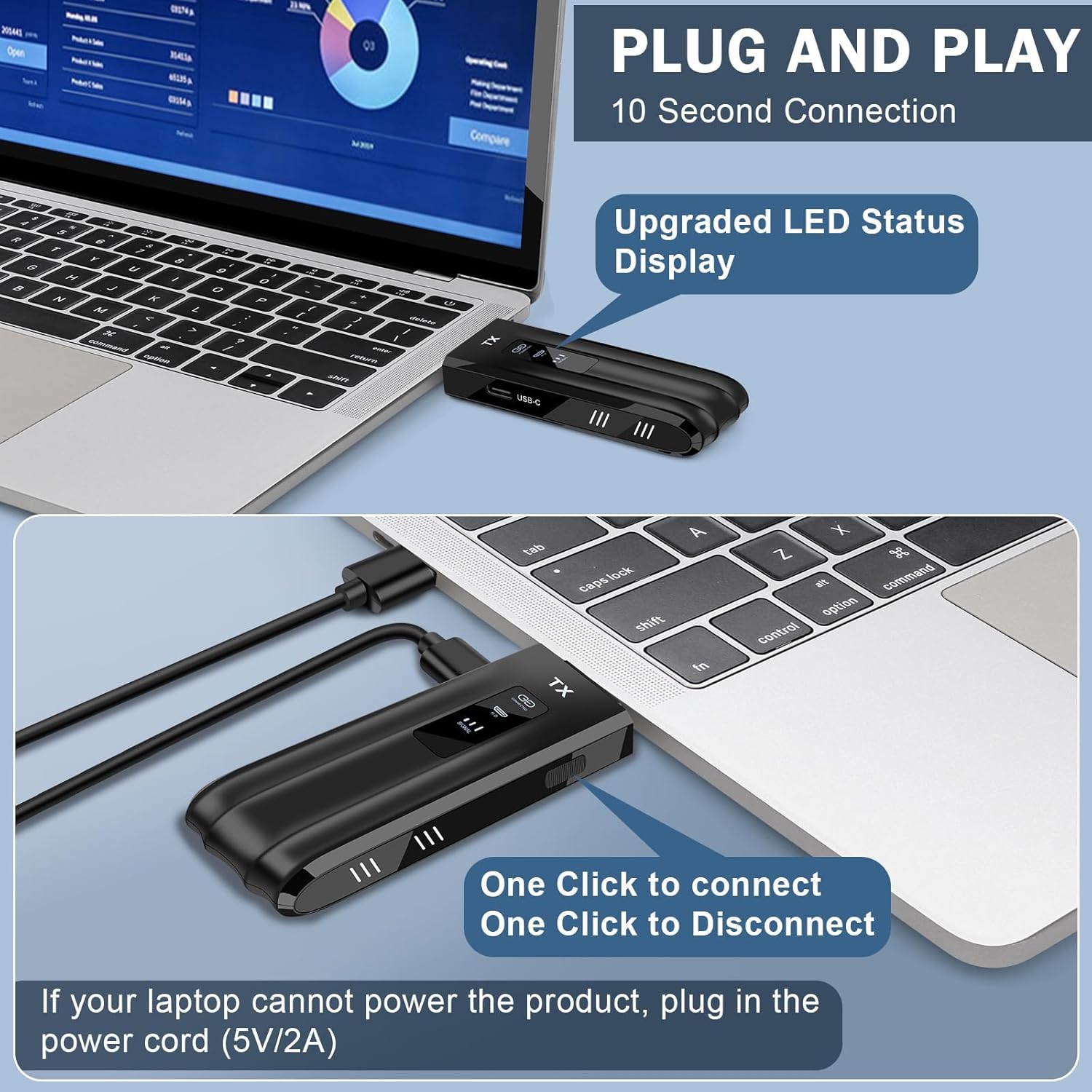
A wireless HDMI extender sounds simple—until setup turns into a guessing game. The Beyn Wireless HDMI Transmitter and Receiver is built to reduce that frustration with a plug-and-play approach and an LED status display that shows what’s happening in real time (pairing, connection, signal, and power). That kind of visibility matters when you’re switching between devices for meetings, classroom training, or a movie night.
On the spec side, it’s positioned for practical HD use with true 4K decoding and an advertised 1080P output up to 60Hz. For people who want a wireless screen mirror/expansion without running a cable across a room, it’s a straightforward option—though performance in real spaces depends a lot on obstacles (walls and interference can reduce effective range).
Key features that affect real use
The LED status display is more than decoration. It’s meant to keep you from troubleshooting blindly. If pairing stalls or the signal drops, you’re not stuck wondering whether the transmitter is on, connected, or even finding the network.
Wireless stability is another core theme here. The system uses dual-band wireless at 2.4GHz and 5GHz and includes automatic channel selection to optimize the connection. In practice, that’s a sensible design choice for environments with other Wi‑Fi devices—though it won’t turn every hard-to-wire location into a perfect setup.
It also supports both screen mirroring and screen expansion, so you can use it for “show what’s on this device” presentations, or for spreading content across displays during training and lessons.
What it supports (and where it fits)
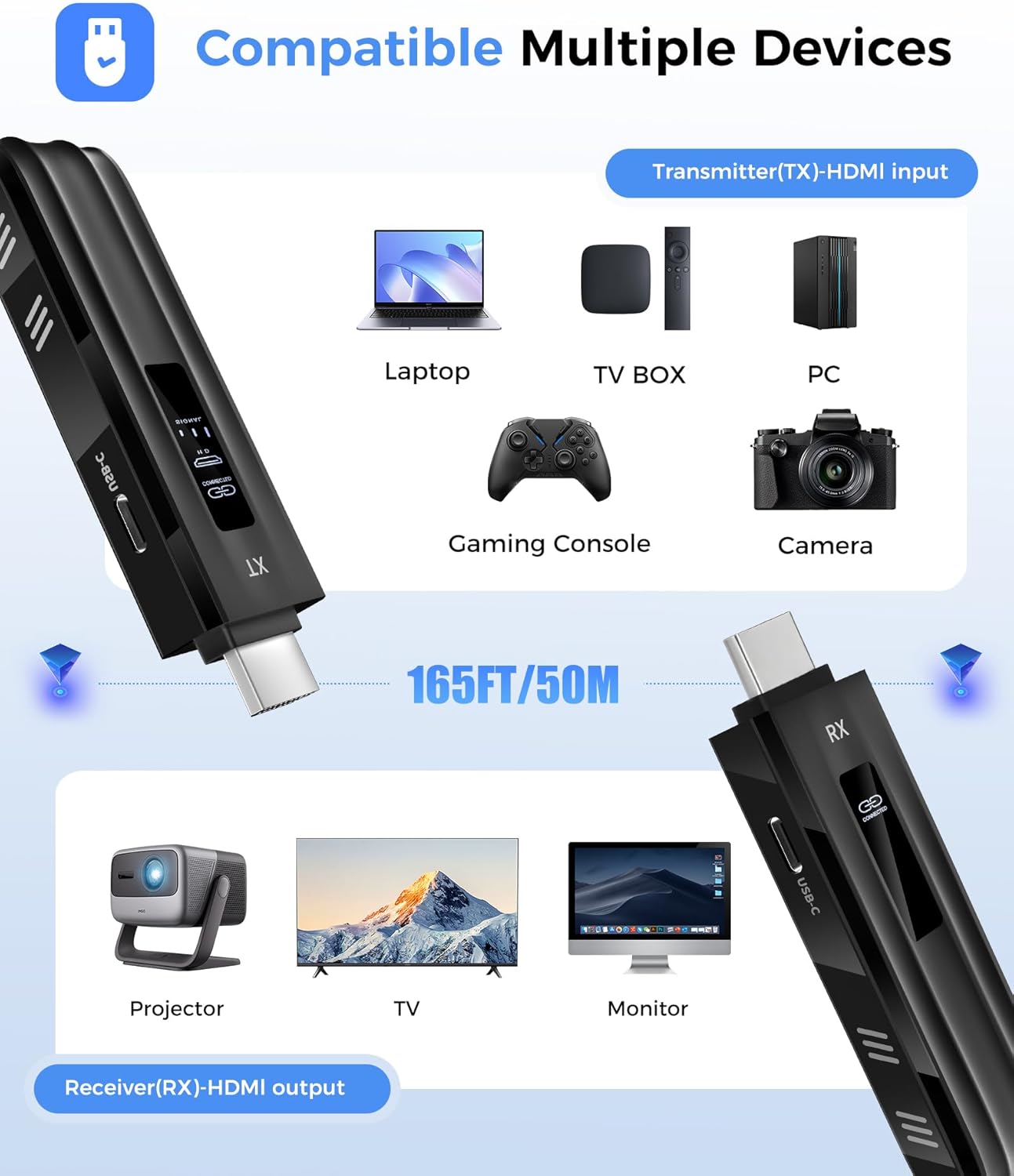
This kit is described as compatible with a broad mix of everyday HDMI sources and display devices. On the source side, it’s meant for computers/laptops, smartphones and tablets, and cameras. On the receiving side, it’s intended for monitors, TVs, projectors, and similar displays.
There’s also a practical convenience angle: it says you don’t need extra accessories beyond adapters for device connection, and it includes multiple adapter options (USB‑C to HDMI 4K, MicroHDMI 8K, MiniHDMI 4K, plus an HDMI cable and two Type‑C cables). That matters if your “HDMI out” ports aren’t consistent across your gear.
If you mostly connect a single laptop in a conference room or you move between devices for family gatherings, this kind of flexibility is exactly what you look for in a wireless extender.
Transmission distance: strong on paper, sensitive in real rooms
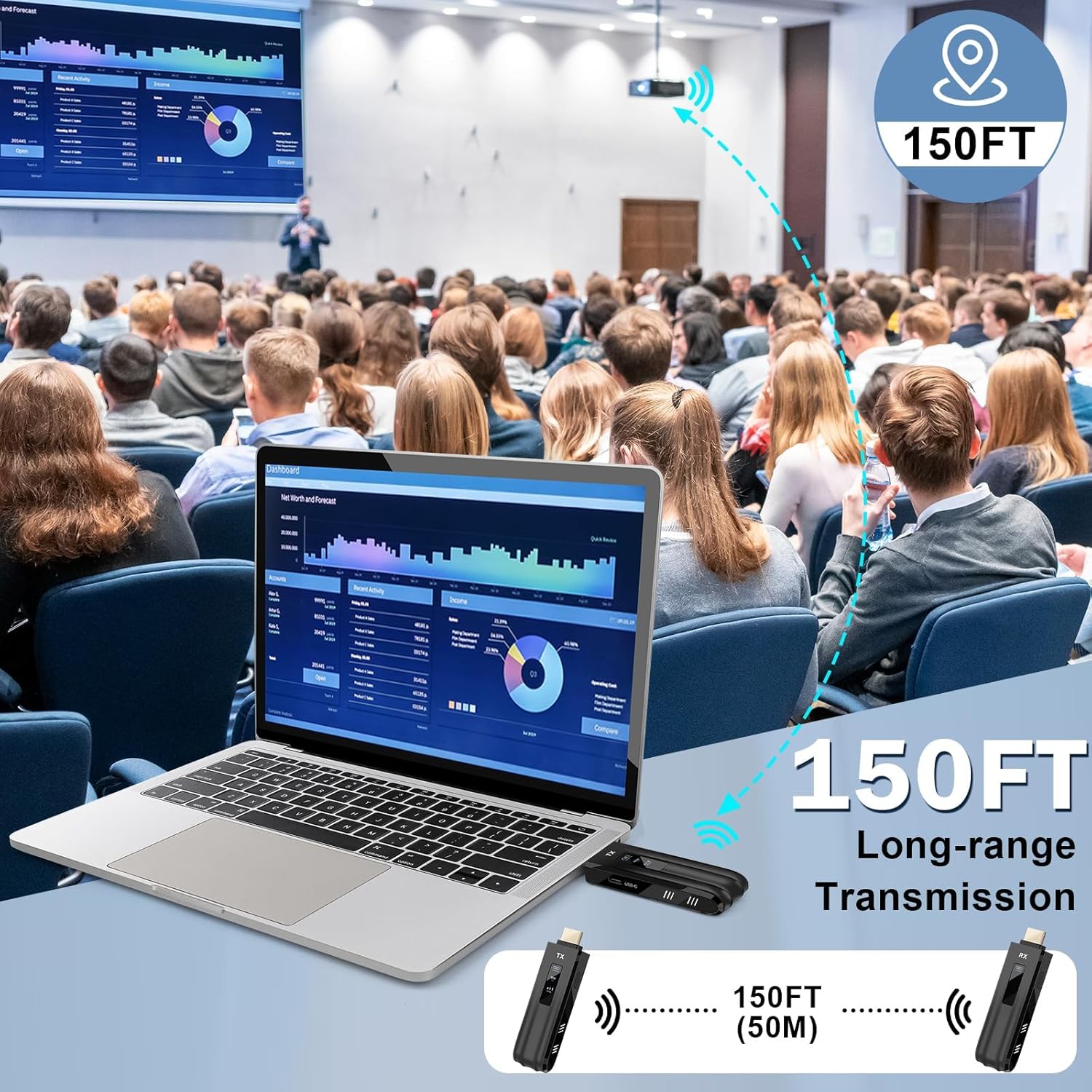
The product is rated for up to 150 feet in open environments. That’s promising if you’re working with a yard, open living space, or a room layout with fewer barriers.
Just keep expectations grounded: the entry notes that transmission distance and speed may be affected when the signal passes through walls or encounters obstacles. So if your receiver sits behind multiple interior walls or inside a dense area with interference, you may need to shorten the distance or reposition the devices.
Tech specs that matter for buyers
Below is what’s explicitly stated in the listing, focusing on what impacts the viewing experience:
- Output support: HD 1920×1080 at 60Hz and “1080P Ultra HD 60Hz output”
- Decode: true 4K decoding
- Wireless bands: dual-band 2.4GHz and 5GHz with automatic channel selection
- Display: upgraded LED status display for pairing, connection, signal, and power
- Range claim: up to 150 feet in open environments (may drop with walls/obstacles)
Pros, cons, and the “should I buy it?” reality check
What stands out: - Real-time LED status helps you troubleshoot faster instead of cycling power and hoping. - Dual-band wireless with automatic channel selection is a solid approach for stability. - True 4K decoding plus 1080P/60Hz output fits modern home and business needs without looking dated. - Includes multiple adapters and cables, so you’re less likely to get blocked by port types.
Where it can fall short: - It may not hit the advertised range or speed once you add walls, obstacles, or challenging placement. - Like many wireless HDMI solutions, it’s designed around practical usability, not “always flawless in every building.” You may need a little positioning effort.
It’s not a bad choice if you want a wireless, portable extender for training rooms, classrooms, and everyday screen sharing. But if you need guaranteed performance through thick walls at long distances, you might want to reconsider whether a wireless setup is the right approach.
When it makes sense
This is a good fit if you’re setting up quick presentations, classroom training sessions, or home entertainment where running cables is annoying. It also makes sense if you regularly switch between multiple HDMI-capable sources and you’d rather avoid app installs or pairing steps (the listing emphasizes plug and play and no need for app installation).
It may not suit you as well if your use case depends on long-distance transmission through multiple walls, or if you expect the signal to behave the same in every environment without any adjustments.
FAQs

Can I use it without installing an app?
The listing says it’s plug and play with no need for app installation.
What video resolution does it output?
It’s advertised to support HD 1920×1080 at 60Hz, with 1080P Ultra HD 60Hz output.
Does it support screen mirroring and expansion?
Yes—wireless HDMI transmitters and receivers in this listing support screen mirroring and screen expansion.
How far will it reach?
Up to 150 feet in open environments, but distance and speed may be affected when passing through walls or obstacles.
What devices is it compatible with?
The listing states compatibility with computers/laptops, smartphones, tablets, cameras, and displays like monitors, TVs, and projectors, as long as you have compatible HDMI output via the included adapters.
Is it worth it?
Buy the Beyn Wireless HDMI Transmitter and Receiver if you want a wireless HDMI extender that leans toward setup simplicity, clearer connection troubleshooting via its LED status display, and 4K decoding with 1080P/60Hz output. It’s especially worth considering for business meetings, classroom training, and home viewing where you need portability and flexible device connections.
Skip it if your priority is guaranteed long-range performance through multiple obstacles, because the listing itself flags that walls and other barriers can reduce distance and speed. In short: it looks like a solid mid-pack wireless HDMI extender for everyday scenarios, but it won’t magically override a difficult room layout.