

MOUNTUP Pillar TV Mount for 32"-75" TVs (Full Motion Strap-On Post Mount, Max VESA 600x400)
Product description
The essentials
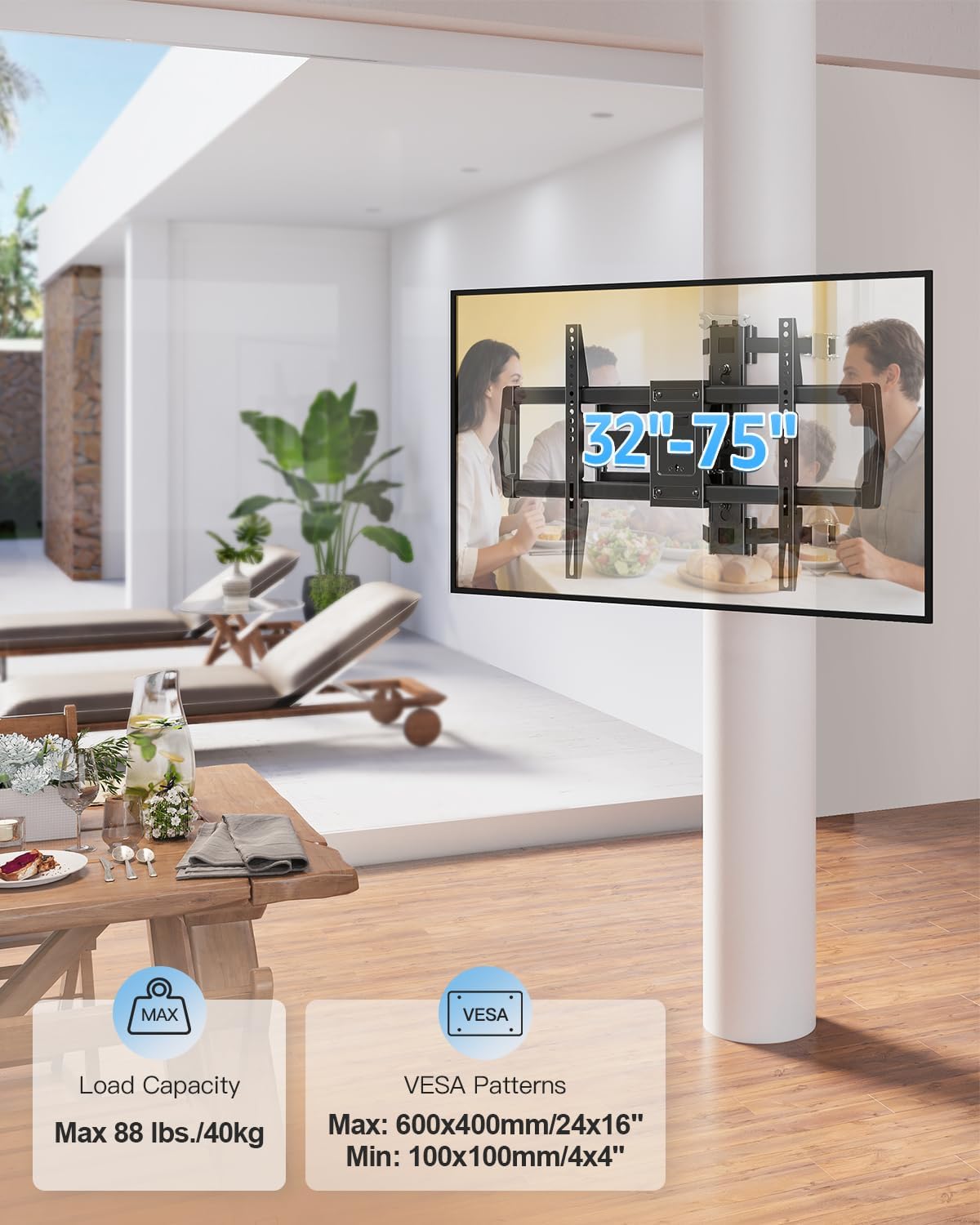
If you don’t want to drill into a wall, a strap-on pillar mount is often the smartest compromise. The MOUNTUP Pillar TV Mount is built for TVs from 32" to 75" and supports up to 88 lbs, with a VESA range listed from 100 x 100 mm up to 600 x 400 mm. It’s designed to work on both round and square (and even rectangular or octagonal) columns, so you can mount a TV on posts like the ones you’d find in covered patios, pergolas, or outdoor-style setups.
On paper, it hits the key buying concerns: it covers a wide TV size range, it supports a broad VESA pattern, and it gives full-motion positioning. Still, it’s not “universal” in the absolute sense—your column shape and your TV’s VESA/weight have to match what’s within the stated limits.
Key features that actually affect daily use
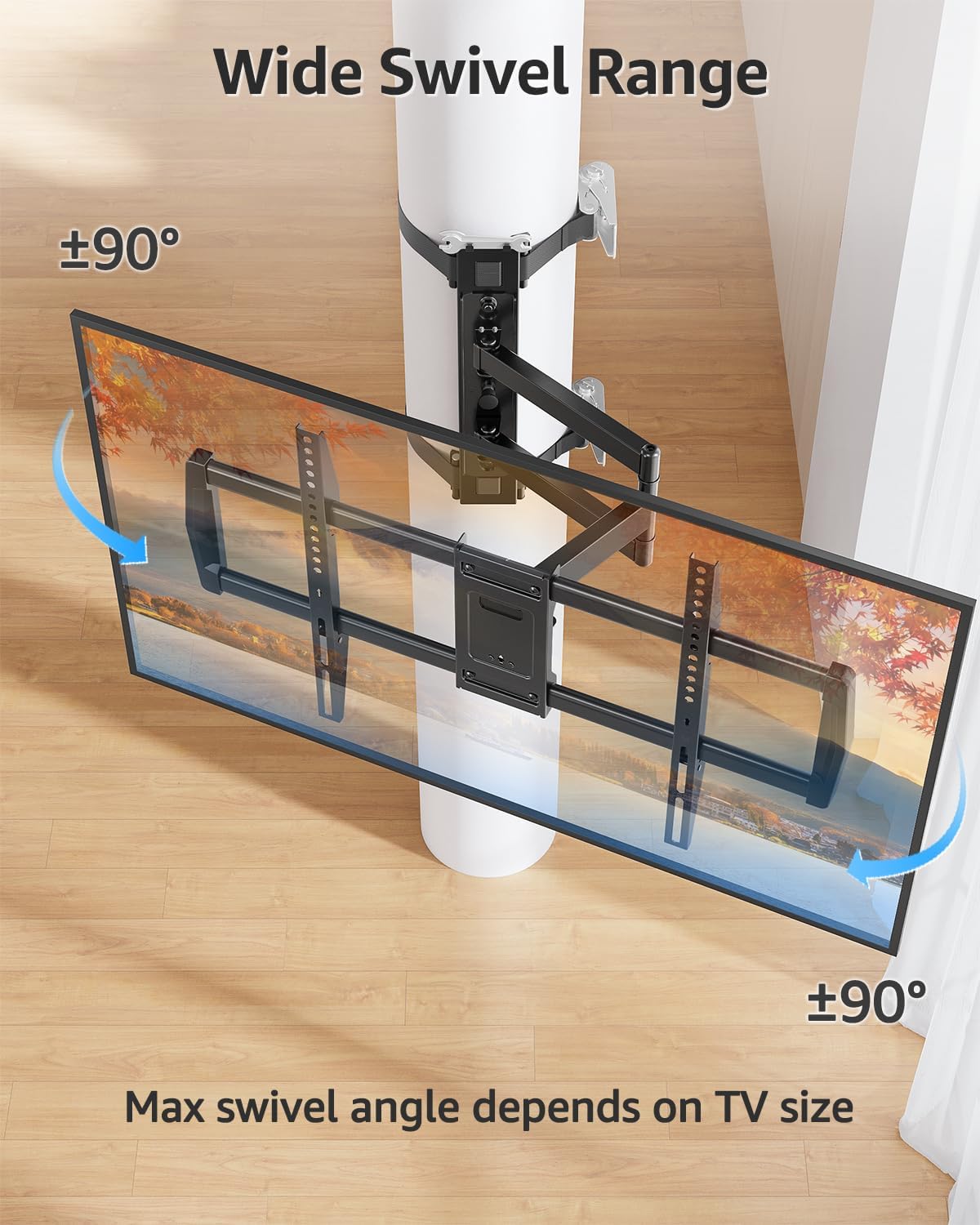
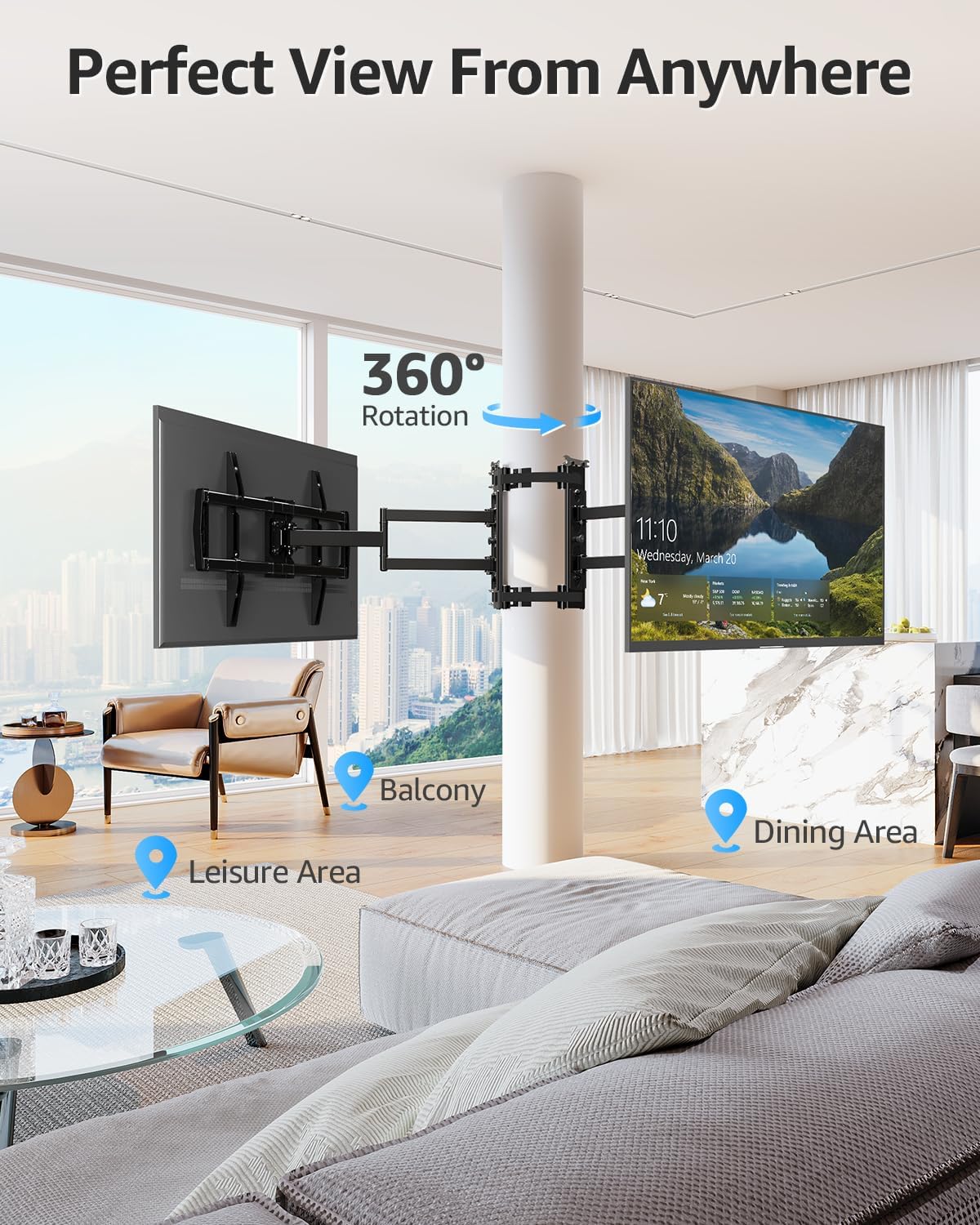
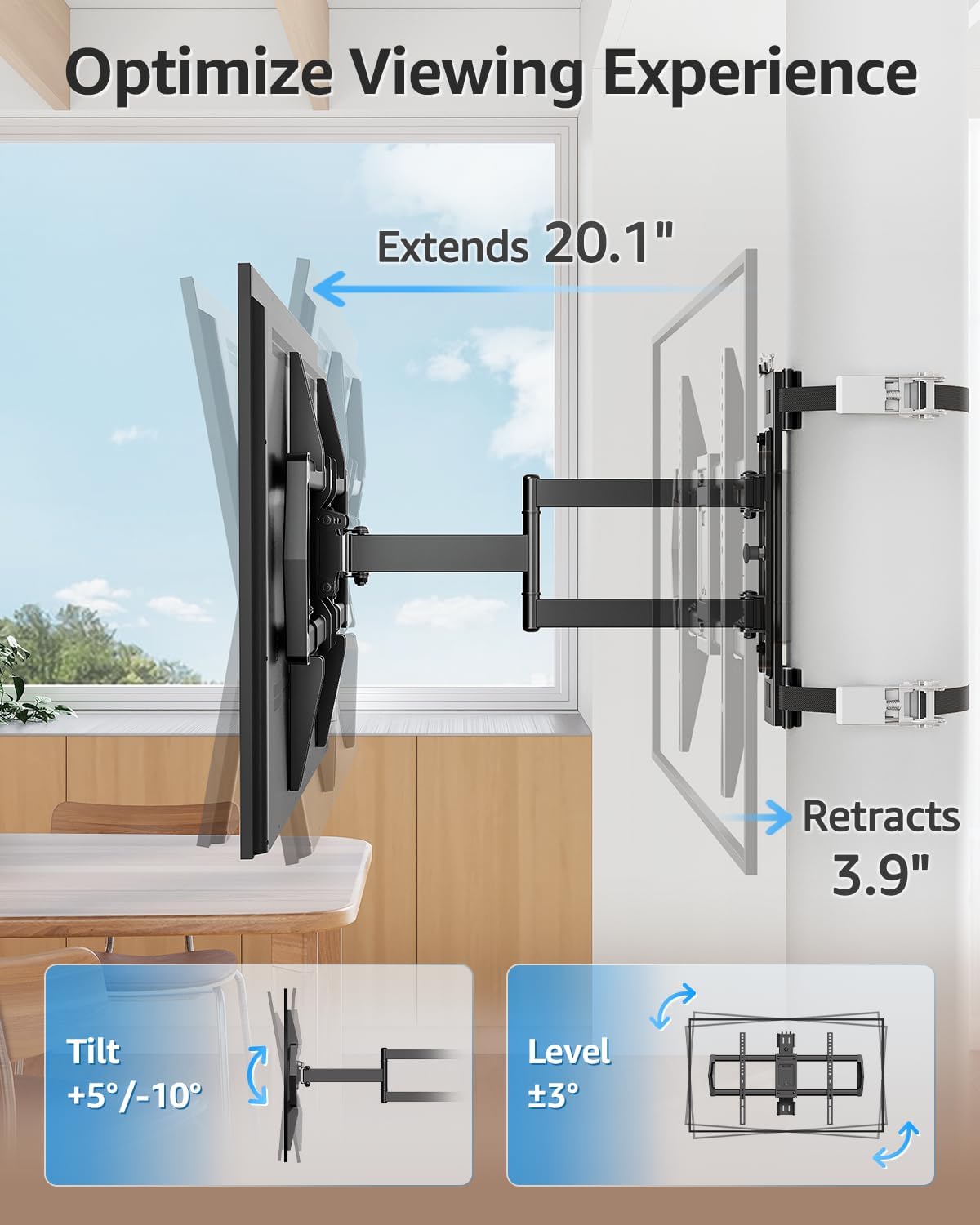
The biggest day-to-day win here is full motion. The mount tilts +5°/-10° to help with glare, and it swivels ±90° so you can aim the screen where the room (or crowd) is. If you’ve ever tried to watch a game from different seating positions, you already know how quickly “straight-on” placement turns into “why is it angled like that?”
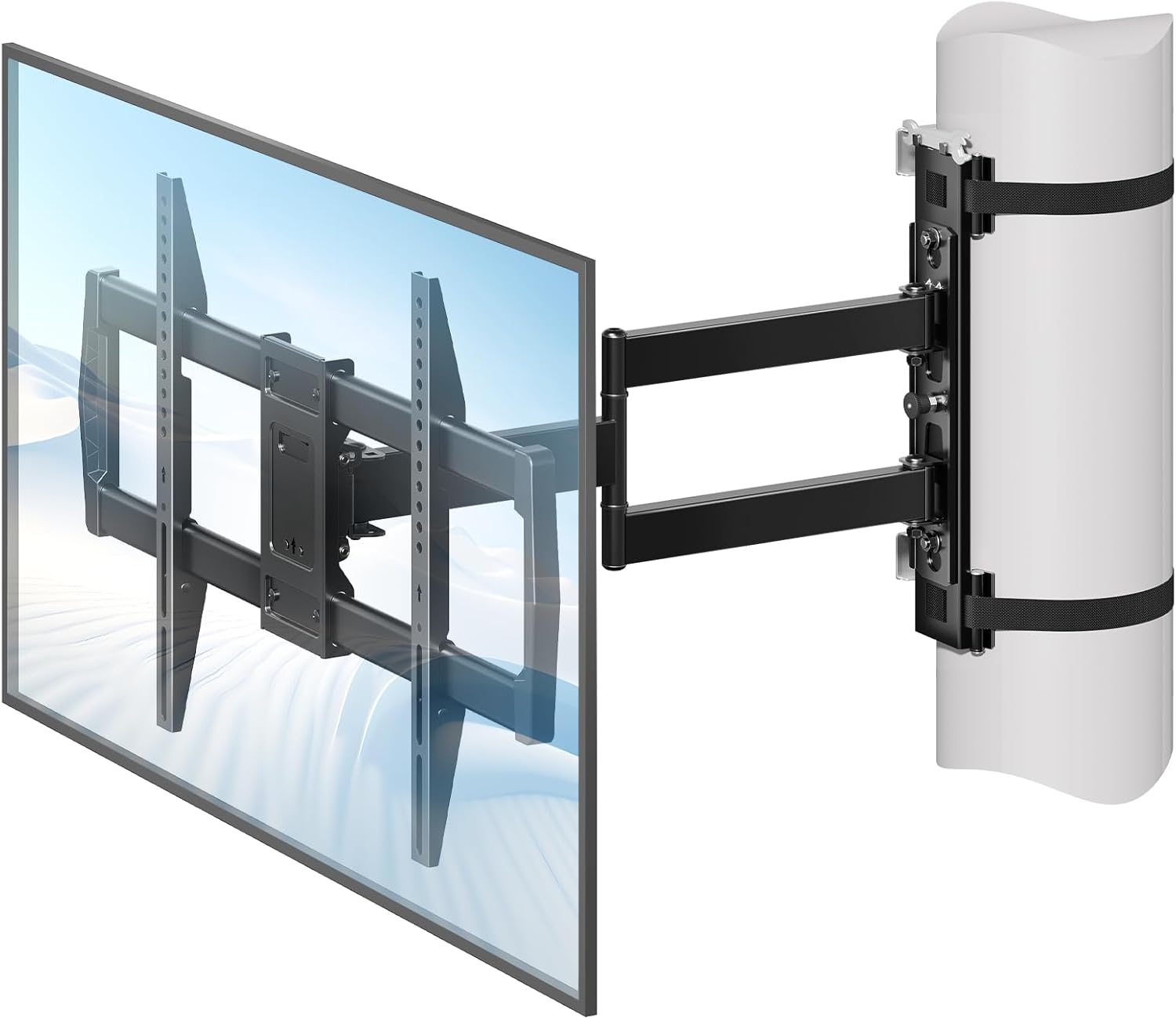
It also extends and retracts: the articulated arms reach up to 20.1 inches and retract down to 3.9 inches when you want the TV closer to the column. That’s a practical space-saver if the TV is in a busy area, or if you want a cleaner look when it’s not being used.
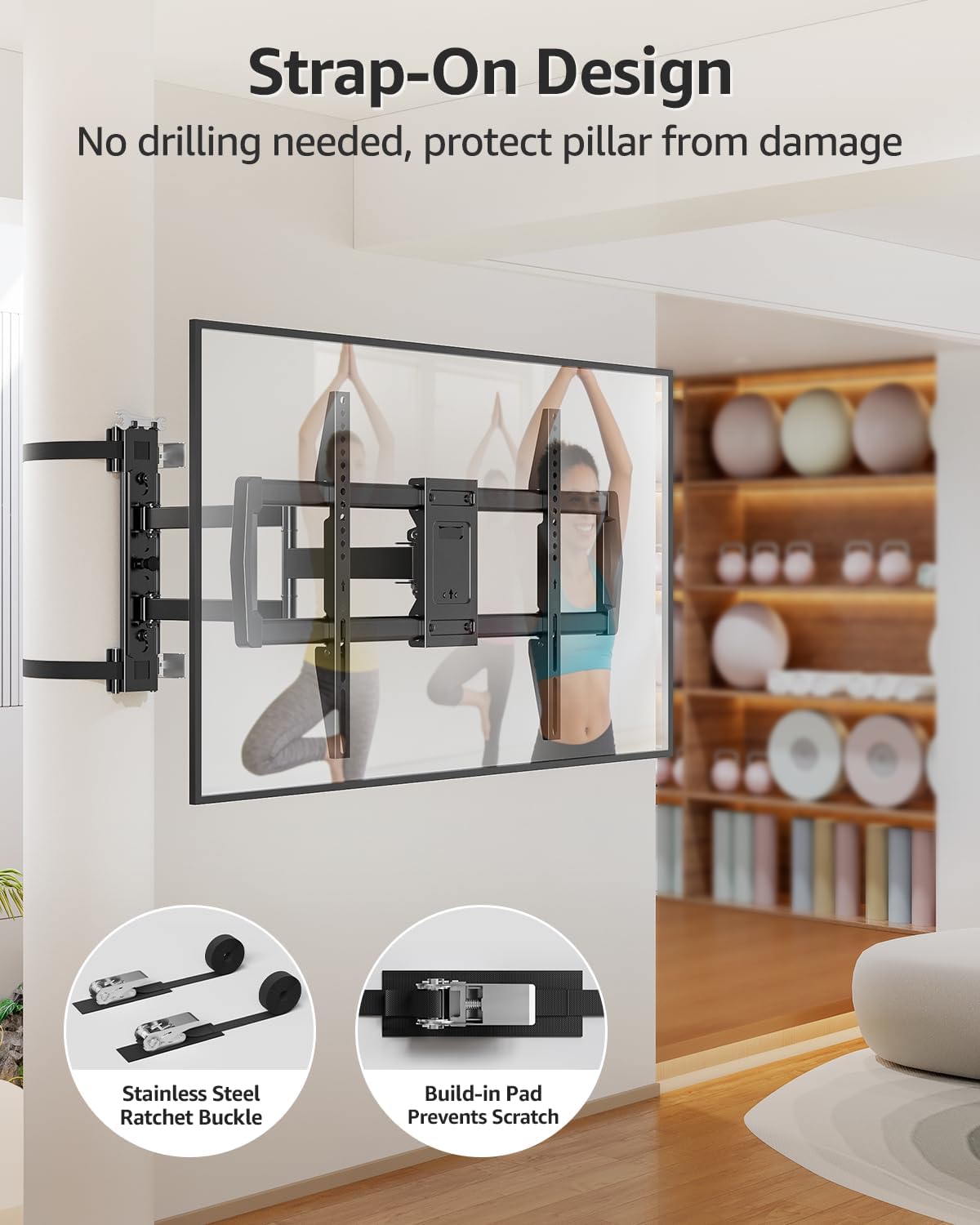
And yes, the strap-on design matters. The mount is described as no-drill, using a strap system that lets you secure the TV without damaging the surface. That can be a big deal for renters, temporary setups, or anyone avoiding permanent hardware in their space.
Compatibility and what to double-check before buying
This is one of those products where the correct checklist prevents headaches.
First, confirm your TV basics: - TV size: 32" to 75" - TV weight: up to 88 lbs - VESA pattern: 100 x 100 mm to 600 x 400 mm
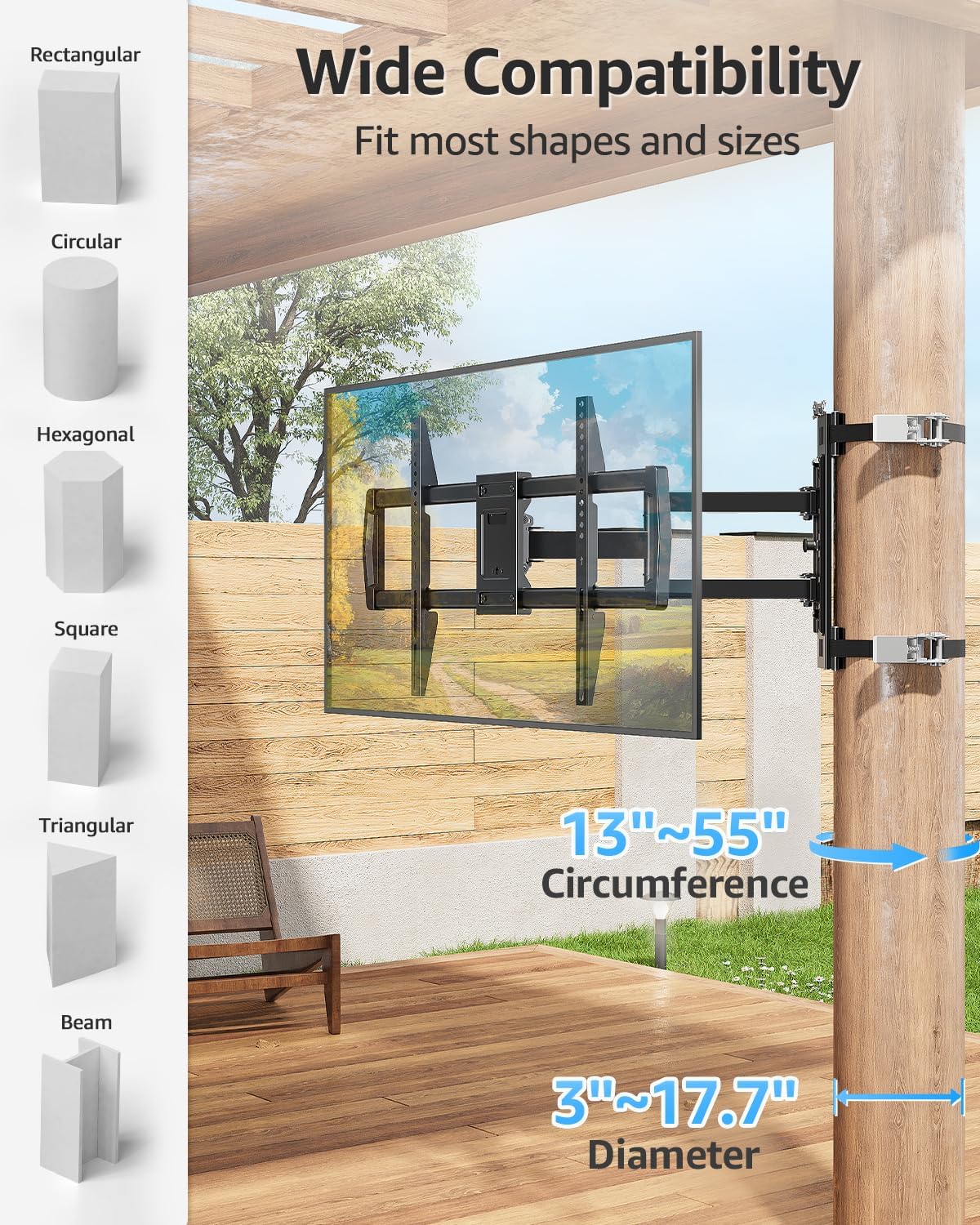
Second, confirm your column situation. The mount is stated to fit columns with a diameter from 3 to 17.7 inches (listed as a circumference range of 13 to 55 inches). It’s meant for round, square, rectangular, and octagonal posts, which gives it more flexibility than a mount that only fits one column style.
If your VESA is outside the listed range, the mount won’t magically compensate. Likewise, if your TV’s weight is above the stated limit, you should not assume it will work.
Pros, and the limitations you should keep in mind
What you’ll like: - Full-motion aiming (tilt and ±90° swivel) for better viewing angles - No-drill pillar mounting, helpful for rentals and non-permanent installs - Fits a wide VESA range up to 600 x 400 mm and supports TVs up to 88 lbs - Designed for multiple column shapes, including round and square
Where it may fall short: - The range is broad, but not limitless—if your TV or VESA/weight doesn’t fit the stated specs, it’s a no-go. - The flexibility is great for viewing, but any moving mount requires you to be mindful during setup (making sure the strap and alignment are secure before tightening everything down). - If your setup is extremely exposed to wind or outdoor conditions, you’ll want to follow the safety guidance described (such as removing the TV or securing the mount during strong winds when installed in open structures).
Who it makes sense for
This mount tends to make the most sense when you want the TV on a post/column and you also care about positioning. It’s a solid fit if you’re setting up a living room where seating changes often, or a sports-watching area where people view from different spots.
It can also be a better approach than permanent wall mounting when you don’t want to deal with drilling, patching, or landlord approval. If your installation needs to be temporary—or you expect to move or store the TV—this strap-on concept is exactly the kind of feature that justifies itself.
That said, it’s not the best choice if you want a simple fixed mount with no articulation. You’re paying for motion, so if you’ll never tilt or swivel, a simpler option could be more cost-effective.
Usage tips (so you get the viewing angle you want)
A practical way to set this up is to aim for the “first week” angle: tilt slightly to address glare and swivel toward the most used seating area. Because it retracts to about 3.9 inches, you can also position it closer to the column when you’re not actively watching.
If you’re mounting in an open outdoor-style space, don’t treat it like a fully weatherproof permanent install. The product notes that in open structures like gazebos or patios you should remove the TV or secure the support during strong winds for safety.
Tech specs
- Name: MOUNTUP Pillar TV Mount for 32"-75" TVs
- Type: Full motion strap-on post/pillar TV mount (no-drill)
- TV size compatibility: 32" to 75"
- Maximum load: Holds 88 lbs
- VESA support: 100 x 100 mm to 600 x 400 mm
- Column diameter fit: 3 to 17.7 inches
- Column circumference fit: 13 to 55 inches
- Mount motion: Tilt +5°/-10°, Swivel ±90°
- Arm reach: Extends up to 20.1 inches
- Arm retraction: Retracts to 3.9 inches
- Color: Black
- Material: Steel (durable steel construction is stated)
In the box
The provided details don’t specify the exact kit contents (like hardware types or included tools). It’s worth double-checking the listing’s “In the box” section on amazon US before you buy, especially if you want to confirm what mounting hardware is included.
Is it worth it?
Buy the MOUNTUP Pillar TV Mount if you want a no-drill way to mount a 32"-75" TV to a round or square column and you care about flexible viewing angles. Its stated VESA range and 88 lb capacity cover a lot of TVs, and the tilt/swivel reach is the kind of feature that shows up every time you watch.
Skip it if your TV’s weight or VESA pattern falls outside the listed specs, or if your column dimensions don’t match the supported diameter/circumference range. And if your main goal is a fixed, minimal setup with zero motion, you may prefer a simpler mount approach rather than paying for full articulation.
Mini FAQ
Does this mount require drilling?
No—the design is described as no-drill, using a strap system to secure the TV to a pillar/column.
What TVs does it support?
It’s listed for 32"-75" TVs up to 88 lbs.
What VESA sizes are supported?
The mount supports VESA patterns from 100 x 100 mm to 600 x 400 mm.
Will it fit round and square posts?
Yes. It’s stated to fit round and square columns and also mentions rectangular and octagonal shapes.
Can it handle outdoor-style installations?
The description suggests safety precautions for open structures—removing the TV or securing the support during strong winds—so treat it as something that needs thoughtful setup rather than a set-and-forget outdoor mount.