


MOSISO MacBook Air 13.6-inch Case Crystal Clear
Product description
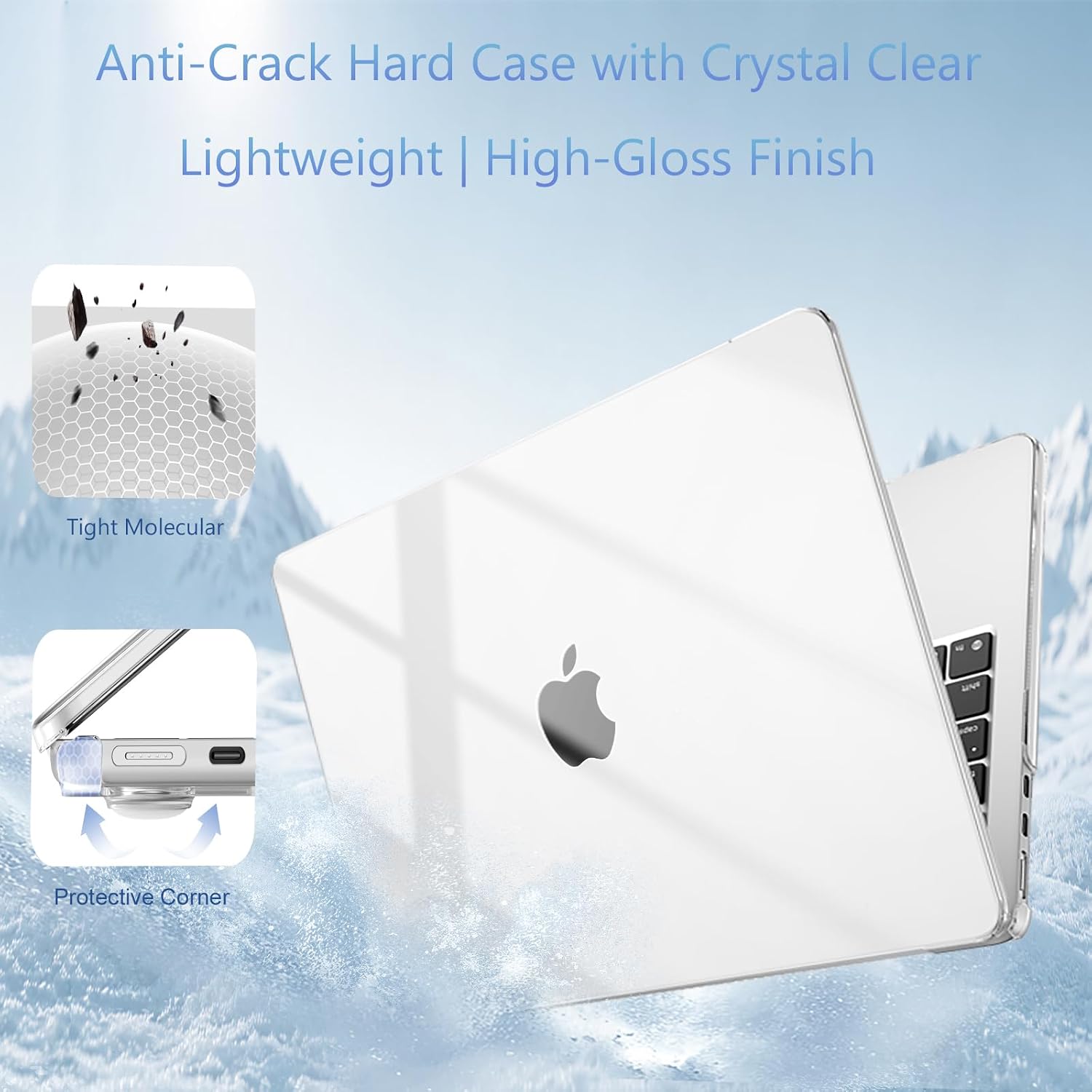
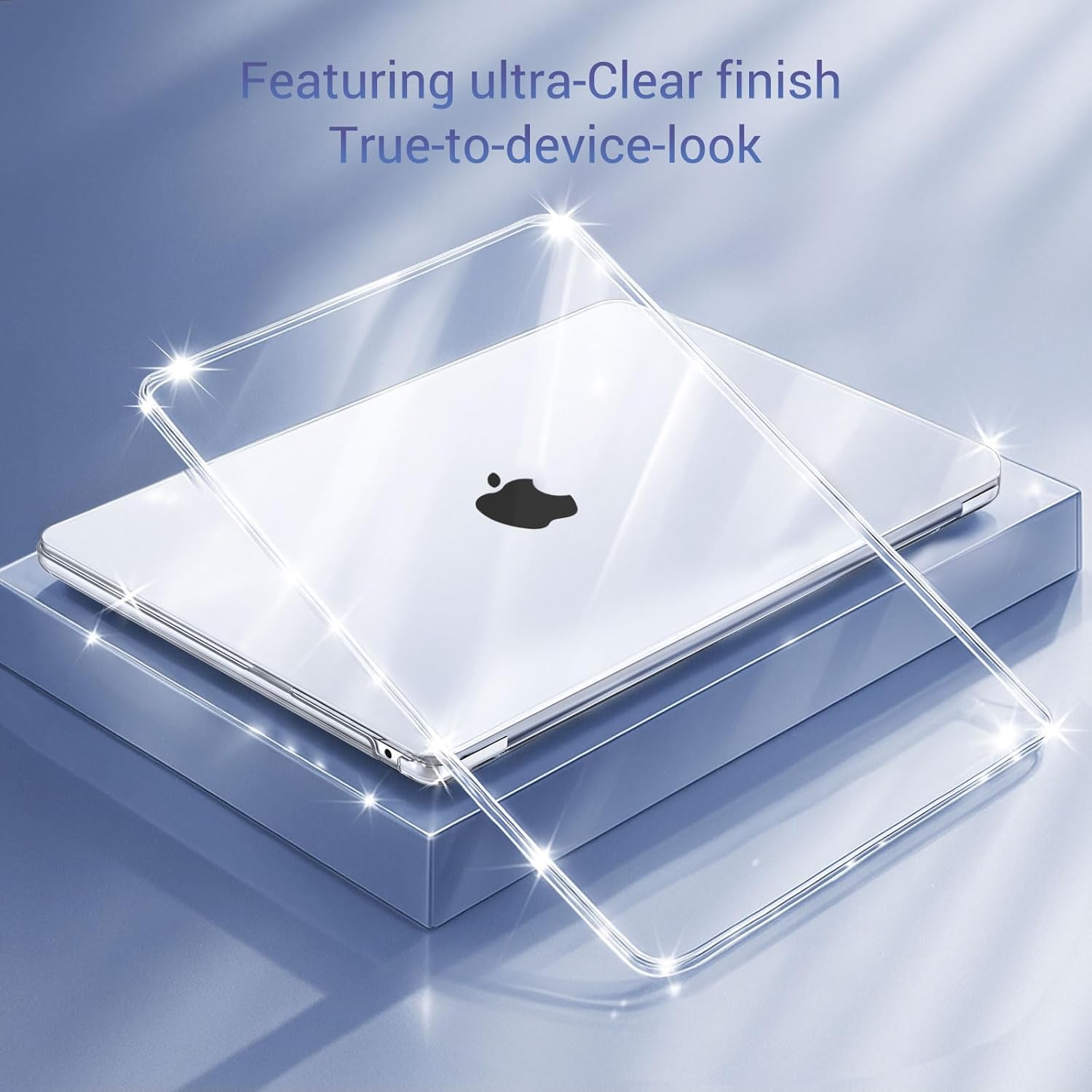
This slim hard shell set shields a MacBook Air 13 with minimal bulk while keeping the laptop's look visible and functional. If you want a lightweight protective solution for daily transport and desk use, the MacBook Air 13 case from MOSISO includes a keyboard cover, screen film and a small storage pouch to keep accessories organized. The first benefit is clear protection without hiding design, and the second is easy access to vents and ports for normal use.
Highlights
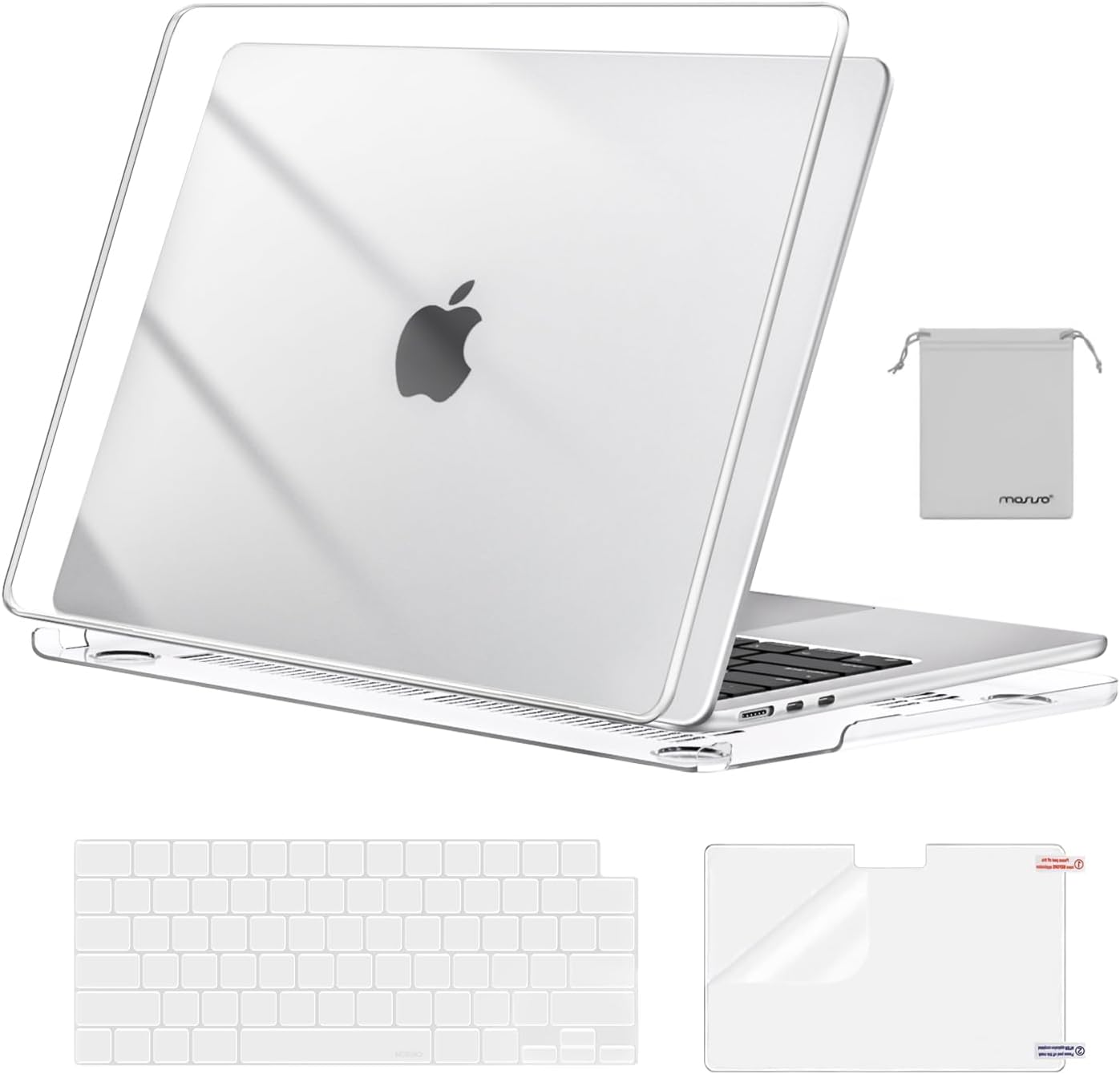
The MOSISO set favors practicality over fuss. It comes as a fully vented hard shell that snaps on and off for fast removal, and the included keyboard cover helps prevent spills and crumbs. MOSISO MacBook Air 13.6-inch Case stays thin at 1.4 mm so it barely changes the feel of the laptop. Note that transparency varies by color and the design is not compatible with other laptop models, so check the A number on your device before choosing. 🧩
Tech summary
- Name: MOSISO MacBook Air 13.6-inch Case Crystal Clear
- Material: Plastic hard shell
- Size: 12 x 8.5 x 0.46 inch
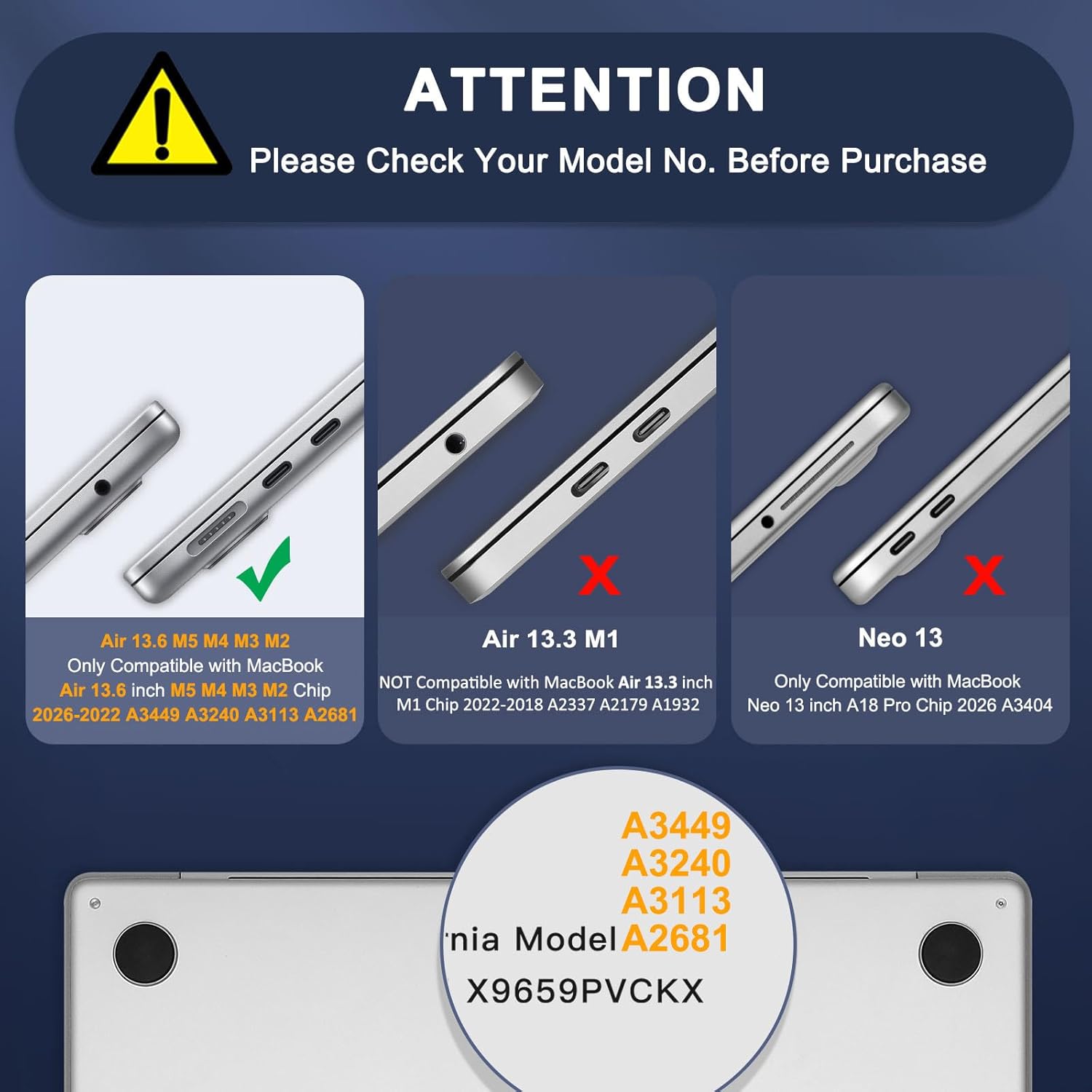
- Compatibility: A3240, A3113, A2681 and listed MacBook Air 13 M2 M3 M4 models
- Type: Hard shell with keyboard cover and screen film
Who it’s for
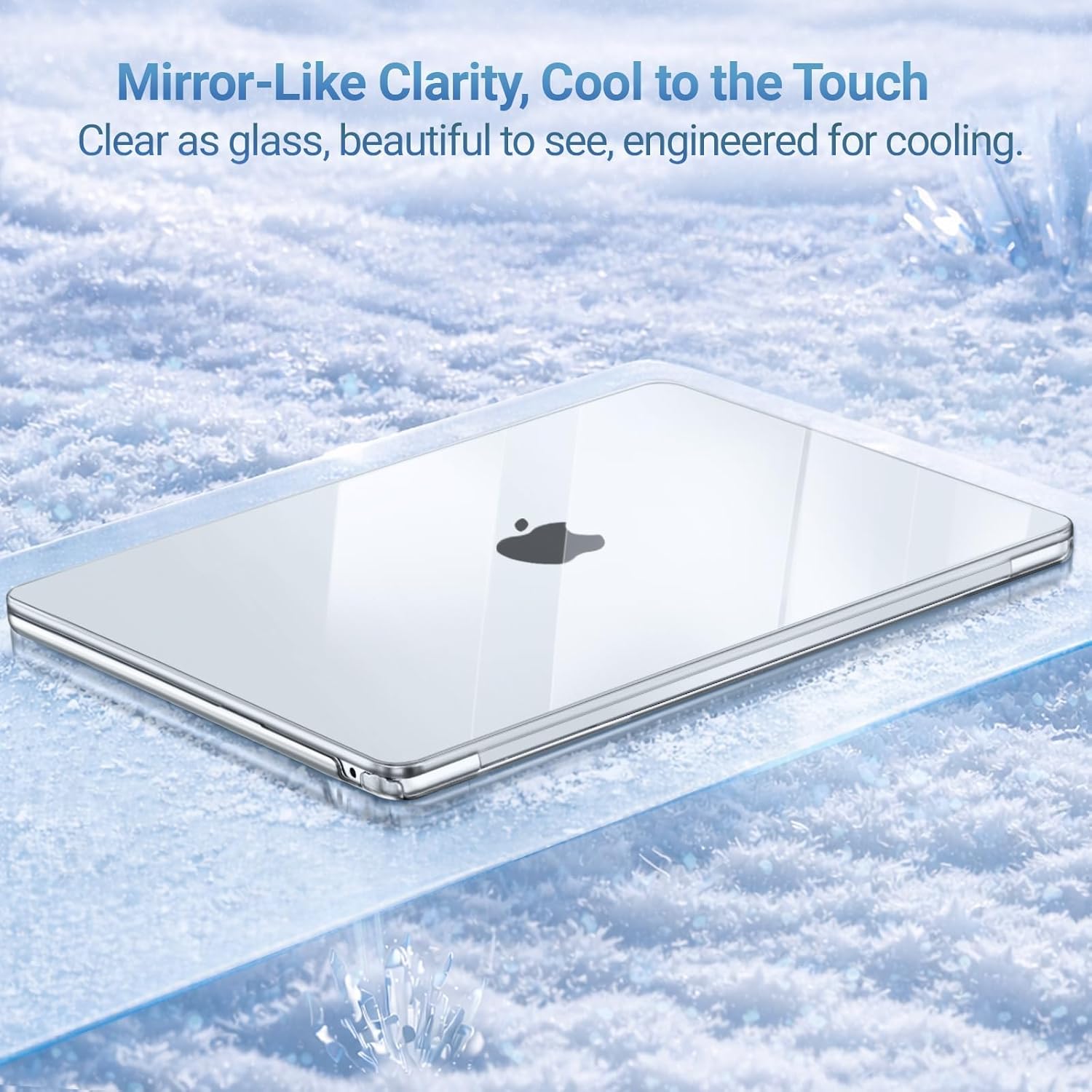
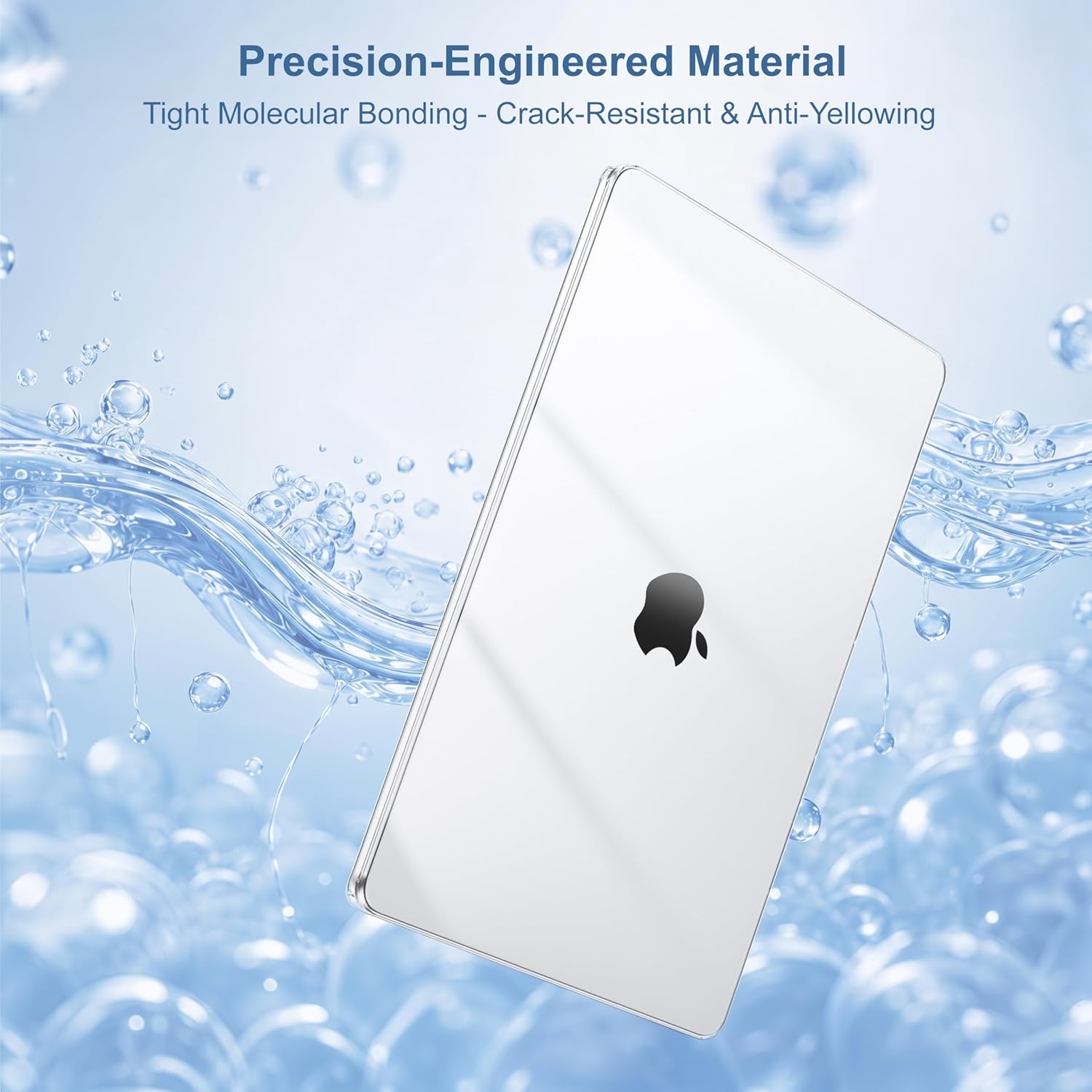
It’s a great fit if you carry your MacBook Air in a bag and want visible protection, if you prefer a thin safeguard that does not add significant weight, or if you value a matching keyboard cover and screen protector included for daily use. It’s not for you if you need a fully rugged case or plan to use nonlisted MacBook models, because this design is model specific and will not fit unlisted variants.
What stands out
Ultra slim light weight design keeps the laptop portable while offering surface protection against scratches and minor bumps. The package includes a matching keyboard cover and a protective screen film to reduce the risk of spills and smudges, plus a small pouch to store a mouse or earphones. Ultra slim feel and fully vented layout make it practical for long sessions without trapping heat. 🔧
Usage tips
Apply the screen film carefully to avoid bubbles, then snap the hard shell on starting from the hinge area and pressing evenly toward the edges. The keyboard cover cleans easily with water and can be removed when you need tactile feedback. Keep in mind that the listed compatibility is strict, so confirm the model number on the back of your MacBook Air before purchase. 🧼