

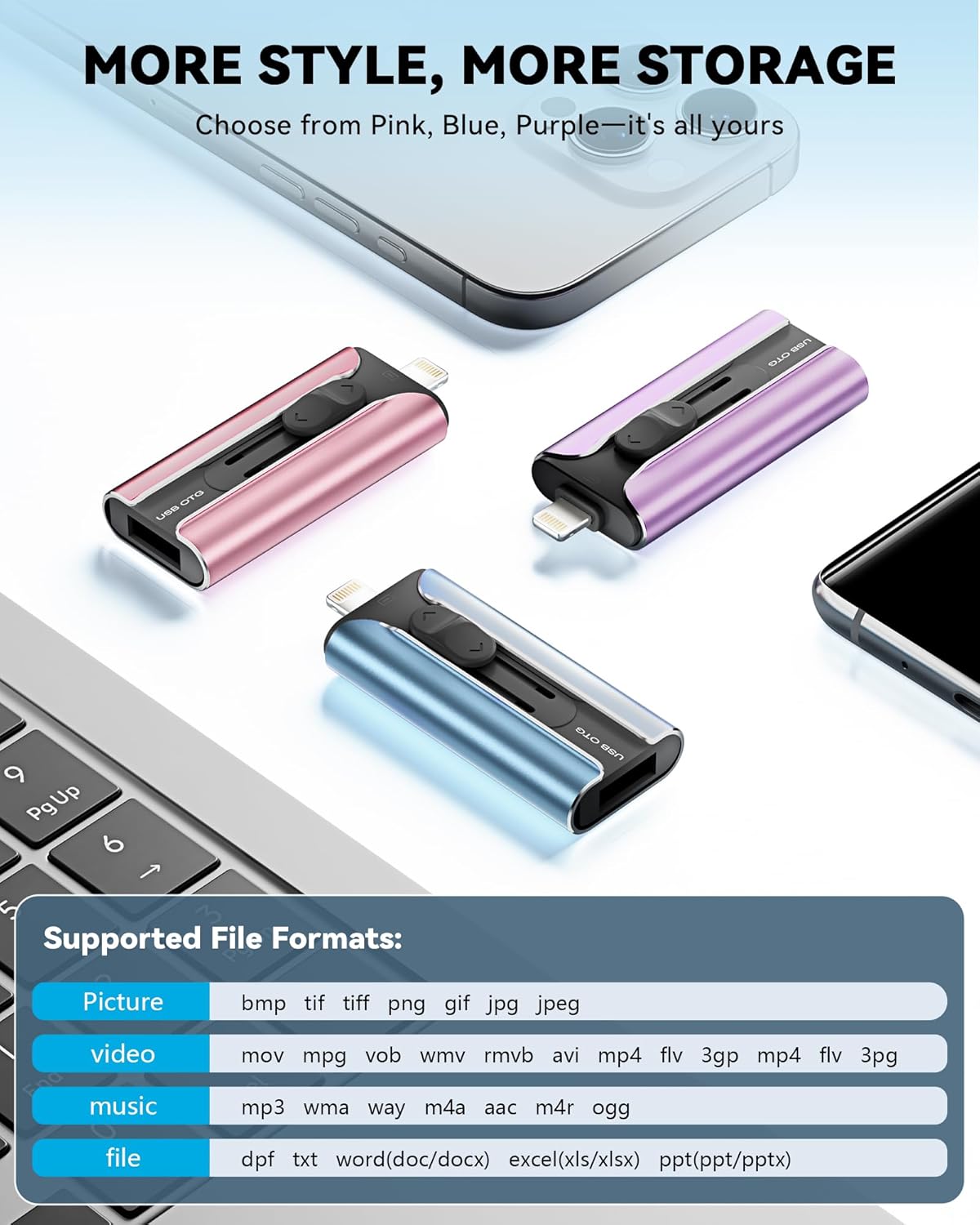
MFi Certified 256GB Flash Drive for iPhone
Product description
This compact multiport flash drive from ROSPE makes it simple to move photos and videos between phones, tablets, and computers while freeing up device storage. It includes a metal retractable body and a keyring for portability, and its MFi certification and plug-and-play backup aim to make everyday file transfers faster and more convenient.
Key Points
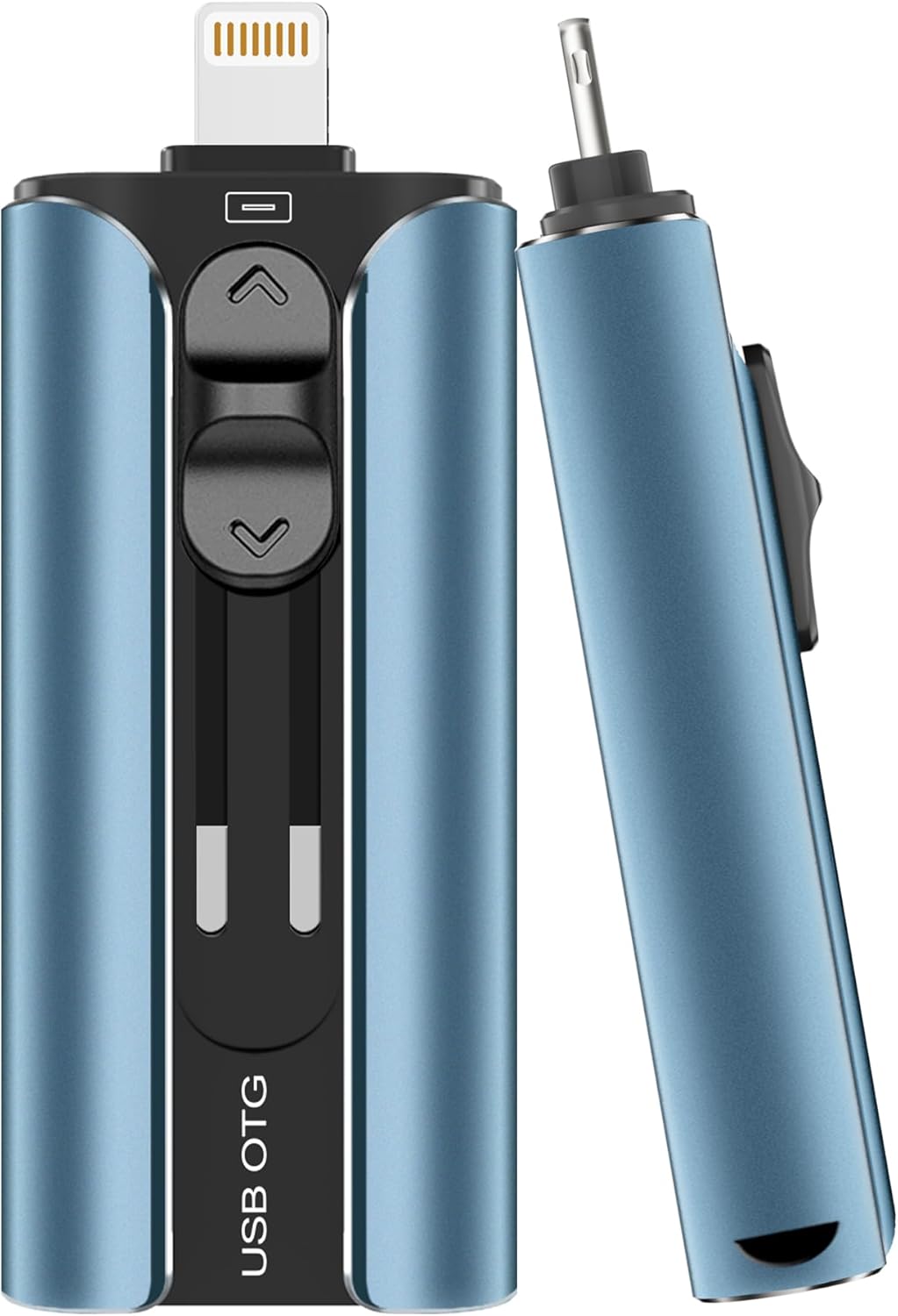
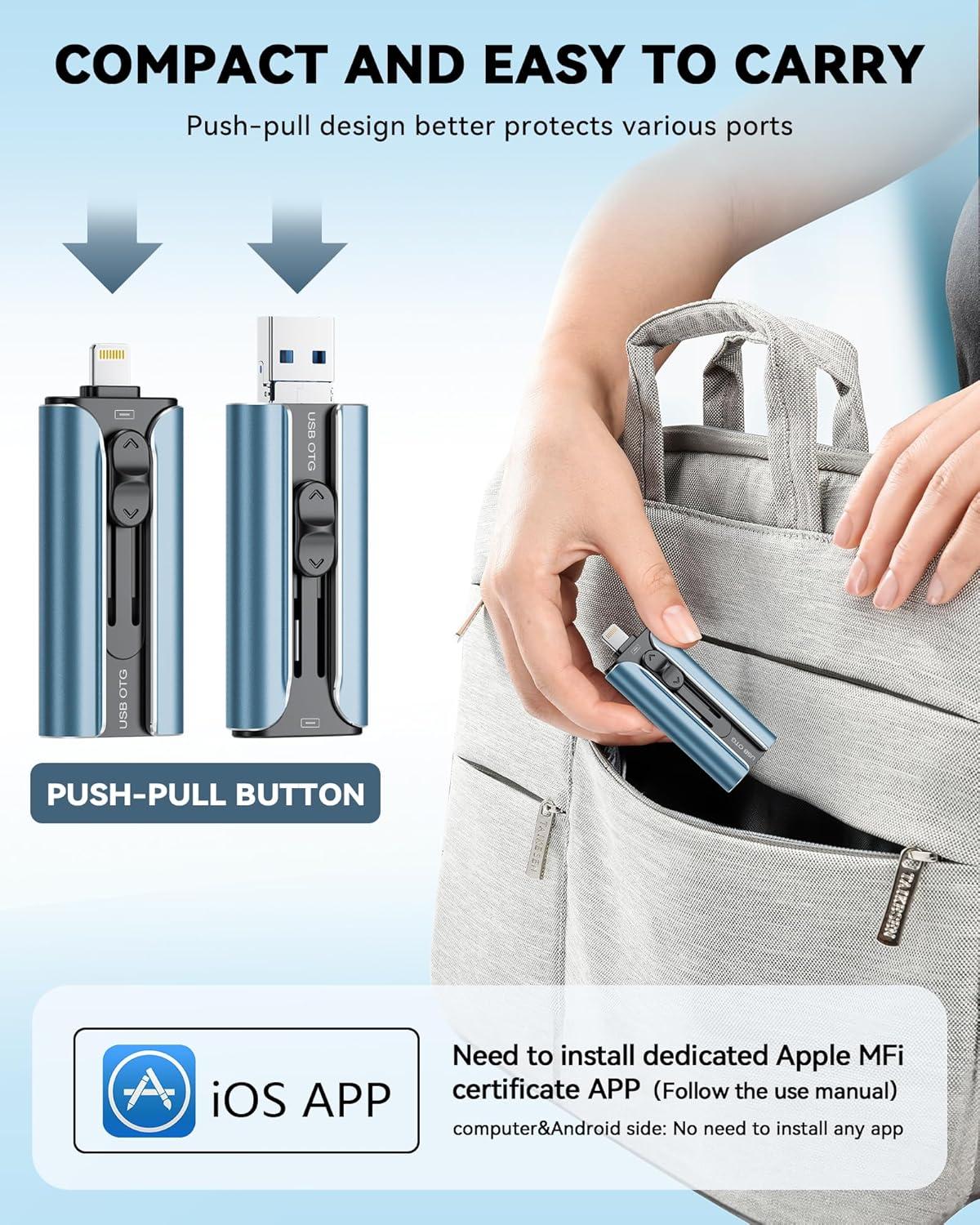
The drive works with iOS, Android and PC through several connectors, letting you bypass cloud services for quick local transfers. It supports one-click backups of photos, videos and documents when used with the companion app on iPhone according to the manufacturer. The retractable aluminum casing protects the connectors and the attached keyring reduces the chance of losing it. Note that iPhone users need to download the required app from the App Store while Android users must enable OTG on their devices to use full functionality.
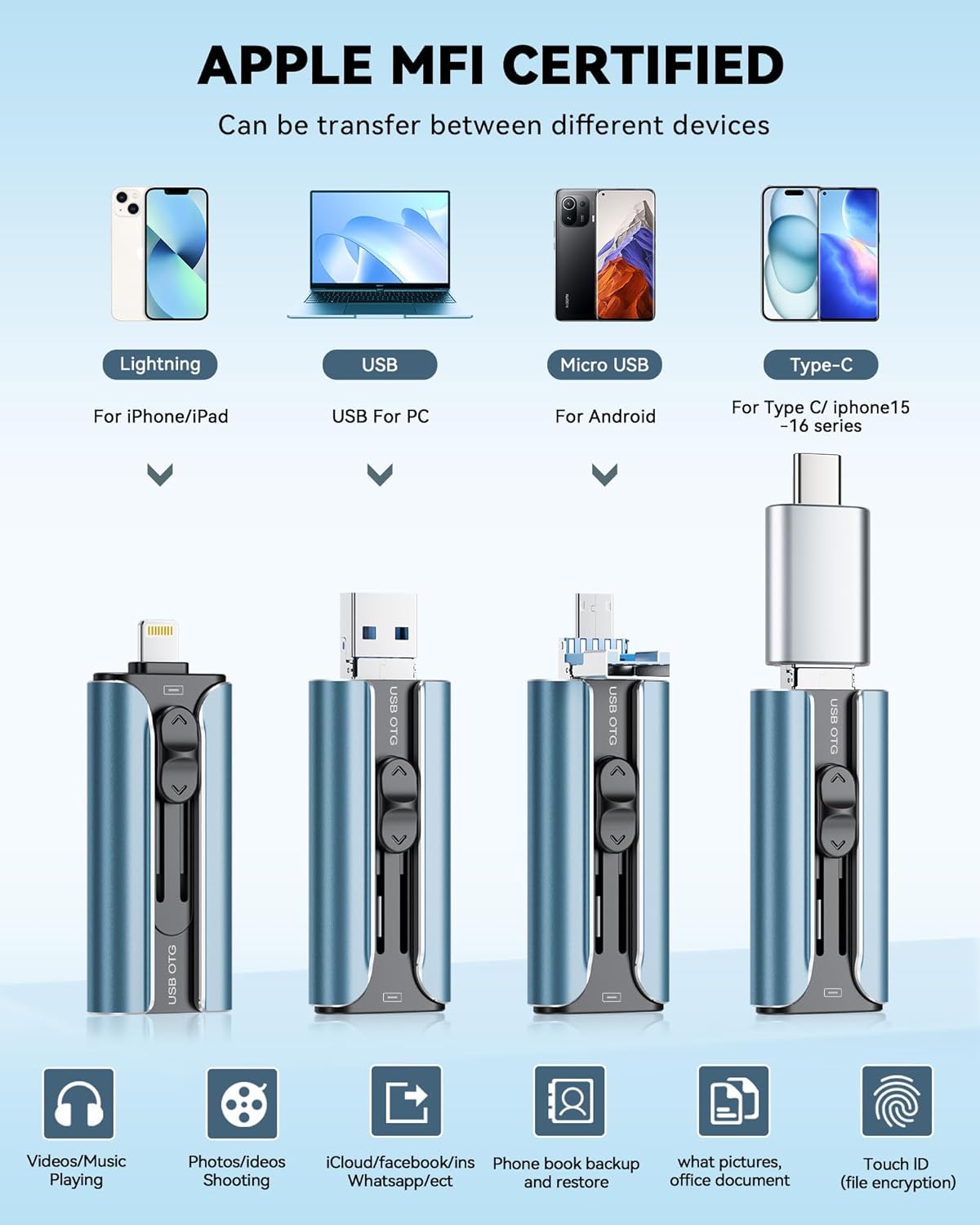
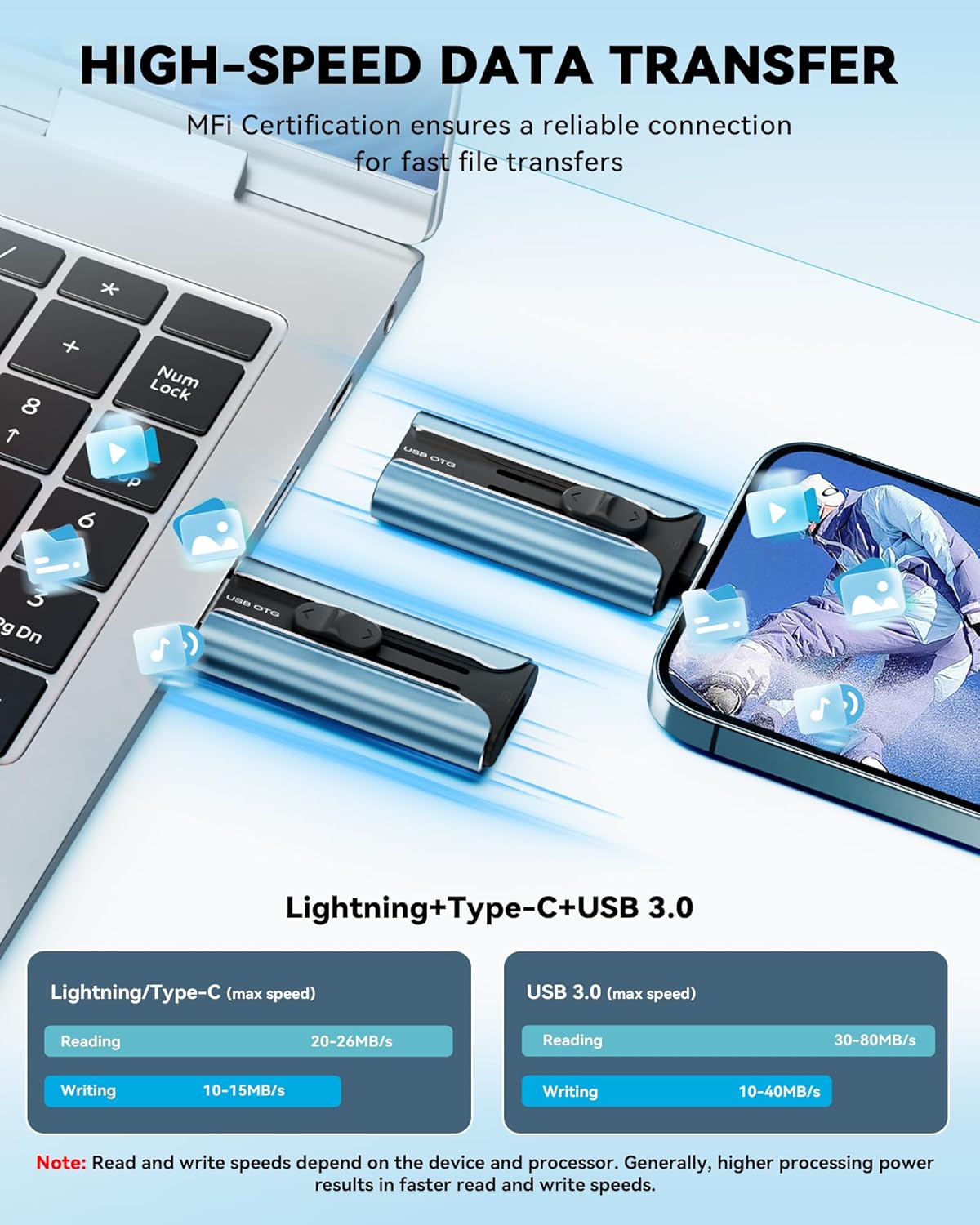
Additionally, the device allows direct playback of music and video files from the drive without moving them into device storage. The manufacturer highlights fast transfers for large files such as HD video and high resolution images. Consider that actual transfer speeds depend on the host device and file types, and that some adapters are sold separately.
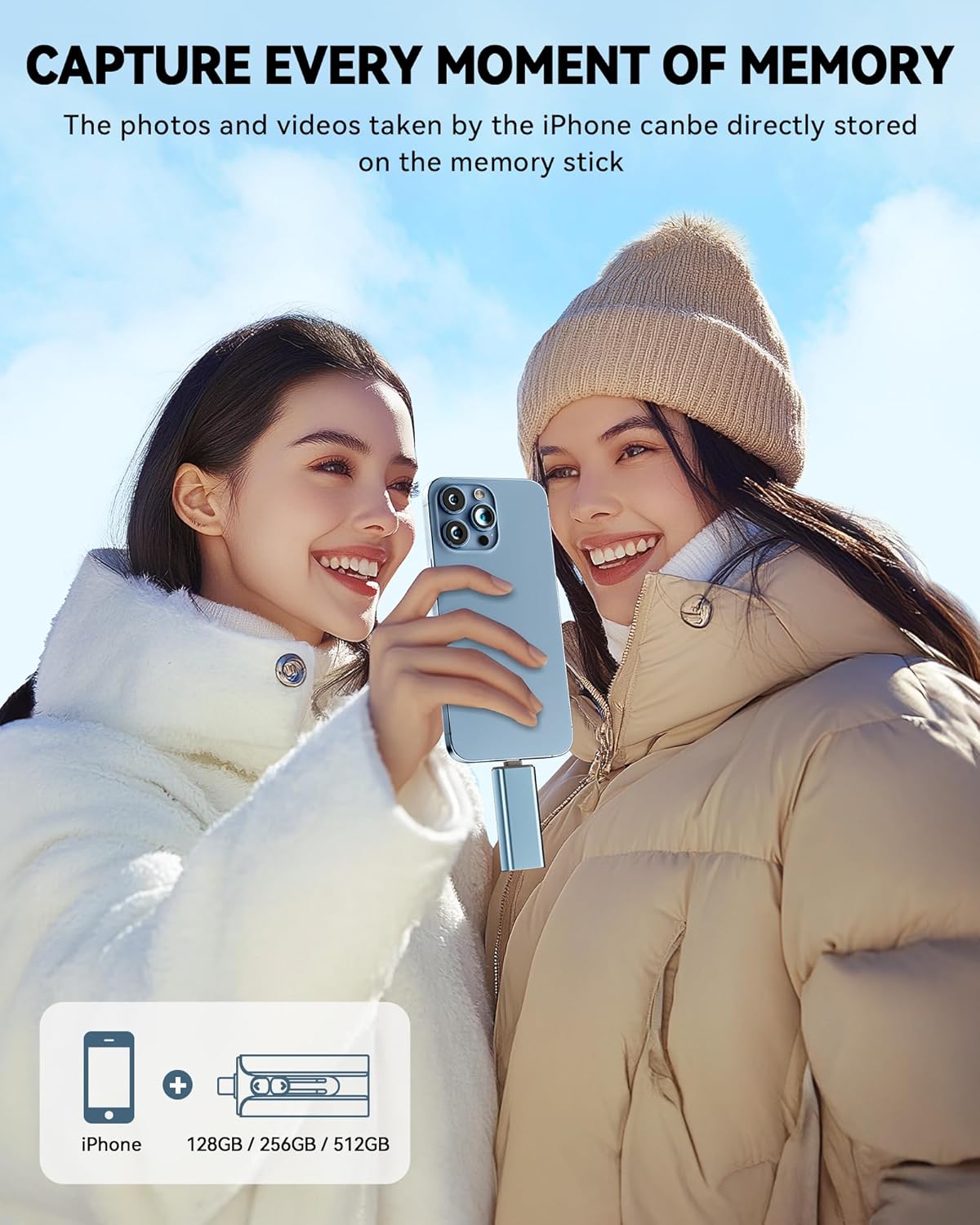
📷 Transfer photos off your phone quickly to free up space. 🔒 Supports file encryption and app-level protection for personal data, offering extra privacy when storing sensitive items.
Technical Specifications
- Name: ROSPE MFi Certified Flash Drive 256GB
- Capacity: 256 GB
- Material: Aluminum shell with retractable connector
- Interfaces: USB, Lightning, Micro USB, Type-C (Type-C listed as adapter)
- Compatibility: iOS 12.1 or later, Android OTG phones, Windows and macOS computers
- Security: Supports file and app encryption features
- Color: Blue
Usage Recommendations
Plug the drive directly into the Lightning port on an iPhone after installing the developer-provided app to access the one-click backup and file management tools. For Android devices enable OTG before connecting the drive to ensure the system recognizes external storage. On computers use the USB connector to copy or archive files for longer term storage.
When moving large video files check available free space on both source and destination to avoid interruptions. If you plan to use the Type-C option confirm whether the Type-C adapter is included with the unit or needs separate purchase. According to the manufacturer, transfer performance will vary with device model and the app used, so test with a few files first to confirm expected speeds.