

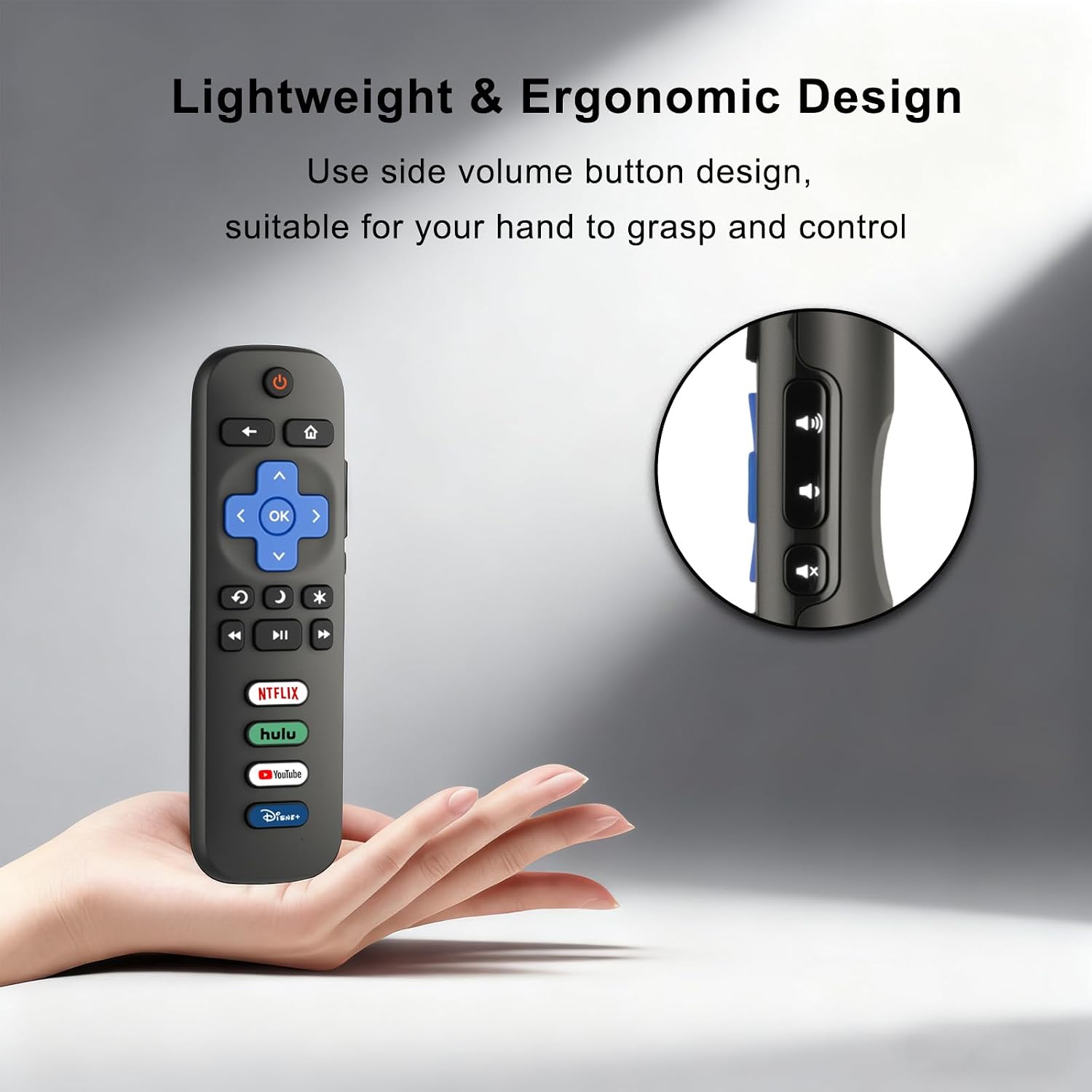
Luyeper Replacement Remote Control for Roku TV (IR) — Works with TCL, Hisense, Onn Roku TVs and more
Product description
What this remote is for
If your Roku TV remote got lost, stopped responding, or feels unreliable, this Luyeper replacement remote is the kind of fix you can actually use right away. It’s designed specifically for Roku TV models (not Roku streaming sticks or boxes), and it focuses on straightforward “swap it in and go” control—no pairing hoops.
On paper, it’s a simple infrared (IR) replacement meant to match everyday living-room use: navigating menus, adjusting settings, and jumping into your frequently used apps with one tap. Still, you’ll want to be a little careful about compatibility, because it explicitly isn’t for Roku streaming devices.
Key takeaways for compatibility and limits
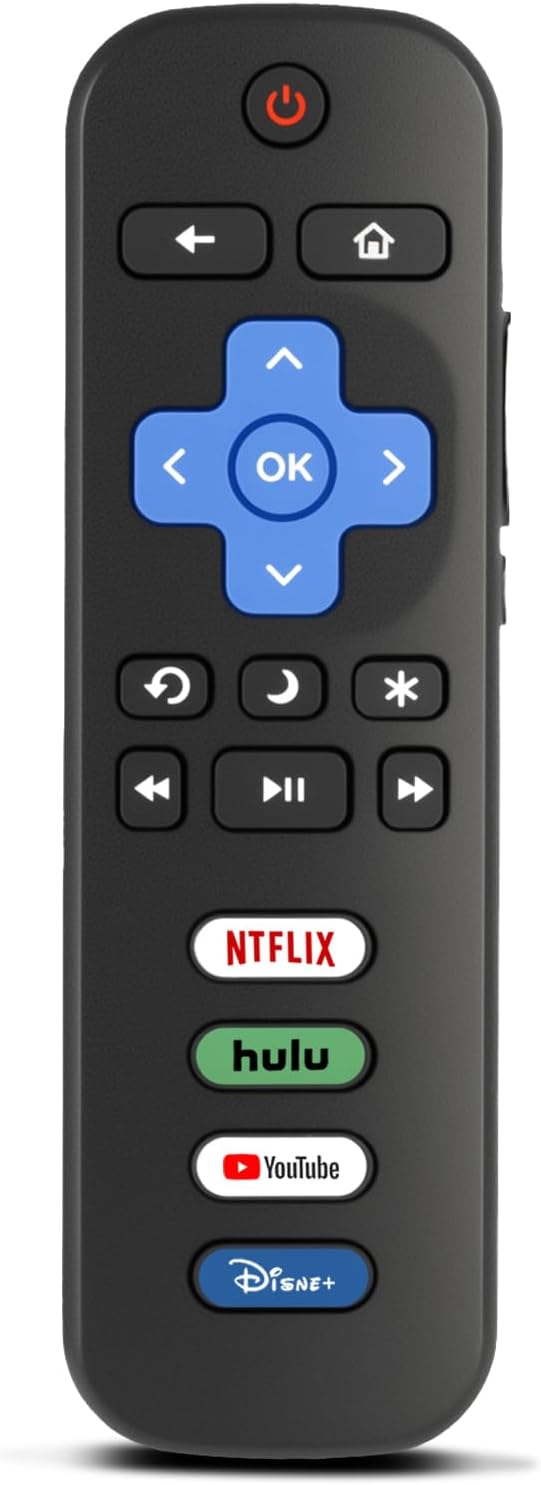
This remote is described as a replacement remote only for Roku TV sets, including Roku TV brands/models such as TCL Roku TV, Hisense Roku TV, Onn Roku TV, Sharp Roku TV, Philips Roku TV, Westinghouse Roku TV, Element Roku TV, and more.
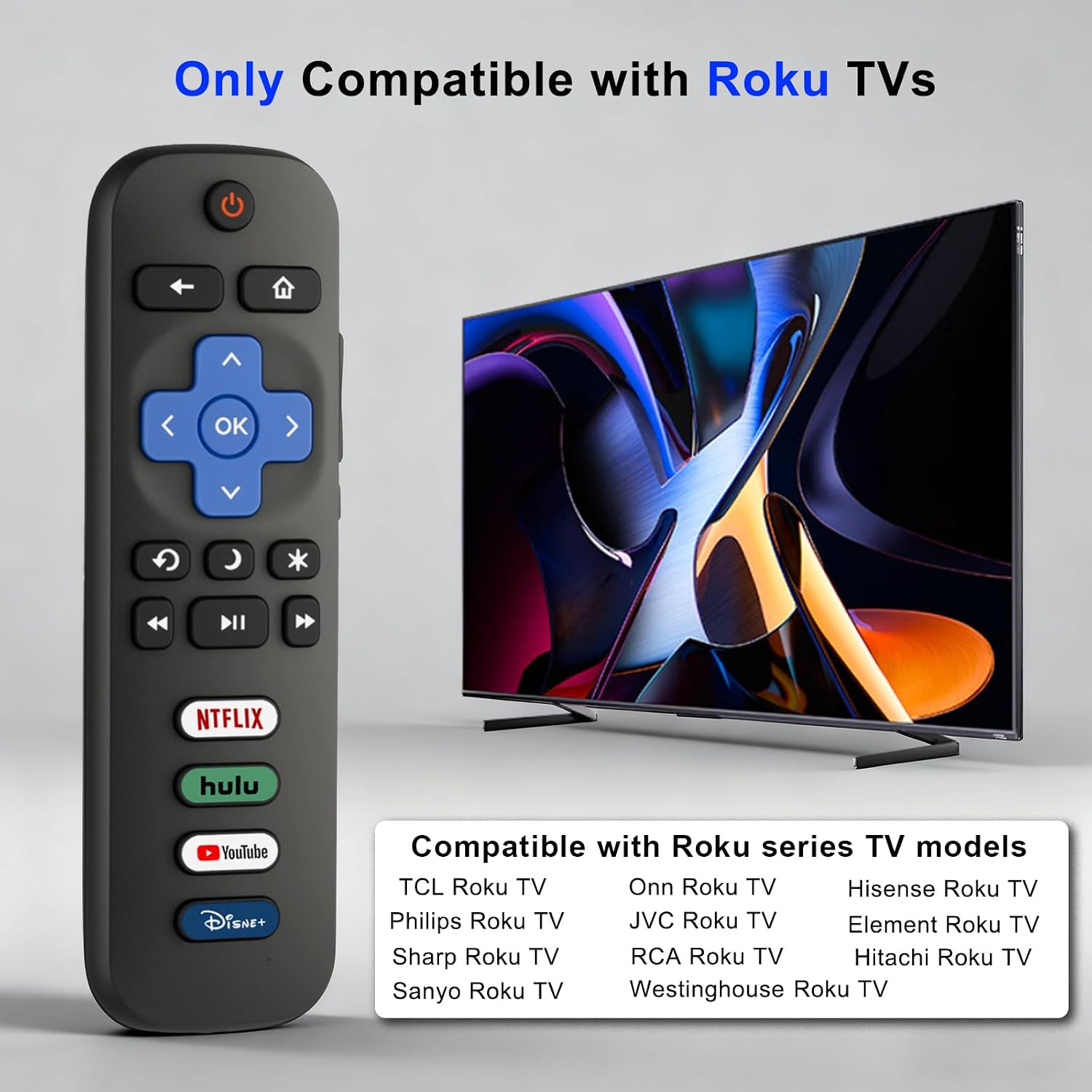
Where people can get burned is assuming any “Roku remote” will work. This one is NOT compatible with Roku streaming devices like Express, Stick, Premiere, Ultra, and Box (and related versions). It also isn’t meant for other non-Roku OS smart TVs.
It may not suit you if your goal is to control a Roku streaming player/box rather than a Roku TV.
What stands out in day-to-day use
The usability angle here is pretty clear: no programming or setup is required beyond inserting batteries. That matters when you just want the TV back working without digging through settings.
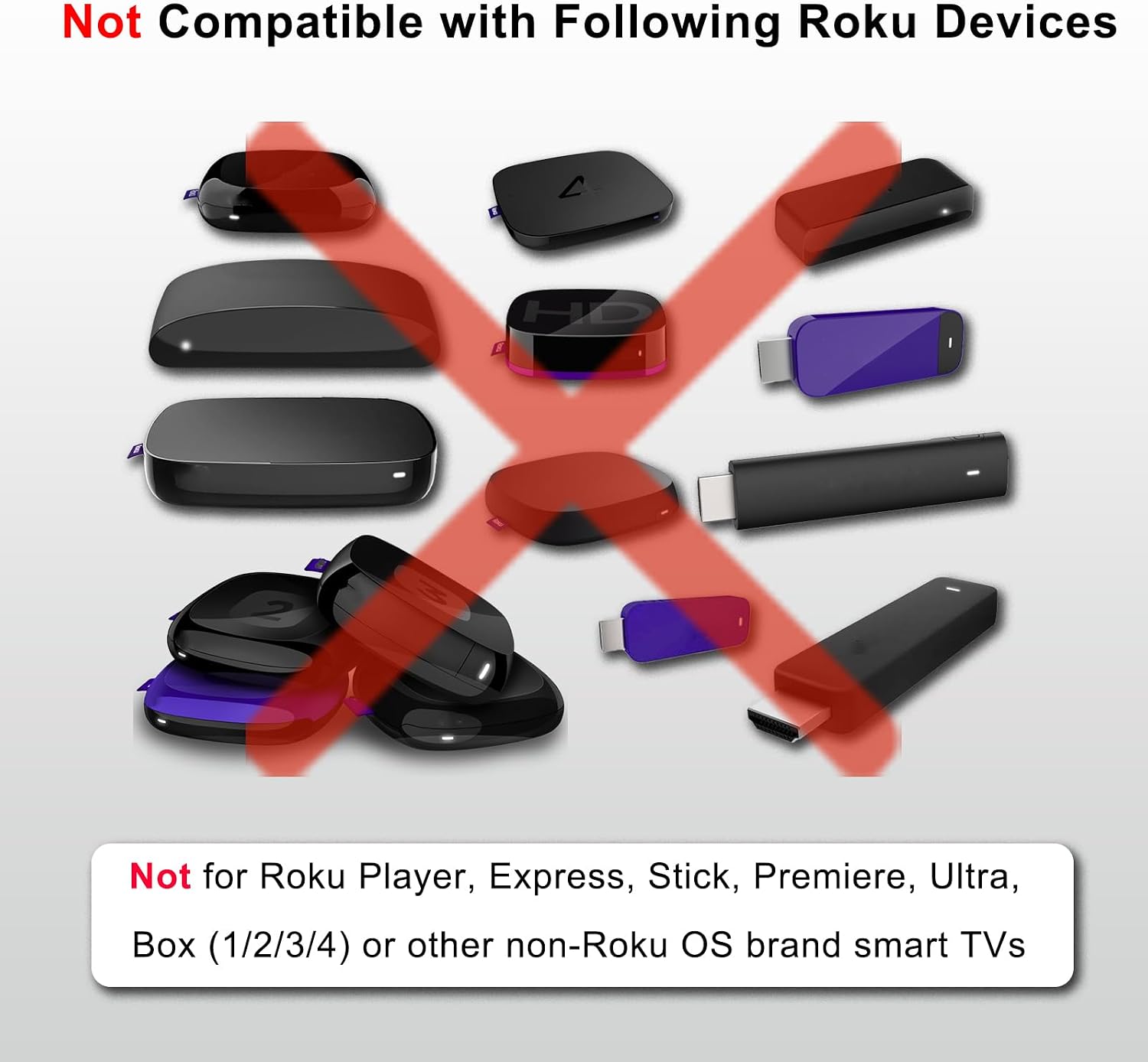
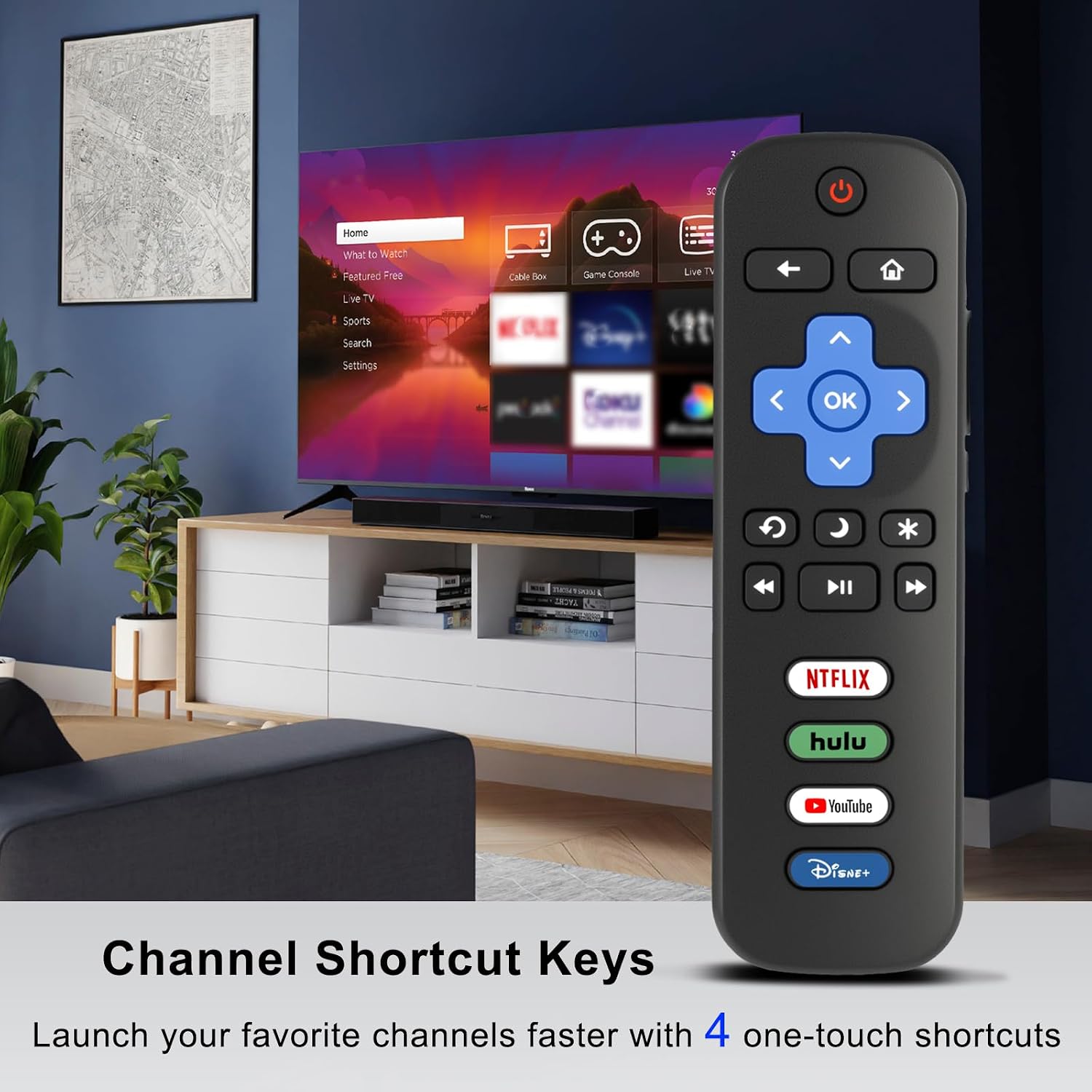
It also includes four dedicated preset buttons for quick app launching. If you tend to watch the same couple of apps—like the ones you open as soon as the TV turns on—having those one-tap shortcuts can make the remote feel closer to the original rather than a generic replacement.
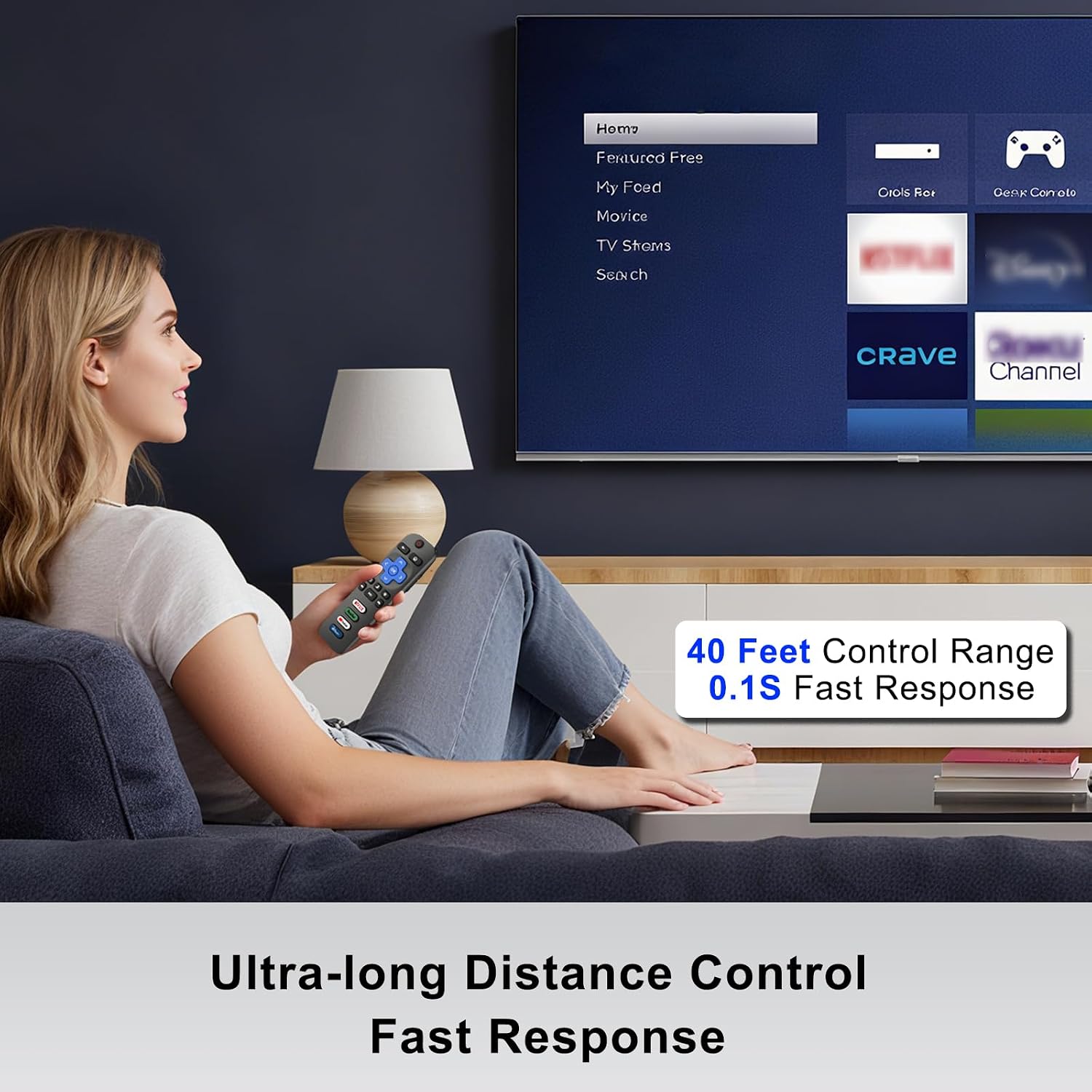
And the control response is built around IR: the listing mentions a 0.1s response time and a reliable 40-foot range. For most living rooms, that’s the difference between “it works when I’m pointed perfectly at it” and “I can control from the couch.” That said, IR remotes can still be affected by line-of-sight and room setup, so don’t expect miracles through walls.
Quick setup: how it starts working
This is a battery-powered remote. The instructions are straightforward: install 2 AAA batteries (not included), and it should begin working immediately. There’s no pairing process mentioned, which usually makes replacements less frustrating than remotes that require setup.
If you’re testing it, a practical approach is to sit in your normal spot, point toward the TV, and try core buttons (home/menu/navigation). If it doesn’t respond at all, compatibility is the first thing to double-check—especially whether your device is actually a Roku TV.
Technical details (the bits that matter)
Tech summary
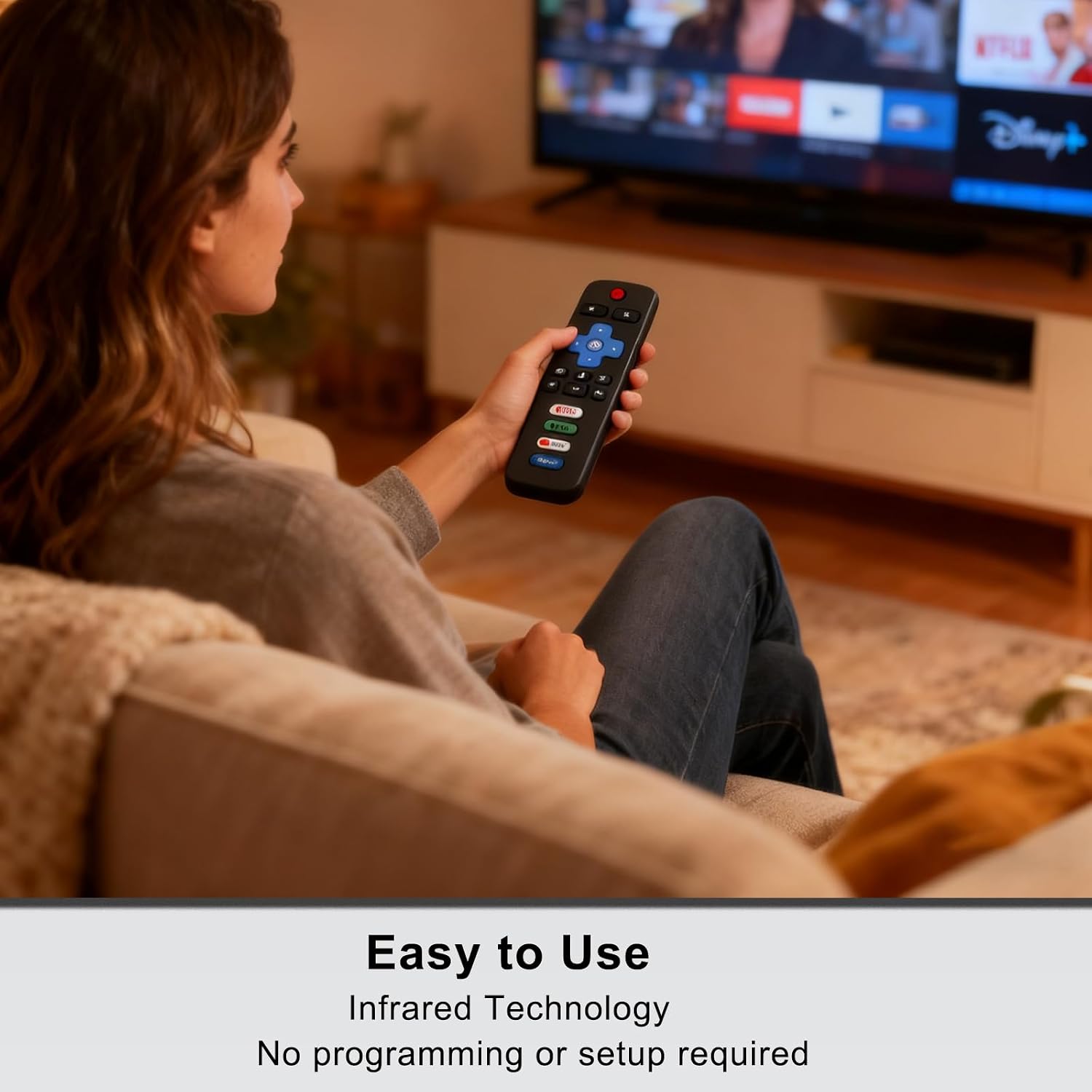
- Type: Replacement remote control for Roku TV
- Connectivity: Infrared (IR)
- Control range: Up to 40-foot range (as listed)
- Response time: 0.1s response time (as listed)
- Setup requirement: No programming or setup required
- Power: Requires 2 AAA batteries (not included)
- Shortcut buttons: 4 dedicated preset app buttons
Who it’s for (and who should skip it)
It’s a solid pick if you need a Roku TV replacement remote and you want simple operation—insert batteries, use it, get back to watching. It also makes sense if your main complaint is slow navigation and you’d rather have quick app shortcuts than fumble through menus.
It might not be a great match if you own a Roku streaming stick/box or if your TV isn’t in the Roku TV category. In that scenario, you may need a different kind of remote designed for streaming devices or the specific TV platform.
Final verdict
When it makes sense?
Buy this Luyeper replacement remote if you have a Roku TV from the listed Roku TV brands and you want a no-fuss backup or replacement that supports app shortcut buttons and everyday navigation.
Skip it if you’re trying to control a Roku streaming device (stick/box/player) or a non-Roku OS smart TV—the listing is clear that this remote is not for those situations. If you’re confident your TV is the Roku TV type (not a separate streaming box), this looks like a dependable, mid-simple replacement for real couch use.
Mini FAQ
Does it require programming or pairing?
No programming or setup is required per the listing. The process described is installing 2 AAA batteries and using it.
Will it work with Roku streaming sticks or boxes?
No. It’s not compatible with Roku streaming devices such as Express, Stick, Premiere, Ultra, or Box (and similar versions).
What TVs is it compatible with?
It’s described as compatible with Roku TV models from brands like TCL Roku TV, Hisense Roku TV, Onn Roku TV, Sharp Roku TV, Philips Roku TV, Westinghouse Roku TV, and Element Roku TV, plus others (as listed).
Does it have app shortcut buttons?
Yes. It includes 4 dedicated preset buttons for launching favorite apps.
How far does it work?
The listing states a reliable 40-foot control range using infrared.