

Luckyish Wireless CarPlay Adapter (Matte Black) — USB-C Dongle for iPhone (2016+ Cars)
Product description
If you’re tired of plugging your iPhone into the car every single drive, a wireless CarPlay adapter like this one is built for that exact pain point. On paper, the Luckyish Wireless CarPlay Adapter aims to turn factory wired CarPlay into a stable wireless connection, with auto-connecting behavior and a focus on keeping vehicle controls working as expected.
That said, wireless adapters aren’t all identical in the real world. Performance can depend on your phone, your car’s factory setup, and how consistently the adapter can maintain its link while you drive—so it’s worth checking compatibility details before you commit.
The essentials
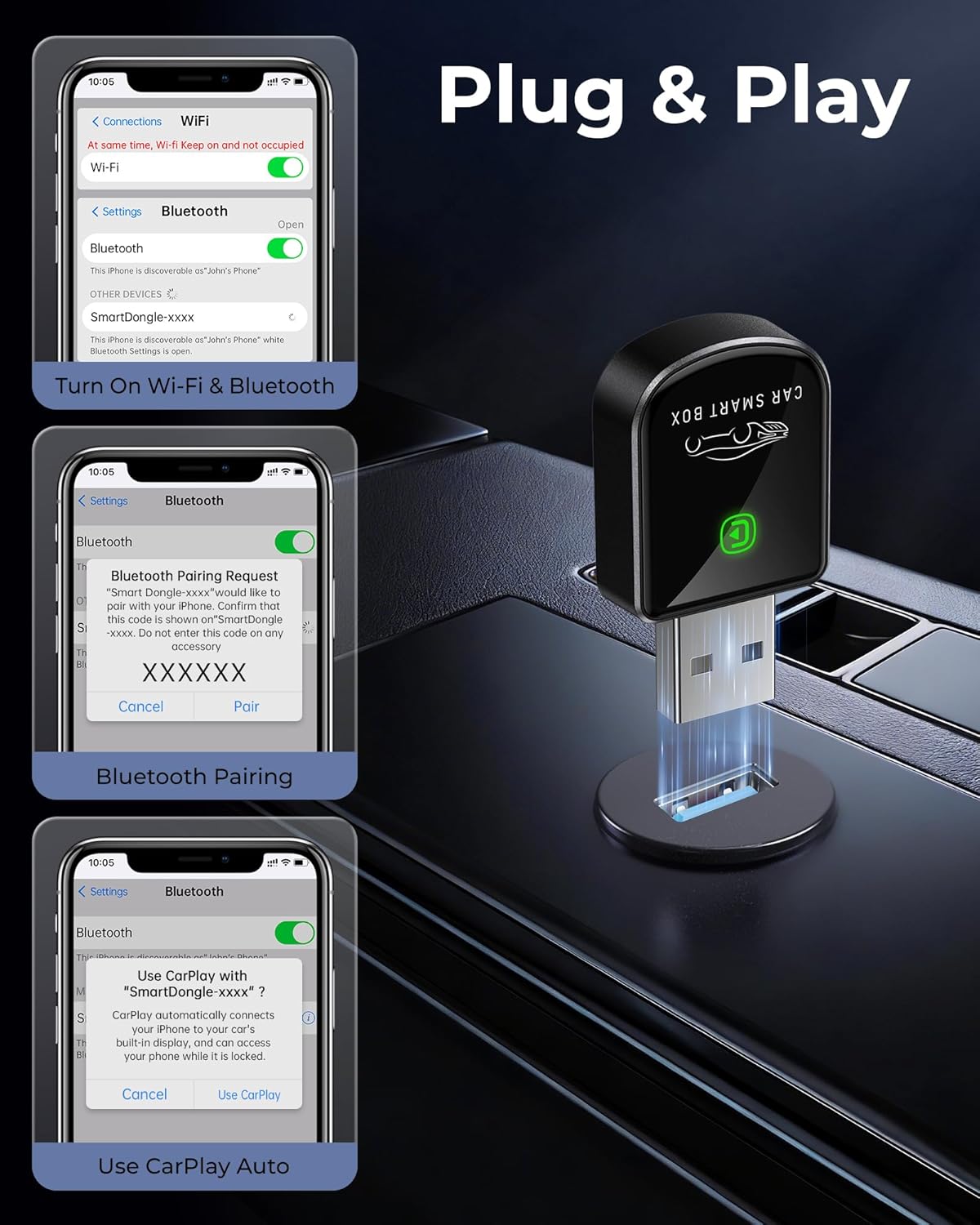
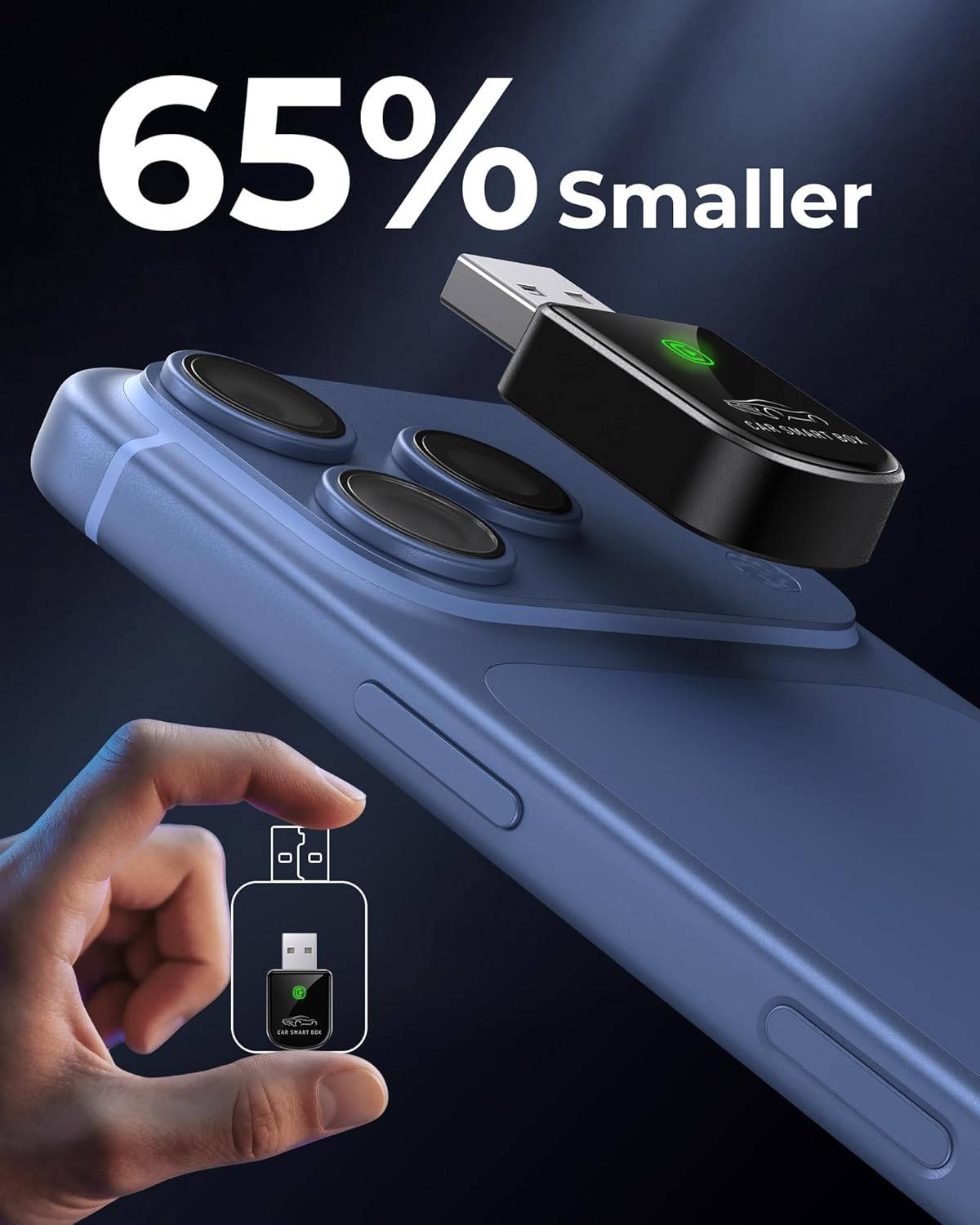
This is a small Bluetooth/Wi‑Fi dongle designed to convert wired Apple CarPlay into wireless CarPlay on supported 2016+ vehicles that already have factory wired CarPlay. The brand positions it as a “plug and play” style solution: you plug it in, pair it, and then it’s supposed to auto-connect when you get in the car.
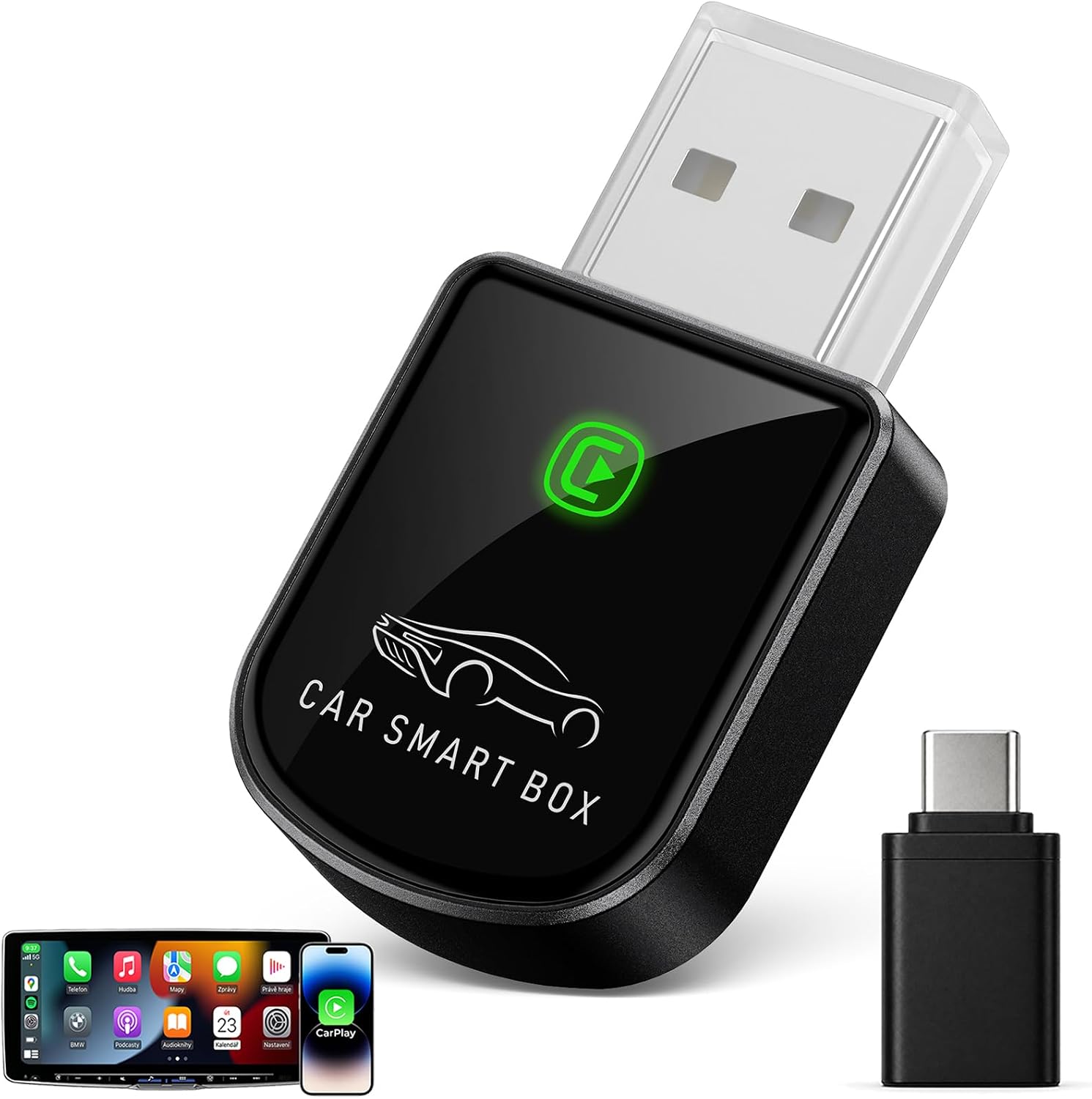
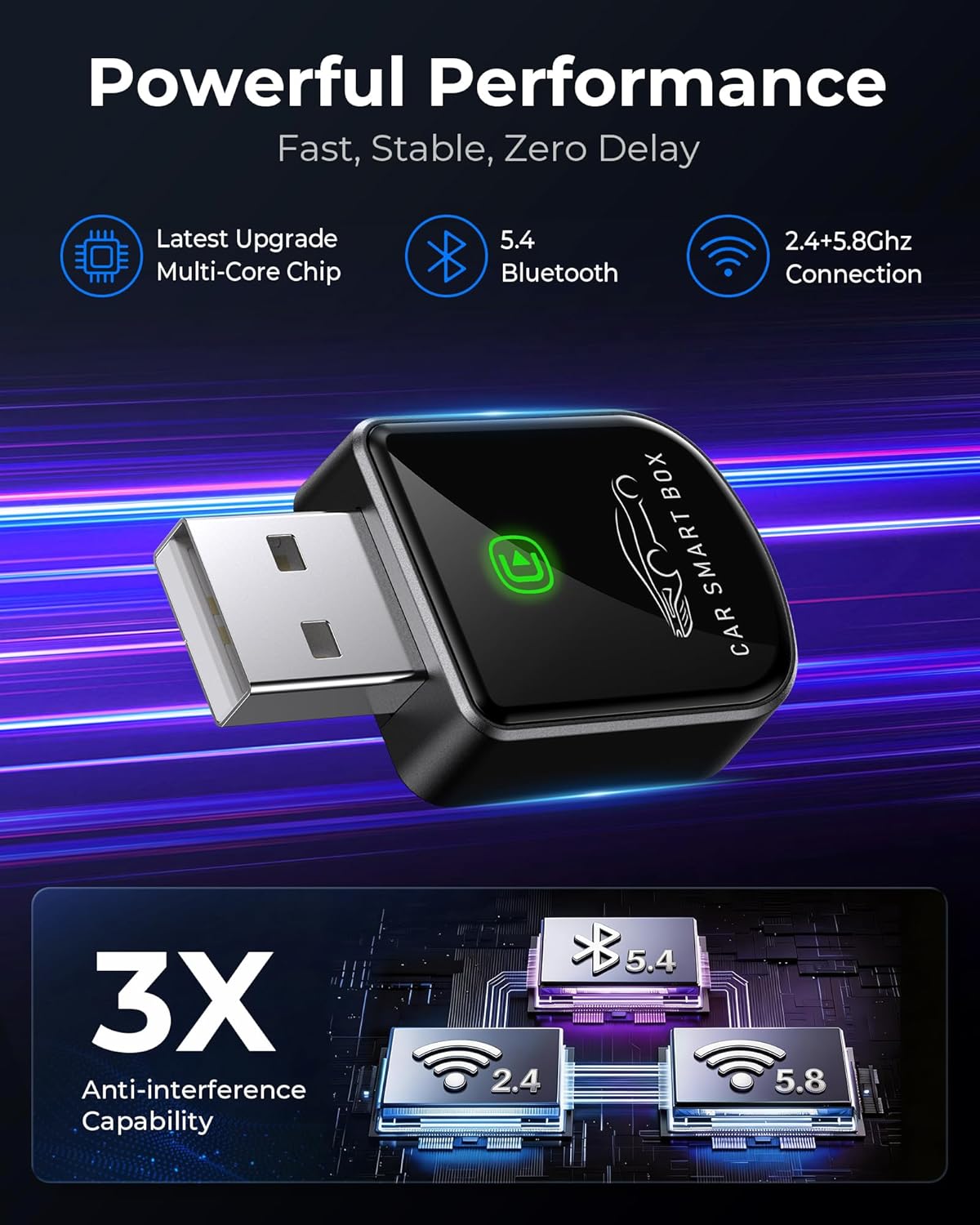
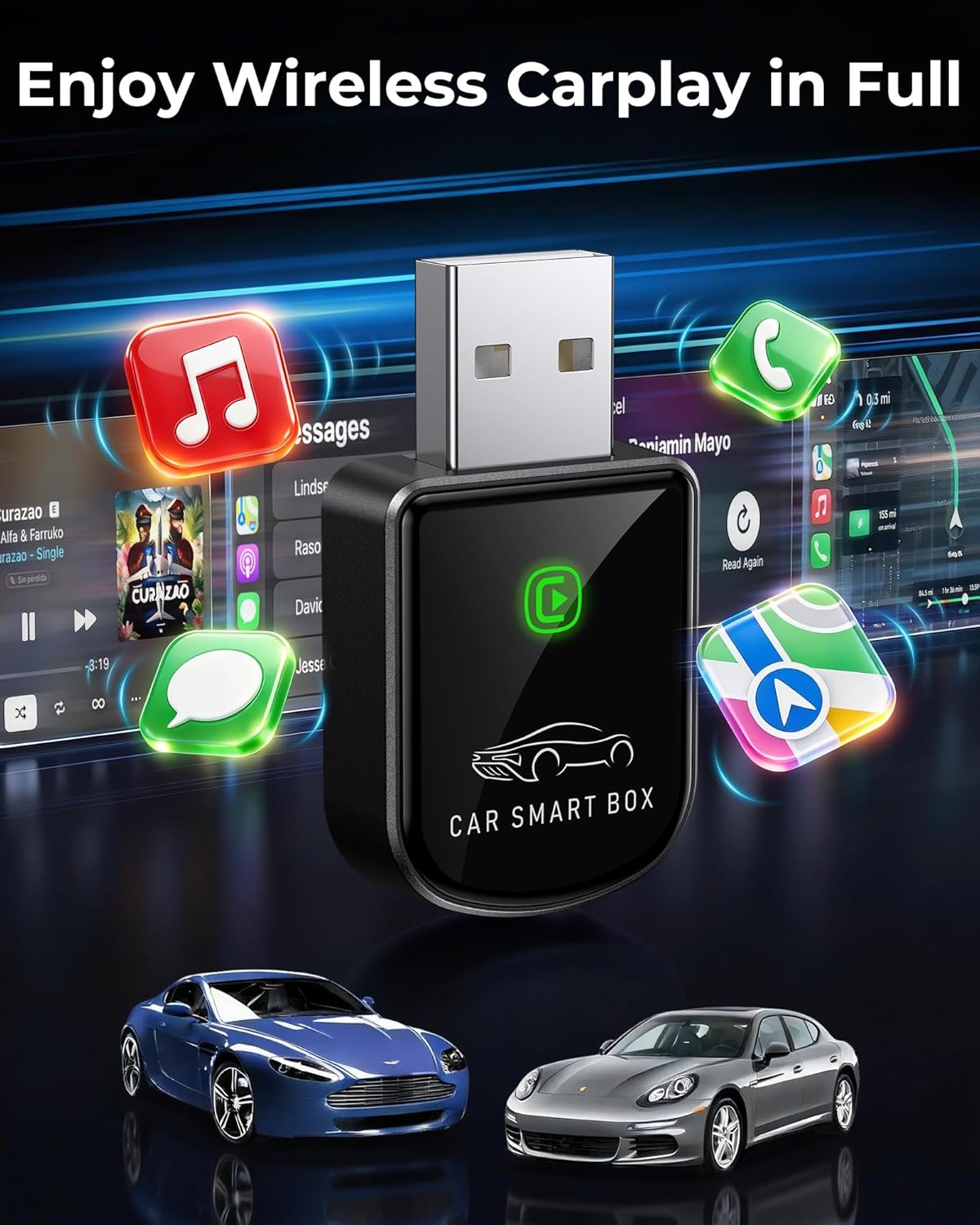
The pitch is pretty straightforward: less dashboard clutter and fewer daily cable routines, while still keeping core CarPlay functions such as music playback, navigation systems, and calls available over the wireless connection. It also specifically mentions preserving vehicle control behavior (like steering wheel controls, knobs, and touchscreen interactions), which matters because not every adapter focuses equally on the “feel” of using your car’s built-in interface.
What matters most for daily driving
The connection story is the heart of this adapter. It uses dual-band Wi‑Fi (2.4 + 5.8GHz) plus Bluetooth 5.4, and the manufacturer claims improved performance vs other wireless CarPlay adapters, aiming for near-zero latency and reduced audio stuttering.
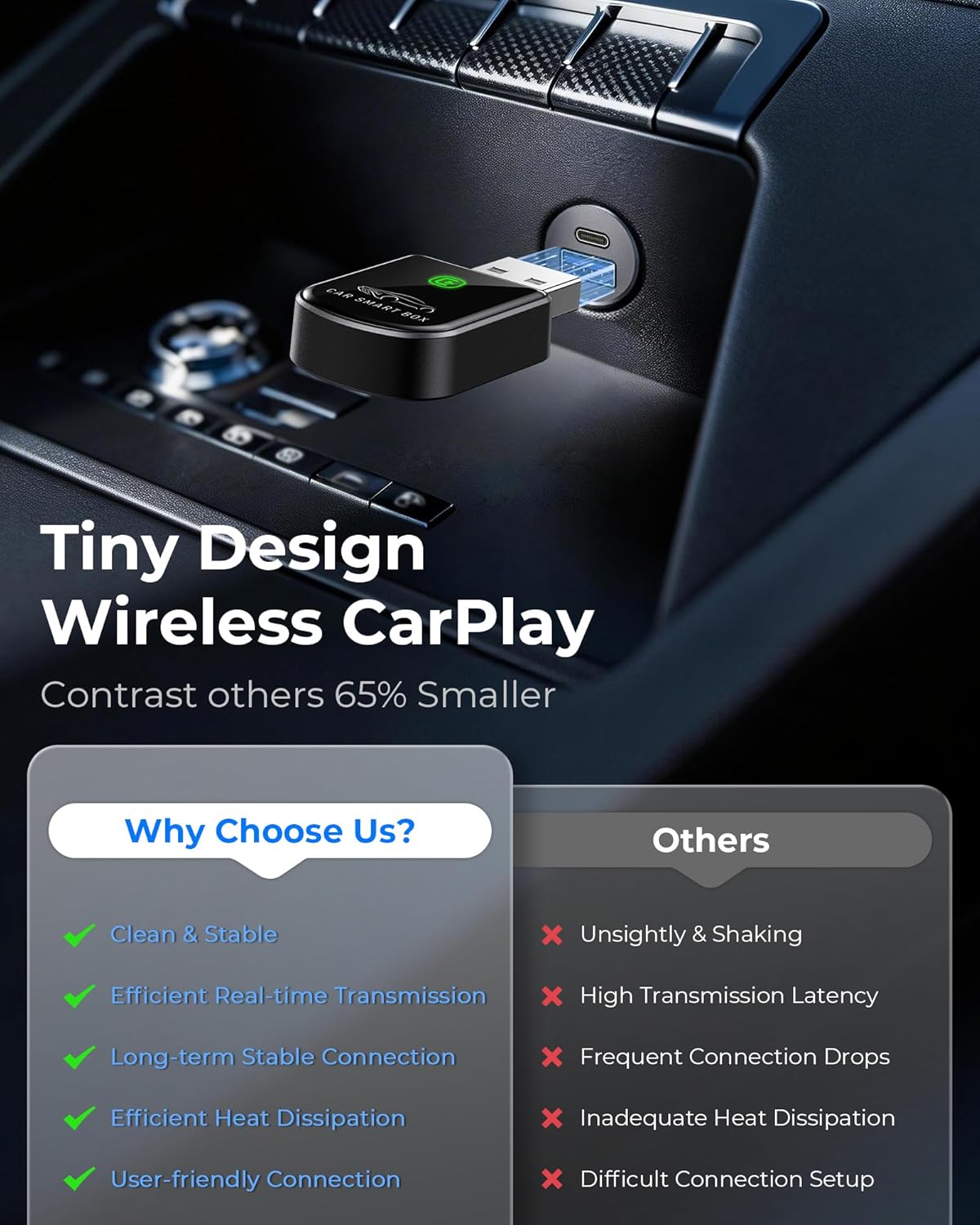
In practical terms, you’re trying to avoid the frustrating stuff: audio cutting, laggy Siri responses, or CarPlay feeling like it’s “almost connected.” If it performs as advertised, your drive experience should be closer to wired CarPlay than the messy middle ground some wireless adapters land in.
One limitation to keep in mind: “near-zero latency” and “no audio stuttering” are marketing-style claims, and real-world results can vary. If your goal is flawless, identical behavior to a wired connection in every scenario, it’s smart to approach wireless with realistic expectations.
Setup experience and auto-connect
The adapter is described as simple to set up once—three steps (plug, pair, play)—and then auto-connecting within seconds after you enter the car. There’s also a helpful detail: it should connect even if your phone stays in your pocket.
That’s the kind of feature that makes a wireless adapter worth it for most people. You’re not just gaining “no cable,” you’re gaining less friction. For example, imagine getting into your car, starting your drive, and having CarPlay come up without hunting for the cable or re-seating a connector every day.
Compatibility and requirements (what to verify first)
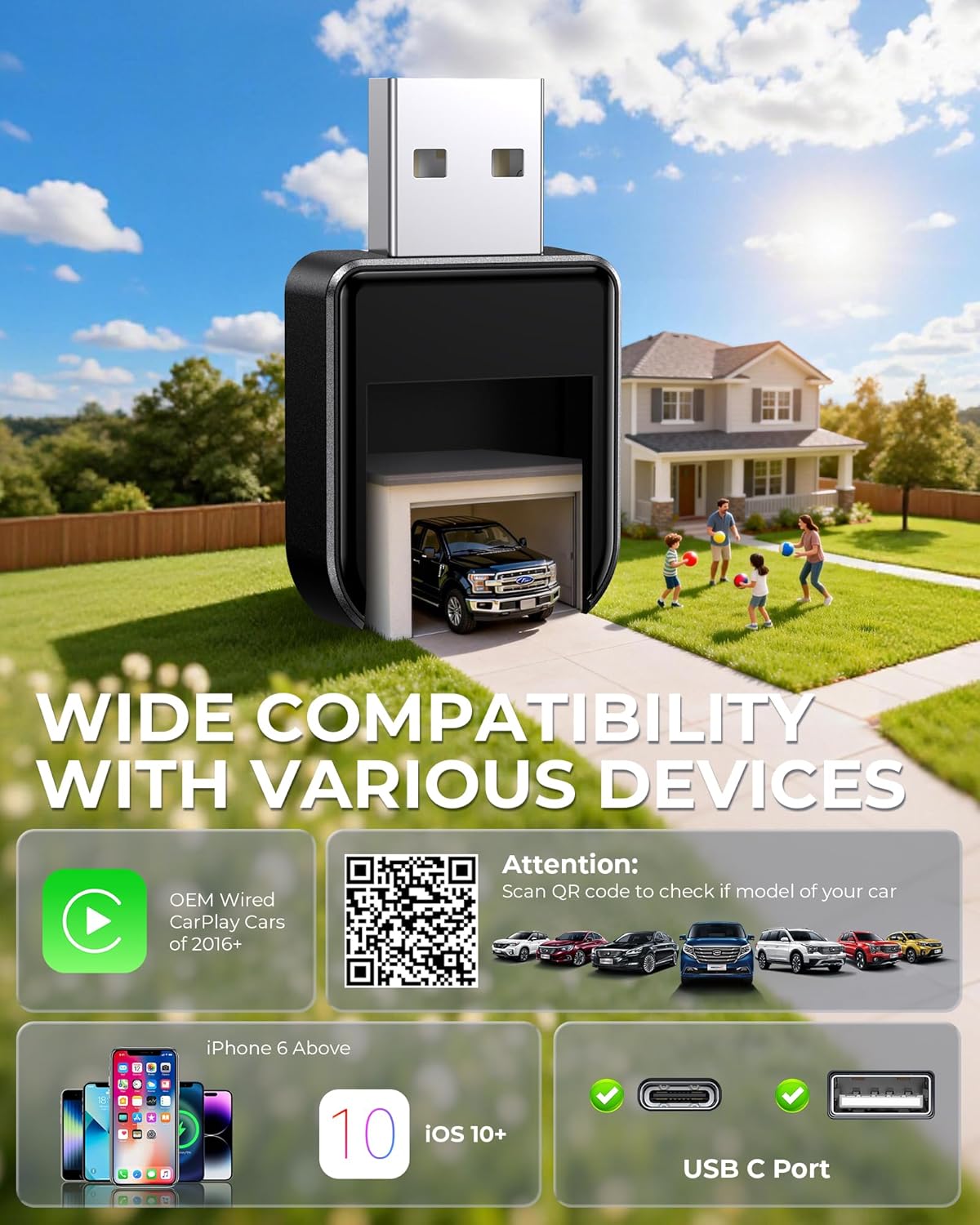
This model is aimed at iPhone users using iOS 10+ and iPhone 6+ (as stated). On the vehicle side, it’s said to work with 98% of vehicles from 2016+ that are equipped with factory wired CarPlay.
Before buying, you’ll want to confirm two things based on your own setup:
- Your vehicle actually has factory wired CarPlay (not just “some infotainment features”).
- Your iPhone model and iOS version fall within the listed support range.
Also note what’s included: a USB‑C dongle is mentioned in the package description. If you’re expecting something else for installation, double-check the “in the box” details on the listing.
Strengths and where it may fall short
Where it shines: - Dual-band Wi‑Fi + Bluetooth 5.4 for a stronger wireless link, at least by design. - Claims of improved connection stability for GPS, music, and calls. - Mentions of preserving original sound quality and vehicle control behavior. - Auto-connect and “plug, pair, play” convenience. - Lifetime expert support plus regular firmware updates.
Where you might want to be careful: - The adapter is positioned for broad compatibility, but “works with 98%” still implies some vehicles won’t play nicely. - Wireless setups are inherently more variable than wired. If your priority is zero variables—especially for latency-critical use—you may find wired still feels more dependable.
CarPlay wireless without surprises: mini FAQ
Does this adapter really remove the cable from the equation? It’s designed to convert factory wired CarPlay into wireless CarPlay, so the goal is cutting the daily cable routine after setup.
Will it handle navigation, music, and calls over the wireless connection? The description specifically mentions stable GPS for navigation, music, and calls as core use cases.
How fast does it connect after you get in the car? The manufacturer claims it auto-connects within seconds of entering the car.
Is it meant for iOS and iPhone models beyond older generations? Support is stated for iOS 10+ and iPhone 6+.
Final verdict
This Luckyish Wireless CarPlay Adapter makes sense if you have a 2016+ car with factory wired CarPlay and you want to switch to wireless without losing basic control behavior. It’s also a good fit if you value convenience—auto-connect and a one-time setup—over dealing with a cable every day.
You may want to skip it if your vehicle doesn’t match the factory wired CarPlay requirement, if you’re outside the stated iPhone/iOS support window, or if your top priority is perfectly consistent, wired-like responsiveness in every situation. Wireless adapters can be great, but they’re still a wireless link by nature—so double-check compatibility before you buy.