

LONGER Ray5 10W/60W DIY Laser Engraver & Cutter with 3.5" Touch Screen — 400x400mm, 0.06mm Spot, 10000mm/min
Reviews
Price
Product description
What it is and who it’s for
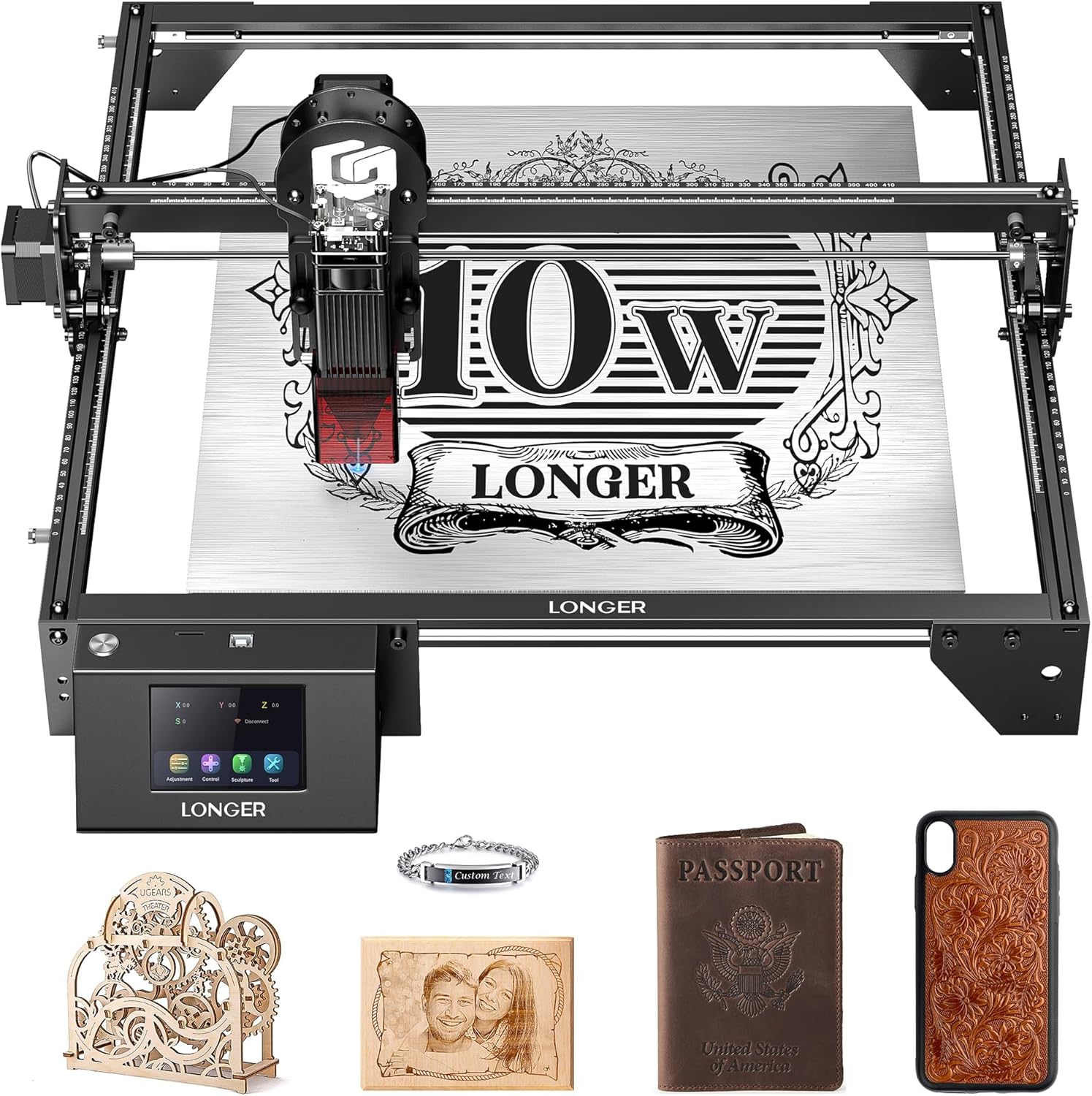
The LONGER Ray5 is a desktop laser engraver and cutter designed for hobbyists and small workshop projects. It combines a 10W laser module with a compact 400x400mm work area, aiming to deliver precise engravings and light-cutting capabilities on a range of materials. If you’re exploring wood, acrylic, leather, fabric, or glass etching as a side hustle or creative hobby, this machine positions itself as a capable entry-to-mid level option that supports both DIY experimentation and longer projects.
How it performs on paper
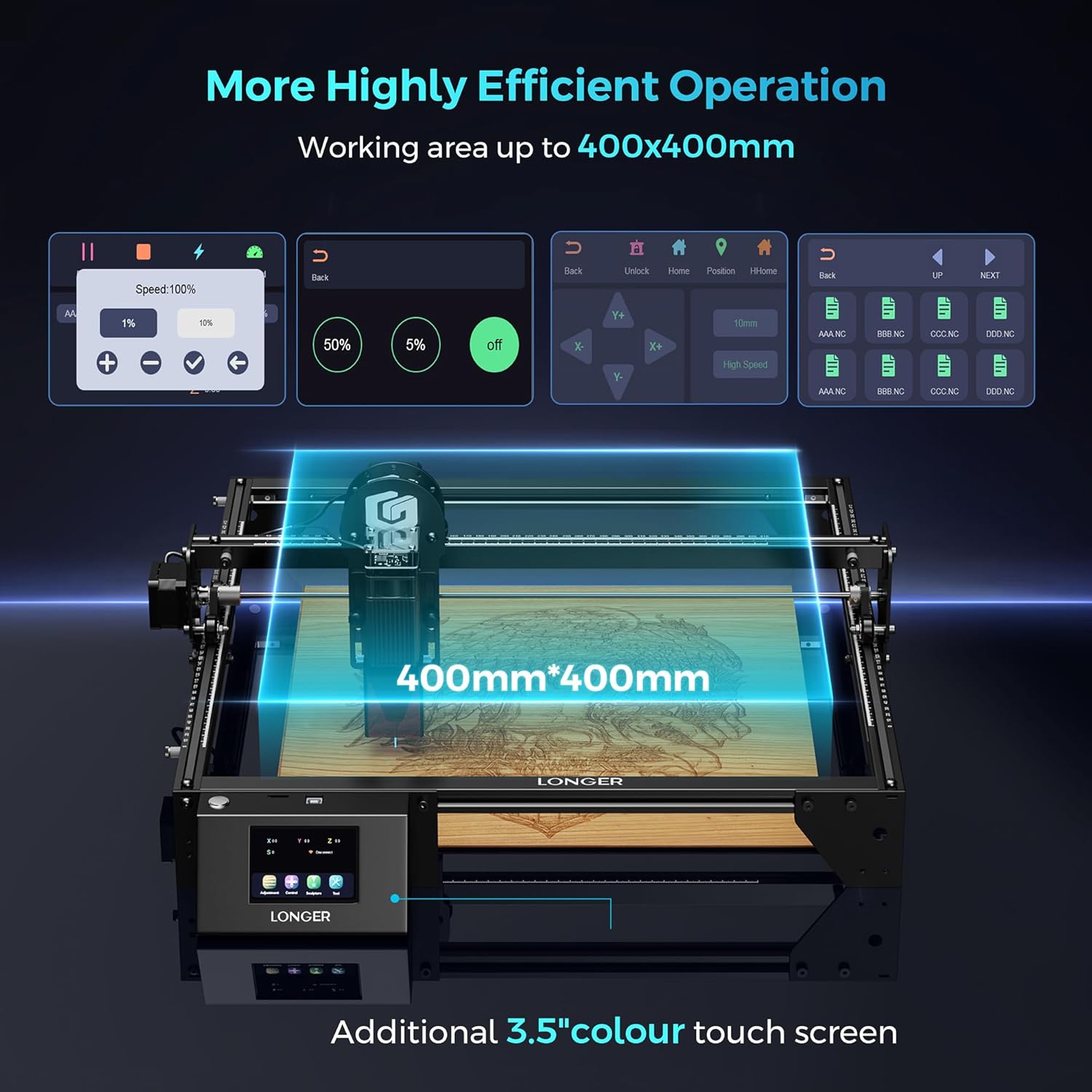
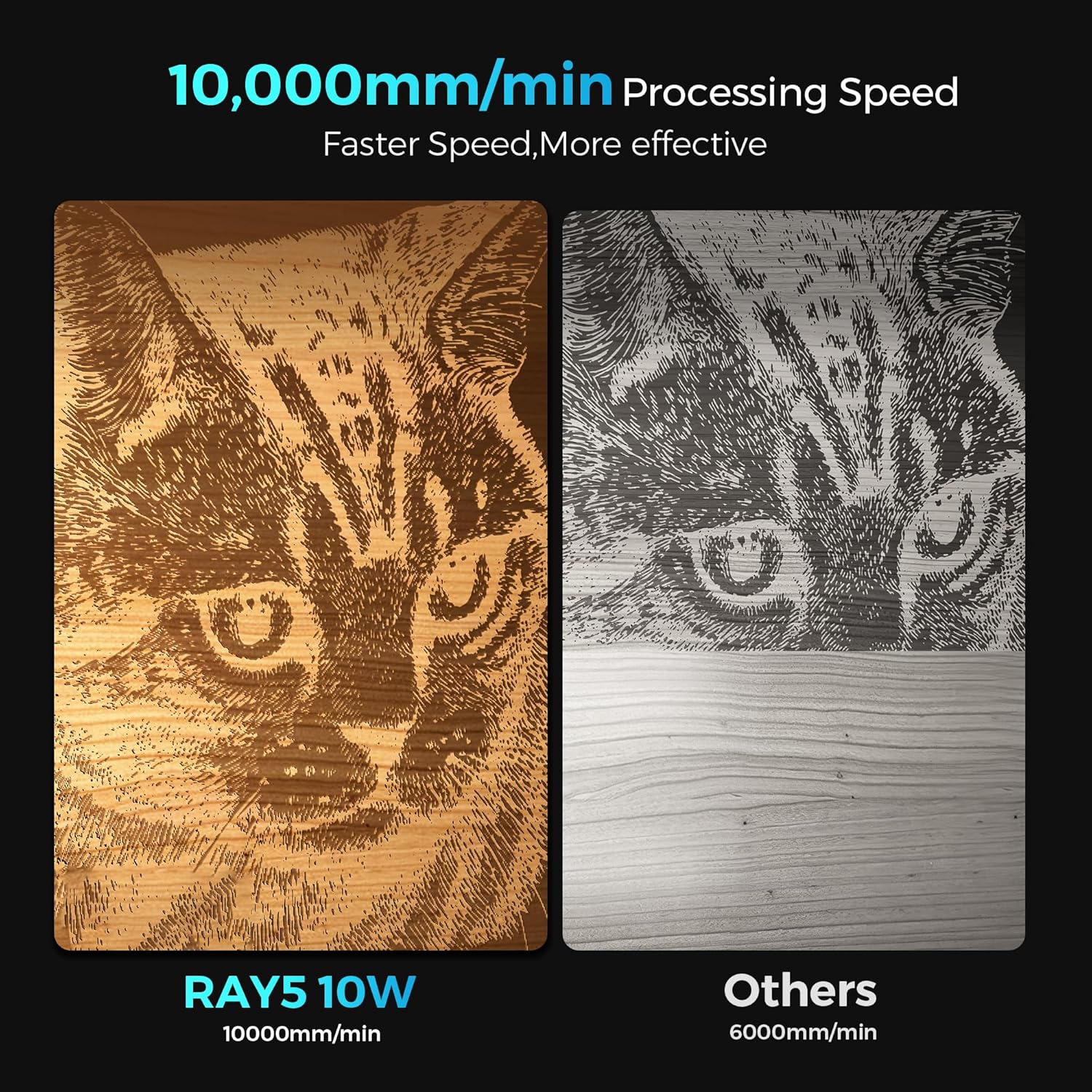
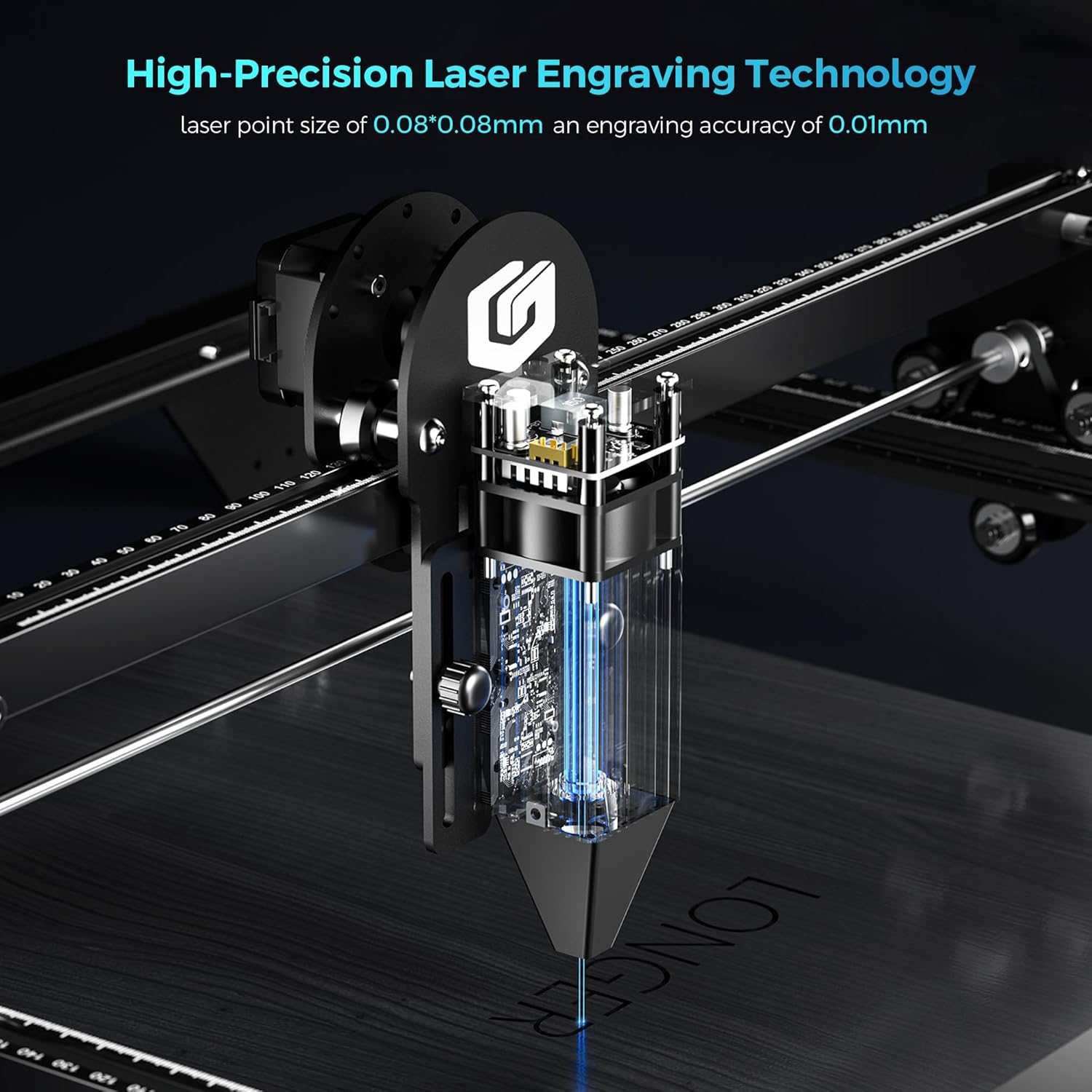
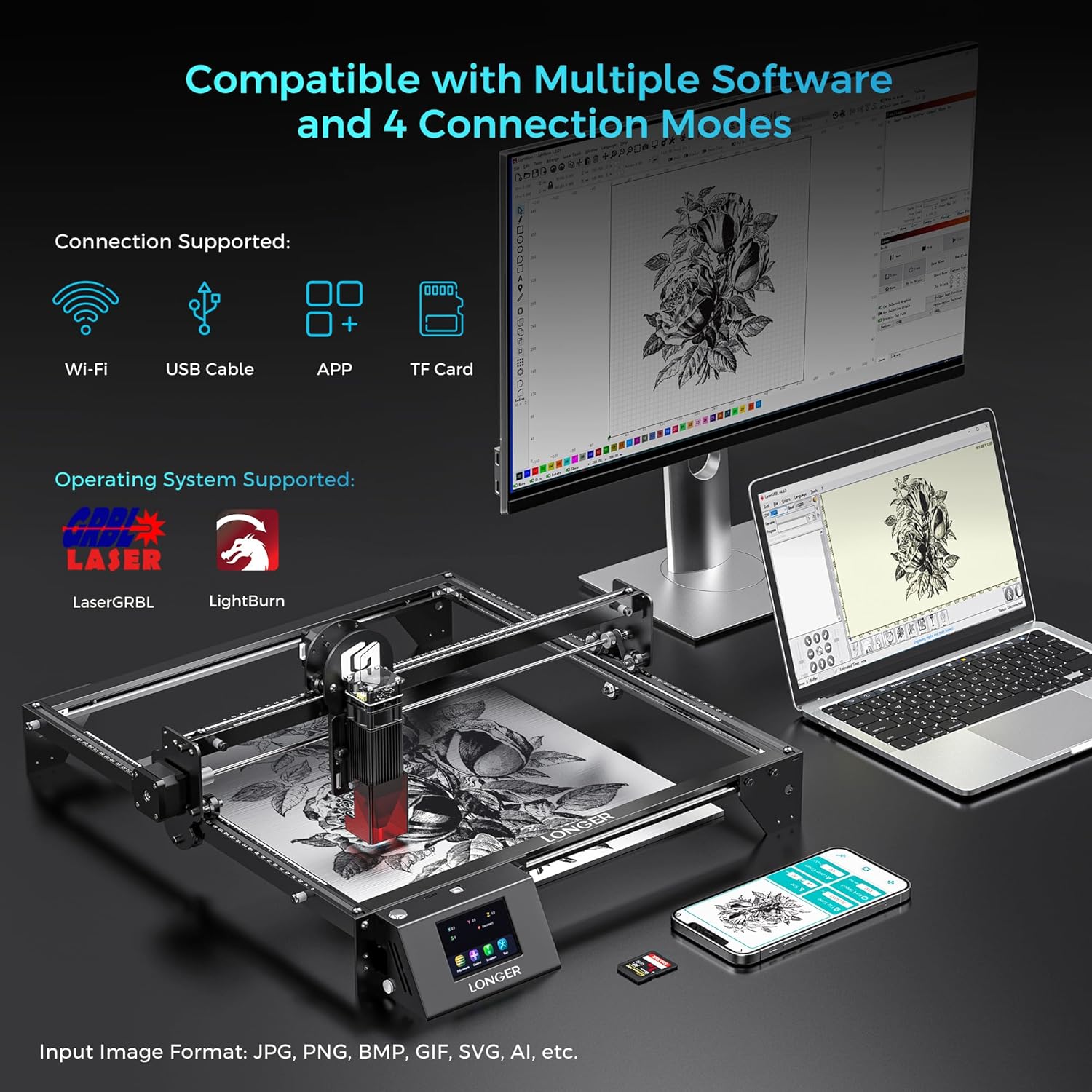
In terms of speed and precision, the Ray5 touts a maximum engraving speed of 10,000 mm/min and a laser spot as fine as 0.06 mm, with a stated precision of 0.01 mm. It’s designed to handle wood up to about 20 mm thick and acrylic up to around 30 mm, which makes it practical for a range of signage, crafts, and prototyping tasks. The dual-beam approach suggests better efficiency and detail, especially for smaller, high-contrast engravings. The device emphasizes versatility by supporting multiple control paths (USB, TF card, WiFi, or app) and compatibility with common engraving software such as LaserGRBL and LightBurn.
What stands out in real use
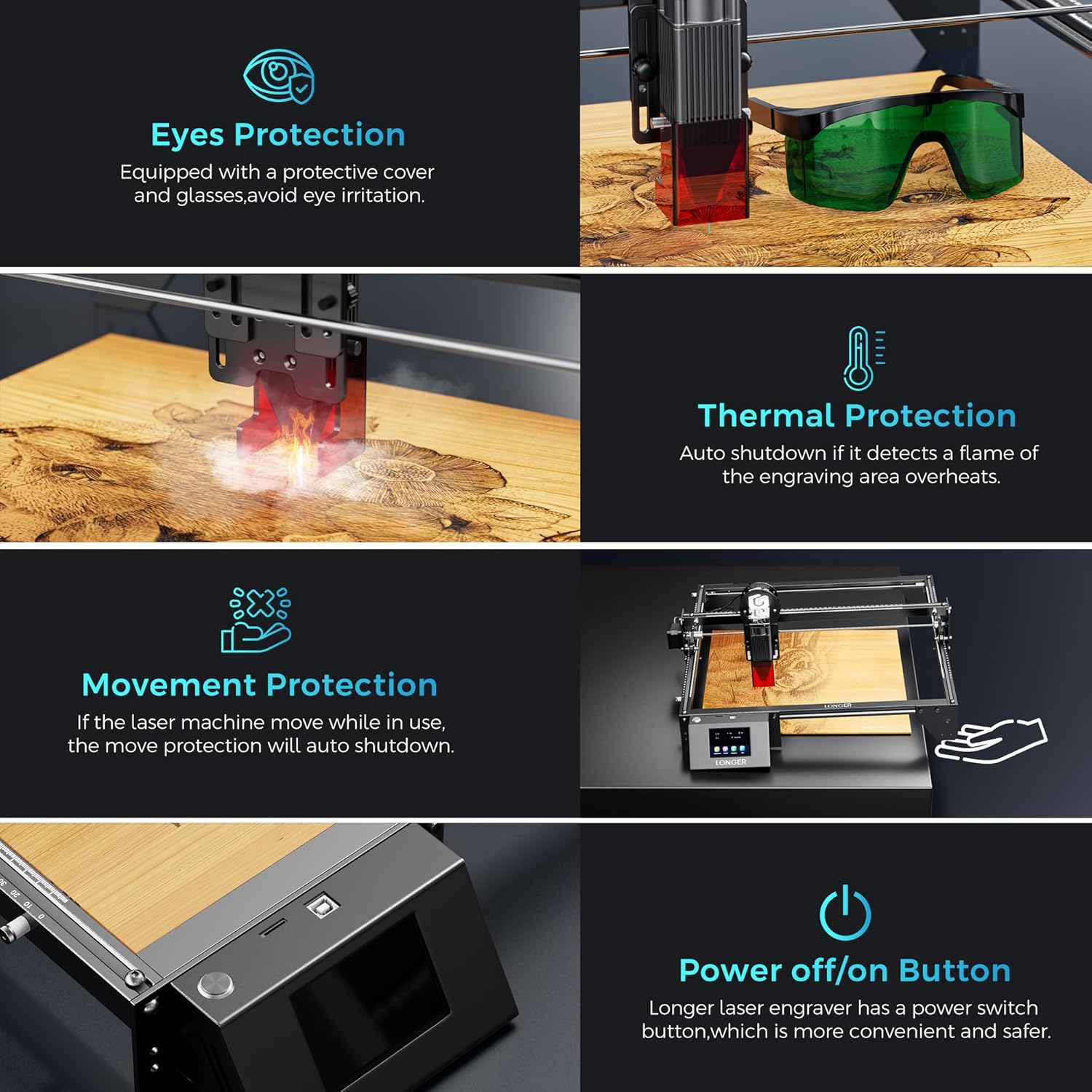
What users often notice first is the flexibility in connectivity. Being able to plan a workflow offline or online—while choosing software you’re comfortable with—can save time on iterative projects. The 3.5-inch touch screen adds a tactile interface for quick settings and previews, which helps when you’re testing a new material or design. Safety features are also emphasized: an emergency stop, motion protection, heat protection, a protective cover, safety goggles, and an active cooling system aimed at prolonging laser life.
The best and the rest
On the upside, the Ray5 combines a relatively robust build for its class with multi-device support and a broad material palette. If your needs include engraving metals or extremely thick materials, you’ll likely run into its limits (the specs focus on wood, acrylic, and similar substrates). The dual-beam tech and the finer laser spot are meaningful for detailed work, but real-world results depend on material and cooling conditions. It’s not a premium laser cutter, so expect solid performance for typical hobbyist projects rather than industrial-grade production.
Who it’s for and who should skip it
This machine makes sense for makers who want a sizeable working area without stepping into high-end, professional units. It suits crafters, small workshop hobbyists, and those building a home-based engraving service who prioritize flexible connectivity and ease of setup. If you primarily need metal cutting, high-volume production, or you require extremely thick or dense materials regularly, you might want to consider other options or plan for longer cycles and more frequent maintenance.
When it makes sense to buy
If you value a balance between performance and price, and you want a device that can operate offline or online with software flexibility, the Ray5 is worth evaluating. It’s a decent fit for projects that benefit from a 400x400 mm area and a fast engraving workflow, especially when you’ll benefit from rapid design iteration and the option to switch between LaserGRBL and LightBurn.
Before you buy: key checks
- Confirm your material expectations: wood and acrylic are clearly supported up to specified thicknesses, but results will vary with type and finish.
- Consider your preferred workflow: if you’re already embedded in LaserGRBL or LightBurn, the compatibility is a real plus.
- Review cooling and safety features: a hidden active cooling system and protective gear are positives, but follow best practices for ventilation and eye protection.
- Assess space and noise: the machine’s footprint and ventilation needs should fit your workspace, especially if you’re in a small studio.
- Plan for software updates and support: LONGER’s support line and lifetime guidance add long-term value, but check current response times and documentation quality.
Practical usage example
Imagine you’re designing a set of wooden signs for a local market. You sketch a logo, apply a vector path in your software, and send it to the Ray5 via WiFi. In minutes you see a precise, shallow engraving on pine, the 0.06 mm laser spot rendering tiny details crisply. You tweak the contrast and re-run the cut, saving motion time with the dual-beam approach. When you switch to a leather patch, the machine handles a clean, shallow burn pattern with consistent depth—proof that the Ray5 can adapt across materials without reinventing the wheel each time.
Tech specs snapshot (brief)
- Laser: 10W output
- Work area: 400x400 mm
- Laser spot: 0.06 mm x 0.06 mm
- Speed: up to 10000 mm/min
- Materials supported: wood, acrylic, leather, fabric, glass, metal (varies by coating and safety)
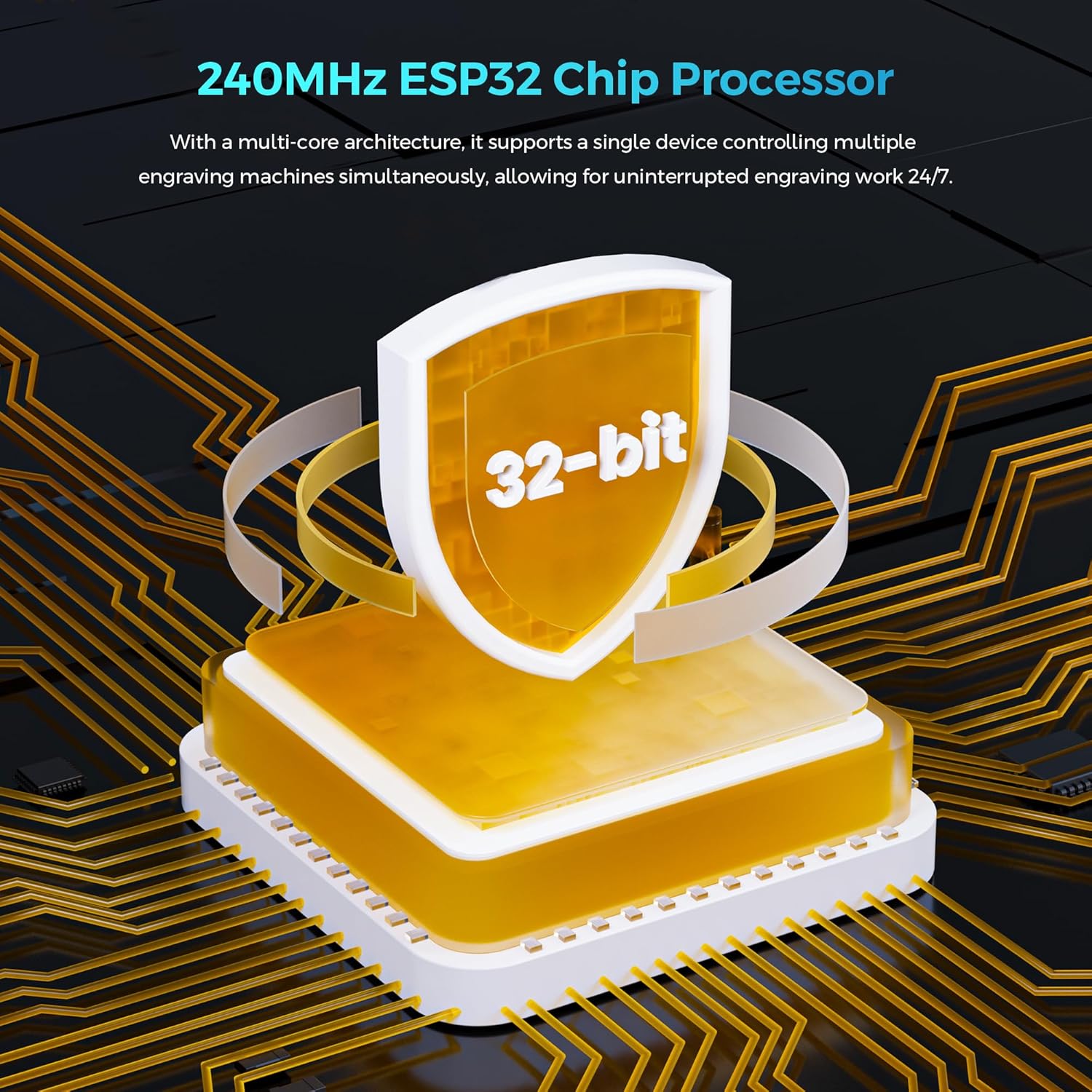
- Connectivity: USB, TF card, WiFi, App
- Safety: emergency stop, motion protection, heat protection, protective cover, goggles, active cooling
- Screen: 3.5" touch display
Final verdict
Final verdict: It’s a solid pick if you’re after a versatile, reasonably capable DIY laser engraver with flexible connectivity and a usable workspace. It won’t replace a high-end, industrial laser, but for hobbyists and small studios prioritizing speed, detail, and ease of use, the Ray5 offers real value. If your focus is heavy metal cutting or extreme material thickness, you may want to manage expectations or look for models designed for those tasks.
FAQ
- Can I engrave metal with the Ray5? Engraving on metal is possible on certain coated or treated surfaces, real results depend on material type and finishing. It’s not a metal cutting powerhouse by default.
- Is offline operation practical? Yes, you can run offline via USB or TF card, and app connectivity adds flexibility for on-the-go edits.
- How important is software compatibility? Very—the option to use LaserGRBL or LightBurn can simplify workflows if you’re already invested in those ecosystems.
Is it worth it?
Final verdict