

AMVR Link Cable with Charging (16FT) for Meta Quest 3/3S/2 and Pico 4
Product description
Key takeaways
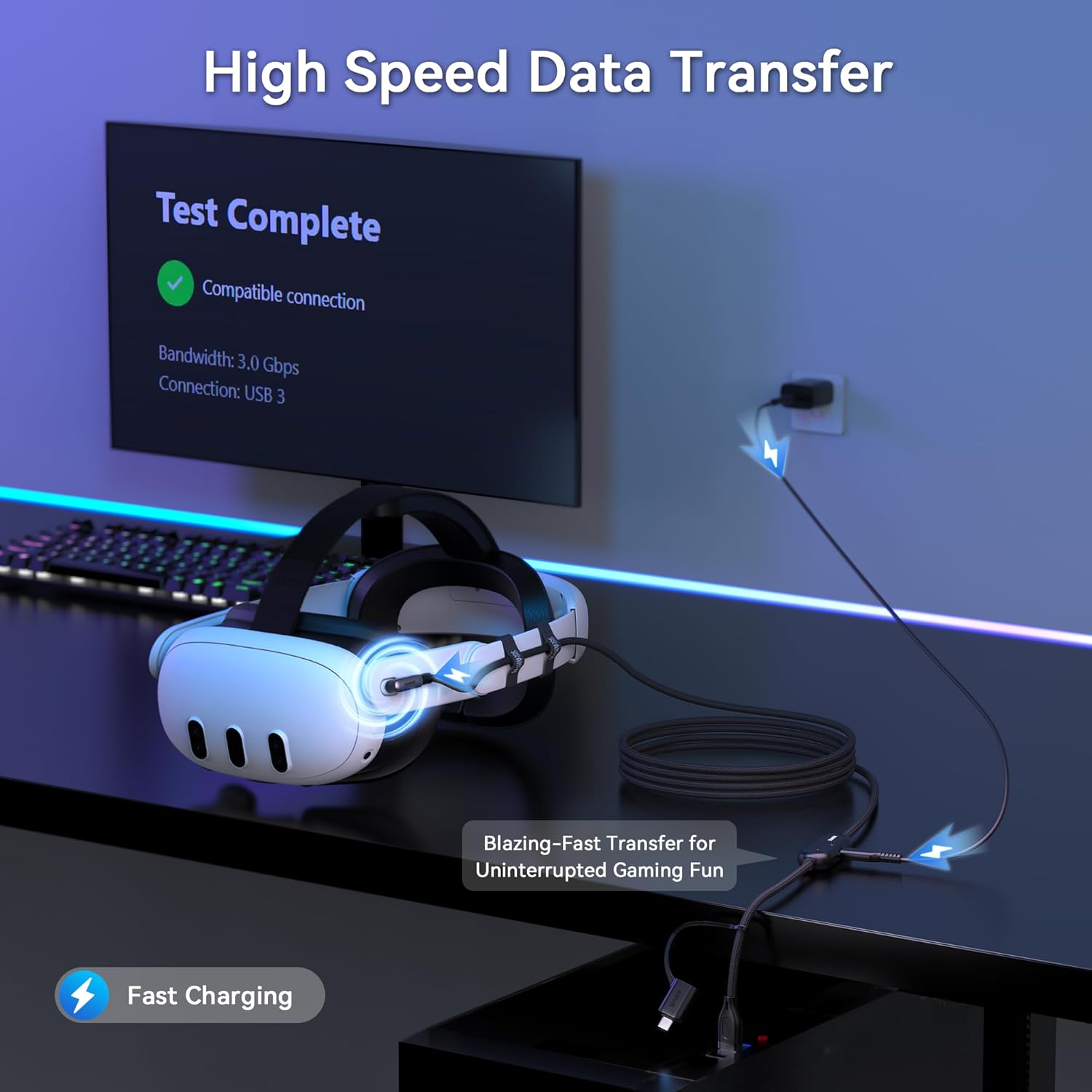
If you’re using Meta Quest headsets for PCVR (SteamVR-style) you already know the trade-off: the session is great, but the cable and power setup can get annoying fast. This AMVR Link Cable with Charging (16FT) is built for that exact use case—stable USB 3.0 data to your PC while also supplying charging so you can keep playing longer.
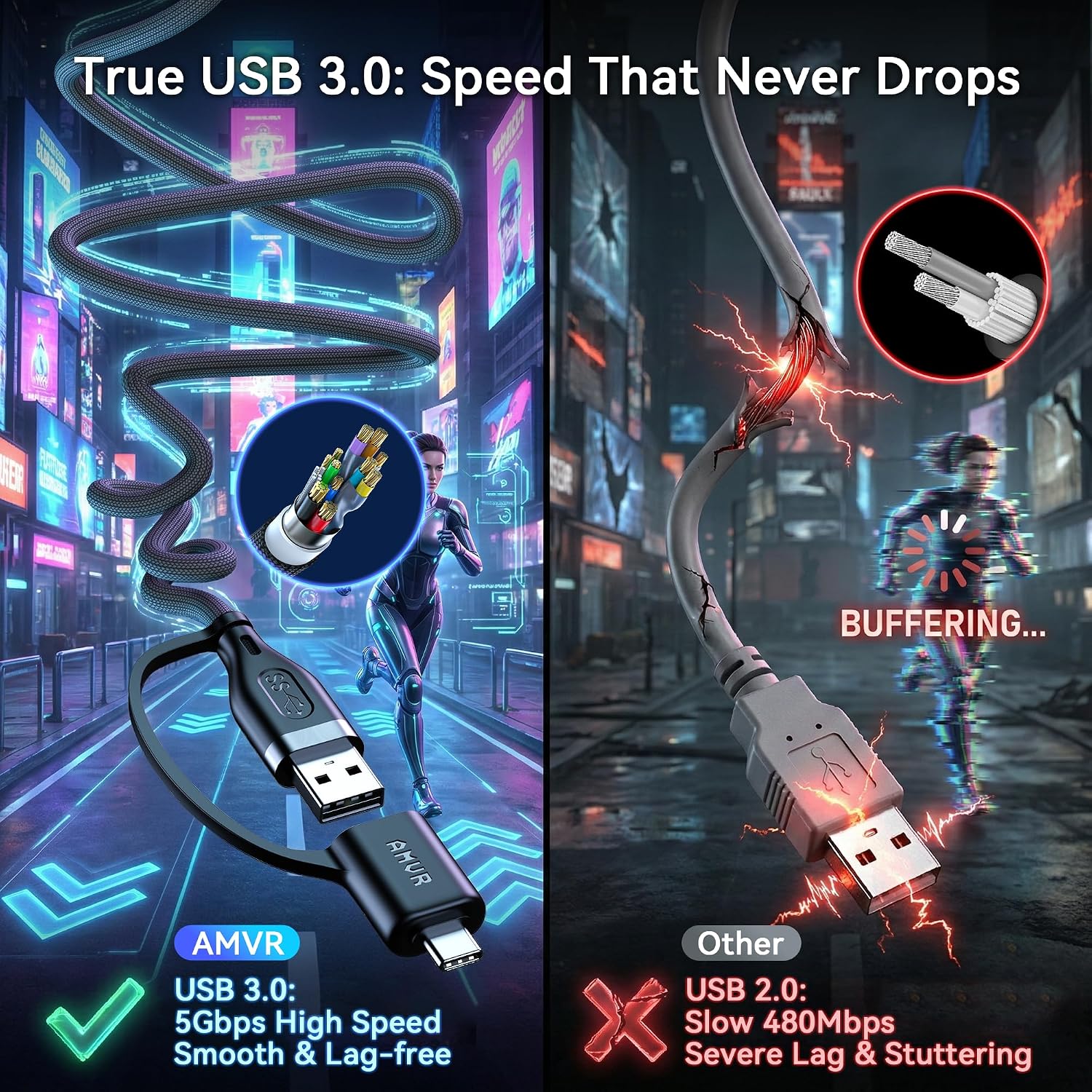
On paper, it ticks the boxes most buyers care about: USB 3.0 connectivity with a stated up to 5Gbps data rate, a USB-A to USB-C adapter for PC port flexibility, and a charging feature designed around the headset’s battery management. The nylon braided build also targets day-to-day durability for people who move the headset and play for long sessions.
That said, it’s not a universal “charge anything” cable. The charging design is for the VR headset specifically, so if you’re buying it with the hope it’ll charge phones/tablets/computers, you’ll be disappointed.
The essentials (what it’s for)
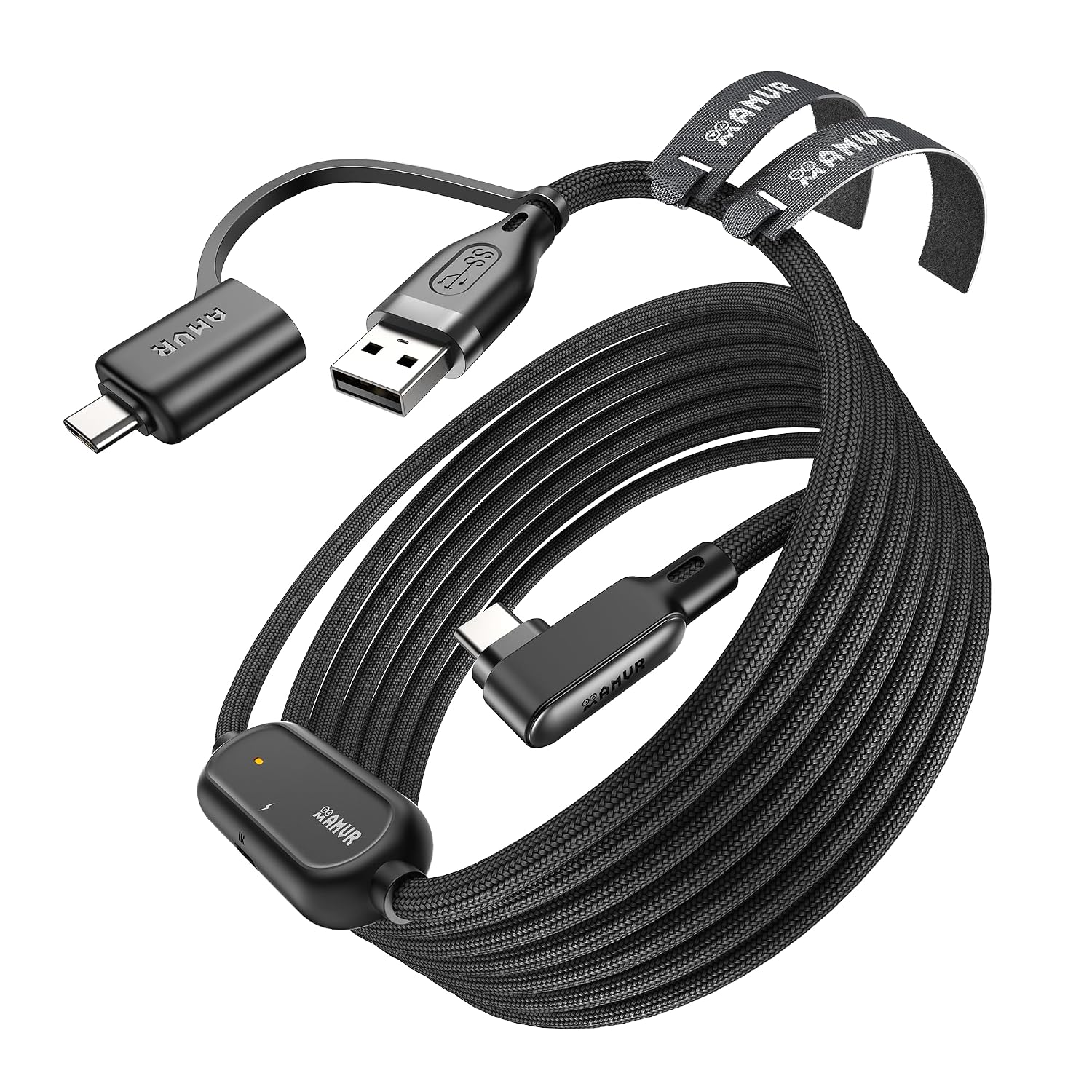
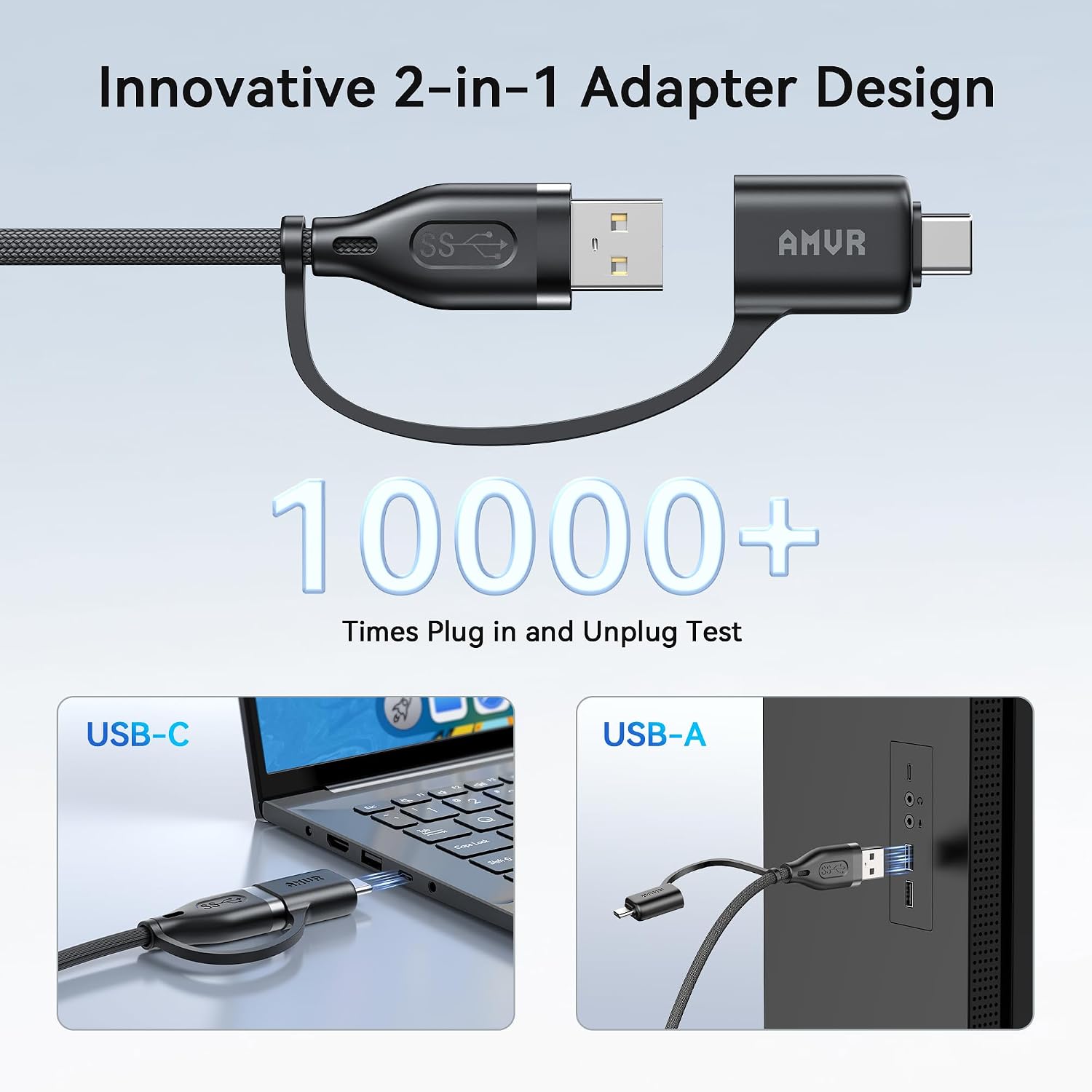
This is a VR link cable meant to connect compatible headsets to a PC for PCVR/SteamVR setups. The included USB 3.0 A-to-C adapter is meant to make your life easier depending on what ports your gaming PC has—USB-A or USB-C.
A very practical example: during a late-night gaming session, you can keep the headset plugged in so you don’t have to stop to swap batteries mid-game. The cable’s “charging while playing” approach is the kind of convenience that sounds small—until you realize how often it interrupts your flow.
What you’ll notice day to day
The biggest day-to-day win here is the combination of data stability and charging. The cable supports a stated high-speed USB 3.0 connection (up to 5Gbps), and the manufacturer frames it as helping maintain a smooth PC VR experience with minimal latency.
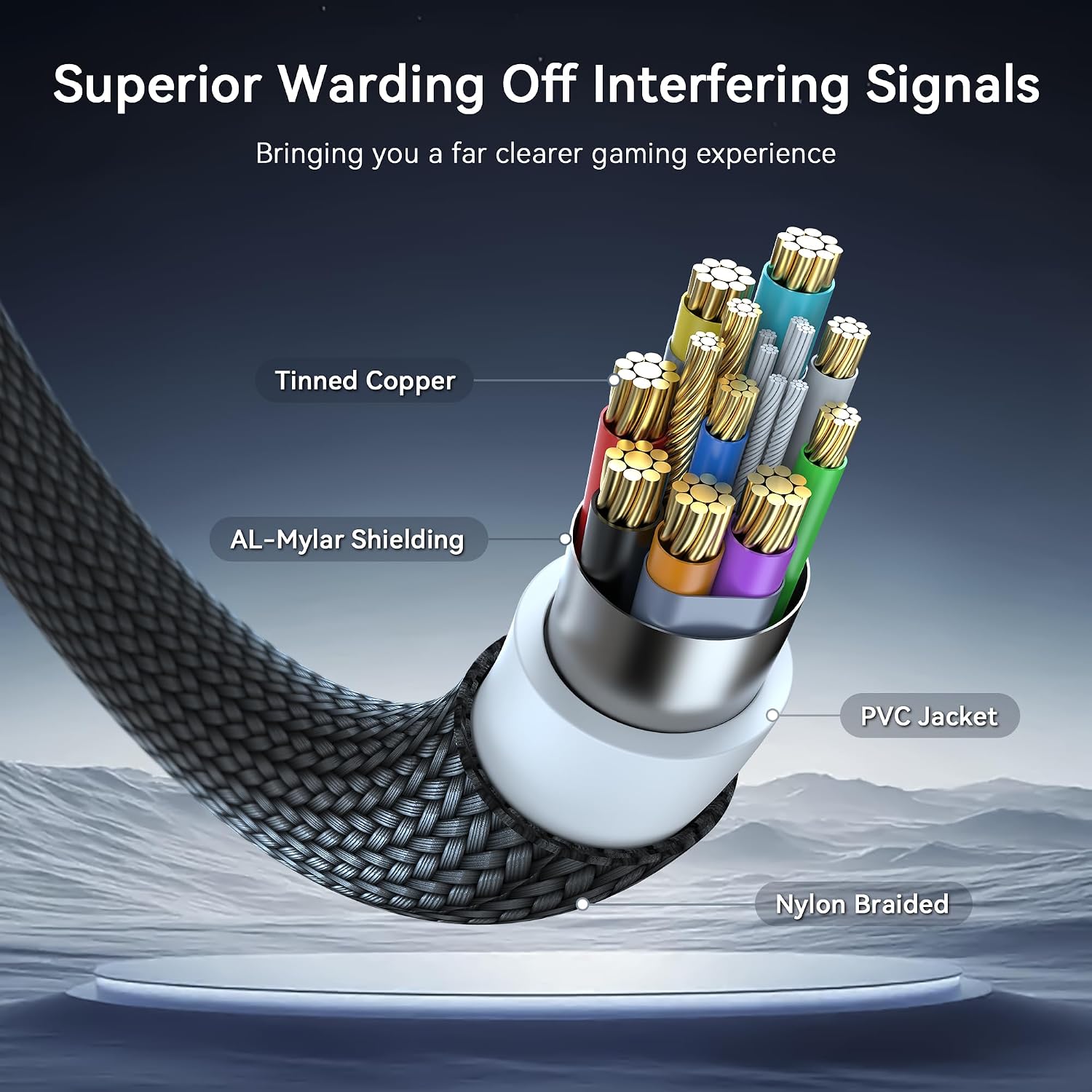
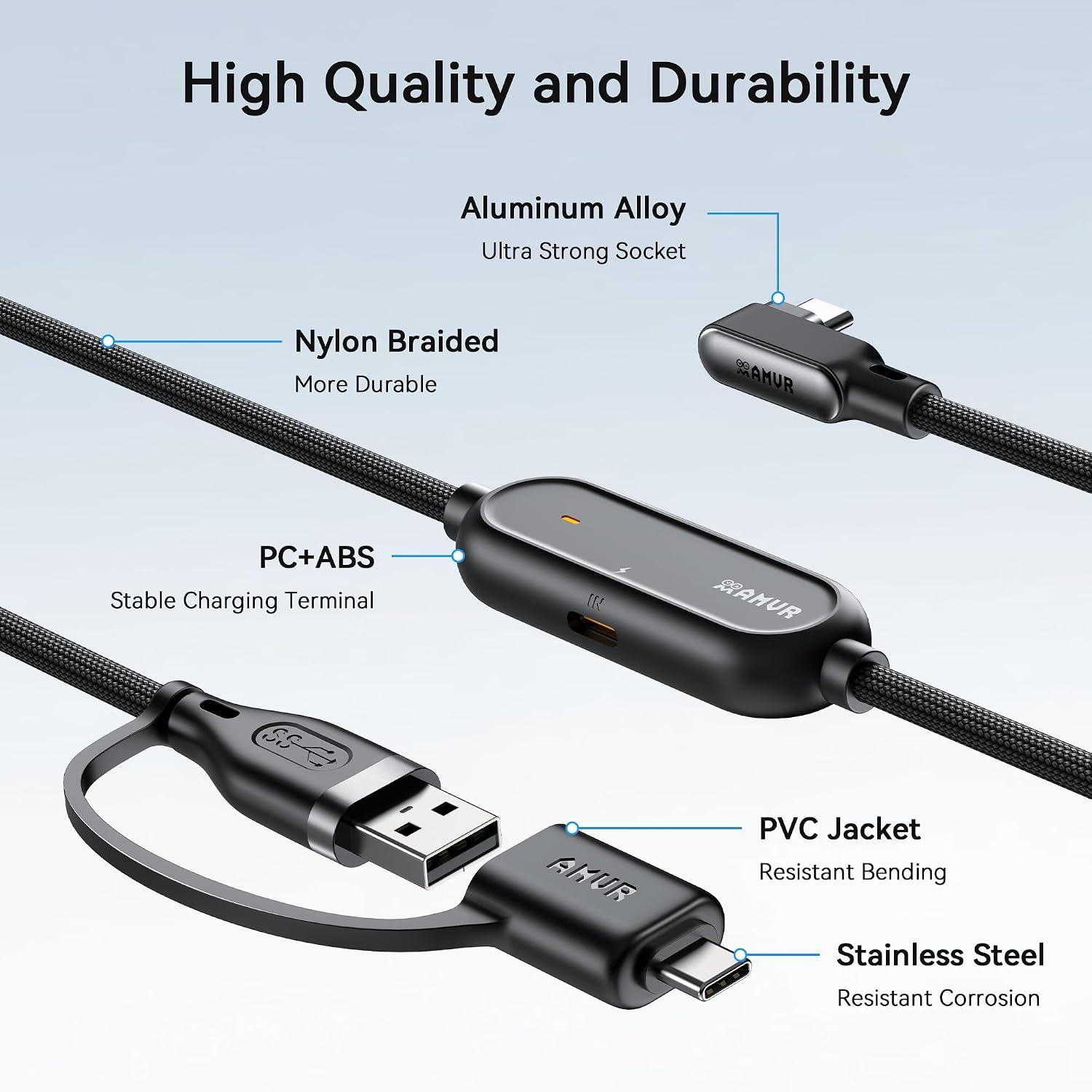
There’s also a durability angle that feels targeted rather than marketing fluff. The cable uses a nylon braided construction for flexibility and wear resistance, which matters if you coil it often or move around while playing. The connector is described as reinforced, and the cable sheath is tested against repeated bending—again, aimed at real-life handling.
One limitation to keep in mind: to get the best performance, it’s advised to plug into a USB 3.0 port. If your PC only has slower USB connections available, you may not get the experience the cable is intended to deliver.
Key features that matter for buying decisions
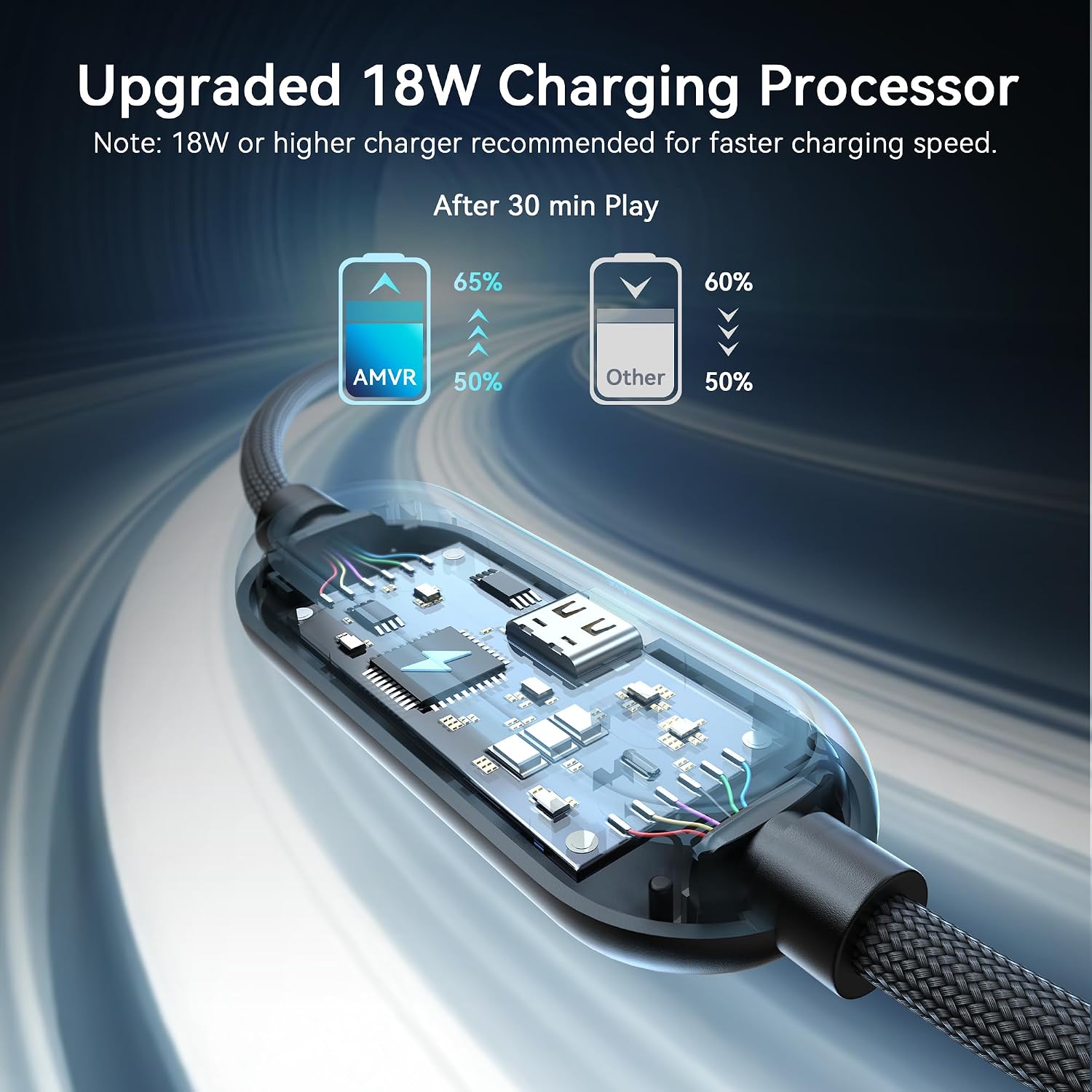
The charging side is designed around the headset battery, not general charging. The cable includes a charging chip described as adjusting charging voltage and current to help maintain a safer battery range (65%–78%) to support battery lifespan.
It also mentions fast charging behavior (up to 36W max charging port), but with an important caveat: for optimal charging speed, you should use the official or a higher-power charger adapter. Without that, you’re more likely to see “works, but not blazing fast” charging.
Also worth noting: if the VR headset auto shuts off, reinserting the charger port can start fast charging. That’s the kind of detail people only learn after they’re already stuck—so it’s good to know in advance.
Durability and connection flexibility
If you’ve ever dealt with a flimsy cable that kinks, frays, or loses signal after months, the build here is trying to prevent that. The nylon braided material is positioned as bend-resistant for transmission performance. The cable also includes a USB-C connector reinforced in an L-shaped design and an adapter that’s described as tolerating over 10,000 insertion cycles.
The 16FT length is generous for room-scale setups where you want freedom of movement. Just keep in mind that longer cables can be harder to manage if your play area is tight—so think about routing and how you store it between sessions.
Tech specs
- Data transmission rate: Up to 5Gbps (SuperSpeed) via USB 3.0
- Charging: Supports a max 36W charging port (for the VR charging setup)
- Charging safety range: Designed to maintain 65%–78% battery range
- Length: 16FT
- Cable type/material: Nylon braided cable with tough PVC sheath
- Adapter: USB 3.0 A-to-C adapter included (connects to USB-A or USB-C PC ports)
Who it’s for (and who should skip it)
It makes the most sense if you want a dedicated VR link cable for compatible headsets (Quest 3S/3/2/Pro and Pico 4 are stated) and you care about playing while the headset charges. It’s especially relevant if you’re doing longer PCVR sessions and you’re tired of battery anxiety or having to pause often.
It may not be the best match if you only plan to connect your headset occasionally and don’t mind charging between sessions. In that case, spending on a “charging while playing” cable could be more than you need.
And you may want to skip it if you’re looking for a multi-device charging cable. The charging function is described as not intended for phones, computers, tablets, or other devices.
Buying verdict
Final verdict
Worth considering if you’re building (or improving) a PCVR setup and you want one cable that handles both USB 3.0 data and headset charging while you play. The stated up to 5Gbps link, the included USB-A to USB-C adapter, and the durability-focused nylon braided build make it feel more purpose-built than a basic charging cable.
It’s not a “do everything” cable, though, and the charging speed can depend on using the right power adapter. If you can plug it into a true USB 3.0 port on your PC and you’re buying specifically for Quest 3/3S/2/Pro or Pico 4, this is the type of accessory that usually earns its keep quickly—especially for longer sessions.
Mini FAQ
Does it work with both USB-A and USB-C ports on a PC?
The package includes a USB 3.0 A-to-C adapter, so the intent is to let you connect flexibly whether your PC has USB-A or USB-C.
What charging requirements are mentioned?
For optimal charging speed, it recommends using the official or a higher-power charger adapter. It also mentions reinserting the charger port if the headset auto shuts off.
Is this cable meant to charge phones or computers?
No. It’s described as not designed for charging phones, computers, tablets, or other devices.
Will I get best performance if my PC only has USB 2.0?
It advises plugging into a USB 3.0 port for best performance. If you can’t, you may not get the intended experience.
How long is the cable?
It’s listed as 16FT, which is generally better for room-scale movement than short tether cables.