

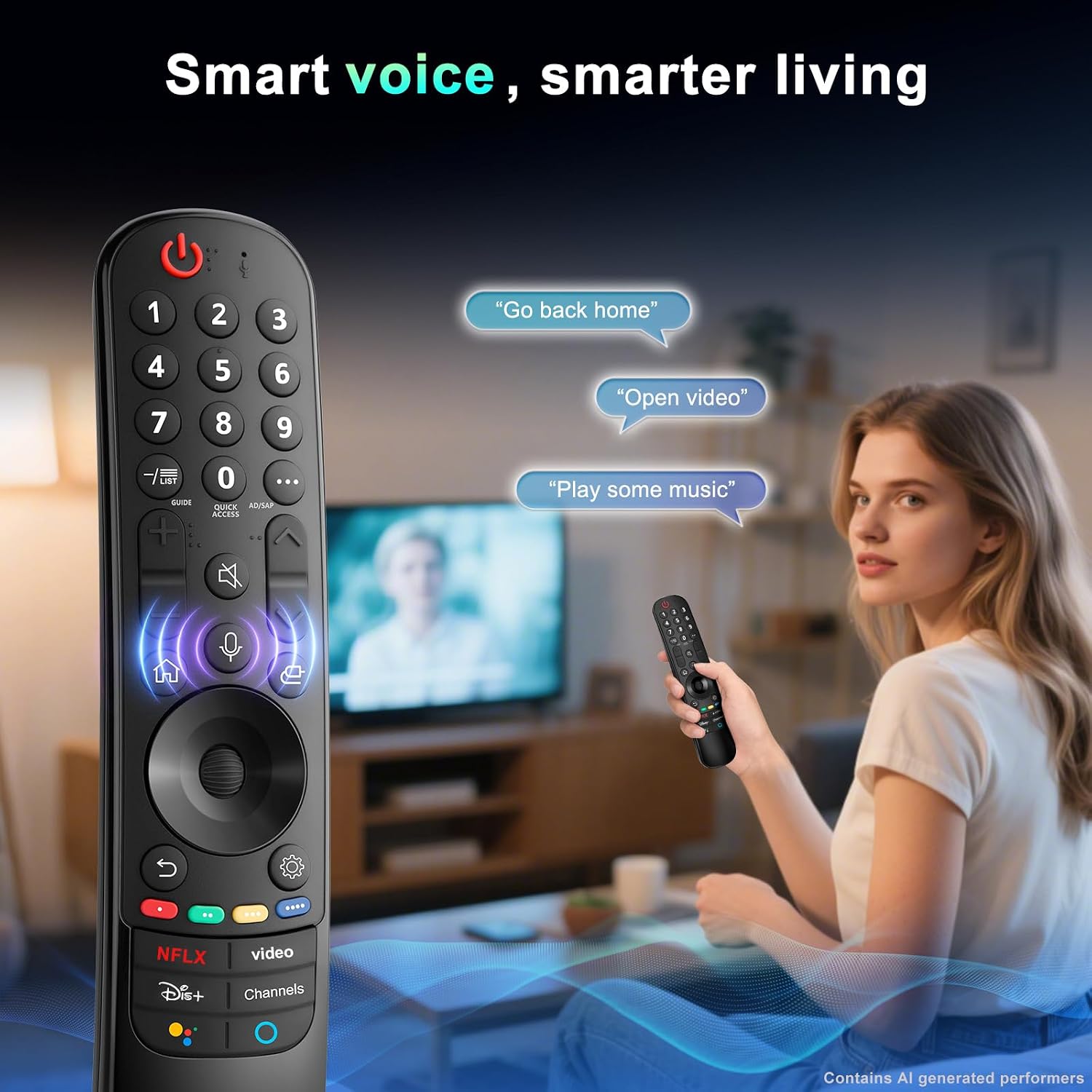
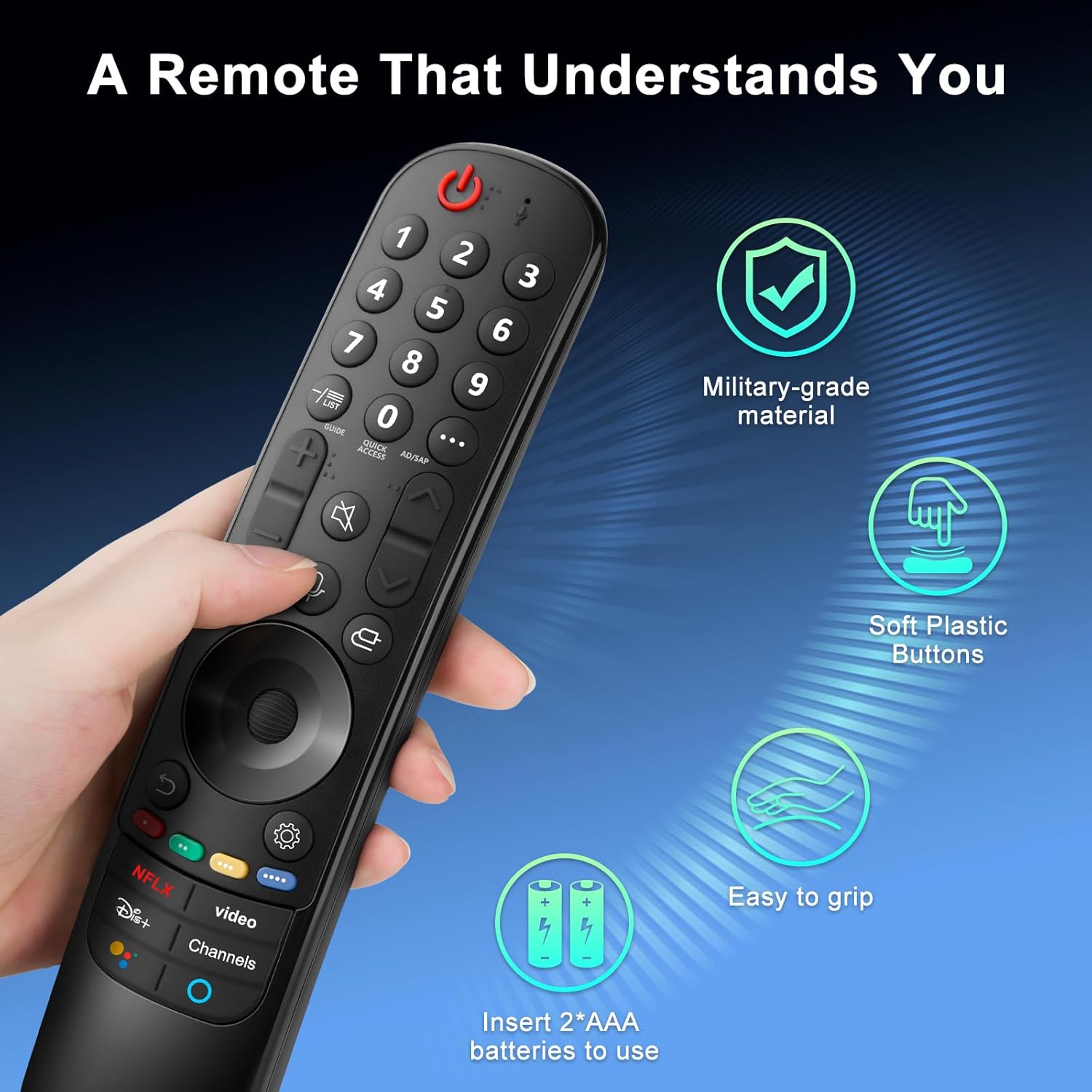
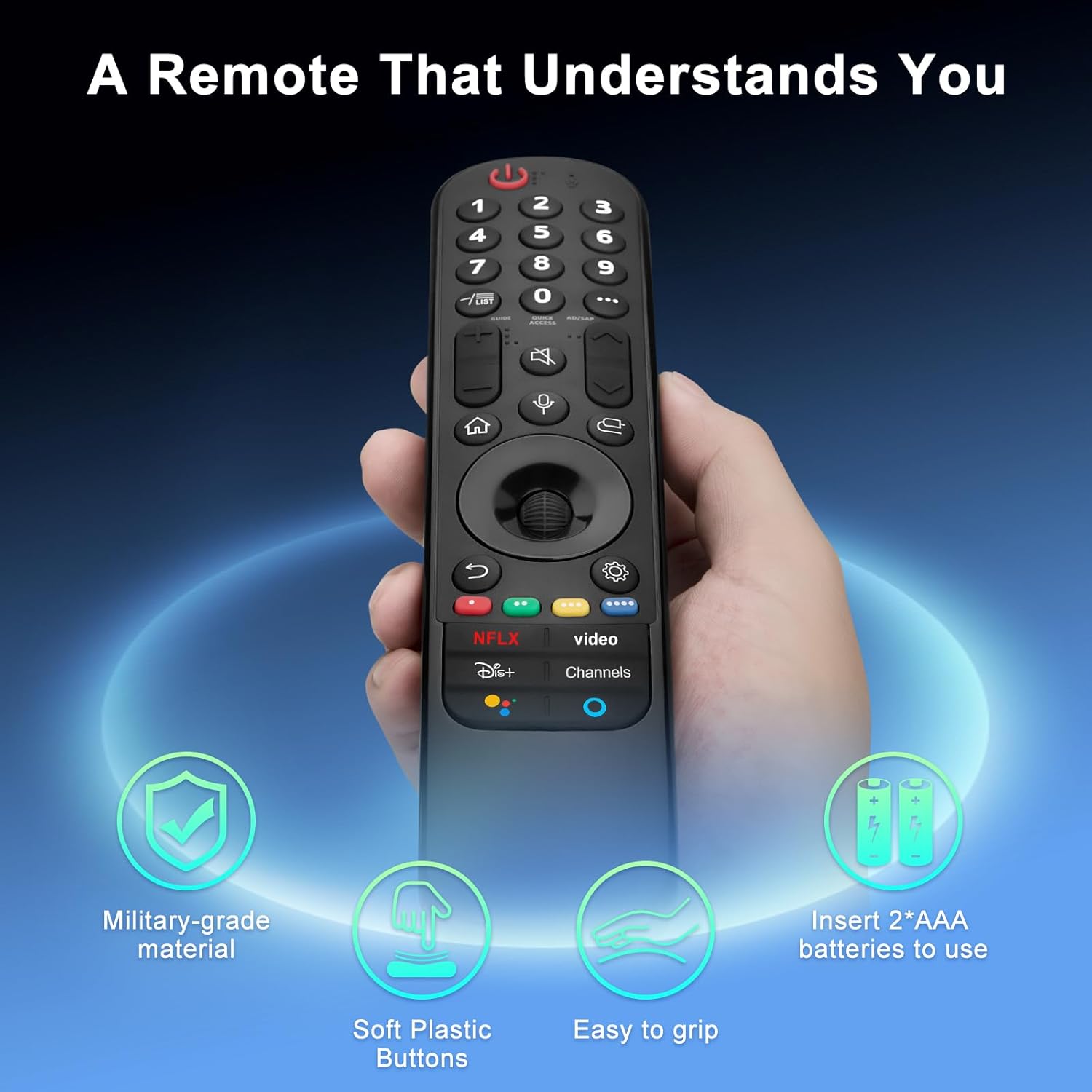
LG Magic Remote replacement with voice pointer for 2021–2024 TVs
Product description
This replacement magic remote brings voice control and a point-and-click pointer to compatible LG Smart TVs, making navigation faster and more intuitive. If you need a replacement remote for LG OLED TVs or compatible NanoCell and QNED models, this unit pairs automatically and restores smart features such as voice search and wheel navigation, improving daily TV interaction.
Key Points
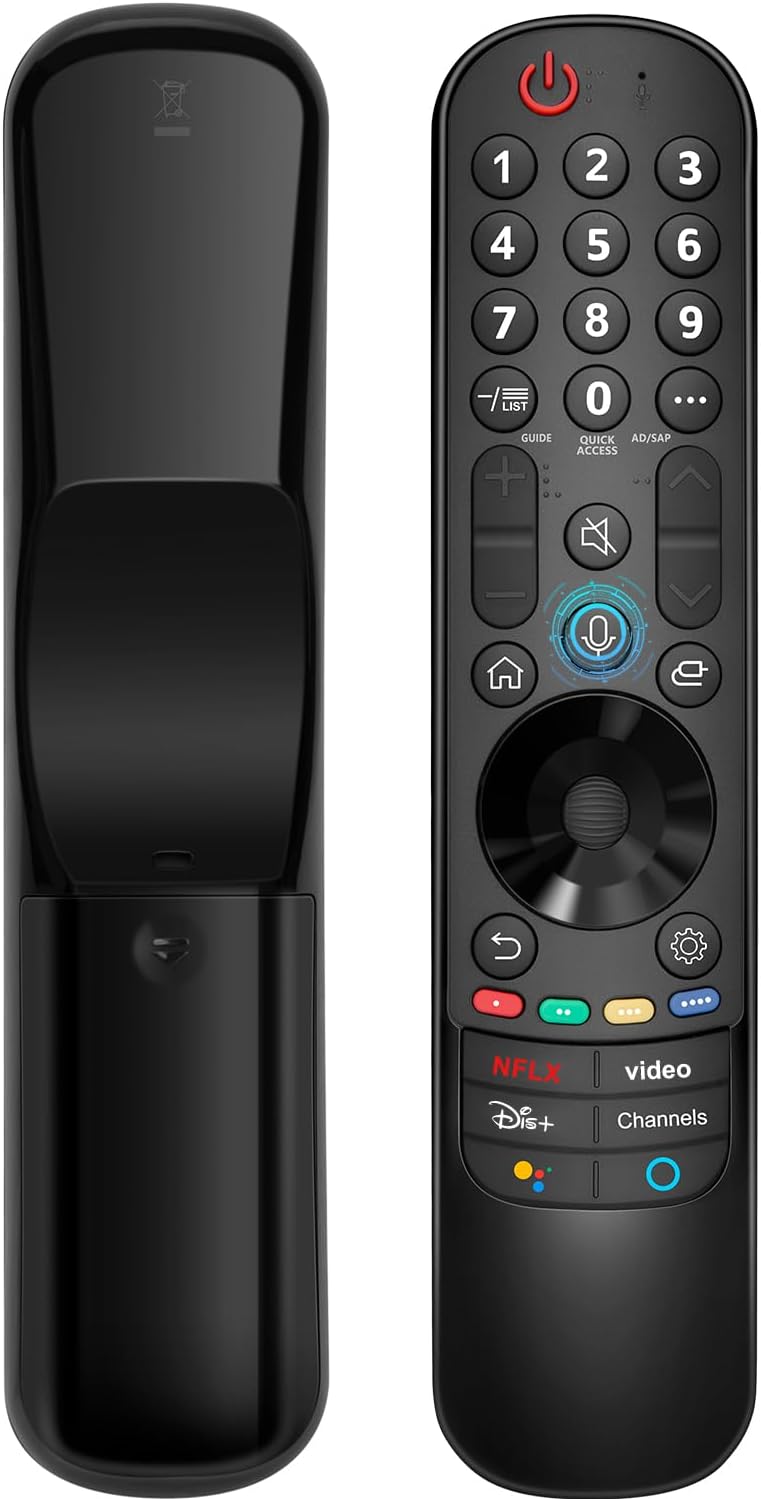
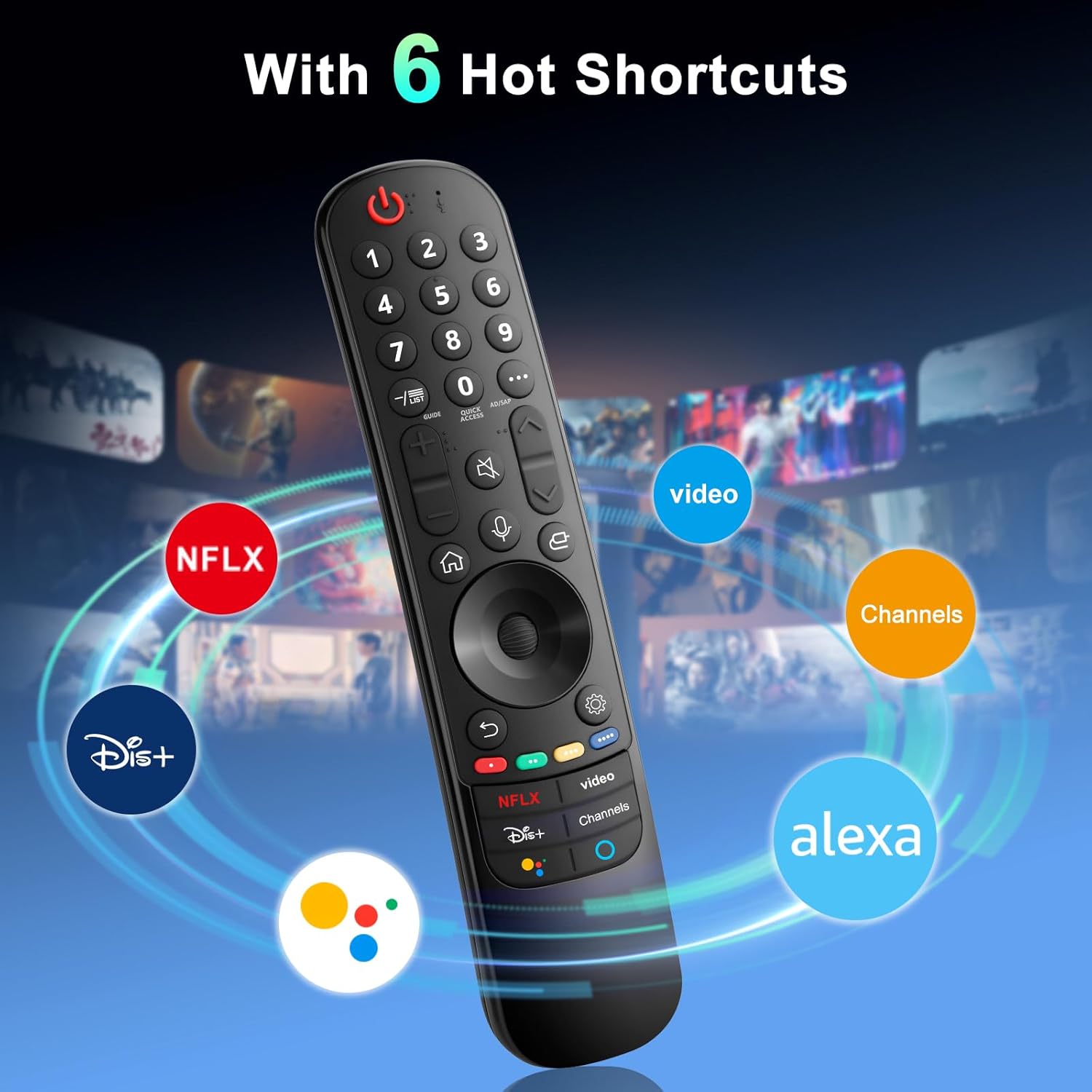
The remote includes a motion pointer for cursor-style control, a wheel button for quick menu navigation, and dedicated voice input to activate the TV's smart assistant. Pairing is simple according to the included instructions, requiring two AA batteries and a short registration step to link with supported LG models. This controller aims to match the feel and functions of original LG magic remotes so common tasks like searching apps, adjusting settings, and scrolling through menus become more direct and less reliant on on-screen arrows. Note that batteries and a printed manual are not included with the product. 🗣️📺
Technical Specifications
- Name: LG Magic Remote Replacement (compatible with 2021–2024 models)
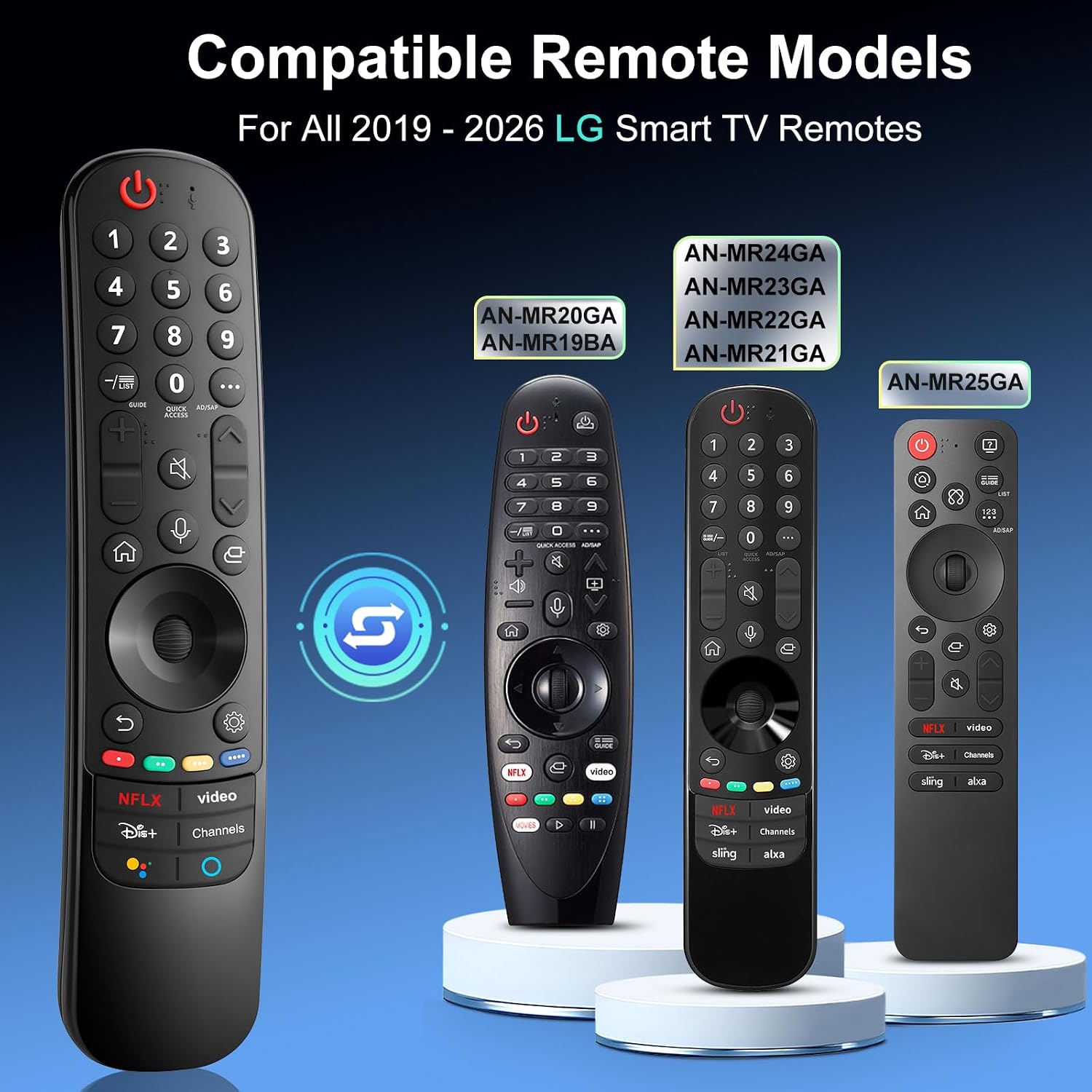
- Compatibility: OLED, QNED Mini-LED, NanoCell, UHD series from 2021 to 2024 (selected model numbers)
- Power: 2 x AA batteries required, not included
- Pairing: Auto pairing with Wheel (OK) press, pairing message appears on TV screen
- Functions: Voice input, pointer motion control, wheel navigation
Usage Recommendations
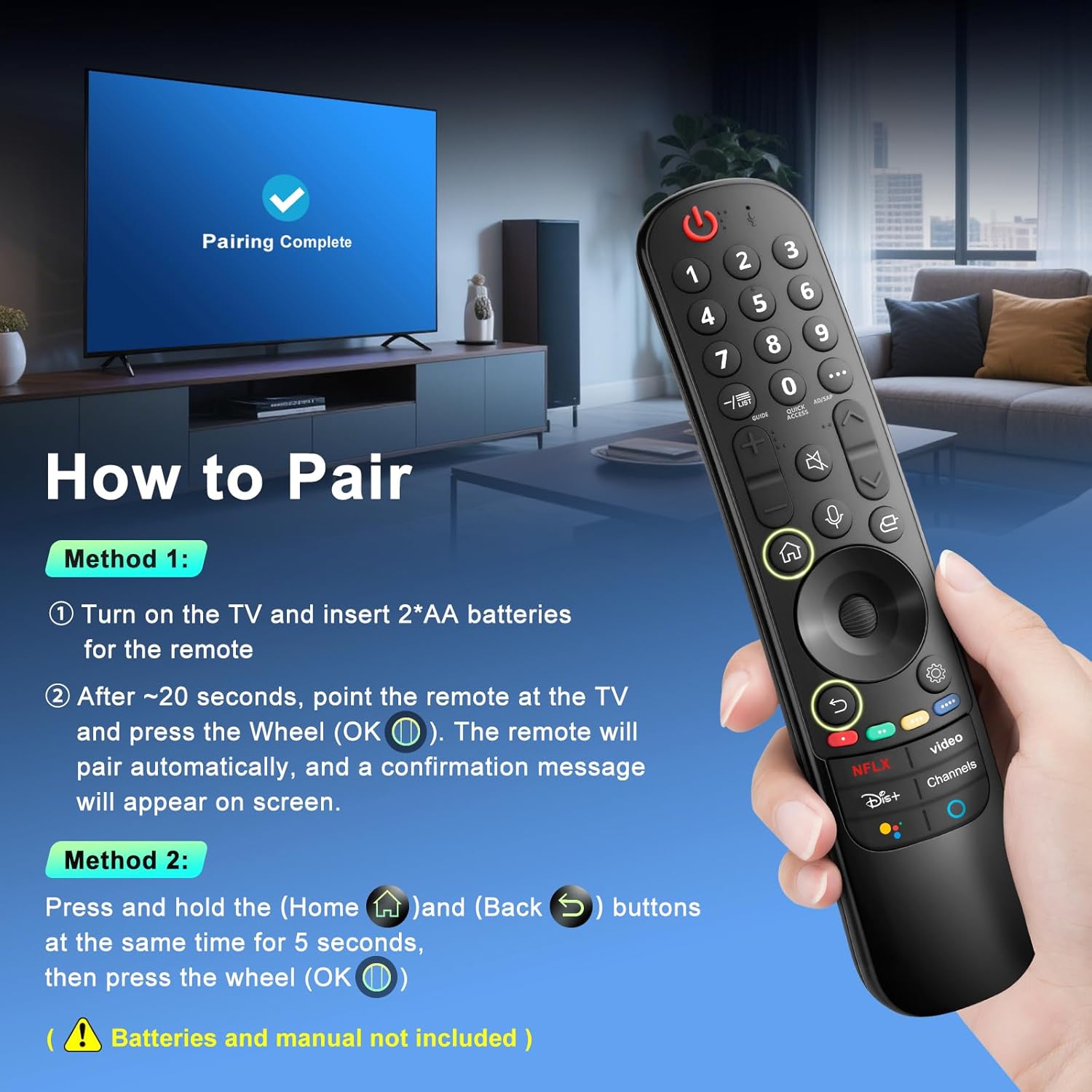
For pairing, turn on the TV and insert two AA batteries, then point the remote at the screen and press the Wheel (OK). After about 20 seconds the TV should display a confirmation message and the remote will be registered automatically. When using voice features, speak clearly toward the TV and ensure the set’s microphone and software support external remote voice input. Replacement remotes can sometimes differ slightly in button feel and finish compared to OEM parts, so consider that tactile differences may be present even when all functions match. 🔋
Practical Tips
Keep spare AA batteries handy to avoid interruptions, and perform a quick firmware check on the TV if voice or advanced features do not respond immediately, as manufacturer updates can affect accessory compatibility. If the remote fails to pair at first, reboot the TV and retry the pairing sequence after removing and reinserting the batteries. 🛠️