

Laptop 18.5-Inch with 8000 mAh Battery, Intel N150 Quad-Core, 16GB DDR4 RAM, 512GB SSD, Full HD IPS, Windows 11
Product description
If you’re shopping for a Windows laptop for everyday business, school, and remote work, this 18.5-inch model is built around straightforward productivity: an Intel N150 quad-core processor, 16GB DDR4 RAM, and a 512GB SSD, paired with a Full HD IPS display. On paper, it’s aiming to feel responsive in multitasking—think multiple browser tabs plus office files—without forcing you to live near a power outlet.
Still, it’s not a no-questions-asked machine. Some performance expectations depend on what you run at the same time, and the battery story is more persuasive for lighter-to-moderate work than for heavy, sustained workloads. If that fits your use, it can be a sensible pick.
Quick overview
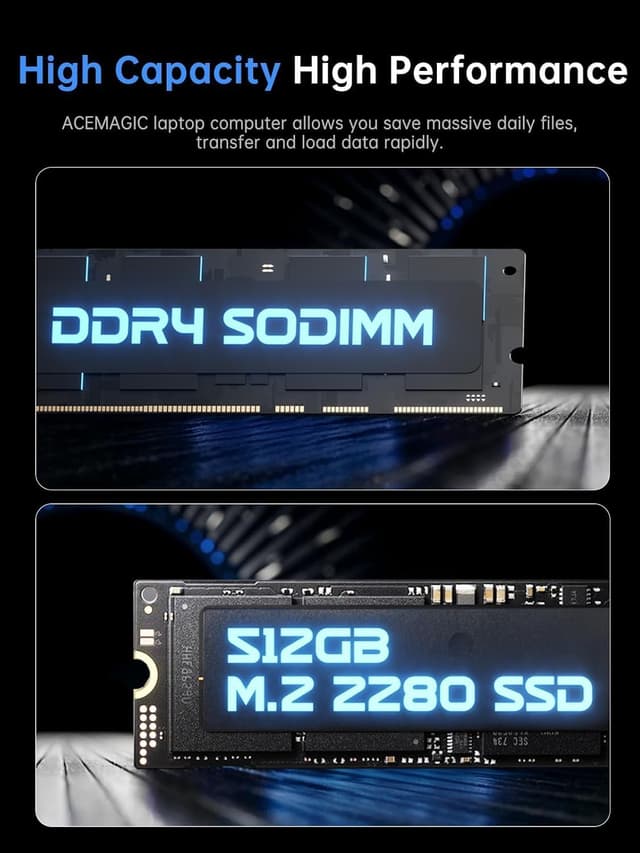
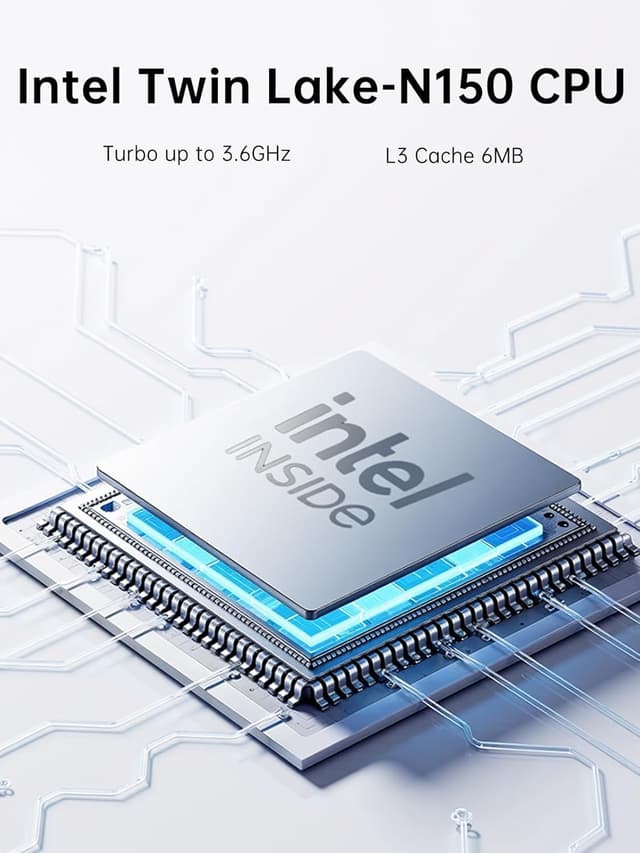
This laptop combines an Intel N150 quad-core CPU (up to 3.6GHz) with Intel integrated graphics, 16GB of DDR4 SO-DIMM RAM, and a 512GB M.2 2280 SSD. The screen is an 18.5-inch IPS panel with 1920×1080 Full HD resolution, designed for readable productivity during long stretches—spreadsheets, documents, and charts especially. For connectivity, it includes Wi‑Fi plus an RJ45 wired port, which can be a big deal when network drops would ruin a video call or interrupt large file transfers.

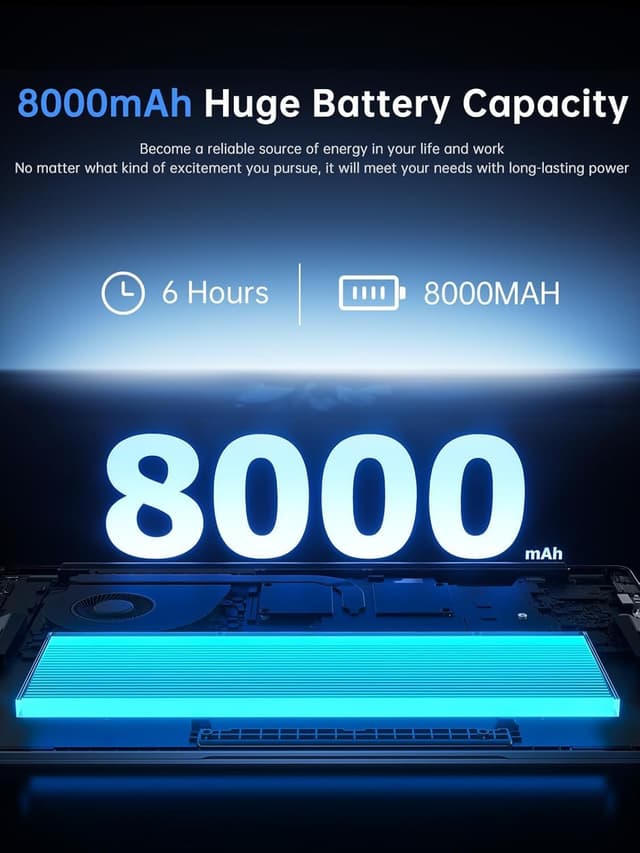
Battery capacity is listed as 8000mAh, and the design intent is clear: lower power usage during simple office tasks, then more stable output when you’re running more demanding software. It also includes a 1.0-megapixel front camera with a DMIC microphone for video calls, plus dual 8Ω/1W speakers for audio.
Key features that matter day to day
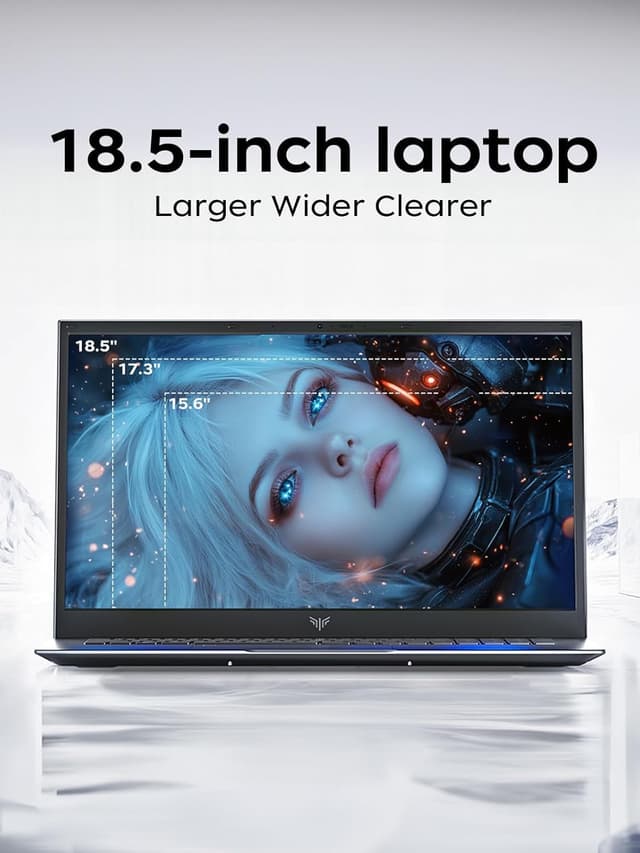
What you’ll feel most is the mix of RAM + SSD + a Full HD IPS panel. 16GB DDR4 RAM gives breathing room for multitasking, and a 512GB SSD is the kind of baseline that helps apps load without long waits. Pair that with a larger-than-laptop-screen feel (18.5-inch IPS at Full HD), and it’s easier to work comfortably without constantly squinting or switching tabs just to read.
For meetings and online collaboration, the wired RJ45 option stands out. Crowded Wi‑Fi environments can be unpredictable, and having Ethernet “as a backup” often makes the difference between a smooth call and a jittery one. The built-in 1.0-megapixel camera and DMIC microphone are positioned for straightforward face-to-face calls—colleague check-ins, student online sessions, and quick family chats.
One limitation to keep in mind: the integrated graphics approach is fine for office work and casual media, but if your goal is heavy graphics design or demanding video editing, it may depend on how intense your projects are.
Tech specs (what you can verify)
- Processor: Intel N150 quad-core (up to 3.6GHz)
- Display: 18.5-inch IPS, Full HD (1920×1080)
- RAM: 16GB DDR4 SO-DIMM
- Storage: 512GB M.2 2280 SSD
- Graphics: Intel integrated GPU
- Battery: 8000mAh
- Ports/Connectivity: Wi‑Fi and RJ45 (wired)
- Camera/Microphone: 1.0-megapixel front camera, DMIC microphone
- Audio: dual 8Ω/1W speakers
- Operating system: Windows 11 (2026 Windows 11 laptops computer)
Where it shines—and where it may fall short
This laptop makes the most sense if your day-to-day involves typical business and student workloads: writing reports, reviewing charts, running multiple Word/Excel-style tasks, juggling browser tabs, and joining video conferences. The 8000mAh battery concept is tailored to reduce the “power anxiety” during lighter office usage—typing documents, checking emails, and similar tasks. For longer stretches, the IPS Full HD screen is positioned to be easier on the eyes than smaller or lower-resolution displays.
It may not be the best fit if you’re trying to “one machine does everything” at the highest end—especially if your workflow relies on sustained heavy graphics rendering or consistently resource-intensive creative software. In those scenarios, you might find it stays in a more midrange lane rather than truly pushing performance.
Practical tips for getting the best experience
If you want this to feel snappy, treat it like a productivity machine: keep background tabs and apps under control, especially during calls. For remote work, consider using the RJ45 port when your Wi‑Fi is crowded—wired can help keep video meetings stable and downloads predictable.
A realistic micro-scenario: you open a document, keep a spreadsheet running, and join a video call. With 16GB RAM and an SSD, the setup is designed to avoid the slow, sluggish feeling that older storage and lower RAM can cause. The camera and DMIC microphone are meant for clear, immediate communication, so you’re not fighting audio delay during check-ins.
Is it worth it?
It’s worth buying if you want a Windows laptop built around everyday multitasking, a readable 18.5-inch IPS Full HD display, and practical connectivity (especially the built-in RJ45 for steadier network performance). The 16GB RAM and 512GB SSD combo is also a strong baseline for office and student use.
You may want to skip it if you need consistently high-end graphics performance for heavy creative work, or if your priority is maximizing peak performance over balanced daily productivity. As with many laptops in this class, it’s more about being dependable for typical tasks than about being an all-out powerhouse.

Mini FAQ
What is this laptop mainly designed for?
Based on its setup (Intel N150 quad-core, 16GB RAM, 512GB SSD, Full HD IPS), it’s geared toward business office work, student tasks, and video conferencing.
Does it support stable wired internet?
Yes—there’s an RJ45 interface mentioned, which can help in environments where Wi‑Fi signals get crowded.
How good is the camera for calls?
The front camera is listed as 1.0-megapixel, and it includes a DMIC microphone for clear voice capture during video calls.
Will the 8000mAh battery last all day?
The battery is positioned for ultra-long runtime during lighter office use, but real battery life will depend on how demanding your apps and screen brightness are.
Is it good for gaming or heavy editing?
It uses Intel integrated graphics, so it’s better suited for general productivity and media than for demanding graphics-heavy workloads.