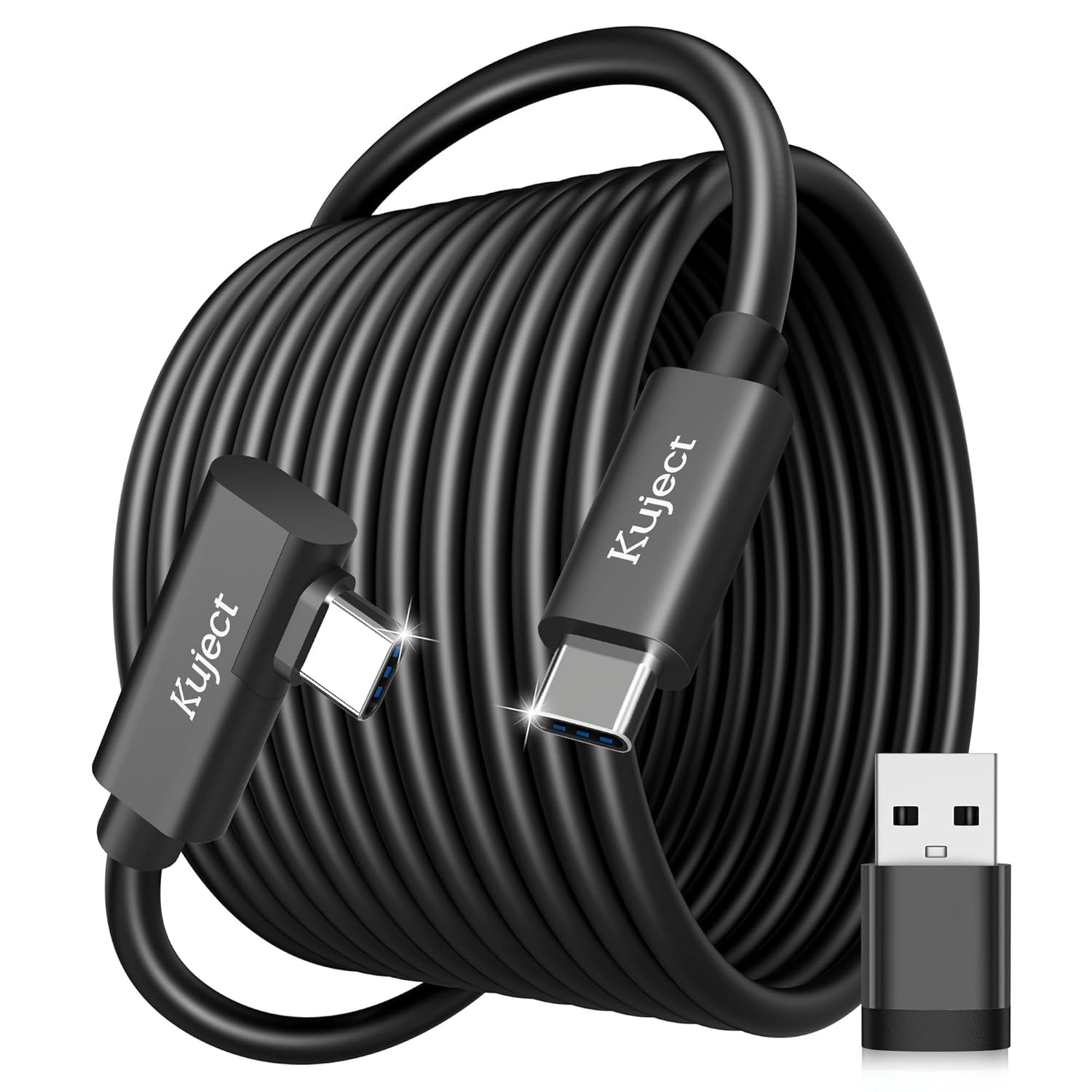
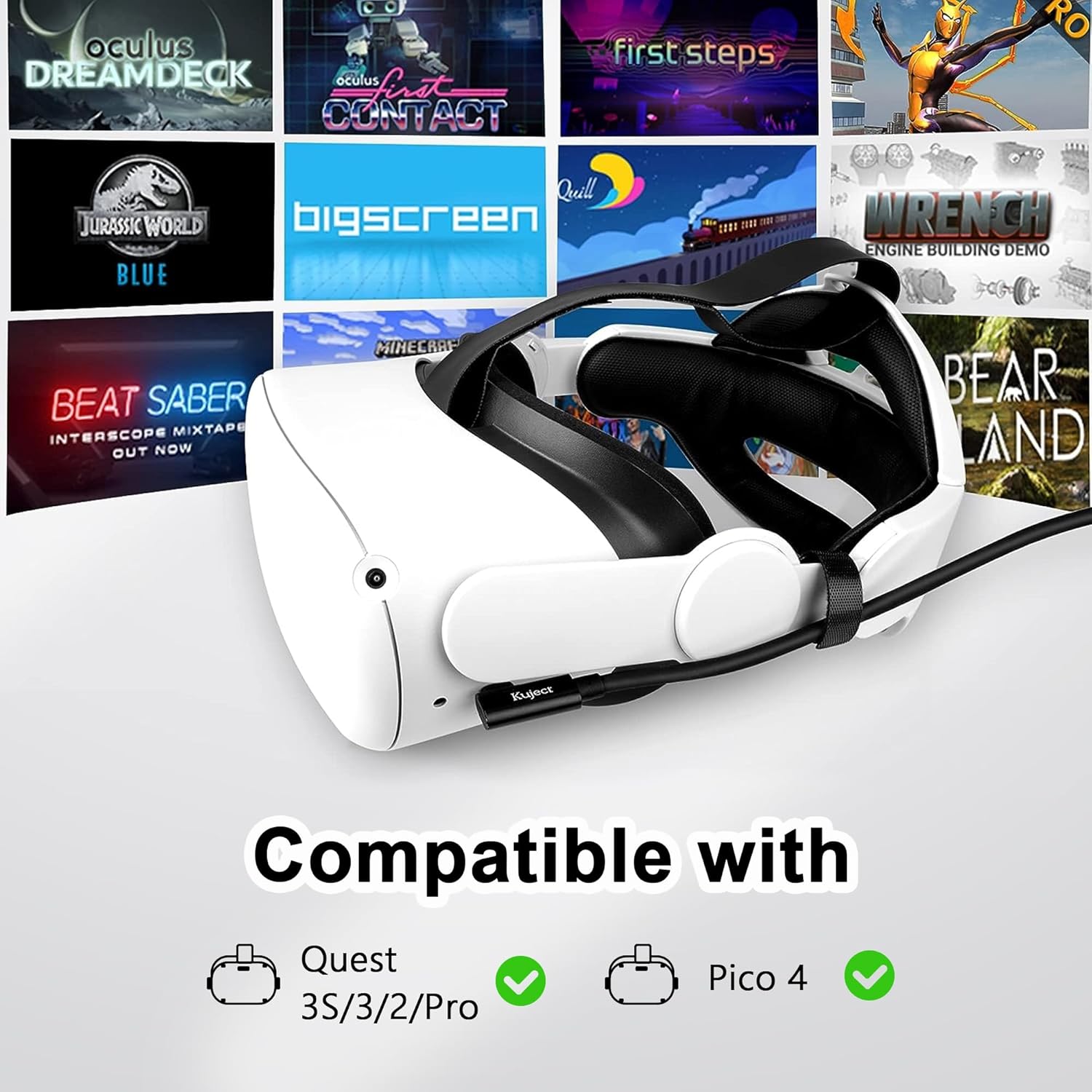
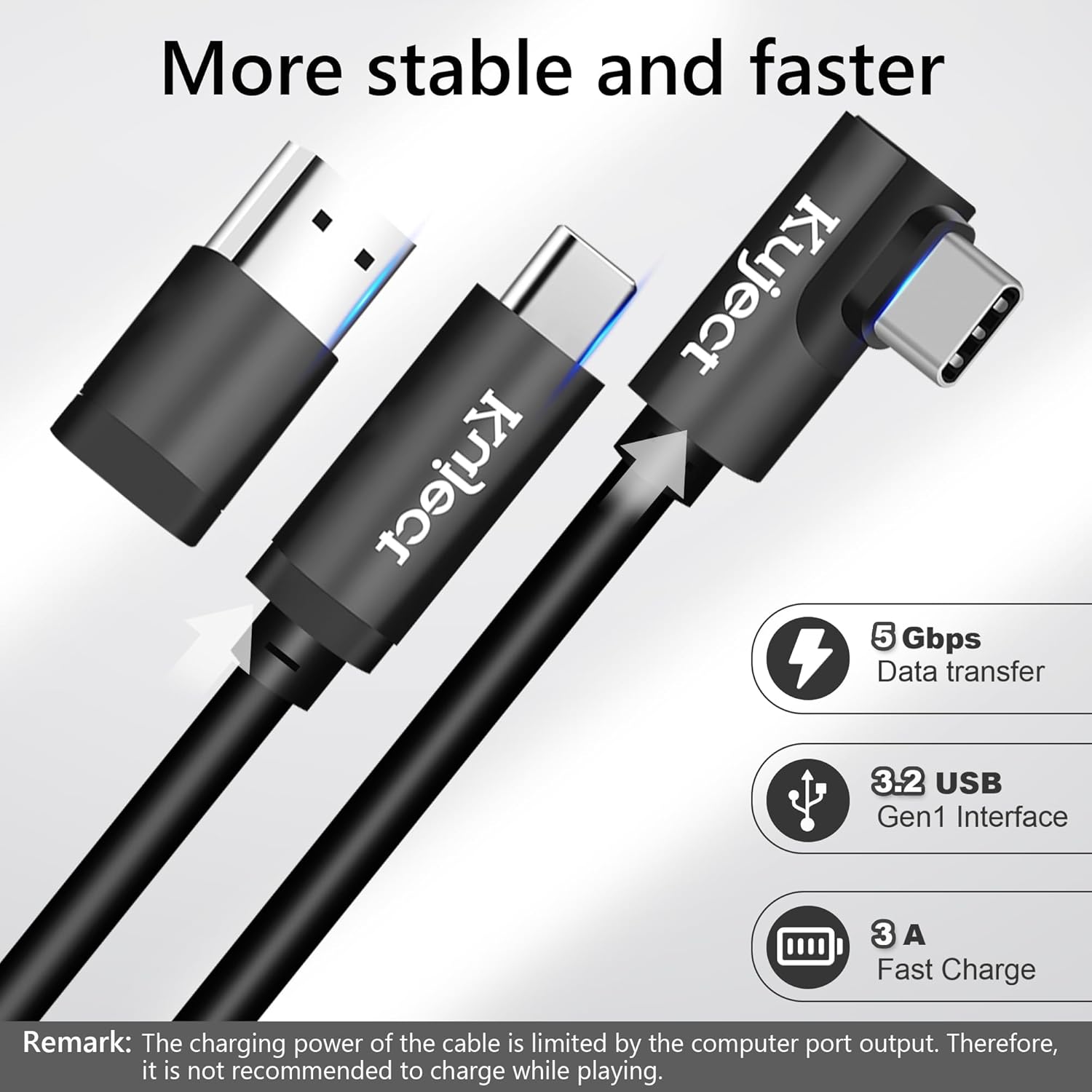
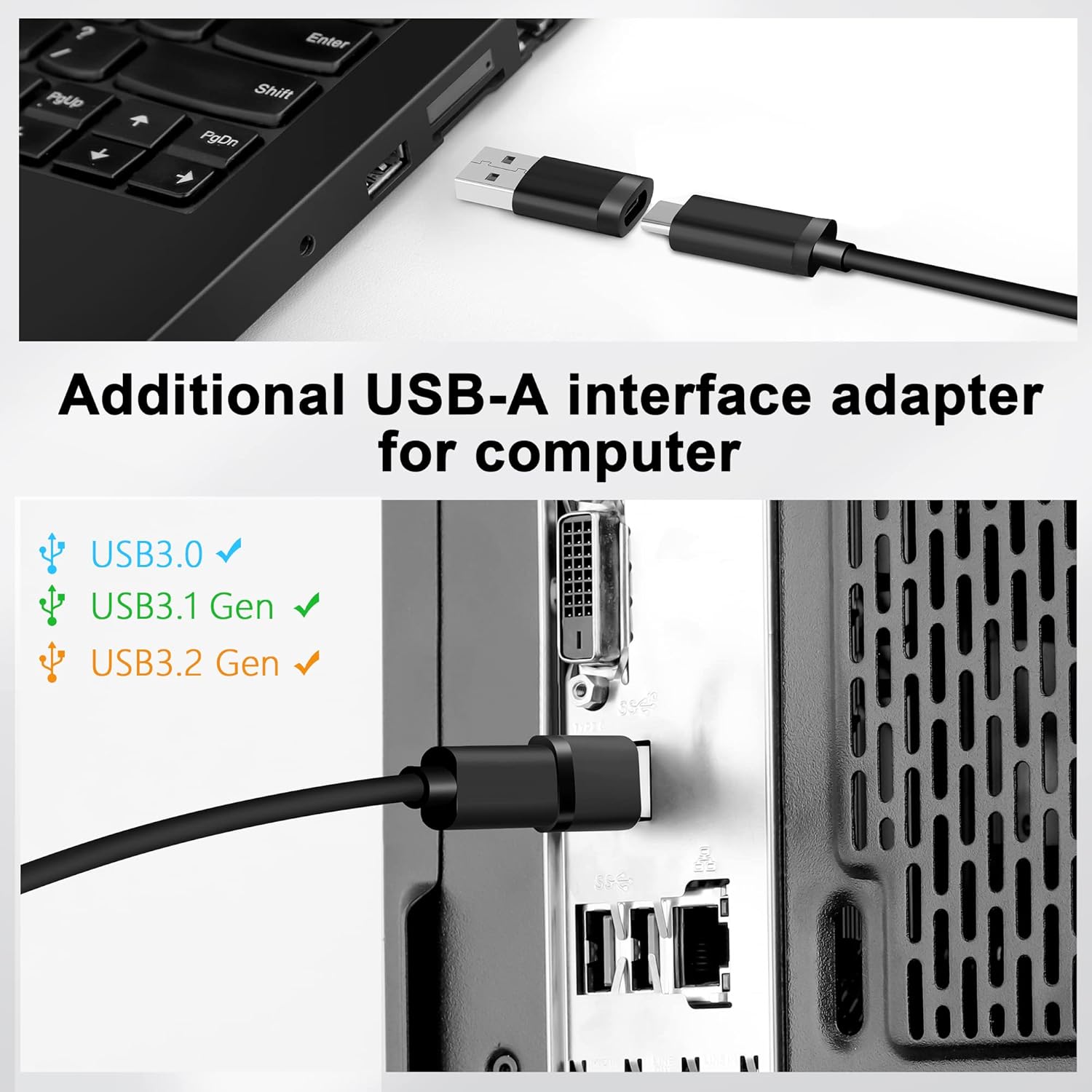
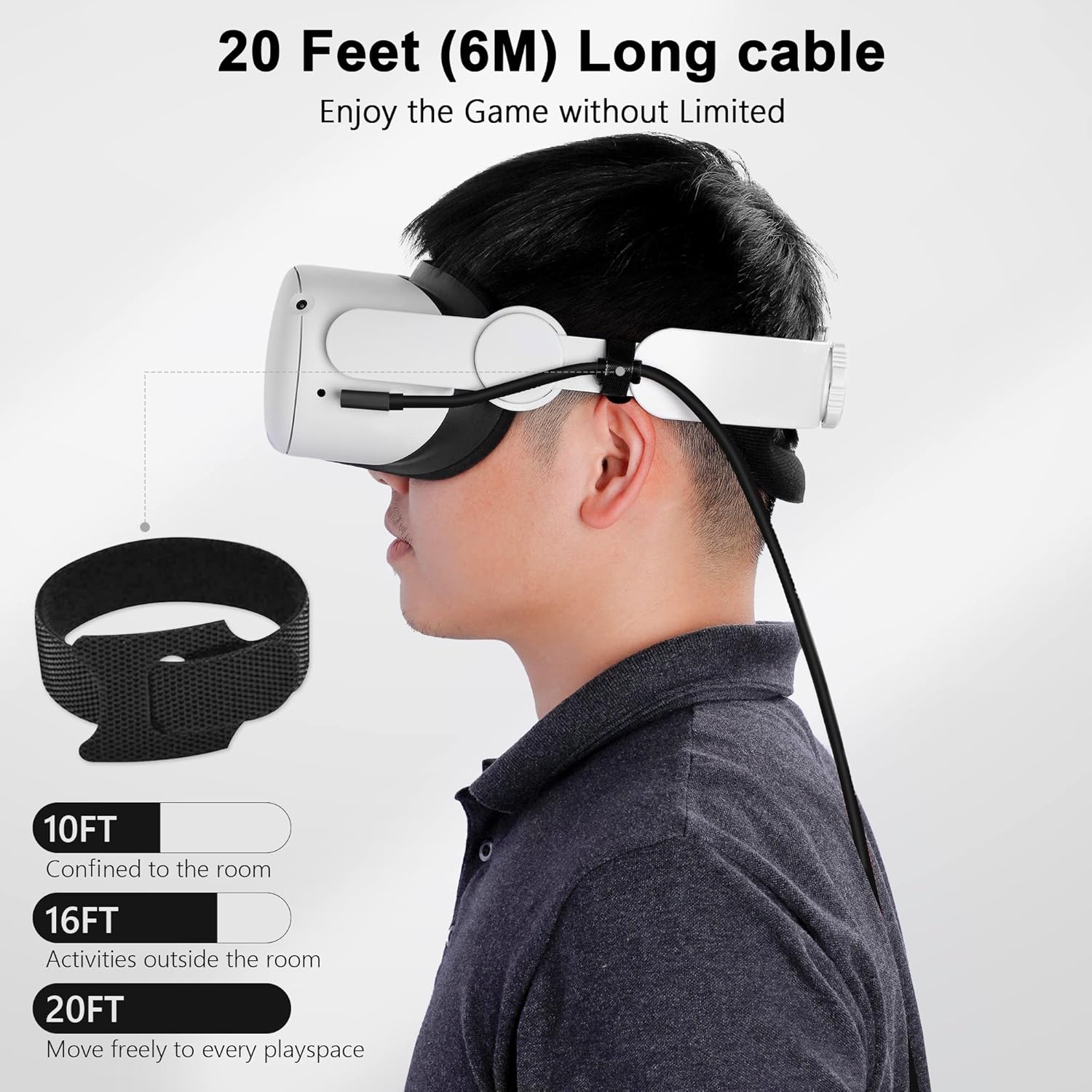
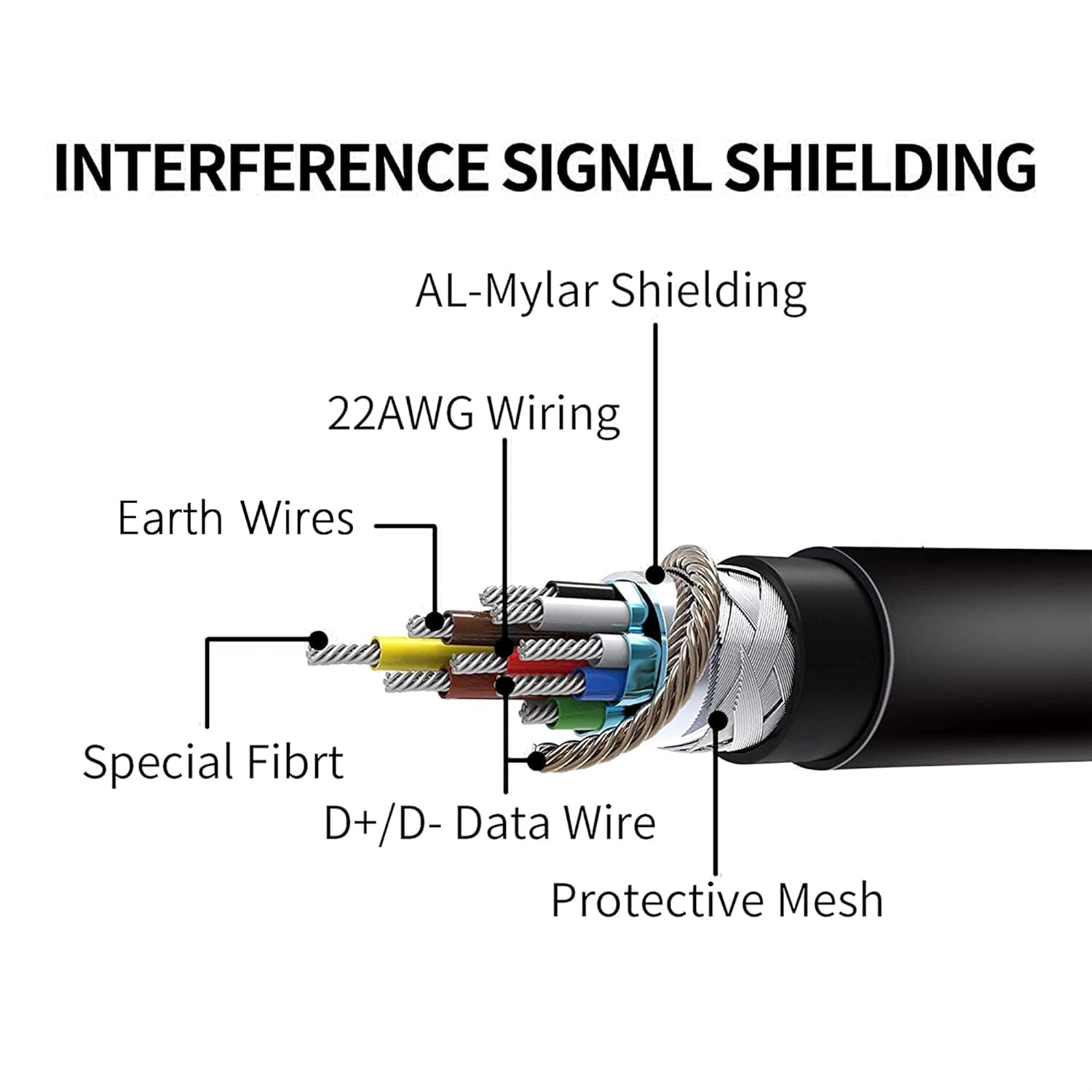
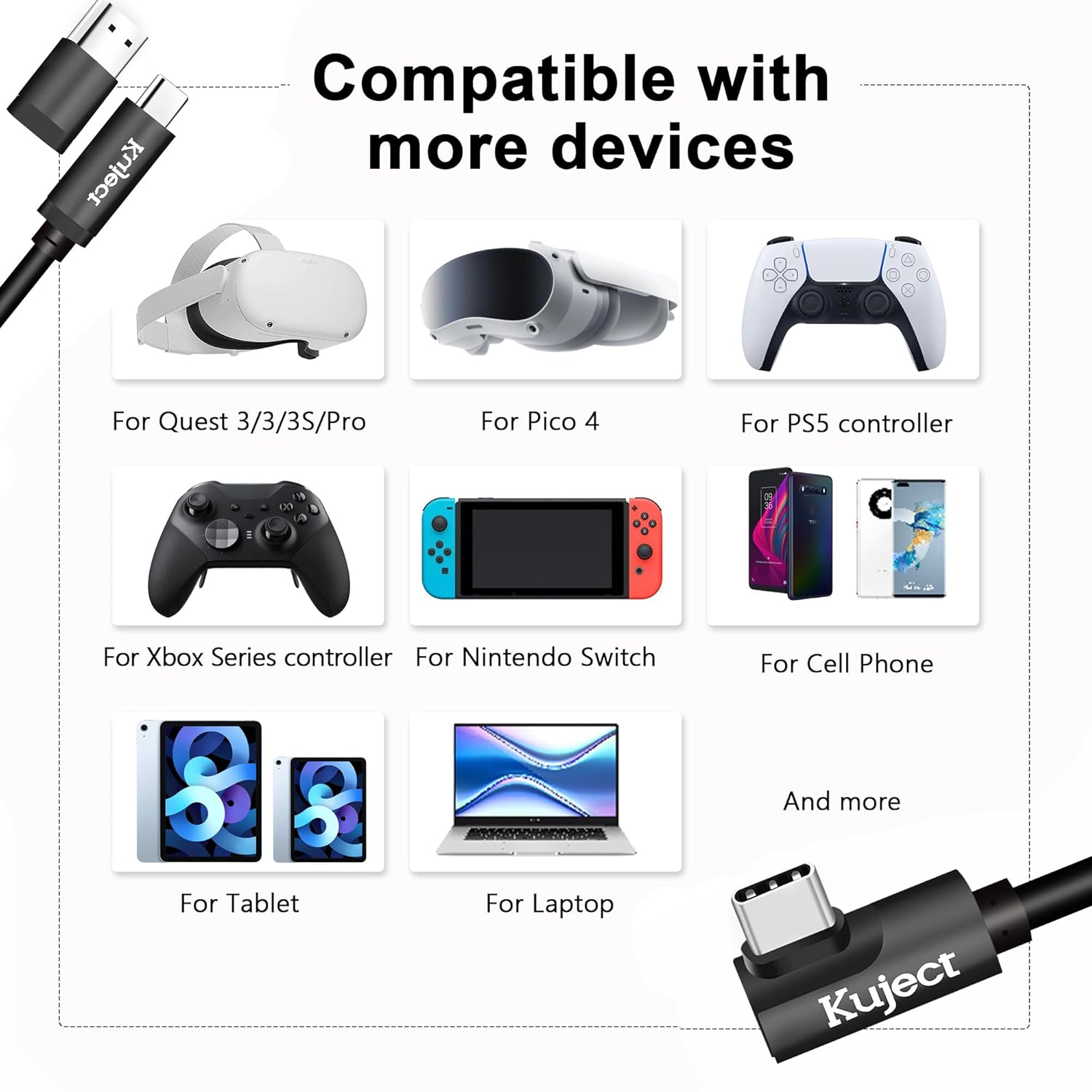
What this is and what it solves\nThe Kuject Link Cable is a long, USB 3.0 Type-C to Type-C tether designed to connect VR headsets like Quest 3S/3, Quest 2/Pro, and Pico 4 to a gaming PC. On paper, it aims to expand your PC VR library by enabling Rift S and SteamVR titles, turning standalone headsets into PC-tethered devices for a broader catalog. If you’re chasing a cable that supports fast data transfer with low latency, this model promises speeds over 2000 Mbit/s and a stable connection to minimize stutter during gameplay.\n\n## Who it’s for\nIt makes sense if you want to play PC VR games with your headset without investing in a bulky, stock solution. It’s especially relevant if you value compatibility across devices and want an extended length (20 feet) to move freely during immersive experiences. If you often switch between standalone and PC VR setups, this cable may help bridge the gap.\n\n## Pros and what stands out\n- Long reach: a 20 ft length to reduce restraint during seated or room-scale play.\n- Wide compatibility: includes an extra USB-A adapter, broadening compatibility with various computers and laptops that host USB A or USB C ports.\n- Fast transfer capability: marketed with USB 3.0 speeds and tested data transfer above 2000 Mbit/s, which can help keep visuals smooth and reduce latency in demanding titles.\n- Robust build: an alloy port housing designed to resist heating under longer sessions and an 8mm flexible TPU jacket to resist kinks.\n- Practical design choices: an L-shaped connector helps protect the headset port from bending or accidental stress during use.\n\n## Cons and limitations to consider\n- Don’t rely on power delivery while gaming, it isn’t recommended to play while charging, since PC ports often provide limited current. If you need sustained charging for long sessions, you may want to plan separate power options.\n- The cable length is a balance between reach and weight, in some setups, the weight of a 20 ft cable could feel cumbersome, especially on smaller play areas.\n- Real-world performance can depend on your PC’s USB port quality and the headset model, speeds claimed are transfer-capable on tested configurations but may vary by system.\n\n## How to use it effectively\nConnect the cable to a PC USB port (via USB-C on the headset and the adapter if needed), secure the route using the included tape, and stabilize the connection at the headset end to avoid movement-induced disconnects. For the best results, keep the PC’s USB drivers up to date and test the link with a few Rift S/SteamVR titles before committing to a full session.\n\n## What you get and build quality notes\nThe cable uses a high-quality alloy port housing and an 8mm flexible outer jacket, designed to stay flexible and resilient through repeated bends. The included tape helps you secure the setup for more stable connections during intense play.\n\n## How it compares to other approaches\nIf you’re weighing options between a general USB-C to USB-C cable and a dedicated PC VR link, this Kuject cable emphasizes compatibility and length without locking you into a single headset ecosystem. It’s a pragmatic choice if you value a longer cable and straightforward cross-headset use, rather than chasing a premium, purpose-built tether that may lock you into one device.\n\n## Practical use case example\nImagine you’re in a room with a clear play area and want to jump from Quest 3 to SteamVR titles. You’ll appreciate the extra reach as you stride around without tugging the headset. The L-shaped connector keeps the port from bending when you lean in for a quick look at in-game objects.\n\n## Final thoughts before buying\nIf you prioritize cross-headset compatibility, a long cable that supports high-speed data transfer, and a relatively simple setup, this Kuject Link Cable is worth considering. It isn’t perfect for every scenario—namely, if you need active charging during play or ultra-portable setups, you might want to weigh shorter, more integrated tether options. If your space or use-case includes frequent movement across a wide area, the 20 ft length can be a meaningful benefit.\n\n## FAQ (brief)\n- Is it compatible with Quest 3S/3, Quest 2/Pro, and Pico 4? Yes, the cable is designed for those headsets and supports PC link via USB-C connections.\n- Can I use it while charging the headset? The manufacturer advises against playing while charging, plan for separate power if you need longer sessions.\n- Does it require USB-A or USB-C ports on the PC? It includes an USB-A adapter to improve compatibility with a wider range of computers.\n\n## Is it worth it?\nFinal verdict: If your goal is to expand PC VR access across multiple headsets with a long, sturdy, data-focused tether, this cable can be a sensible pick. It balances length, speed, and cross-compatibility, though it won’t replace dedicated charging or ultra-compact travel solutions for every user.