

KOUENOM 2.5K Mirror Dash Cam with CarPlay & Android Auto, 10” Rear View Mirror Camera (64GB Included)
Product description
What this is for
A mirror-style dash cam that also gives you a backup view is one of those upgrades that feels small until you need it. The KOUENOM 2.5K Mirror Dash Cam combines a front QHD 2.5K recording and a rear FHD 1080P camera, built into (or mounted like) a rear-view mirror format, so you get driver-assist coverage without adding a separate screen on the dash.
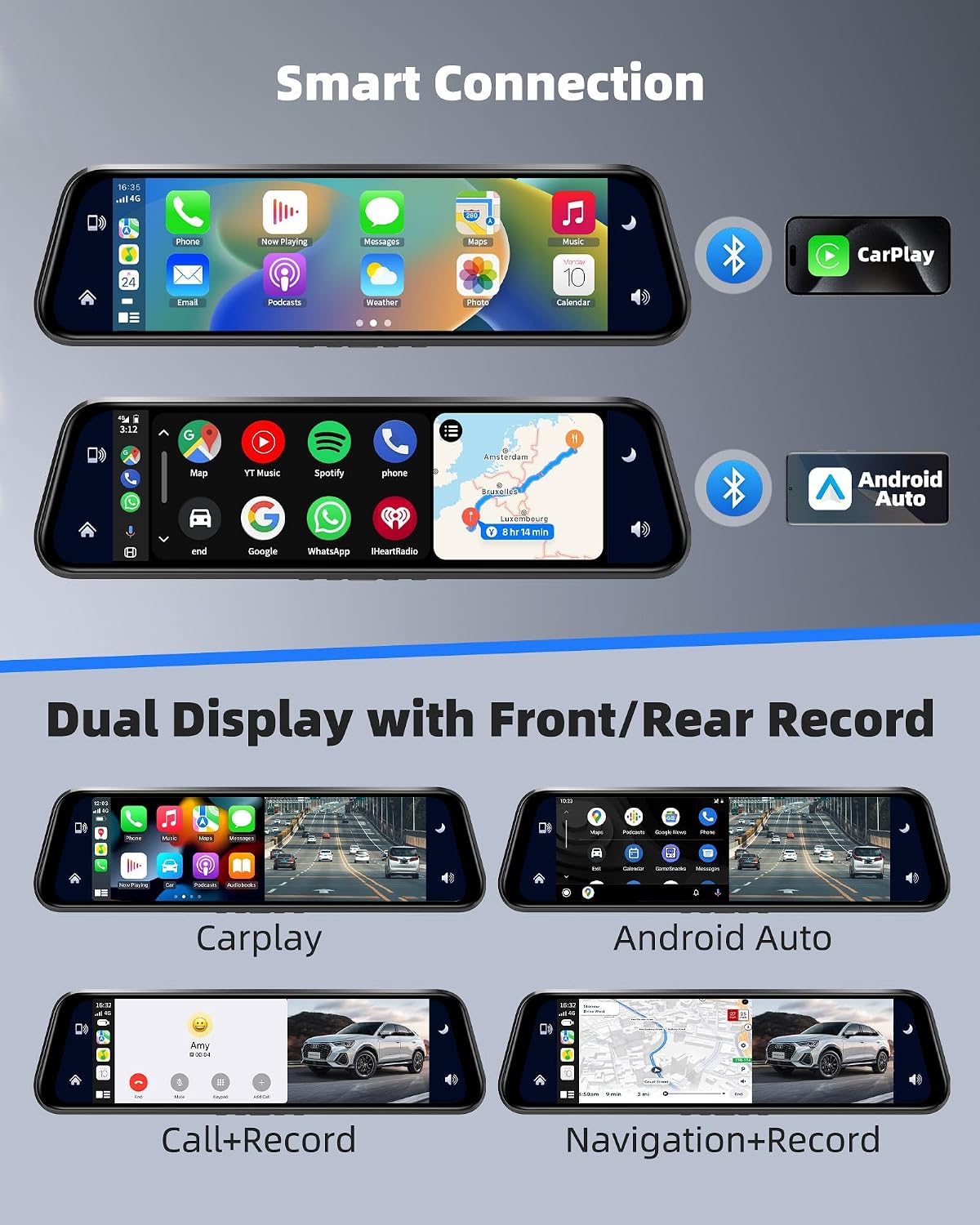
On paper, it targets a very practical problem: capturing clearer driving details (like plates and road signs) both ahead of you and while reversing, plus helping you react safely when lighting gets messy. It also leans into convenience with a 9.66” IPS touch screen, split-screen viewing, voice control, and CarPlay/Android Auto connectivity.
That said, there’s one important caveat mentioned in the product notes: some users have reported occasional disconnection issues while using Android Auto. The brand says it prepared a solution and that steps are shown in the product description diagrams, but you’ll still want to factor that risk in if Android Auto reliability is mission-critical for you.
What matters most in daily use
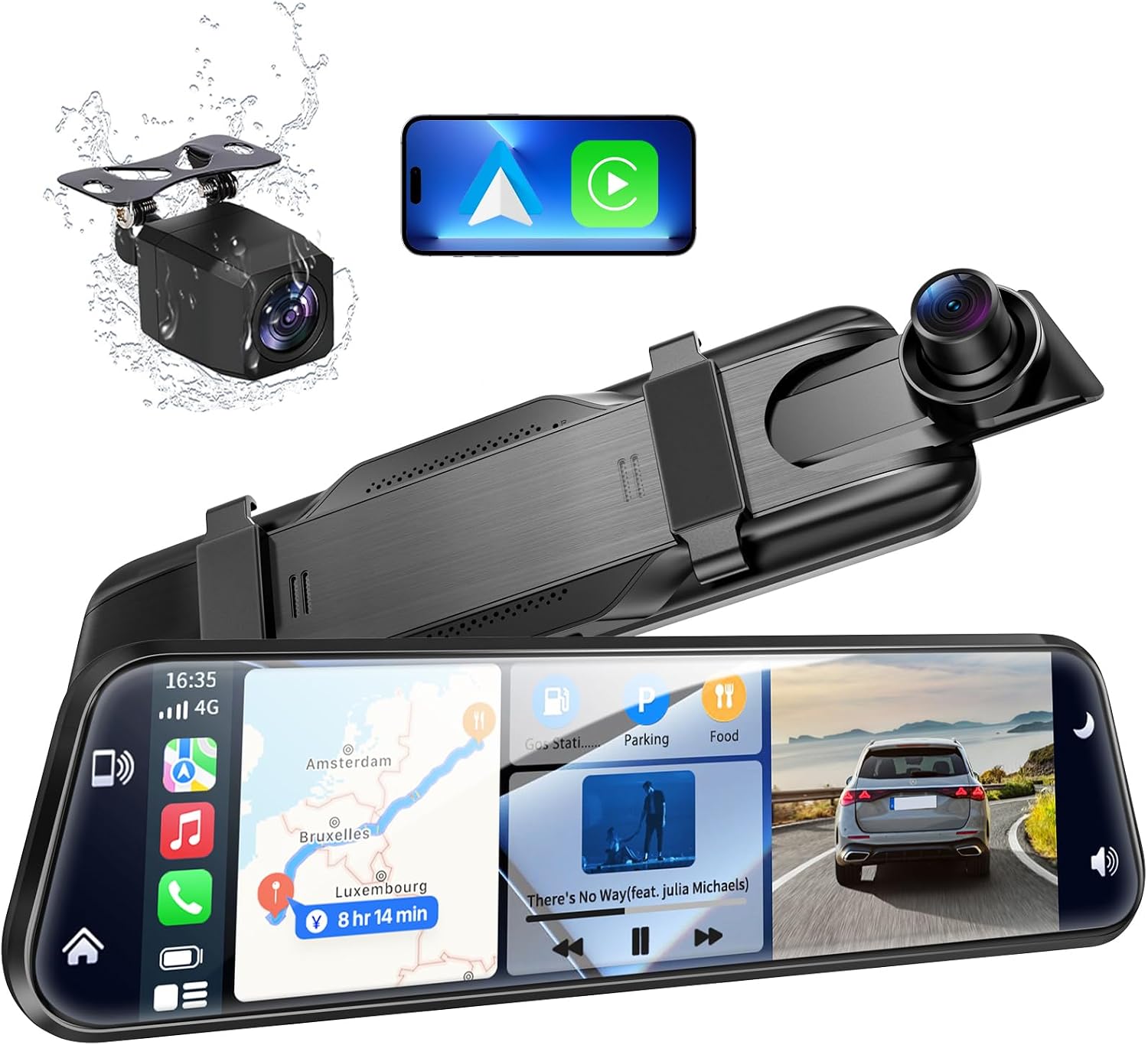
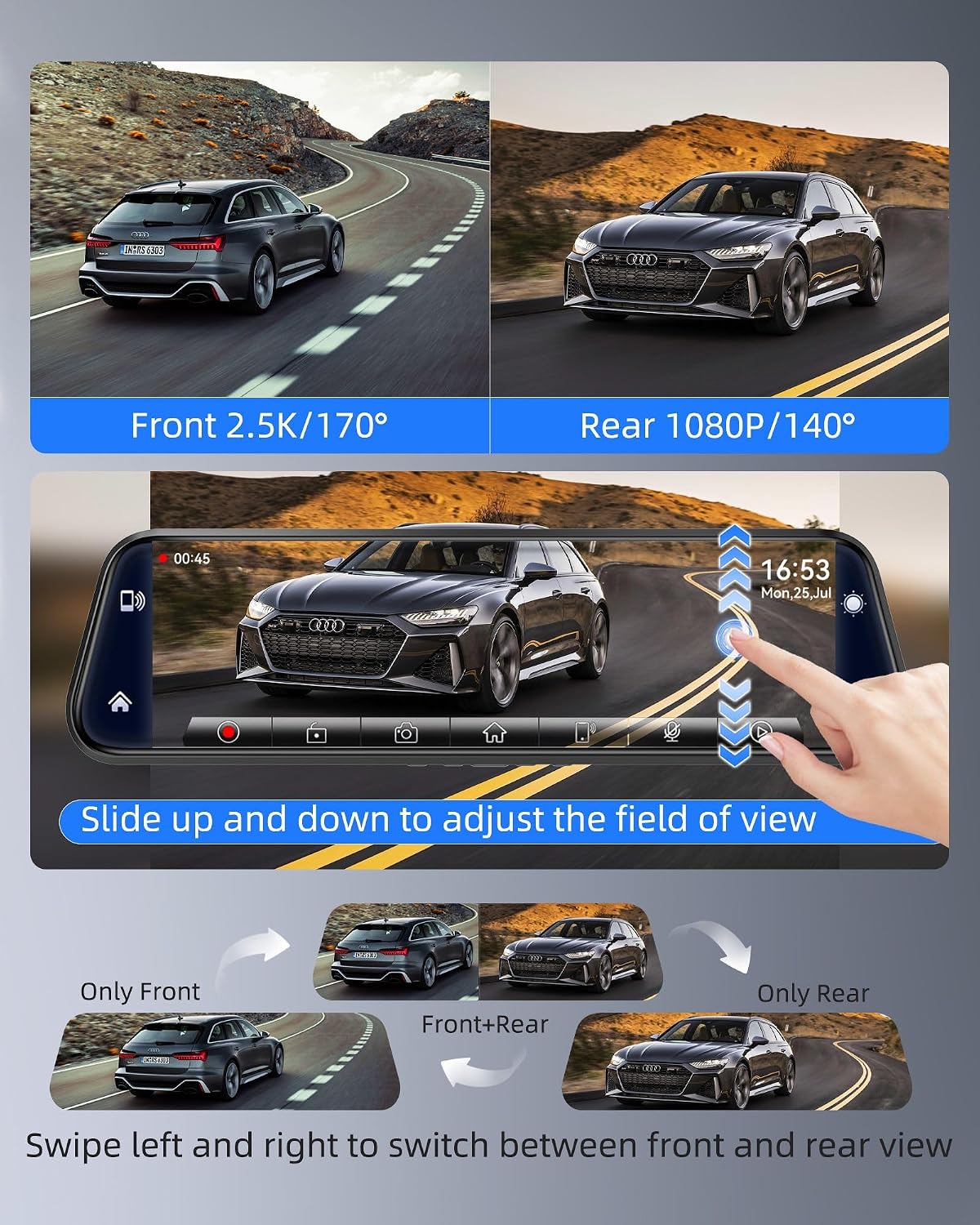
The headline feature here is the “mirror” layout with a large 9.66” IPS display and split-screen options. You can swipe left/right to shift what you see, and the camera app can show front and rear road conditions at the same time. There’s also vertical sliding to adjust the field of view, which is a big deal when you’re trying to reduce blind spots for real-world driving rather than just checking after the fact.
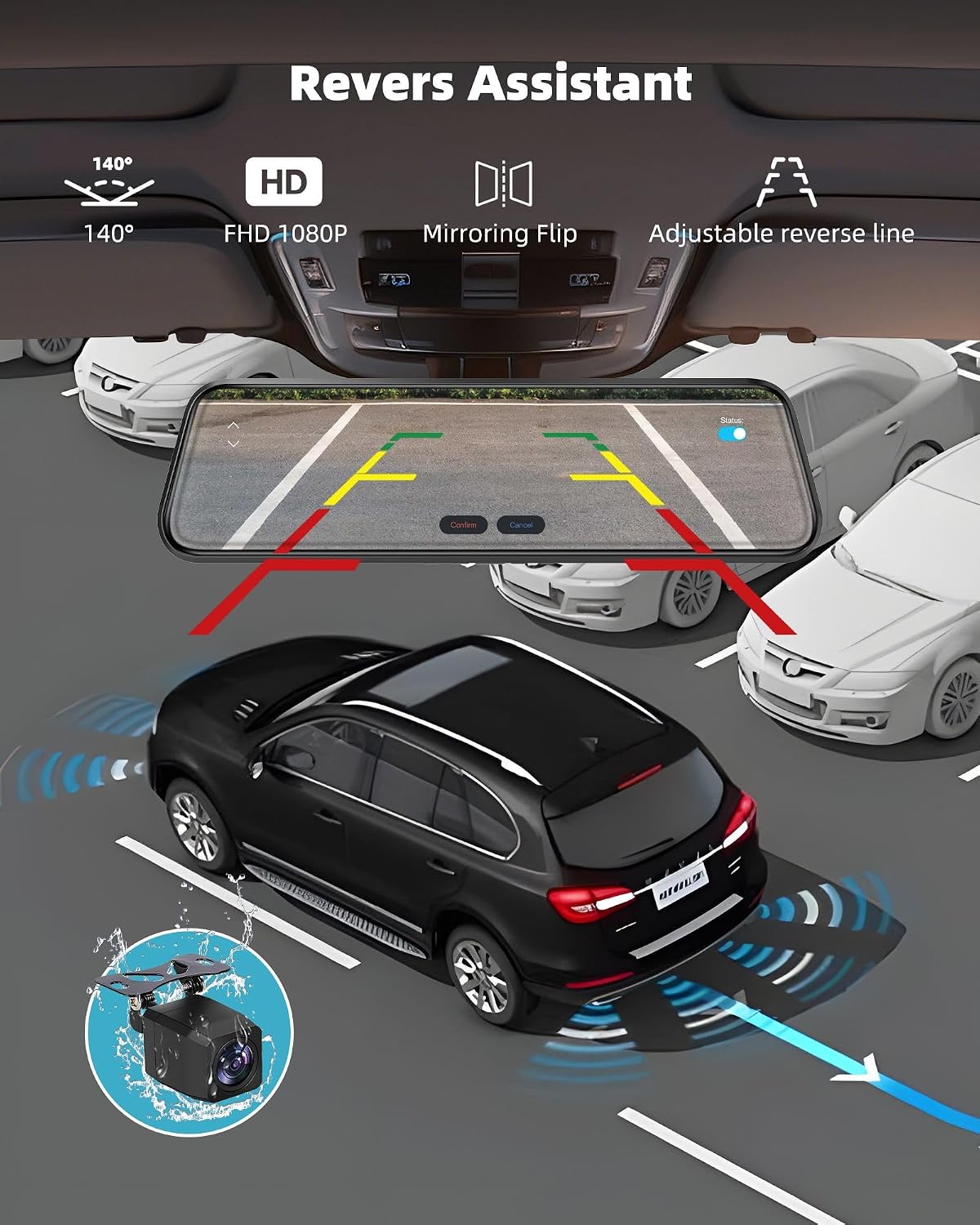
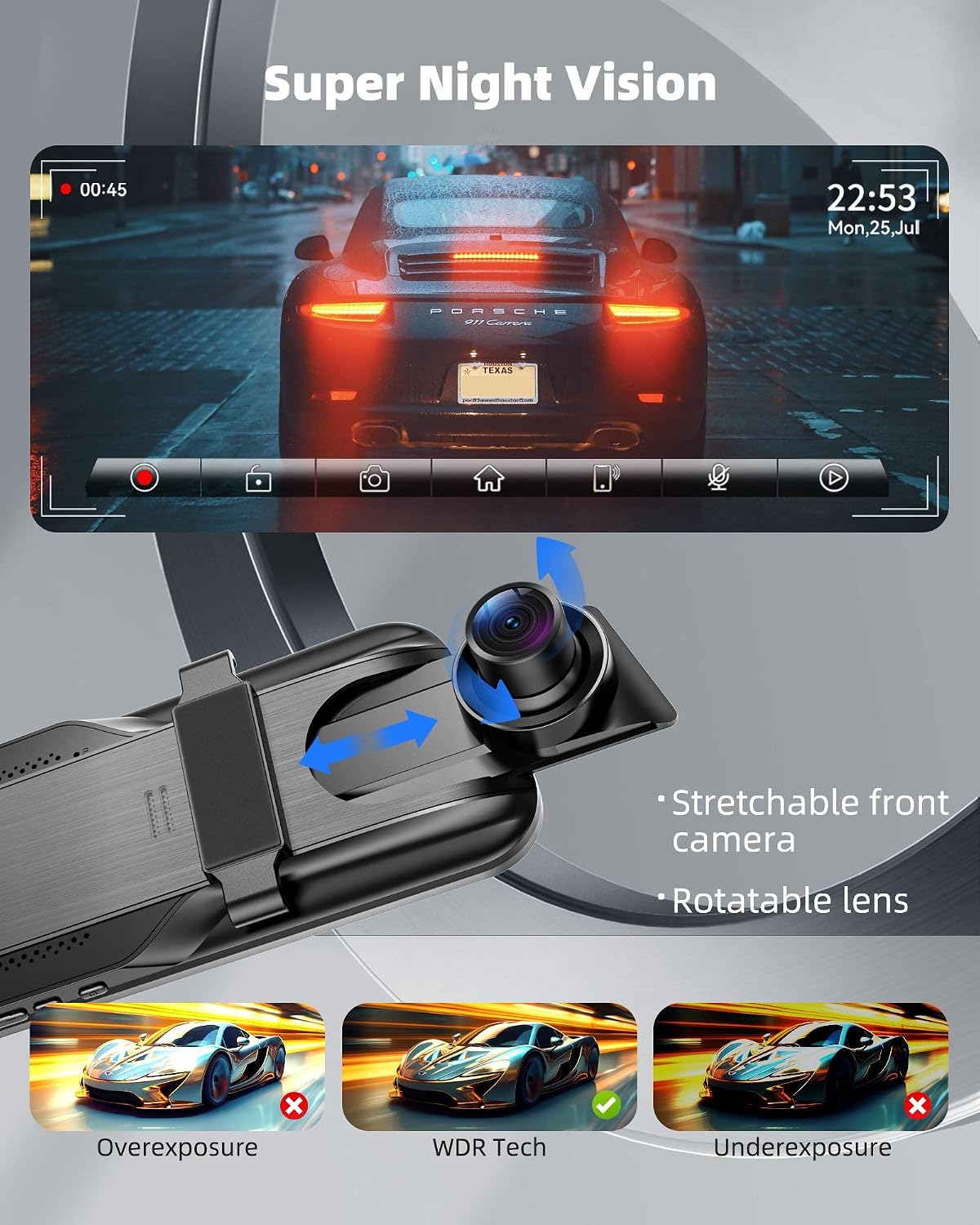
Front coverage is QHD 2.5K and rear is FHD 1080P. With wide angles—170° front and 140° rear—the setup is designed to cast a wider net than a narrow “center only” camera. Add WDR (wide dynamic range) for clearer footage in overexposed daylight or darker conditions, and it makes more sense for people who drive in mixed lighting throughout the day.
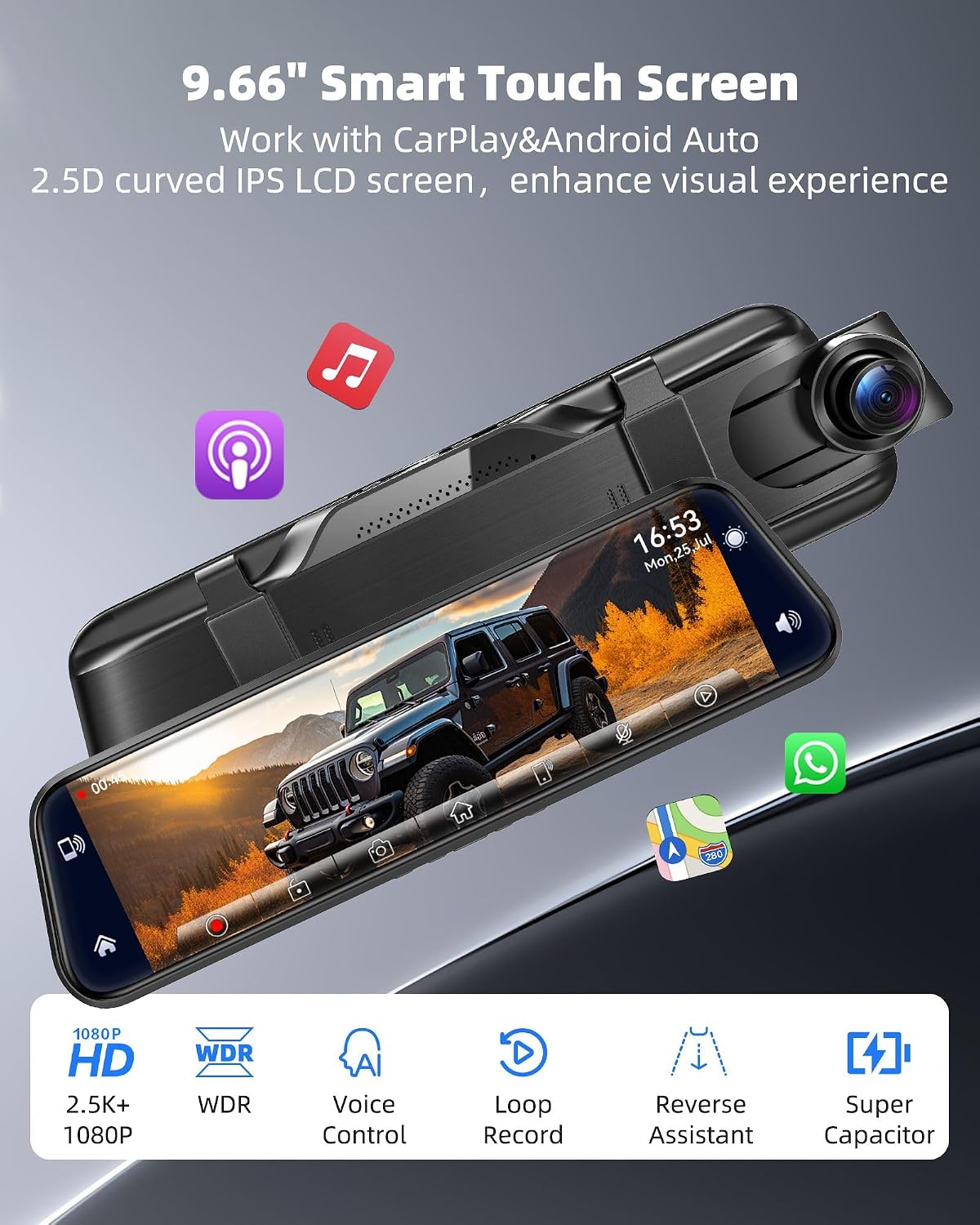
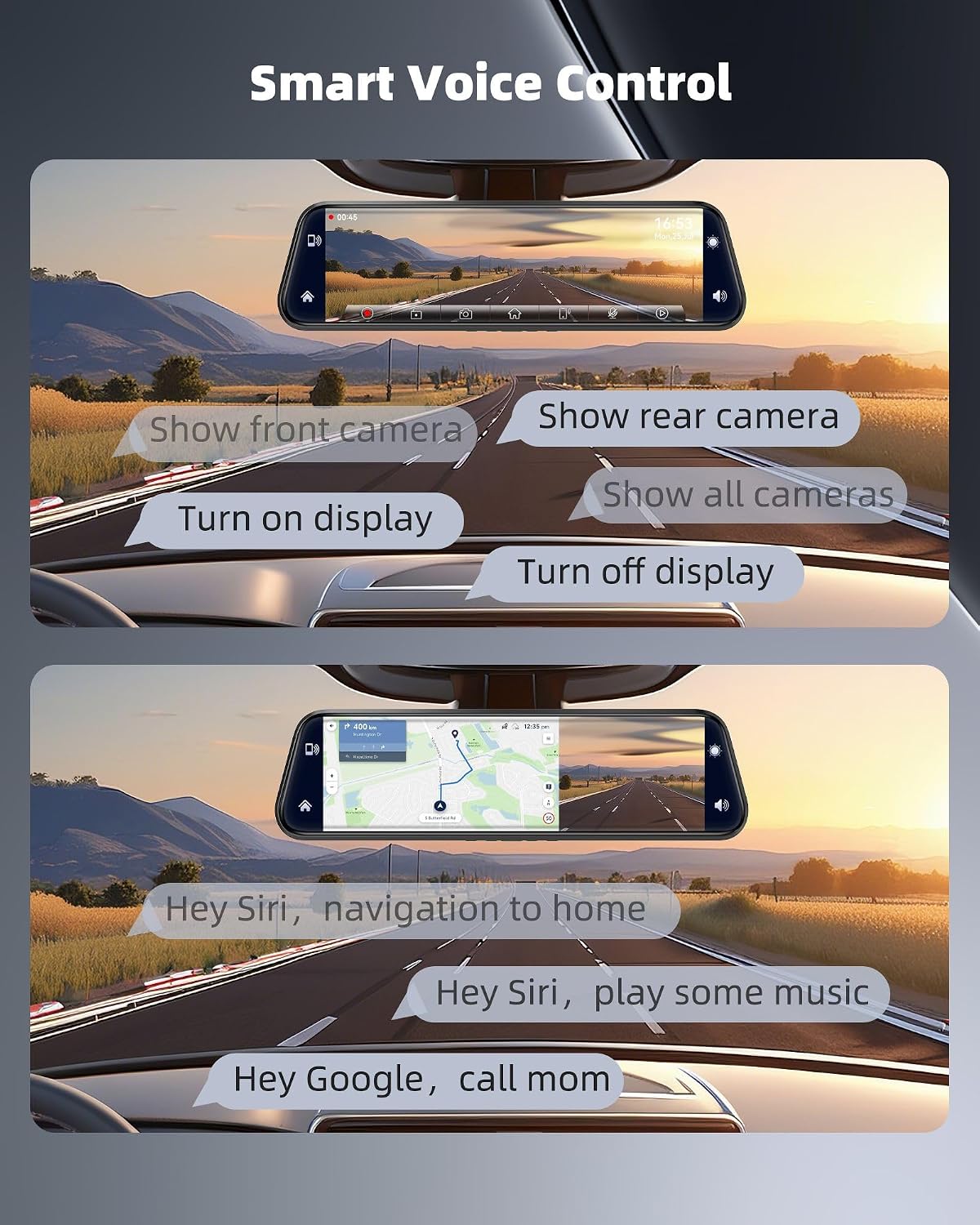
There’s also voice control aimed at keeping your eyes on the road. In the CarPlay/Android Auto environment, the voice input is described as coming from your phone, and inside the DVR interface you can use commands like “Show front camera,” “Show rear camera,” “Turn on display,” “Turn off display,” and “Show all cameras.” If you value hands-free toggling—especially when you’re switching between driving and reversing—it’s a thoughtful touch.
Connectivity and how CarPlay/Android Auto fits in
If you use CarPlay or Android Auto, this dash cam is built around that workflow. The product description says you connect via Bluetooth to use navigation, make calls, and access media, while voice control is tied to Siri/Google (again, the phone is the voice receiving device).
A practical micro-scenario: you’re pulling out of a parking spot, switch to reverse, and the reverse assistant auto-starts to help you see what’s behind you. While still connected to your phone for navigation or calls, you can also use voice commands to quickly swap the view back to front or display everything.
Note that “multiple function” here also includes parking monitor mode support, but the parking monitor cable is not included. So if parking mode matters to you, that’s something you may need to source separately.
Recording, parking, and the real-world tradeoffs
This camera supports dual loop recording, and the kit includes a 64GB memory card pre-installed, so it’s positioned as ready to capture right after power-on. Loop recording can be set to 1/3/5 minute durations, and auto cover is described as covering old unlocked footage, with manual lock for important clips.
For backing up, the reverse assistant is described to auto-start when you switch to R, which can reduce the “when exactly do I check the screen?” delay.
Where it may fall short for some buyers: parking monitor mode may require extra cabling because the parking monitor cable is not included. And regarding Android Auto, there’s that stated possibility of occasional disconnections reported by some users. If your routine depends heavily on Android Auto staying connected every single drive, you’ll want to be cautious and follow the suggested troubleshooting steps in the listing.
Audio and how it gets to your car stereo
The front and rear cameras include a built-in speaker, and the product description says you can transmit dash cam sound to your car stereo in several ways: Bluetooth connection, an Aux cable, or transferring the mirror camera frequency to match the car FM. That gives you multiple routes depending on what your vehicle supports.
If you’re picky about audio quality or prefer one specific connection method, this flexibility is useful—but it also means you’ll need to set it up in a way that matches your car’s options.
Tech specs (as provided)
Tech specs
- Front camera: 2.5K (QHD)
- Rear camera: 1080P (FHD)
- Front lens angle: 170°
- Rear lens angle: 140°
- Display: 9.66” IPS touch screen
- Recording: dual loop recording
- Memory: 64GB card included (pre-installed)
- Loop recording durations: 1/3/5 minutes (settable)
- Parking monitor: supported (parking monitor cable not included)
- WDR: included
- Voice control: supported (commands listed for the DVR interface)
- Connectivity: CarPlay and Android Auto via Bluetooth
Is it worth it?
It makes sense if you want a mirror-style dash cam with both front and rear coverage, a large IPS screen for split-screen viewing, and hands-free control for switching views while driving. The 2.5K front + WDR approach is also a strong fit on days when you care about seeing plates or signs more clearly, and when lighting swings from bright to dark.
You may want to skip it if you mainly rely on Android Auto and can’t tolerate occasional disconnection risk. Also, if you specifically want parking monitor mode, keep in mind the parking monitor cable is not included, which can add friction.
For most buyers, it lands in the “feature-rich practical upgrade” category rather than something that’s purely minimalist. If you like the idea of reversing assistance plus a wide-angle front/rear record, it’s the kind of setup you’ll actually use.
Mini FAQ
Mini FAQ
-
Does it record both front and rear? Yes. The front is 2.5K (QHD) and the rear is 1080P (FHD), with dual loop recording.
-
Is the 64GB memory card included? Yes, a 64GB card is pre-installed so recording can start after power-on.
-
Can I use split-screen to see front and rear at once? The screen supports split-screen viewing, and you can swipe to shift display while viewing front and rear conditions.
-
Does it support parking monitor mode? Support is listed, but the parking monitor cable is not included.
-
Is voice control included? Yes, voice commands are described for the DVR interface (and CarPlay/Android voice via your phone).