

KODAK STEP Instant Mobile Photo Printer: Compact, Sticky-Back Prints on the Go
Product description
What it is and what it solves
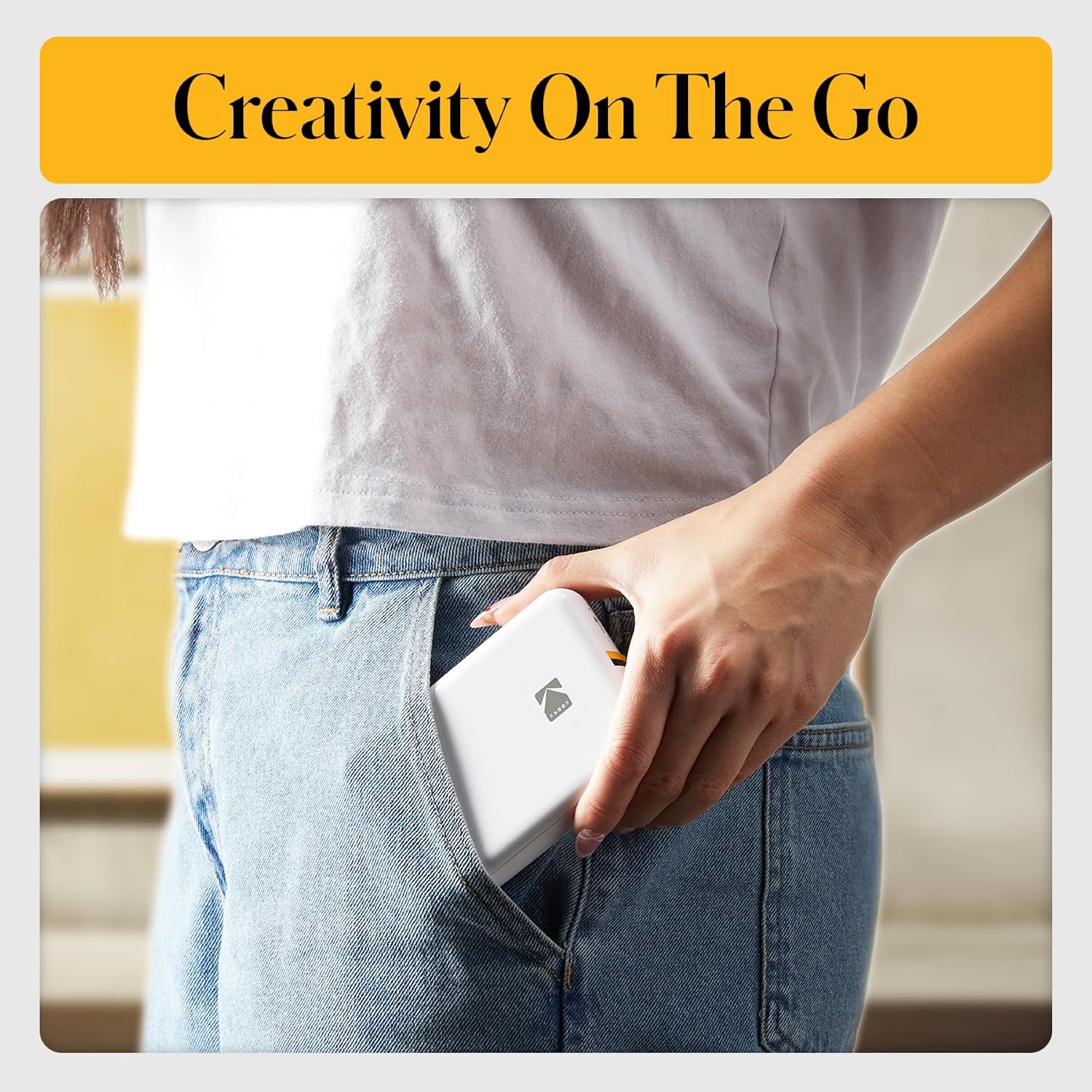
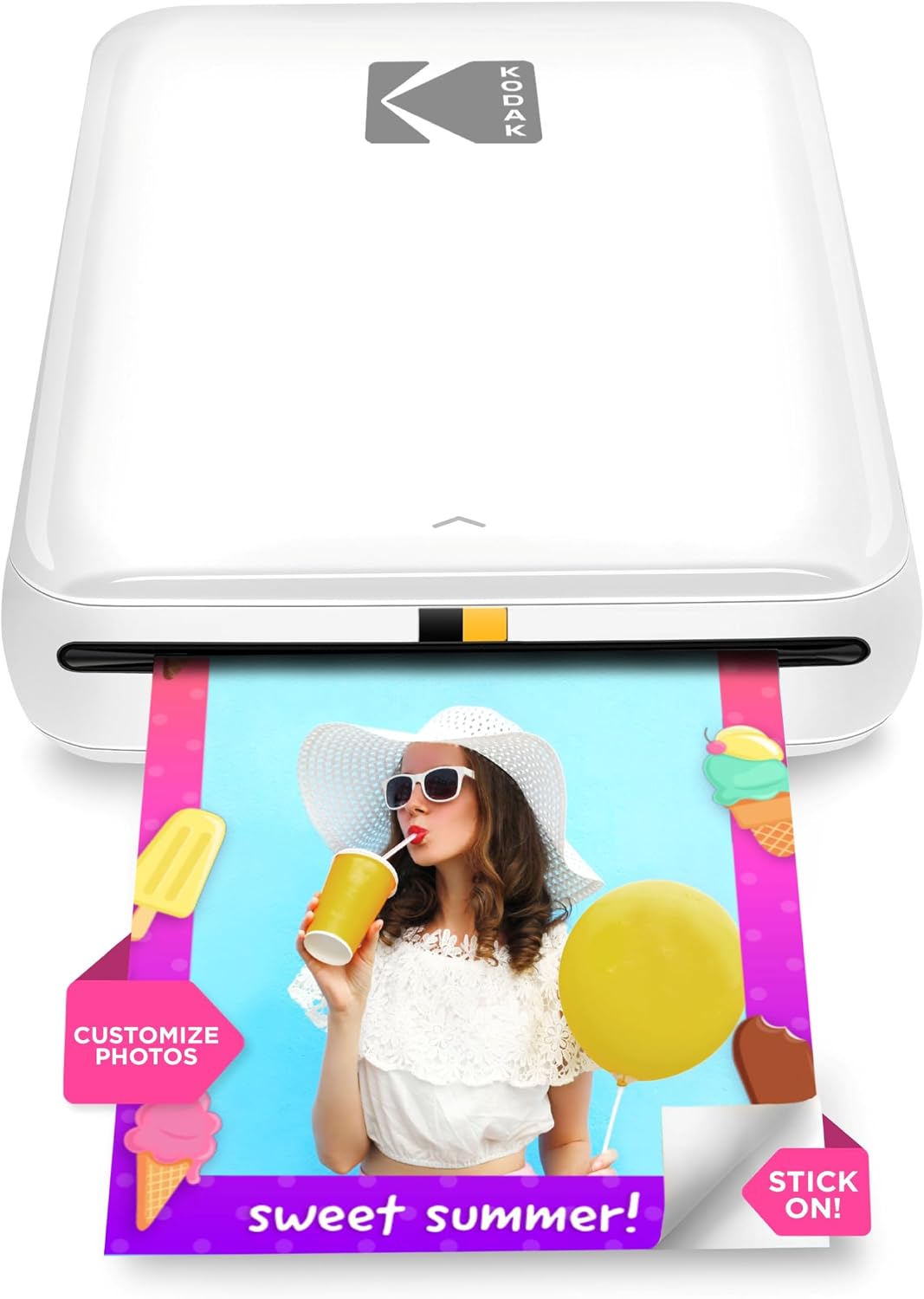
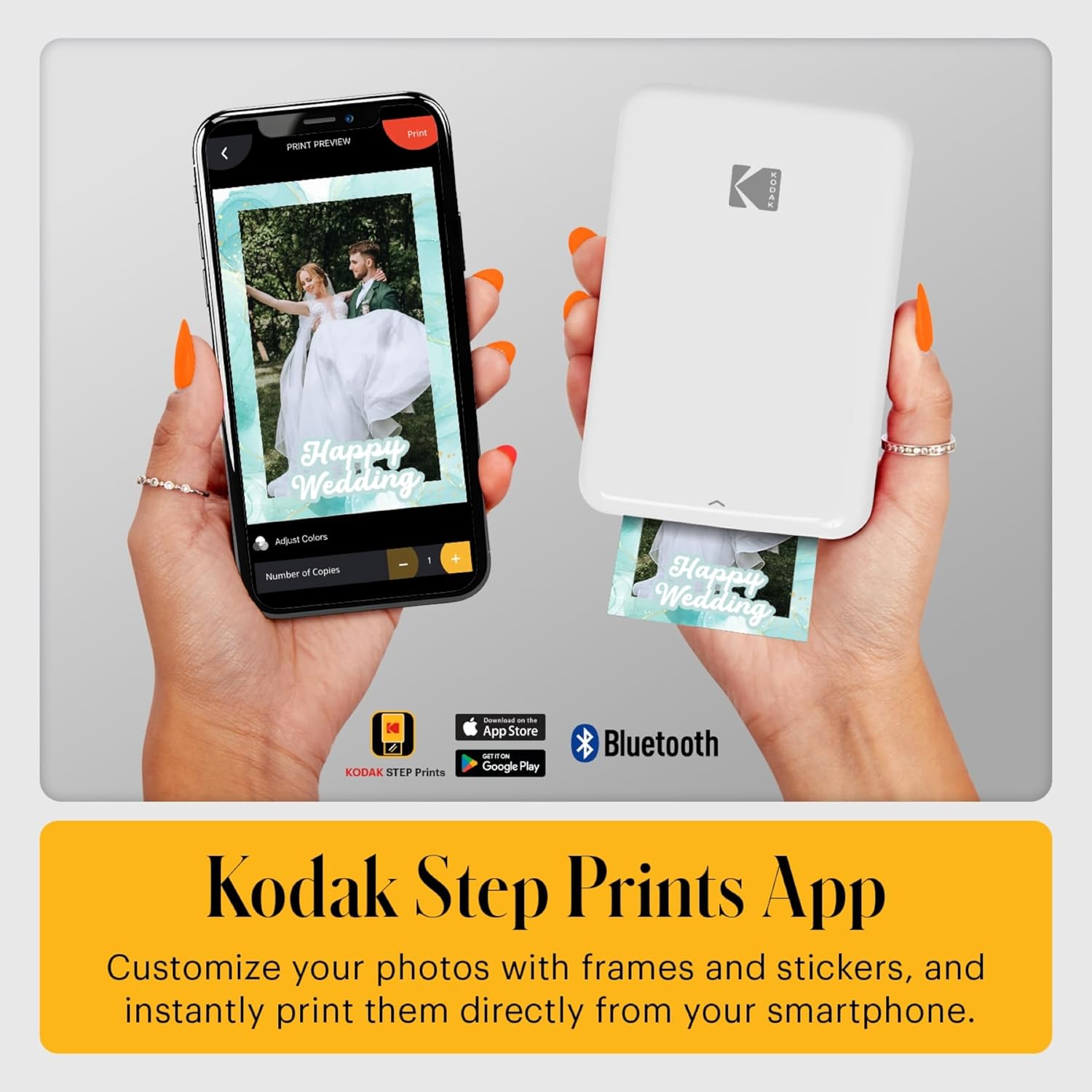
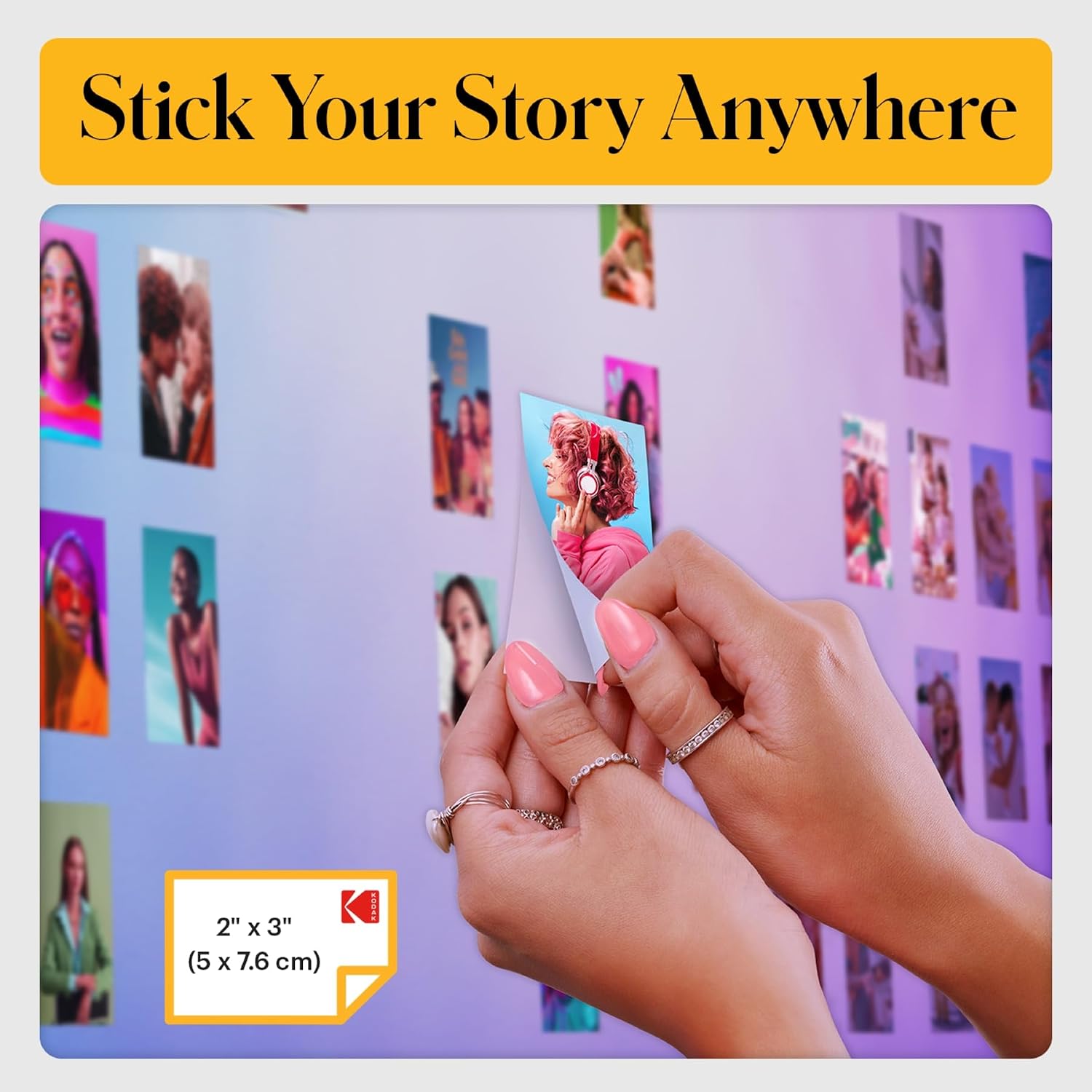
The KODAK STEP Instant Mobile Photo Printer is a palm-sized color printer that links to iOS or Android devices via Bluetooth (or NFC) to transform your selfies, portraits, or social posts into physical 2" x 3" photos with sticky backs. It’s designed for quick, on-the-go prints without ink cartridges. If you prefer tangible memories you can peel and stick, this device targets that impulse with a portable, battery-powered solution.
How it works in real life
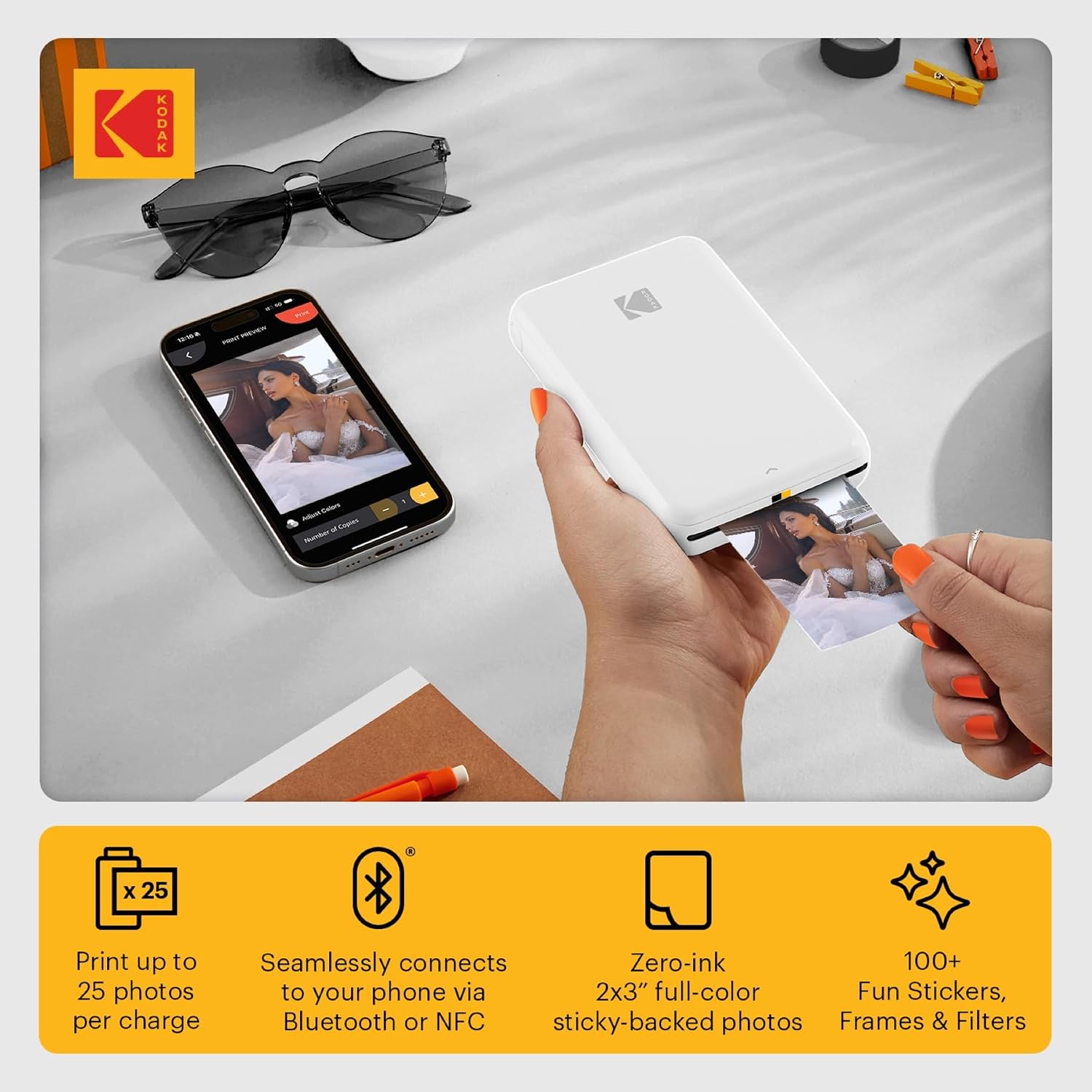
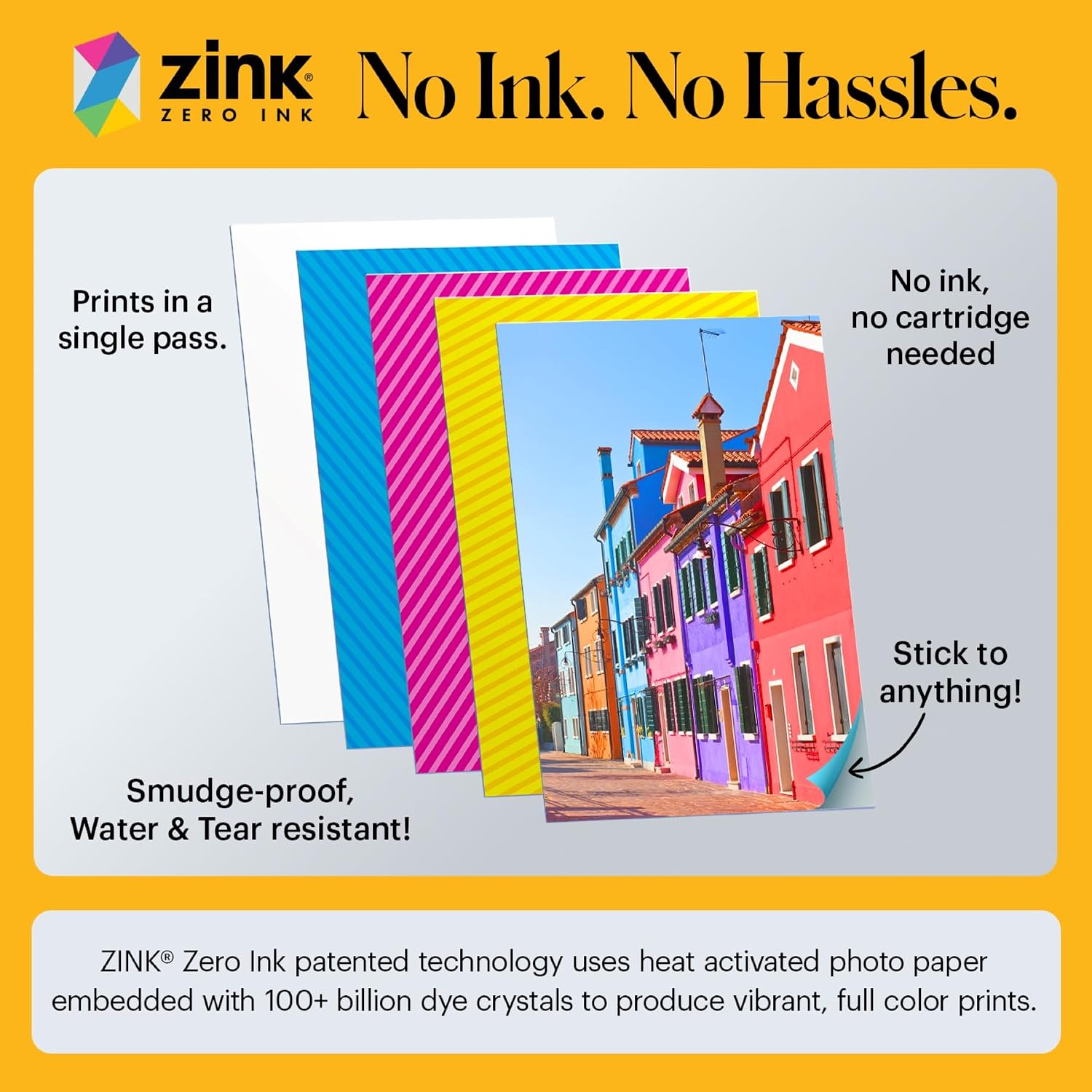
Turn on the printer, pair it with your phone, and use the KODAK App to edit. The app offers filters, borders, stickers, and text to customize each snap before printing. The printer uses Zero-Ink (ZINK) technology and ships with starter ZINK paper, delivering durable prints that resist moisture, tears, and smudges. A built-in rechargeable battery aims to print dozens of photos between charges, Kodak notes up to about 25 prints per full charge, which is convenient for events or quick crafts.
What stands out (pros)
- Ultra-portable: palm-sized and under a pound, easy to tuck into a bag or pocket for travel or events.
- No ink required: uses ZINK paper, so you don’t need to replace ink cartridges.
- Built-in editing suite: direct-from-phone customization with filters, borders, stickers, and text.
- Sticky-back prints: ready to peel and stick on notebooks, walls, scrapbooks, or calendars.
- Simple setup: Bluetooth or NFC pairing with widely compatible devices, plus a quick-start guide.
Where it may fall short (cons)
- Print size is small by design (2" x 3"), which isn’t ideal for full-page photos or professional use.
- Requires ongoing purchase of ZINK paper, you’ll want to consider ongoing costs for frequent printing.
- Battery life guidance is practical but real-world results depend on print volume and app usage, you may see shorter runs if you use heavy edits or high-energy effects.
Ideal user profiles
- Social media enthusiasts and micro-creators who want tangible, quick-scrollable memories for DIY projects.
- Parents or hobbyists looking to decorate scrapbooks or spaces with small, durable photos.
- Travelers or event-goers who want instant keepsakes without needing a traditional printer setup.
Who might want to rethink this
- If you need larger photos, professional-quality prints, or high-volume printing, this device isn’t designed for that range.
- If you’re not planning to regularly stock up on ZINK paper, the per-photo cost can add up.
When it makes sense to buy
- You want instant, adhesive photos without ink refills and a compact footprint.
- You value in-app editing features to personalize prints before you commit to paper.
- You’re okay with the 2" x 3" format and a battery-powered, portable printer for casual use.
Key checks before buying
- Confirm you’re comfortable with the sticky-back, small print size for your intended projects.
- Consider your typical print cadence to estimate ongoing paper costs.
- Verify phone compatibility and the availability of the Kodak app on your device store.
Practical usage example
Imagine at a birthday party you capture a candid moment, edit it with a fun filter and border in the app, then print and hand out a few sticky photos as keepsakes. The compact size means you can print right from the table without hunting down a larger printer, and the peel-and-stick approach makes for quick crafts on a wall or scrapbook page.
Quick FAQ
- Q: Do I need ink? A: No, it uses Zero-Ink ZINK paper.
- Q: How many photos per charge? A: Kodak mentions about 25 prints on a full charge, depending on usage.
- Q: Can I print from iOS and Android? A: Yes, via Bluetooth or NFC with the Kodak app.
Final decision
Is it worth it?
Worth considering if you want a portable, easy-to-use printer for casual, on-the-go photo projects and you’re happy with the small 2" x 3" prints and ongoing ZINK paper costs. If you need larger, more durable prints or high-volume output, you may want to explore higher-end options or different formats.