

JSAUX USB Data Blocker & USB-C Data Blocker 4-Pack: Charge-Only Protection for Public Charging
Reviews
Price
Product description
What it is
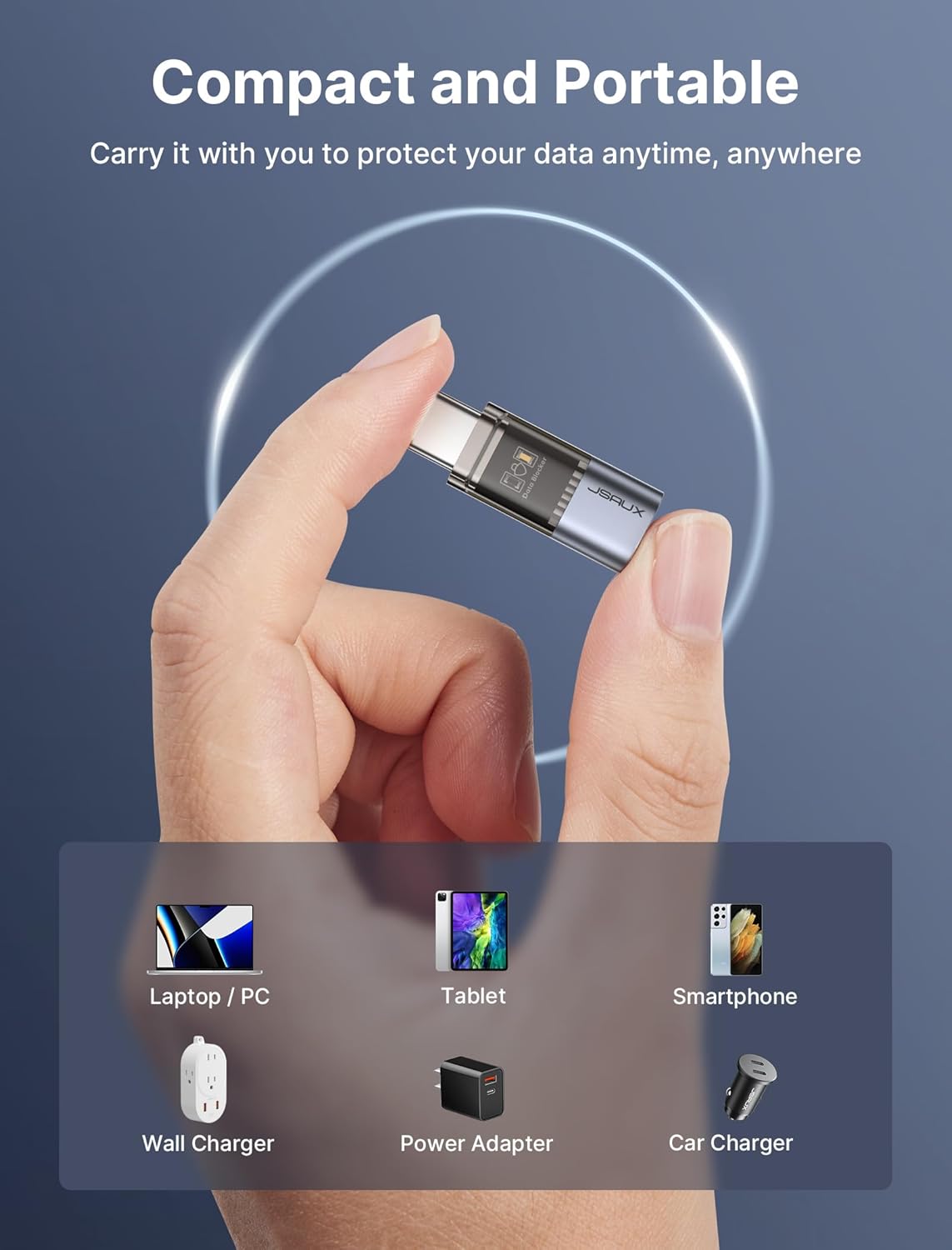
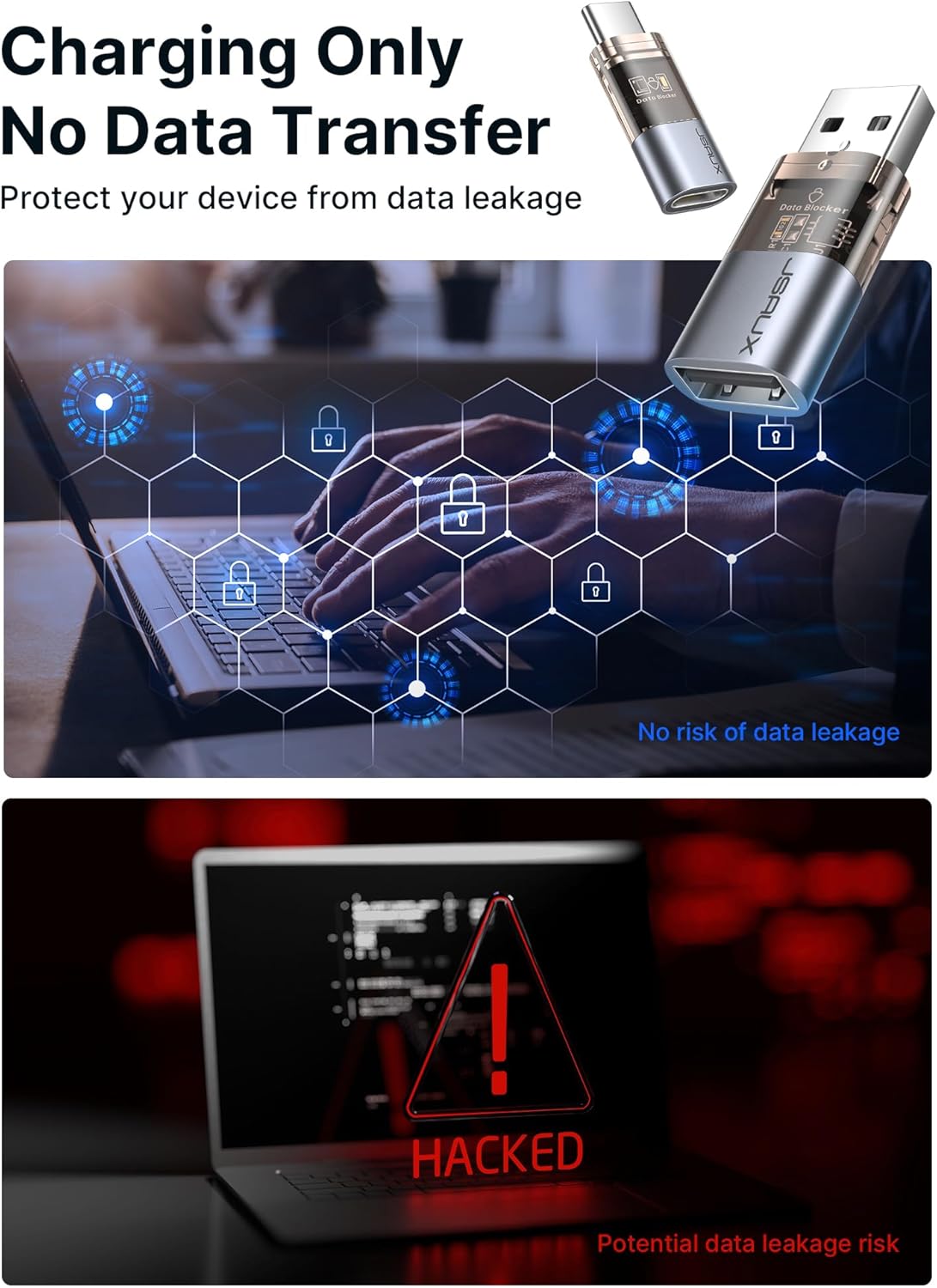
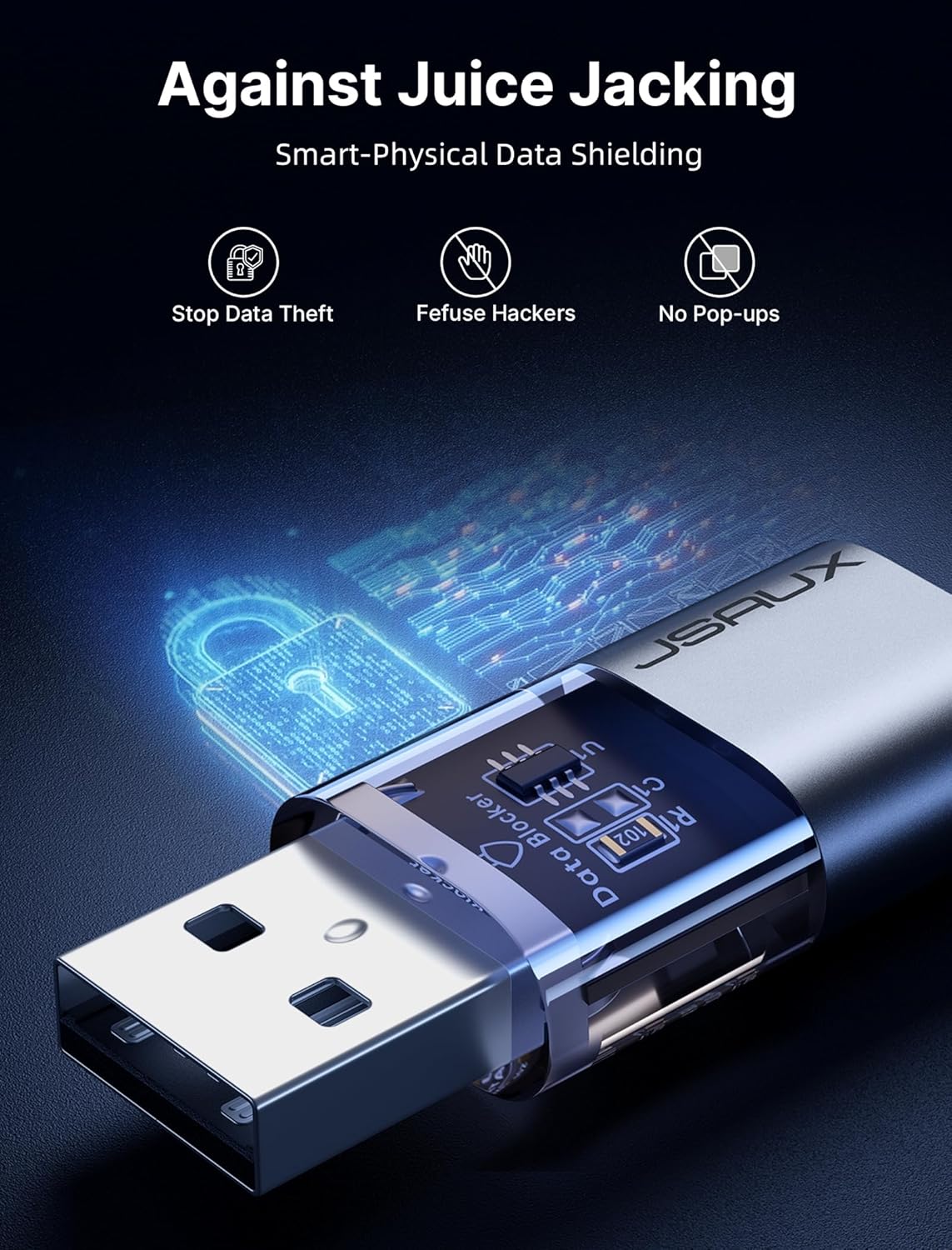
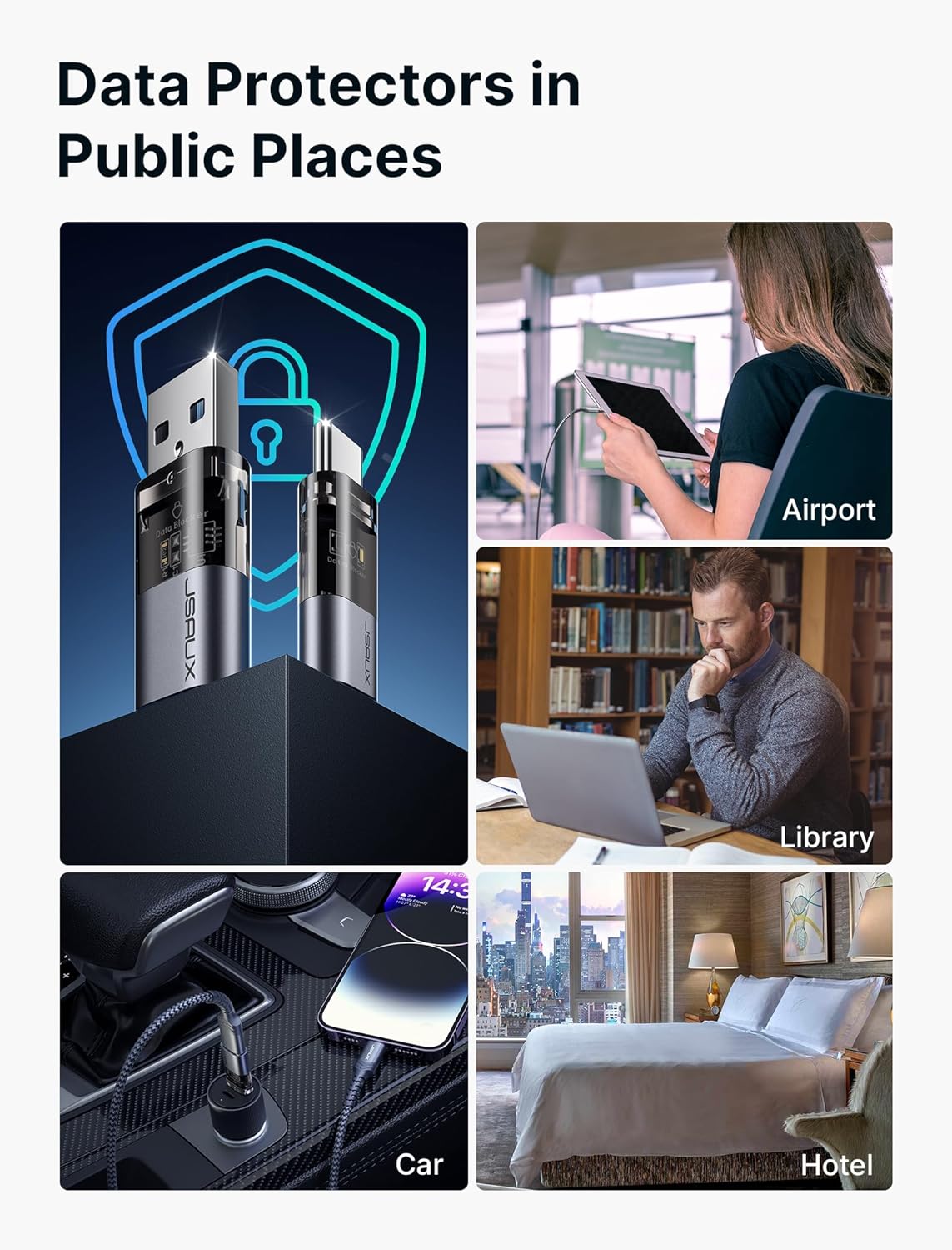
The JSAUX USB Data Blocker & USB-C Data Blocker 4-Pack delivers a simple, travel-friendly layer of protection for charging in public spaces. By physically blocking data transfer while allowing power to flow, it aims to reduce the risk of data leakage or malicious activity during charging at airports, hotels, or other public outlets. On paper, it’s a compact, plug-in solution that works with both USB-A and USB-C ports, covering a range of devices from iPhone iterations to newer Android phones and laptops that use USB-C for charging.
Who it’s for
If you regularly rely on public chargers and want a low-friction safeguard, this 4-pack is designed for you. It’s especially convenient for travelers, commuters, students, or anyone who wants to disable data transfer without extra steps. If you value discretion and simplicity—a dedicated charging-only channel that doesn’t require software or extra cables—this set could be a practical companion.
What stands out
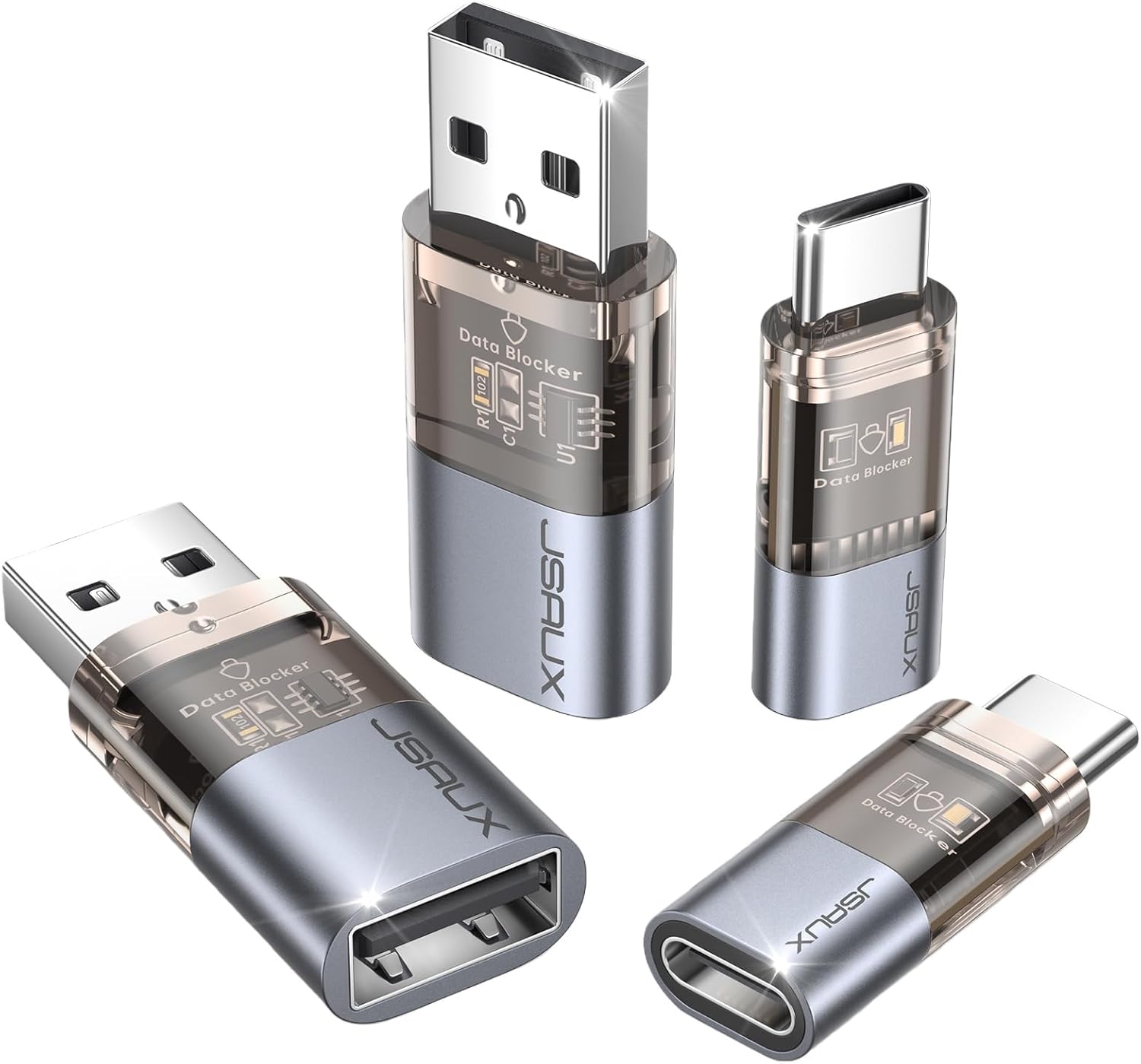
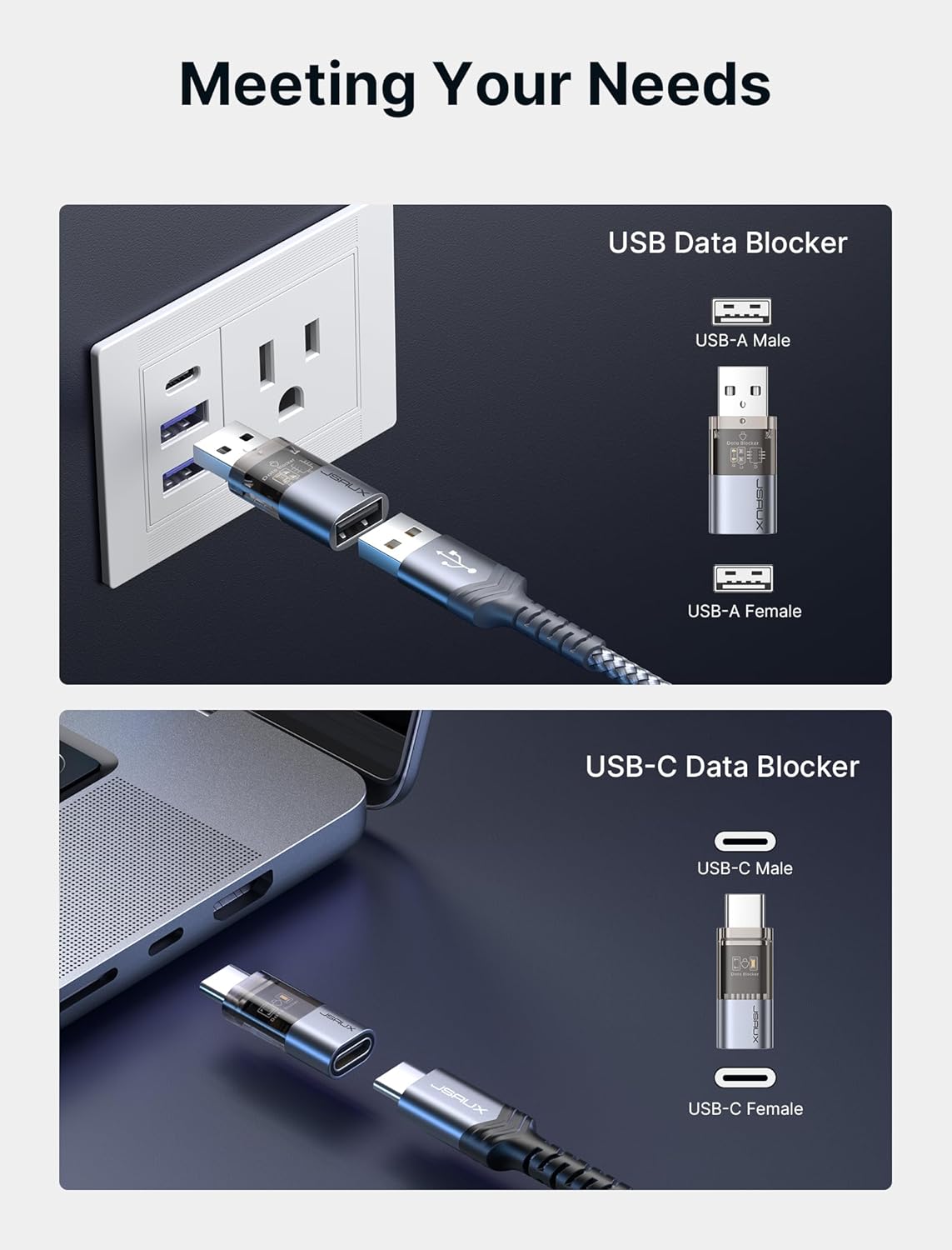
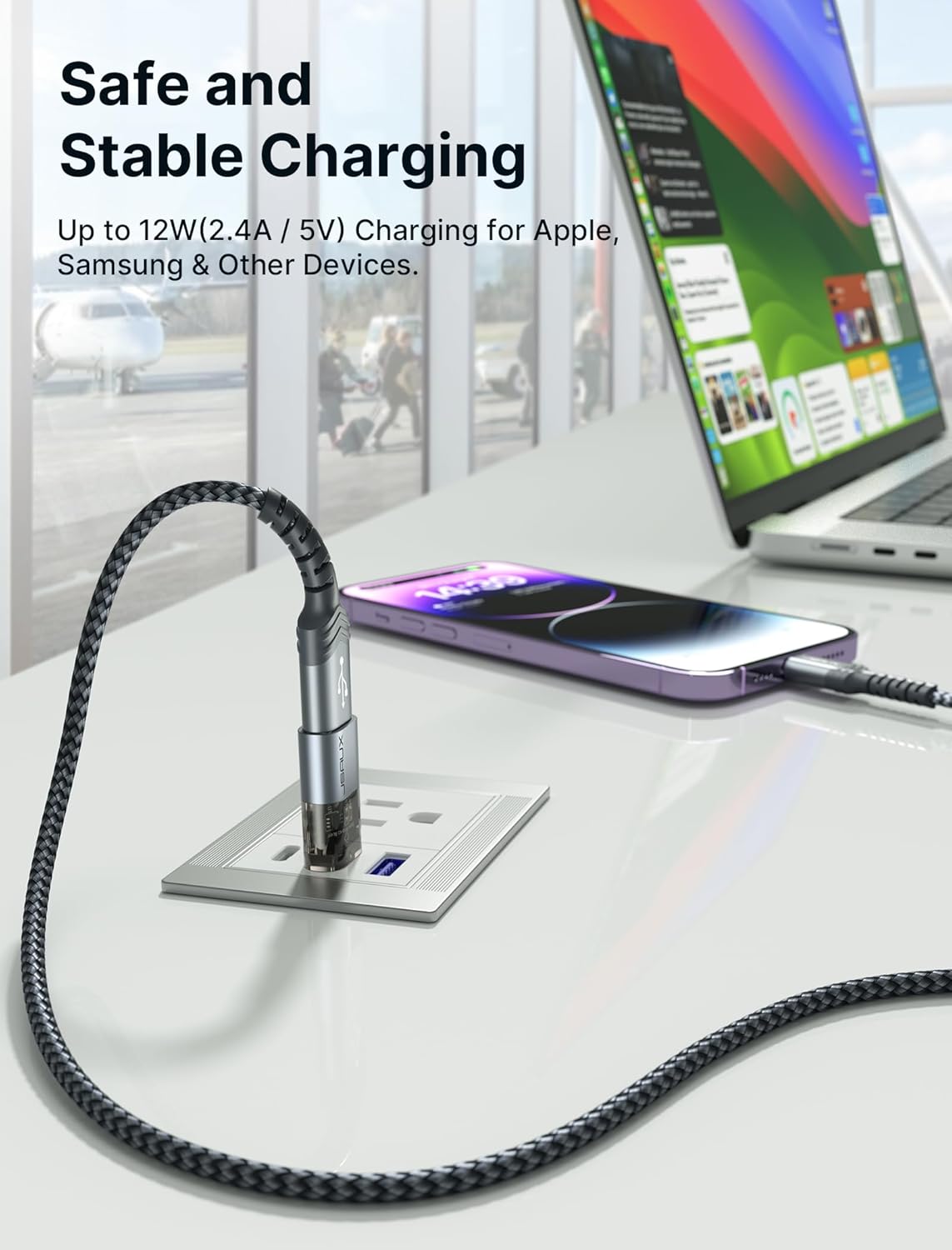
On the surface, the standout is the dual-blocker approach: two USB data blockers for USB-A ports and two USB-C data blockers for USB-C ports. That makes the pack versatile across common public charging stations and modern devices. It supports USB Power Delivery (PD) charging and claims a high compatibility footprint, with stated charging-capability ranges like up to 100W via USB-C PD and general charging speeds up to 2.4A, while noting that real-world performance depends on your device and charger.
What to be aware of
No data blocker can guarantee absolute protection in every scenario—this is a hardware layer that reduces risk by design, but it doesn’t replace good security hygiene. The actual charging speed is contingent on your device, charger, and cable configuration, so you may see slower charging with some combinations. The set’s effectiveness hinges on its proper connection: the blocker must be seated fully in the port for the data lines to be disconnected. If you frequently need data transfer while charging, this tool isn’t the right fit.
Pros and cons in brief
- Pros: simple, plug-and-play protection, travel-friendly with a compact form factor, covers both USB-A and USB-C, includes multiple blockers for flexibility across devices.
- Cons: charging speed isn’t guaranteed to hit the maximum advertised by PD standards, it’s a hardware solution, so it won’t stop all evolving attack vectors that don’t involve data transfer, may feel gimmicky to users who expect software-based protections.
How it fits into real-world use
For a typical day of commuting and travel, you can snap a USB-C blocker into your laptop charger at a hotel lobby or airport lounge and plug in without worrying about data handshakes. A practical micro-use case: you’re at a cafe with a public charger, you connect your phone through the blocker, and you’re able to top up while avoiding pop-ups or prompts to share data. It’s not perfect, but it reduces the surface area for some common data-exfiltration concerns.
Who it isn’t ideal for
If your device relies on fast data transfer during charging for legitimate reasons (e.g., some devices or workflows that require data exchange while charging), this approach will inhibit that. If you require ongoing data sync with a charger or prefer a device-agnostic, software-driven security model, a data blocker alone might feel insufficient.
What to check before buying
- Confirm port compatibility: two blockers for USB-A and two for USB-C ensure broad device coverage.
- Consider your typical charging speeds and outlets: PD 3.0/2.0 support is listed, but real-world results depend on your charger and device.
- Look at size and carry-practicality: the compact design is marketed for travel and daily use, so verify it fits in your intended pocket or bag without bulk.
- Note compatibility caveats: the blockers are meant for charging only, if you need data transfer, you’ll need a different solution.
The comparison you might consider
If you’re weighing options, consider a basic USB-C wall charger with built-in safety features as an alternative—and remember, a data blocker is a different kind of tool. For desk-heavy users or those who don’t travel often, a stationary charger with robust security practices may be more appropriate. In travel-heavy scenarios, the 4-pack approach increases flexibility across devices and outlets, helping you avoid swapping blockers mid-trip.
Is it worth it?
Is it worth it?
Buying the JSAUX 4-pack makes sense if you want a straightforward, hardware-based way to reduce data transfer exposure when charging in public spaces and you frequently need both USB-A and USB-C compatibility. It’s a practical add-on for travelers who want a lightweight, plug-and-play solution with minimal setup. On the other hand, if you seldom use public charging or you’re comfortable with software-level protections and more advanced security strategies, you may see less value in stocking multiple blockers.
FAQ
- Do these blockers affect charging speed? They may influence charging speed depending on device and charger, the design aims to permit charging but performance can vary.
- Will they stop all data leakage? They reduce the risk by blocking the data lines, but no hardware blocker can guarantee complete protection against all attack methods.
- Can I use them with laptops and tablets? Yes, they’re designed to work with USB-C and USB-A devices, including laptops, tablets, and smartphones when charging.
Final note
If you prioritize a simple, portable layer of protection for charging in public, and you want multiple blockers to cover different devices, this JSAUX 4-pack can be a sensible companion. It won’t replace broader security practices, but it can be a handy daily-use safeguard in the right contexts.