

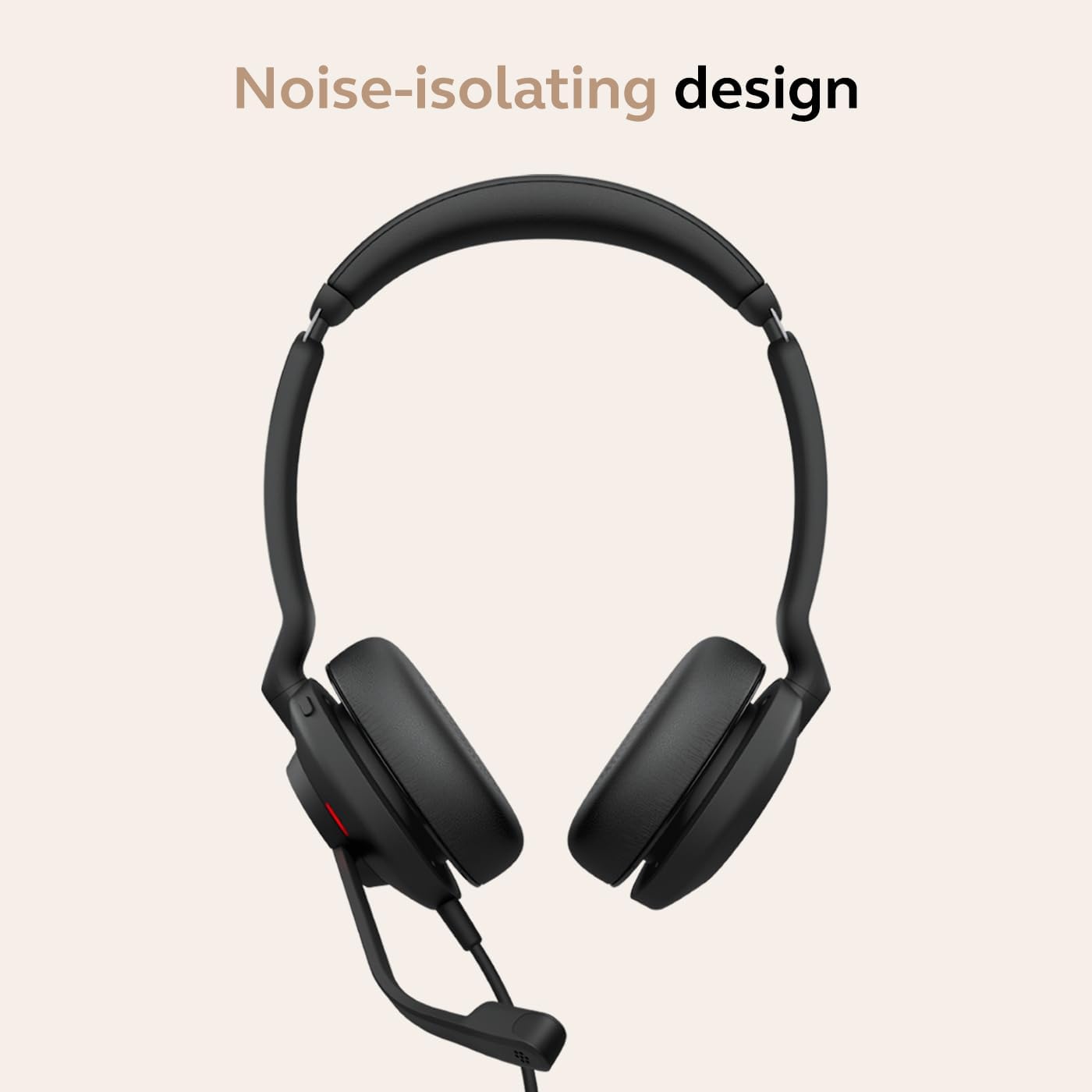
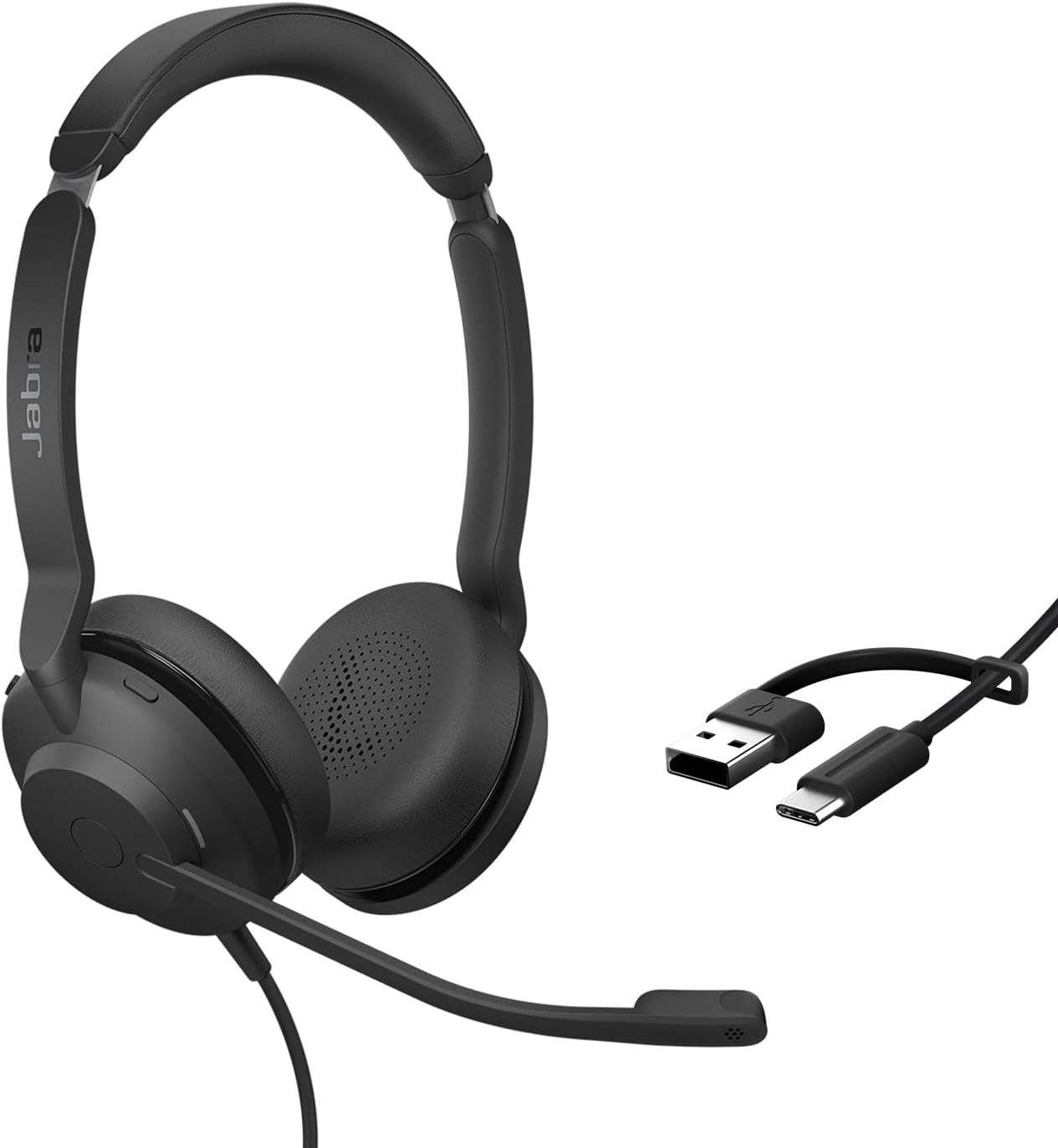
Jabra wired headset with USB-A and USB-C cable
Product description
If your workday is mostly calls at a computer, a wired headset keeps the setup simple, if you need to move freely around a room, a cable may be a drawback. The Jabra Evolve2 30 SE is a dual-ear work headset with a microphone, two microphones for voice pickup, and a cable that includes USB-A and USB-C connections. It is certified for Microsoft Teams and described as compatible with all meeting platforms, so it’s aimed at people who want one headset for calls and everyday audio rather than a more specialized setup.
What to know
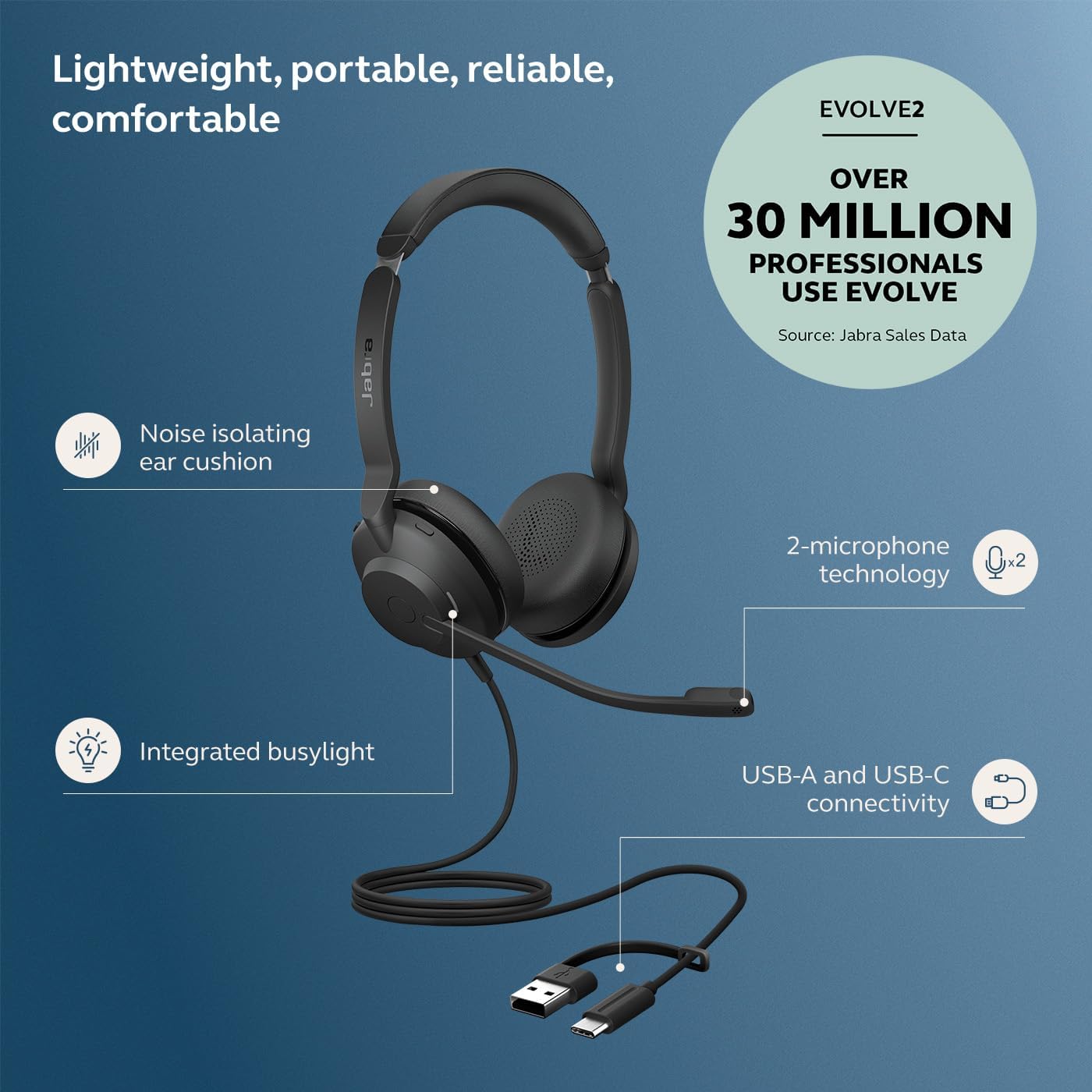
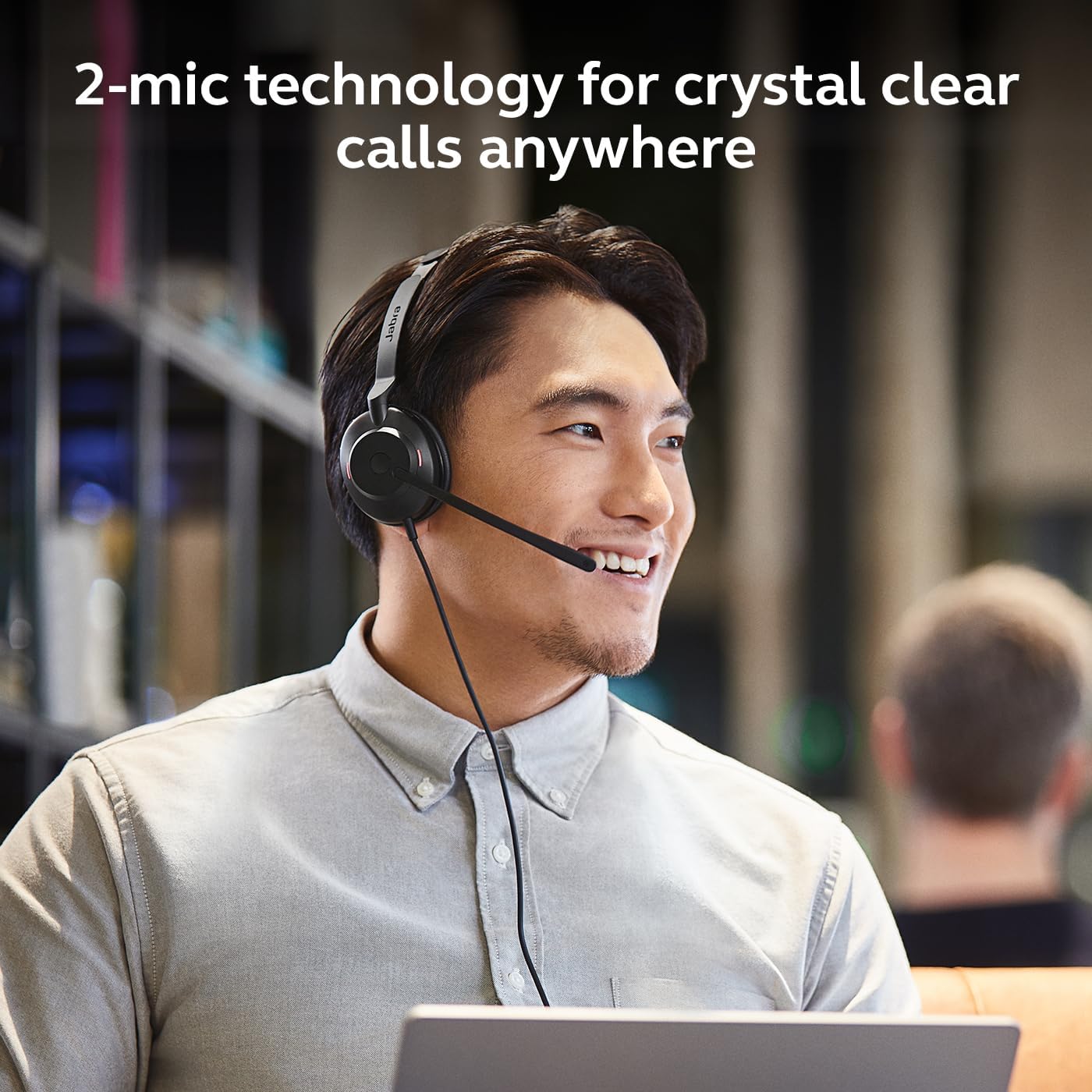
The main appeal here is the combination of straightforward wired connectivity and call-focused features. Jabra lists two-microphone technology for calls and 28 mm speakers for audio, including music. That gives the headset a practical role beyond meetings: you can keep it connected to a computer for a call, then use it for listening without switching to a separate pair of headphones.
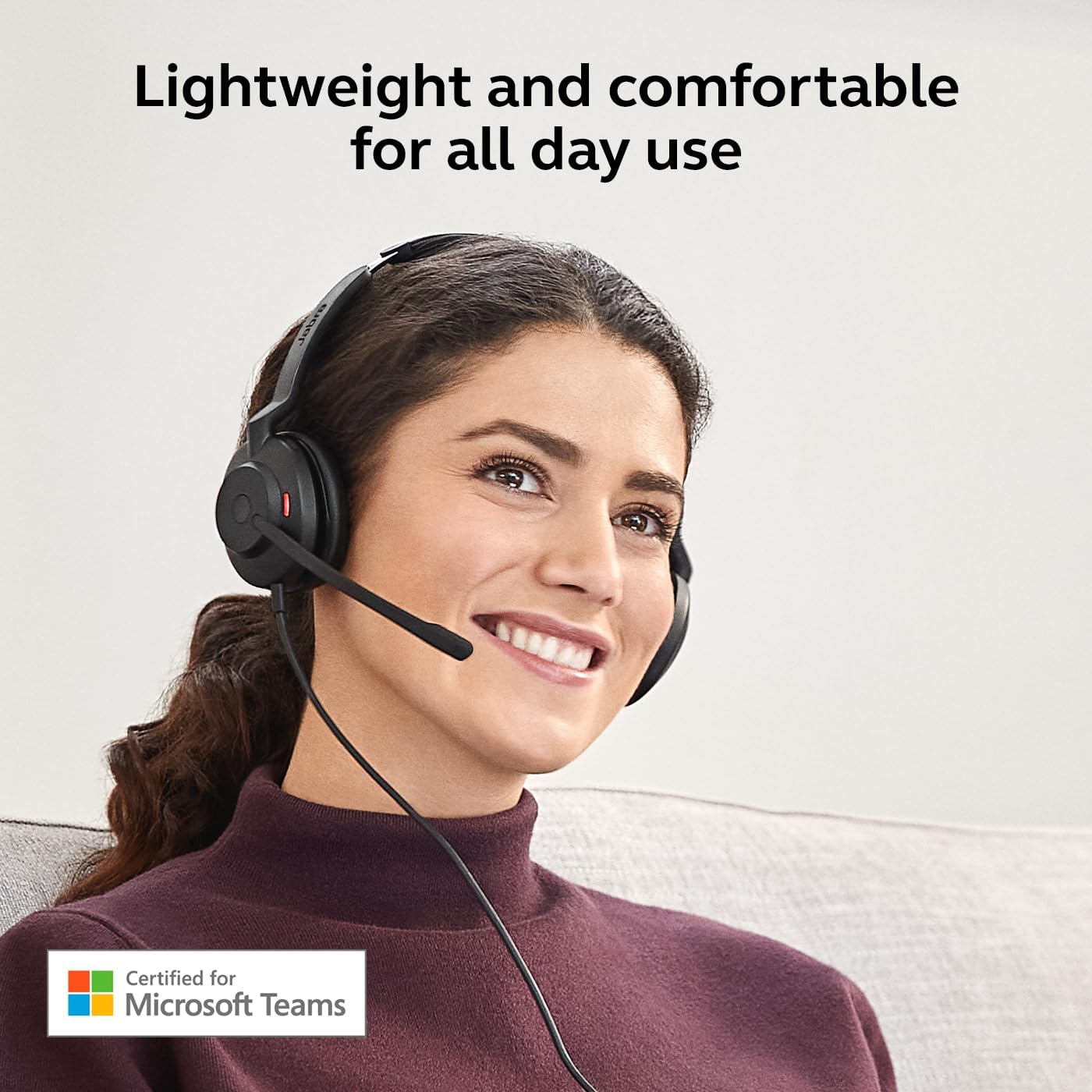
Microsoft Teams certification is useful if that’s the platform your workplace relies on. The product is also described as working with all meeting platforms, which may suit someone who switches between different services. Keep in mind that this is a wired headset, so you’ll need an available USB-A or USB-C connection, the included cable is designed to make connection easier with most desktops and laptops, not to remove the need for a suitable port. The listing doesn’t specify fit adjustments, weight, or cable length, so those details are hard to judge before buying.
Best use cases
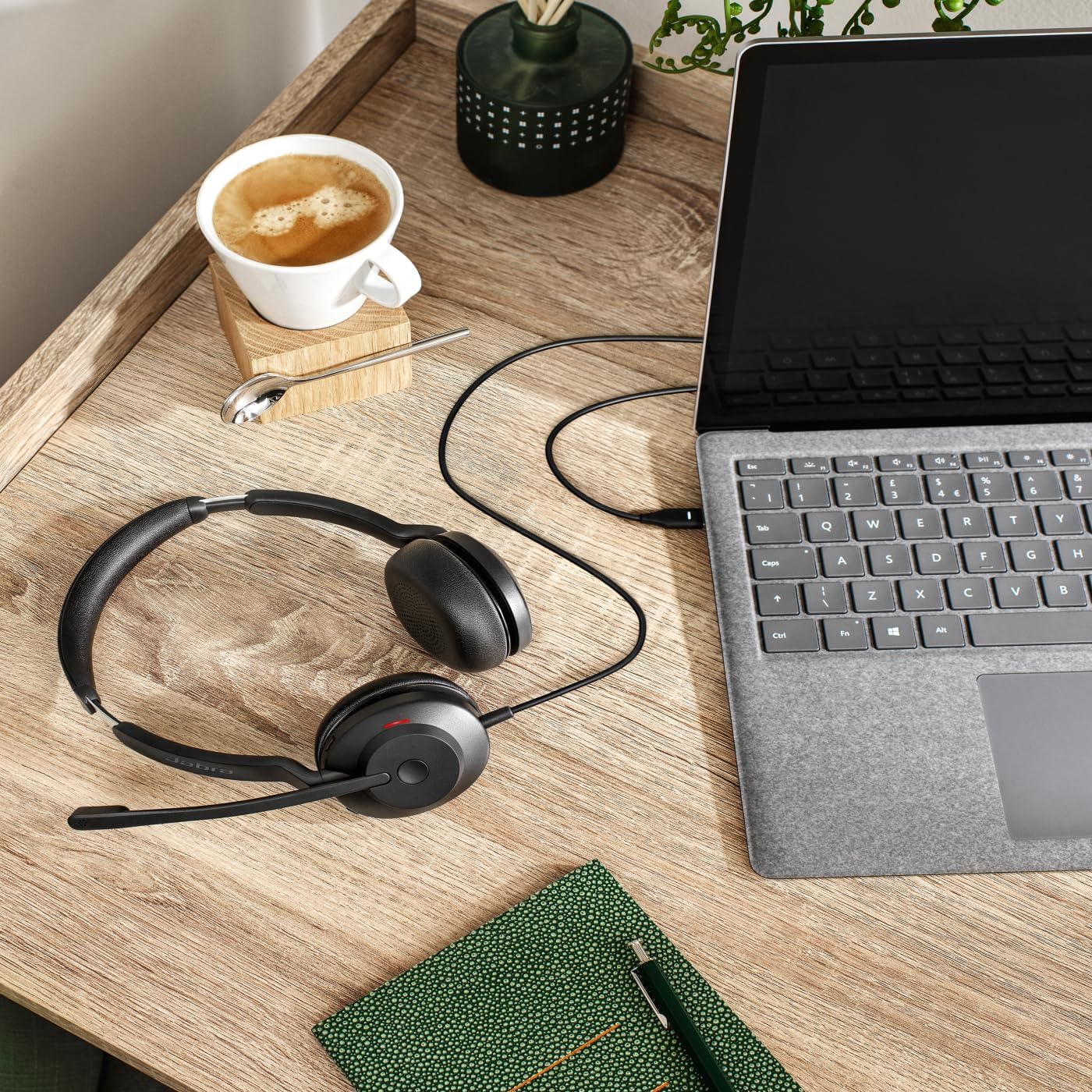
This setup makes the most sense for a desk-based workday: join a meeting, keep the microphone close, and leave the headset connected between calls. Its dual-ear design and stated noise isolation may help limit distractions while you focus on a conversation, though that should not be confused with a promise of complete silence. The same speakers are also intended for music, making it a reasonable all-in-one choice if you don’t want separate work headphones and call headphones.
It makes sense if you prioritize dependable wired access and a headset built around computer calls. You may want to skip it if you need wireless freedom or if your device doesn’t have a suitable USB-A or USB-C port. Someone seeking a headset for a more demanding audio setup may also want to compare its stated 28 mm speakers with the specific sound features they need, the listing does not provide further audio specifications.
Tips for day-to-day use
Before a meeting, connect the cable to the port that fits your computer and check that the headset is selected for both microphone and audio. That quick check can prevent the common frustration of joining a call while the computer is still using another input or output. For a quieter desk session, position the headset comfortably over both ears and use the microphone for calls, when you finish, the wired connection means there’s no wireless pairing step to repeat.
Because the product information doesn’t give cable length or details about controls, consider how your desk is arranged and whether you need to adjust calls directly from the headset. Those small practical details can matter if you switch between meetings often or work away from your computer.
Practical doubts
Is it certified for Microsoft Teams? Yes. The product is listed as Microsoft Teams certified.
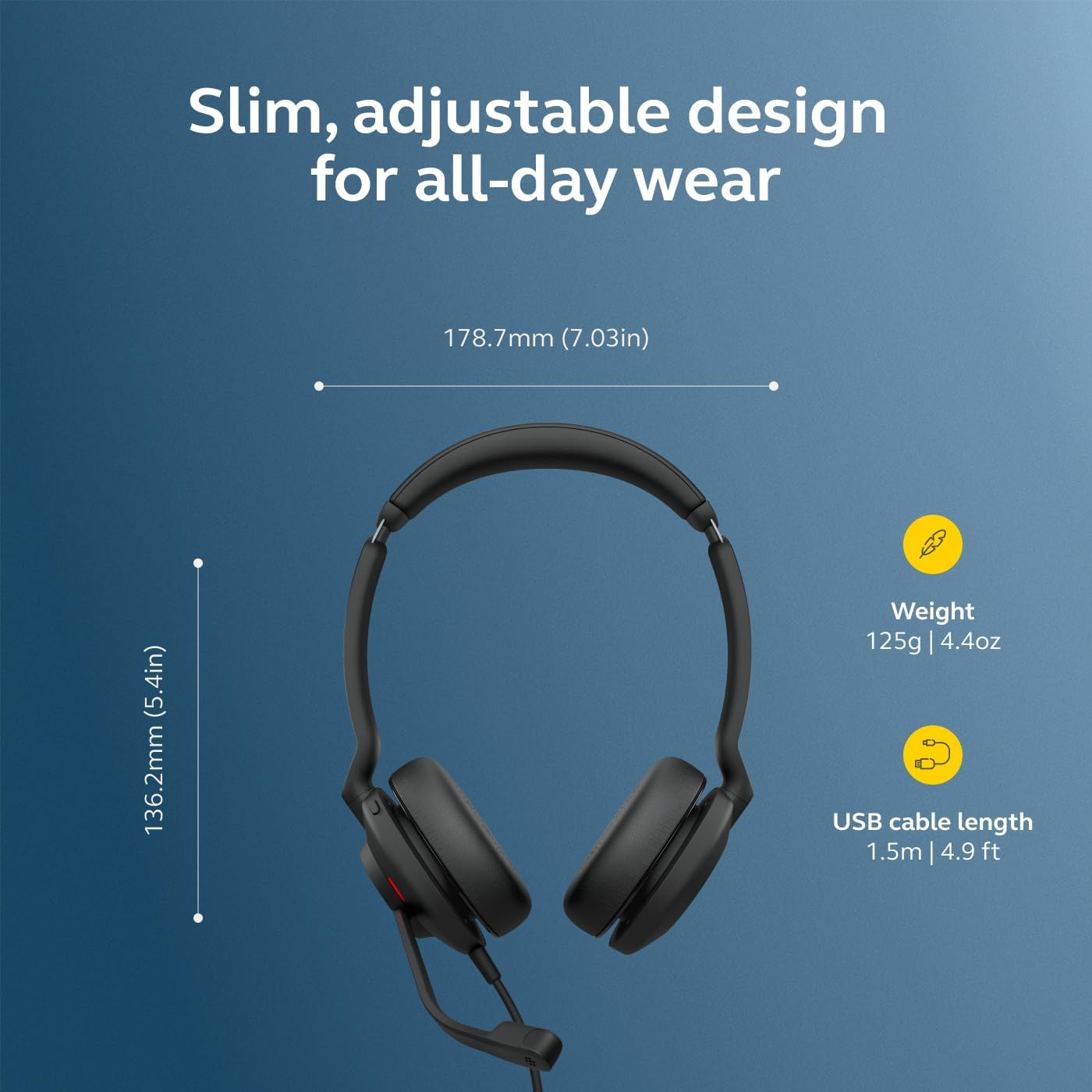
Can it connect to USB-A and USB-C? The included cable is described as supporting both connection types, for use with most desktops and laptops.
Is it only for calls? No. The listing also describes 28 mm speakers for listening to music, though its key work features are the microphone and call-focused design.
Final verdict
Choose the Evolve2 30 SE if a dual-ear wired headset, a built-in microphone, and USB-A/USB-C connectivity fit your desk setup. Its Teams certification and stated support for other meeting platforms make it especially relevant for regular computer calls. The trade-off is a cable-bound setup, and the available information leaves fit, cable length, and detailed sound performance unanswered. If those unknowns matter more than simple wired call access, compare those points before settling on this style of headset.