

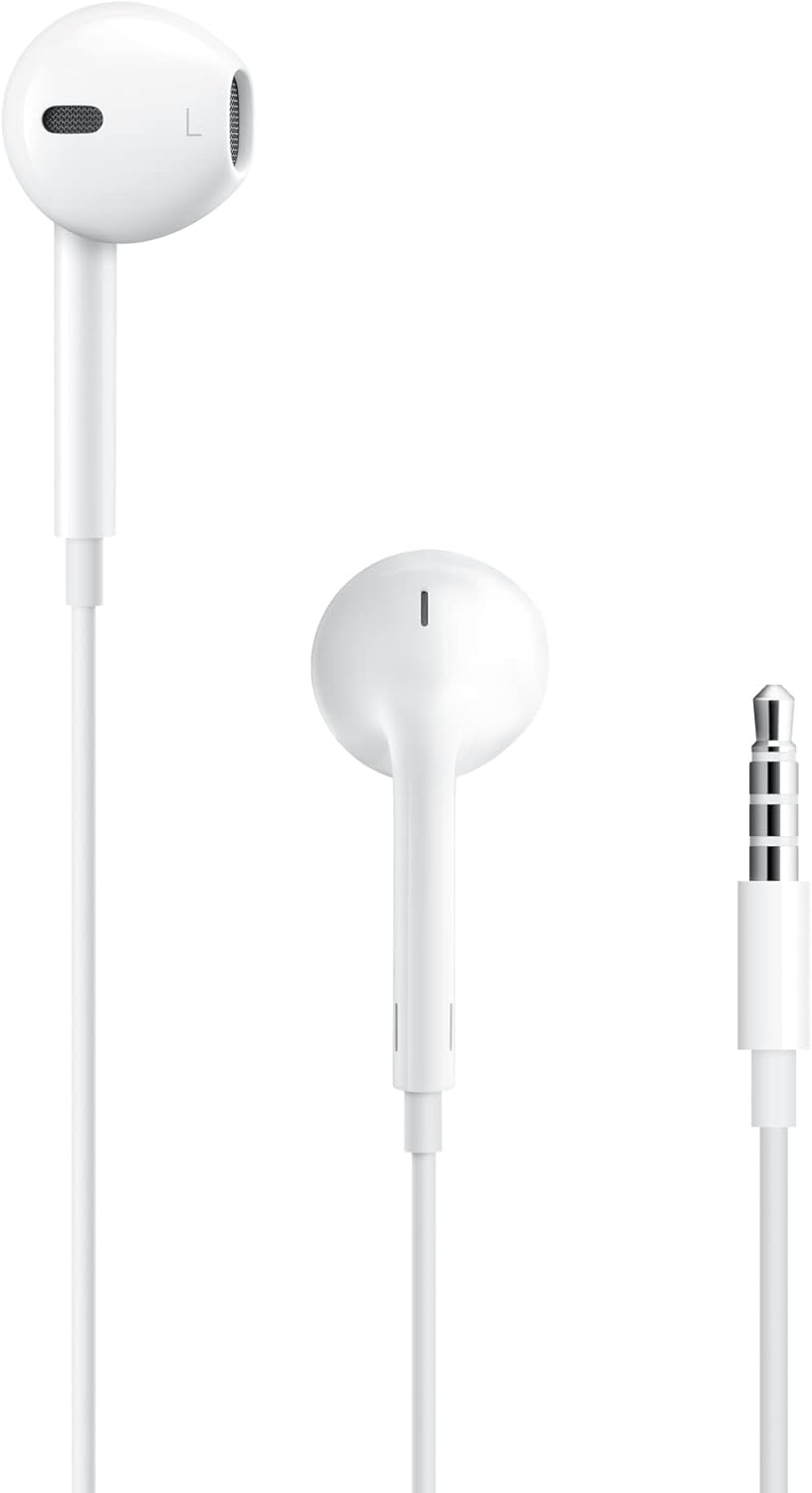
Apple EarPods Headphones with Lightning Connector
Reviews
Price
Product description
The basics
Apple EarPods with Lightning Connector are wired earbuds designed to work with iPhone and other Lightning-equipped devices. They aim to blend comfort with practical in-line controls, removing the need for wireless pairing while still providing hands-free calls and music control. On the surface, the design departs from traditional circular buds in favor of a shape that Apple says fits more ears more comfortably, which can translate to longer listening sessions without fatigue.
How it helps in daily use
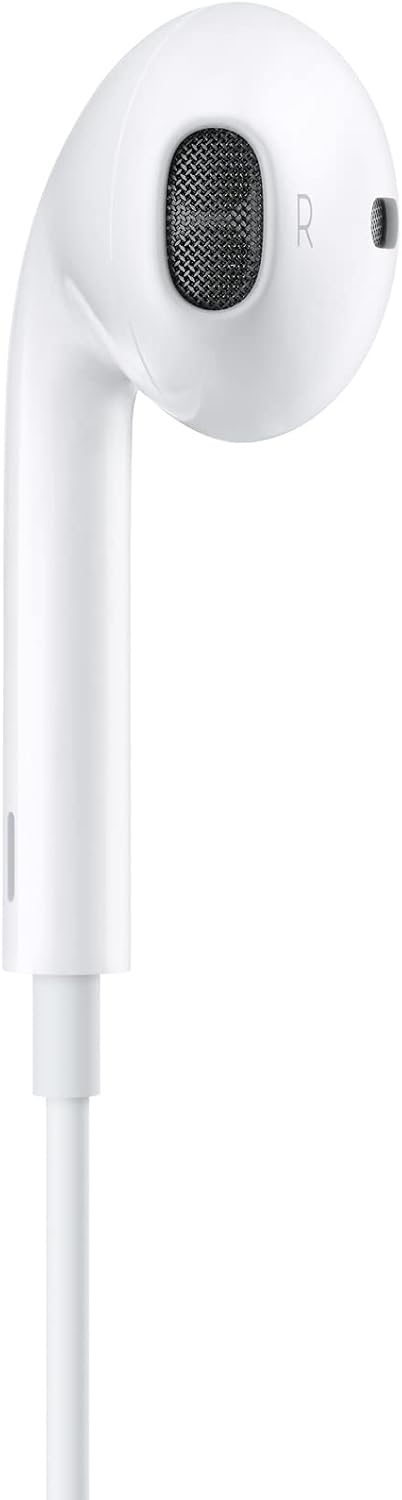
If you prioritize reliable audio when you’re plugged in, these EarPods offer a straightforward setup: just plug the Lightning jack into your device and you’re ready to go. The built-in remote lets you adjust volume, control playback, and answer calls without reaching for your device, which can be handy during commutes, workouts, or desk work. The integrated microphone is positioned to capture voice clearly for calls or when summoning Siri, so you’re likely to be understood even in noisier environments.
What stands out on paper

On-paper strengths include a focus on ergonomic comfort and direct control. The absence of Bluetooth means there’s no battery to manage, and the connection is kept simple with a single-wire design. For many users, this reduces the hassle of pairing issues, latency, or signal drop. The remote’s compatibility with iOS 10 and later suggests it remains usable across a range of older and newer devices that share the Lightning ecosystem.
Limitations and trade-offs to consider
It’s important to note that these EarPods are not wireless, so you’ll always have a cable attached. If you frequently move around without a pocket or bag to cradle the device, the cord can become a constraint or snag risk. Comfort, while marketed as a strength, is still subjective—some ears may prefer traditional or alternative earbud shapes. Additionally, the Lightning-only connector means compatibility is tied to devices with Lightning ports, if you switch to USB-C devices or want cross-platform flexibility, you’ll face adaptation needs.
Who this is for

This option makes sense if you want a simple, plug-and-play listening solution that integrates seamlessly with iPhone and iPad models that support Lightning. It can be appealing for people who value built-in call control and quick-access music playback without worrying about battery life or Bluetooth how-to’s.

Who it’s not ideal for
If you rely on wireless freedom, or if you frequently use devices without Lightning ports, these may not be the best fit. Also, if you’re sensitive to in-ear fit and prefer newer earbud shapes or larger driver systems, you might experience a mismatch with comfort expectations.
When it makes sense to buy
Consider this option if you want a low-footprint, charged-in audio accessory that works reliably with your current Apple devices, and you value direct in-line controls and a built-in microphone for calls. It can be a sensible upgrade when you’re already in the Lightning ecosystem and don’t want to manage batteries or Bluetooth pairing.
What to check before purchasing

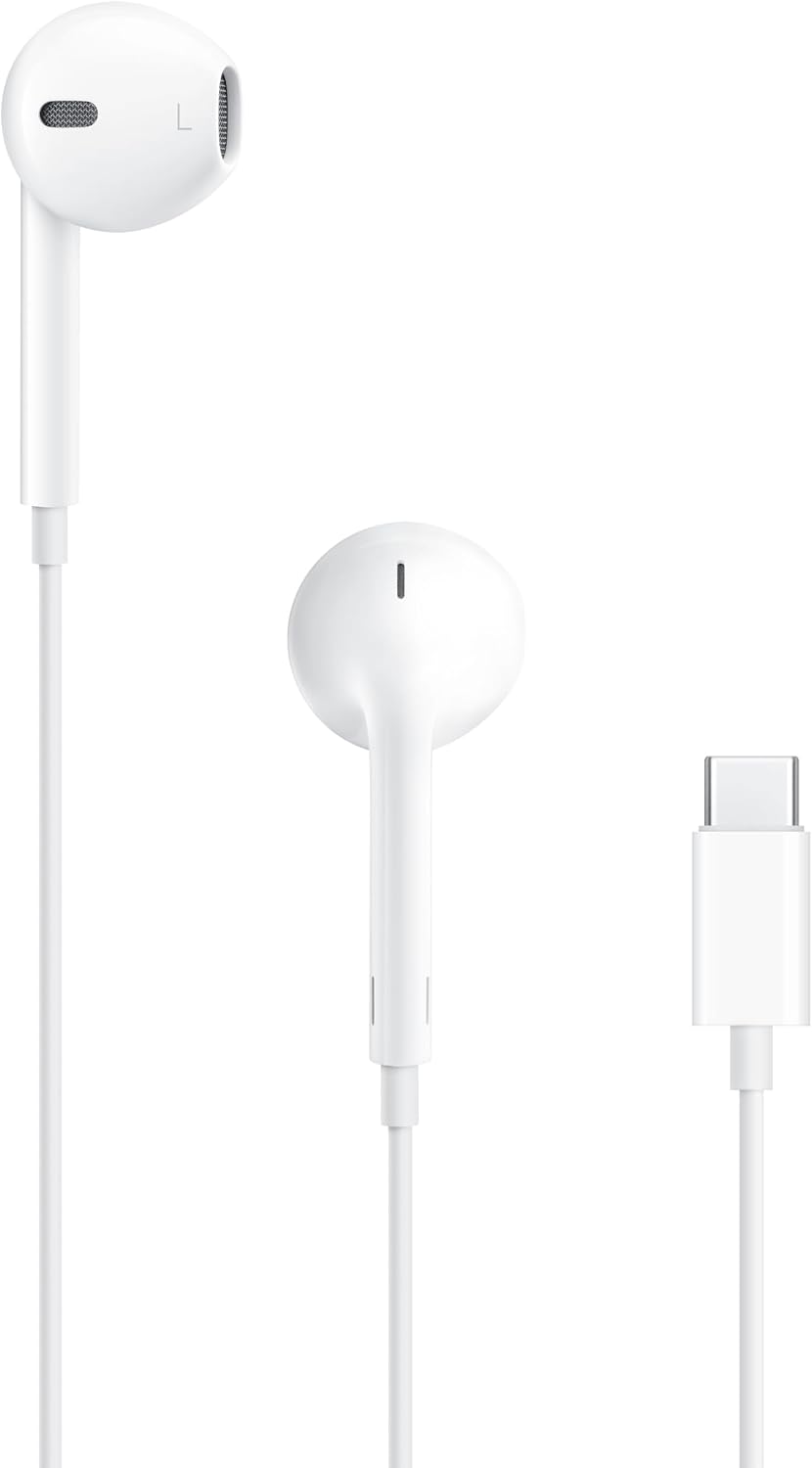
- Confirm your device has a Lightning connector and supports iOS 10 or later.
- Consider your typical listening environment to gauge whether wired comfort and immediacy align with your routine.
- If you need cross-device compatibility beyond Lightning, evaluate whether a different audio approach would suit you better.
Practical use example
Imagine commuting to work and grabbing a quick call while walking. You can answer with a pinch of the cord, adjust volume, and skip a track without pulling out your phone. It’s straightforward, with minimal setup and no charging concerns—the kind of reliability you notice when you’re multitasking.
Quick FAQ
- Do these EarPods work with iPad models that run iPadOS? Yes, they’re designed to work with Lightning-enabled devices that support iOS 10 or later, including iPads with iPadOS.
- Can I use these for Siri or FaceTime on a recent iPhone? The built-in microphone facilitates voice capture for calls or Siri, depending on device compatibility.
- Are these suitable if I prefer wireless headphones? If you value wireless freedom, they may not be the best match, however, they avoid Bluetooth pairing and battery concerns.
Is it worth it?
Worth considering if you’re deeply invested in the Lightning ecosystem, want reliable, plug-and-play wired listening with simple in-line controls, and don’t need cross-platform wireless connectivity. If those conditions don’t apply, you may want to explore other options that offer wireless or USB-C compatibility.