

Insta360 Phone Gimbal, Grey
Product description
Best use cases
For creators who film themselves, small groups, or moving subjects, the Insta360 Flow 2 Pro brings tracking and several shooting tools into one foldable phone gimbal.
It also suits video calls, online meetings, and live streams, where keeping the phone framed while you move can be more useful than a basic handheld grip.
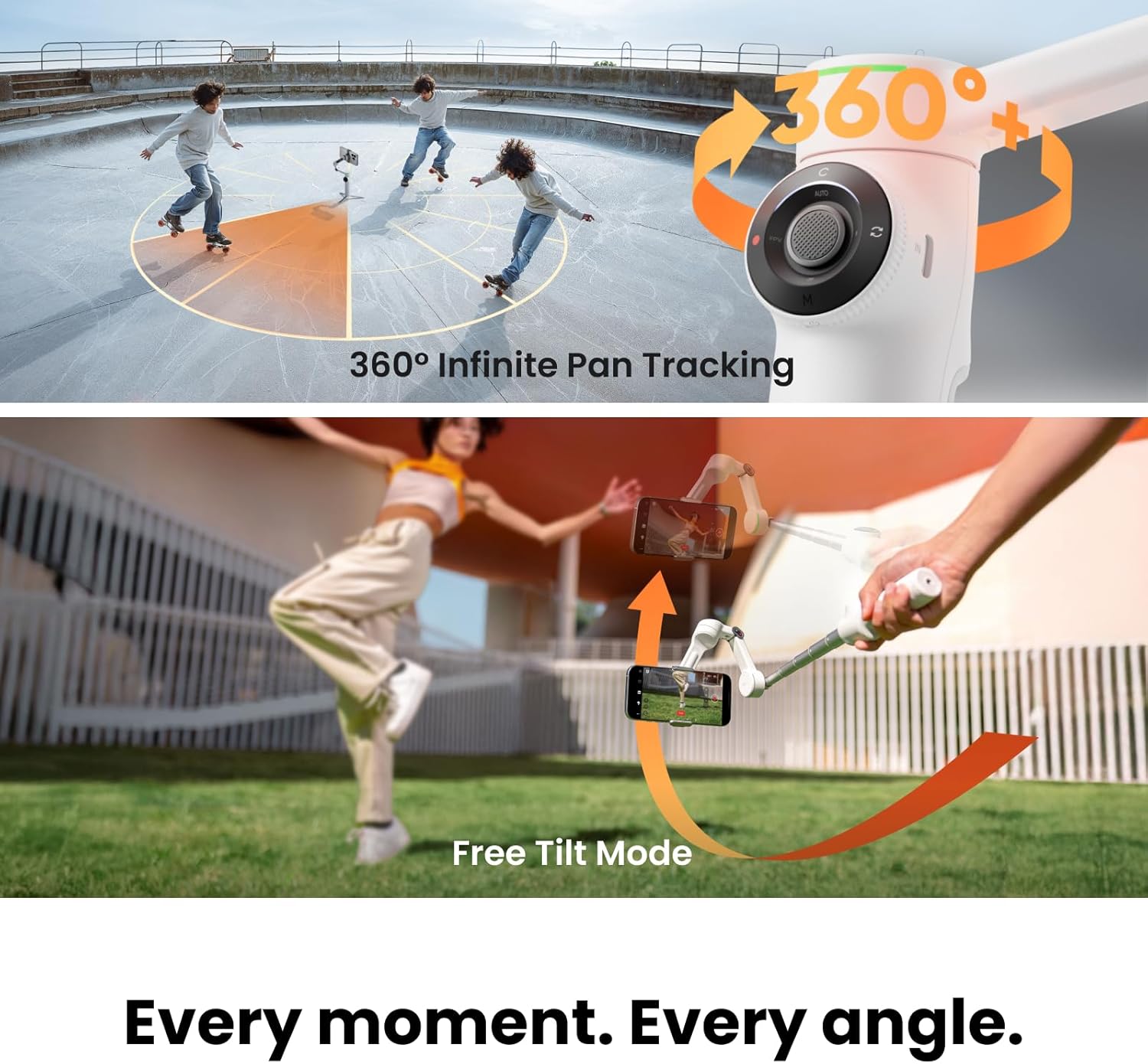
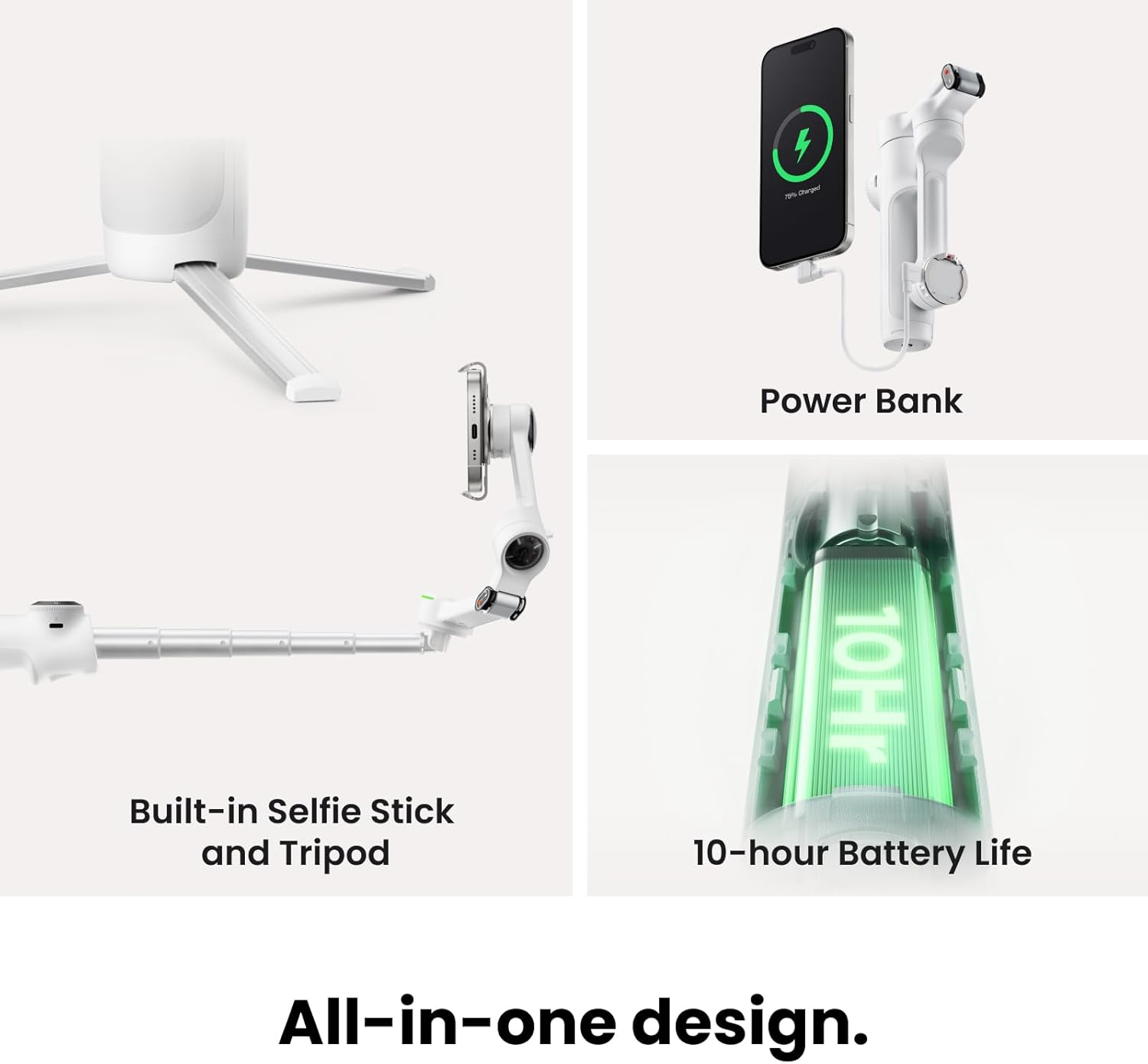
Unfold it, mount your phone, and the built-in tripod can hold a shot while you step into frame. For a walk-and-talk clip, 360-degree pan tracking is designed to follow movement without stopping at a fixed rotation limit.
Product specs
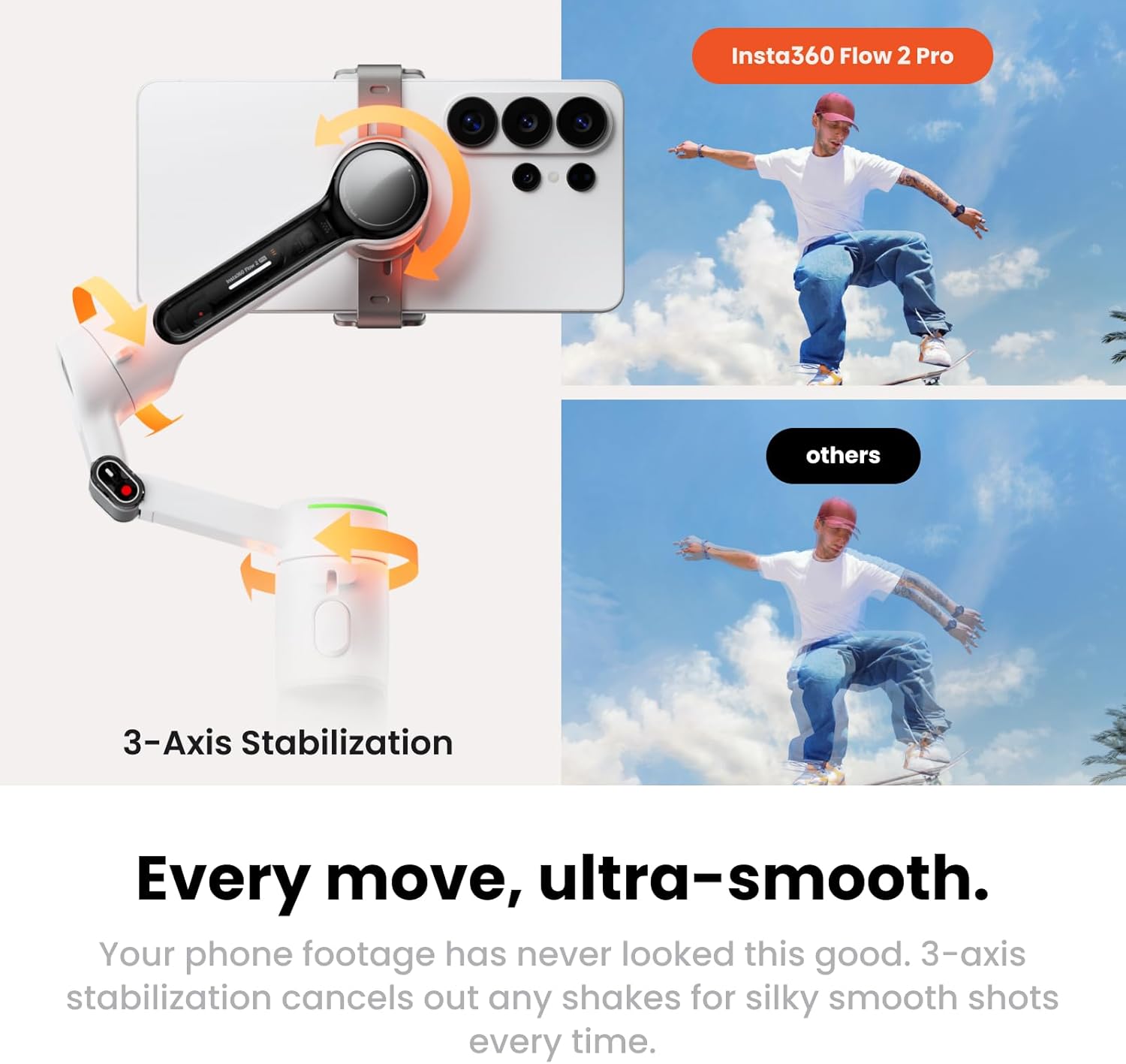
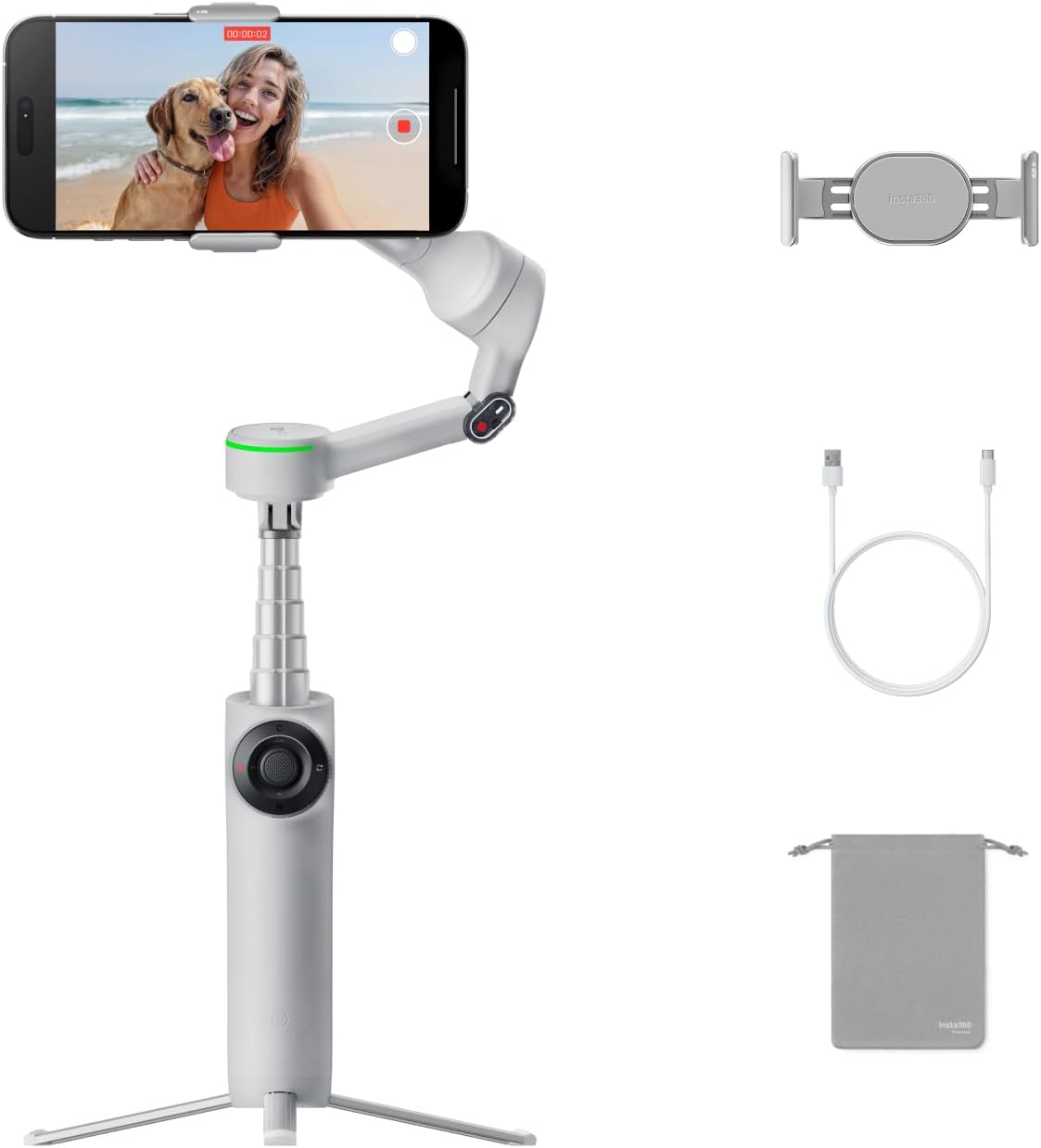
The Flow 2 Pro uses three-axis stabilization and supports 360-degree pan tracking. It folds for portability and includes a built-in tripod, selfie stick, selfie mirror, and teleprompter. Insta360 lists up to 10 hours of battery life, though actual runtime can depend on how the gimbal is used.
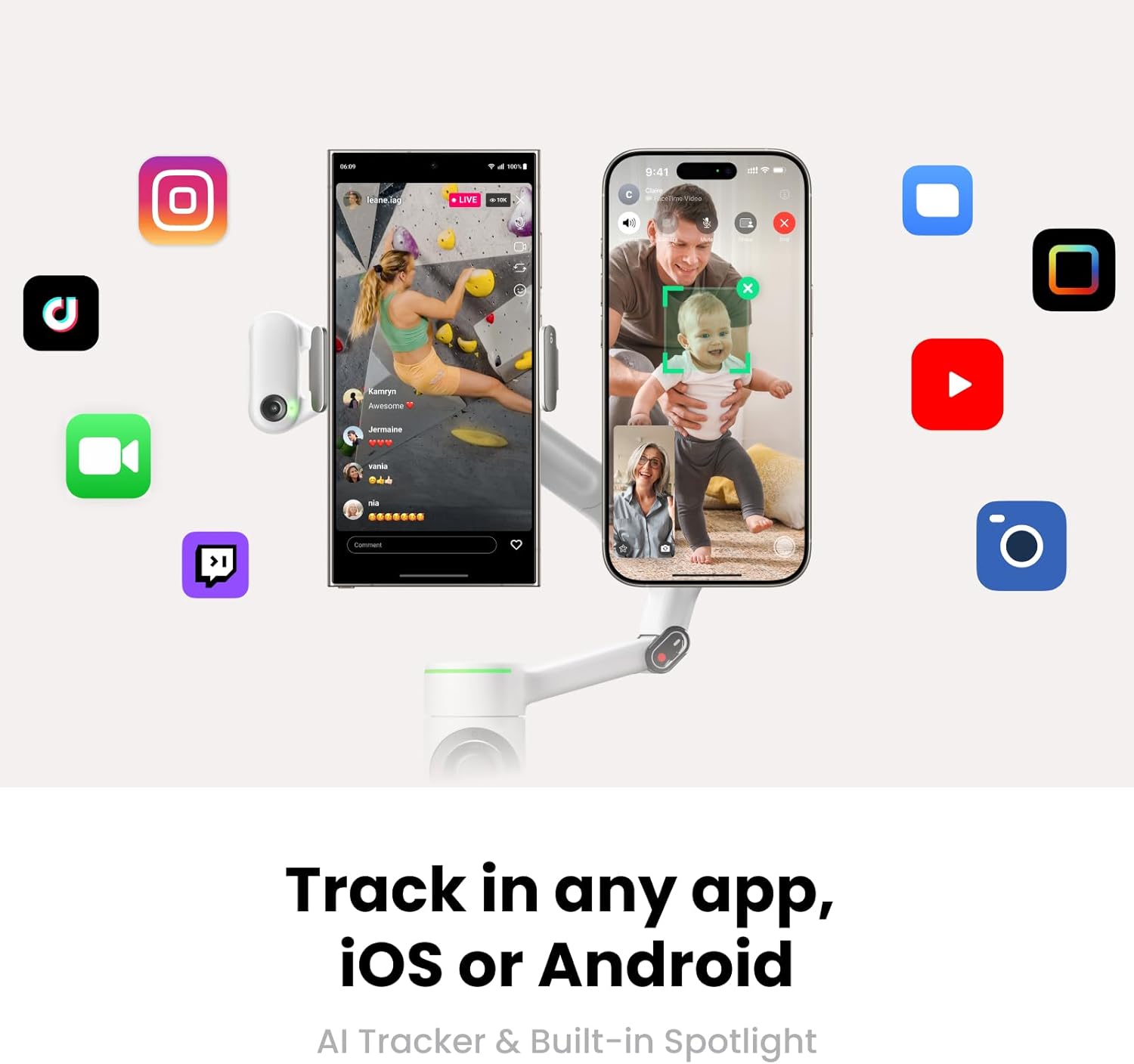
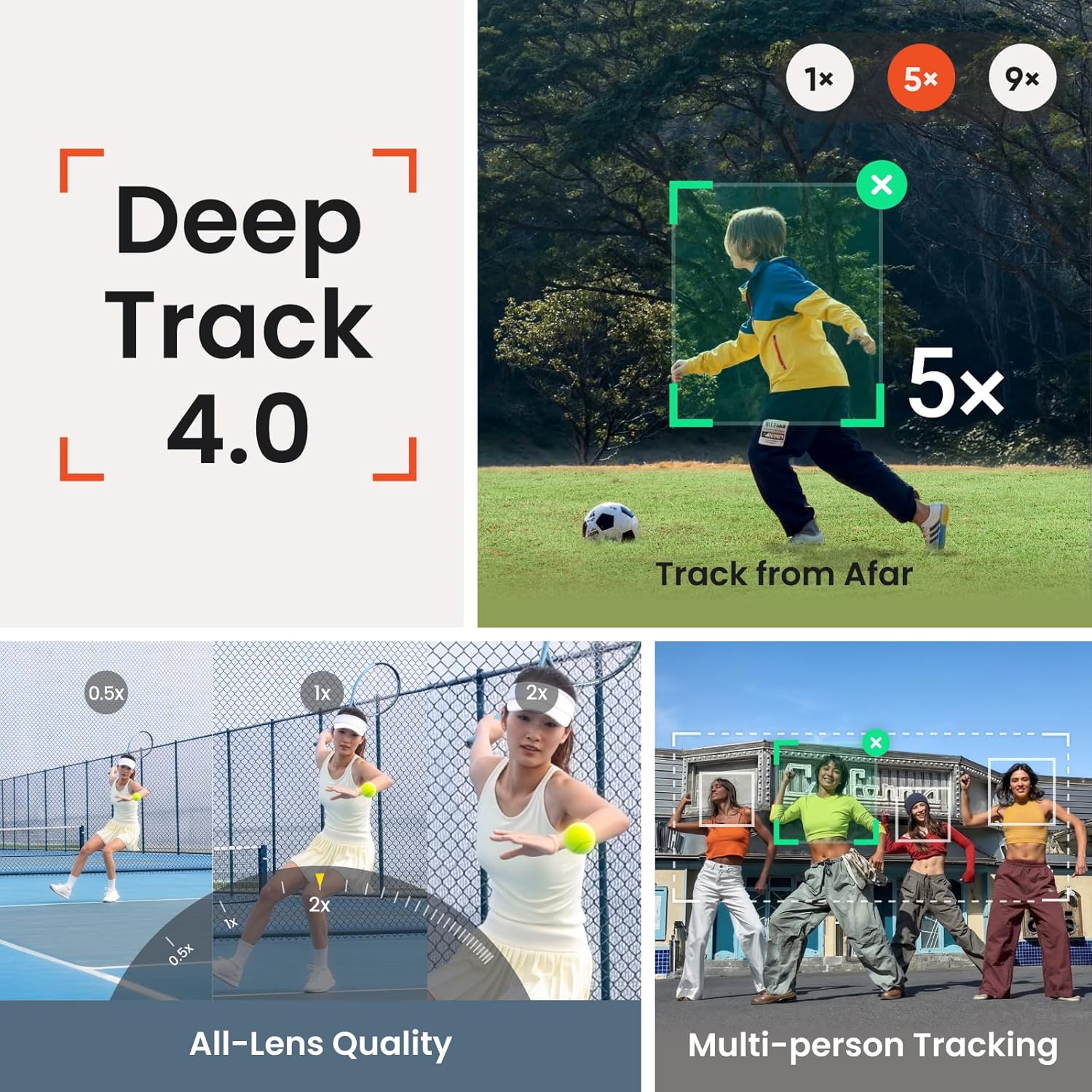
Apple DockKit support enables tracking in more than 200 compatible iOS apps. Active Zoom Tracking is listed for iPhone 12–16 Pro and Pro Max models, with tracking up to 15x zoom. That model-specific note matters: those zoom-tracking claims should not be assumed to apply to every phone. The product is also described as compatible with iPhone and Android, but the stated 200-plus-app DockKit feature is specifically for iOS.
Free Tilt Mode expands the gimbal’s movement while keeping the phone at the same angle as it moves up or down. Multi-person tracking is intended to keep a group framed, which could help when filming a family gathering without someone behind the camera. Without having tried it, the feature list suggests a broad toolset, but the phone-specific tracking details are worth weighing before choosing.
Where it shines
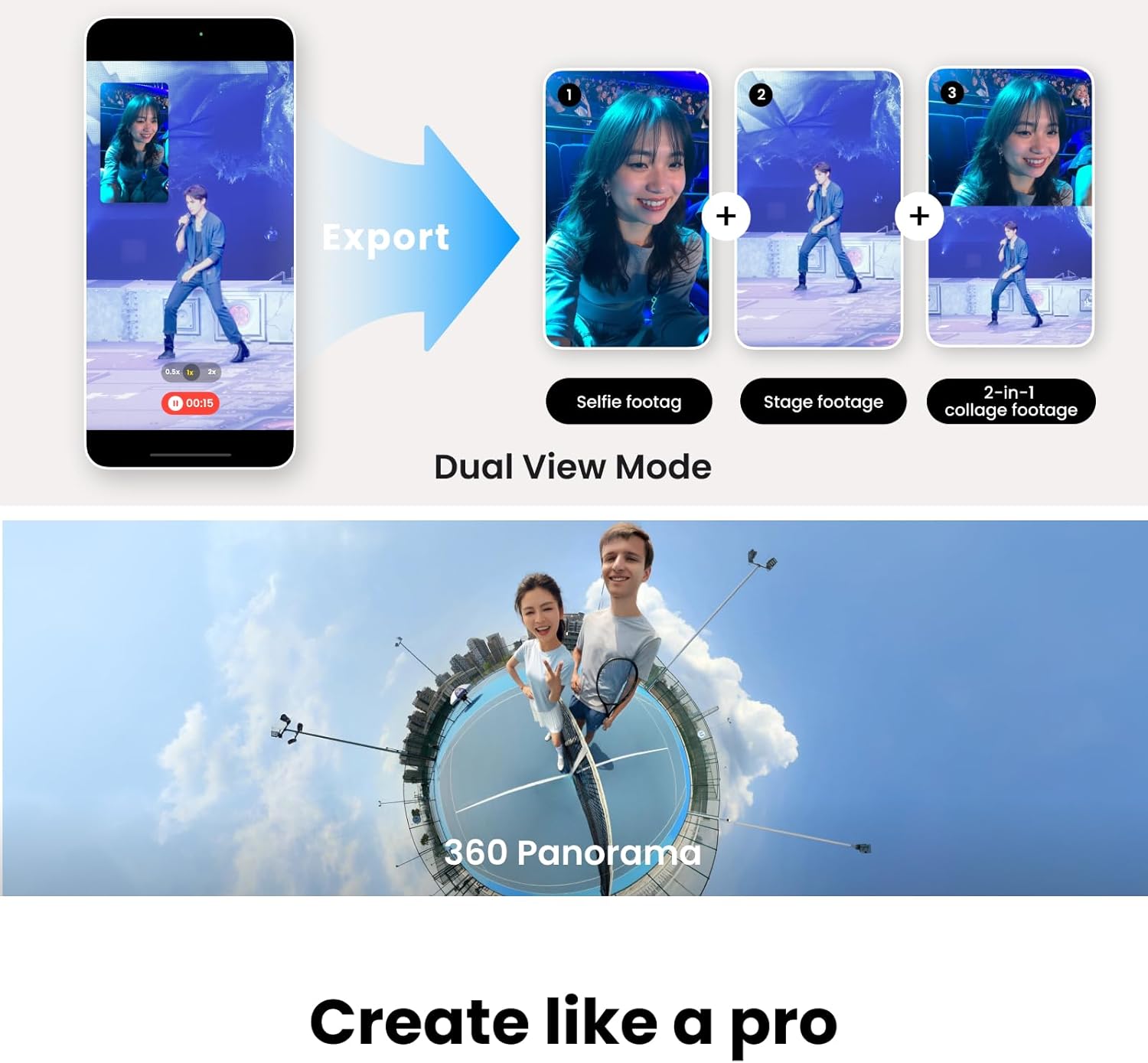
This is more than a stabilizer for smoothing a quick walking clip. The tripod and tracking features target hands-free filming: set it down for a cooking demo, step back to present, or use it for a video call without holding your phone. The selfie stick and mirror add options for framing, while the teleprompter can help when you need to deliver a short script to camera.
Would a simpler gimbal be enough? If you mainly want steadier footage and rarely use subject tracking or hands-free setups, a more basic stabilizer may be easier to justify. The Flow 2 Pro’s appeal is the combination of tracking modes and built-in filming tools, rather than stabilization alone. Its foldable design helps with carrying it, but it still brings more features to manage than a basic phone grip.
It’s a great fit if you regularly film solo, want group tracking, or switch between mobile video and calls. Better avoided if your main priority is a straightforward stabilizer and you do not expect to use the extra tools. Android users should also distinguish general phone compatibility from the specifically stated DockKit support for compatible iOS apps.
Final verdict
The Insta360 Flow 2 Pro makes the most sense for someone who will use its tracking, tripod, and creator-focused extras—not just its three-axis stabilization. Its strongest case is a flexible, hands-free setup for filming yourself or a group, with 360-degree tracking and a foldable form. The key trade-off is that some headline tracking features have defined iPhone or iOS conditions, so choose it for the functions that match your phone and workflow, not simply for the longest feature list.