

Insta360 4K PTZ webcam
Product description
Best use cases
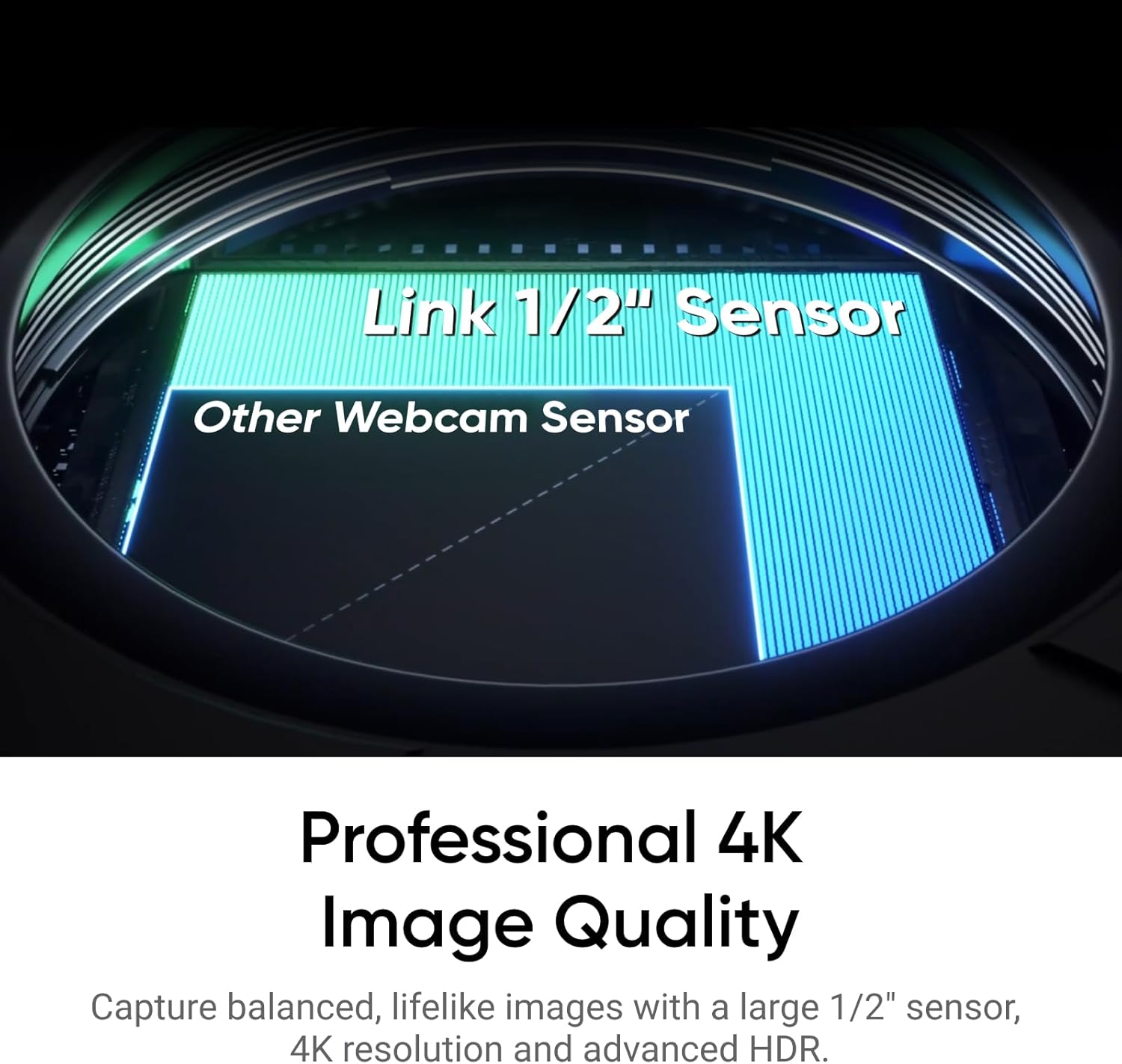
The Link 2’s 4K video, HDR, and 1/2-inch sensor are designed to keep your image detailed and balanced, including in low light. That can make a difference on calls where a basic webcam looks soft or struggles when the room isn’t brightly lit.
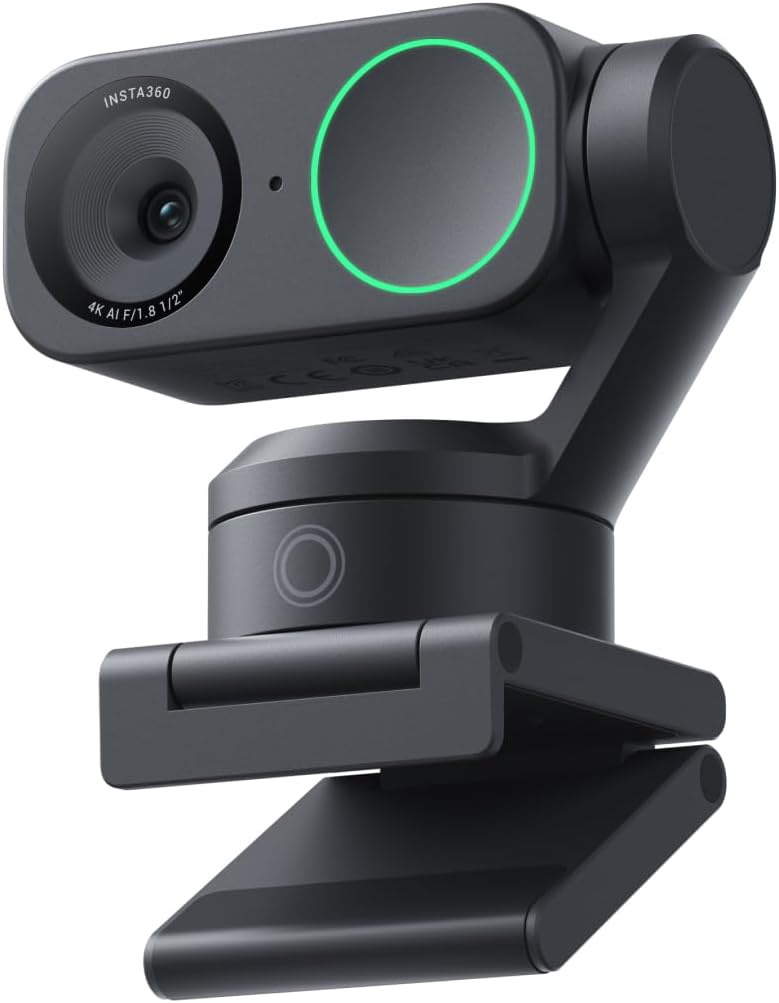
Its AI tracking physically pans and tilts to follow you, so you can move around a room without manually repositioning the camera every time. It also offers DeskView, Whiteboard, and 4K Portrait modes for different kinds of calls, demos, and streams.
For a presentation, you could stand by a whiteboard and let the camera follow your movement, then switch to a desk-focused view for showing something up close. It’s a more flexible approach than a fixed webcam, but that movement is only useful if you want the framing to change.
Product specs
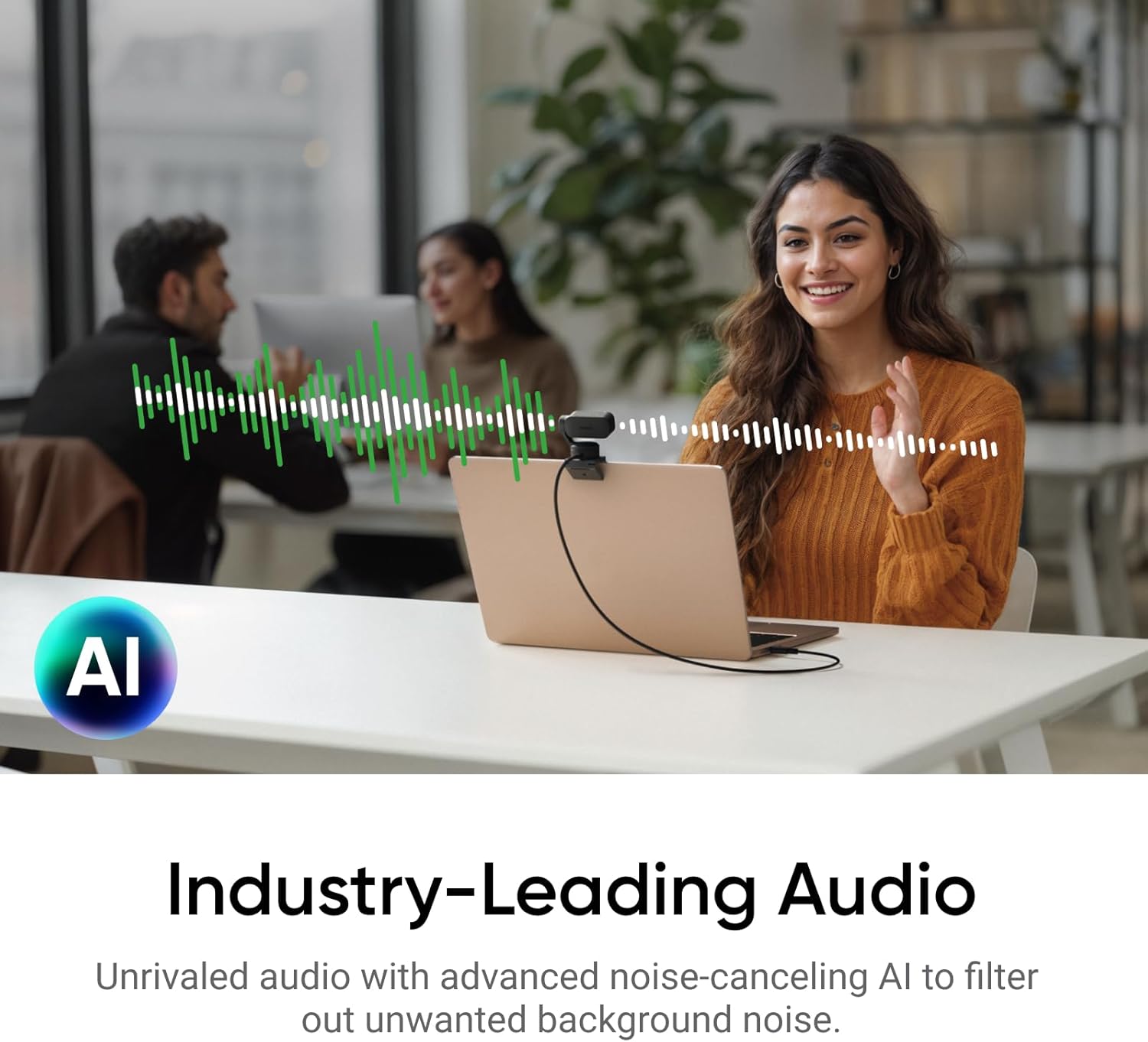
The Insta360 Link 2 is a PTZ webcam for PC and Mac with a 1/2-inch sensor and 4K video. The listed features include HDR, phase-detection autofocus (PDAF), AI tracking, gesture control, and an AI noise-canceling microphone. It is described as working with Zoom and Teams.
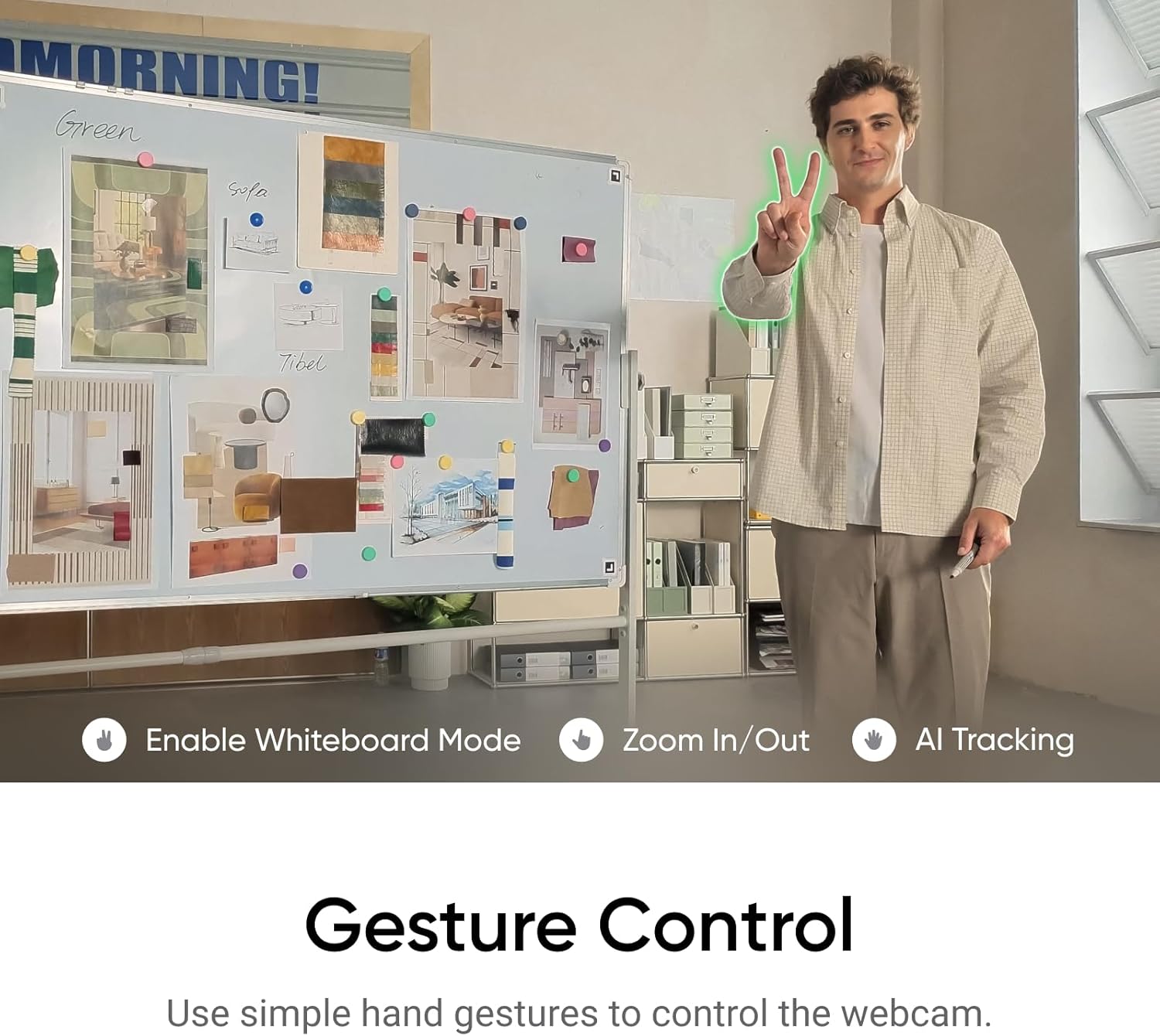
You can use hand gestures to start AI Tracking or Auto Framing, zoom in or out, and activate Whiteboard Mode. Smartphone remote control is also listed, offering another way to adjust the camera without reaching for it mid-call. The camera’s physical pan-and-tilt movement is central to its tracking, if you need a shot that stays completely fixed, that feature may matter less.
The product information does not give details such as field of view or connection and mounting requirements. If those affect your setup, check them before choosing rather than assuming the camera will fit your desk or streaming layout. And while noise cancellation is intended to reduce background sound, the listing does not provide audio performance measurements.
Where it shines
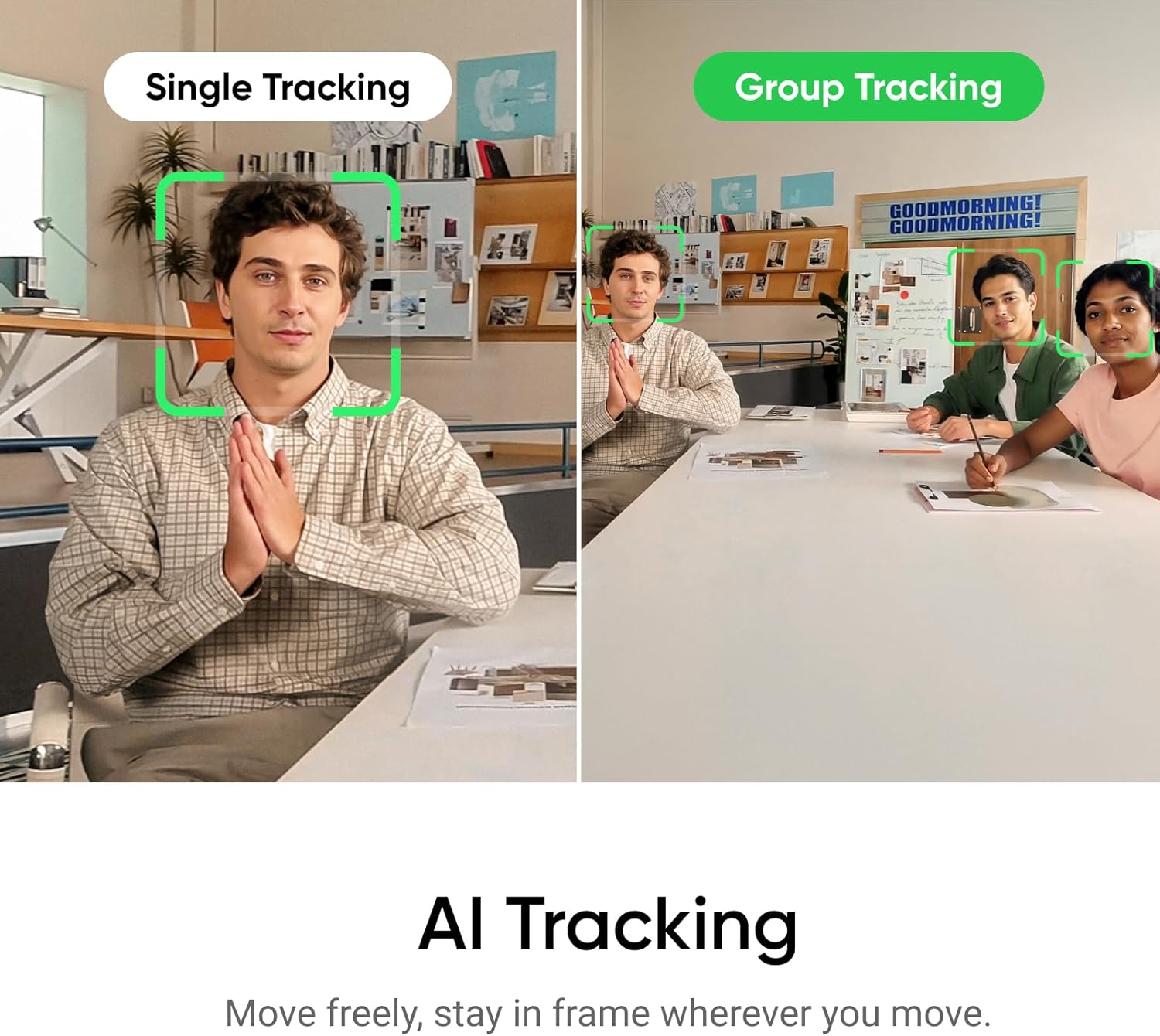
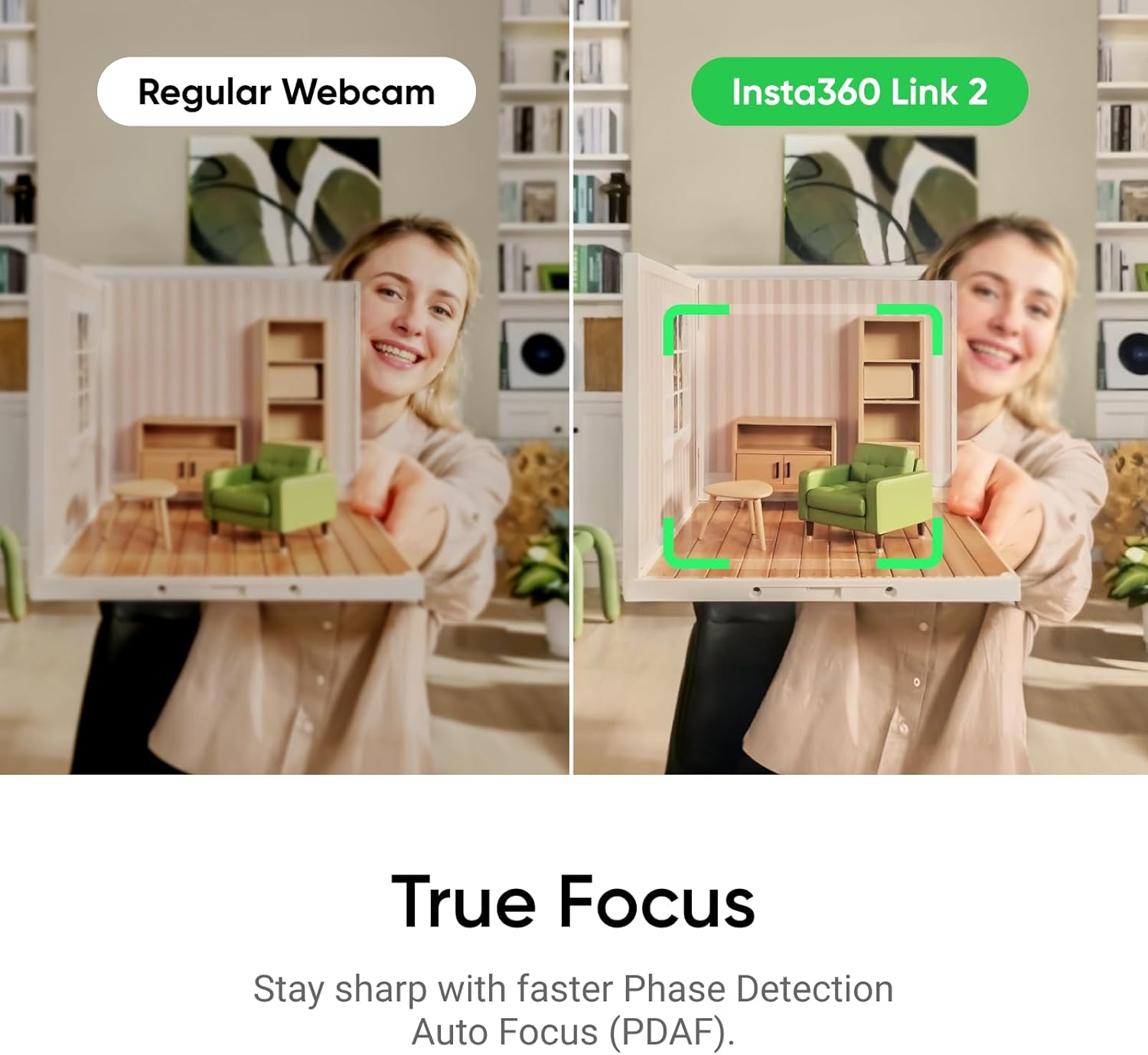
This webcam makes the most sense when video framing is part of the job, not just a way to show your face. A presenter can move between a desk and a whiteboard, while someone on a video call can use tracking to stay in frame without repeatedly adjusting the camera. HDR, low-light performance, and PDAF are aimed at keeping the image clear as lighting and focus demands change.
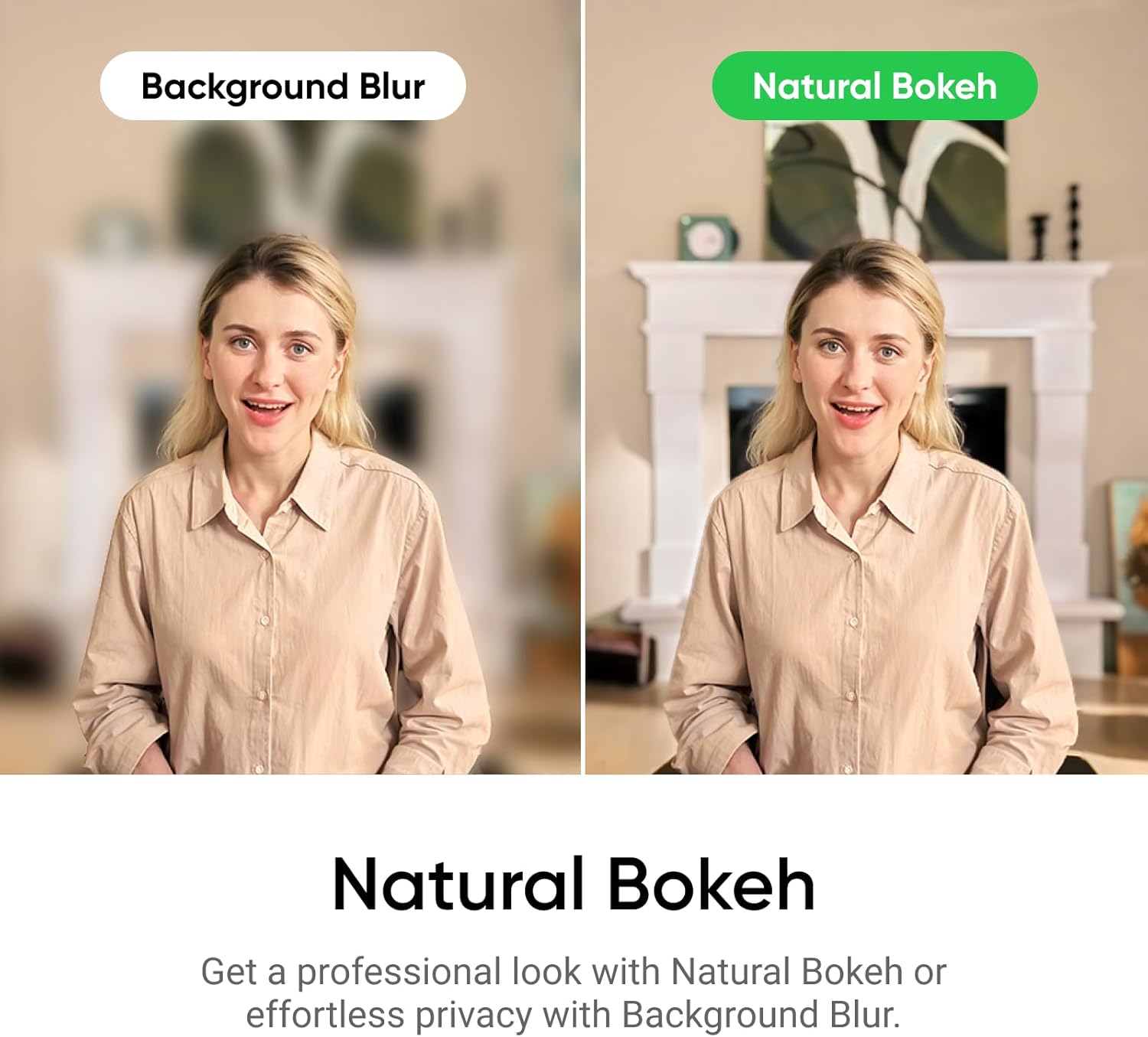
The natural bokeh effect, available through Link Controller, is another reason to consider it if you want a softer background without relying on a basic fixed-focus camera. What if you rarely move during calls, though? In that case, the tracking and specialized modes may be more capability than you need, and a simpler webcam may be a more direct choice.
It’s a great fit if you present, teach, stream, or switch between different views and want camera movement and controls built into the webcam. It may not suit you if you only need a stationary camera for routine calls or want more detail about setup and audio performance before buying.
Should you buy it?
Choose the Link 2 if its combination of 4K capture, physical AI tracking, and scene-specific modes matches how you work. Those features give it a clear purpose beyond a basic webcam: it can follow a moving speaker and adapt to a desk or whiteboard view. Skip it if you’ll keep the camera locked in one position and won’t use those modes, the information provided doesn’t establish whether its setup requirements or audio will meet more demanding needs.