

HUANUO FlowLift Dual Monitor Stand — Fully Adjustable Dual Arm Desk Mount for 13–32" Screens
Reviews
Price
Product description
What this product is and the need it addresses
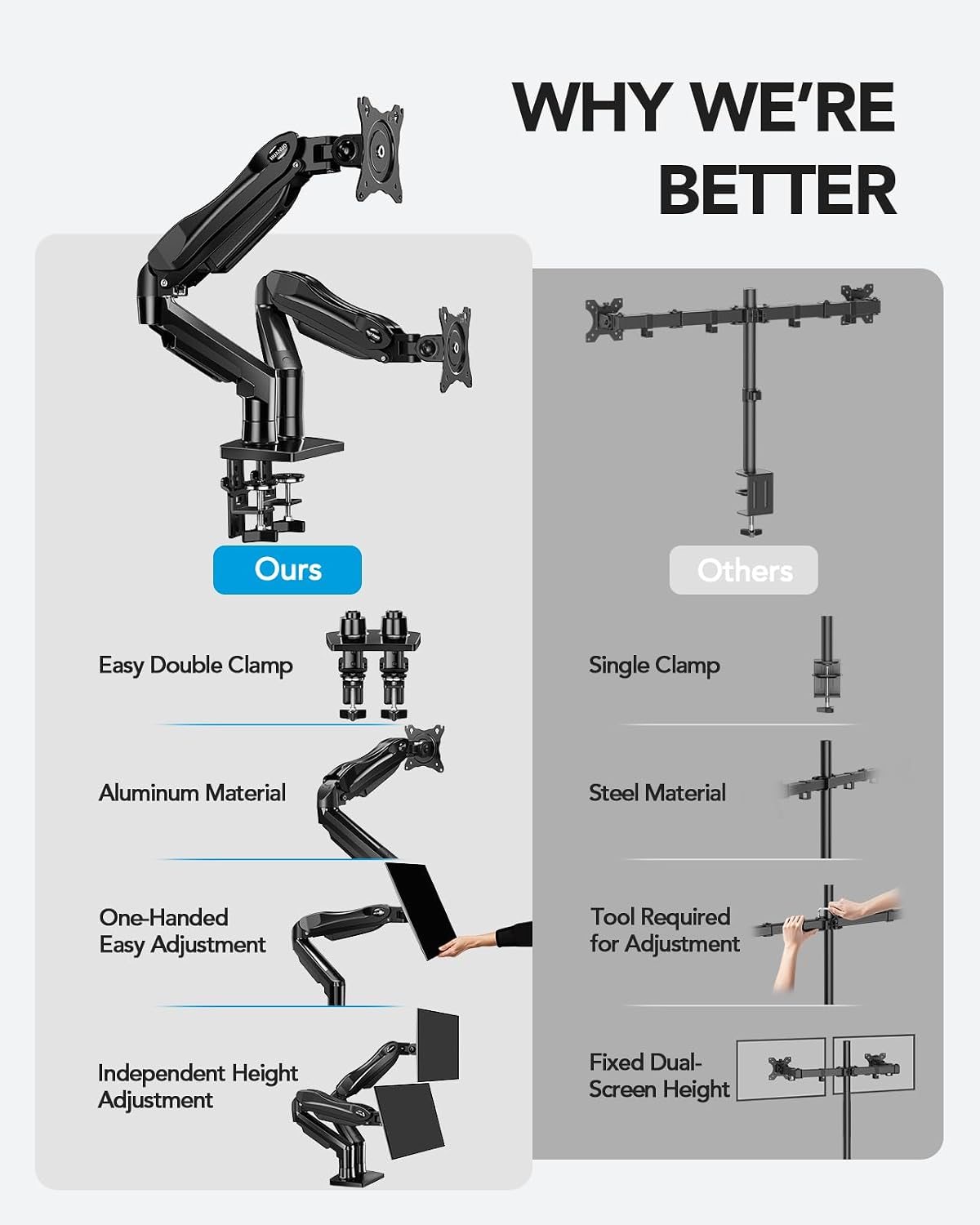
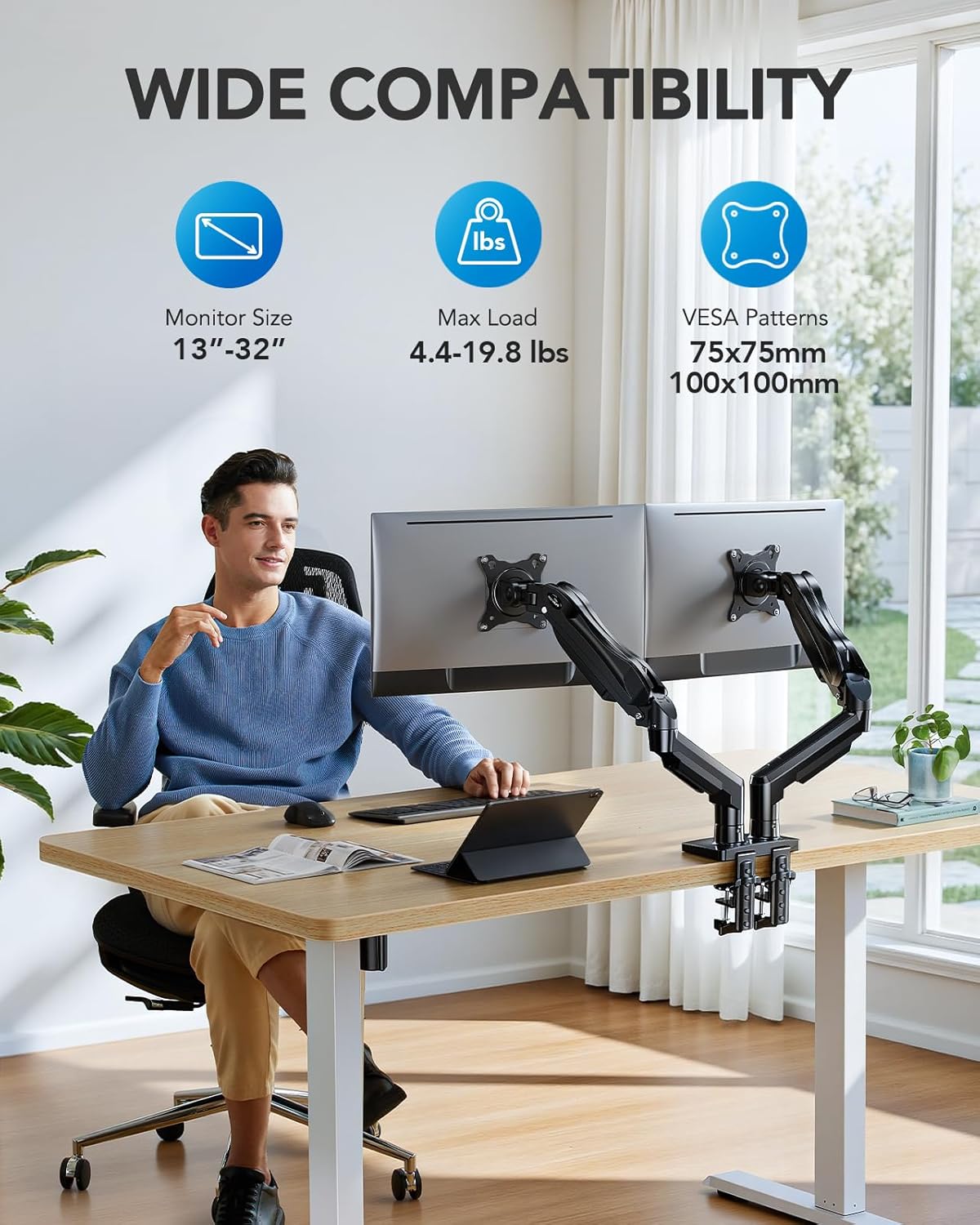
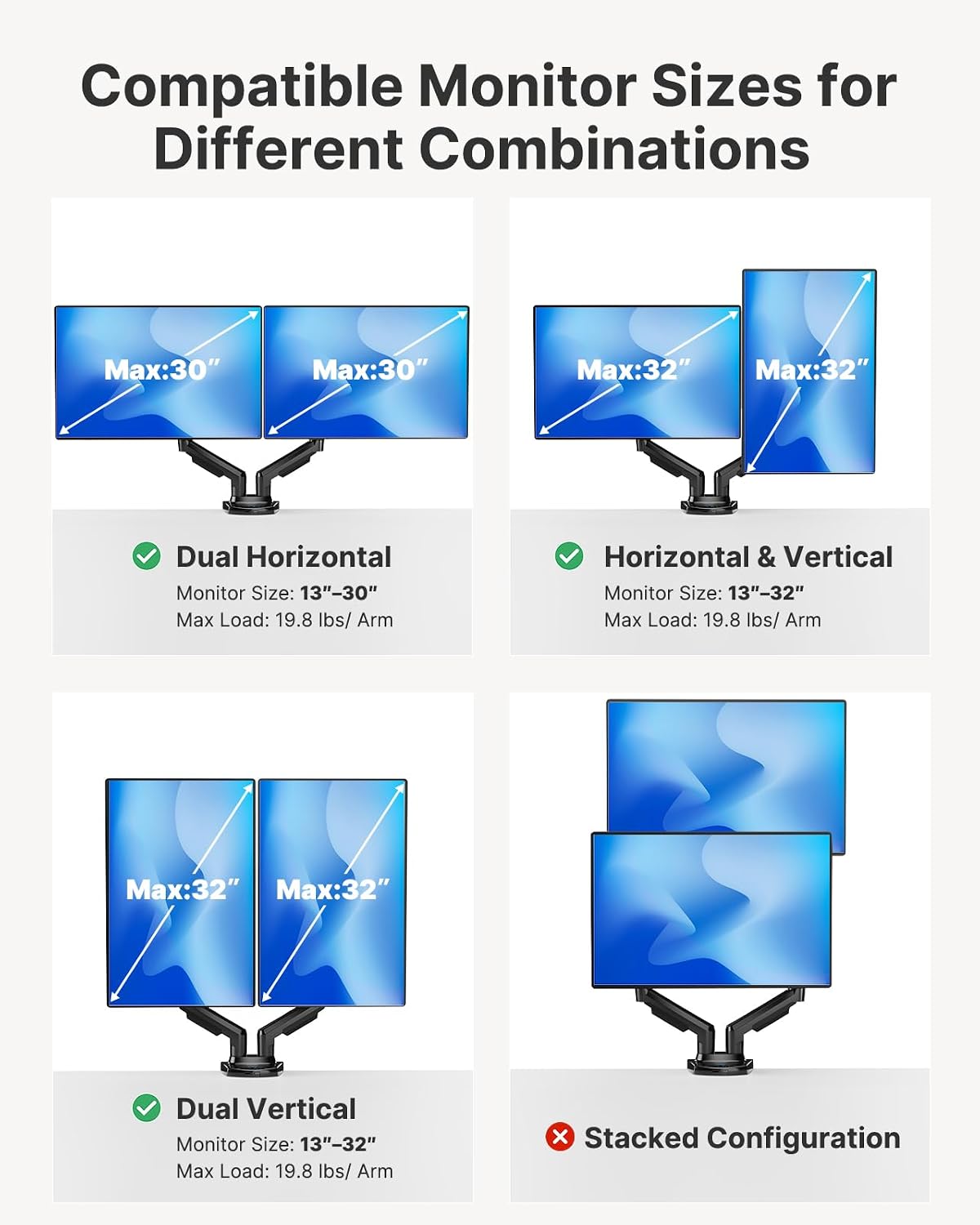
The HUANUO FlowLift Dual Monitor Stand is a dual-arm desk mount designed to hold two monitors from 13 to 32 inches, each up to 19.8 lbs. It uses VESA 75x75 or 100x100 mounting patterns and offers full motion with a combination of tilt, swivel, and rotation to align screens with your natural line of sight. The goal is to reduce neck and shoulder strain by allowing you to position displays exactly where you work best, from a deep spreadsheet view to a wide video-call setup. The mount can be installed via a dual C-clamp base or a grommet mounting option, and its arms lift screens up to 15.75 inches. It also includes built-in cable management to keep cords tucked away. On the desk, the dual-arm design helps reclaim space for keyboards, notebooks, and accessory gear, contributing to a cleaner, more focused workspace.
How it actually fits into a real setup
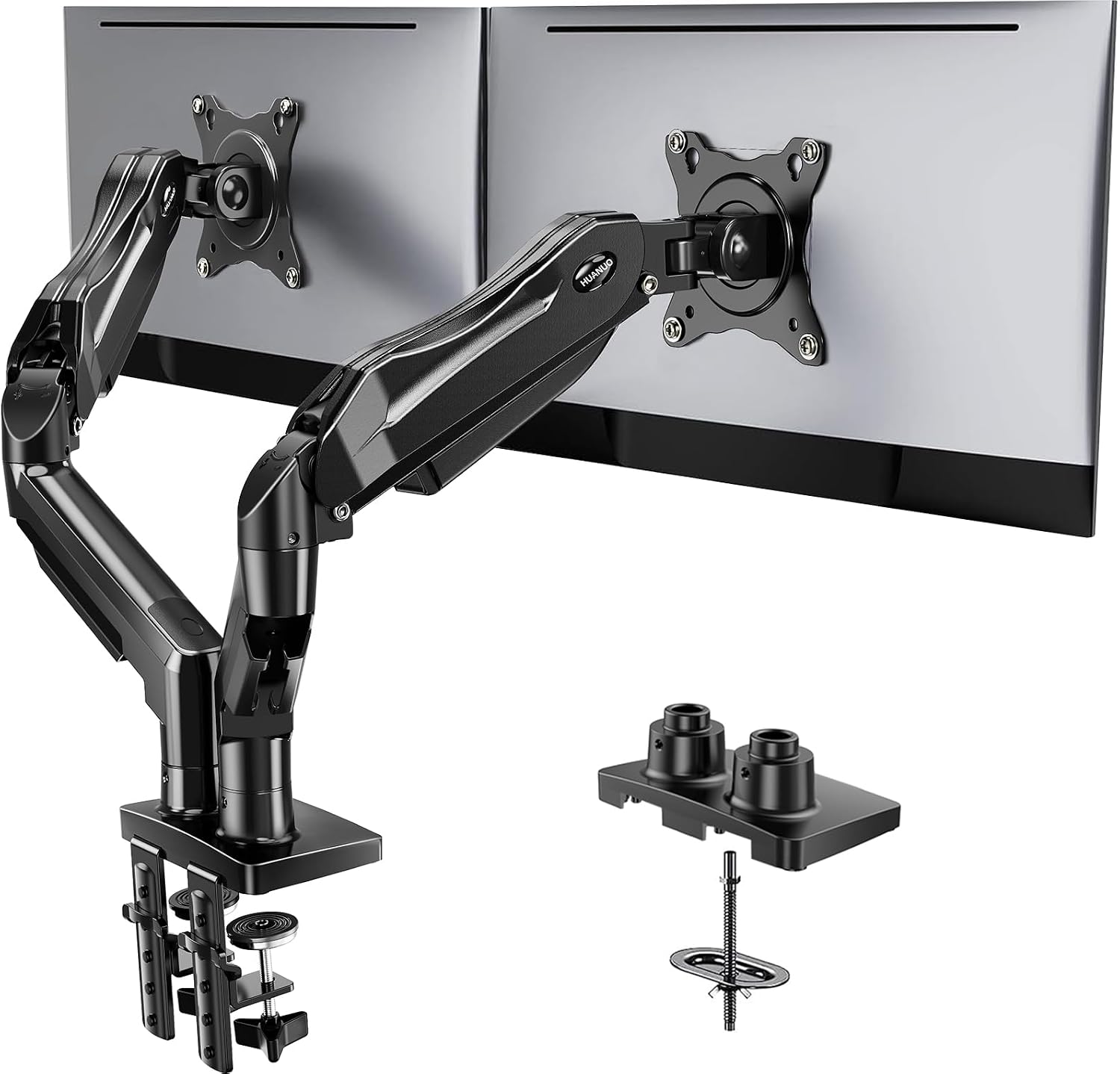
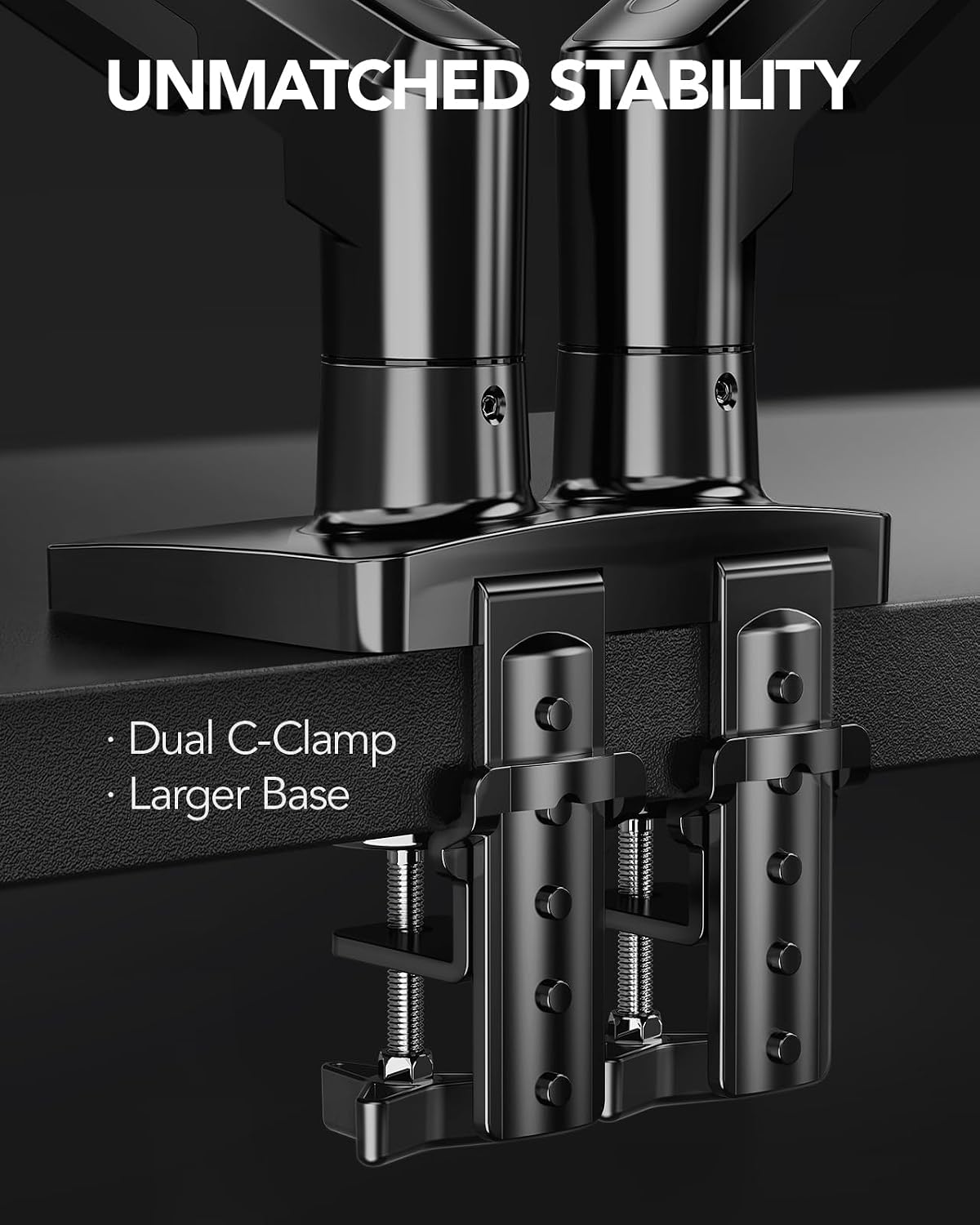
On paper, the compatibility checks are explicit: two monitors within the size and weight ranges and with the correct VESA holes, plus a desk that’s wooden, 0.59"–3.54" thick, and free of obstructions under the work surface. In practice, this means you’ll want to inspect both your displays and your desk before purchasing. If you’re working with a heavier or unusually shaped monitor, or a desk with cross beams near the clamp area, you may run into installation hiccups. The recommended mounting options (C-clamp or grommet) give you flexibility, but you’ll still need to ensure a stable base on your specific desk.
What stands out, and where it could fall short
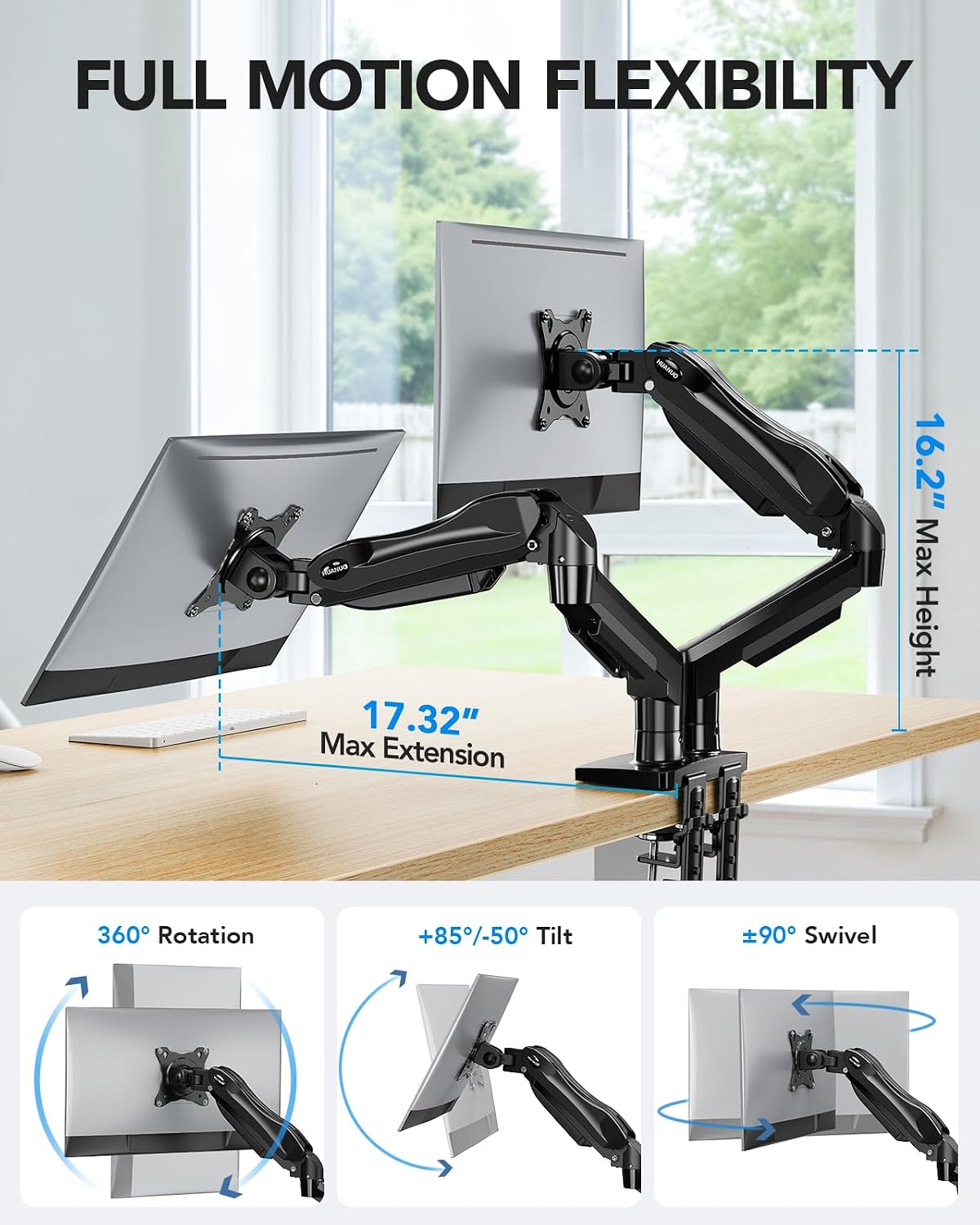
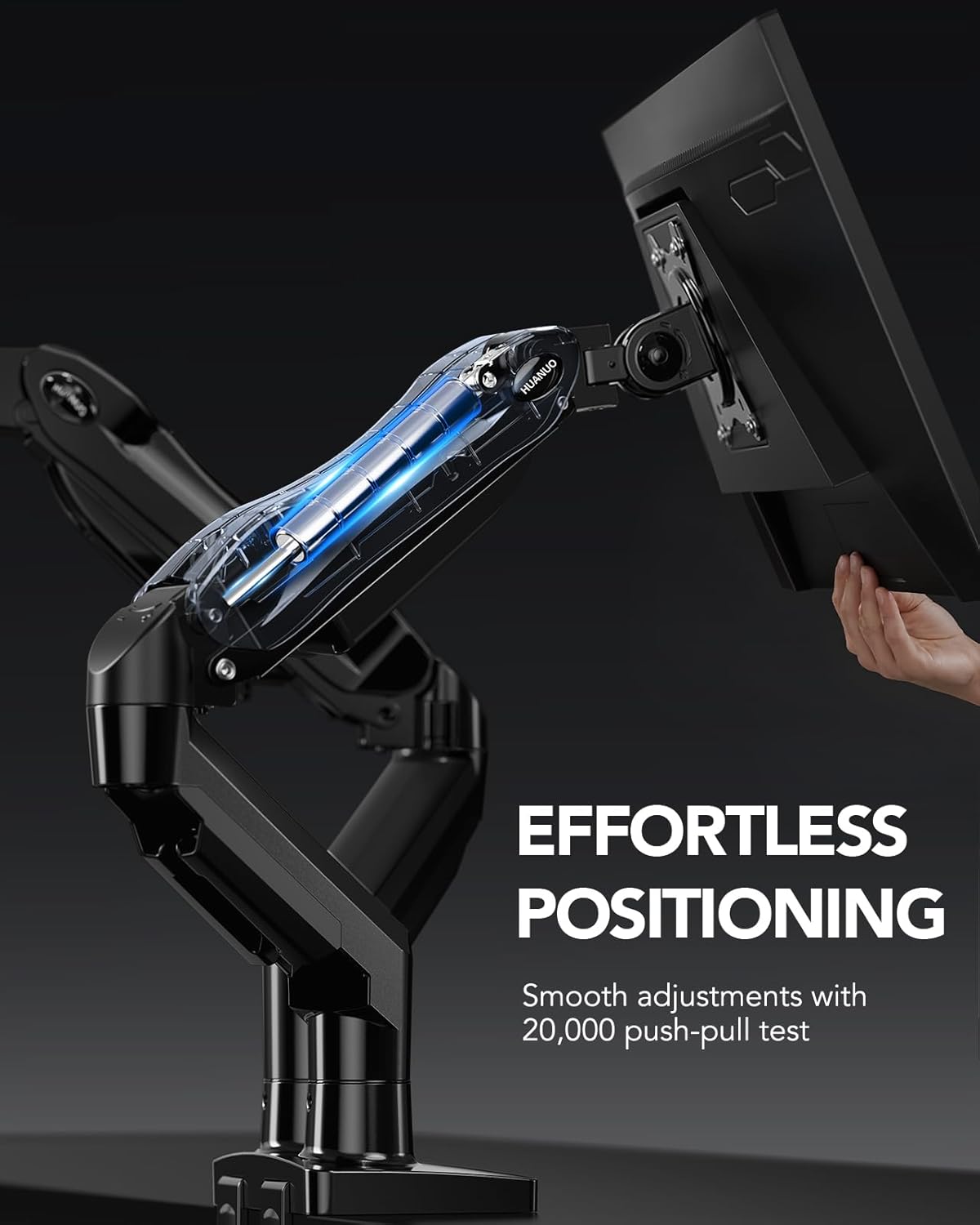
The standout feature is the full motion range: +85° / -50° tilt, ±90° swivel, and 360° rotation. Paired with a substantial lift, you can pull the screens close for detail work or push them out of the way for a cleared desk. If you frequently switch between tasks—coding, design, gaming, or video calls—this flexibility can be meaningful. A potential limitation is the compatibility gate: if your monitors or desk don’t meet the three-prong compatibility conditions, the product may not install as intended. Also, while the dual clamp setup is sturdy, real-world wobble can still occur if the desk surface isn’t perfectly flat or the clamps aren’t tightened to the right spec on your particular desk.
Who this is for
This mount suits setups where two displays are essential, and where desk real estate is at a premium. It’s a fit for multi-monitor workflows, streaming, programming, or gaming setups where you want to keep the keyboard and other peripherals accessible while maintaining an ergonomic posture.
Who it’s not the best option for
If your monitors are outside the 13–32" range, exceed 19.8 lbs per arm, or have non-VESA 75x75/100x100 mounting, this mount won’t be ideal. Also, if your desk has under-beam cross sections or is made of materials other than wood, you may encounter mounting challenges or stability concerns. And for users who prefer a fixed position instead of frequent adjustment, a simpler single-monitor stand might be a lighter, less cluttered choice.
When it makes sense to buy
Choosing FlowLift makes sense if you value a clean, organized desk and need to optimize viewing angles across two screens. If your work involves long hours at the desk and you want to reduce neck strain by aligning screens to your eye level, the lift and motion range can translate into noticeable comfort gains. It’s especially relevant if your setup includes frequent changes in tasks or roles throughout the day.
When to reconsider
If you’re on a tight budget and don’t require dual-monitor versatility, or if your desk surface can’t accommodate the mounting method safely, it could be worth looking at simpler alternatives. Also, if you’re using unusually heavy or non-standard monitors, you’ll want to confirm the per-arm weight tolerance and VESA compatibility before buying.
What to check before buying
- Confirm both monitors fit 13–32 inches and weigh 4.4–19.8 lbs each, with 75x75mm or 100x100mm VESA patterns.
- Verify your desk is wooden, 0.59"–3.54" thick, and has no underlying obstructive beams in the mounting area.
- Decide between dual C-clamp or grommet mounting based on desk design and stability needs.
- Assess your preferred working positions and whether you’ll realistically use tilt, swivel, and rotation regularly.
- Consider cable management needs and whether you want to route wires along the arms for a cleaner setup.
Practical use example
Imagine a typical workday: you start by pulling both monitors in close for data-heavy tasks, then stretch them outward for a video call with a client. You can tilt slightly for comfort, rotate a monitor to portrait for code review, and then tuck the screens back when you need more desk space for a quick drafting session. The built-in cable guides help keep cords from snagging on keyboard, mouse, or chair movement, which feels small but noticeable in a busy morning routine.
What it feels like in terms of buying decision
If you prioritize a flexible, space-saving dual-monitor arrangement with a comfortable, ergonomic tilt and swivel range, this HUANUO model offers a compelling approach on paper. It’s not a universal guarantee—your actual experience hinges on the exact desk and monitor specs you bring to the setup. If those line up, you’ll likely enjoy a more adaptable workspace with less desk clutter and a clearer line of sight.
FAQ (based on available information)
- Can I mount two 32-inch monitors on this stand? Yes, provided each monitor stays within the 13–32 inch range and 4.4–19.8 lbs per arm, and has VESA 75x75 or 100x100.
- Is the desk installation stable on a wooden surface? Stability depends on desk thickness and absence of under-beam obstructions, ensure proper clamping or grommet setup per the mounting option chosen.
- Does it support landscape and portrait modes? Yes, with 360° rotation for each arm, you can switch orientations as needed.
Is it worth it?
Final verdict: Worth considering if you need true dual-monitor adjustability and desk-space savings, and your desk and monitors meet the stated compatibility. If you prioritize maximum rigidity on an unconventional desk or have very heavy displays, verify fitment before purchase.