

ErGear Dual Monitor Stand 17.6 lbs
Product description
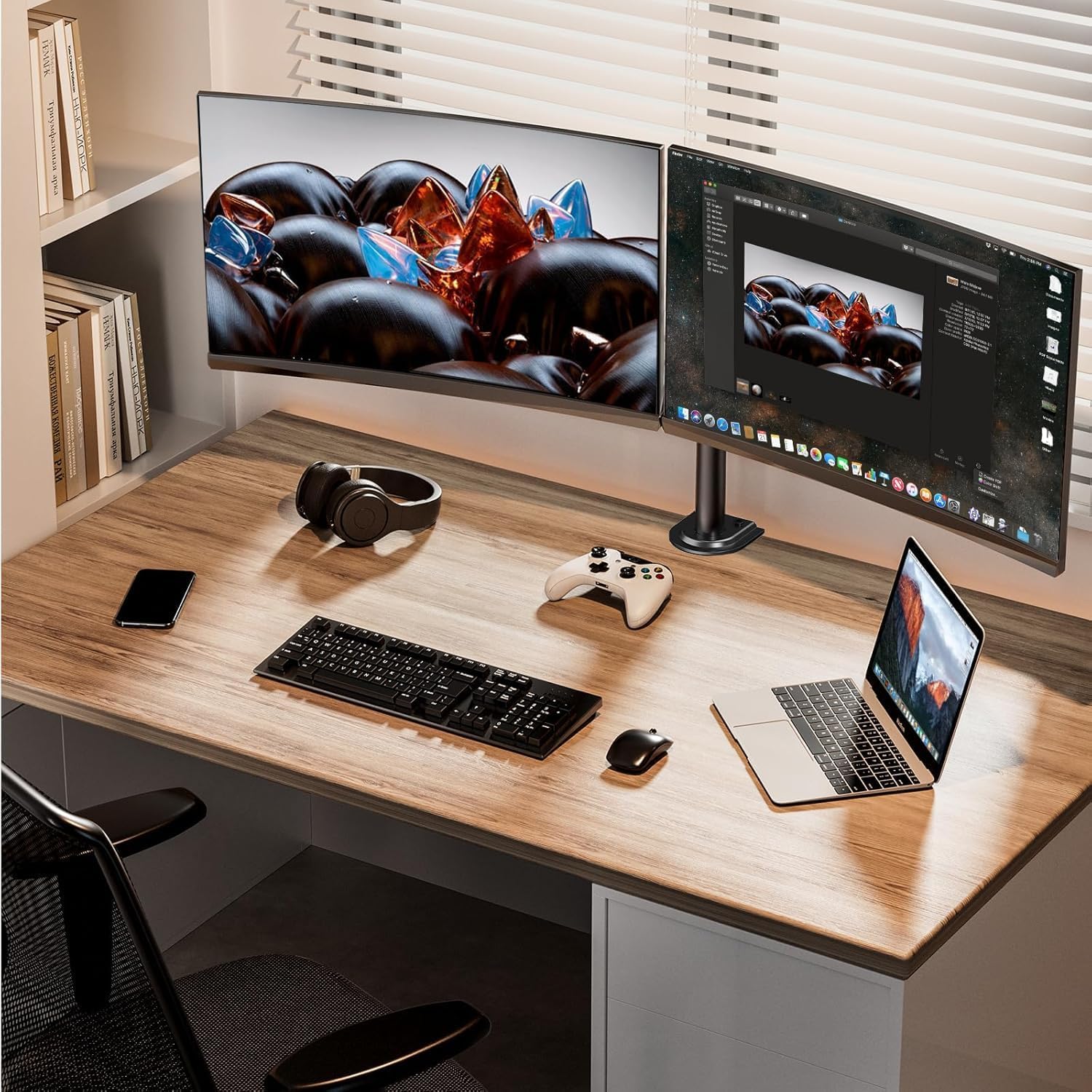
This dual monitor stand brings adjustable ergonomics and a cleaner desk to two-screen setups, combining sturdy support with wide flexibility for office work and gaming. The long-tail keyword "dual monitor mount" fits naturally here because the product is designed to raise screens, improve posture and free surface space. It suits users who need tilt, swivel and rotation to fine-tune viewing angles and reduce neck strain, according to manufacturer guidance. 🎯
Key features
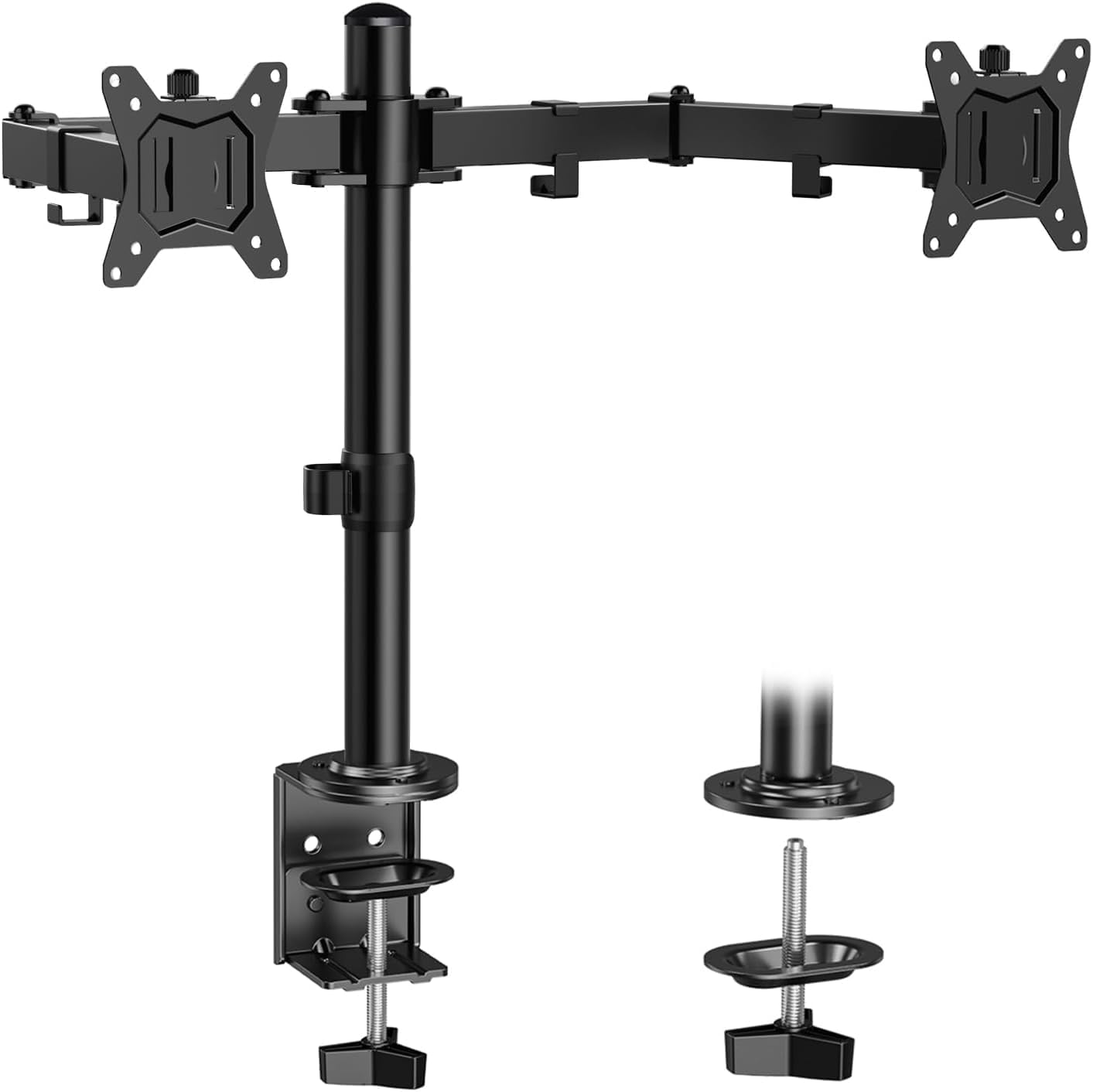
The ErGear mount offers broad adjustability across height and reach so you can set each display exactly where you need it. It clears desk area for peripherals and paperwork while routing cables neatly through integrated clips. The arms include rotation and tilt range to move between landscape and portrait modes smoothly, which helps when multitasking or referencing documents on one screen. Note that installation works best on wooden desks and you should confirm VESA and weight compatibility before buying, as customer support can help if you are unsure. 🧩
Technical details
- Name: ErGear Dual Monitor Stand
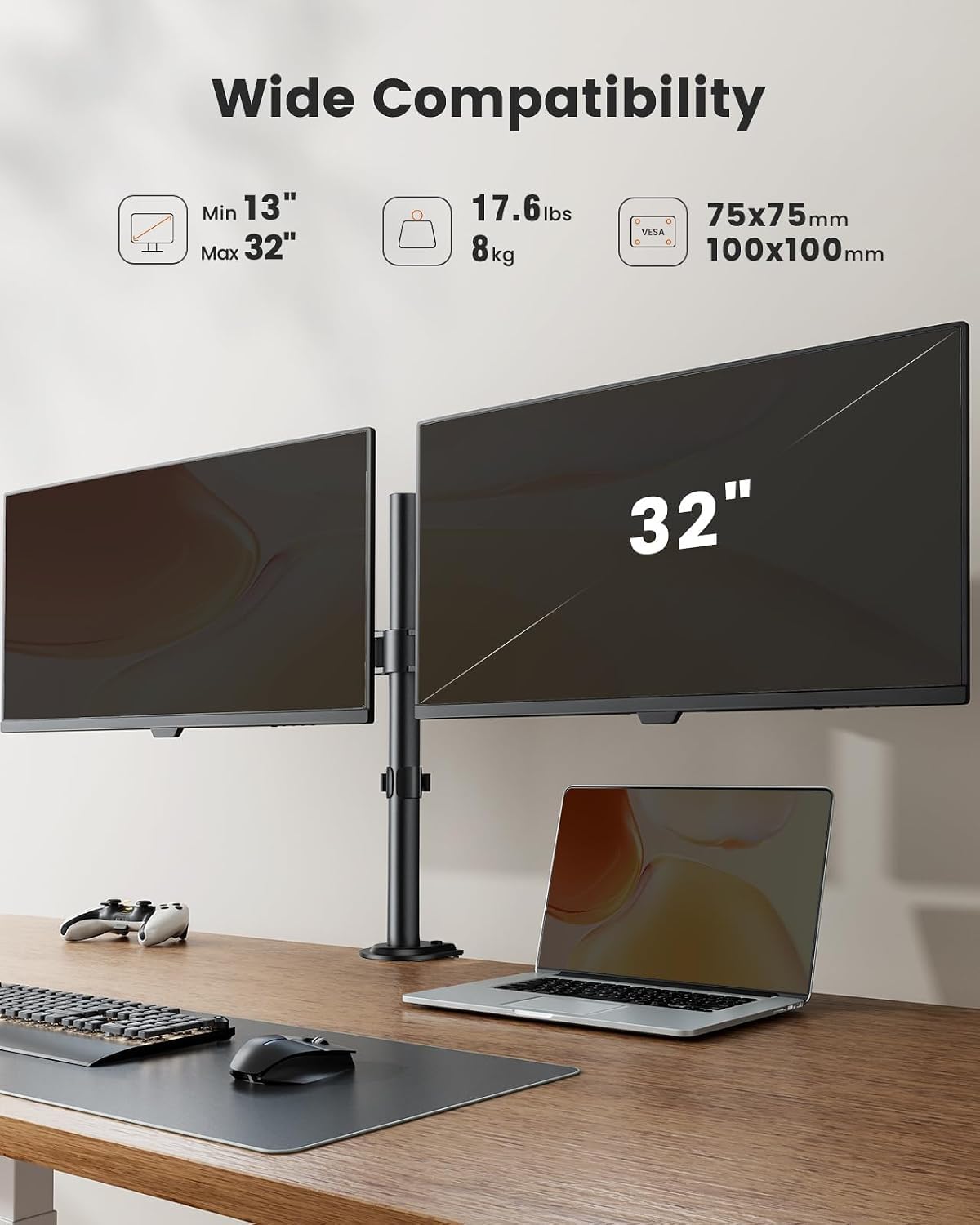
- Screen size range: 13 to 32 inches
- Weight capacity per arm: 17.6lbs
- VESA compatibility: 75x75 mm or 100x100 mm
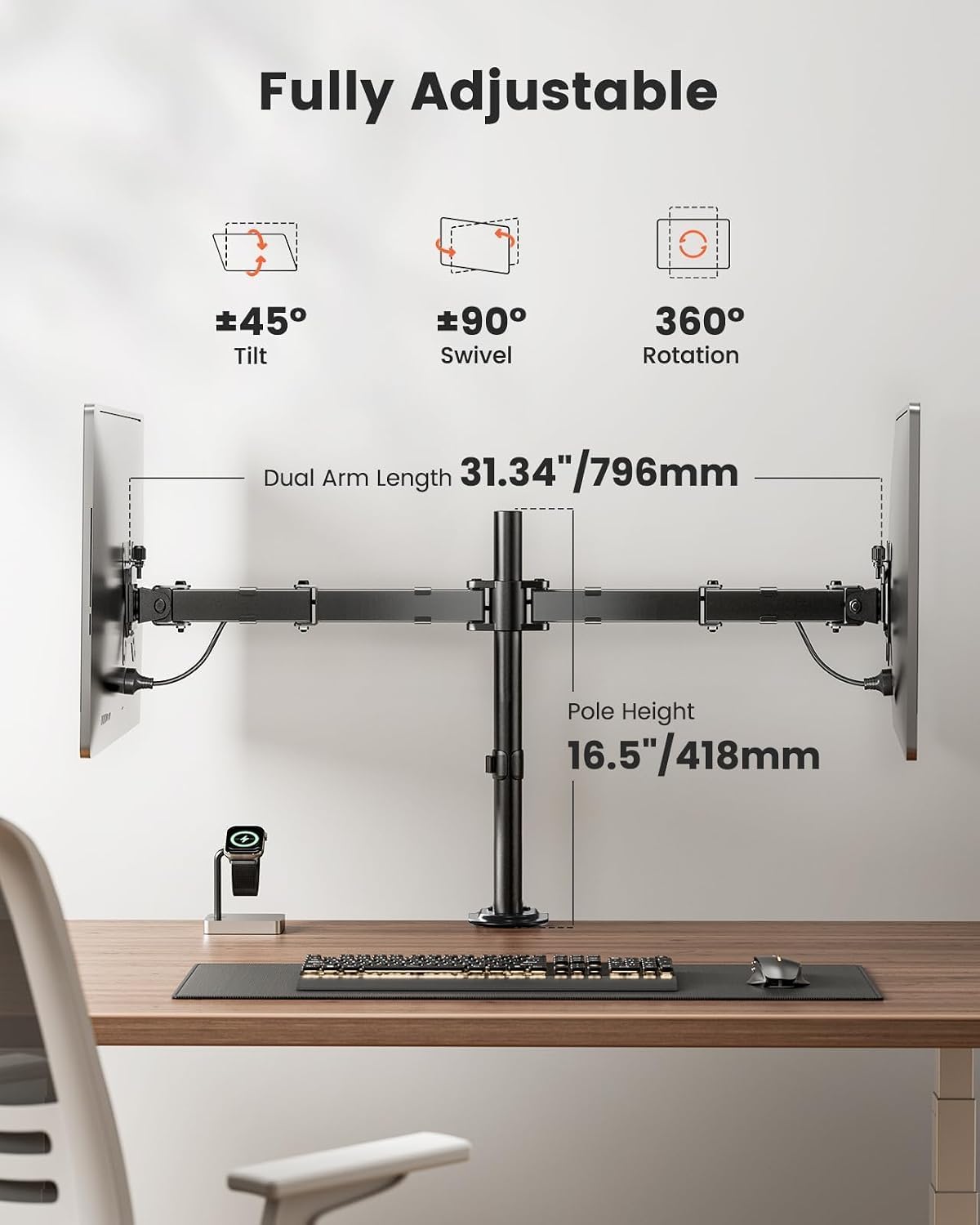
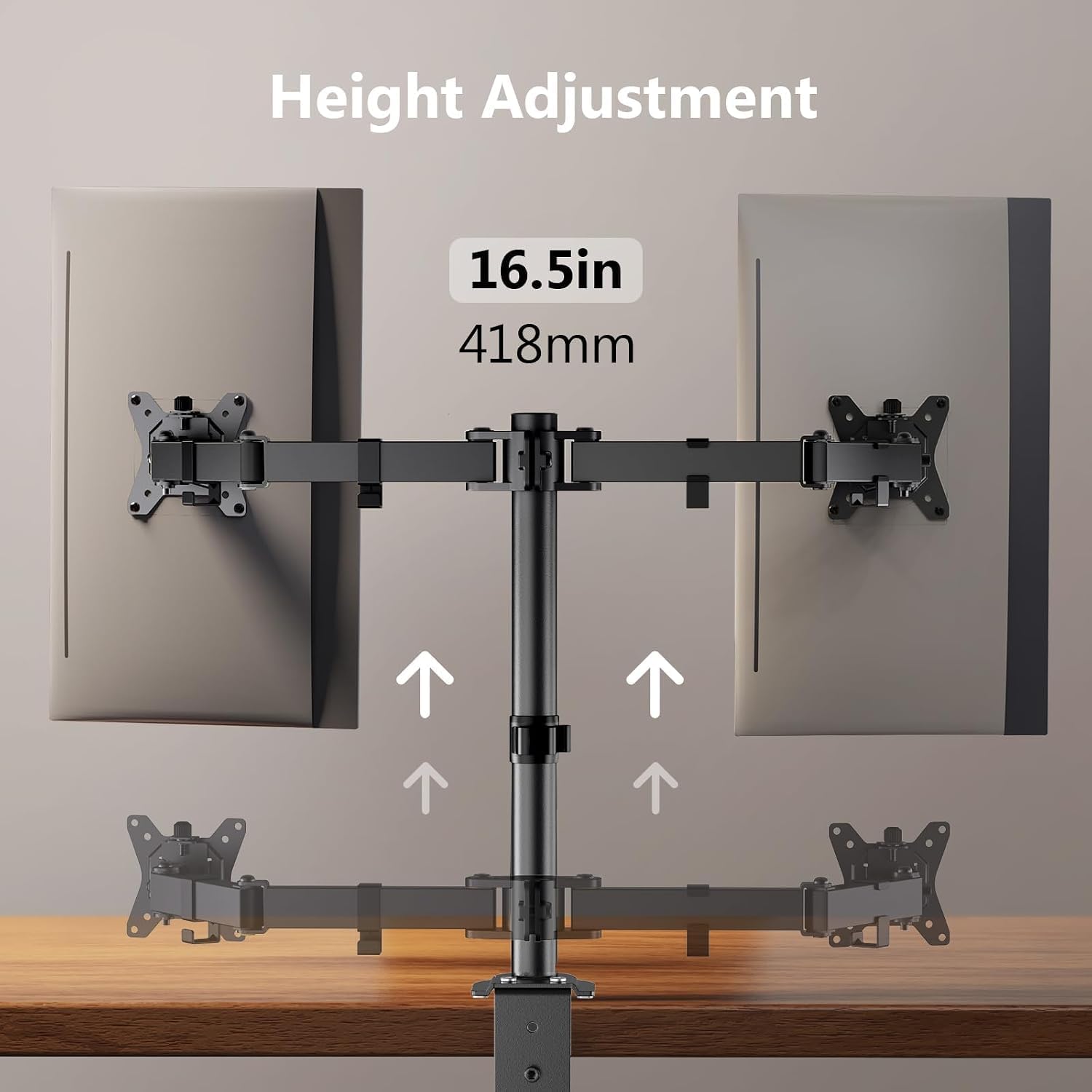
- Arm span and bar height: 30.71" arm span, 16.3" high bar
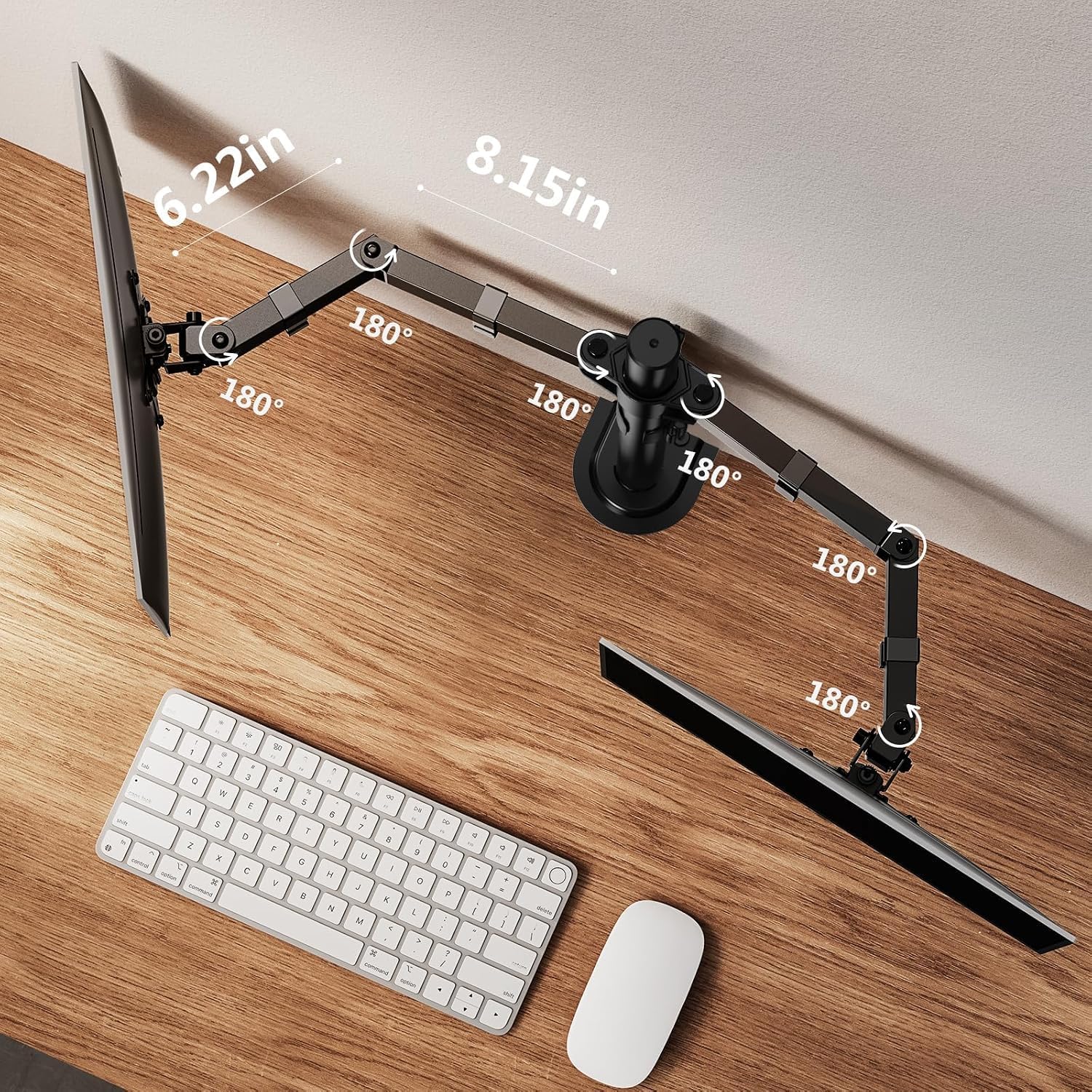
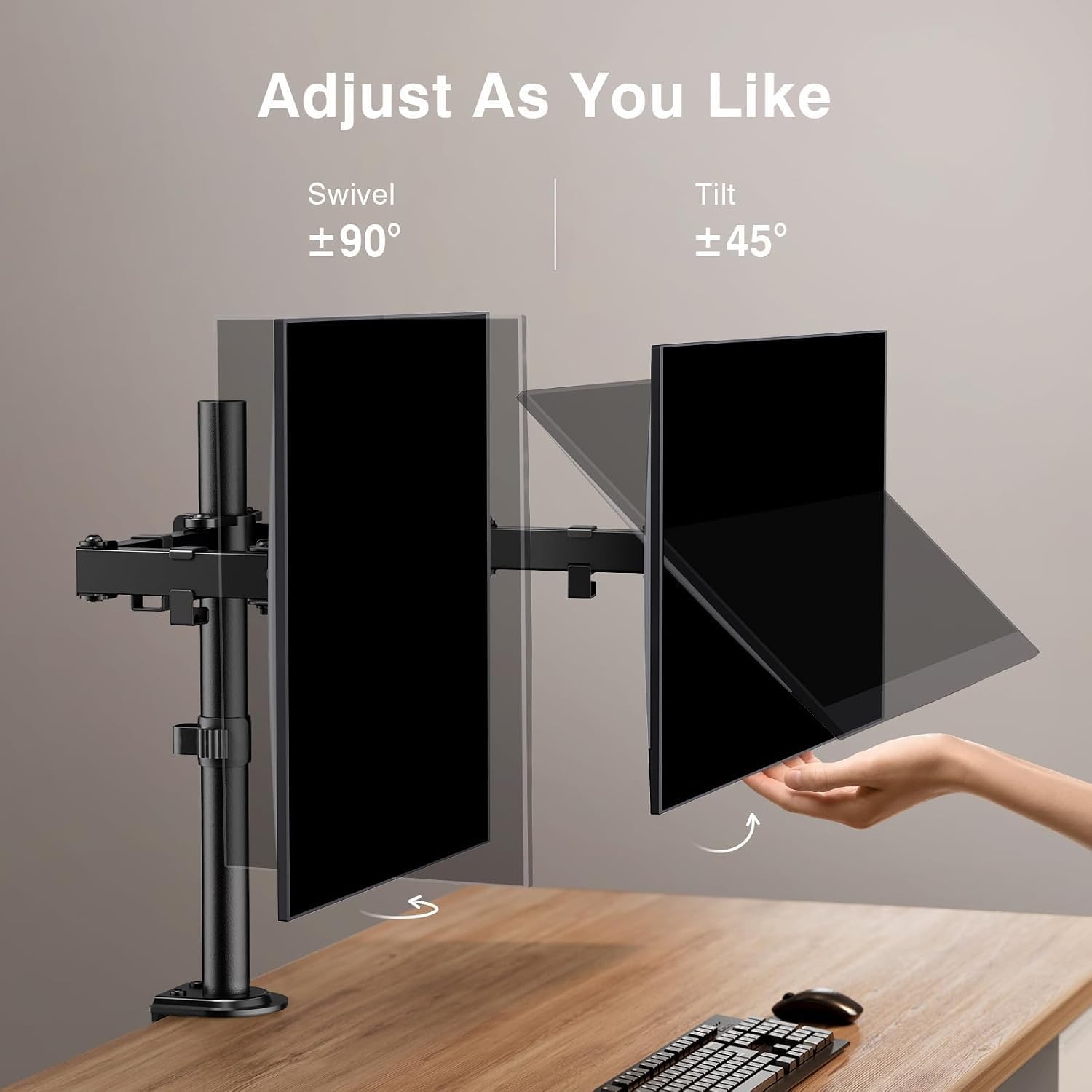
- Adjustment range: +/-90° swivel, +/-45° tilt, 360° rotation
- Clamp and grommet fit: clamp 0.39"-3.15" desk thickness, grommet 0.39"-2.17"
Usage tips
Start by confirming the VESA pattern and weight of each monitor before installation. Assemble one arm at a time to keep alignment accurate and use the labeled hardware included to simplify the process. Tighten mounting points gradually and test range of motion while seated to find ergonomic height and tilt. If your desk has cross beams or panels below the surface, prefer the grommet option when possible. 🔧
Pros
The mount frees up valuable desk real estate and gives a large field of adjustability for different workflows. Its 30.71" arm span accommodates side-by-side 32" displays and the 360° rotation makes portrait mode easy. Cable management clips tidy visible wires for a neater setup. Keep in mind that the manufacturer recommends wooden tables for best stability and that extremely heavy or oversized monitors may exceed the stated limits. The detailed manual and labeled parts aim to make installation straightforward and reduce time spent assembling the rig..