



Compatible HP 202X Toner 4-Pack for LaserJet Pro 🖨
Product description
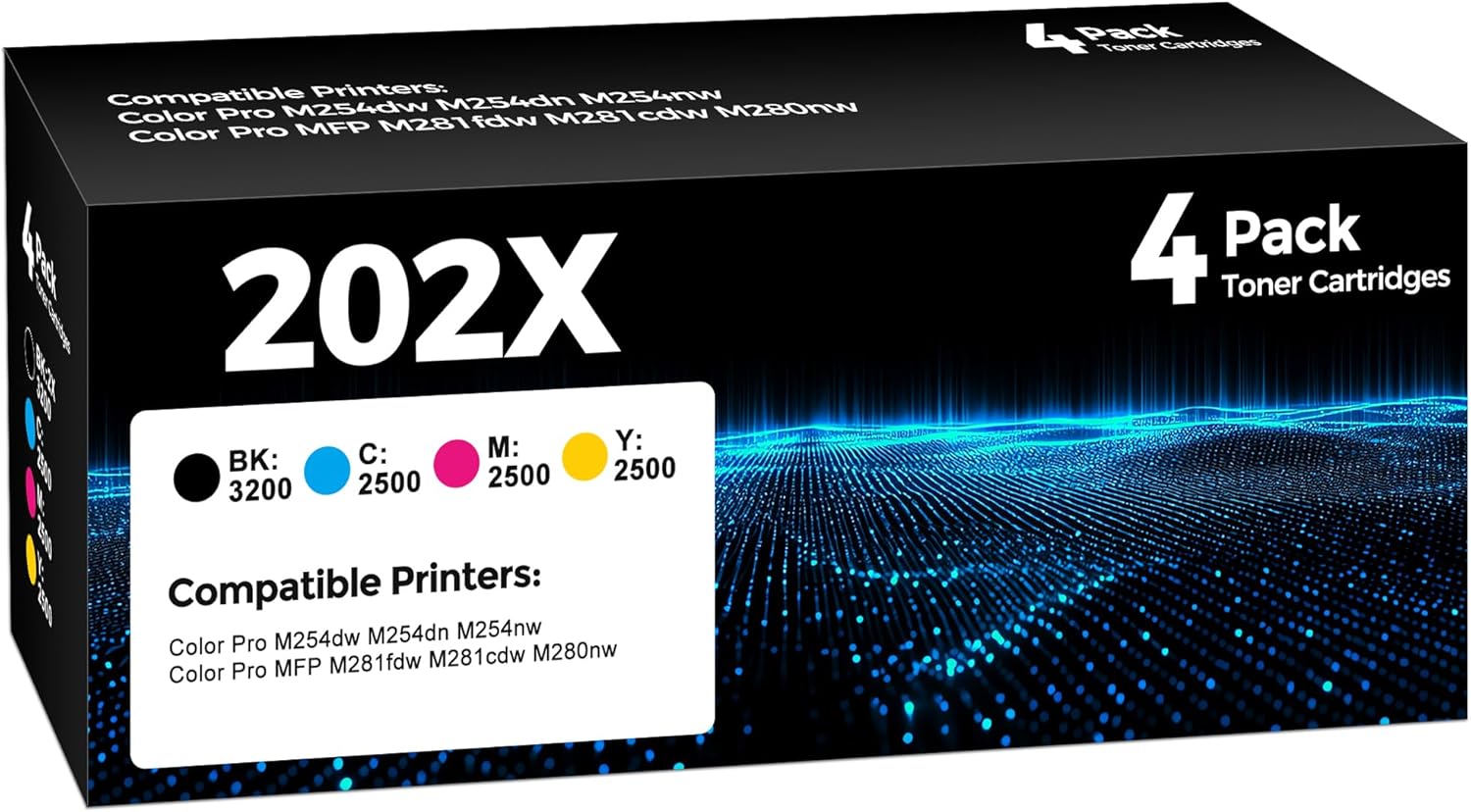
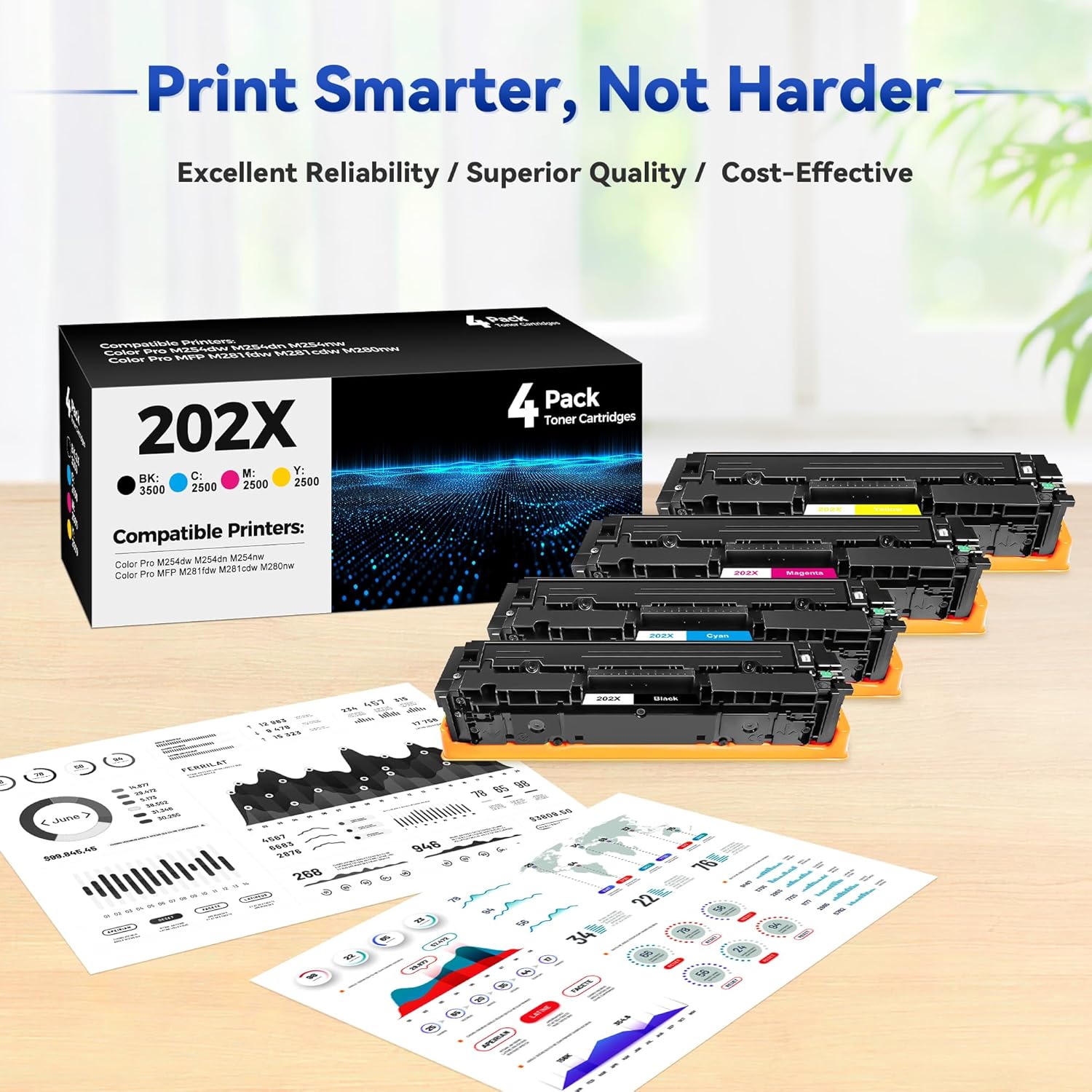
This 4-pack of replacement toner cartridges is designed to keep color laser printing running smoothly for office or home use. These compatible 202X toner cartridges include one each of black, cyan, magenta, and yellow, and they aim to deliver consistent color output for everyday documents and marketing materials 🖨️. If you need a set that matches the HP 202X/202A family, this could be a straightforward option for bulk replacement.
Key Points
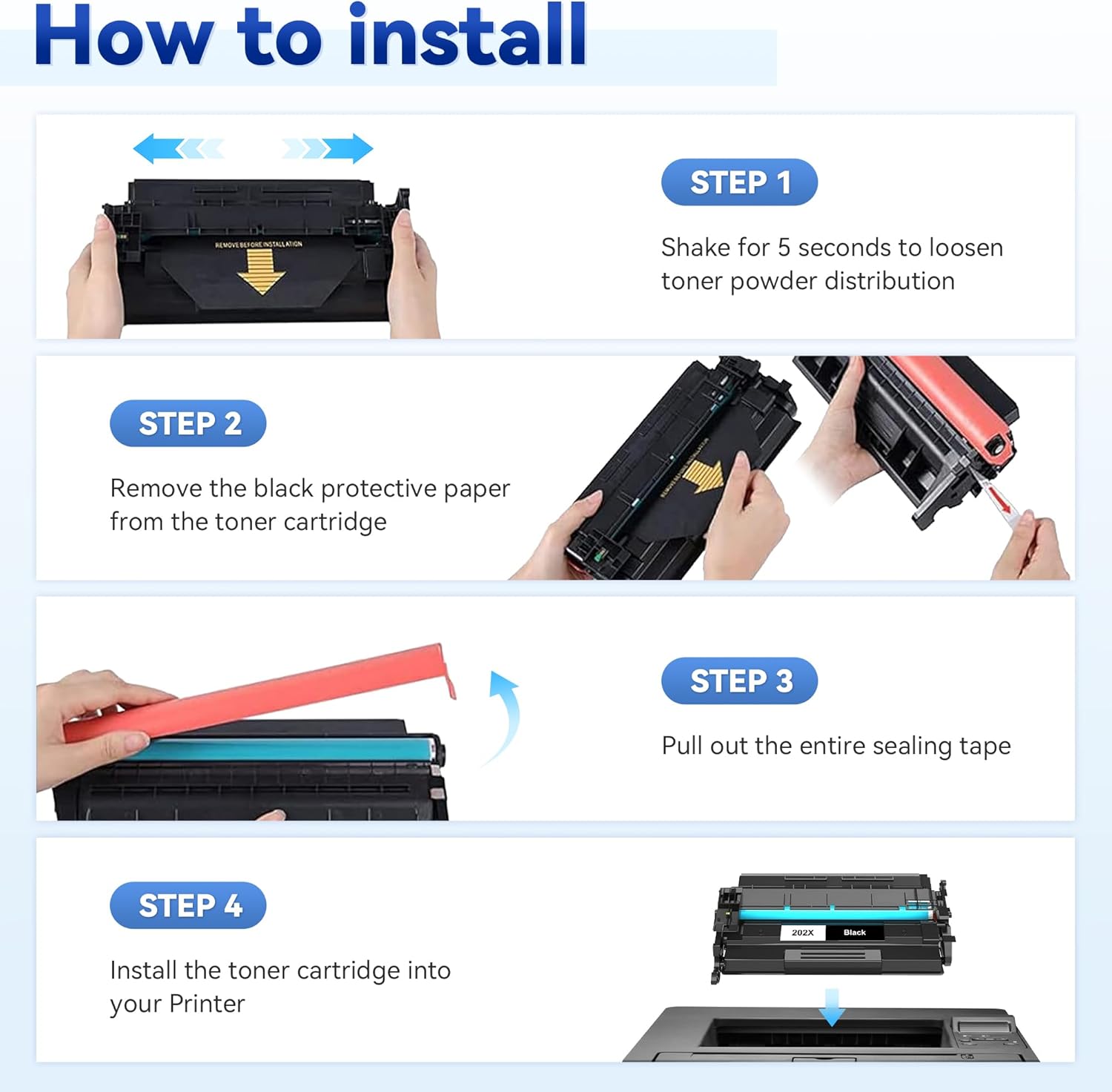
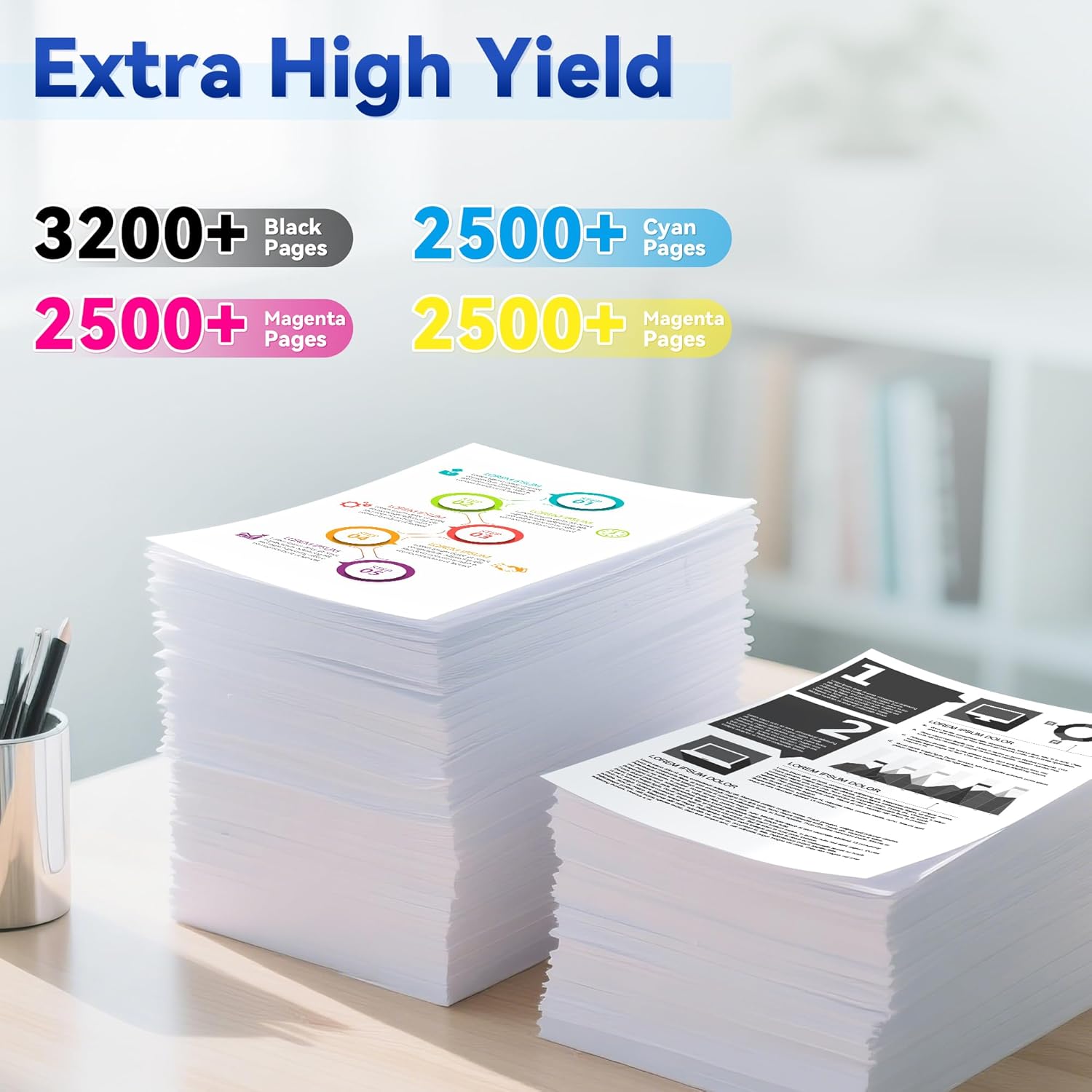
The set contains four separate cartridges so you can replace only the color that runs out without opening a multi-cartridge assembly. Installation follows the same basic steps as original HP toners, and users report straightforward drop-in replacement for common models such as the Color LaserJet Pro MFP M281fdw and Pro M254 series. Colors are suitable for general office printing, reports, graphics, and color marketing pieces 🎨. Consider that performance and page yield may vary compared to original equipment according to the manufacturer or supplier information.
Technical Specifications
- Name: W.L.M 202X 4-Pack Compatible Toner Cartridges
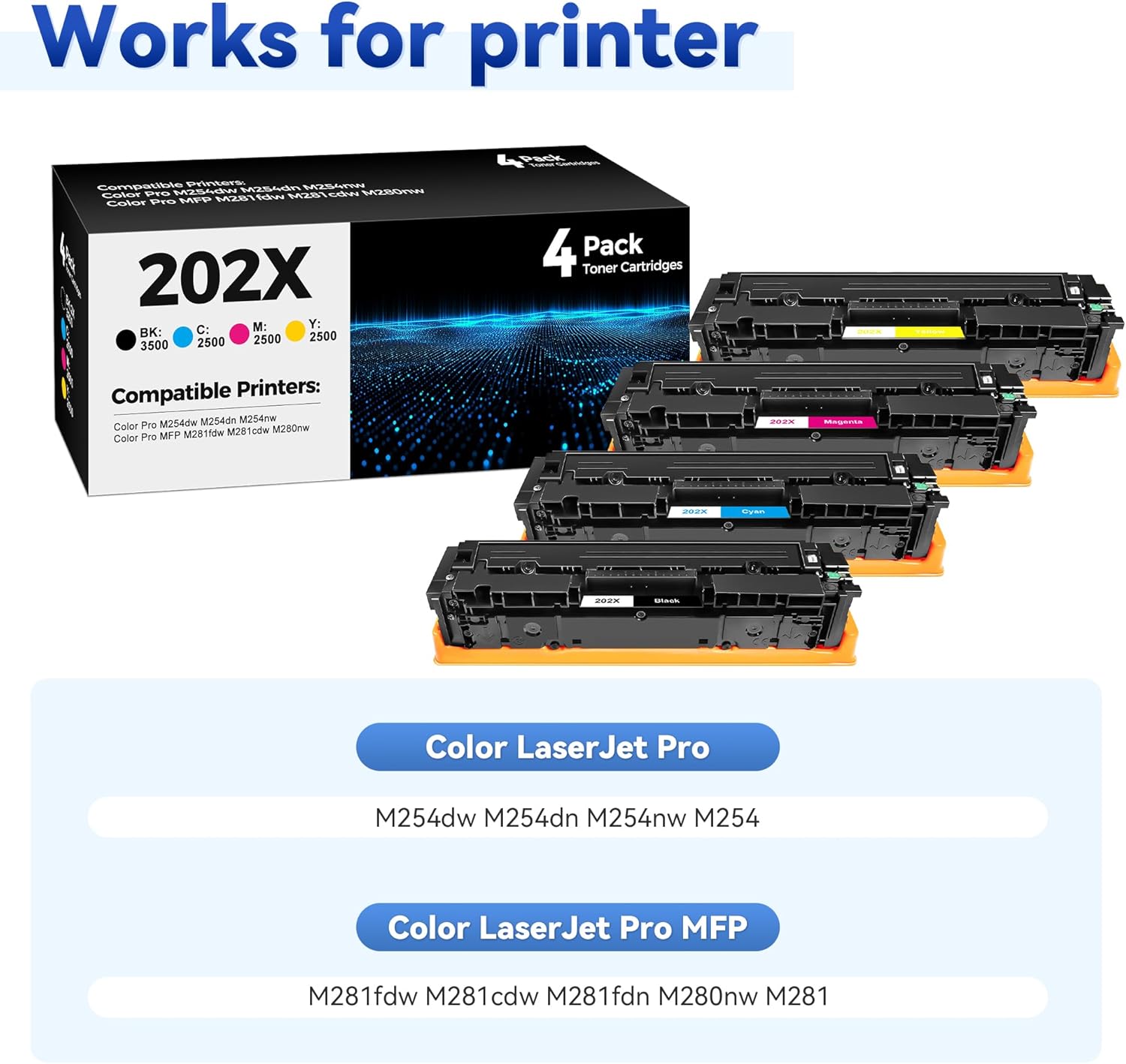
- Compatible models: Color LaserJet Pro MFP M281fdw, M281cdw, M280nw, Pro M254dw, M254dn, M254nw
- Cartridge colors: Black, Cyan, Magenta, Yellow
- Quantity: 4 cartridges (1 per color)
- Type: Compatible replacement toner
Usage Recommendations
For best results, handle cartridges gently and store them horizontally in a cool, dry place before installation. If you notice streaks or color inconsistency after installation, run a printer alignment and color calibration cycle, and check the printer's cleaning options. For printers used in heavy volume settings, keep an extra set on hand to avoid interruptions in production. Recycle used toner cartridges responsibly to reduce environmental impact ♻️.
Nuances and Limitations
These cartridges are compatible replacements rather than original HP-manufactured toners, so differences in page yield and color matching may occur. Firmware updates from the printer manufacturer can sometimes affect compatibility, so verify printer firmware notes if you encounter recognition issues.