

Guermok AR Glasses HDMI to USB-C Display Adapter (4K@60Hz, Play & Charge XR Converter)
Product description
The essentials (what it is and why you’d buy it)
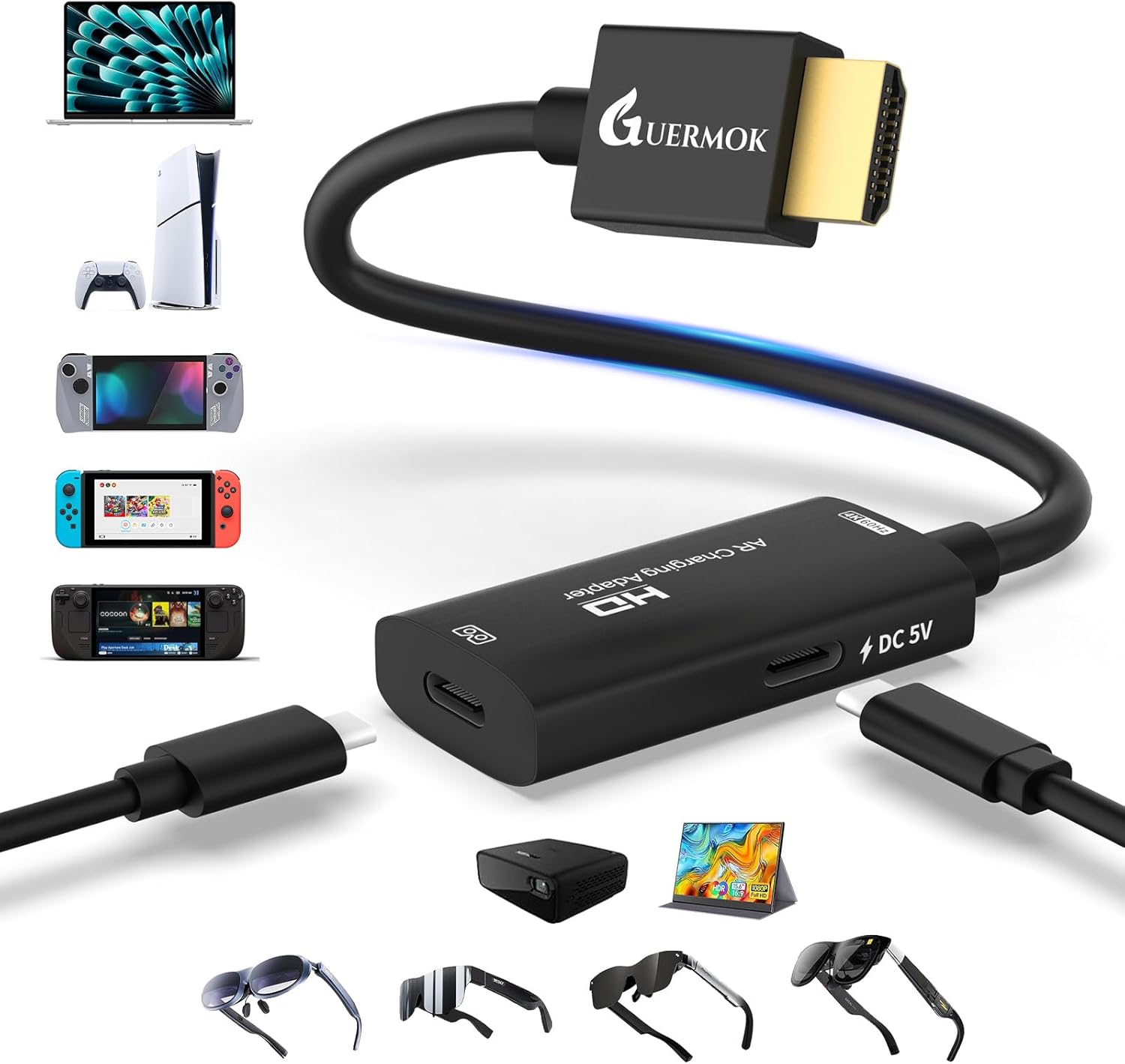
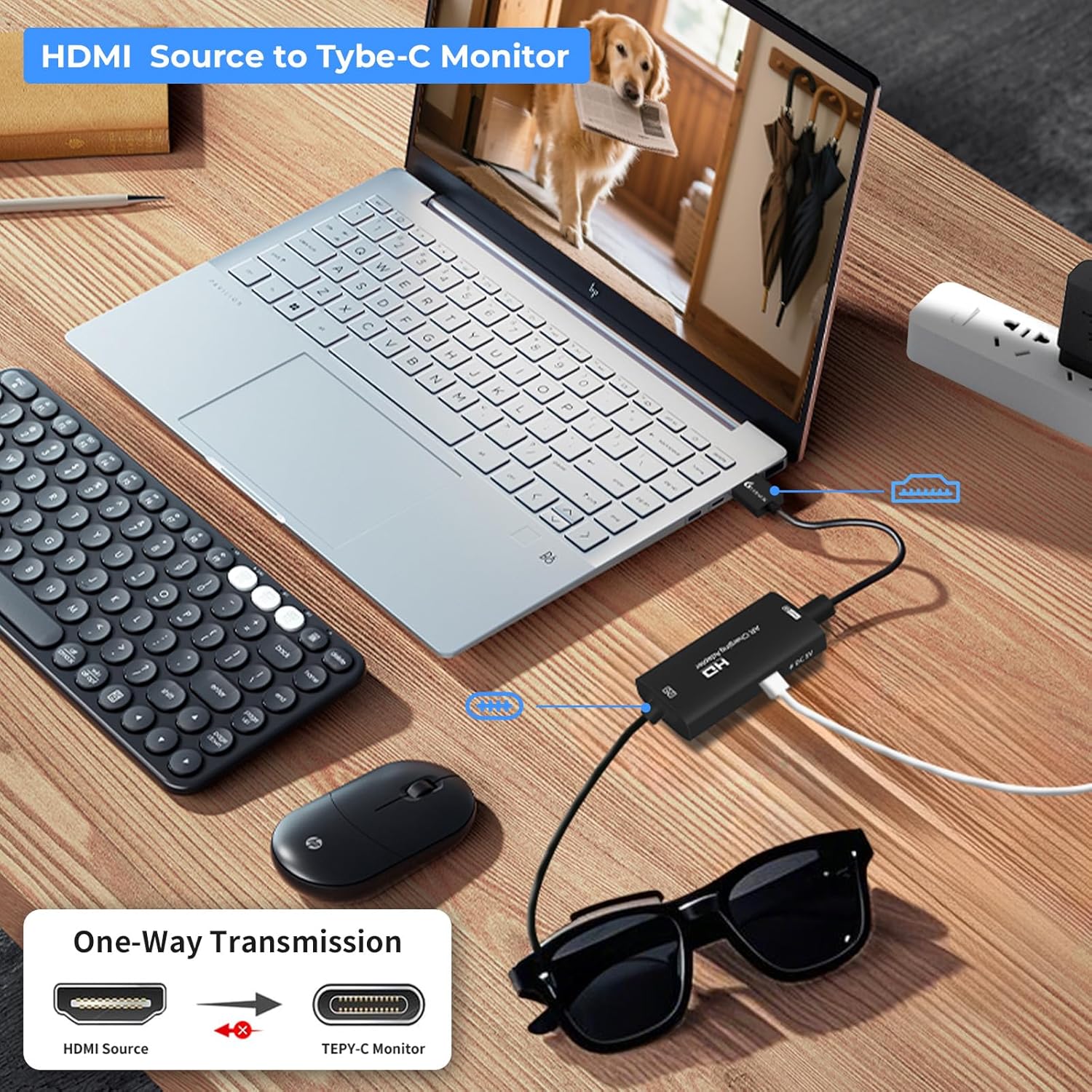
The Guermok AR Glasses HDMI to USB-C Display Adapter is a one-way HDMI-to-USB-C video converter meant for AR/XR glasses and USB-C displays that accept video input. In plain terms: if you have an HDMI source (think game consoles in TV mode, media players, or HDMI streaming devices) and your glasses/display want USB-C video (DP Alt Mode), this adapter bridges the gap so you can get video on the glasses without a more complicated setup.
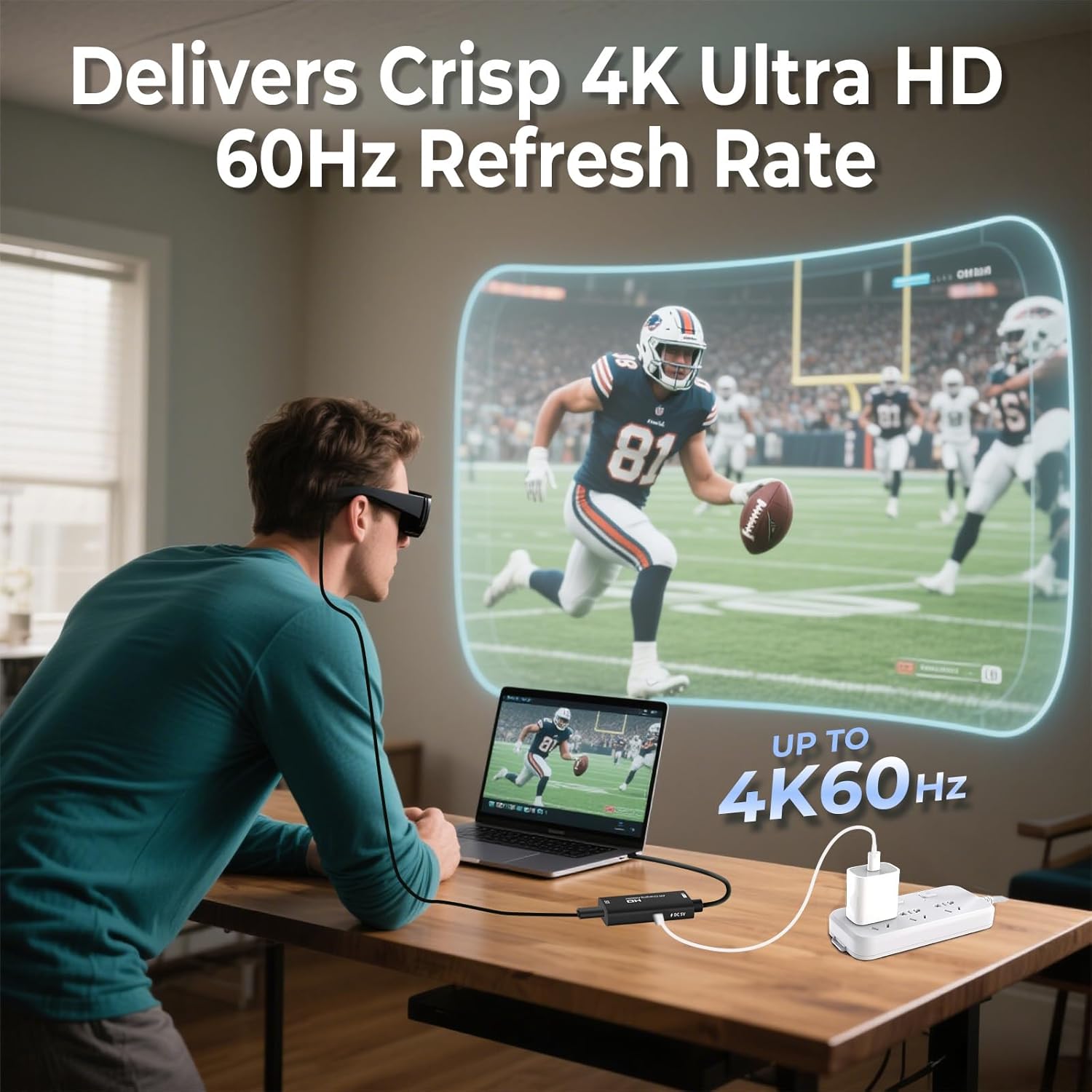
It’s built around two ideas: smooth motion and plug-and-play simplicity. The adapter is advertised for up to 4K at 60Hz, and it also includes a 5V power port so you can “power through” while the adapter is running—useful when you want stable operation during longer sessions.
That said, it’s not a universal USB-C adapter. Compatibility depends heavily on what your AR glasses (or USB-C display) actually support, and this device is explicitly one-way. If your setup needs bidirectional connections, or you’re trying to make it work with devices that don’t offer the right kind of video support, you may end up with a blank screen.
Key features that affect real use
The most important thing about this adapter isn’t just the spec—it’s the workflow it enables.
4K@60Hz support for smoother visuals: If your HDMI source and your USB-C display/glasses support the required modes, the adapter is designed to keep motion looking fluid for gaming, movies, and mirrored content.
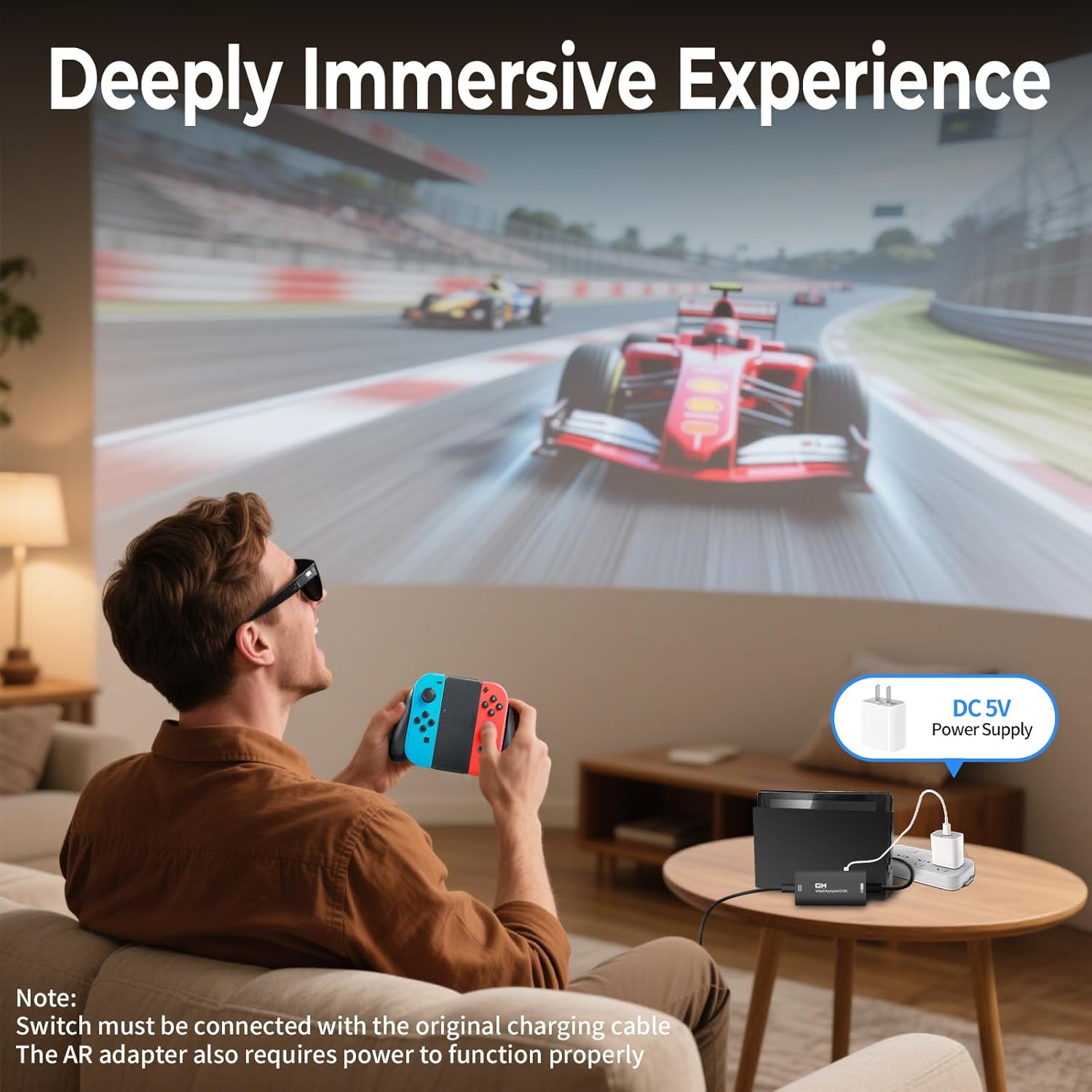
Play & Charge with a Type-C 5V power port: There’s a 5V power port on the adapter (rated for 1–1.5A). The practical takeaway is that the adapter requires an external power source to function, and it can also supply 5V power to the connected USB-C display/glasses. If your device needs more than what this 5V port provides, it won’t work as intended—so this is an area to check before you assume it will charge everything.
One-way HDMI to USB-C video (no bidirectional use): This is a “from HDMI source to USB-C display” converter only. It’s not designed to pull video back the other way, and it’s not a general dock replacement.
Compact aluminum alloy shell: The aluminum build is positioned as both portable and practical for travel. It’s the kind of adapter you’d throw in a bag for a handheld or console-based setup without feeling like you packed a brick.
Compatibility check you shouldn’t skip
The manufacturer is pretty clear here, and it’s worth taking seriously because these details decide whether you get a working picture.
This adapter is not compatible with most laptops, tablets, or phones, and it’s not compatible with standard USB-C ports. It’s only for AR glasses or USB-C display devices that support USB-C video input (DP Alt Mode).
It also comes with multiple “not this” notes: VR headsets are not supported (they’re said to require a capture card), and it’s also not compatible with docks/headsets in the way you might expect from some video accessories.
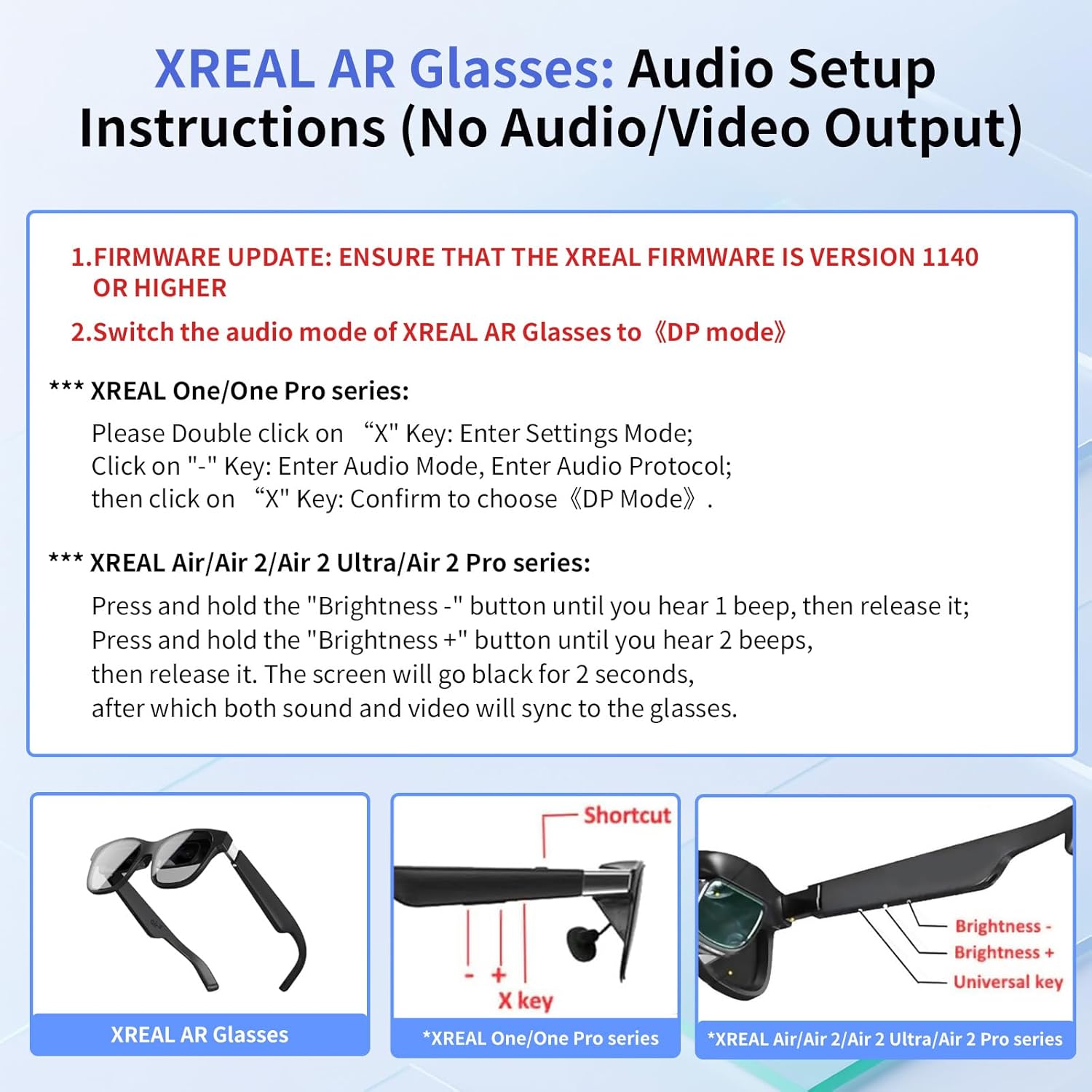
One more real-world note: audio support is limited. It’s described as a display-only adapter, and it specifically mentions that audio may not be heard on certain AR glasses, in those cases, you’re instructed to manually set the audio output to DisplayPort (DP) in the device’s audio settings. It also notes that audio is not supported when connected to Studio Display—so if sound matters, plan on using an external audio solution.
Quick limitation to keep in mind: you’ll want your HDMI source to support the relevant HDMI mode (the adapter expects HDMI 2.0 for 4K@60Hz, per the notes). If your source is older or limited, performance may be capped.
Where it shines (best use cases)
If you’re building a mobile, plug-in setup for gaming or media, this adapter is aimed exactly at that scenario.
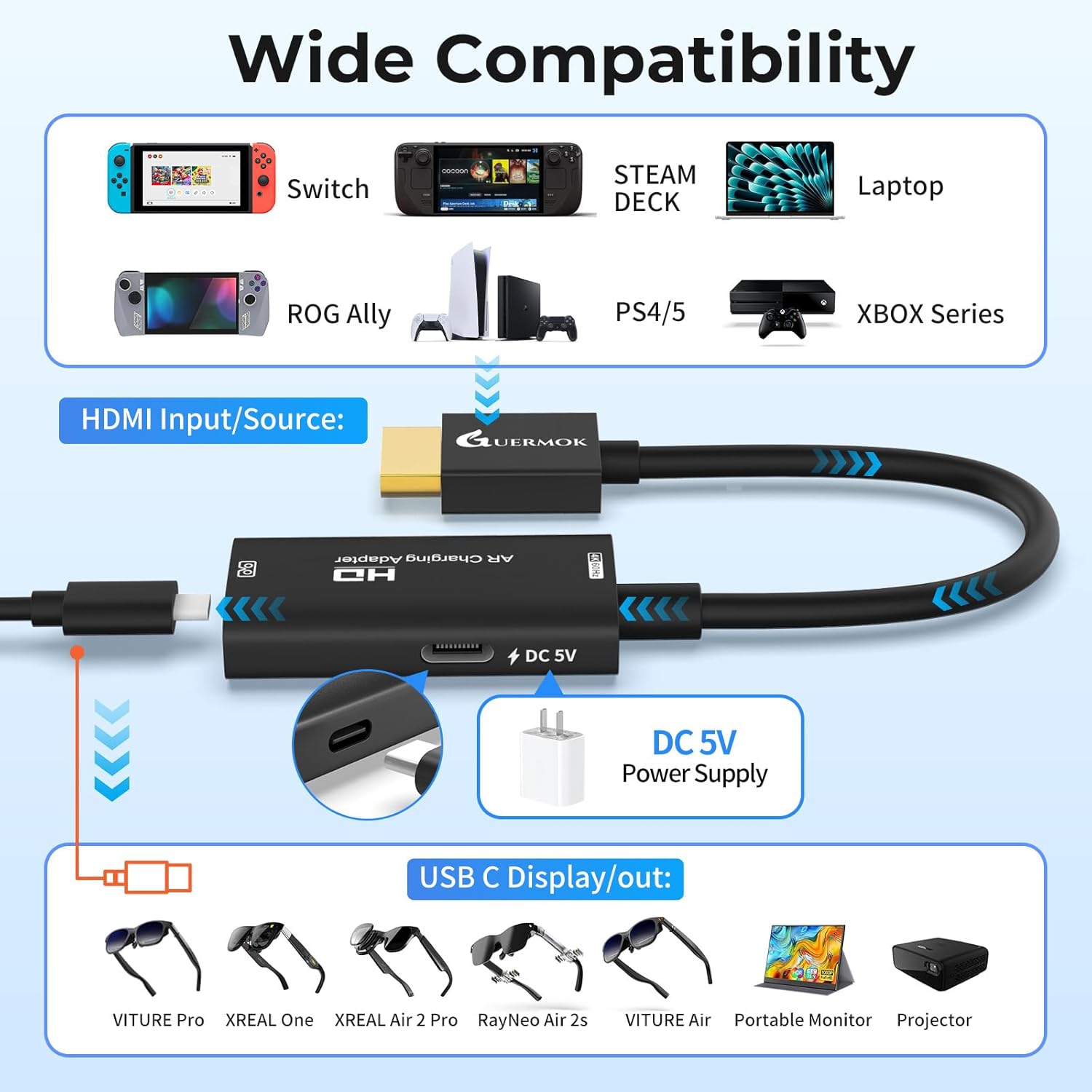
Gaming console in TV mode: Plug the console’s HDMI output into the adapter, then connect the USB-C side to your AR glasses that support DP Alt Mode. The goal is a lower-friction way to view gameplay on the glasses without needing a full capture workflow.
Portable monitors and USB-C projectors: The adapter is also said to work with USB-C portable monitors and USB-C projectors. For productivity, movies, or quick demonstrations on the go, it can reduce cable chaos—assuming your display supports the right USB-C video input.
Travel-friendly XR sessions: Because it’s compact and meant for one-way conversion, it fits naturally into “pack light” setups where you don’t want an entire desk setup.
The not-so-great parts (what to watch out for)
This is where a bit of skepticism helps.
- External 5V power is required. No power means no signal, so don’t treat it like a purely passive adapter.
- Charging expectations may be limited. The power port is 5V and rated around 1–1.5A, devices that need more power than that will not work with this port.
- Audio may not come through as you expect. It’s essentially a display-focused converter. Depending on your glasses, you might need to adjust audio output to DisplayPort (DP) settings—or use external audio.
- Studio Display is called out. Audio isn’t supported in that case, so if you plan to pair with that kind of setup, you’ll need an alternate audio path.
It’s not perfect if your goal is a one-cable, everything-in-one solution with guaranteed audio and universal compatibility.
Tech specs
- Name: Guermok AR Glasses HDMI to USB-C Display Adapter
- Type: HDMI to USB-C display (one-way video transmission)
- Resolution: Supports up to 4K@60Hz
- Power port: Type-C 5V power port (1–1.5A)
- Function: Requires external 5V power to function, “no power = no signal”
Included in the package
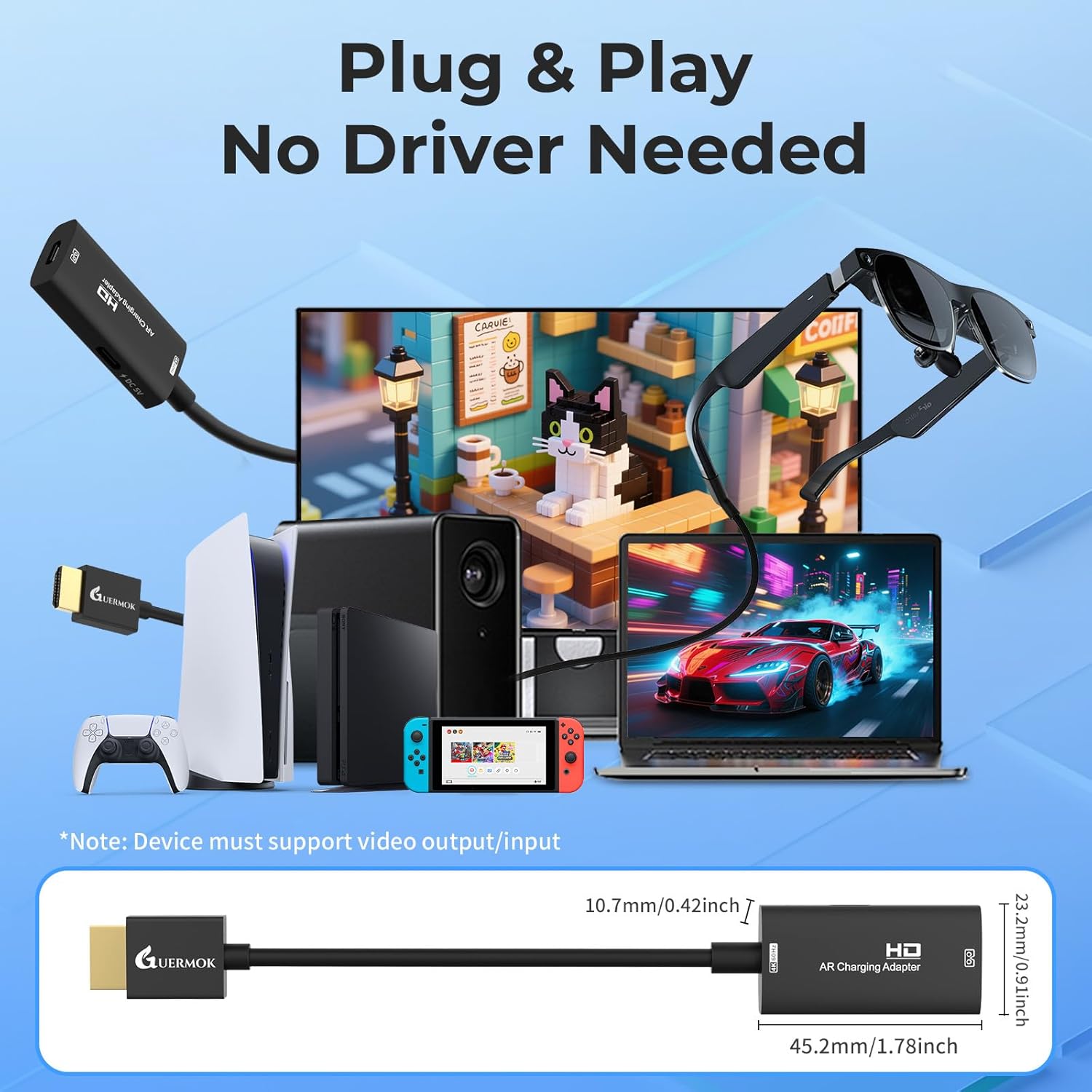
The package includes 1 HDMI to USB-C adapter and 1 user manual. No cable is included, so you’ll want to have the needed HDMI and USB-C (USB4 or Thunderbolt 3/4/5 for the USB-C side, per the notes) ready before you test.
Should you buy it?
It makes sense if you already own AR glasses (or a USB-C display) that explicitly support USB-C video input via DP Alt Mode and you want a simple HDMI-to-USB-C path from a console, media player, or HDMI streaming device. If your priority is smoother visuals (up to 4K@60Hz on supported gear) and you’re okay with the adapter being one-way, this can be a clean, travel-friendly way to get video onto your glasses.
You may want to skip it if you’re hoping it will work with most USB-C laptop/tablet/phone ports, if you need bidirectional connections, or if your use case depends on reliable built-in audio pass-through. It also may not suit you if your device requires more than the 5V power provided or if your setup can’t meet the compatibility requirements called out in the notes.
Mini FAQ
Does this adapter work with any USB-C port? No. It’s intended for USB-C display devices that support USB-C video input via DP Alt Mode.
Is it reversible (USB-C to HDMI)? No. It’s one-way only: HDMI to USB-C.
Does it support audio? Audio support is not guaranteed. It may require adjusting audio output to DisplayPort (DP) on certain AR glasses, and audio isn’t supported when connected to Studio Display.
What happens if I don’t connect power? The notes say external 5V power is required. Without power, there’s no signal.
What cables do I need? The adapter package does not include cables. The notes recommend using certified USB4 or Thunderbolt 3/4/5 cables for the USB-C side.