

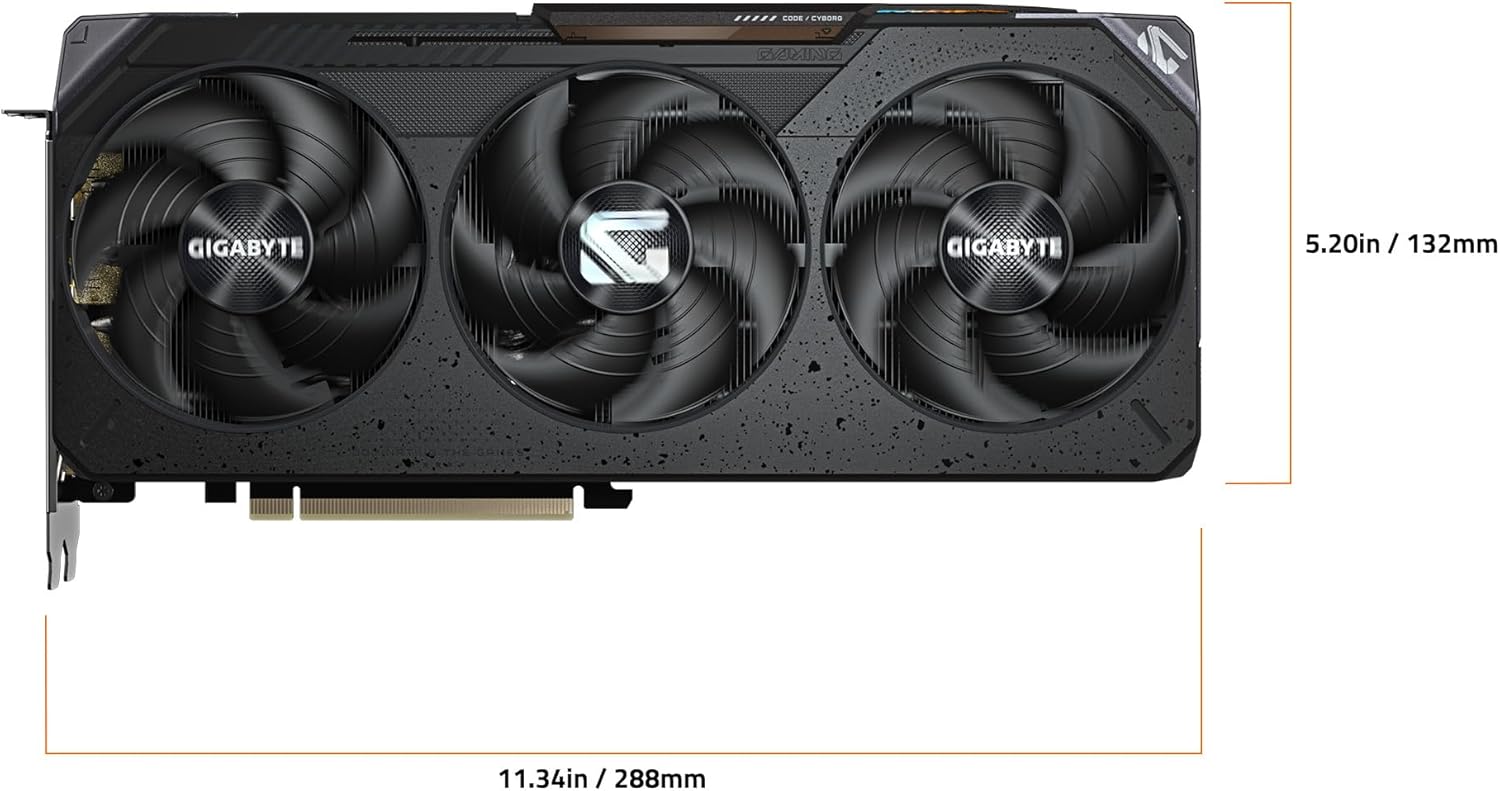
Gigabyte Radeon RX 9070 Gaming OC 16G Graphics Card
Reviews
Price
Product description
What it is
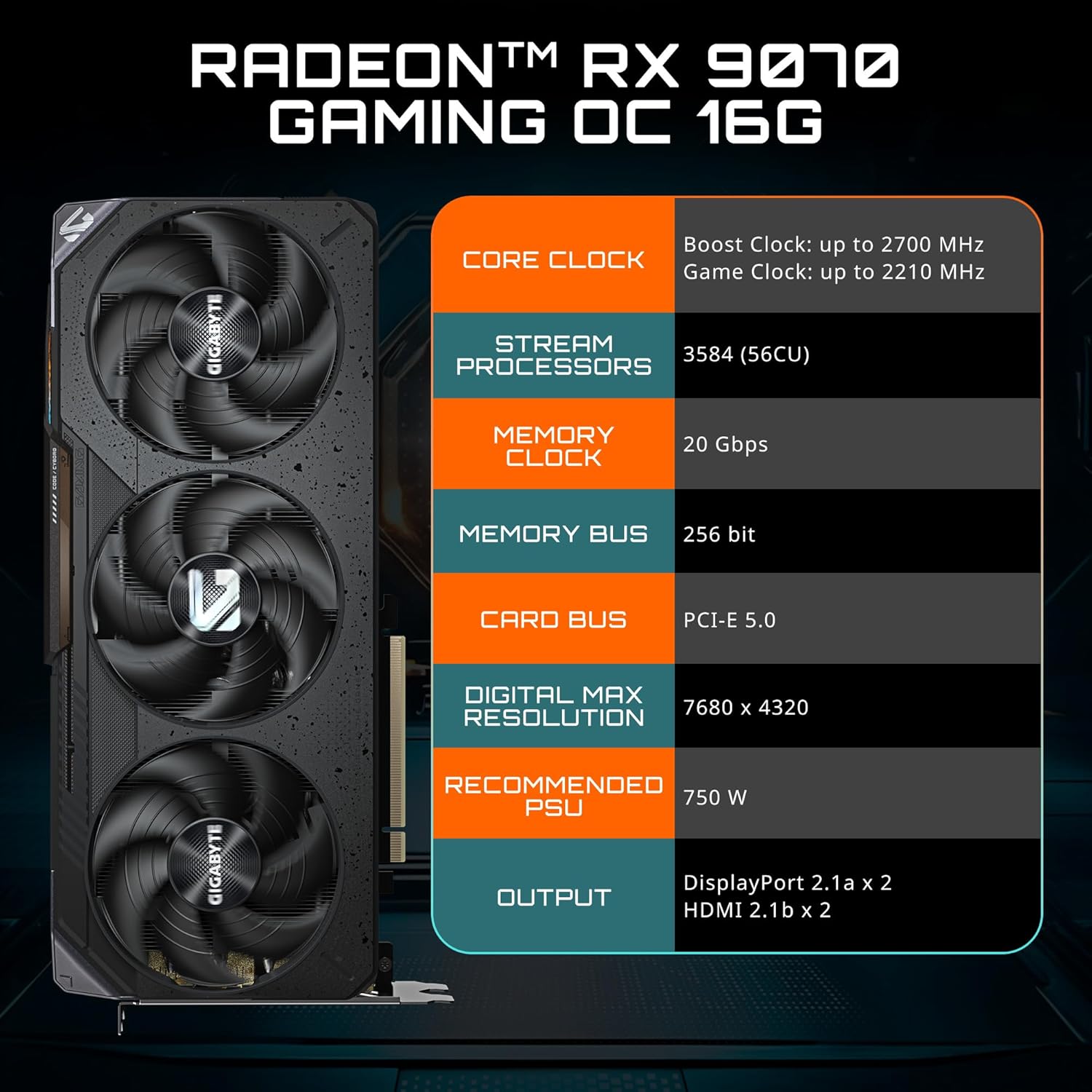
The Gigabyte Radeon RX 9070 Gaming OC 16G is a dedicated graphics card designed for gaming builds that want strong performance with thoughtful cooling. It uses PCIe 5.0 to align with newer motherboards and ships with 16GB of GDDR6 memory, aiming to balance high-resolution textures and smooth frame rates.
Why it might matter to you
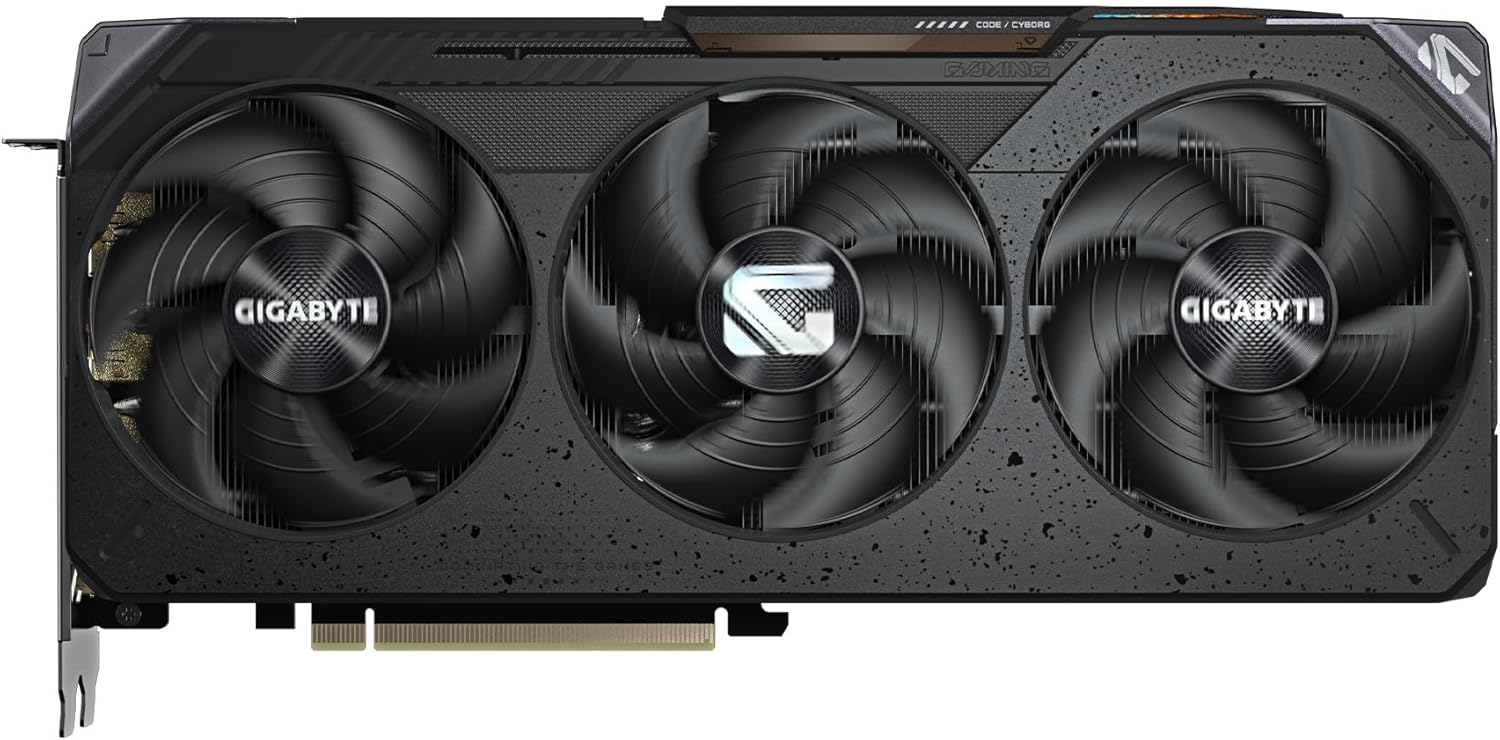
If you’re building a capable gaming PC and want a cooling solution that stays quiet when you don’t need peak performance, the WINDFORCE cooling system is a notable feature. The card also includes RGB lighting for visual customization and a dual BIOS option, offering a performance-focused mode and a quieter, less demanding profile.
Design and cooling overview
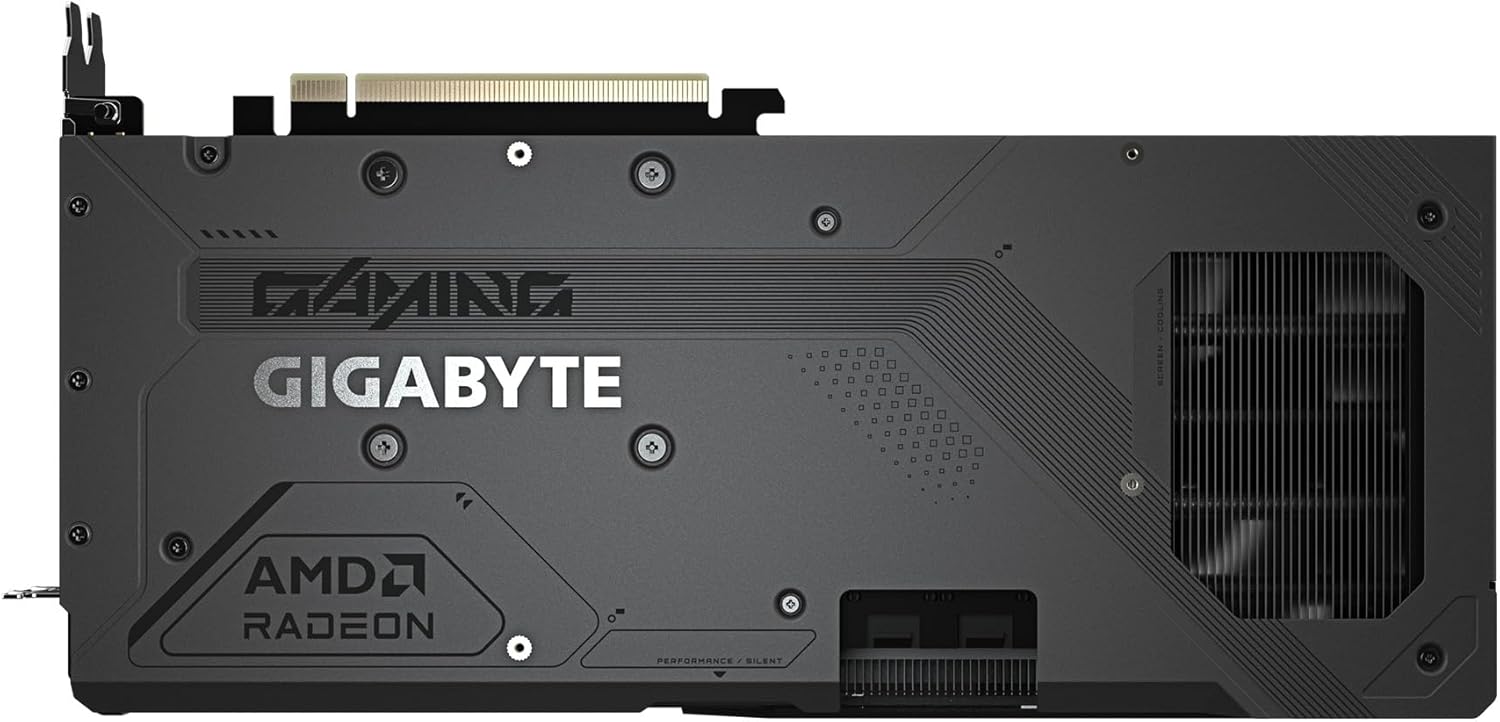
This model emphasizes cooling fidelity with a dedicated thermal conductor and server-grade materials in the contact areas, which can help maintain lower temperatures under load. The dual BIOS setup gives you a quick way to switch between higher performance settings and a quieter operating profile, which can be useful for living room PCs or compact builds where noise matters.
Pros and what stands out
- PCIe 5.0 compatibility keeps it aligned with modern motherboards and potential bandwidth headroom.
- 16GB GDDR6 memory provides headroom for modern titles and higher texture settings.
- WINDFORCE cooling and thermal conductors suggest a focus on keeping temperatures in check.
- Dual BIOS adds flexibility to tailor performance vs. noise to your preference.
- RGB lighting offers a customizable aesthetic for gamers who want a personalized look.
Potential drawbacks or limits to consider

- No specific performance numbers are provided here, so you’ll want to rely on reviews or benchmarks to gauge real-world gaming frames for your typical titles.
- The dual BIOS and RGB features are nice touches, but they won’t compensate for a mismatch with your power supply or case airflow if you’re building a compact or budget-oriented setup.
- If you prioritize ultra-silent operation at all times, you’ll want to confirm how the quiet BIOS behaves under long gaming sessions in your environment.
Who this is for
- Gamers seeking a balance of memory capacity and future-proofing with PCIe 5.0 compatibility.
- Builds where cooling performance and the option to switch to a quieter profile are valued.
- Users who enjoy RGB customization and appreciate a dual BIOS for different use cases (performance vs. silent).

Who might want to reconsider
- If you’re on a strict budget or need absolute minimal noise in every scenario, this model’s strengths may be overkill compared with simpler cards.
- If you require precise, published performance metrics for specific titles, you may prefer to wait for benchmarks before deciding.
When it makes sense to buy
- You’re assembling a mid-to-high end gaming rig and want modern connectivity with ample VRAM headroom.
- You value a flexible cooling approach and want the option to tune performance vs. noise.
- You want a card that looks the part with RGB and a robust cooling solution in a single package.
When it might not be the best pick
- If your setup already pushes budget limits, there may be other options that offer similar performance at a lower cost.
- If your primary concern is the absolute quietest operation in all loads, verify how this model behaves in your case and with your preferred workloads.

What to check before buying
- Ensure your power supply and case airflow can handle a high-performance GPU with robust cooling.
- Look for reviews or user reports on how the dual BIOS switches affect day-to-day gaming and thermals.
- Confirm your monitor’s resolution and desired frame targets to ensure the 16GB memory and PCIe 5.0 interface align with your scope.
Practical usage example
Imagine a gaming rig running at 1440p with high texture settings. You can engage the performance BIOS to push frame rates while keeping the cooling profile active for longer sessions, then switch to the silent BIOS for extended streaming or media playback where noise matters.
FAQ
- What is the memory capacity of this card? 16GB GDDR6.
- Does it support PCIe 5.0? Yes, it’s designed for PCIe 5.0.
- Are there multiple BIOS options? Yes, a dual BIOS setup (performance and silent).
Is it worth it?
Is it worth it? It makes sense if you want a modern GPU with ample VRAM and flexible cooling, and you’re comfortable assessing how much performance versus noise you need in different scenarios.