

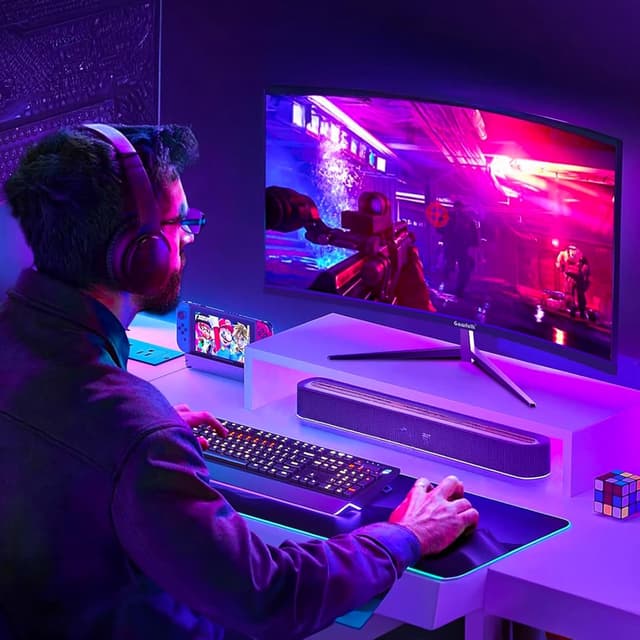
Gawfolk 32-Inch Curved Gaming Monitor (180Hz QHD 2560x1440) with FreeSync, DisplayPort & HDMI
Product description
What you’re really buying
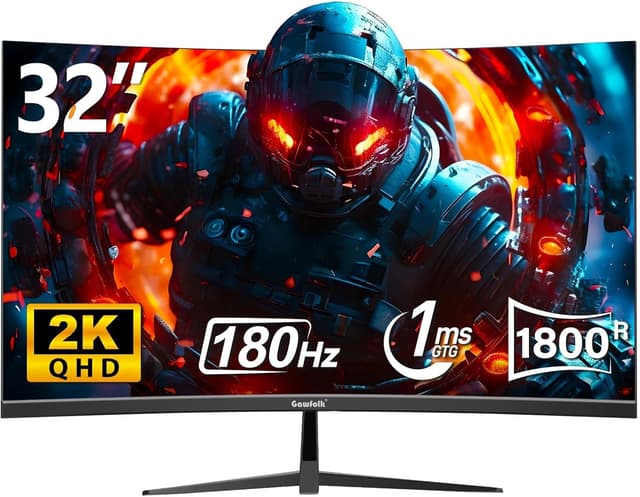
A 32-inch curved gaming monitor is the kind of upgrade you notice right away when you sit down—bigger field of view, a more immersive feel, and a screen that’s built for longer sessions. The Gawfolk 32 Inch Curved Gaming Monitor pairs a QHD (2560x1440) image with a VA panel and a 1500R curved screen, aiming to keep gameplay smooth while also reducing eye strain for home office and gaming use.
On paper, it’s tuned for fast-paced play thanks to a 180Hz refresh rate and a stated 1ms (MPRT) response time. It also includes FreeSync, which is meant to match the display’s refresh rate with your graphics card output to reduce visual disruptions like tearing or stutter.
Key takeaways for everyday use
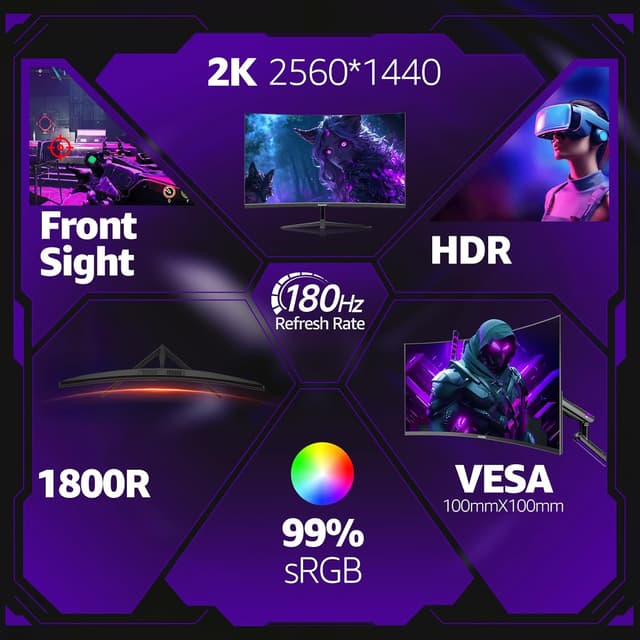
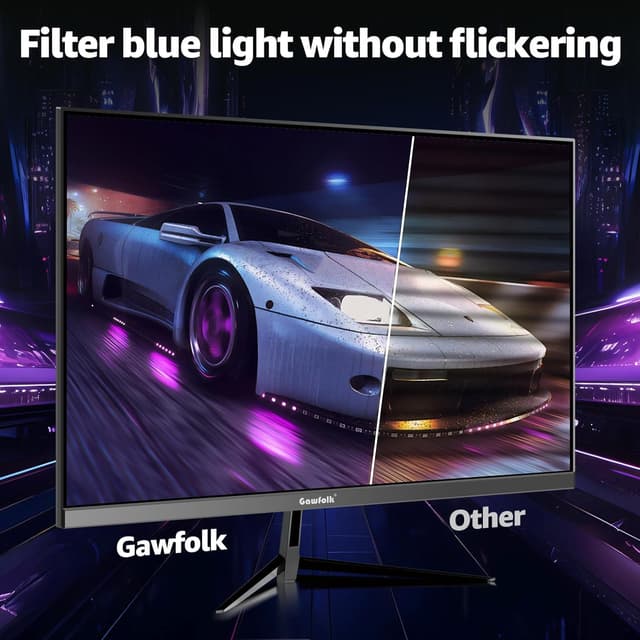
The 1500R curvature is the headline feature here, because it’s designed to better align with natural viewing for many people at typical desk distances. If you often get tired eyes during long matches or work blocks, the included eye care angle matters too: Low Blue Light and an E-Reading preset are there to help you switch modes depending on what you’re doing.
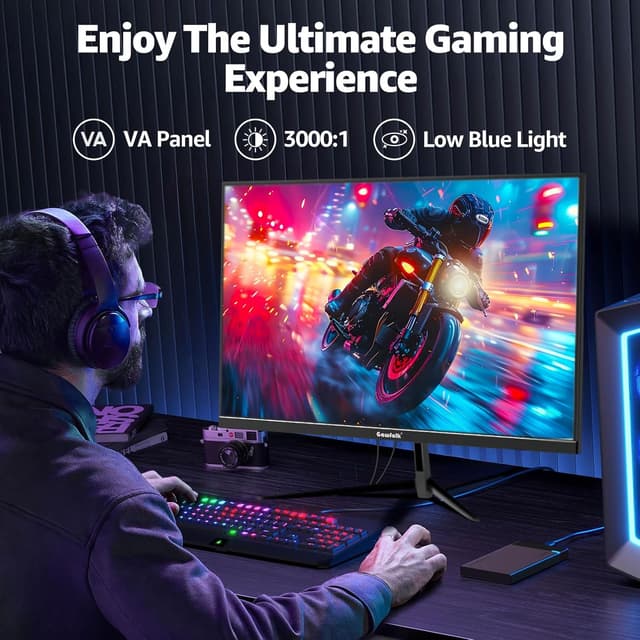
The VA panel and 3000:1 contrast ratio are meant to improve dark-scene clarity—useful in games where visibility in shadows can make a difference. Just keep expectations realistic: VA contrast and deep blacks are great for many scenarios, but VA panels can be less forgiving than some alternatives when you sit far off-center.
It’s not a “perfect for everyone” monitor. If your desk setup is very tight, or you prefer smaller screens for a sharper UI layout at a distance, 32 inches may feel oversized. But if you want a bigger, curved workspace that’s also geared for gaming, this one makes sense.
Performance & motion: where the 180Hz matters
This monitor is positioned around smooth motion for competitive gameplay. With a 180Hz refresh rate and a stated 1ms (MPRT) response time, it’s built to help reduce motion blur and keep fast movement looking cleaner—especially in FPS and MOBA-style games.
FreeSync is the “quality of the experience” layer. Instead of the screen just running at a fixed rate, it’s designed to sync with your GPU output, which can help make motion look steadier. That’s the kind of feature you appreciate when your frame rate isn’t perfectly locked all the time.
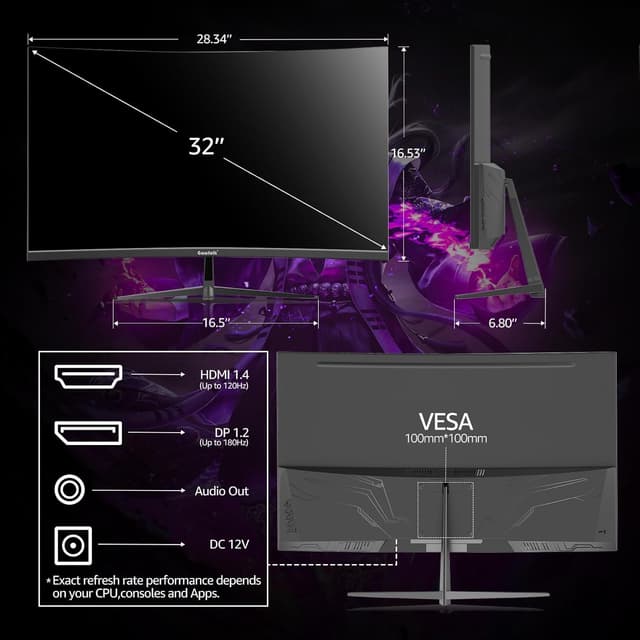
One nuance to keep in mind: HDMI is listed as 120Hz (for consoles like PS5/Xbox), while DisplayPort 1.4 is listed as supporting the 180Hz mode. So if you want the full refresh rate, DisplayPort is the path you’ll likely use.
Connectivity, controls, and mounting
You’re getting the basic multi-device setup for a shared gaming + work desk: DisplayPort 1.4 and HDMI 2.0 are both included. The stated refresh support suggests a clear split—higher refresh on DisplayPort, and 120Hz on HDMI.
For physical placement, the stand offers a -5° to 10° tilt adjustment, which helps you dial in comfort. There’s also 100x100mm VESA mount compatibility, so if you prefer a wall mount or an arm, this monitor is meant to work with that style of setup.
Tech details at a glance
Tech specs
- Name: Gawfolk 32 Inch Curved Gaming Monitor
- Type: Curved gaming monitor
- Display size: 32 inches
- Curvature: 1500R
- Resolution: 2560x1440 (QHD)
- Panel: VA
- Contrast ratio: 3000:1
- Refresh rate: 180Hz
- Response time: 1ms (MPRT)
- Technology: FreeSync
- DisplayPort: DisplayPort 1.4 (supports 180Hz)
- HDMI: HDMI 2.0 (120Hz)
- Mounting: VESA 100x100mm
- Stand tilt: -5° to 10°
Pros, cons, and who should buy it
If you want a single monitor that can handle both gaming and desk work, this Gawfolk model fits that “do-it-all” role. The combination of QHD clarity, 180Hz refresh, FreeSync support, and eye comfort presets gives it a practical edge over simpler office displays.
Where it may not be the best match: if you’re mainly gaming on a console and you specifically care about hitting the highest refresh mode, you may be capped at the HDMI-listed 120Hz. Also, if your priority is a super wide viewing setup (multiple people watching from different angles), VA panels can be a bit more sensitive to where you sit.
Is it worth it?
It’s worth considering if you’re shopping for a 32-inch curved monitor that brings QHD detail, FreeSync support, and a high refresh rate into one package for both FPS/MOBA play and everyday home office use. The eye care presets and contrast-focused VA panel are part of the appeal for long sessions.
You may want to skip it if you’re trying to maximize console refresh over HDMI at the top end, or if 32 inches feels too large for your viewing distance and workspace layout. In that case, a smaller screen or a different panel approach might make more sense.
If you go for it, double-check which connection you’ll use (DisplayPort for the 180Hz mode) and plan your desk position around the curved 1500R screen.
Quick questions before you buy
Quick FAQ
- Does this support both PC and consoles? Yes—DisplayPort and HDMI are included, with stated refresh support for each.
- Is FreeSync included? Yes, the monitor is equipped with FreeSync to help match refresh rate to GPU output.
- Is it good for long work sessions? The monitor includes Low Blue Light and an E-Reading preset, which are designed to reduce eye strain during extended use.
- Can it be wall mounted? It’s compatible with a 100x100mm VESA mount.
- Will HDMI run the same refresh rate as DisplayPort? Not according to the provided specs: DisplayPort supports 180Hz, while HDMI is listed as 120Hz.