

Frameo 10.1-Inch WiFi Digital Picture Frame (32GB Storage) with 1280×800 IPS Touchscreen
Reviews
Price
Product description
What this is for (and why people buy it)
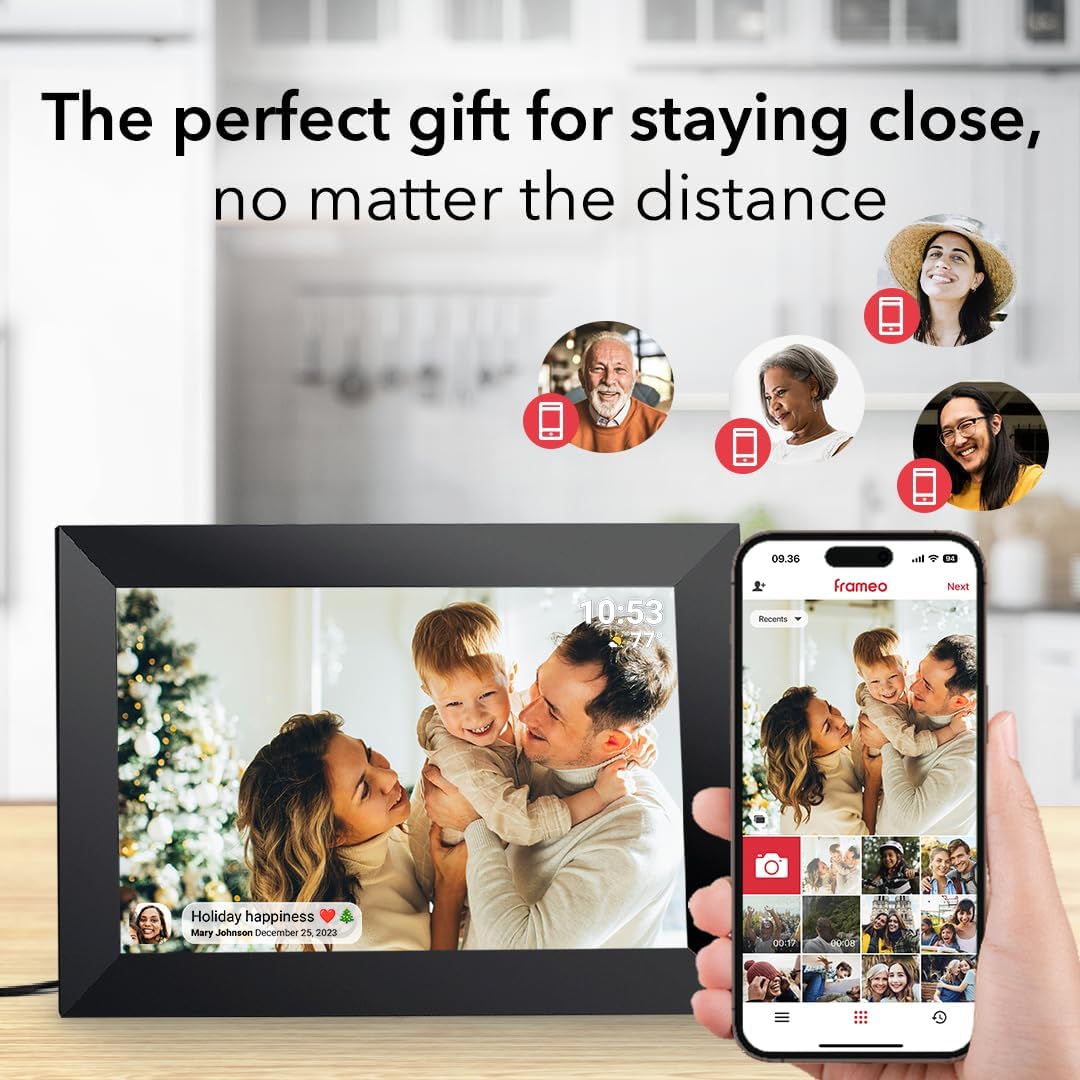
A WiFi digital picture frame like this one is basically a shared “family gallery” you don’t have to update manually. Instead of gathering everyone to send you photos, you can send photos/videos from your phone to the frame using the free Frameo app. On paper, that’s the whole point: quick sharing, less hassle, and fewer “I’ll print it later” moments.
The practical upside is time. You take a quick photo, send it, and the frame can display it without you copying files to a USB drive or waiting for someone to mail prints. For parents, grandparents, or anyone who doesn’t want to mess with apps or file transfers, that matters.
How sharing works in real life
This frame is designed to receive small photo/video uploads through the Frameo app (the listing notes videos are limited to a maximum of 15 seconds). You can send content to the frame from anywhere, and the people you share with can view those moments on the frame within seconds.
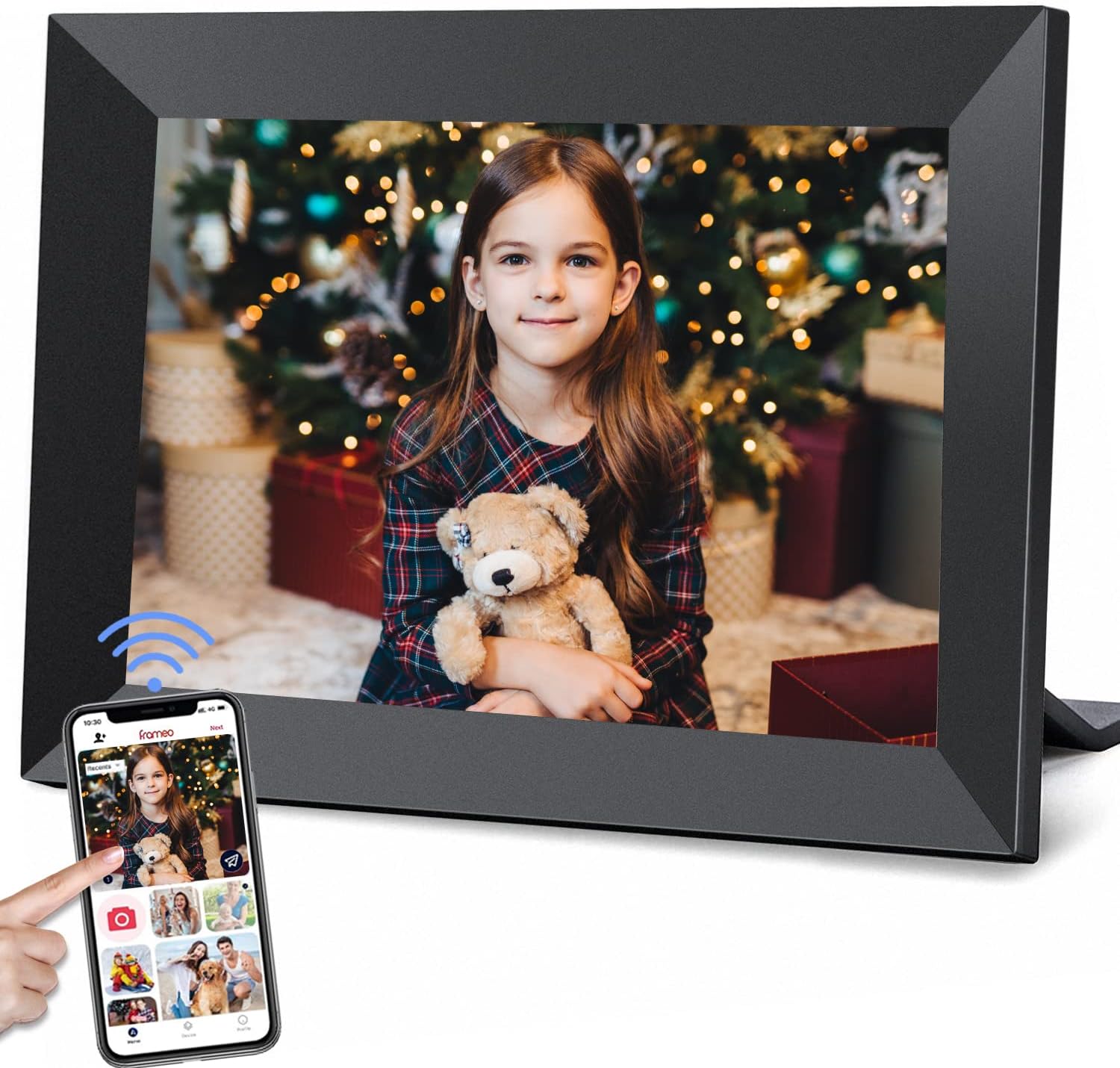
That “anywhere” detail is often what turns a digital frame from a gadget into an actual family habit. Example: imagine you’re at a sports game or a graduation event. You snap a few quick shots, send them right away, and everyone at home sees updates on the wall-mounted frame almost immediately.
One limitation to keep in mind: you’ll rely on the Frameo app workflow, so if your household isn’t comfortable with phone-based sharing, the setup and ongoing use may feel like a chore.
Display experience: IPS touchscreen and wide viewing
The 10.1-inch IPS HD touch screen uses a 1280×800 resolution panel, with a wide 178° viewing angle mentioned in the details. Translation: in a living room, kitchen, or hallway, it’s easier for multiple people to see the screen clearly without constantly adjusting their position.

It also supports capacitive multipoint touch, so navigation is meant to feel responsive. If you’ve ever used touch screens that feel “sticky,” this is the kind of spec that suggests it should behave more like a normal tablet than a laggy kiosk.
Supported media formats listed include JPG/JPEG/BMP/PNG for images and MP4 for video. If your photos are in common formats and your videos are short, you should be in the sweet spot.
Storage, rotation, and memory expansion
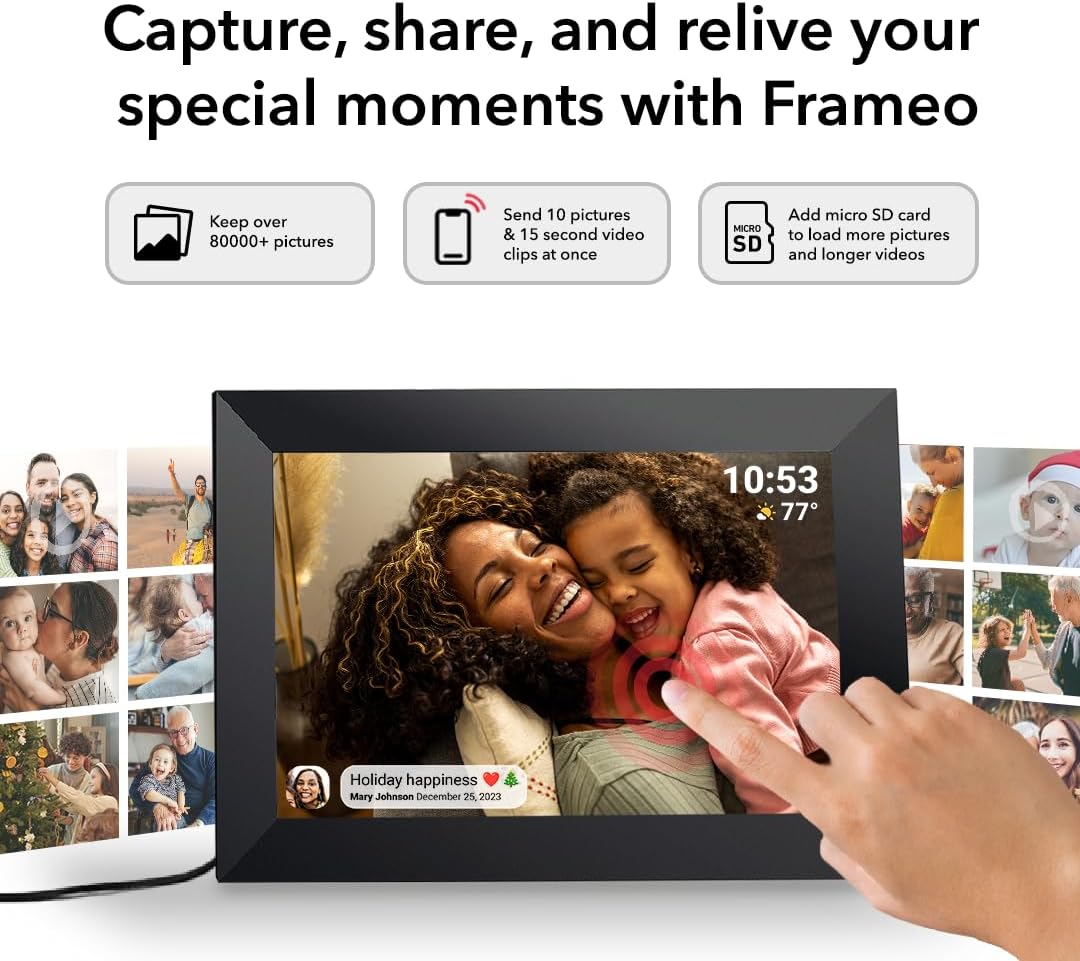
The frame includes built-in storage (the listing says 16GB, with support for micro SD cards expandable up to 32GB). It also notes that the 16GB storage can hold more than 40,000 images, which is a big deal if you plan to keep the frame running as a rotating family album.
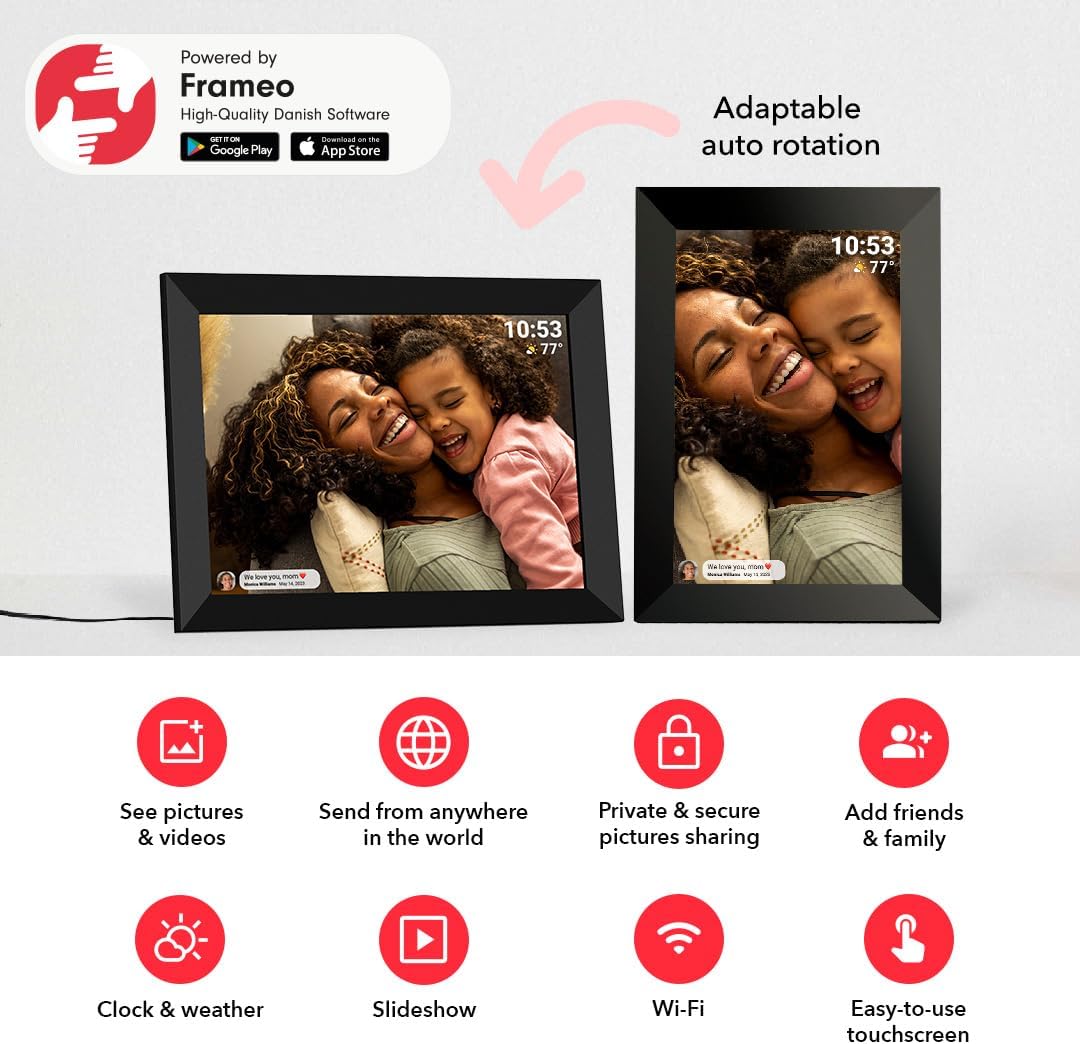
Rotation is another practical feature: it can rotate images automatically to match orientation, so vertical and horizontal photos should display more naturally.
Where it helps most is daily use. A frame that stays stuffed with memories and can manage different orientations tends to look better week after week, rather than forcing you to curate constantly.
Controls and customization you can actually use
Beyond just showing images, the listing mentions multiple customizable options, including playback order, zoom, hiding/posting images, display titles, adjustable brightness, and sleep mode. There’s also a mention that the interface is designed to be easy for all ages.
This kind of “small control” is what separates a frame you toss in a drawer from one that gets used. If you can tweak brightness for day/night and set how photos play, the frame fits the home instead of feeling like an always-on screen you have to ignore.

Tech specs (at a glance)
Tech specs
- Name: Frameo 10.1 Inch WiFi Digital Picture Frame with 32GB Storage (YunQiDeer)
- Type: WiFi digital picture frame
- Display: 10.1-inch IPS HD touch screen
- Resolution: 1280×800
- Viewing angle: up to 178°
- Storage: 16GB built-in
- Expandable storage: micro SD, up to 32GB
- Photo rotation: automatic
- Supported image formats: JPG/JPEG/BMP/PNG
- Supported video format: MP4
Who it’s for, and who should think twice
It makes sense if you want a family-facing frame where multiple people can share moments directly, without manually transferring files. It’s also a strong fit if the frame will live in a shared space where the wide viewing angle and touch controls will actually get used.
It might not suit you as well if you’re expecting a plug-and-play frame that doesn’t involve the Frameo app or smartphone sharing. And if your videos are often longer than 15 seconds, you may find the time limit annoying—this system is built around short clips.
Quick buying checks before you commit
Before buying, it’s worth double-checking your household setup: who will be sending photos, whether you’ll rely on the app for updates, and whether you’re comfortable with the small video limit. Also think about placement—this unit can be mounted on the wall, so confirm the space where it’ll live has a good line of sight for multiple viewers.
Mini FAQ
Can multiple people send photos to the same frame?
The listing says anyone in the family can send photos to the same digital picture frame. That’s one of its key selling points.
Does it support both photos and videos?
Yes. The frame supports image formats (JPG/JPEG/BMP/PNG) and MP4 videos, with videos noted as being max 15 seconds.
Is the touch screen necessary, or is it mostly for navigation?
The touchscreen is mentioned as capacitive multipoint for sensitive control, and it also supports on-device browsing/management. In practice, it’s helpful if you want to adjust settings like brightness or playback order.
How does it handle portrait photos?
It’s designed to rotate photos automatically, so portrait and landscape images should display in the right direction.
When it makes sense
If your main goal is effortless family photo sharing—sending from a phone so the frame updates quickly—this Frameo 10.1-inch WiFi digital picture frame is built around that exact behavior. The IPS touchscreen with wide viewing angle, auto-rotation, and expandable storage make it more than just a slideshow screen.
Should you buy it? Do it if you want a shared, wall-ready digital album that family members can feed with new moments. Consider skipping it if you prefer manual file transfers, don’t plan to use the Frameo app, or you expect to send frequent long videos that won’t fit the short clip limit.