

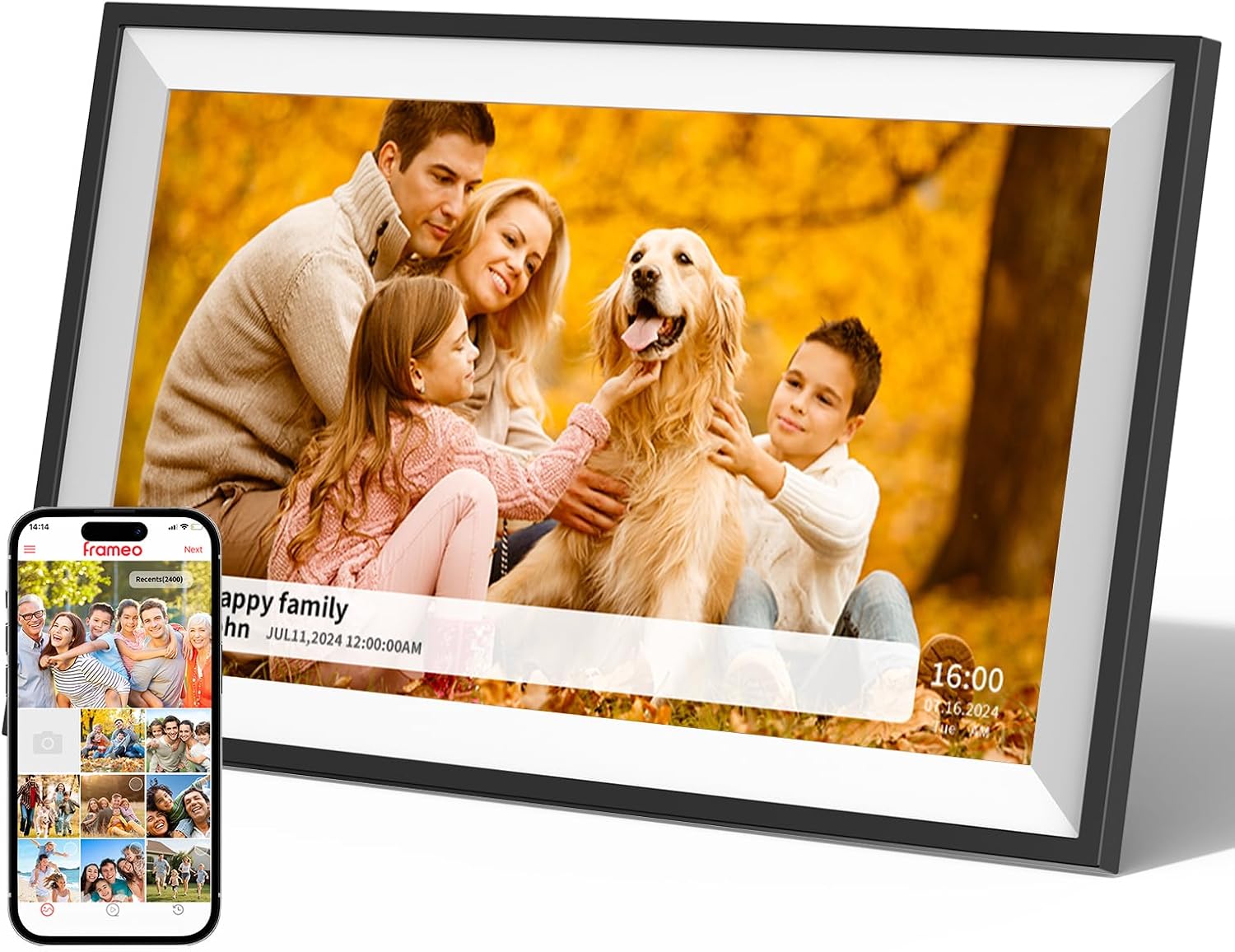
Frameo 10.1-Inch Digital Photo Frame (1280x800 IPS Touch Screen, 16GB Wi‑Fi, Auto‑Rotate, SD Support)
Reviews
Price
Product description
What it is and why people buy it
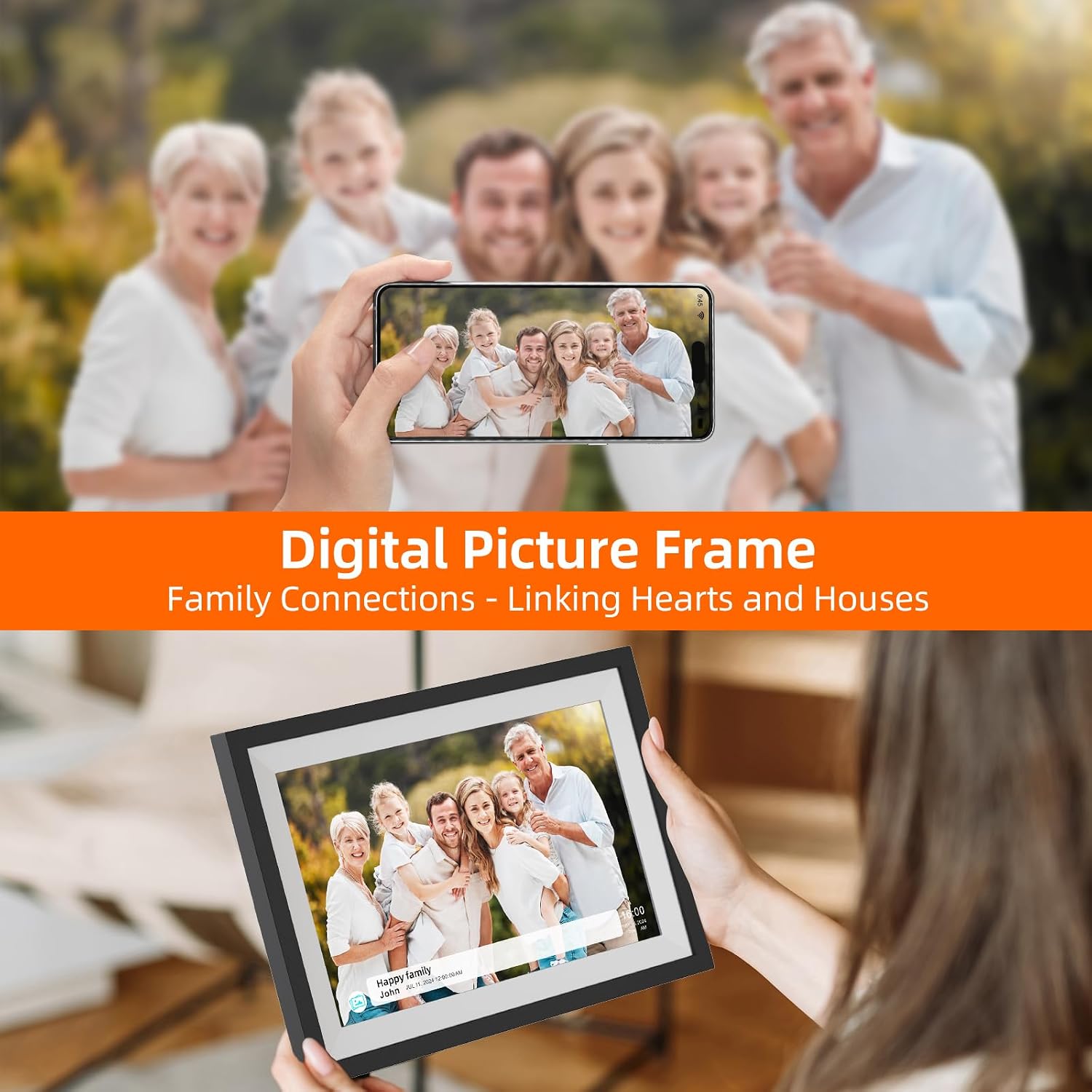
This 10.1-inch digital photo frame from Frameo is built for one job: keeping photos (and short clips) moving, without needing to constantly swap USB sticks or email everyone a giant thread. The standout idea is that the frame can connect over Wi‑Fi and receive photos you send through the Frameo app—so family members can see moments from anywhere.
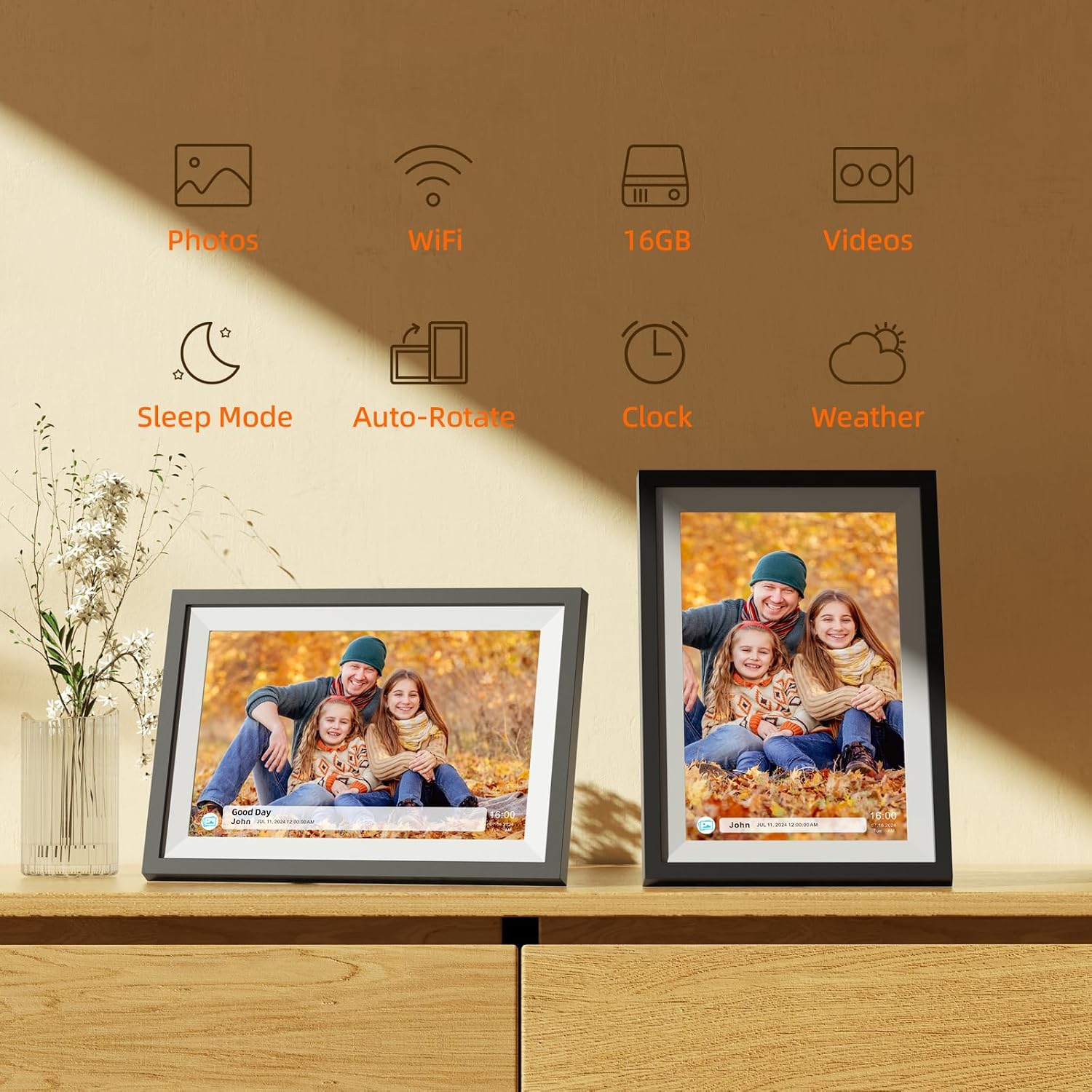
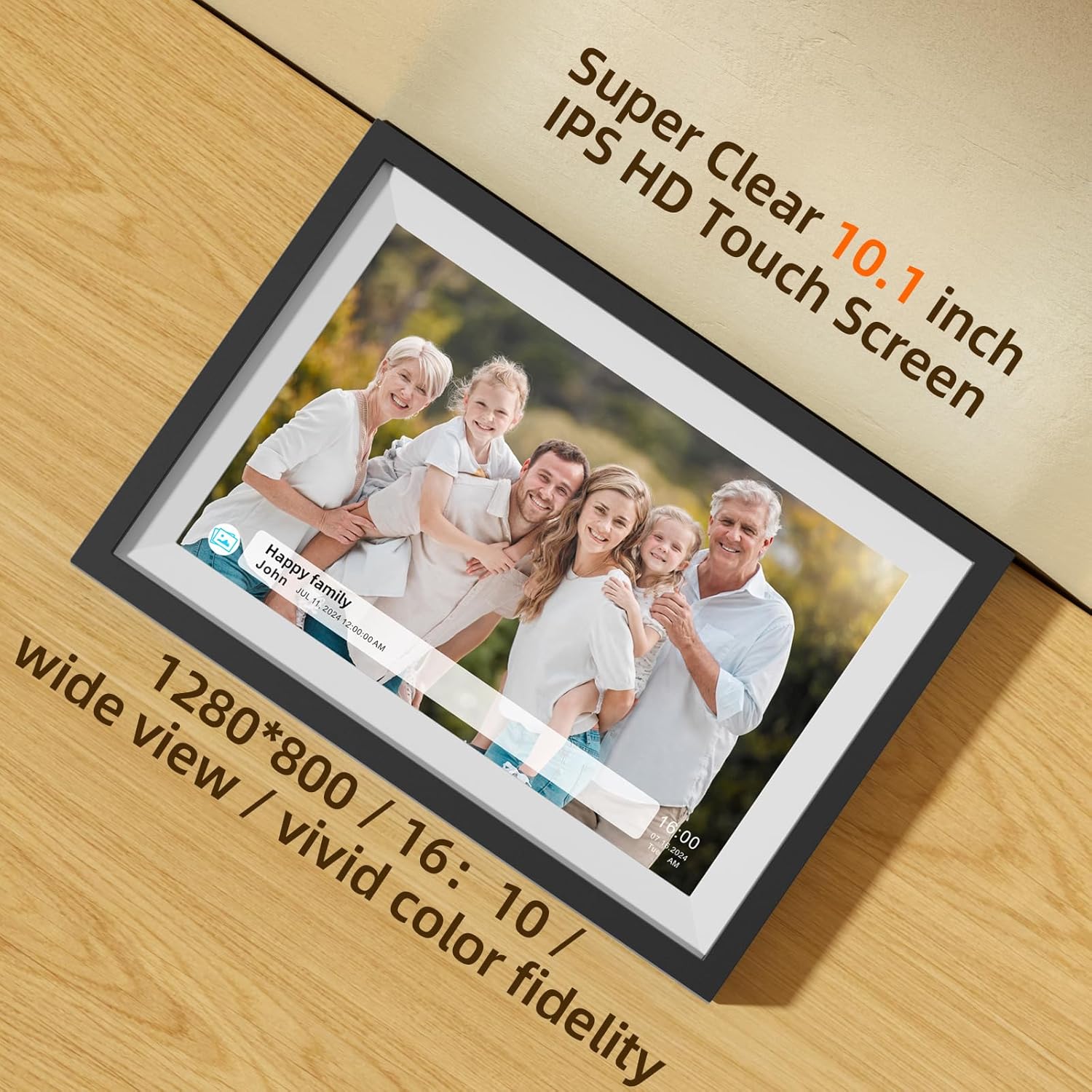
On top of that “remote sharing” concept, you get an IPS LCD touch screen with 1280x800 resolution, plus auto-rotate. So, whether you mount it horizontally or vertically, the display is intended to stay usable and readable.
Key features that matter day to day
The things you’ll likely notice quickly are the basics: screen usability, storage, and the sharing flow.
Sharing moments instantly via the Frameo app
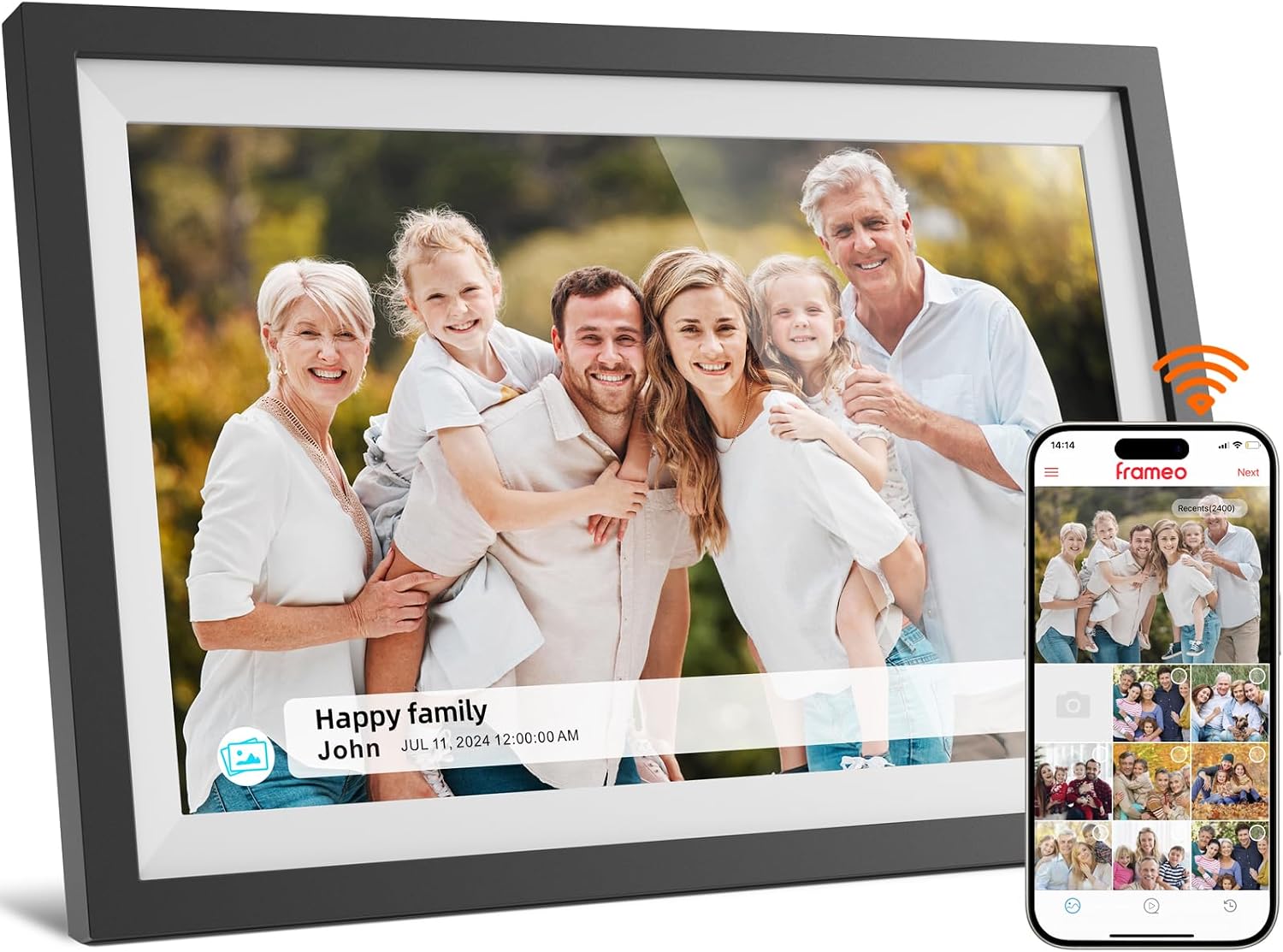
Frameo’s app-based sending is the main hook here. The brand says you can share photos to your family and friends through the frame, and you can also send videos up to 15 seconds. In practical terms, that means you can take a quick photo on your phone and have it land on the frame at your parents’ home without walking over with a memory card.
A responsive 10.1-inch touch display
The frame uses a 10.1-inch IPS touch screen with a 1280x800 resolution. IPS is typically chosen for viewing angles, and the “touch screen” angle helps when you want to change what’s on display (at least on the device side).
Auto-rotate and orientation flexibility
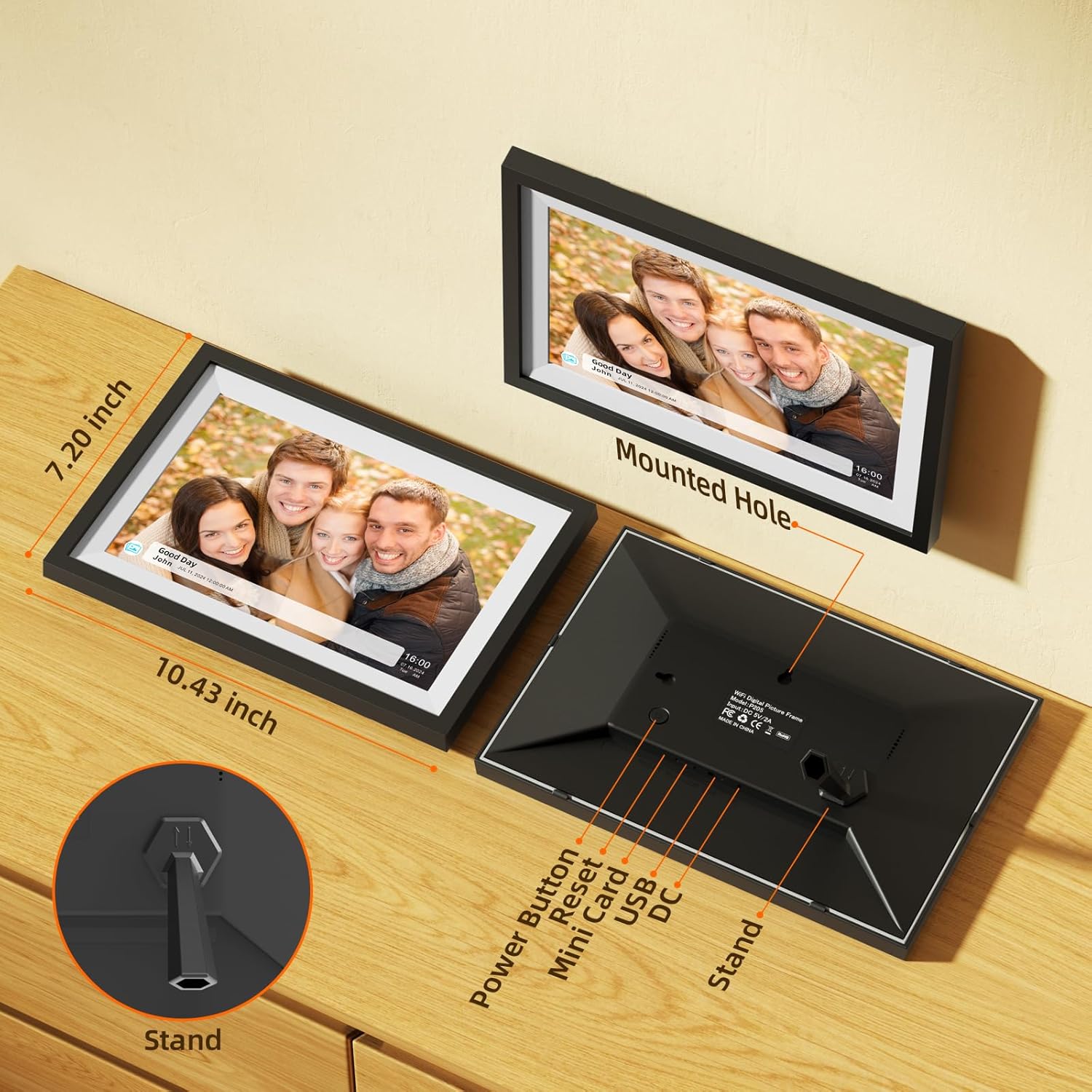
If you’ve ever set a photo frame up only to find it awkwardly sideways, auto-rotate helps reduce that headache. The frame can also be positioned horizontally or vertically, so you’re not locked into one arrangement.
Storage that can handle daily use
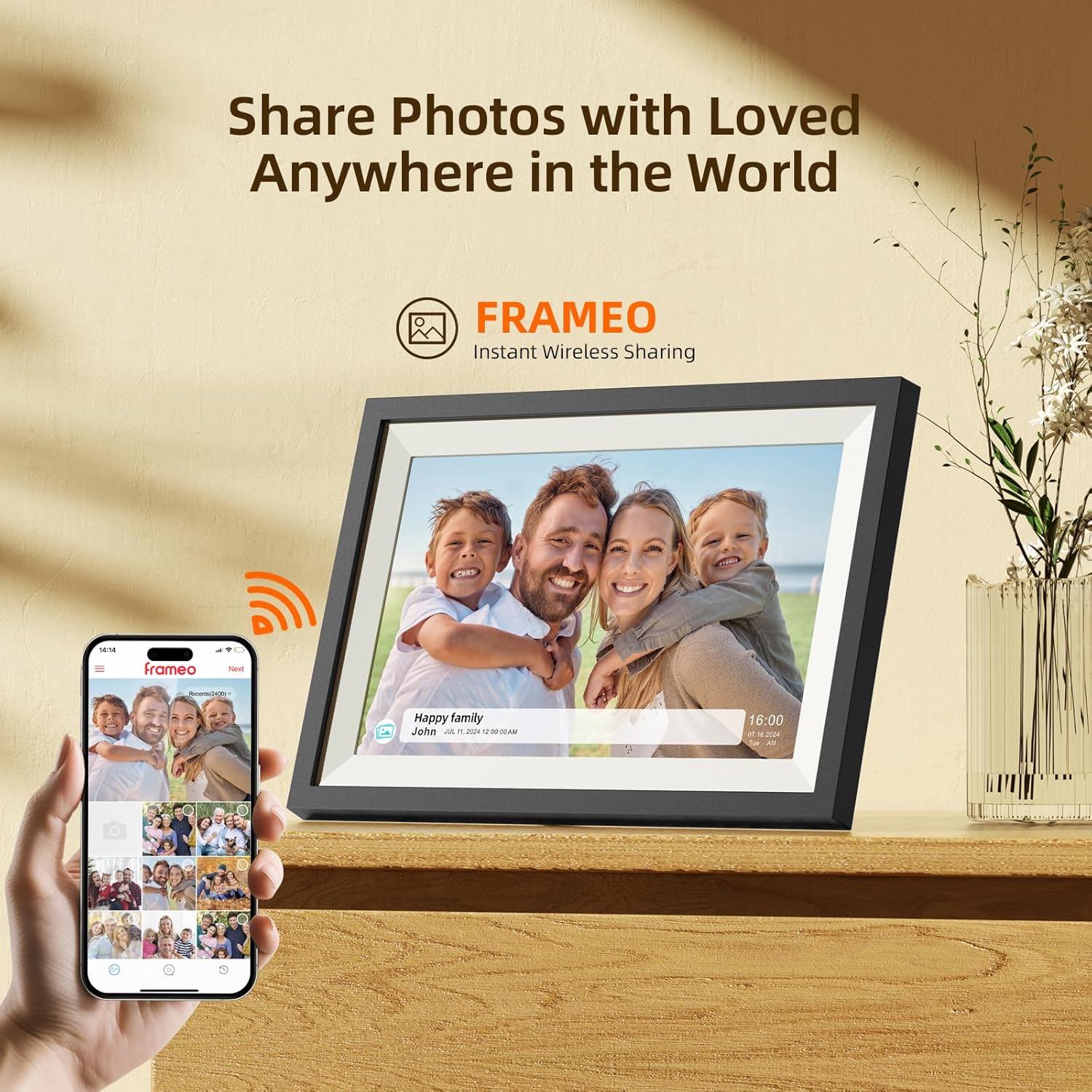
There’s 16GB of built-in storage, plus support for microSD cards up to 32GB. The listing estimates storage for about 4,000 photos at 3MB each. That’s the kind of capacity that can cover everyday snapshots without immediately worrying about constantly managing uploads.
Tech specs (the ones you should actually look at)
- Name: Frameo Digital Photo Frame
- Type: Digital photo frame
- Display: 10.1-inch IPS LCD touch screen
- Resolution: 1280x800
- Storage: 16GB internal
- Expandable storage: Supports microSD cards up to 32GB
- Rotation/orientation: Auto-rotate, supports horizontal or vertical placement
- Wi‑Fi sharing: Yes (via Frameo app)
- Video sharing limit: Videos up to 15 seconds
What stands out—and where it can feel limited
This frame is strongest when your goal is connection, not just storage. If you have relatives who don’t want tech chores, remote sharing via an app can be a very low-effort way to keep the frame fresh.
That said, there are a couple of real-world limits to keep in mind:
- Video is short by design. If you were hoping to send longer clips, the “up to 15 seconds” cap may feel restrictive.
- You’re relying on Wi‑Fi and the app workflow. It’s convenient, but it also means the experience depends on setup and ongoing connectivity. If someone isn’t comfortable with Wi‑Fi-based devices or you don’t want app-based sending, this may not fit your routine.
Who it’s for (and who should skip it)
It makes sense if you want a gift or home setup that stays updated without physical photo swapping. It’s also a solid match for people who like the idea of giving grandparents, partners, or friends a “living photo wall” that you can update from your phone.
It may not suit you if you only want a basic photo display and don’t care about app-based sending. In that scenario, you might be better off with a simpler frame approach, since the core value here is the remote sharing experience.
Getting the most from it
A good way to think about it: treat the frame like a shared album that happens to be on someone’s countertop.
For example, if you’re traveling, you can send a photo from dinner the same day and have it appear on the frame later—no need to wait until you’re back. If you’re sending greetings, the 15-second video limit also works for quick announcements or short wishes.
Also, because it supports horizontal and vertical placement with auto-rotate, you’ll want to plan where it sits first (desk, shelf, nightstand) so the orientation looks natural.
Care & setup expectations (what to check before buying)
The listing emphasizes easy setup and compatibility with downloads on both Android and iOS devices. Before you commit, it’s worth considering the following:
- Wi‑Fi availability where the frame will live.
- Whether your household is ready for touch navigation on the screen.
- How you plan to share (mostly photos, occasional short videos, or more frequent updates).
And one more practical note: the success of remote sharing depends on the app flow, so it’s smart to confirm the setup steps align with who will manage the frame.
Is it worth it?
If you want an always-updated digital photo frame with a straightforward “send it from your phone” idea, this Frameo 10.1-inch model is a strong contender on paper. The combination of Wi‑Fi app sharing, a touch IPS screen, auto-rotate, and 16GB expandable storage is aimed at reducing the hassle of keeping memories current.
It’s not the best choice if you mainly want a simple, offline display with no app-based sending—or if the 15-second video limit doesn’t match how you plan to share.
Mini FAQ
Does it support sending photos from anywhere?
Yes. The listing says you can use the Frameo app to send photos to the digital frame over Wi‑Fi from anywhere.
Can it play videos?
You can send videos, but the listing specifies videos up to 15 seconds.
How much storage does it have?
It includes 16GB of internal storage and supports microSD cards up to 32GB.
Is the screen touch?
Yes, the frame uses a 10.1-inch IPS LCD touch screen.
Can it be mounted both ways?
The frame can be positioned horizontally or vertically, and it includes auto-rotate.