

VSDINSIDE Macro Pad 10-key ⌨
Reviews
Price
Product description
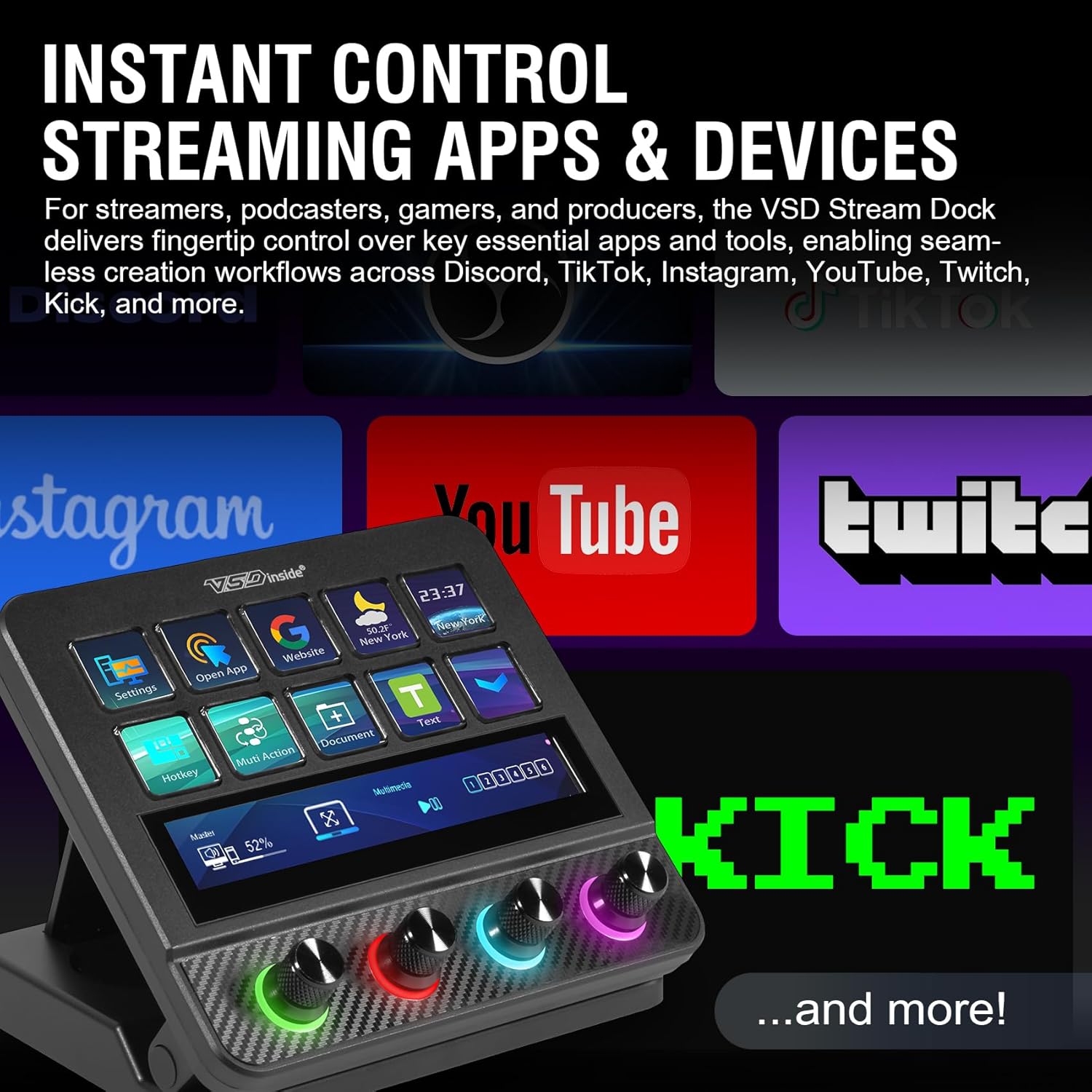
This compact macro pad brings fast, one-touch control to streams, gaming and creative workflows. The streaming deck controller is built for quick scene switches and macro execution, helping streamers and creators save time and keep focus. It connects via USB and draws power from your computer for plug and play convenience. Streamlined operation and visual feedback make it useful for live shows, video editing and office shortcuts.
Key features
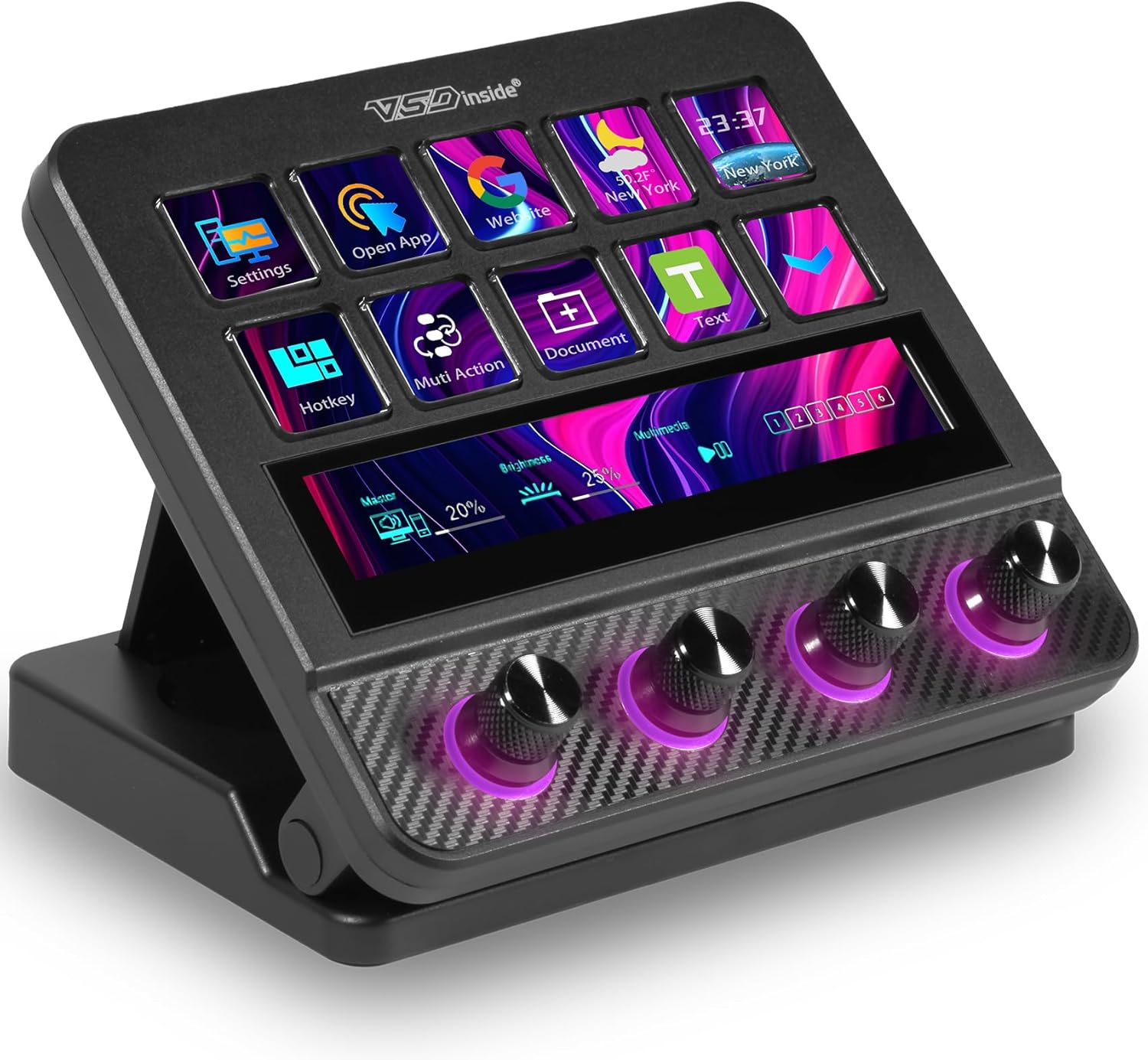
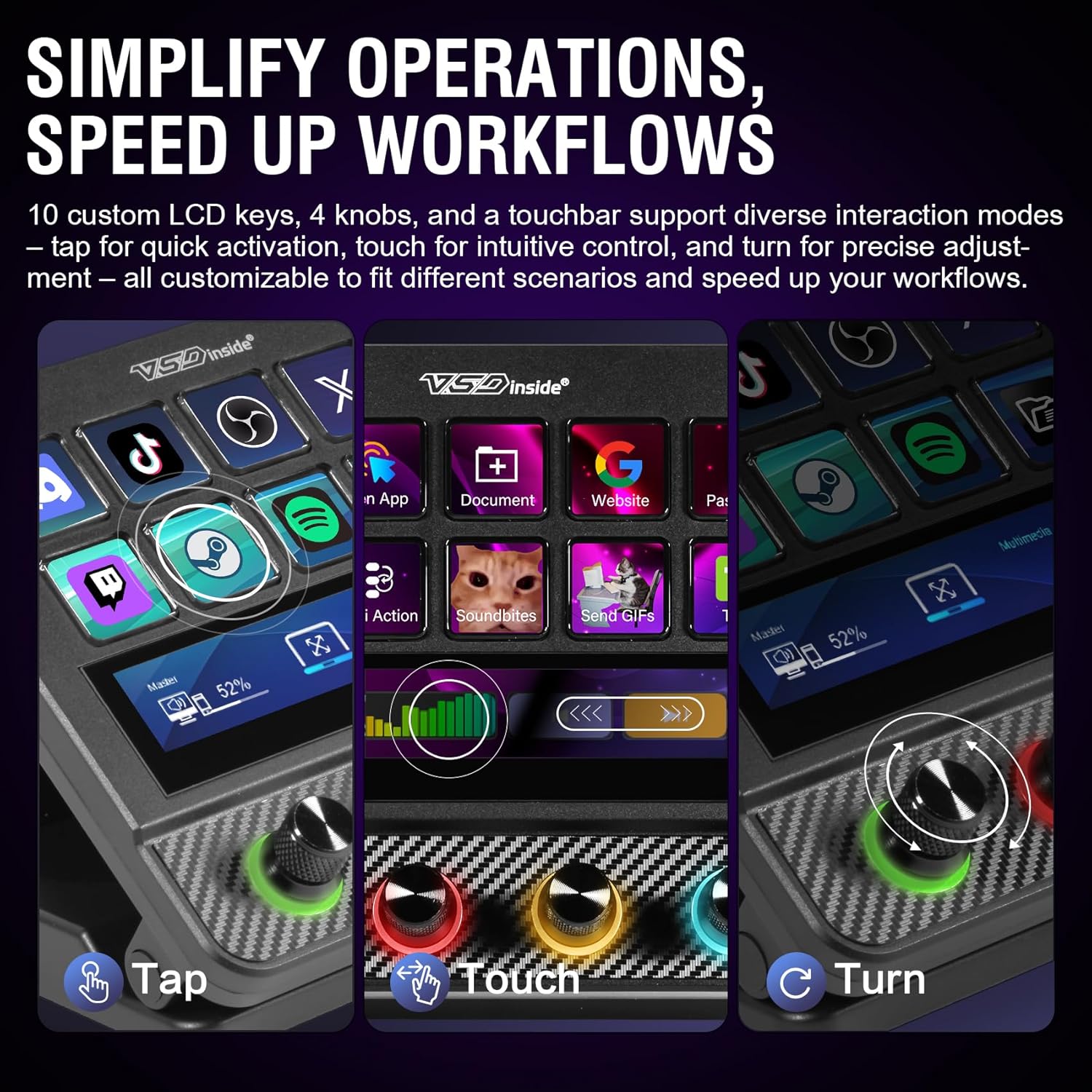
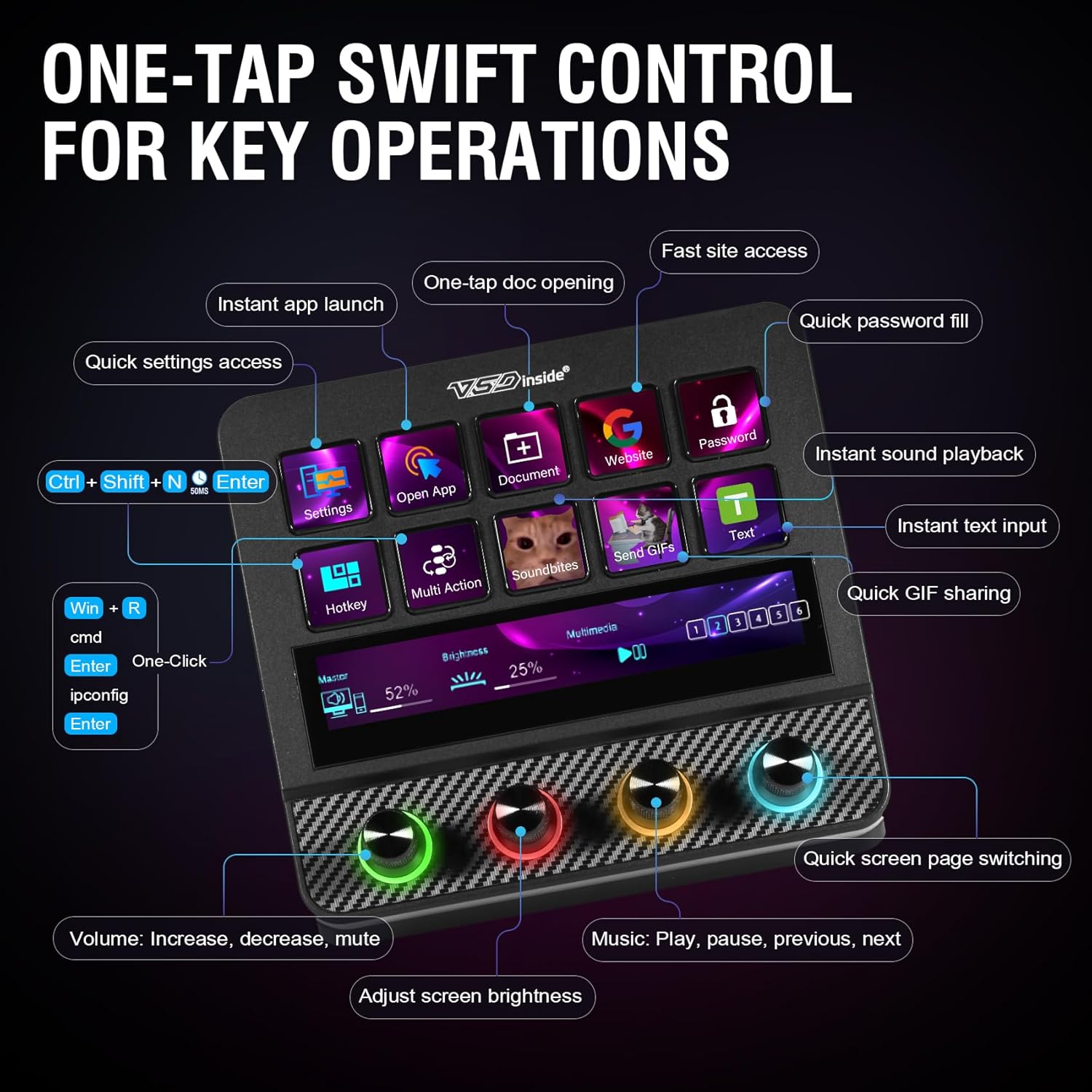
The device includes 10 customizable LCD keys that you can assign to launch apps, trigger macros or switch scenes in OBS. Each key accepts JPG PNG or GIF images so you can set clear icons or small animations for instant recognition. There are four tactile knobs around the panel for volume control, effects tweaking or fine adjustments while you work, and a responsive touch screen adds another layer of control for menus or quick toggles. An RGB ring around the knobs offers color cycles and custom palettes to match your desk setup 🎨.
Technical details
- Name: VSDINSIDE Macro Pad
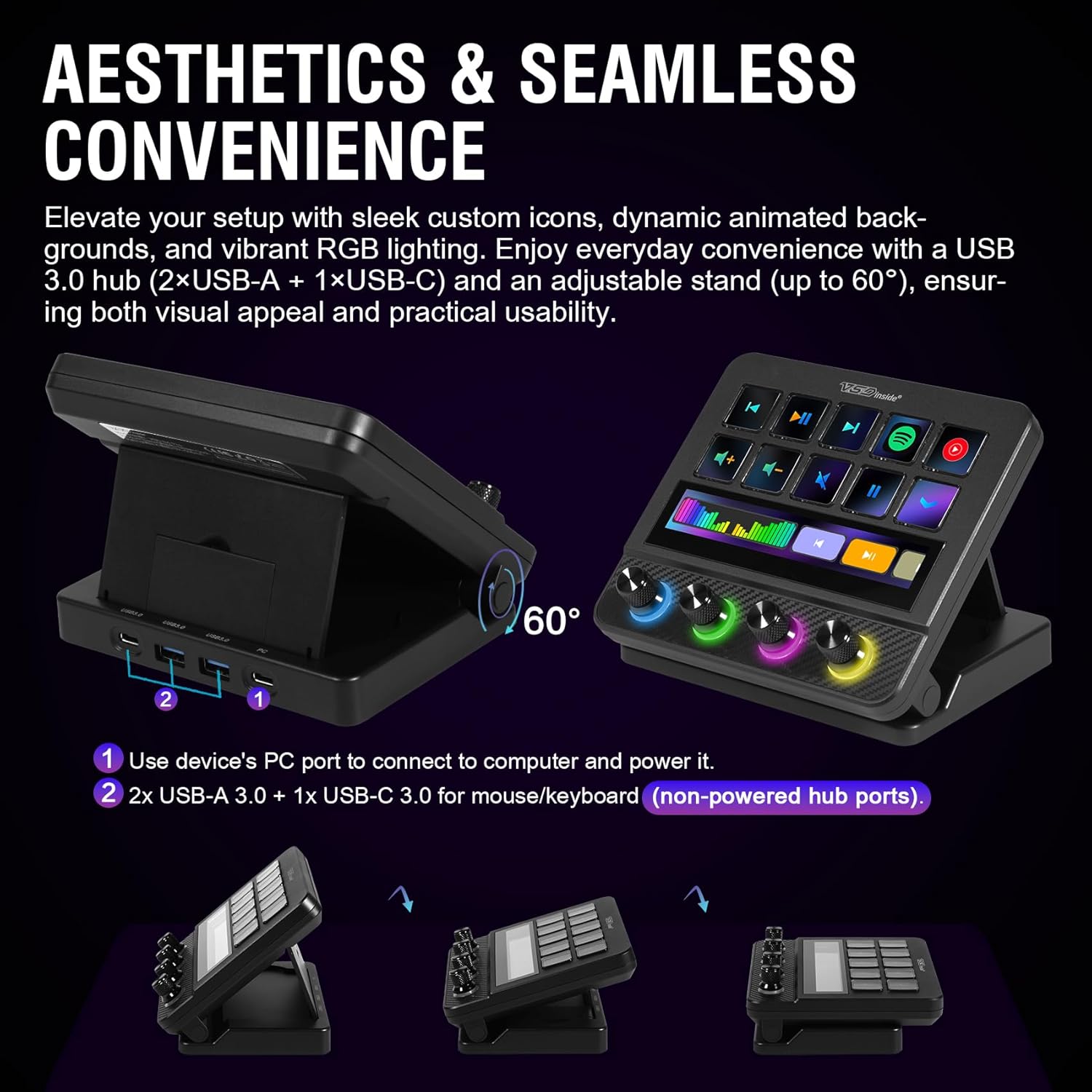
- Interface: USB powered by host computer
- Compatibility: Windows 11 and above, macOS 11.0 and above
- Controls: 10 LCD keys: display images, 4 knobs, touch screen
- Power: No battery, powered via USB
Usage tips
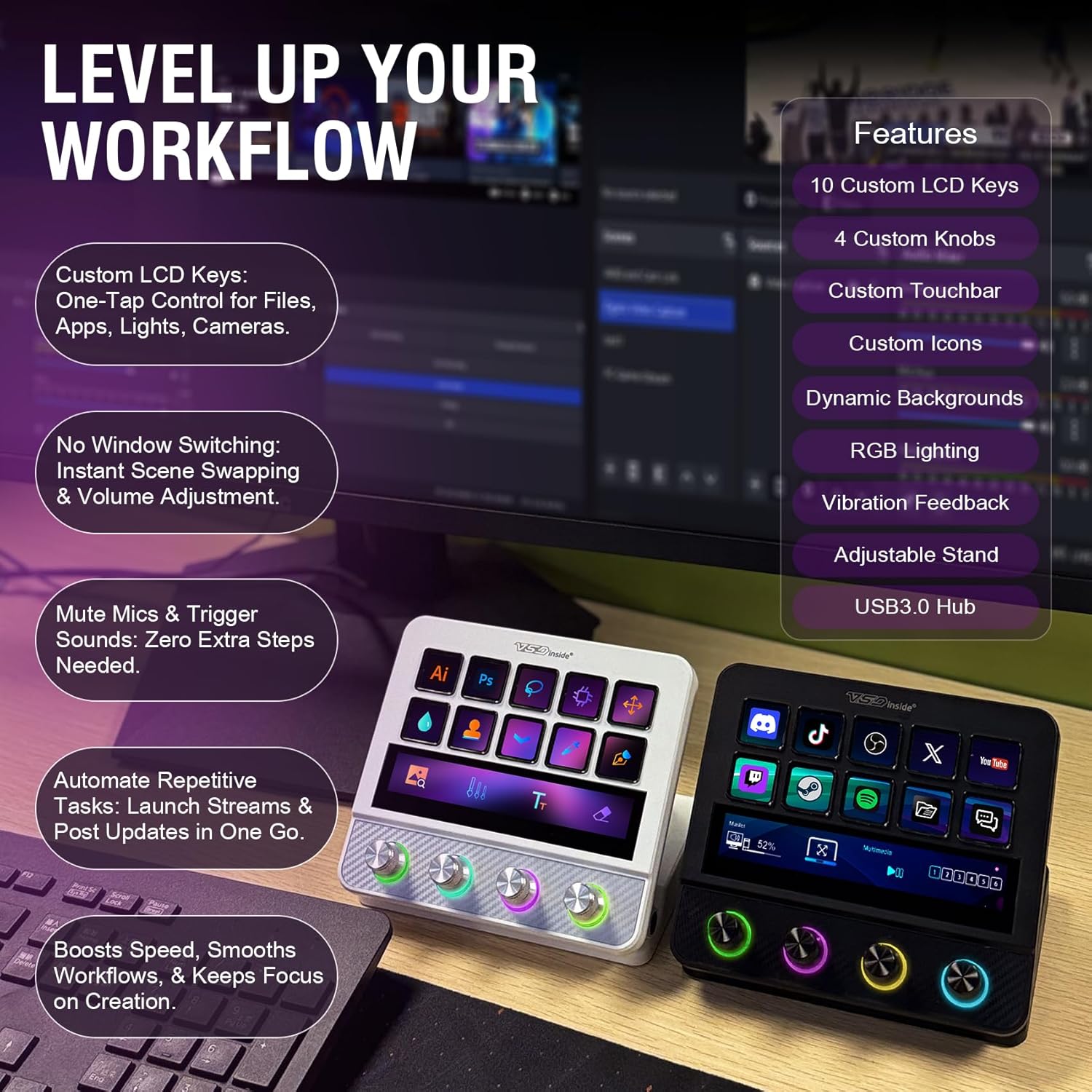
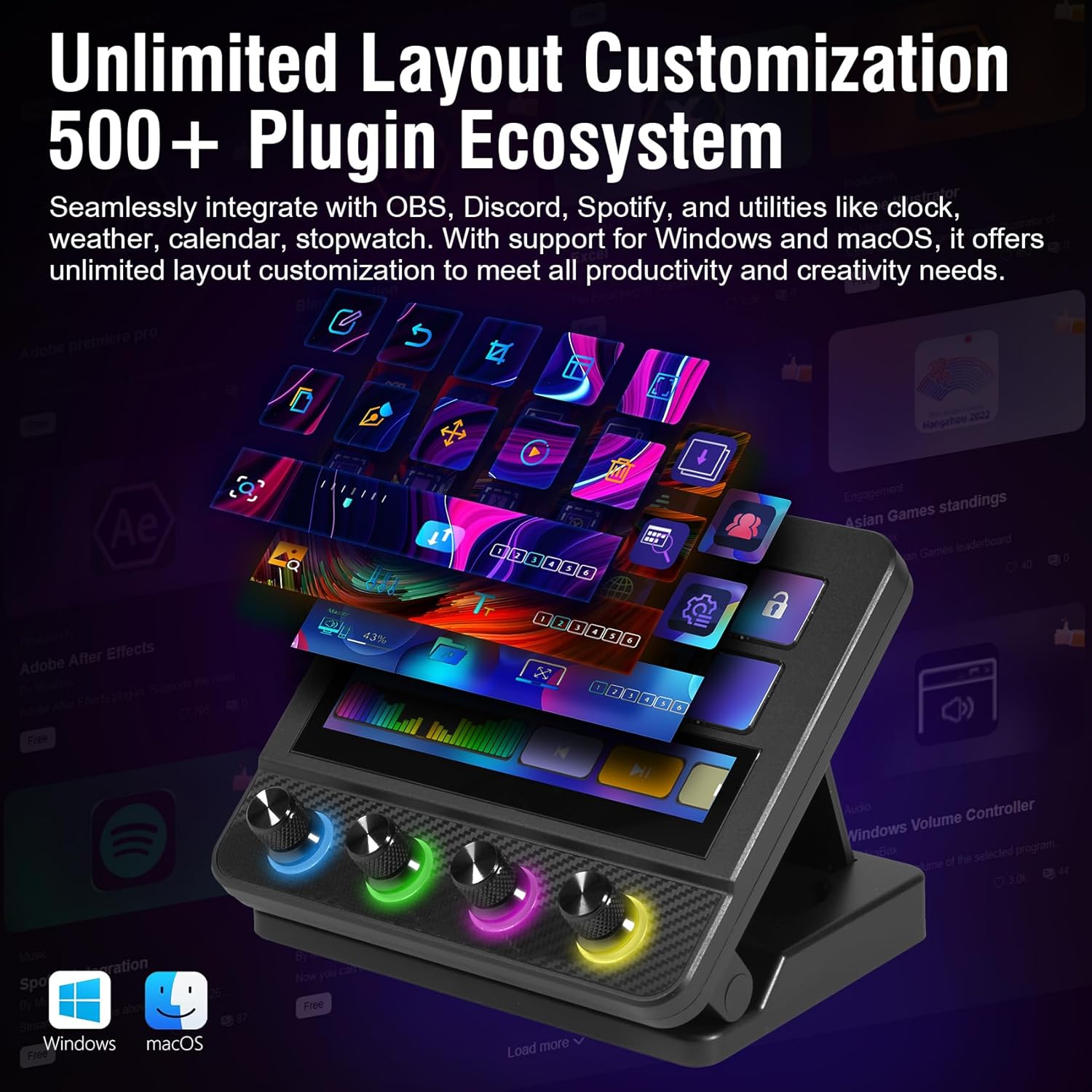
Organize keys by function to reduce mistakes during live sessions. Use images or animated GIFs on the LCD keys to identify complex sequences at a glance. Assign volume or filter adjustments to a knob and map scene changes to single keys for faster transitions. For multitasking, program chained macros to run operations in a specific order and free up mental bandwidth while you produce. Try a consistent color code on the RGB ring to signal live or recording status, and keep frequently used shortcuts close to your dominant hand for comfort.
Why it’s worth it
For creators who value speed and visual feedback the VSDINSIDE Macro Pad offers a focused control surface that blends tactile knobs with programmable displays. The lack of battery means uninterrupted sessions while the USB power keeps setup simple. Keep in mind that advanced customization requires time to configure profiles and images according to your workflow, and some features depend on software compatibility with OBS or other apps. Overall it enhances precision and reduces repetitive key presses for streaming gaming editing and daily productivity tasks. 🎯