

FORC Digital Family Calendar, 10.1-inch
Product description
When family plans are scattered across calendars, notes, and grocery lists, it is easy to miss what is coming up. The FORC digital family calendar brings shared scheduling and everyday household planning onto one screen.
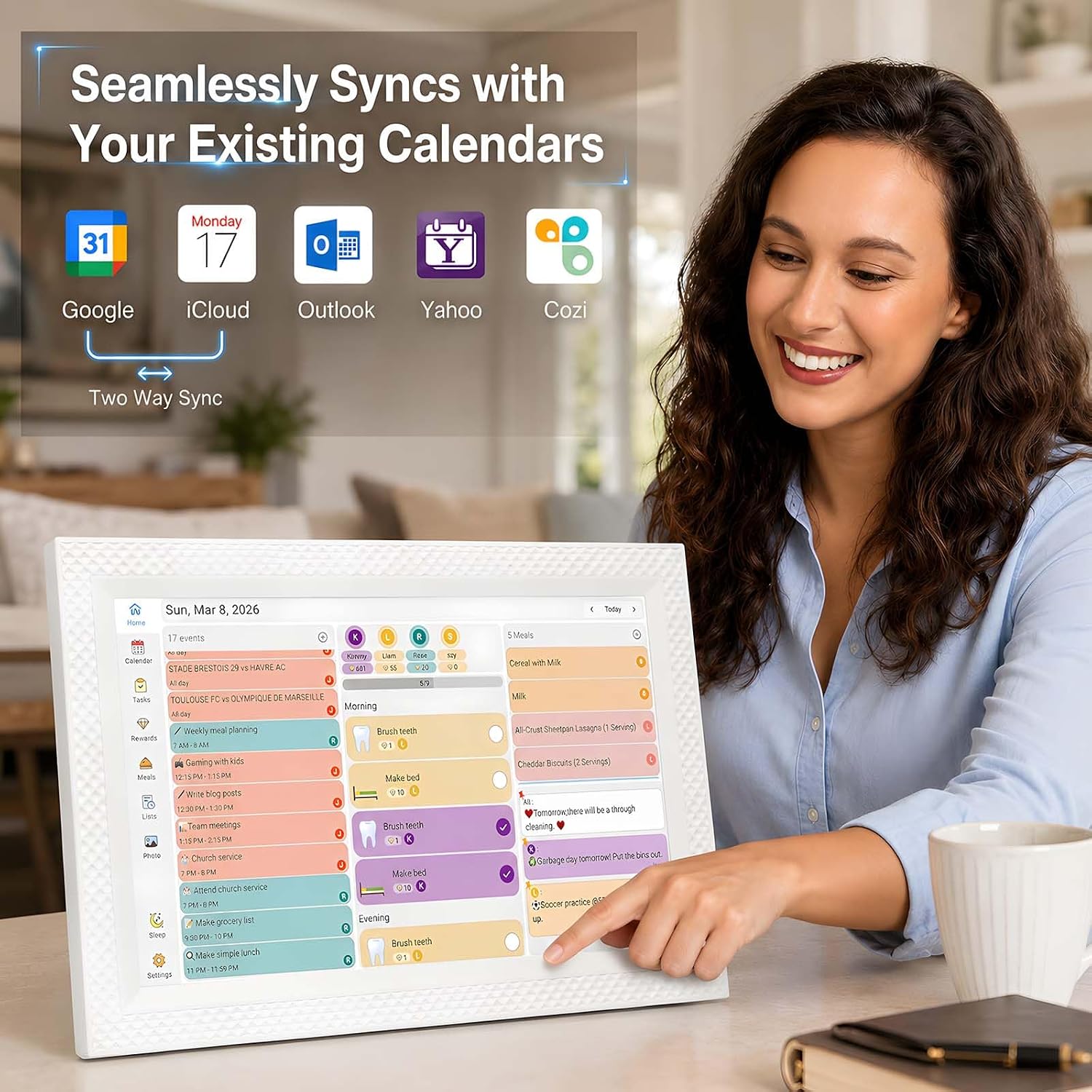
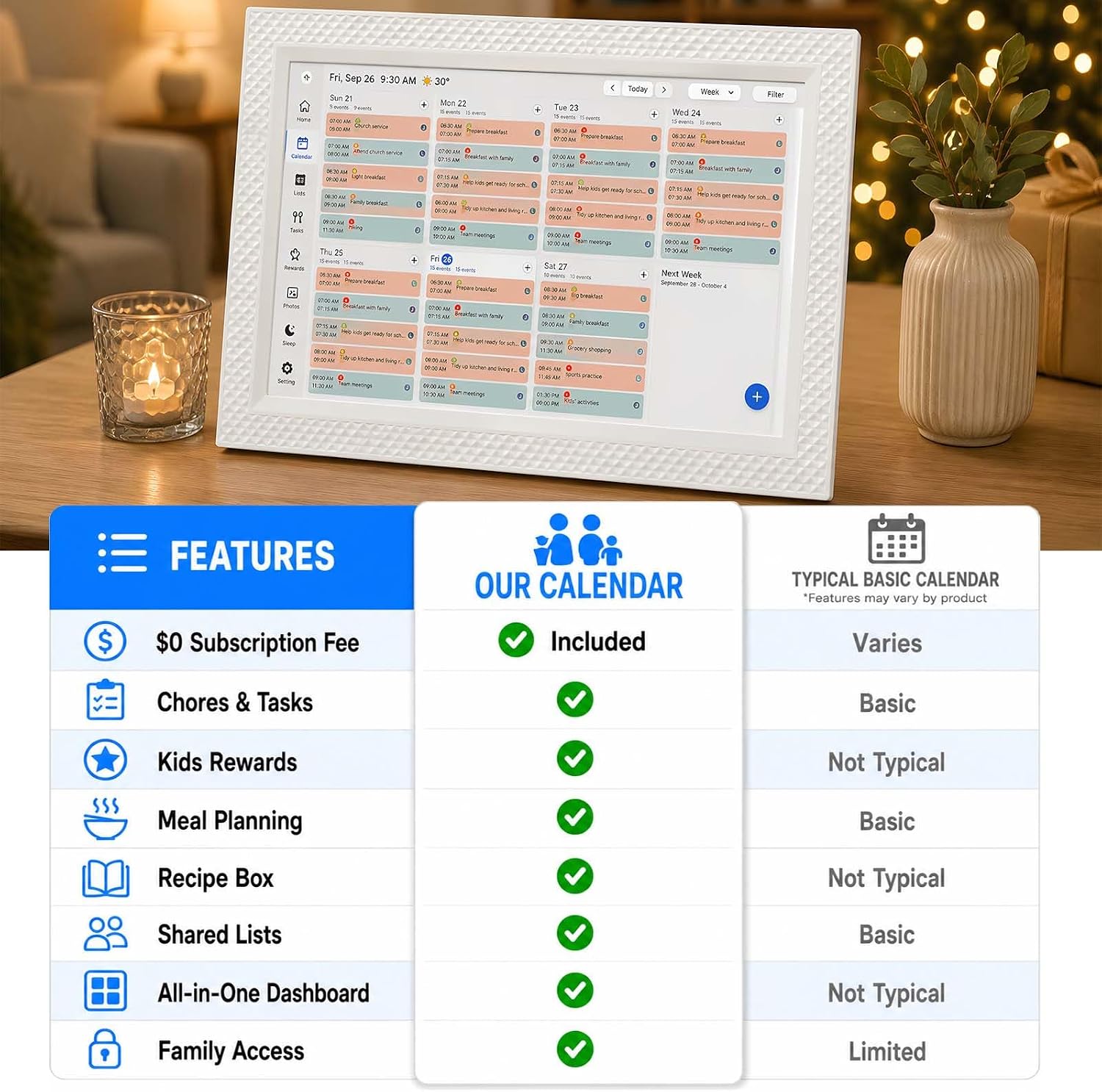
Its 10.1-inch touchscreen connects with supported Google Calendar, iCloud, and Outlook accounts, so appointments and reminders can appear in a shared view.
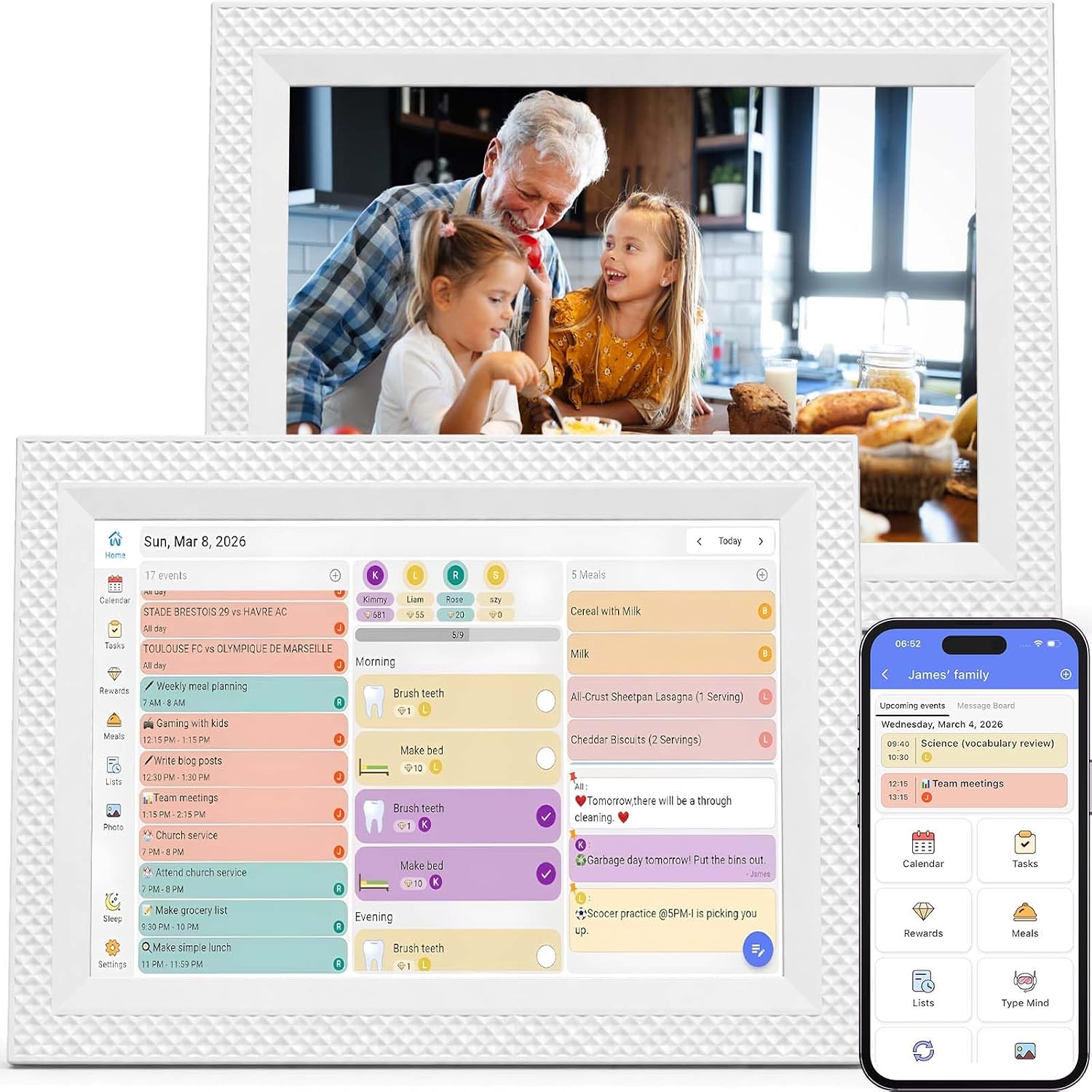
It also handles chores, meal planning, lists, and family photos. The core features are available without a recurring subscription, according to the product details.
Key points
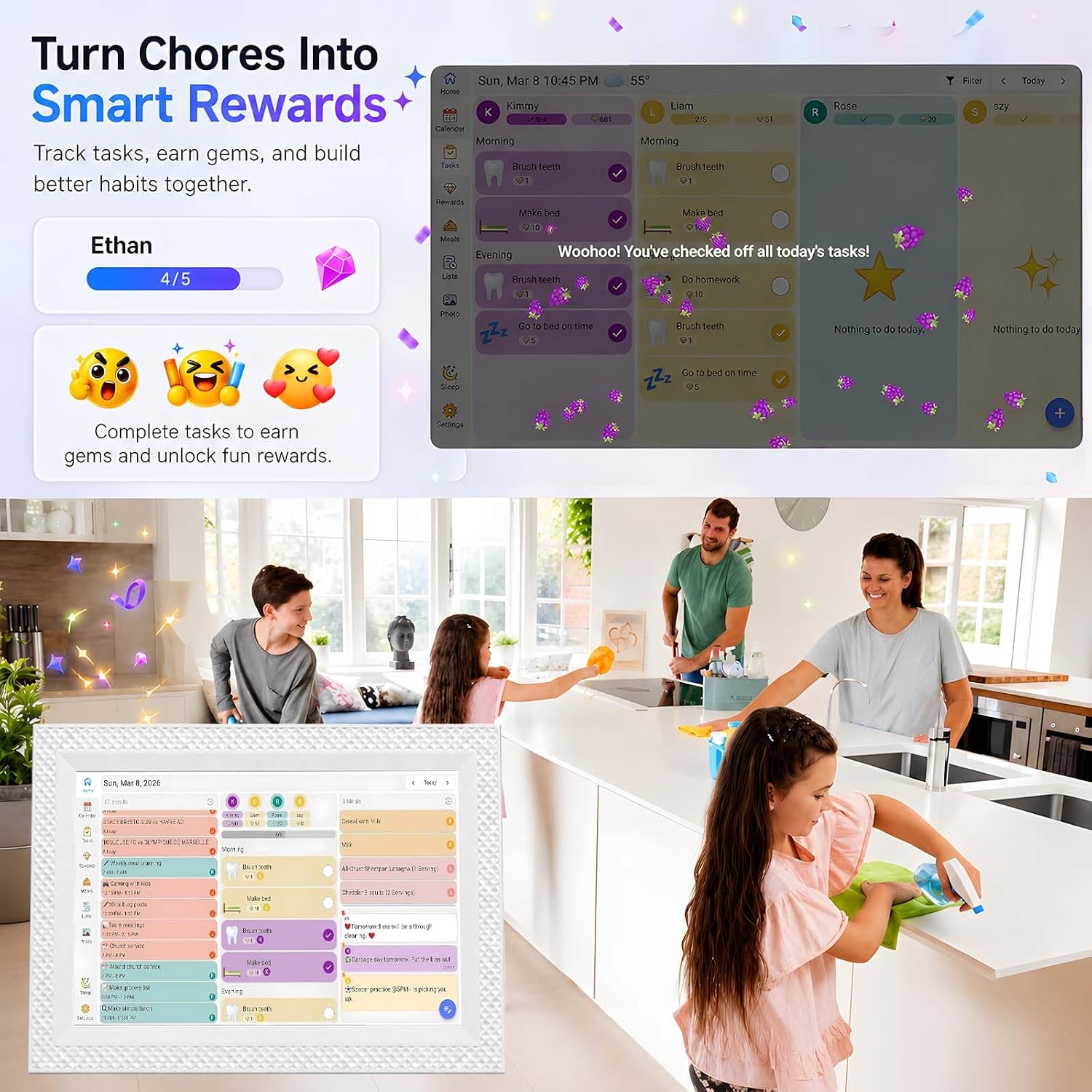
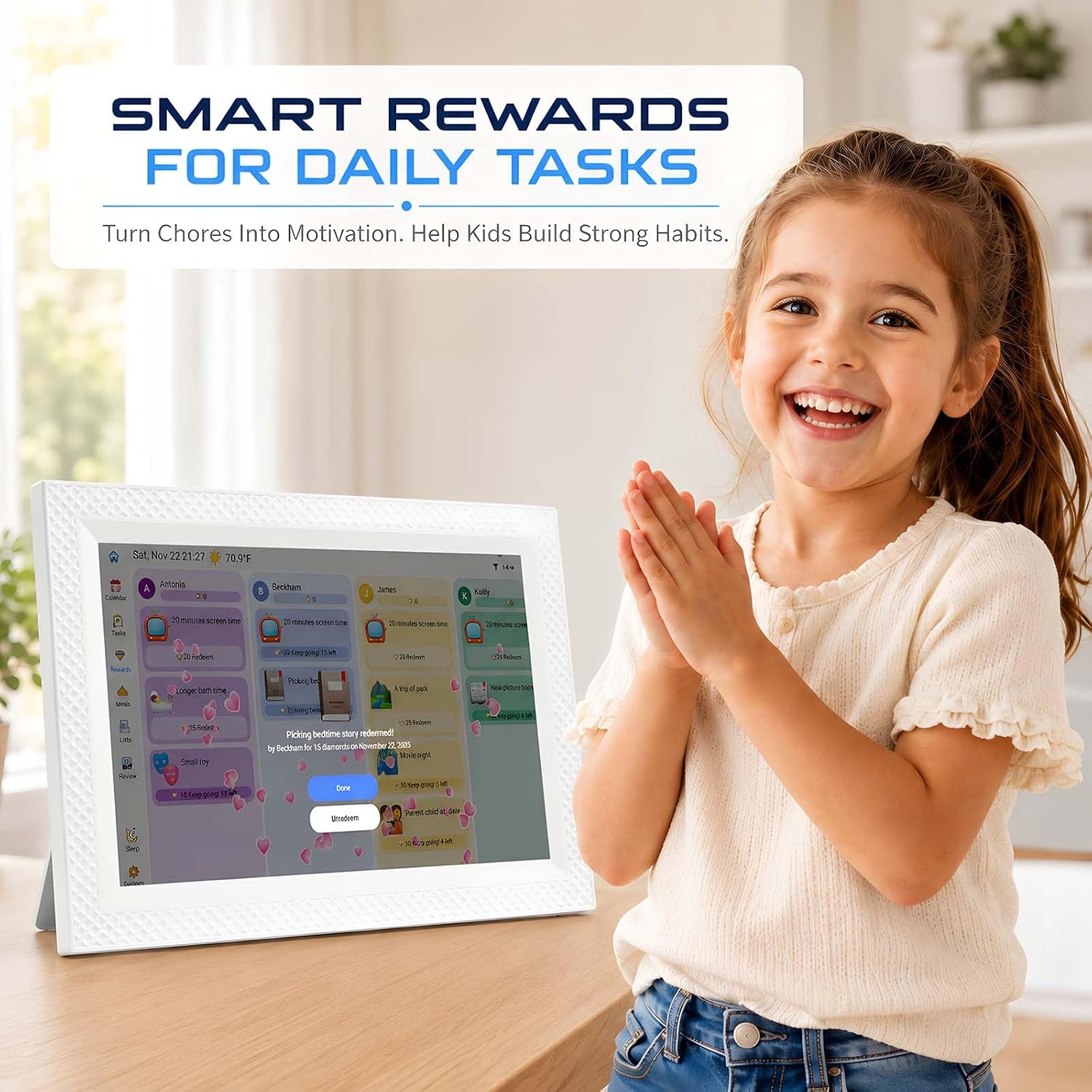
The main appeal is having several household routines together rather than relying on a calendar alone. Daily, weekly, and monthly views help family members scan upcoming plans, while assigned chores can be marked complete and tied to custom rewards. That reward system may help make recurring tasks more visible to kids, though it still depends on family members checking and using the screen.
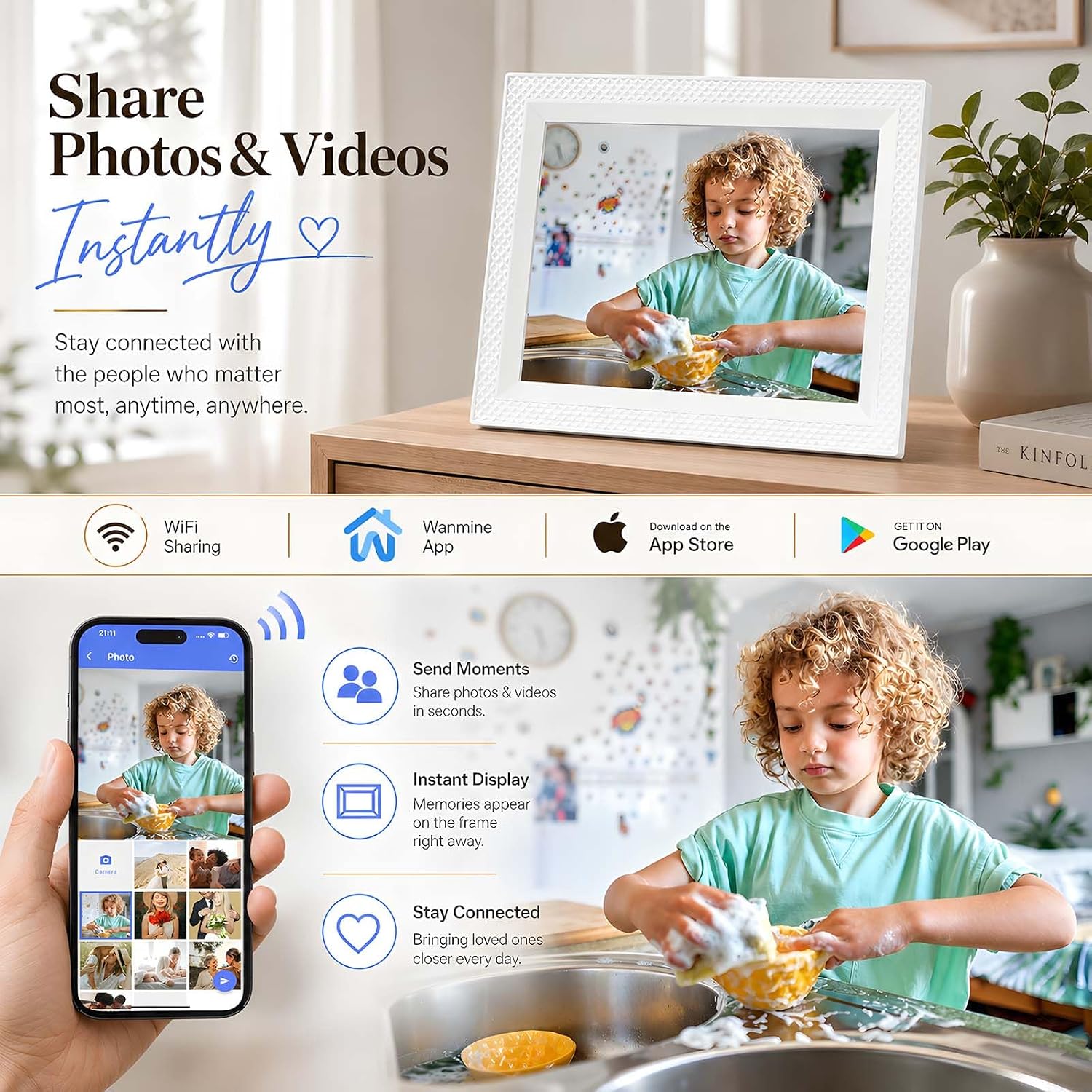
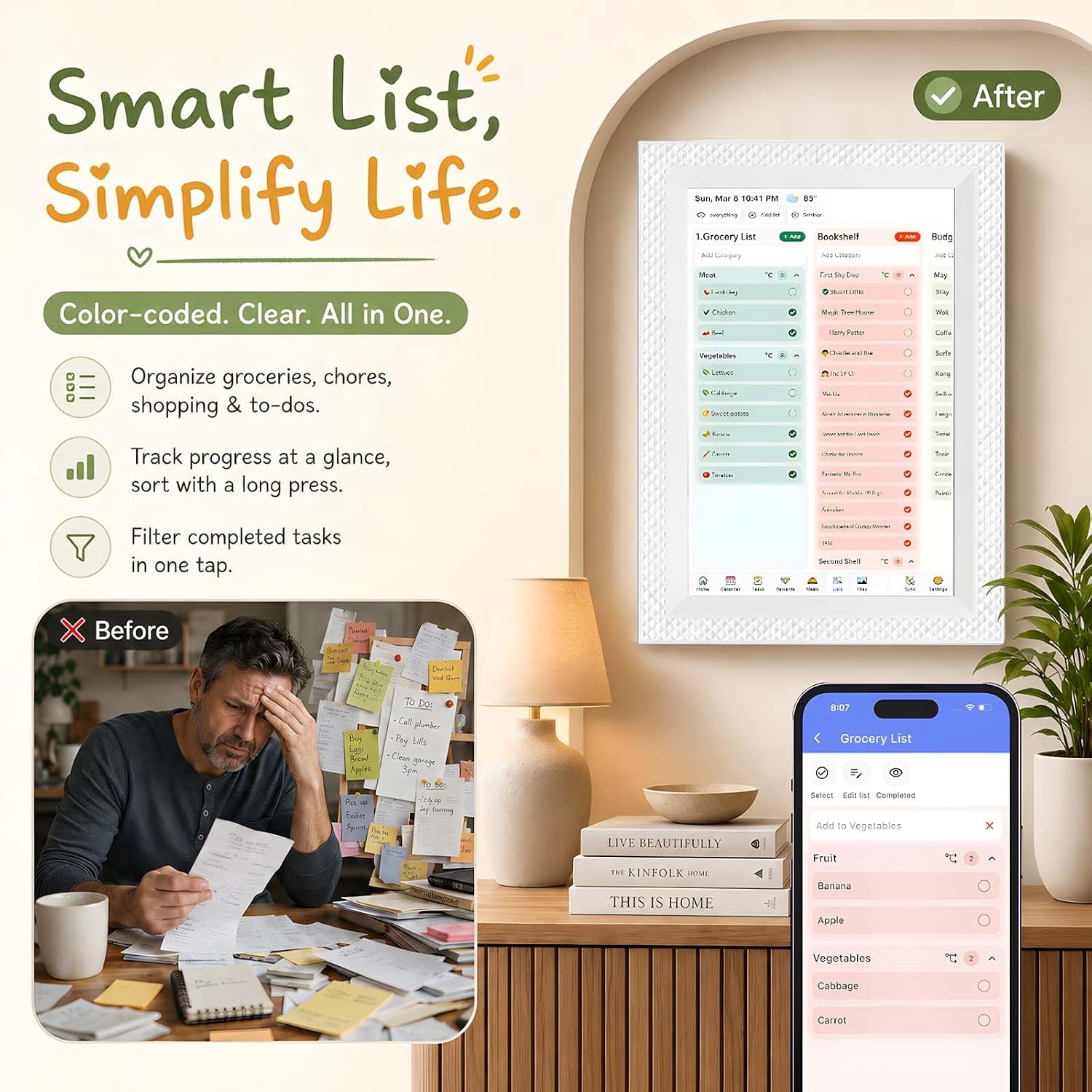
Meal plans, saved recipes, grocery lists, and to-do lists add practical value for the person coordinating the week. When no one is checking plans, the display can show family photos, pictures can also be shared through the companion app while away from home. Local weather, reminders, sleep scheduling, and auto-wake are included in the listed features.
One limitation to factor in: the product information gives the screen size, but not the device’s full footprint. If you are choosing a tight counter or shelf spot, you will have to plan without that measurement.
How to use it
Setup starts with a guided connection to Wi-Fi, followed by linking supported calendar accounts. The touchscreen and companion app provide ways to manage the household view, but this is a connected organizer rather than a paper calendar you can use independently of Wi-Fi. Before relying on it for everyone’s schedule, decide which accounts and events should feed into the shared display.
A practical routine might be to check the weekly view over breakfast, assign a few chores, then add dinner plans and grocery items as the week takes shape. That gives the screen a job beyond displaying appointments—and makes it easier for family members to see what needs attention next.
Practical tips
Think of this as a household hub, not just a digital calendar. It makes more sense if your family will use the chore chart, meal planner, or shared lists alongside scheduling. If you only need to see dates, a basic calendar display may be a simpler fit, this model’s extra planning tools matter most when they become part of a regular routine.
It suits you if you want shared schedules and household tasks visible in one place, with photos as an alternative screen use. Not the best choice if you need an offline-first organizer or want a product with a stated full-device measurement before deciding where it will sit.
Before you decide
Does it require a subscription? The product details say the core calendar, chore, meal-planning, list, and photo features are available without recurring subscription fees.
Which calendars can it sync? It supports Google Calendar, iCloud, and Outlook accounts.
Can it show photos as well as plans? Yes. The display can serve as a digital picture frame, and photos can be shared through the companion app, including when you are away from home.
Should you buy it?
Choose the FORC if you want one connected screen for family schedules and the small planning jobs that tend to spread across several apps or scraps of paper. The chore rewards, meal planning, and photo display give it a broader role than a calendar-only device. Skip it if you need exact overall dimensions before selecting a spot, or if your household would use only the calendar and leave the other tools untouched.