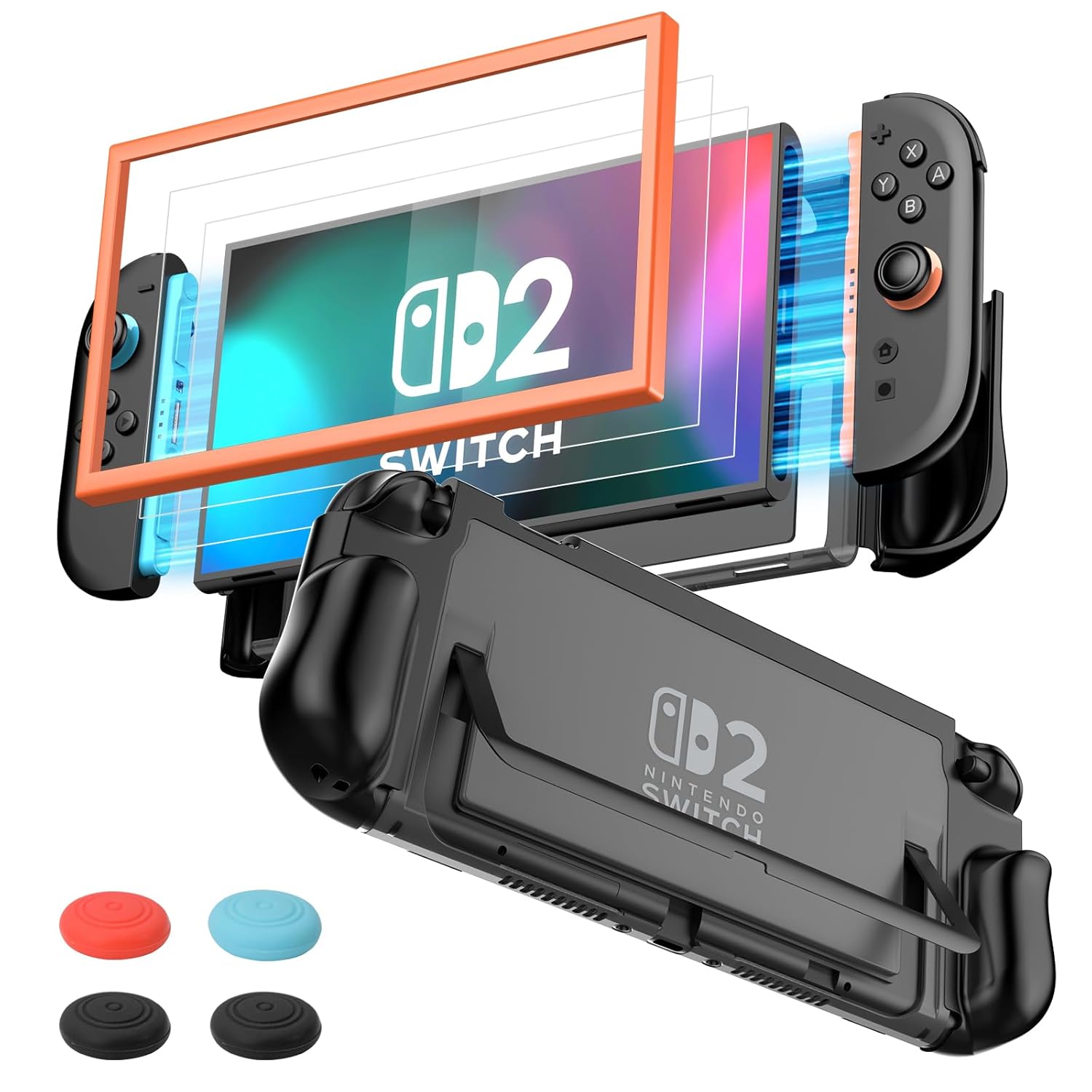
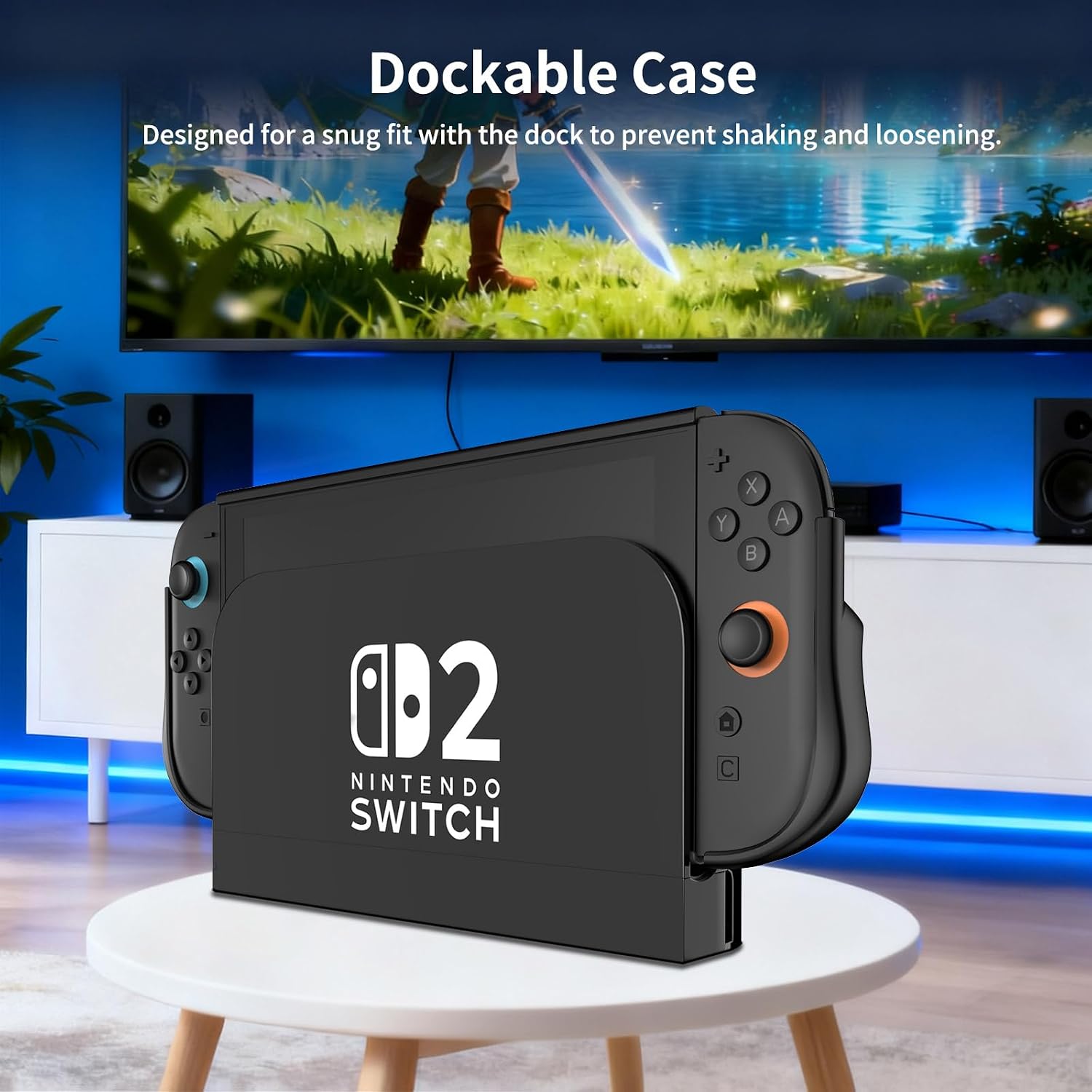
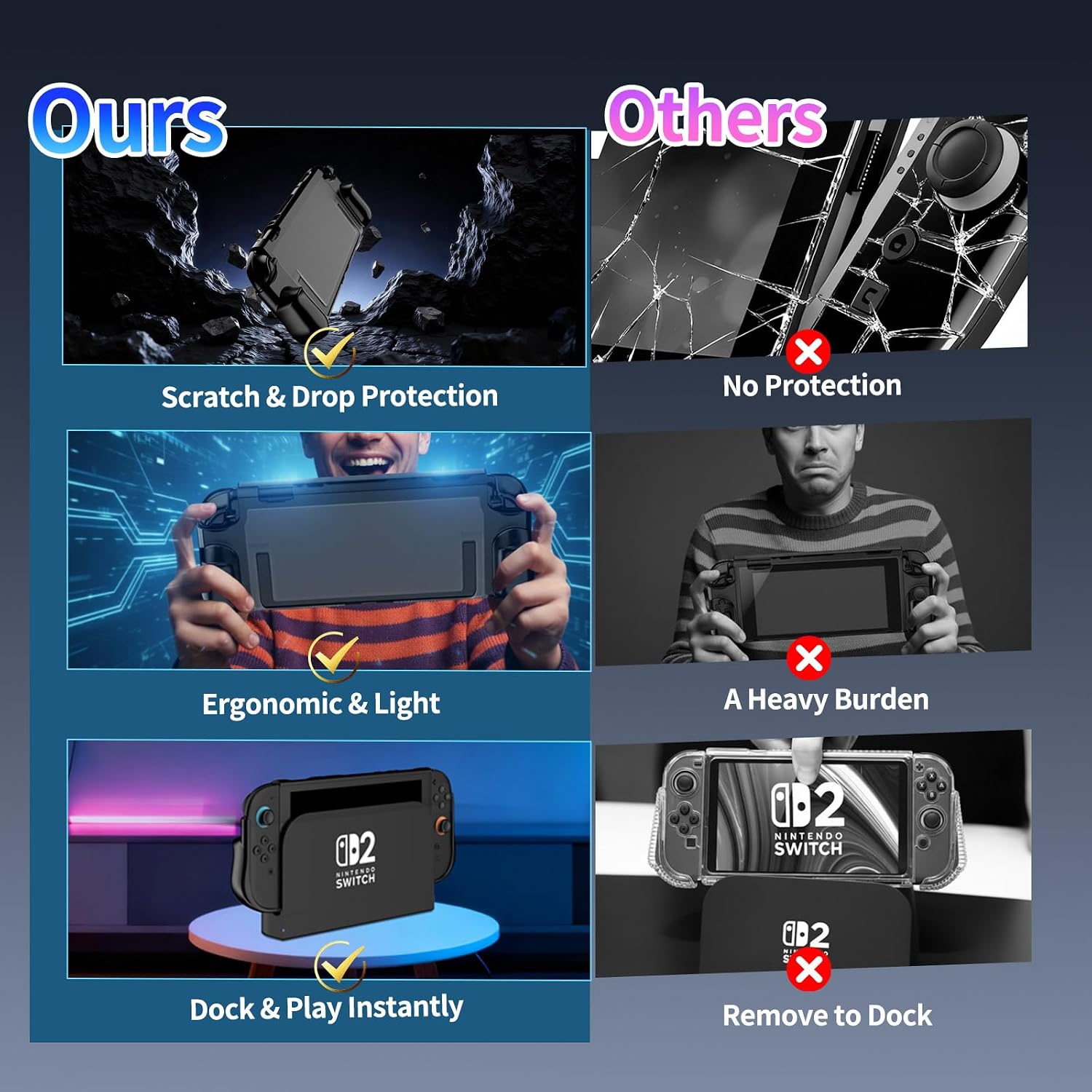
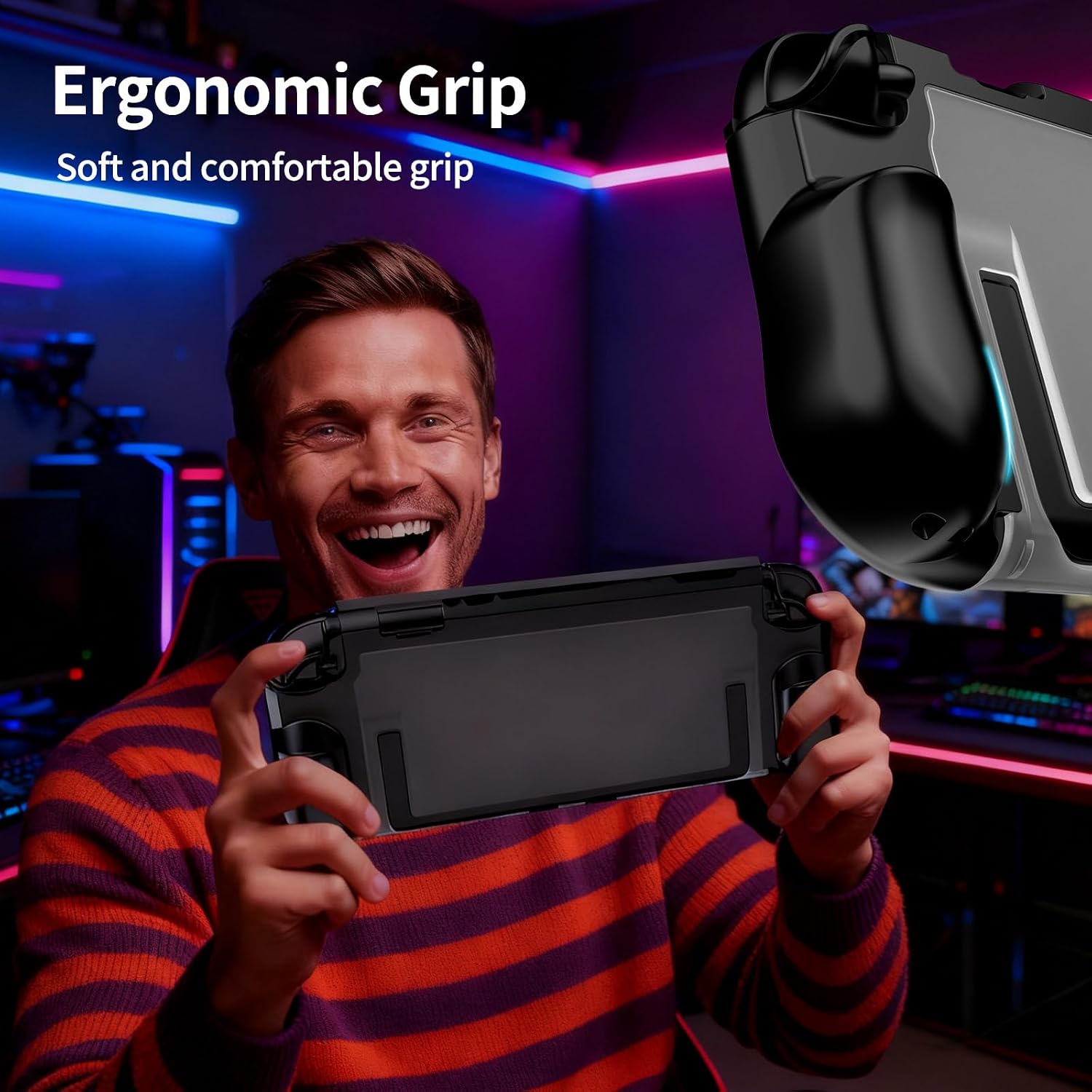
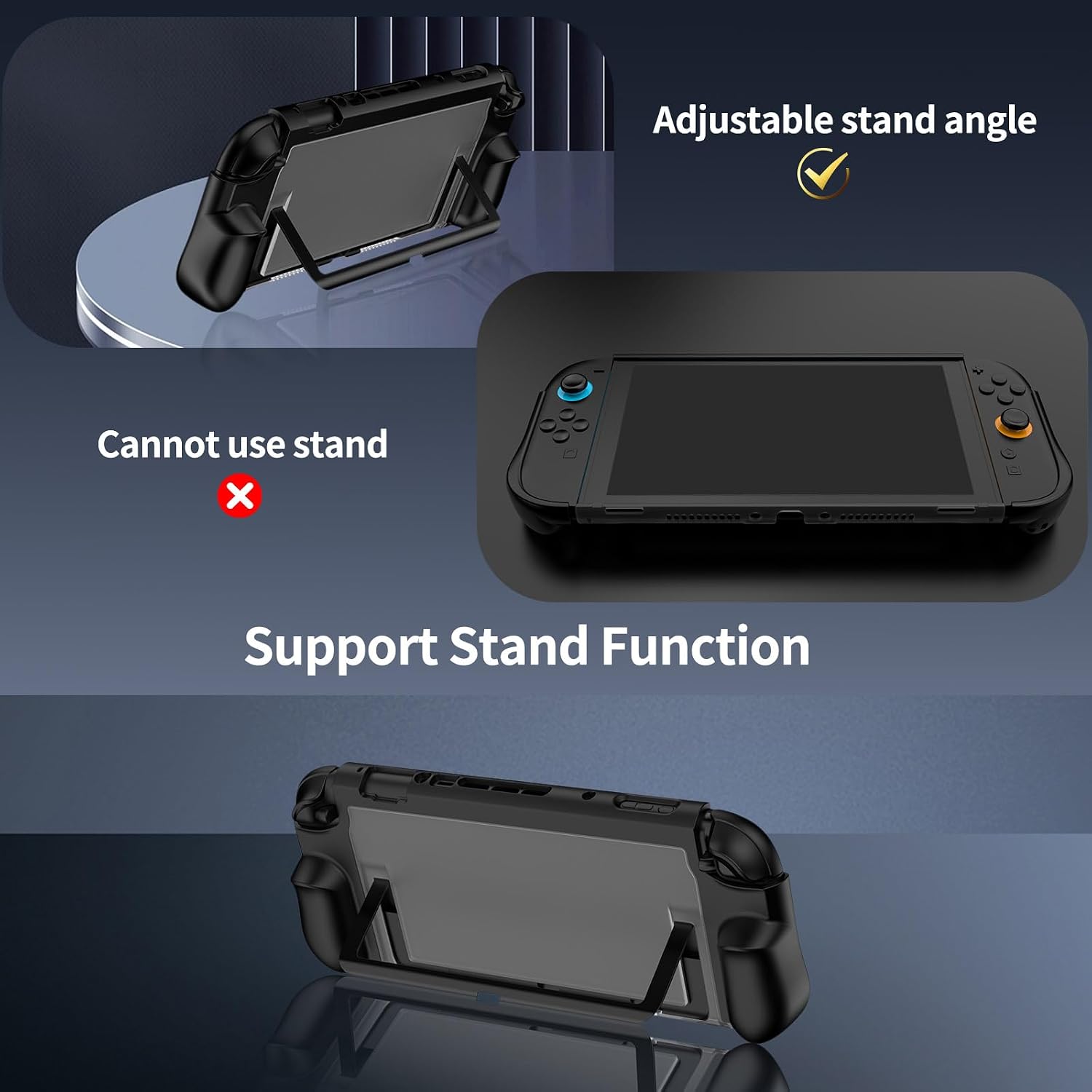
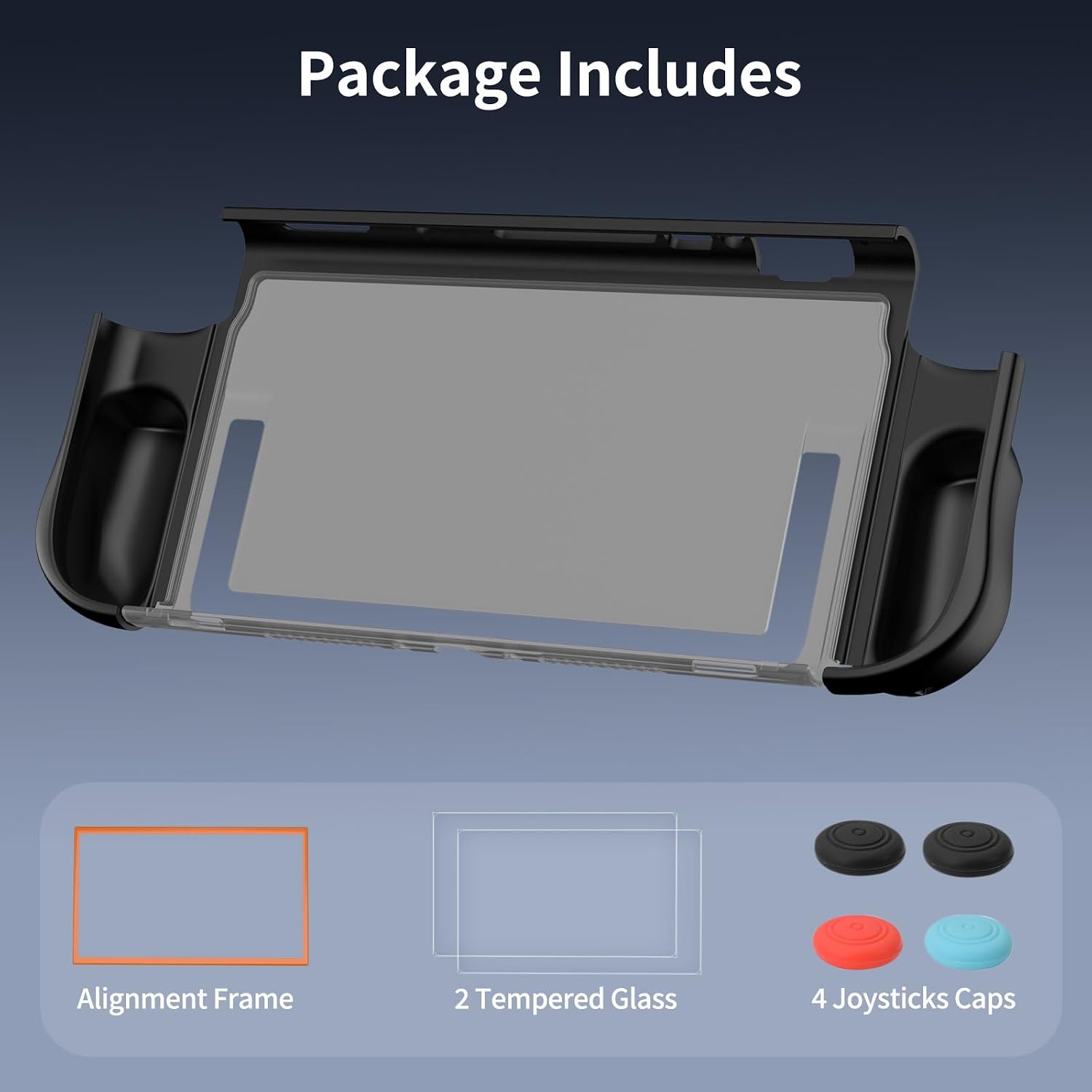
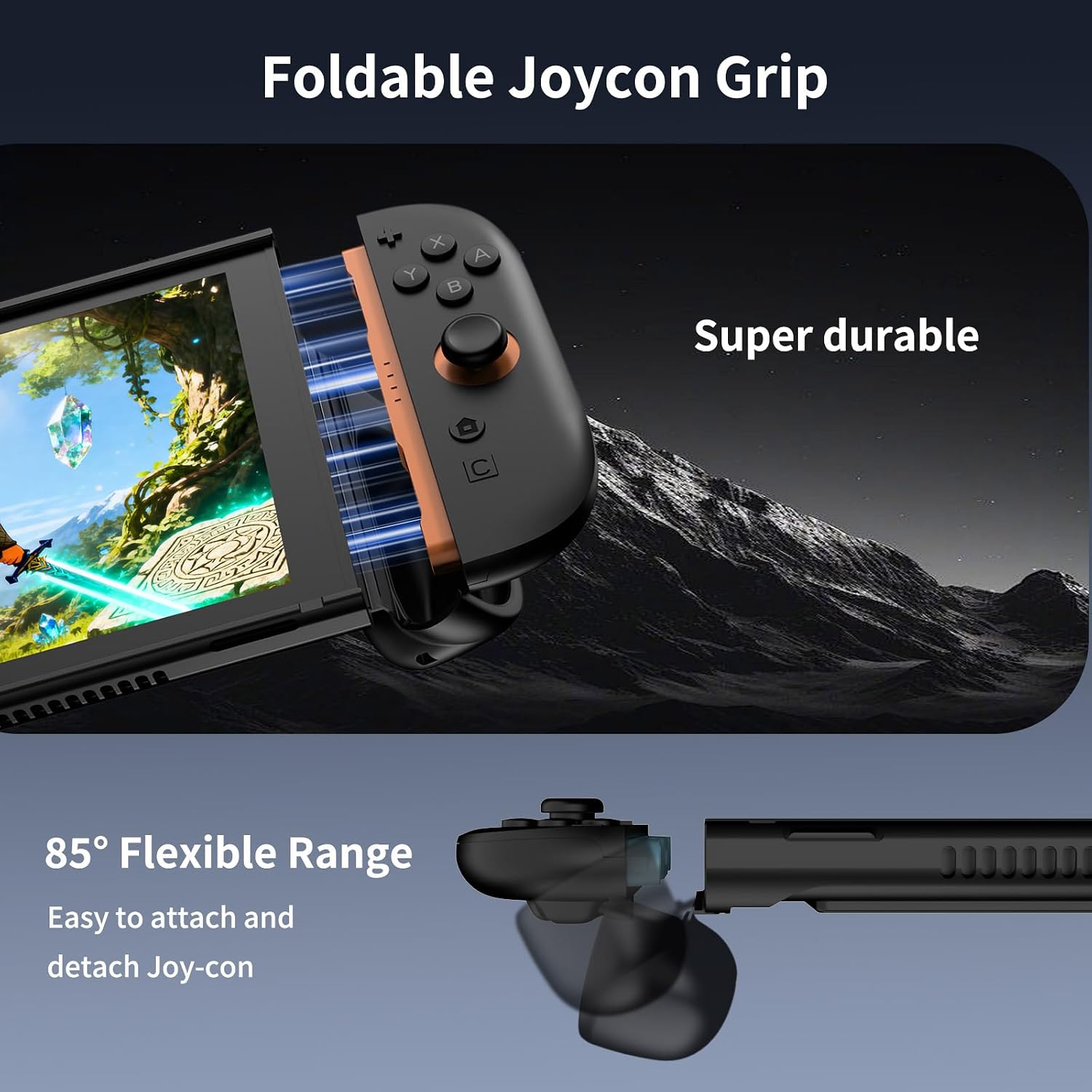
What it is and who it’s for\nThe ewnol Dockable Case for Nintendo Switch 2 is a grip-style protective sleeve designed to stay on the console while docking. It includes an ergonomic grip, a stand-access back, and a bundled protective set with screen protectors and thumb caps. If you want a compact, all-in-one solution that keeps a grip-friendly hold during long gaming sessions, this case is worth considering.\n\n## How it protects and fits\nThe case combines shock-absorbing TPU with a scratch-resistant hard PC shell to guard against drops and daily wear, while preserving a slim profile. The dockable design lets you dock the Switch 2 without removing the case, though the fit can feel a bit tight on docking by design to minimize wobble. Access to ports and buttons remains precise thanks to careful cutouts. A U-shaped opening on the back accommodates the stand for full use, and both Joy-Con controllers can be removed without taking off the entire case, adding convenience during play.\n\n## Strengths and limitations\nWhat stands out is the all-in-one approach: grip, protection, screen protection, and thumb caps in one package. The ergonomic grip can improve comfort during long sessions, and the dock-friendly design is a notable plus if you frequently use the Switch 2 in its dock. However, the dock fit being somewhat tight may require a light touch during docking. The protection is lightweight, so if you’re seeking rugged, heavy-duty protection, you might want to weigh this against options with thicker padding.\n\n## Practical use and everyday scenarios\nIn practice, this setup helpsreduce hand fatigue during extended sessions and keeps the screen protected with included tempered glass protectors. The package ships with two tempered glass screen protectors, a positioning frame for easy installation, and four joystick caps—handy extras if you want quick replacements or personalized grip feel. It’s a sensible bundle for gamers who want coverage without swapping cases.\n\n## What to check before you buy\n- If you dock frequently, test the initial docking feel to ensure it doesn’t require excessive force.\n- Consider how the case’s thickness may influence portability or storage in your carrying setup.\n- Compare your preferred grip feel with this ergonomically shaped option to see if it matches your hand size and play style.\n\n## Why it makes sense in context\nFor players who value a comfortable grip and an all-in-one protective kit, this solution offers a balanced approach: light protection, preserved access, and ready-to-use screen protection. It sits more in the mid-range of protection and convenience, not a heavy-duty armor, which matters if you’re frequently traveling with the console in rough environments.\n\n## Is it worth it?\nIf prioritizing comfort and dock-friendly protection matters, this kit is worth a look, if you expect max rugged protection or a super slim pocketable profile, you may want to explore other options.\n\n## Quick FAQ\n- Does the case allow full access to all ports and buttons without removing it? Yes, with precise cutouts.\n- Can you remove the Joy-Cons without taking off the case? Yes, both Joy-Con controllers can be removed without removing the whole case.\n- What’s included in the box? The grip case, two tempered glass screen protectors, a positioning frame, and four joystick caps.\n