

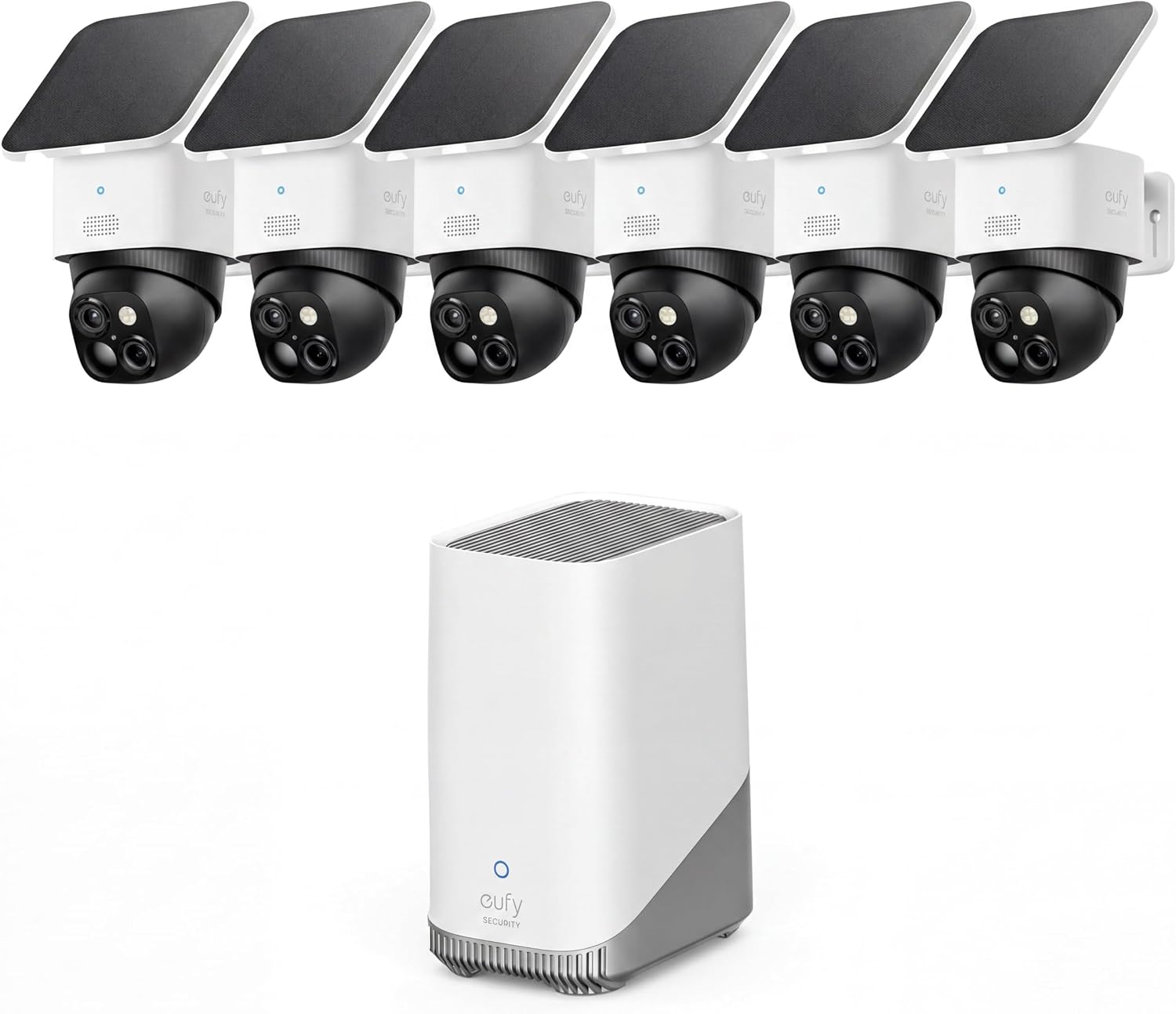
eufy Security SoloCam S340: 3K Dual-Lens Solar Security Camera
Reviews
Price
Product description
What it is and what problem it solves
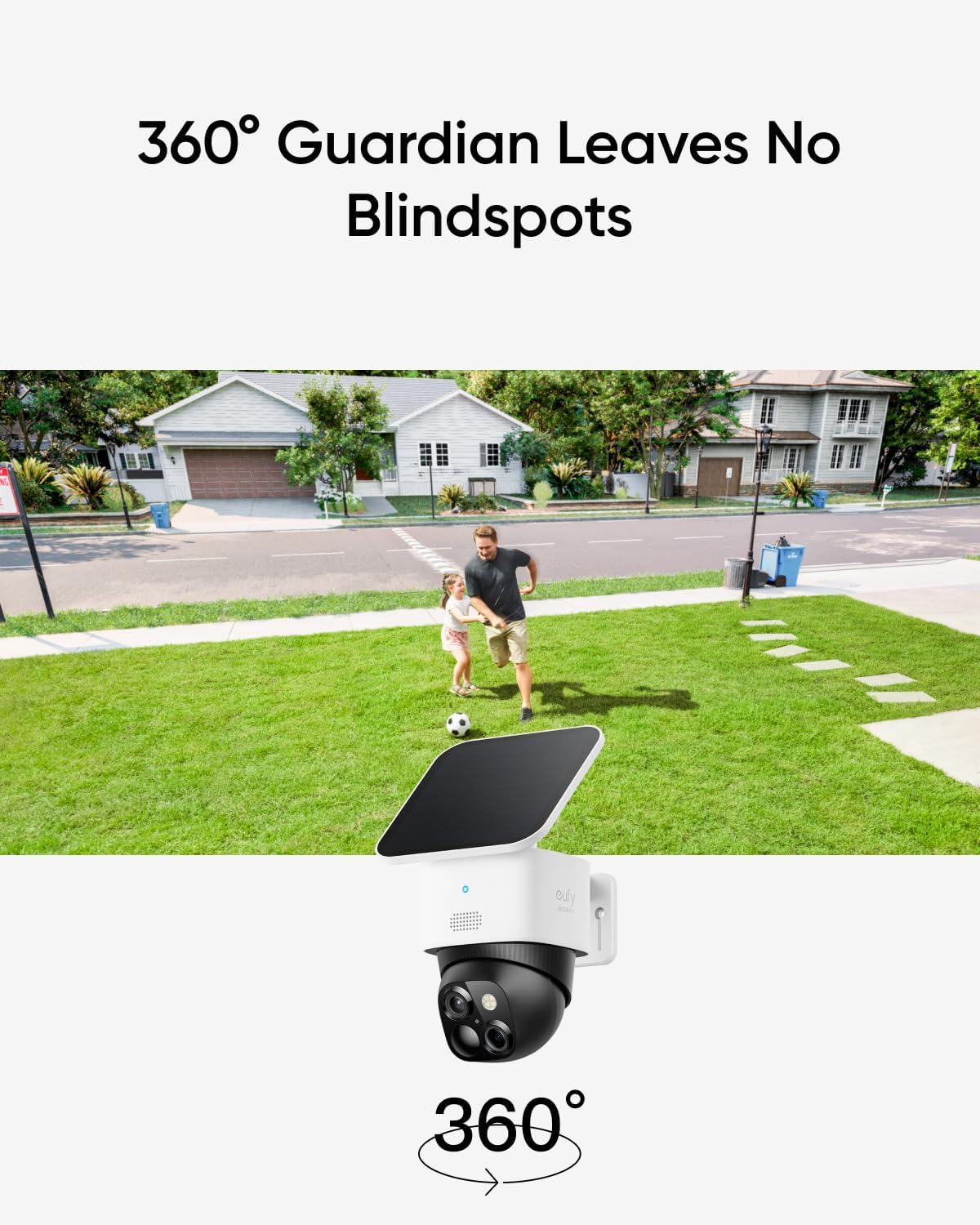
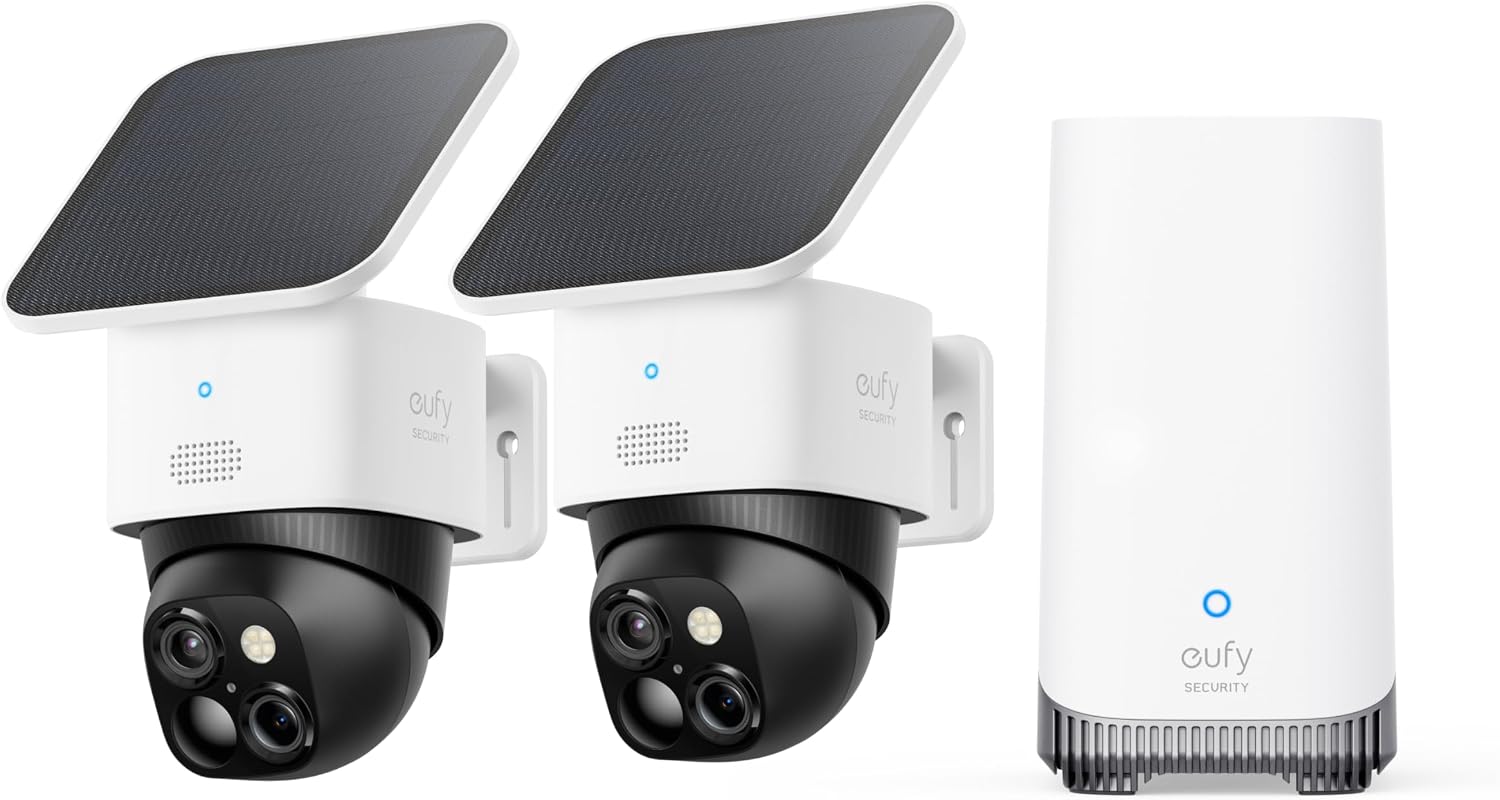
The eufy Security SoloCam S340 is a solar-powered, wire-free security camera designed to deliver high-resolution, two-camera clarity for home monitoring. It aims to reduce blind spots around your property by offering a 360° pan & tilt view, so you can keep an eye on front porches, yards, and driveways without running cords or dealing with constant recharging. On paper, this setup promises constant readiness with a removable solar panel and a one-time installation that doesn’t rely on ongoing fees for storage.
What stands out in real-world use
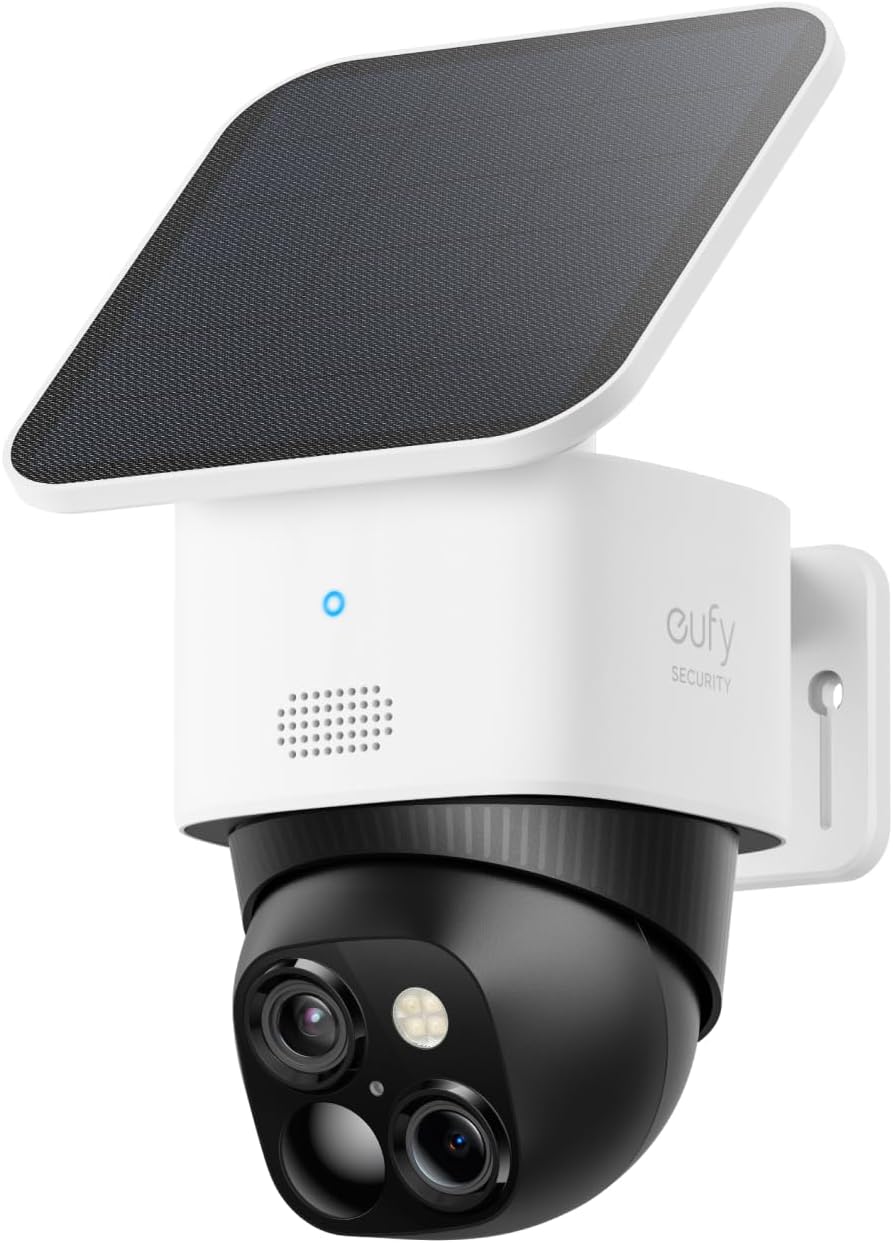
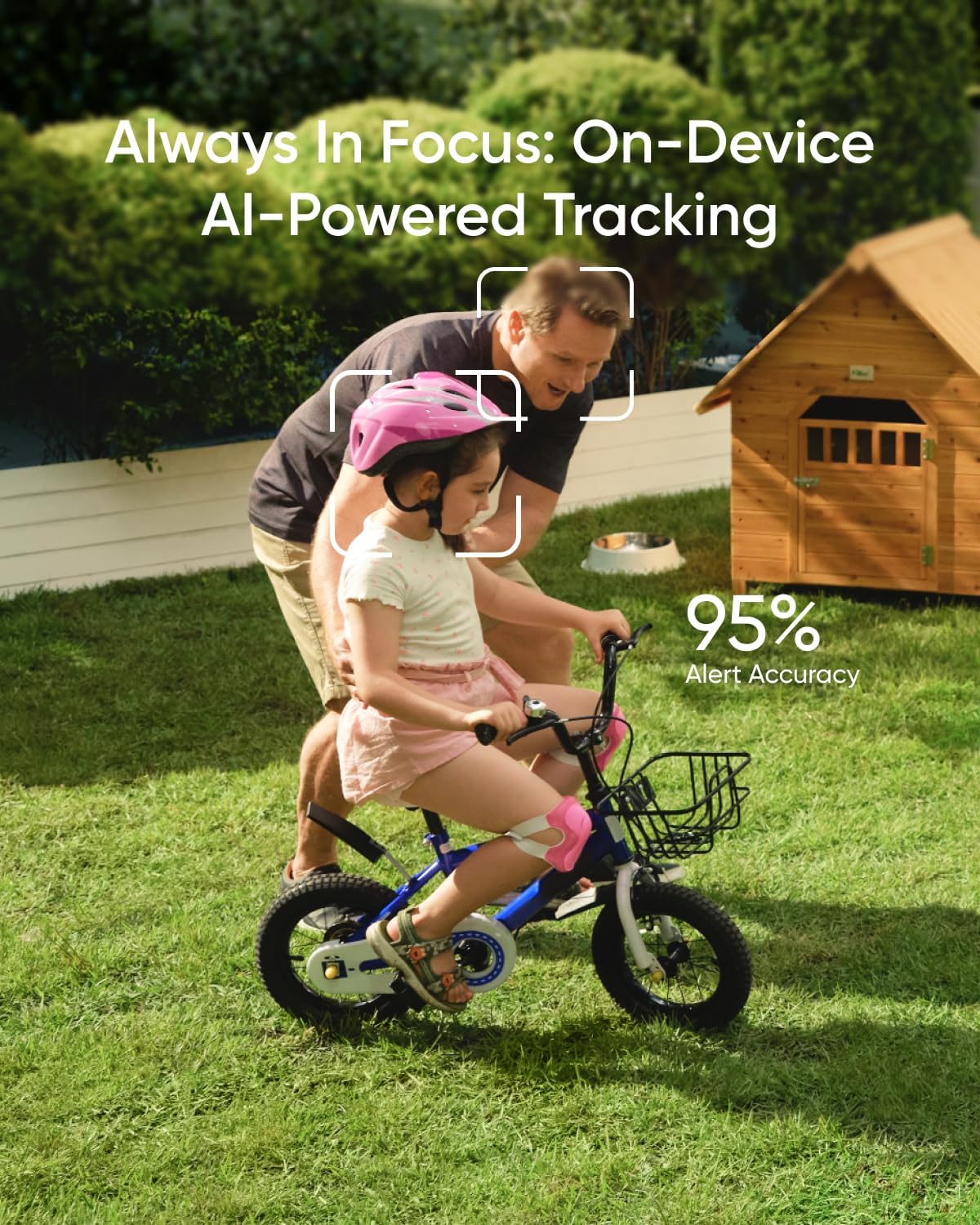
If you prioritize continuous coverage, the S340’s dual-camera approach can be helpful for tracking events from multiple angles, especially around entrances or corners where one angle alone might miss important details. The 3K resolution with up to 8× zoom suggests you’ll get sharper visuals than typical single-lens cameras, which could matter when identifying people or objects at a distance.
Pros you’ll notice day to day
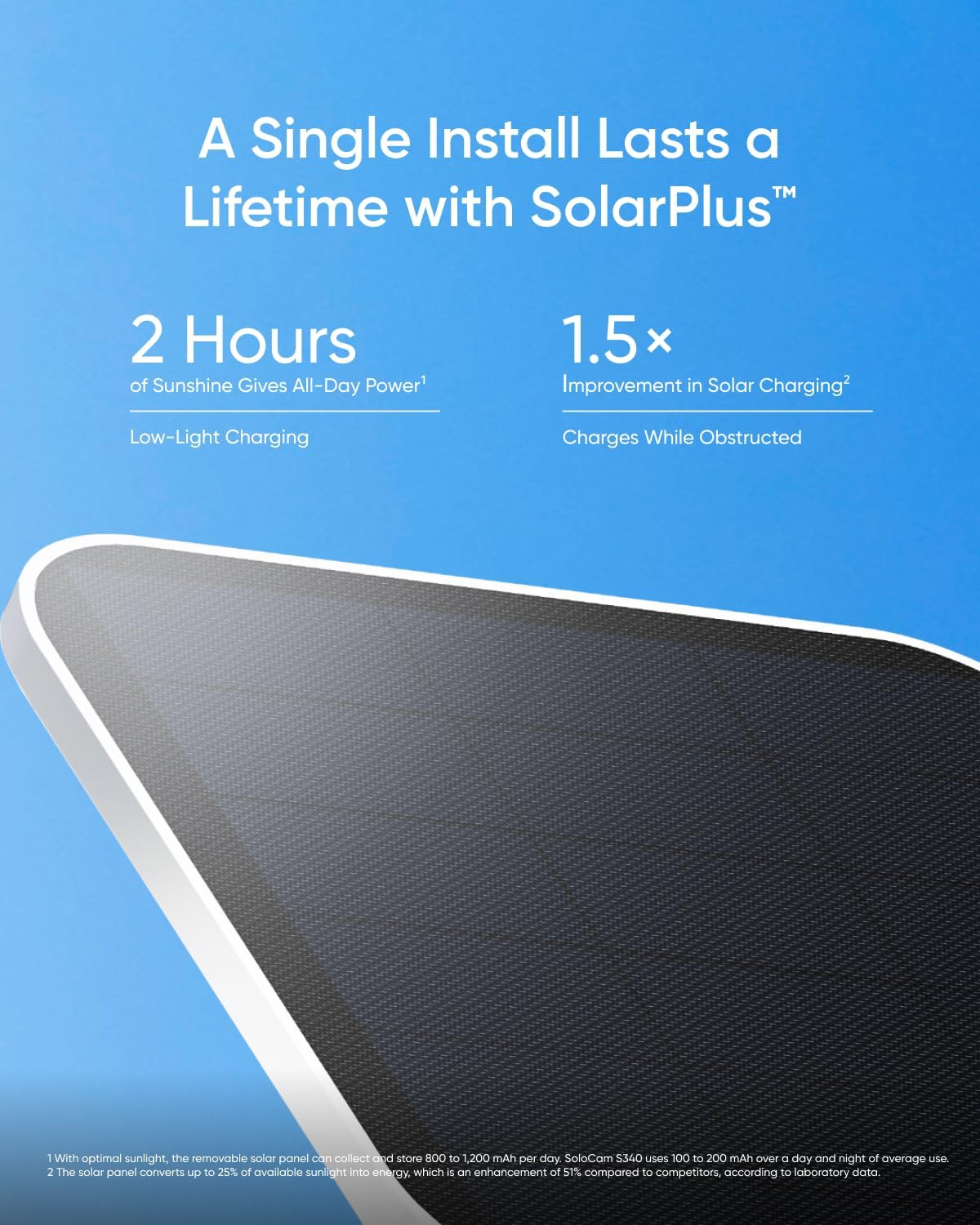
- Solar-powered and wire-free setup makes deployment quicker and cleaner, especially in locations where running cables is impractical.
- 360° Pan & Tilt coverage minimizes blind spots, useful for monitoring multiple zones from a single device.
- Dual-lens arrangement targets enhanced clarity at up to 40 ft (12 m), with zoom that can help review events more precisely.
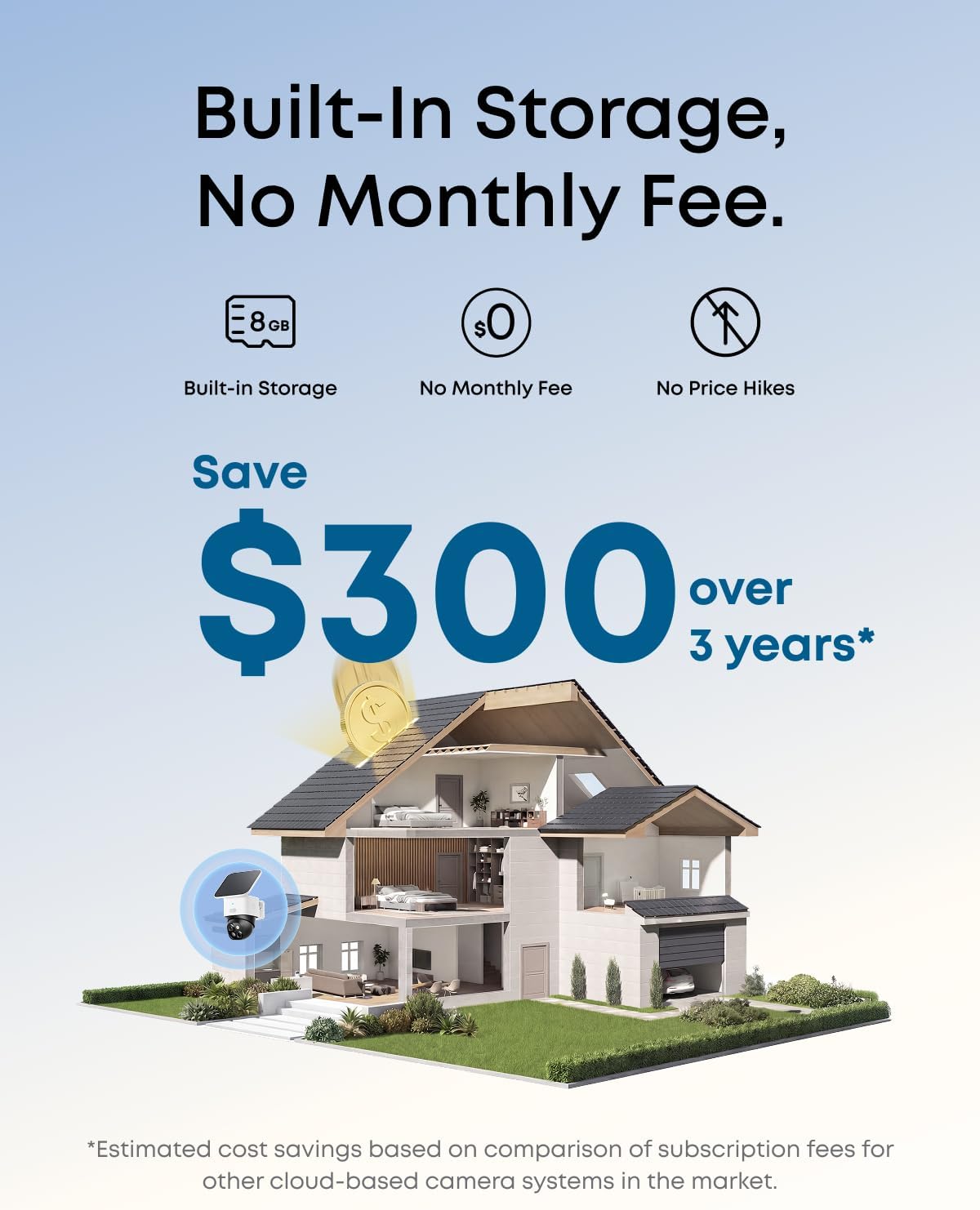
- Local storage means there’s no monthly fee to access recorded video, which can lower long-term costs.
Cons and caveats to consider
- The benefits of 3K dual-camera clarity depend on lighting and network conditions, performance may vary in low light or adverse weather.
- Being solar-powered, performance is somewhat tied to sun exposure and panel positioning, in shaded areas or winter months, charge levels could impact uptime if not managed well.
- The setup emphasizes a 7-minute installation and a compact, wire-free design, but some users may still need to accommodate mounting and initial wiring for the panel if preferred.
Who this is best for
This camera mode fits households looking for a low-maintenance, all-in-one security solution with wide coverage and no recurring fees. It’s a reasonable pick for homes with areas that are hard to wire, or for renters who want a semi-permanent, easily removable security option that still offers solid daytime detail.
Who it isn’t ideal for
If you need top-tier low-light performance or ultra-steady video in adverse weather, you may want to compare against systems with stronger night vision or weatherized housings. Also, if you require continuous cloud storage or advanced smart features, this model’s focus on local storage and a straightforward feature set may feel limited.
When it makes sense to buy
Consider this device if you want a quick, clean install with minimal cabling, value local storage, and want to reduce ongoing costs. It’s particularly appealing if you’re setting up around entrances and want broad, adjustable viewing without blind spots.
What to check before purchasing
- Confirm sun exposure for the solar panel to ensure steady charging.
- Plan mounting to optimize 360° coverage and minimize occlusions.
- Understand your storage expectations, while there’s no monthly fee, verify the capacity and retention you’d plan to rely on locally.
Practical use example
Imagine you’re monitoring a mid-sized property from a single outdoor station. The SoloCam S340 can be placed at the corner of a yard, angled to sweep the front porch and driveway. With 3K clarity and 8× zoom, you can pause a recording and inspect a visitor’s face or a drifting object near the gate without rushing to pull a micro-SD card or subscribe to a service.
FAQ
- How does the solar panel affect uptime? A removable solar panel supports continuous operation, but uptime depends on sun exposure and charge balance.
- Is installation really seven minutes? Most users report a quick, tool-light setup, though mounting angle and location can add a few minutes.
- Do I need an internet connection? Yes, for real-time alerts and remote access, though local storage keeps recordings on-device.
Is it worth it?
Worth considering if you want a self-sufficient, wire-free camera with broad coverage and no monthly storage fees, it may be less compelling if you demand top-tier low-light performance or cloud-based features.