

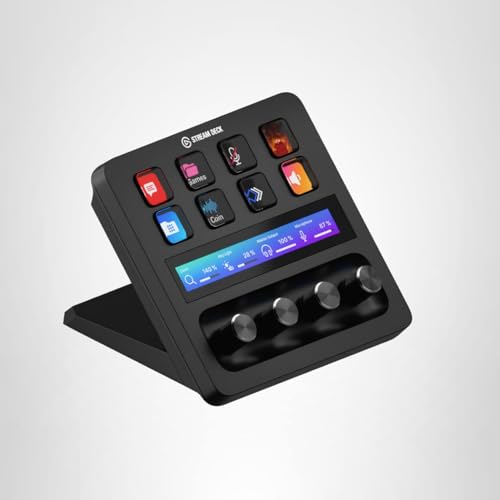
Elgato Stream Deck +, Audio Mixer and Studio Controller
Product description
What is it and who it helps
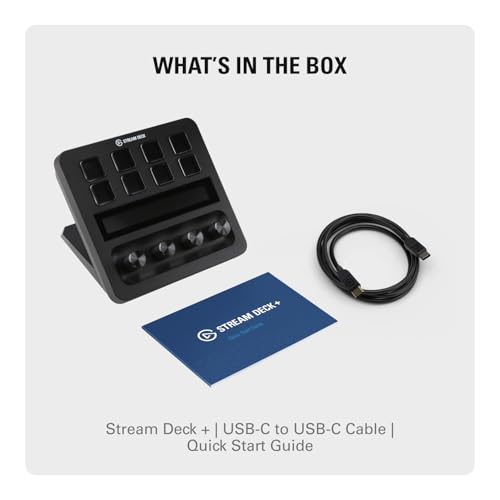
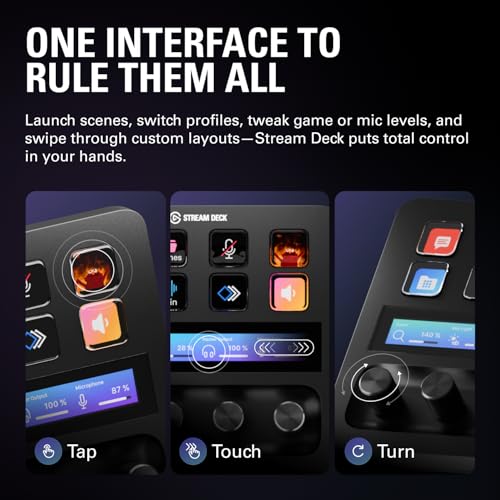
The Elgato Stream Deck + is a tactile control surface designed to streamline streaming, video production, and studio workflows. With LCD keys, a touch strip, and dials, it’s built to give you immediate visual feedback and precise control over audio, video, lighting, and more. If you’re juggling multiple apps or live setups, this device promises a unified, tactile way to execute commands without hunting through software menus.
How it changes everyday use
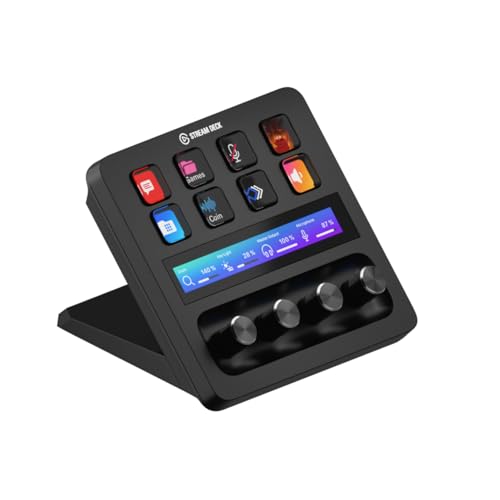
On paper, it combines an audio mixer, production console, and macro hub in one compact device. In practice, you can trigger multiple actions at once or sequence steps automatically as you switch between apps. This matters if you regularly switch between OBS, camera control, lighting scenes, or streaming platforms. You’ll likely notice smoother transitions, fewer keystrokes, and a more consistent on-stream presentation.
What stands out
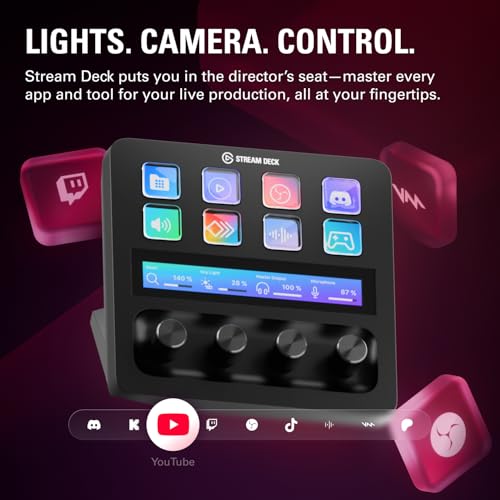
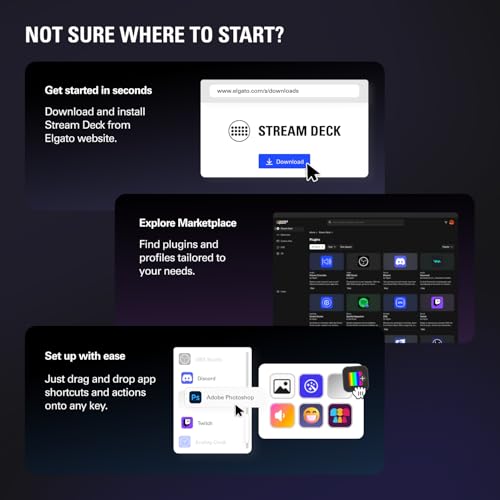
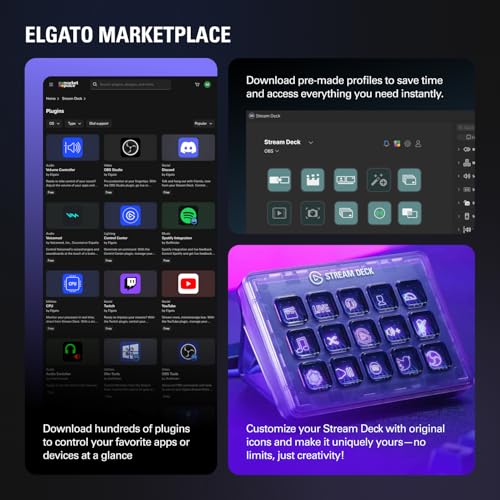
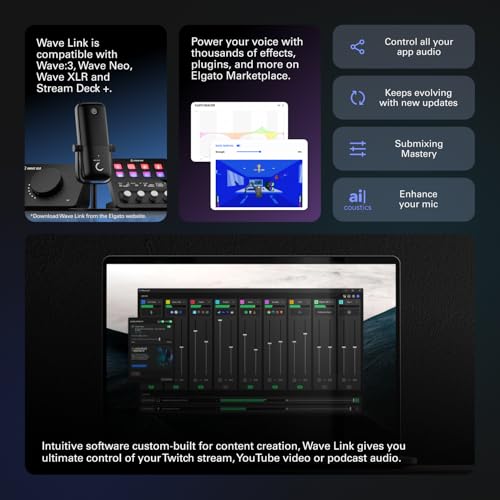
Visual feedback is a big plus here: LCD keys provide status at a glance, helping you confirm commands without second-guessing. The ability to create smart profiles means you can tailor the Stream Deck + for different apps or moments—one layout for OBS, another for editing, and a third for live chats. The plugin ecosystem (Wave Link, Camera Hub, OBS, Twitch, YouTube, Discord, Spotify, Philips Hue, and more) adds versatility, letting you expand capabilities as your setup grows. The drag-and-drop Stream Deck App and Store streamline setup, with plugins and icons to customize the look and behavior without coding.
Where it may fall short
If your needs are simple, the extensive customization can feel overwhelming. It isn’t a plug-and-play substitute for a dedicated mixer or control surface, and some users may find the initial setup time longer than expected. Also, since this relies on software plugins, you’ll want to keep expectations aligned with plugin availability and updates—not every niche app may have perfect integration from day one.
What it’s best for
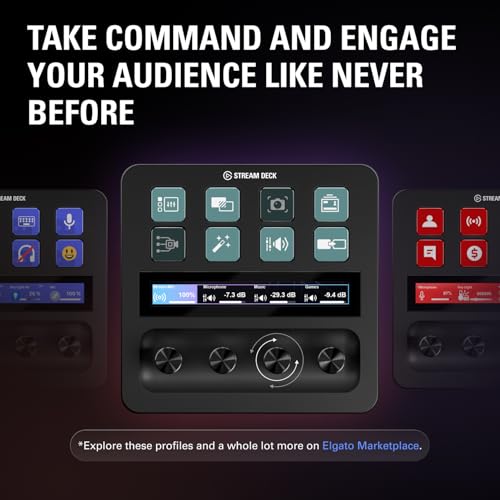
This device makes sense if you frequently manage multiple apps or streams, want faster access to audio, video, or lighting commands, or value visual confirmation of actions. It’s especially useful for content creators, live streamers, podcasters, and hybrid creators who compose scenes on the fly and benefit from one physical interface coordinating several software tools.
Who should think twice
If you mainly record solo with a single fixed workflow, or if you’re limited by budget and don’t need multi-action sequences, you might prefer a simpler setup. If your work revolves around a single app with minimal cross-tool control, the investment could feel heavier than necessary.
What to check before buying
- Confirm compatibility with your main apps (OBS, the camera control suite, streaming platforms, lighting ecosystems).
- Consider whether you’d benefit from multiple profiles and the ability to switch configurations automatically.
- Explore the plugin catalog to assess practical value for your current tools (Wave Link, Camera Hub, Control Center, etc.).
- Plan your physical space: ensure there’s room for the deck and comfortable reach to the keys, dials, and touch strip.
- Be prepared for a setup phase to create the initial layouts and tune the feedback visuals to your liking.
Practical use example
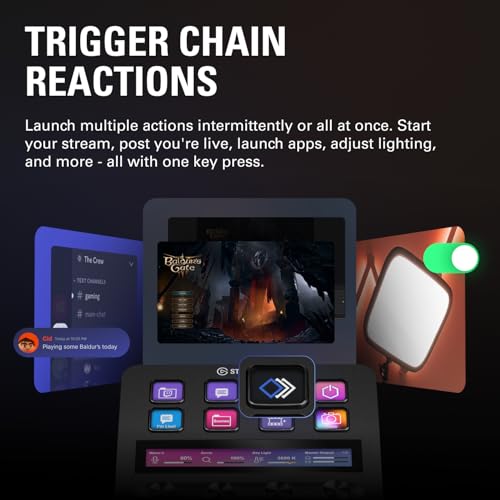
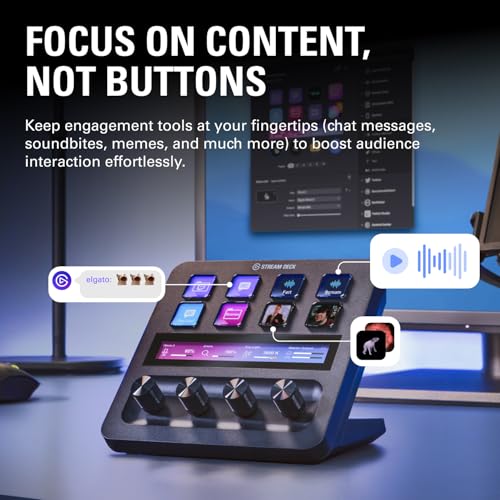
A typical workflow might start with a livestream where you press one key to start audio routing, another to switch an OBS scene, and a third to adjust lighting presets. The LCDs reflect the status of each action, so you can verify that audio levels, camera angles, and scene changes occurred as intended without glancing away from the screen.
The decision you’re making
Final verdict
Is it worth it? It depends on your setup and how much you value consolidated, tactile control. If you regularly juggle several apps, scenes, and devices, the Stream Deck + can provide tangible time savings and a cleaner on-stream presentation. If you’re just exploring basic streaming or minimal setups, consider whether the learning curve and investment align with your goals.
FAQ
- Do I need to install plugins to use core features? Core functionality is enhanced by plugins, but essential control is available with basic configurations.
- Can I use it without a PC, or on a laptop? It’s designed to work with compatible software running on your computer, ensure your system meets the plugin requirements.
- How stable is the integration with major streaming apps? Plugins are regularly updated, but availability depends on each app’s integration status, check current plugin support for your mix of tools.