

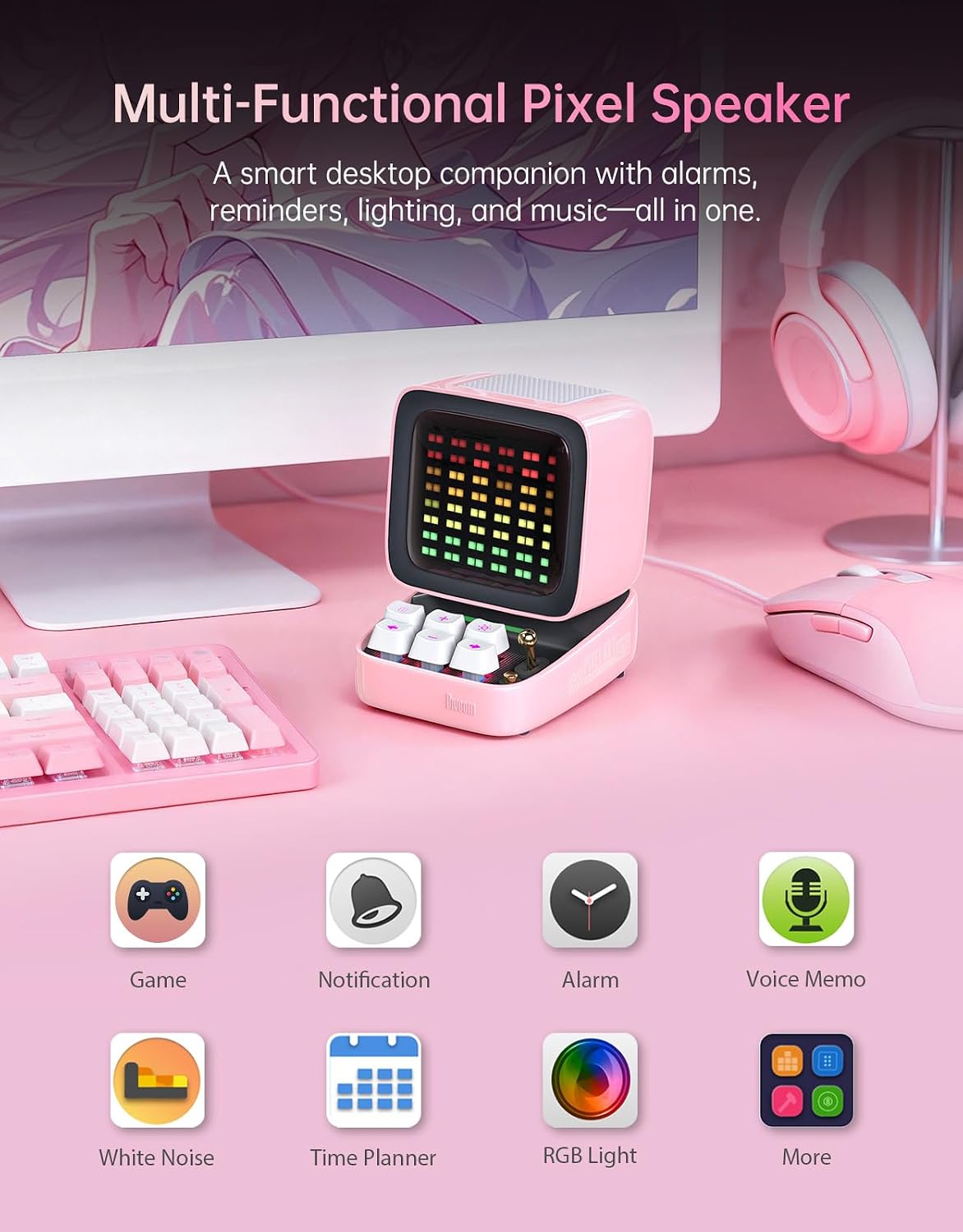
Divoom Ditoo Retro Pixel Art Game Bluetooth Speaker (Pink)
Product description
What it is and who it’s for
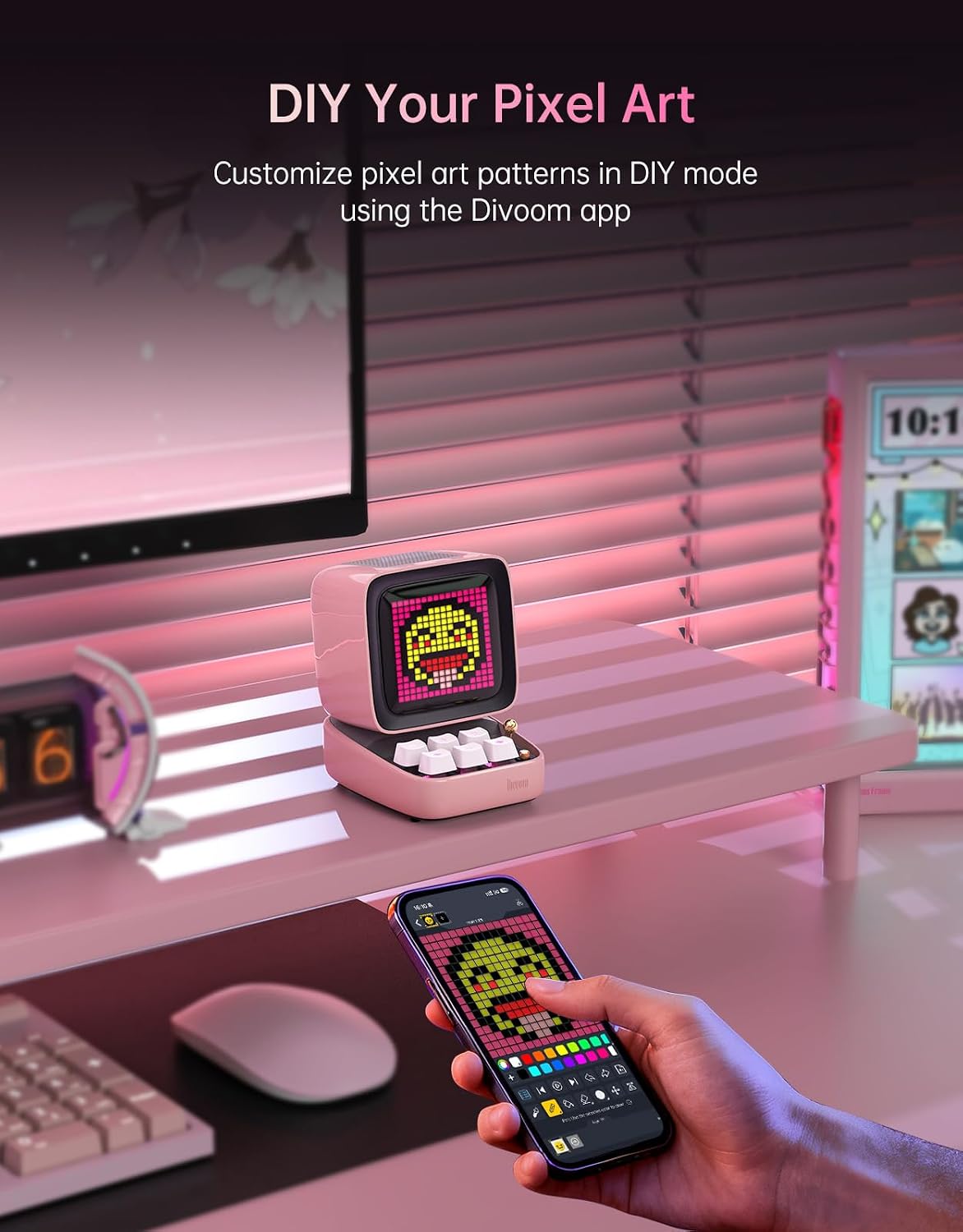
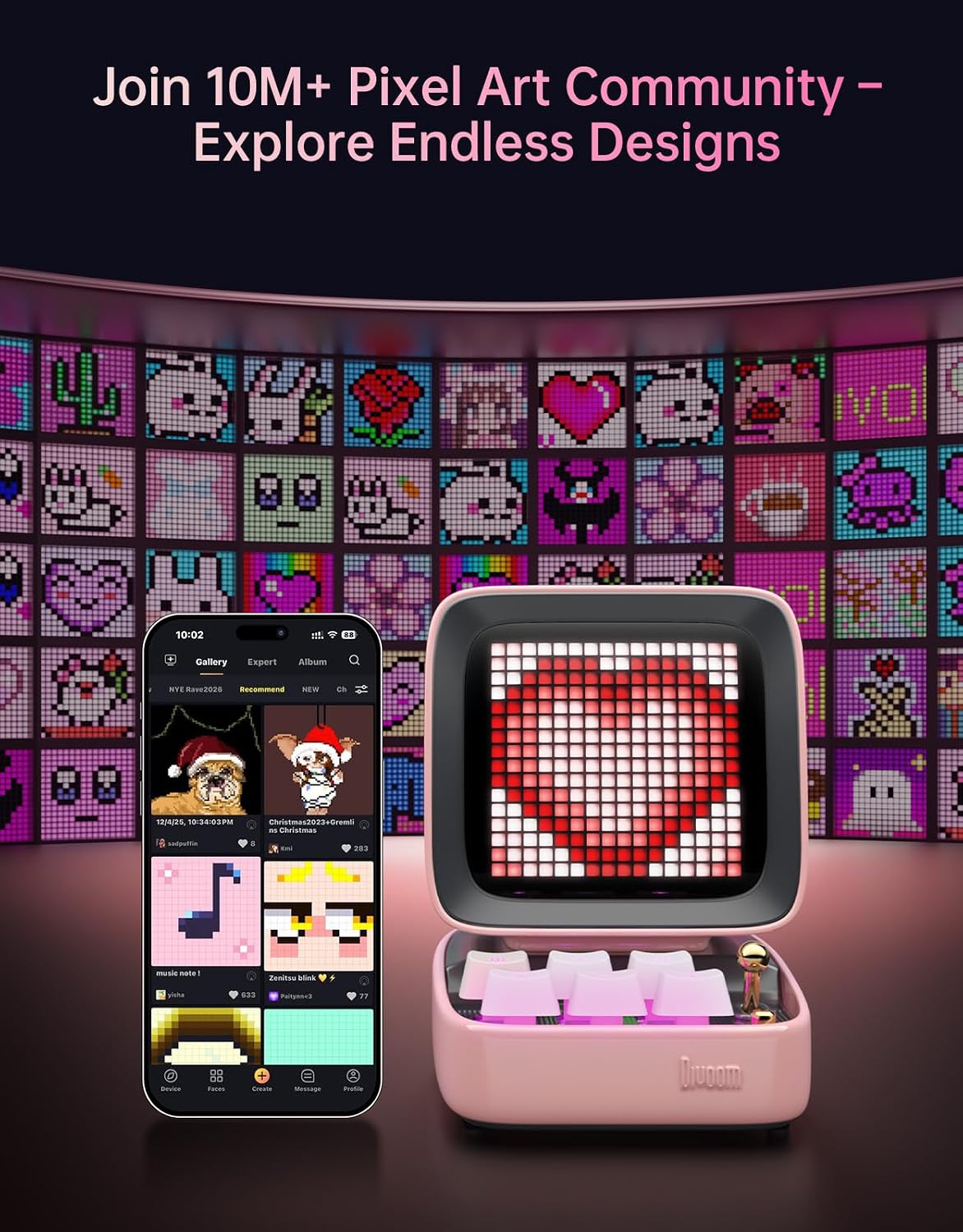
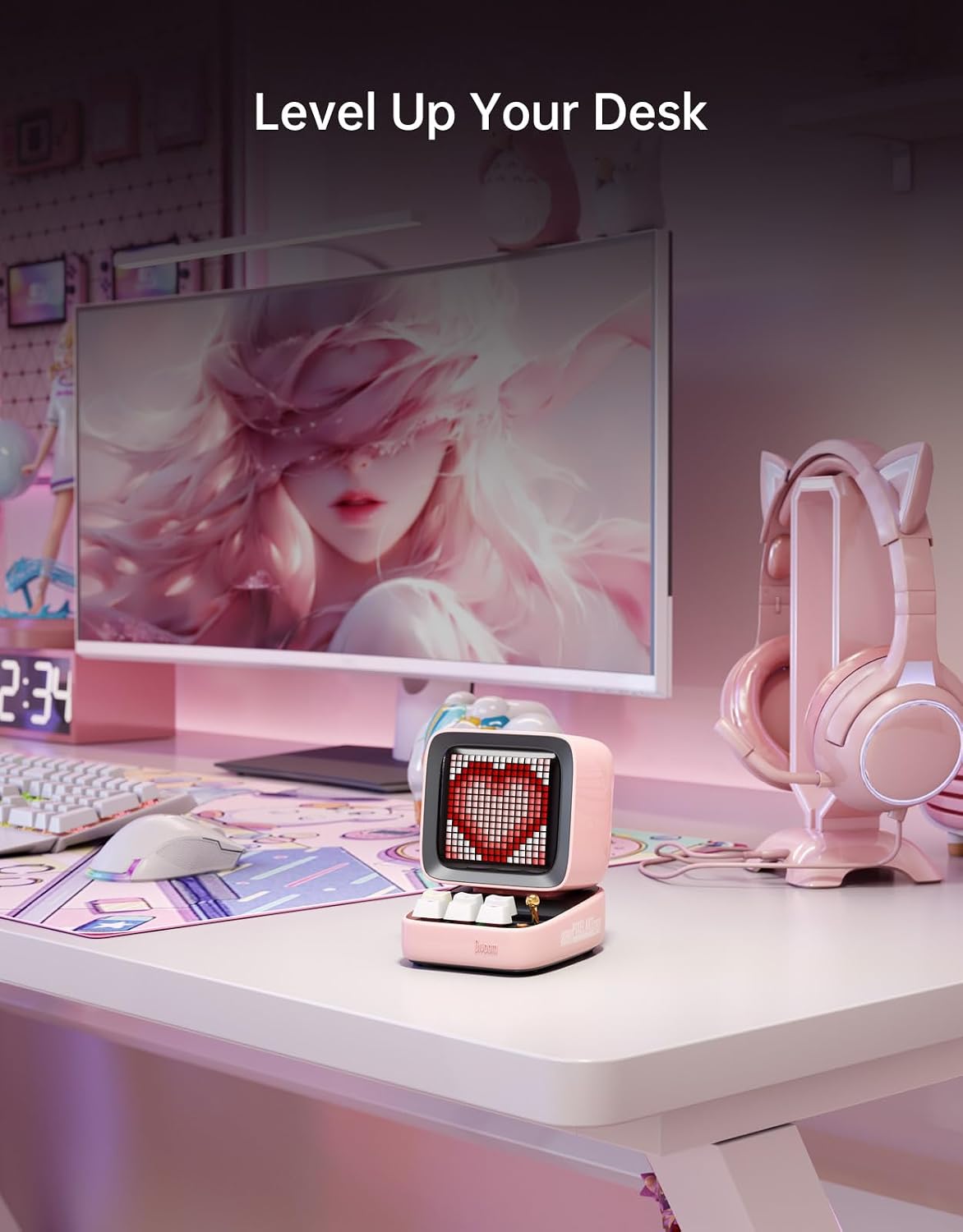
The Divoom Ditoo is a compact, retro-inspired Bluetooth speaker that doubles as a playful desk companion. It features a vivid 16x16 LED pixel screen you can customize from the Divoom app or the in-app gallery. If you’re after a desk gadget that blends form and function, this one leans into that vibe while delivering practical tools for daily use. It’s a good fit for anyone who wants a little personality on their workspace and doesn’t want to trade off sound for aesthetics.
Design and display: a pixel work of art on your desk
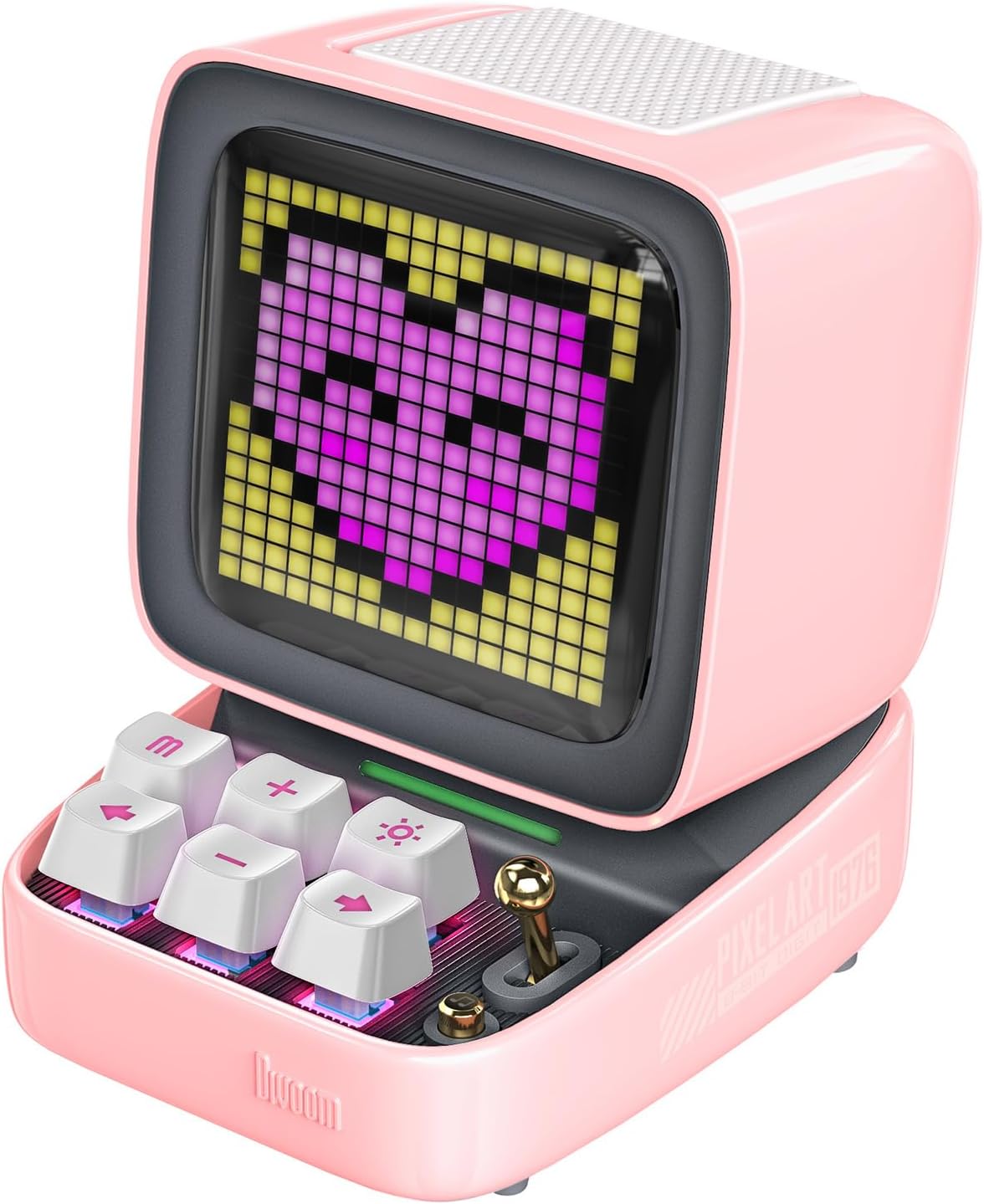
On the surface, the Ditoo looks like a tiny retro computer, with a pixel-art screen that can show designs, animations, or even tiny status icons. The pink colorway adds a playful touch. The screen isn’t just decoration, you can create and switch scenes to match your mood or workflow. If you enjoy personalizing your gear, this aspect stands out and can keep your desk from feeling boring.
Sound profile and listening experience
The speaker delivers 15W of output with DSP to help vocals stay clear at close range. It’s tuned for near-field listening, so for desk work, study, or quick background music, it tends to feel balanced and present without shouting. It’s not designed for party-level volume or massive rooms, but it works well for focused tasks and casual listening at a desk.

Connectivity and playback options
You’ve got multiple ways to play: Bluetooth for wireless streaming, a TF card for offline music, and a USB‑C connection for stable laptop or desktop use. This makes it versatile for different setups—whether you’re coding, gaming, or doing video calls. The USB-C option is convenient if you prefer a wired connection for steady playback during longer sessions.
Features that go beyond sound
Beyond audio, Ditoo aims to be a multi-function desk companion. It includes alarm and timer tools, reminders, and relaxing white noise options to support routines. If you’re juggling tasks or trying to establish focus periods, those extras add value as a small, integrated helper rather than a one-trick speaker.
Practical considerations and trade-offs
On the downside, the appeal hinges on the pixel display and customization as a core feature. If you’re not drawn to pixel art or don’t plan to interact with the app, the display may feel superfluous. Also, while 15W can sound surprisingly full at a desk, it isn’t a substitute for a dedicated hi-fi speaker in bigger spaces. It leans toward a niche use case: a personality-forward desk gadget with decent daily sound, rather than a pure audio powerhouse.
Who it’s best for
- Creatives and desk setup enthusiasts who want a distinctive, customizable aesthetic.
- People who value small, practical desk tools like timers, reminders, and white noise.
- Those who appreciate retro tech vibes and a playful gift for birthdays or holidays.
Who might want to skip it
- If you need room-filling, high-volume sound or deep bass for parties, this isn’t the ideal pick.
- If the LED pixel display isn’t your thing, a simpler speaker could be a cleaner fit.
What to check before you buy
- Confirm you’re comfortable with app-based customization and the response time of the pixel screen.
- Think about your desk layout: a compact footprint with a pink accent that may or may not suit every setup.
- Consider how you’ll mix wireless and wired playback in your daily routine.

How it compares to more traditional desk speakers
This model blends a hobbyist aesthetic with usable desk features, which sets it apart from ordinary speakers. If you want a straightforward audio device, a standard compact speaker might feel simpler. If you value personality, programmability, and occasional on-desk tools, Ditoo offers a unique angle that casual listeners may still appreciate.
Final verdict
Is it worth it? It depends on your priorities. If you crave a visually distinct desk companion with customizable pixel art, reliable near-field sound, and handy desk utilities, the Ditoo delivers those promises on paper. It may not replace dedicated speakers for audiophiles or fill large rooms, but for a niche desk setup it can be a worthwhile, personality-rich addition.
FAQ
- What makes the pixel screen useful beyond visuals? The screen supports custom designs and can sync with mood or tasks, adding a unique cue on your desk.
- How portable is it? It’s compact enough for a desk but not meant for on-the-go use as a primary speaker.
- Can I use it with a computer? Yes, via USB-C for a stable connection, or Bluetooth for wireless playback.
What to know about setup and use
Getting started is about pairing via Bluetooth, loading designs in the app, and deciding how you want reminders or white noise integrated into your day. It’s not a one-note gadget, you’ll discover practical little features that can streamline daily habits if you invest a bit of time in the app.