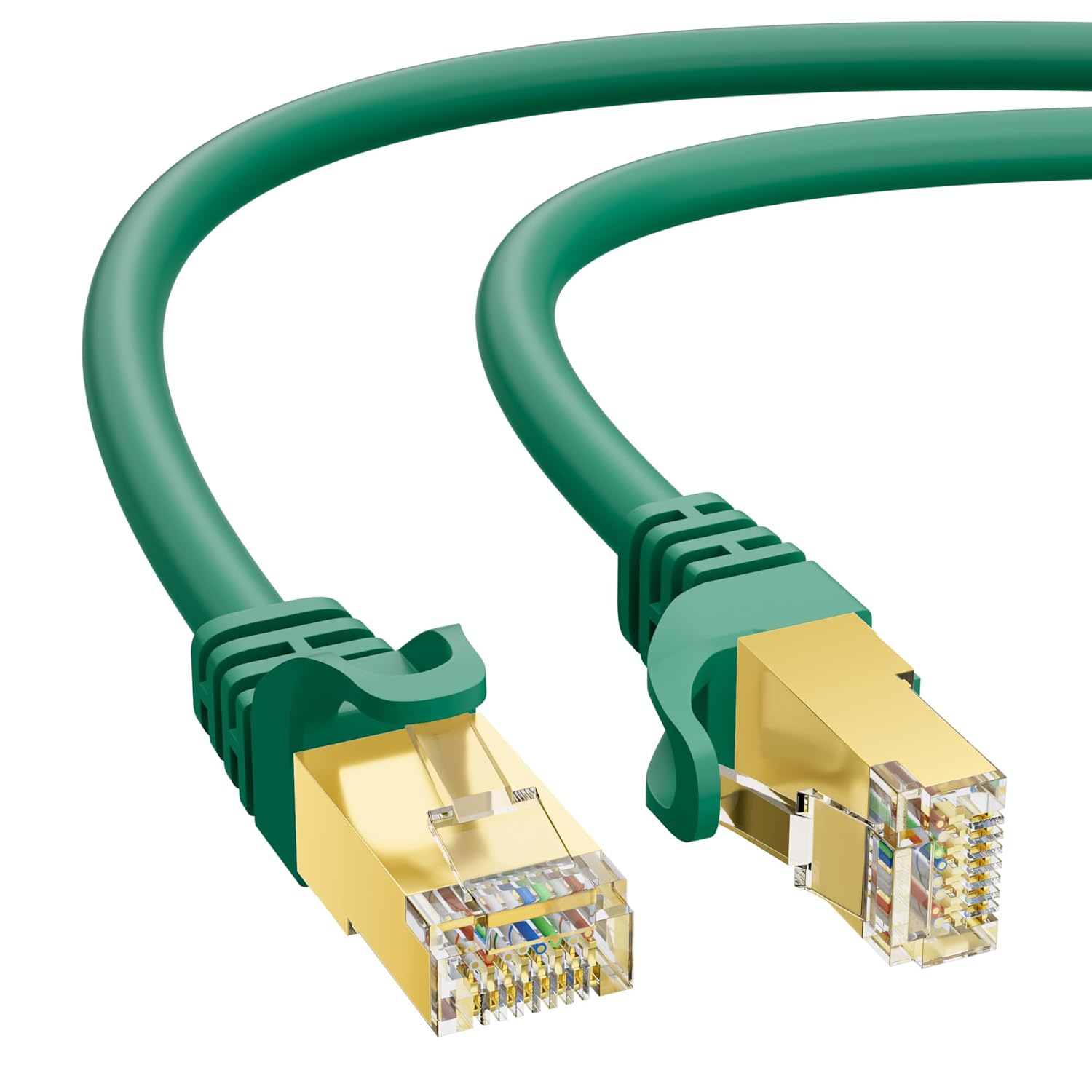
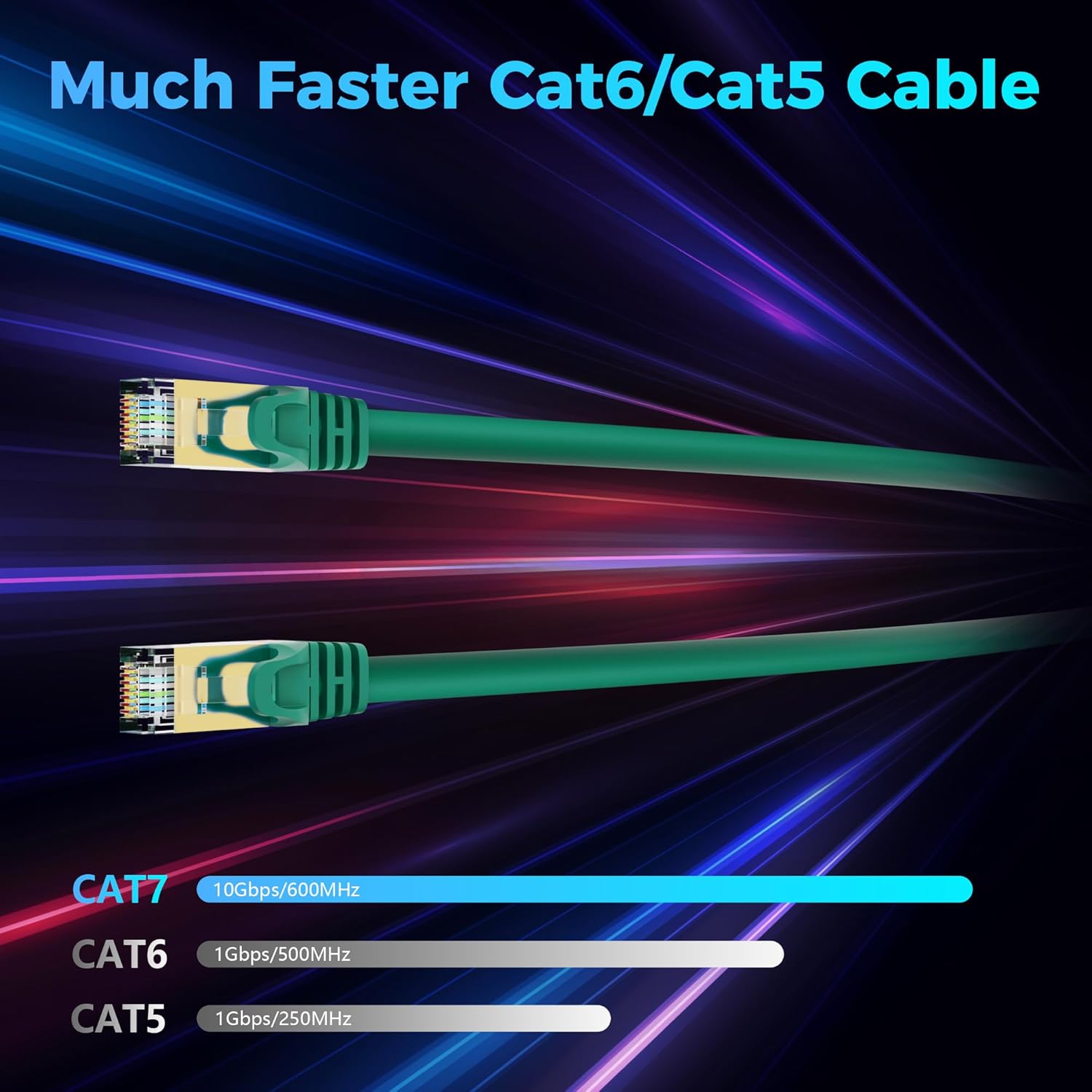
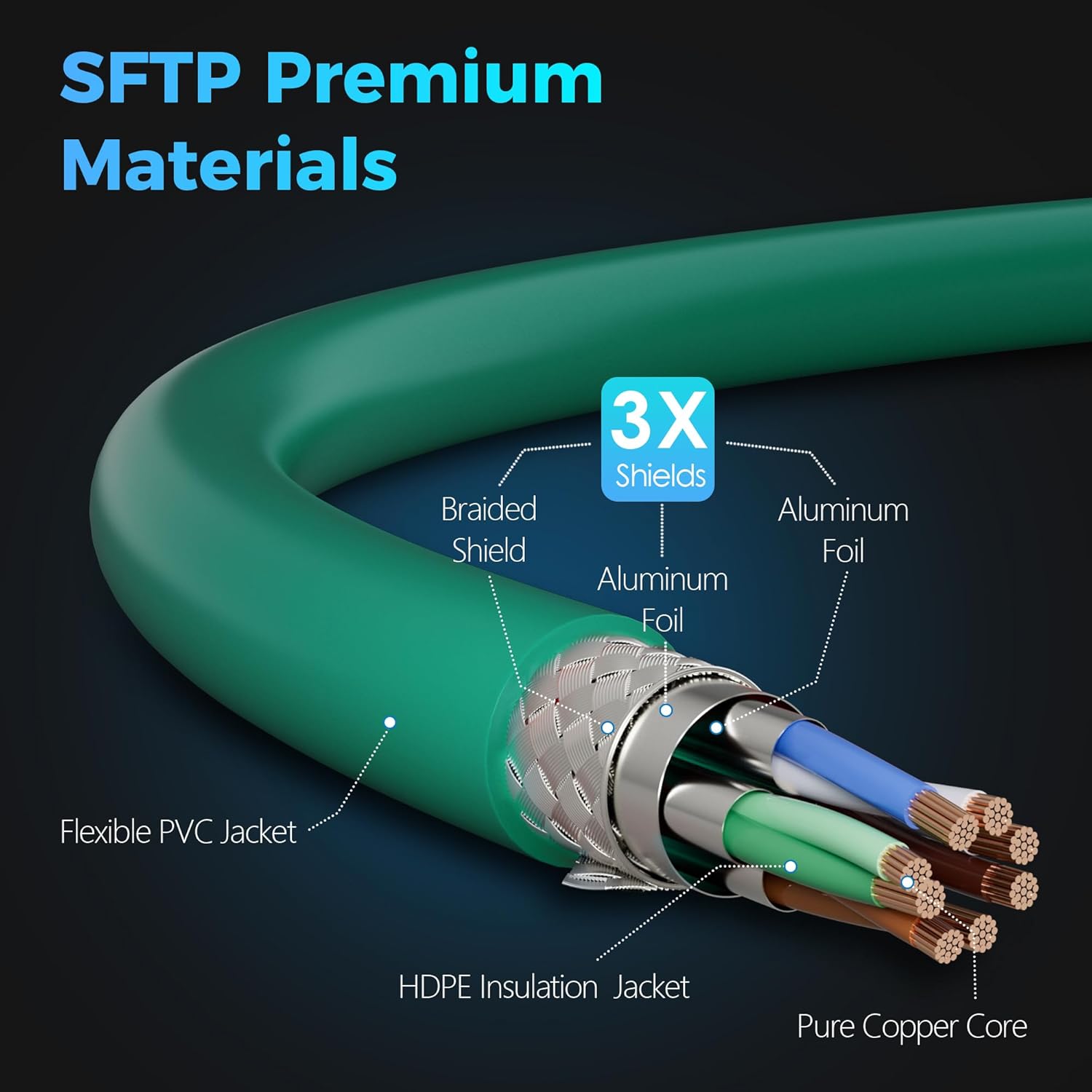
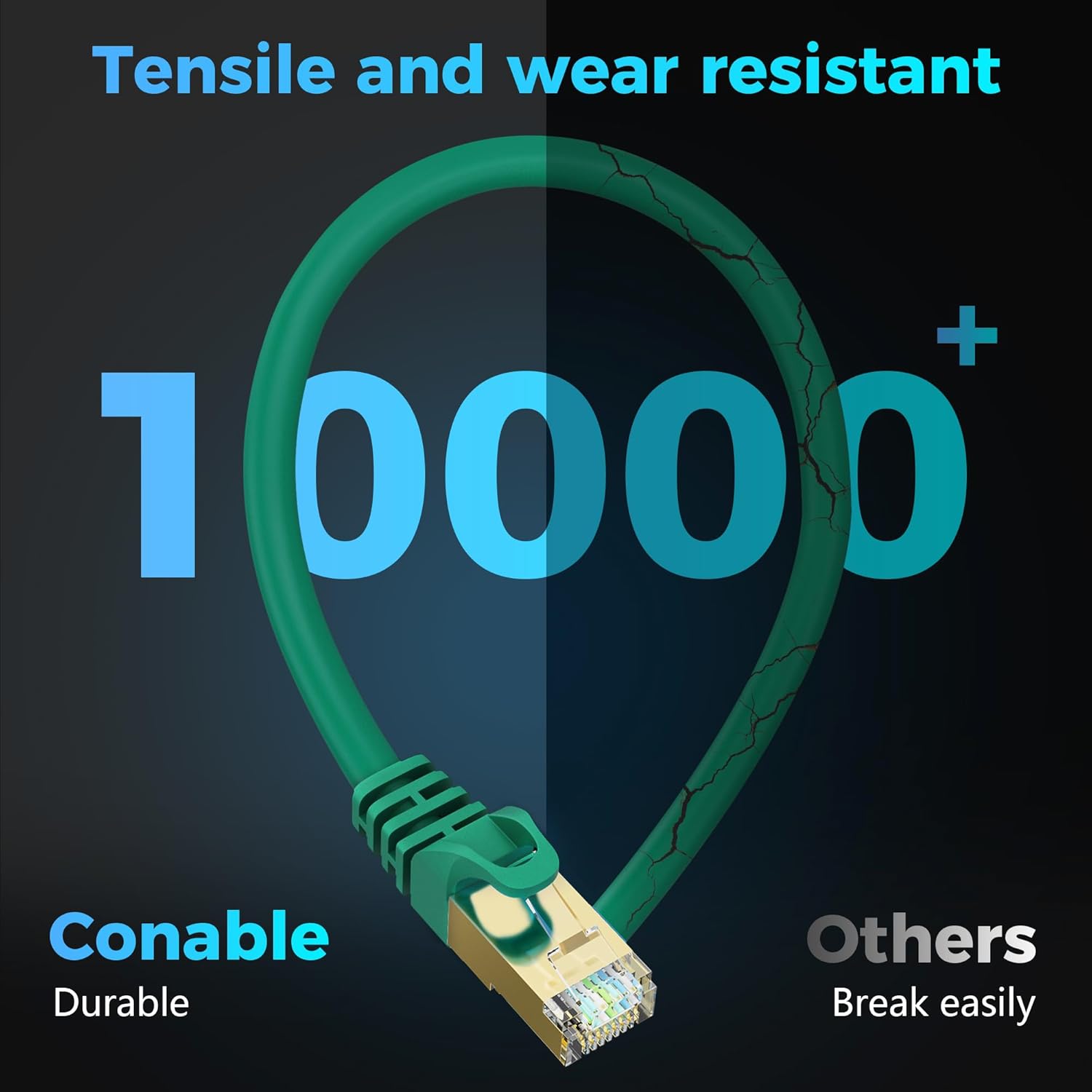
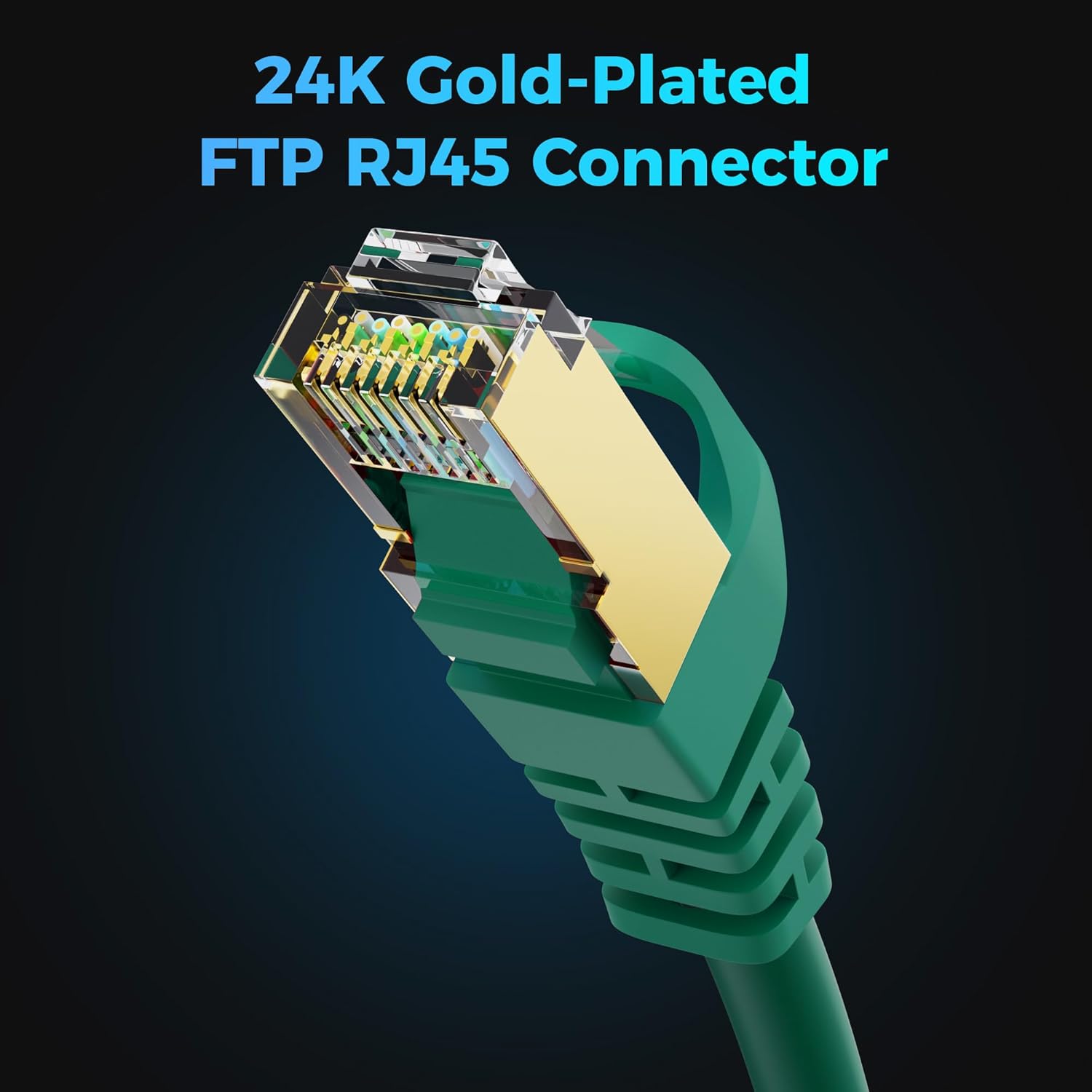
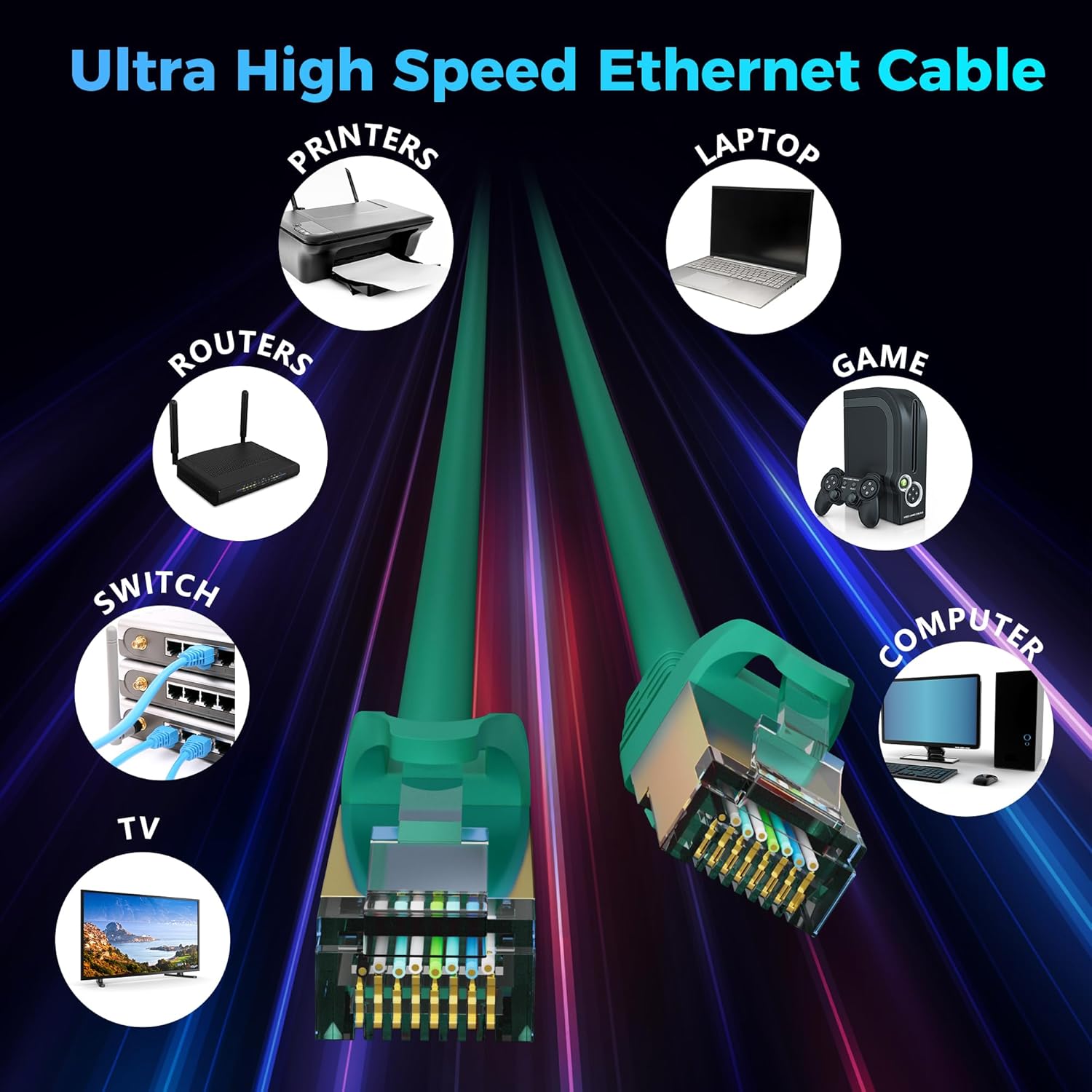
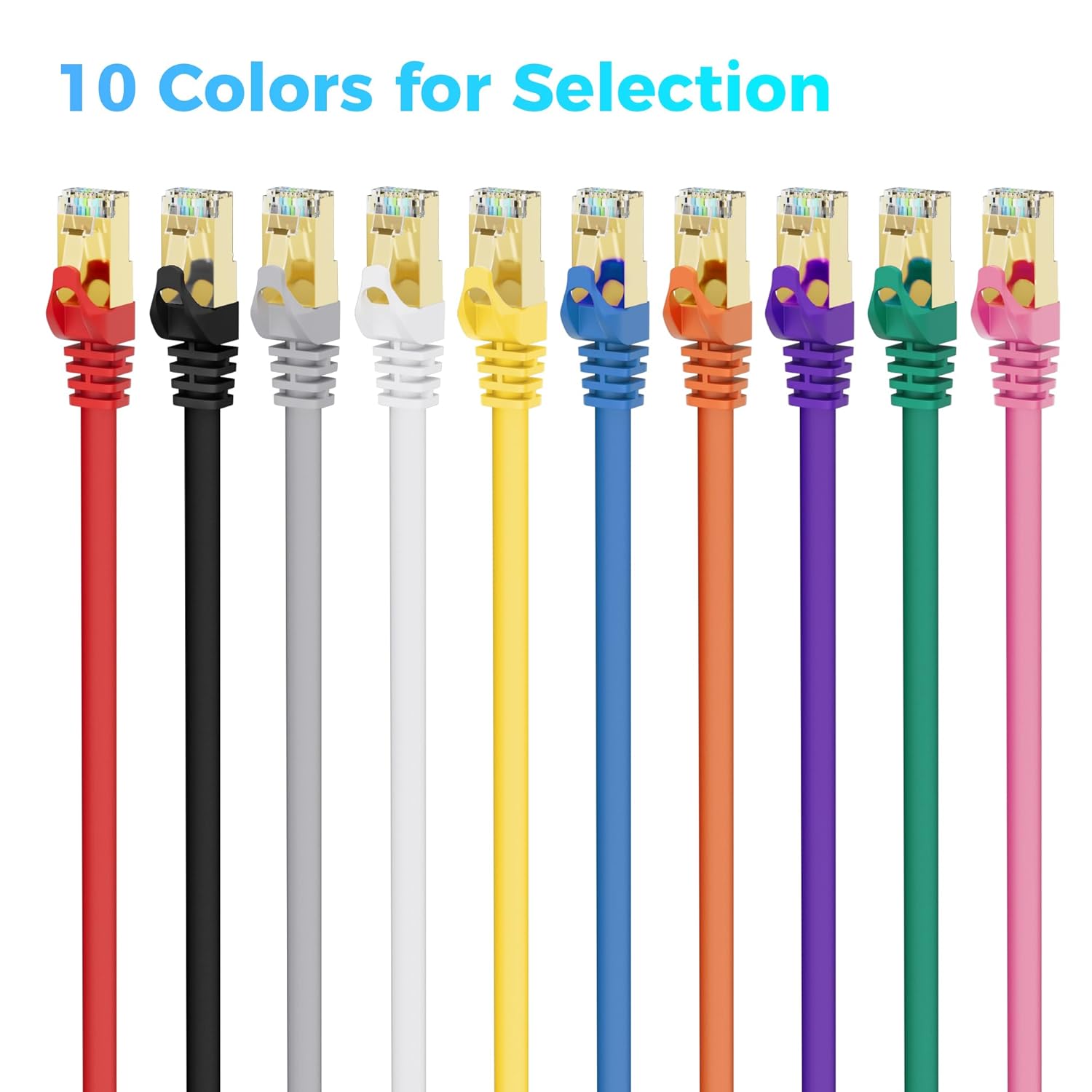
What it is and what it solves\nThis is a CAT7 Ethernet cable designed for high-speed, low-latency wired networking. With 10Gbps data transmission and up to 600MHz bandwidth, it aims to provide a stable connection for activities that demand consistent throughput, such as gaming, 4K/8K streaming, large file transfers, and online work sessions. If your current cable is bottlenecking your network, this cable promises to maximize the potential of a capable router, modem, or switch by reducing interference and preserving signal integrity over longer runs.\n\n## How it performs on paper\nThe build relies on 26 AWG pure copper conductors, gold-plated RJ45 connectors, and a four-pair twisted pair arrangement wrapped in double-layer aluminum Mylar foils plus braided shielding. This shielded (SFTP) design is intended to suppress cross-talk and external EMI, which can be especially noticeable in busy home networks or office environments with many wireless devices nearby. In theory, that should translate to steadier throughput, lower packet loss, and fewer retransmissions during peak usage.\n\n## What stands out about the design\n- Shielded construction (SFTP) aimed at minimizing interference.\n- Pure copper conductors rather than copper-clad aluminum, which can influence signal quality.\n- Gold-plated connectors for corrosion resistance and potentially longer-term reliability.\n- Flat or round variants and a broad color/length palette, so you can pick a setup that matches your space and devices.\n- Backward compatibility with Cat6a, Cat6, Cat5e, and Cat5, offering flexibility if you’re upgrading parts of your network gradually.\n\n## Pros and cons in everyday terms\nPros: higher potential bandwidth and reduced interference in environments with many neighboring networks or reflective surfaces. The shielding is designed to help preserve signal when the cable is run near power lines or dense electronics. Cons: CAT7 is often overkill for typical-modest home networks unless you’re deliberately pushing 10Gbps or planning a future-proofed setup, real-world speeds also depend on the rest of your network gear and ISP plan.\n\n## Who it’s for\nIf you’re setting up a gaming PC, PS5/Xbox, or a workstation that benefits from consistent high-throughput connections, and you want a cable that’s built to resist interference, this CAT7 option may be a sensible choice. It’s also appealing if you’re upgrading a home or small office network where multiple devices share bandwidth and you want a longer-term upgrade path.\n\n## Who might want to skip it\nIf your current network consistently runs well at 1–2 Gbps or you don’t anticipate needing 10Gbps within the next few years, you might be fine with a CAT6a or CAT6 at a lower price point. Also, if your devices or router don’t support 10Gbps, the extra headroom won’t be realized in everyday use.\n\n## When it makes sense to buy\nChoose this cable if you prioritize shielding and copper reliability, you plan to run higher-speed services, or you want a future-proof upgrade with a 600MHz bandwidth target. It can be particularly compelling in a busy apartment, home theater setup, or a home lab where multiple devices are active at once.\n\n## What to check before buying\nConfirm that your router, switch, or modem supports 10Gbps and that you actually need the bandwidth ceiling to justify CAT7. Consider the cable’s physical route: shielded cables are more robust against interference, but the added shielding can affect flexibility if you need ultra-tight bends. If you’re choosing between lengths, weigh the distance to devices and potential losses, even though CAT7 supports longer runs compared to older categories.\n\n## Practical use case\nImagine a gaming console wired directly to a high-end router via this 10 ft CAT7 cable. You’re aiming for stable ping and large-file downloads without buffering hiccups. In a room with several power strips and a dense wireless environment, the shielding helps keep the signal clean as you move between positions for the best connection.\n\n## Quick comparison of approaches\nIf you don’t need 10Gbps, CAT6a could be enough for many households and is often cheaper. For those who want maximum future-proofing and are wiring a home office or entertainment setup with multiple high-speed devices, CAT7 provides extra headroom and shielding. The practical difference will depend on your equipment and network plan, not just the cable itself.\n\n## FAQ (practical answers)\nQ: Do I need CAT7 for streaming 4K or gaming? A: For most typical consumer plans, CAT6a or CAT7 both outperform older cables, but you’ll only realize 10Gbps benefits if your devices and network gear support it.\nQ: Will this cable fit my existing hardware? A: It uses standard RJ45 connectors and is backward compatible with Cat6/5e gear.\nQ: Is shielding worth it in a home setup? A: Shielding helps in interference-prone environments but is not a magic fix for a slow internet plan.\nQ: How long will it last? A: It’s built with copper and shielding designed for durability, but lifespan depends on handling and installation.\nQ: What about PoE devices? A: The cable supports PoE-compatible devices, but verify your power needs and switch compatibility.\n\n## Is it worth it?\nIs it worth investing in CAT7 for a typical home network? If you’re upgrading to support higher speeds, future-proofing, or operating in a cluttered RF environment, it can be prudent. If your current speeds stay well below 5–6 Gbps and your gear isn’t compatible with 10Gbps, you may not see immediate gains. Consider your equipment, use case, and budget before deciding.