

Carpuride W502PRO 5" Motorcycle GPS Navigation
Reviews
Price
Product description
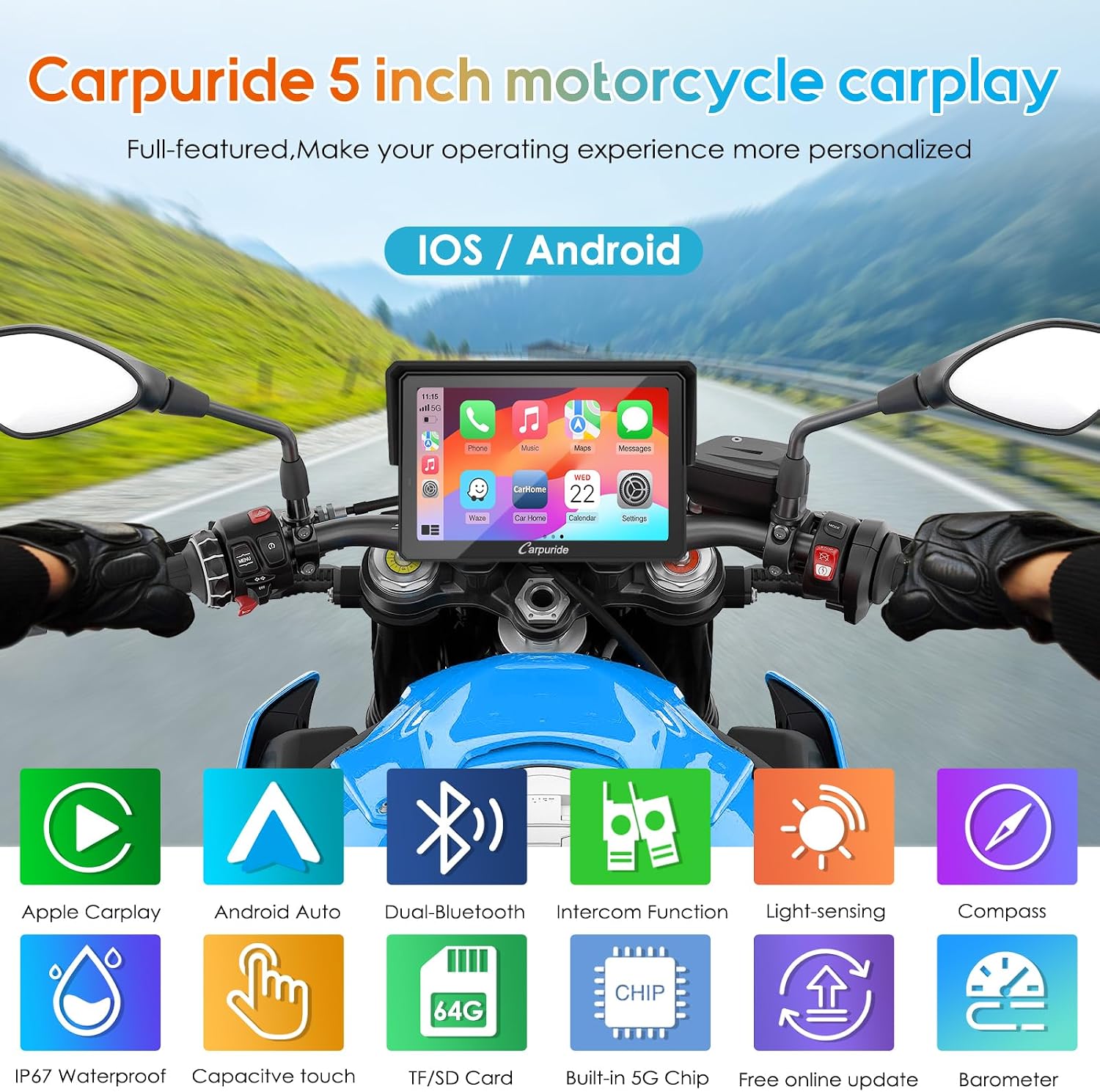
This motorcycle GPS and communication display combines navigation, hands-free calls and music sharing in a compact 5-inch waterproof unit designed for on-bike use. It brings wireless CarPlay and Android Auto access, dual Bluetooth for audio and helmet/headset connections, and riding-oriented sensors like a compass and barometer to support navigation and situational awareness.
Key Points
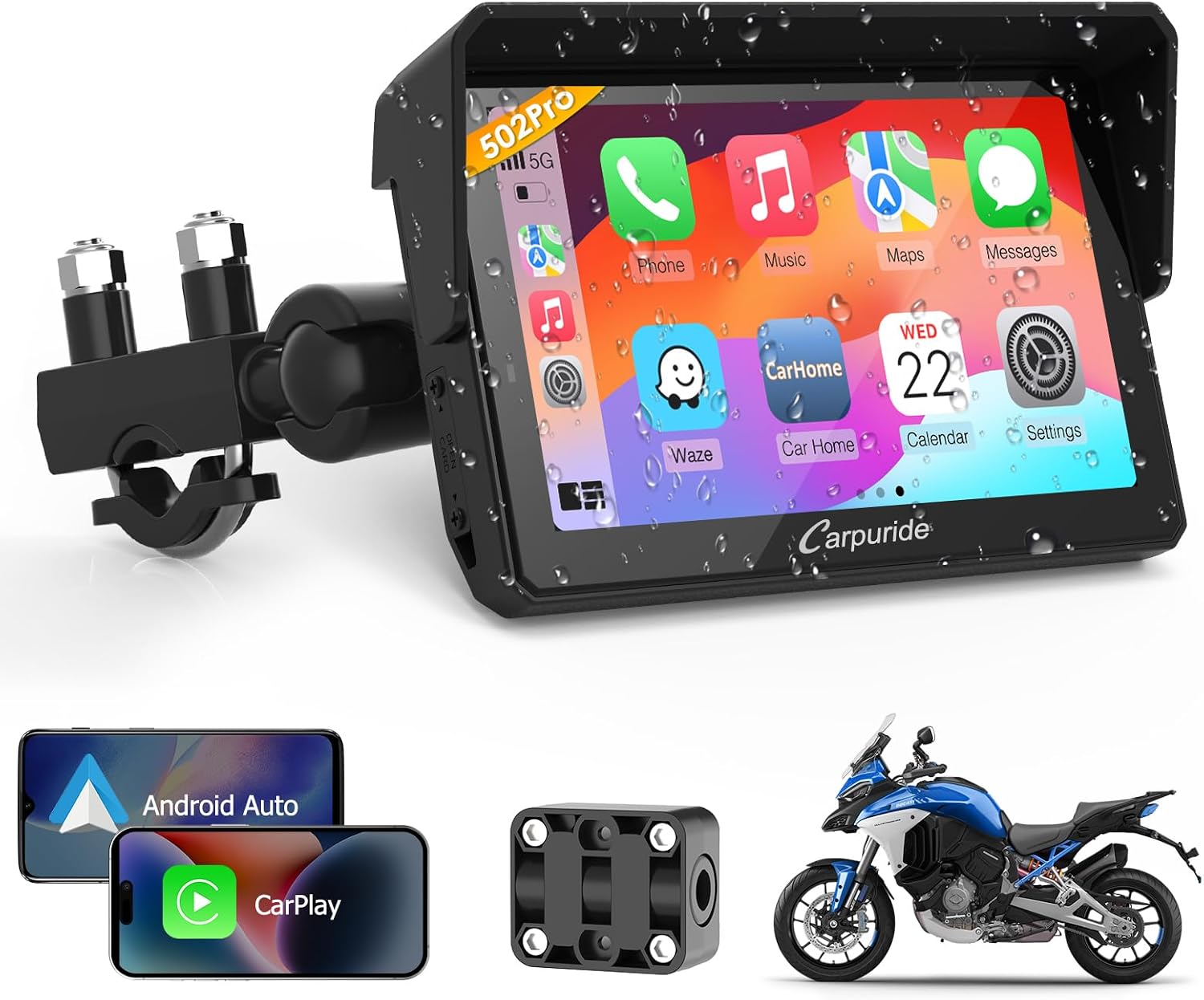
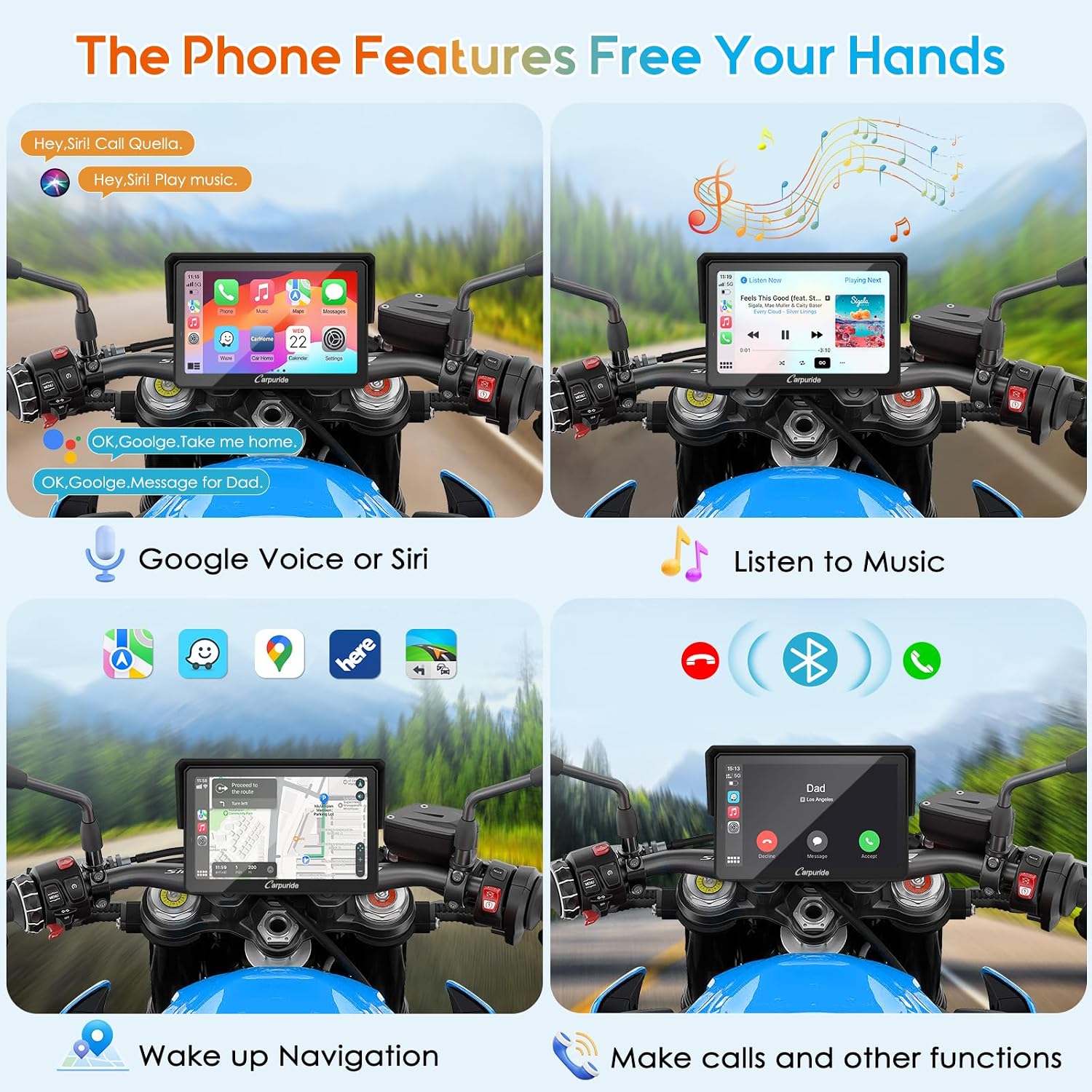
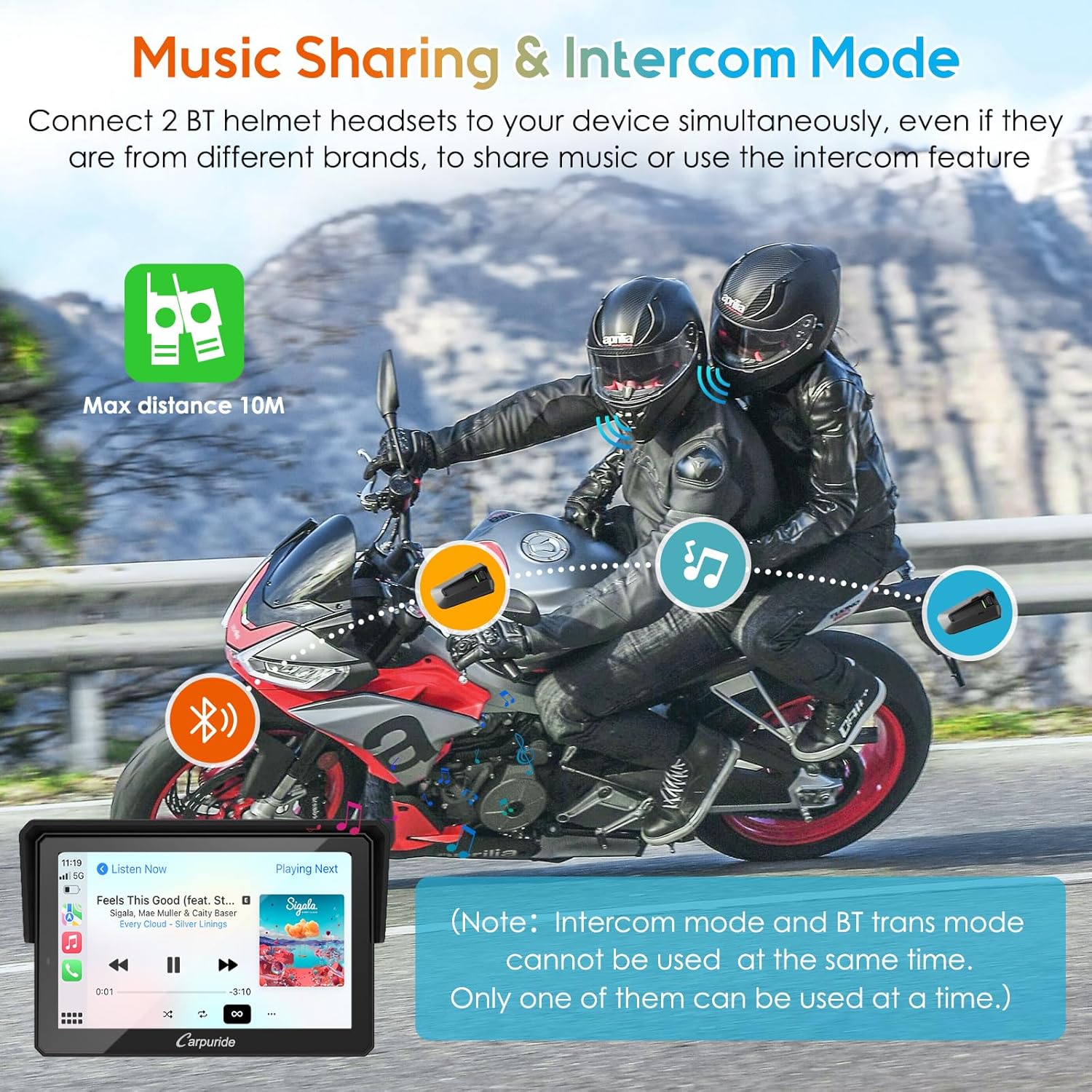
The screen offers wireless CarPlay and Android Auto so you can access maps, calls, messages and voice assistants without handling your phone. Dual Bluetooth lets the device connect to your smartphone and a Bluetooth helmet or headset at the same time, enabling audio streaming and intercom-style communication while riding. The housing is waterproof and the display includes a light sensor to help maintain visibility in varying daylight conditions. Note that according to the manufacturer the unit does not include TPMS and some manual sections may be incorrect, so rely on the device functions rather than erroneous paperwork.
Technical Specifications
- Name: CARPURIDE W502PRO
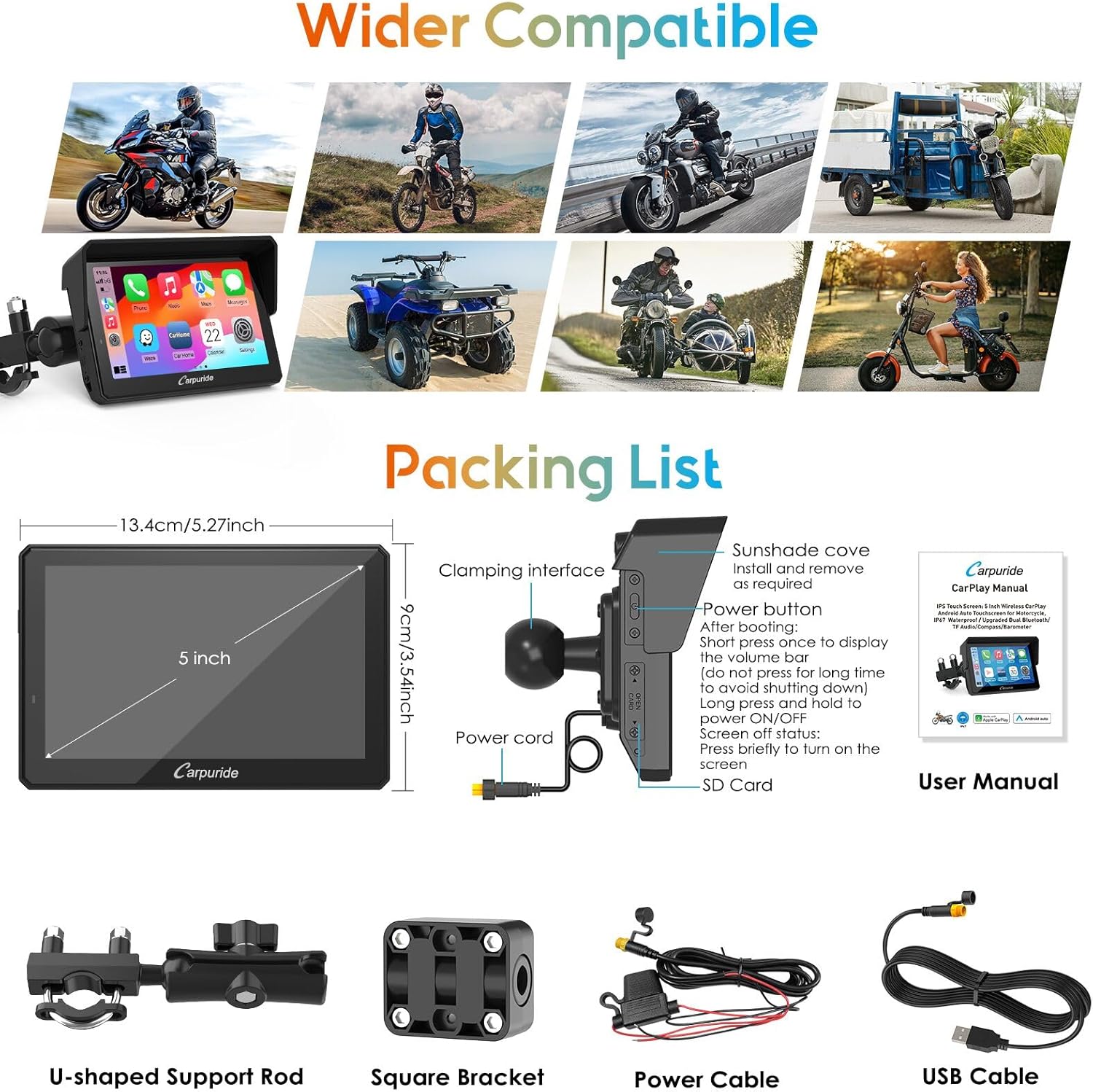
- Display size: - 5 inches
- Connectivity: - Wireless CarPlay and Android Auto, Dual Bluetooth (phone + headset)
- Sensors: - Light sensor, Compass, Barometer
- Features: - Music sharing, Intercom, EQ settings
- Protection: - Waterproof design
Benefits
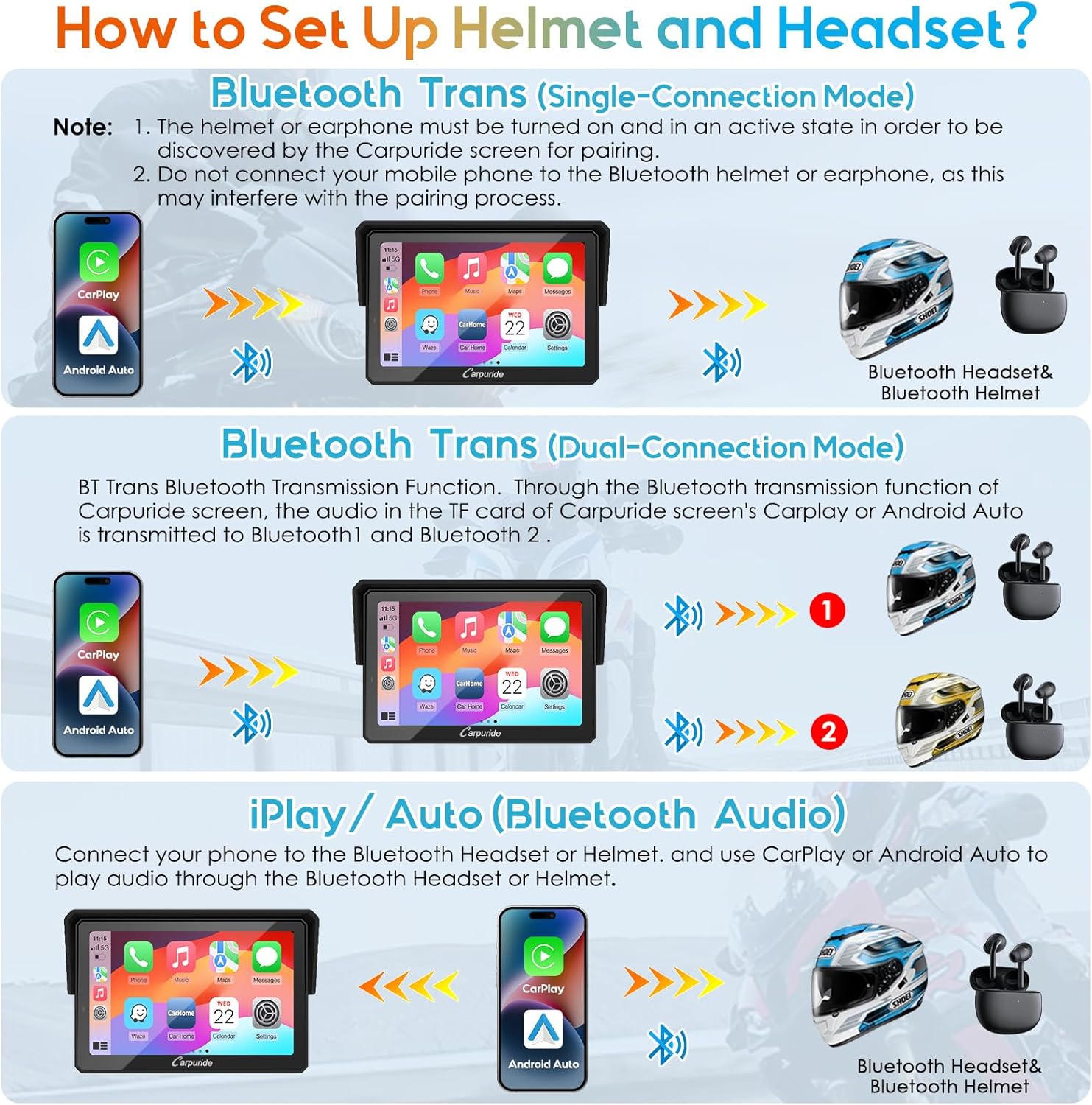
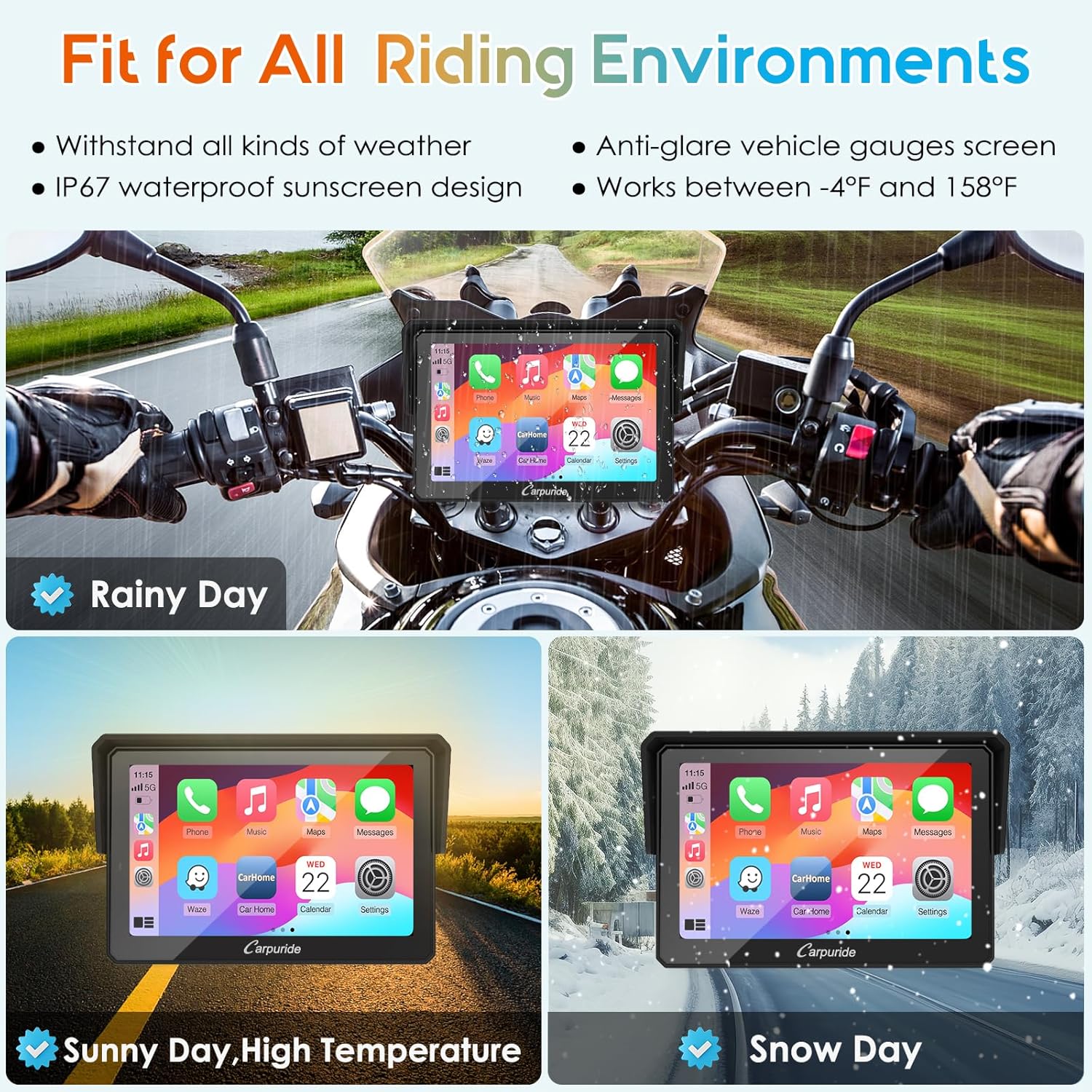
Using wireless CarPlay and Android Auto on the W502PRO keeps your route and communications within easy reach while you keep both hands on the bars. The dual Bluetooth setup makes it simple to play music and take calls while also maintaining a connection to a Bluetooth helmet for voice and intercom functions. The compact 5-inch screen reduces windage and clutter on touring and commuter bikes, and the EQ controls let you adjust audio balance for helmet speakers or external systems. For riders who often change light conditions, the light sensor helps the screen adapt to preserve readability.
Usage Recommendations
Install the unit in a visible position on the handlebar cluster where the light sensor can detect ambient conditions. Pair your phone first to activate CarPlay or Android Auto, then pair a helmet or headset as the secondary Bluetooth device to enable music sharing and intercom features. Adjust EQ presets to suit your helmet speakers and test audio at low speed before longer rides. Consider that the device does not include tire pressure monitoring according to the manufacturer, and be cautious with any conflicting guidance found in the supplied manual.