

CableCreation USB-C to USB-A Cable (5FT) — USB 3.2 Gen2 10Gbps for Android Auto & External SSDs
Product description
The essentials
If you’re shopping for a USB-C to USB-A data cable, this CableCreation option is aimed at one thing: fast, stable connections where USB-C devices meet a traditional USB-A port. On paper, it supports USB 3.2 Gen2 transfer speeds up to 10Gbps, and that matters when you’re moving big files to or from a USB-C external SSD, or when you want Android Auto to behave instead of drop out.
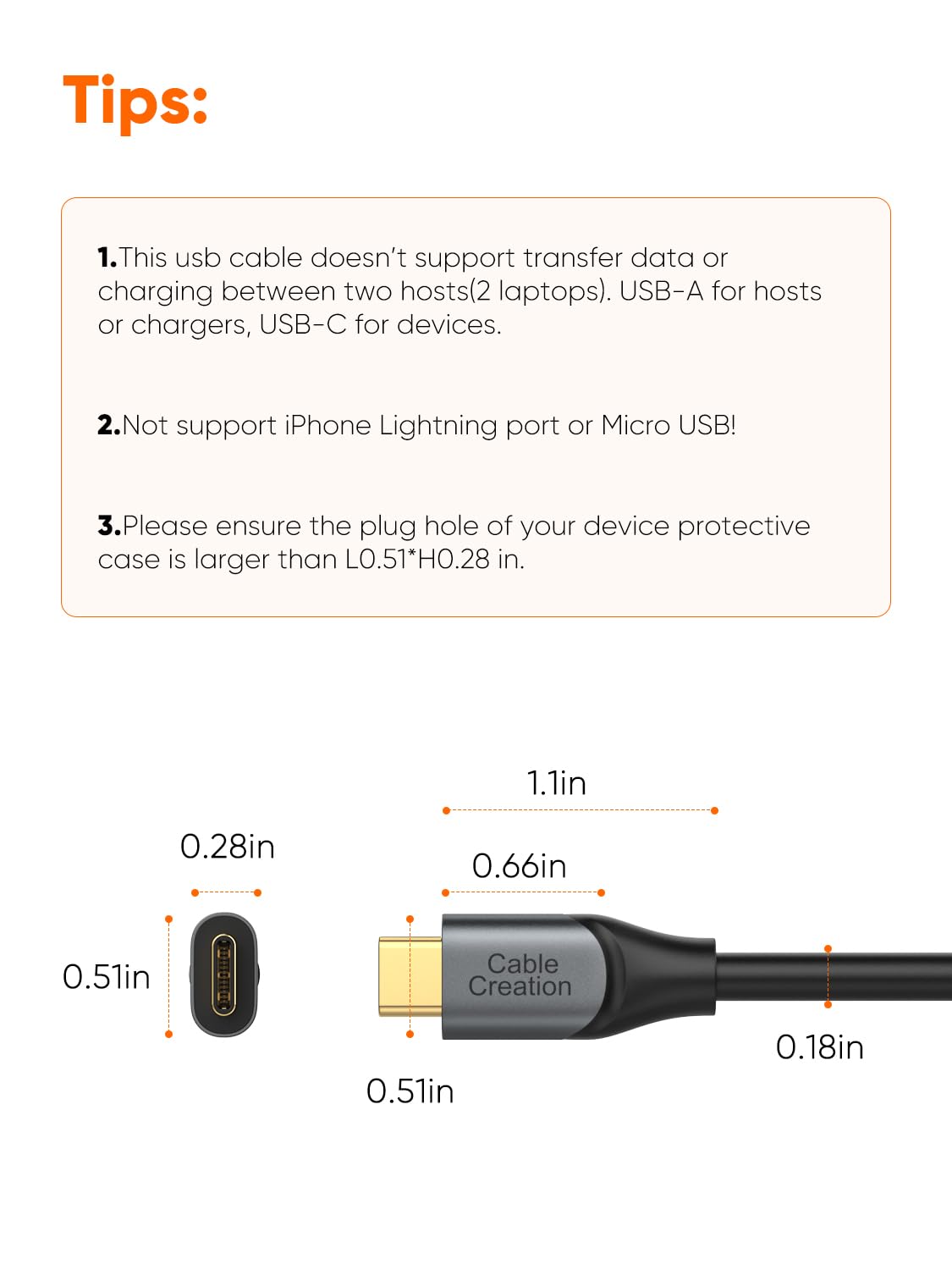
That said, not every “USB-C cable” is the same. This one is specifically positioned as a data cable. The listing also includes a couple of important limits—no video output, and no support for data transfer or charging between two laptops.
What it does well (and what you’ll notice)
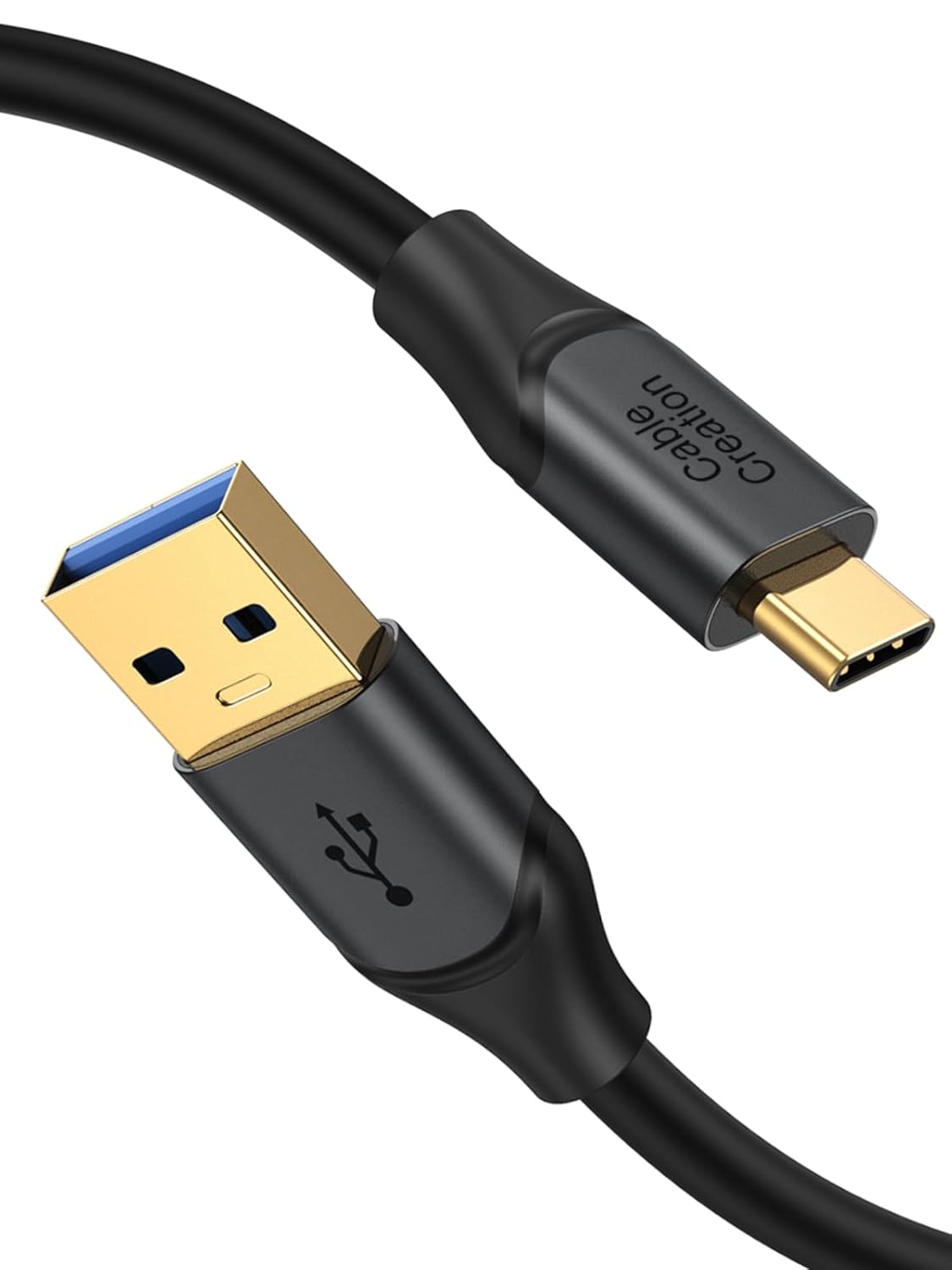
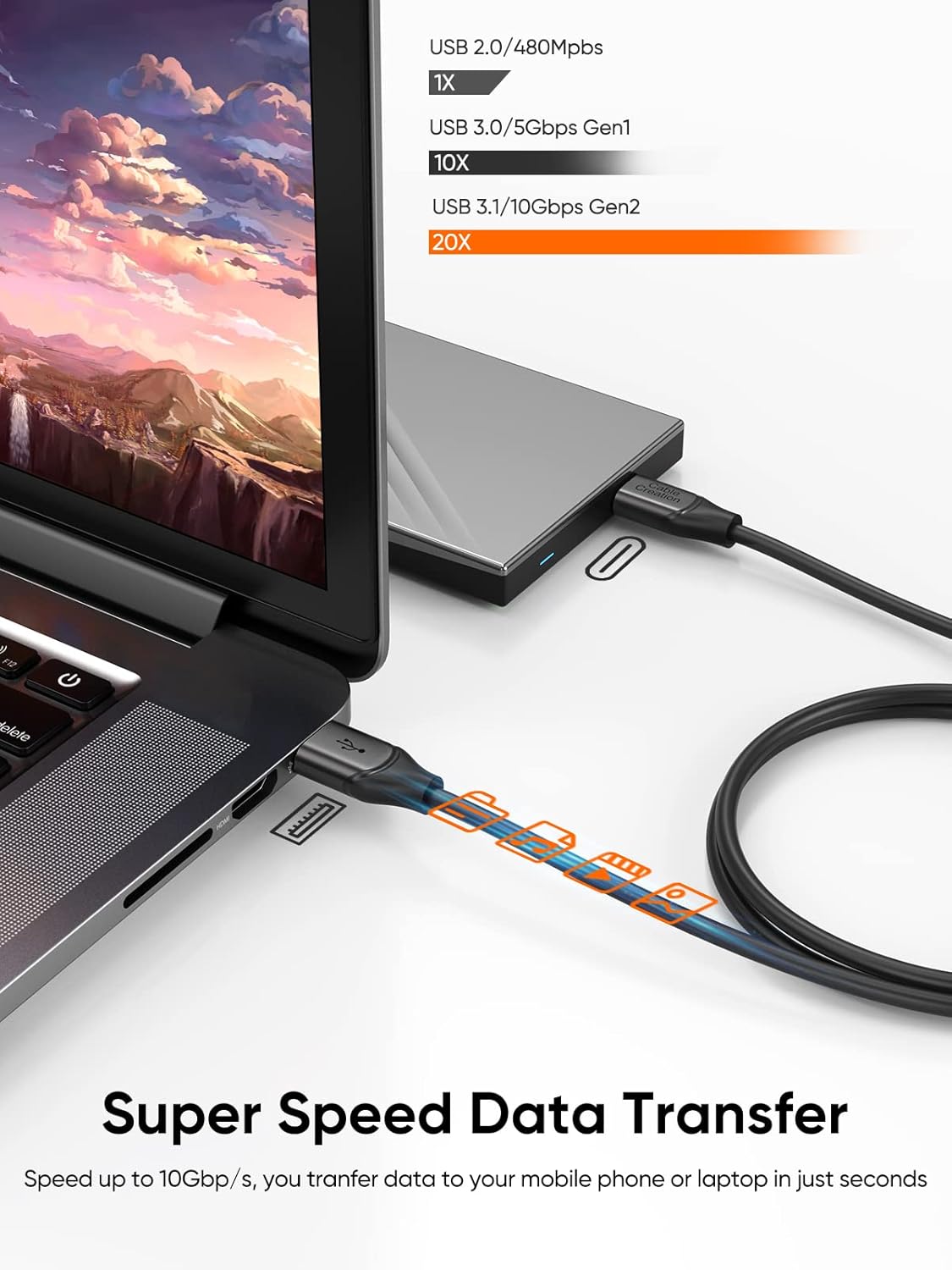
The headline feature here is USB 3.2 Gen2 up to 10Gbps, with backward compatibility to USB 3.1, USB 3.0, and USB 2.0. In practical terms, it’s the kind of cable you pick when you’d rather avoid slow file transfers and you want your connection to keep up when you plug in a USB-C external SSD.
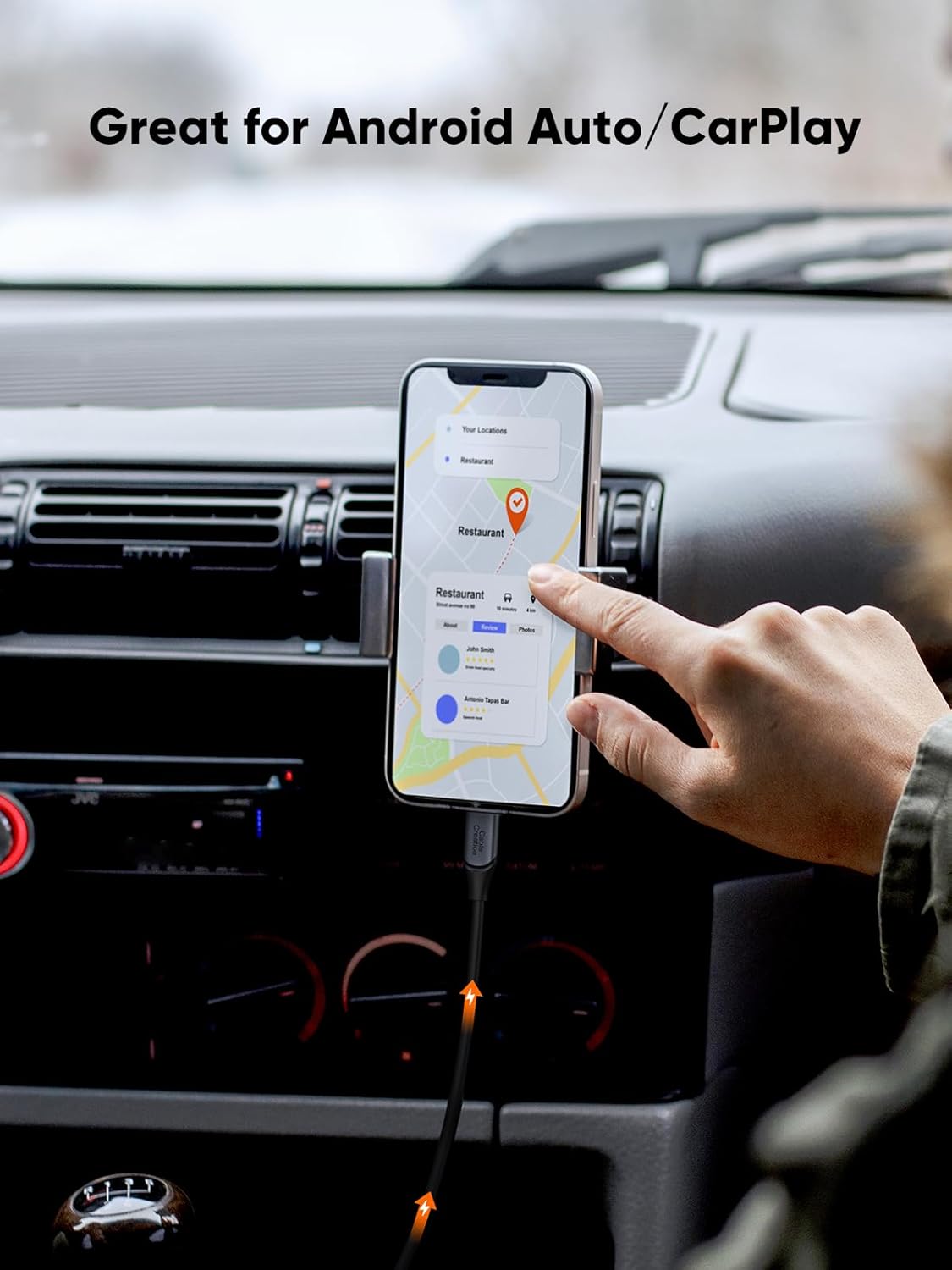
The other big reason people buy this type of cable is Android Auto reliability. The description calls it out as a “Great Carplay Cable for Android Auto,” and it mentions connection issues—so the intent is that it can be the missing piece when you’re dealing with unstable behavior.
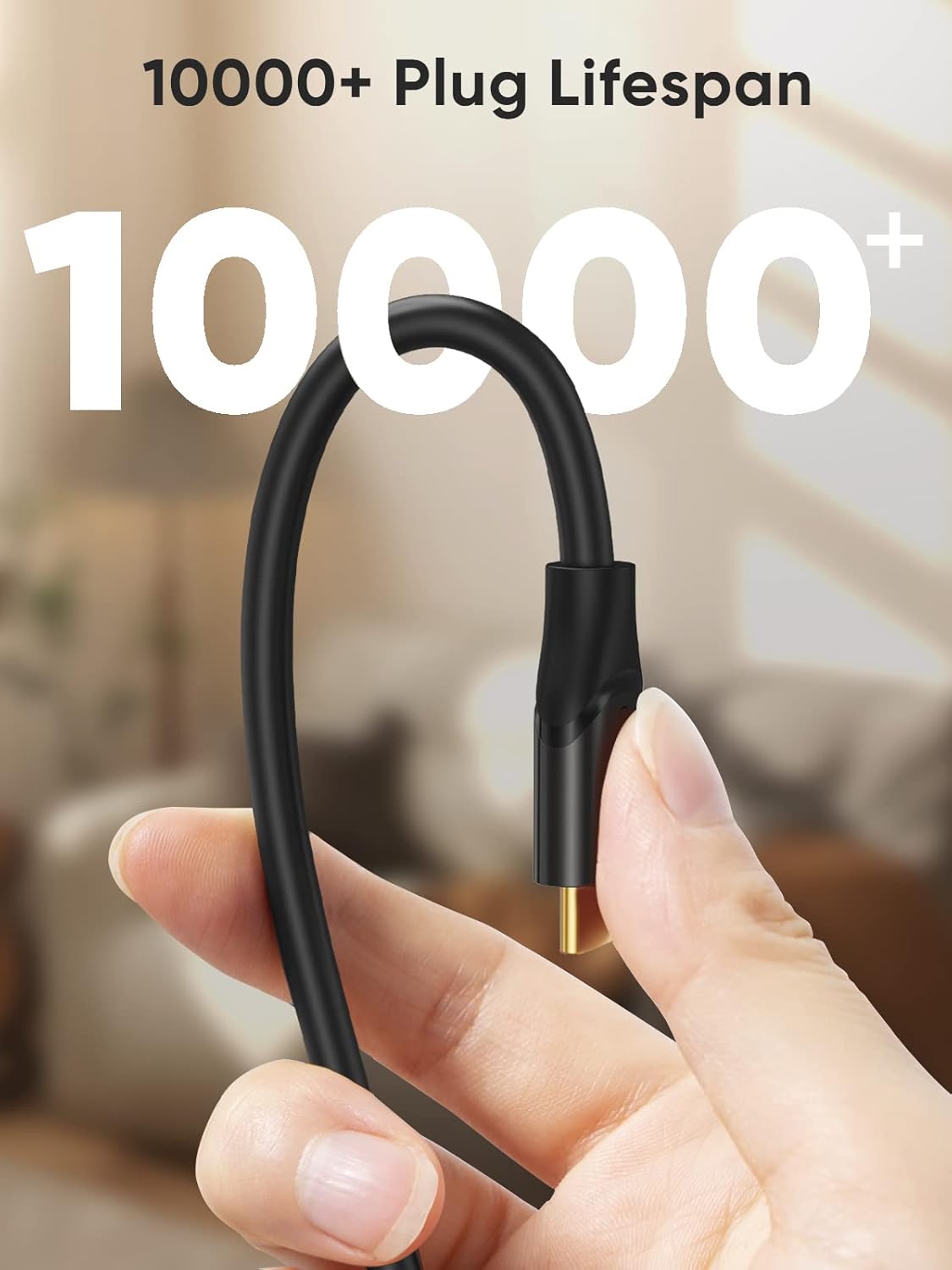
It’s also built for day-to-day use. The cable is described as “a bit stiff because its thick,” and it uses an aluminum alloy shell plus a gold-plated connector. That combo is meant to help with durability and stability over time, which is exactly what you want if this will be plugged in often (car setups, desk docks, external storage).
Key takeaways before you buy
Before you assume it will solve everything, here are the realistic boundaries from the listing.
- No video output. If your goal is mirroring or display over USB, this won’t cover that.
- Not for laptop-to-laptop data transfer/charging. The description specifically says it doesn’t support data transfer or charging between two laptops.
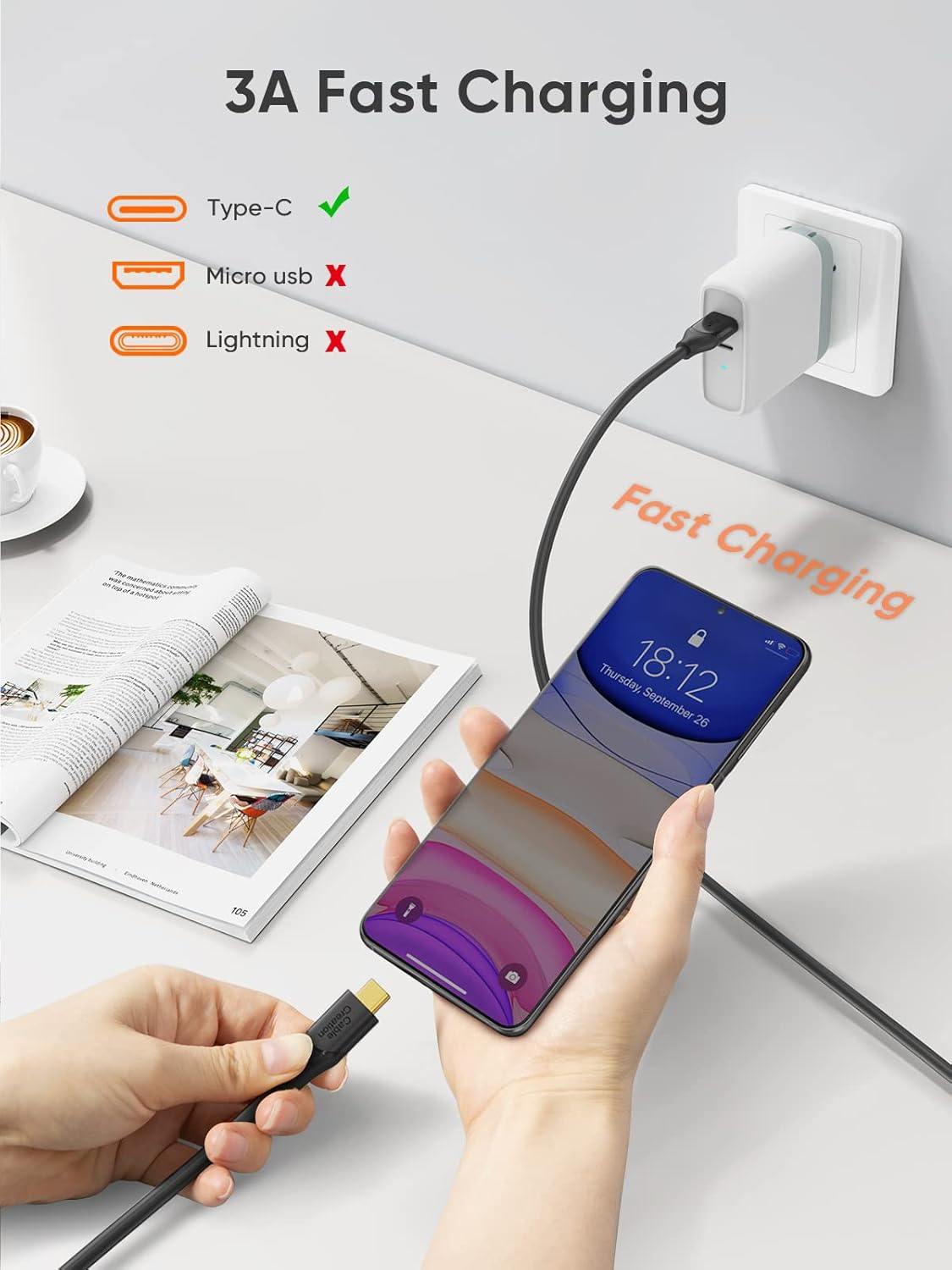
- Type-C to Lightning support: not supported. The listing notes the Type-C cord does not support devices with Lightning ports.
- Android Auto depends on your setup. It suggests checking whether your Android Auto supports OTG and whether OTG is enabled in the system. In other words, the cable can’t override compatibility settings on your phone.
That’s the trade-off: it’s designed for data and specific phone-car scenarios—not as a universal “everything cable.”
Where it shines by use case
If your setup matches the listing’s intent, this cable can make your life easier.
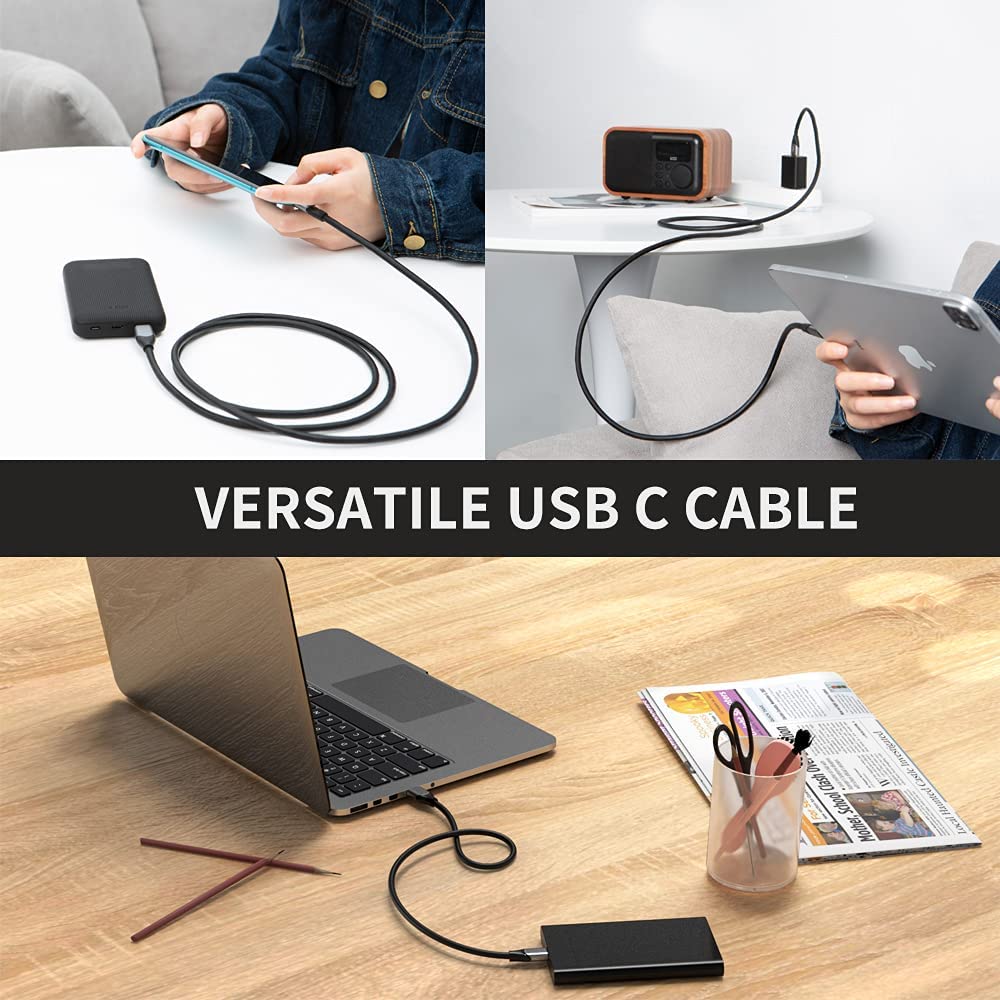
For external SSD work: When you’re connecting a USB-C external SSD to a USB-A port, faster Gen2 speeds are the point. Even if your drive or host caps speed lower, you still benefit from the cable supporting higher bandwidth than basic USB-A to USB-C options.
For Android Auto setups: If you’ve had connection issues, having a cable that’s framed for Android Auto and OTG behavior can reduce the “why won’t it connect?” headaches. A concrete example: you plug in your phone to the car’s USB port, wait for Android Auto to load, and you’re trying to stop random disconnects—this is the kind of cable the listing targets.
For everyday desk use: The thick, stiff design is not for everyone aesthetically or in tight spaces, but it’s a practical pick when you don’t want a flimsy cable that gets twisted and breaks quickly.
Tech specs
- Type: USB-C to USB-A data cable
- Speed support: USB 3.2 Gen2 up to 10Gbps
- Backward compatibility: USB 3.1, USB 3.0, USB 2.0
- Length: 5FT
Who it’s for (and who should skip it)
This is a solid fit if you want a USB-A port to reliably connect to USB-C devices for data—especially a USB-C external SSD—or if your main frustration is Android Auto connection instability and you’ve confirmed OTG support is enabled.
It may not suit you if you need video output, if you’re trying to do laptop-to-laptop transfer/charging, or if your devices use a Lightning port. Also, if you strongly prefer a flexible cable for tight routing, the listing’s “a bit stiff because its thick” warning is worth taking seriously.
Is it worth it?
This CableCreation USB-C to USB-A cable looks worth considering when your priority is data performance up to 10Gbps and a more dependable day-to-day build for frequent plugging. The Android Auto angle is a bonus, but it comes with a real caveat: your phone and car setup must support OTG, and OTG must be enabled.
If you need video output, Lightning compatibility, or a laptop-to-laptop solution, you’ll likely end up disappointed. For everything else in its lane—USB-C external SSD connections and OTG-based Android Auto—this is the kind of “plain but capable” cable that can make the setup work more smoothly.
Mini FAQ
Does this cable support video output? No. The listing specifically says it does not support video output.
Is it a charging cable? The description focuses on data transfer and explicitly notes limits like not supporting charging between two laptops. If charging is your main requirement, you should double-check your device expectations before relying on it.
Will it fix Android Auto connection issues? It’s aimed at helping with Android Auto problems, but the listing also advises checking OTG support and ensuring OTG is enabled on your phone.
Will it work with Lightning devices? No. It does not support devices with Lightning ports.
What devices is it described as compatible with? The listing mentions compatibility with USB-C/Thunderbolt 3 devices and cites OTG phones such as Galaxy S24/S23+ models and iPhone 15 series, plus USB-C external SSDs.