


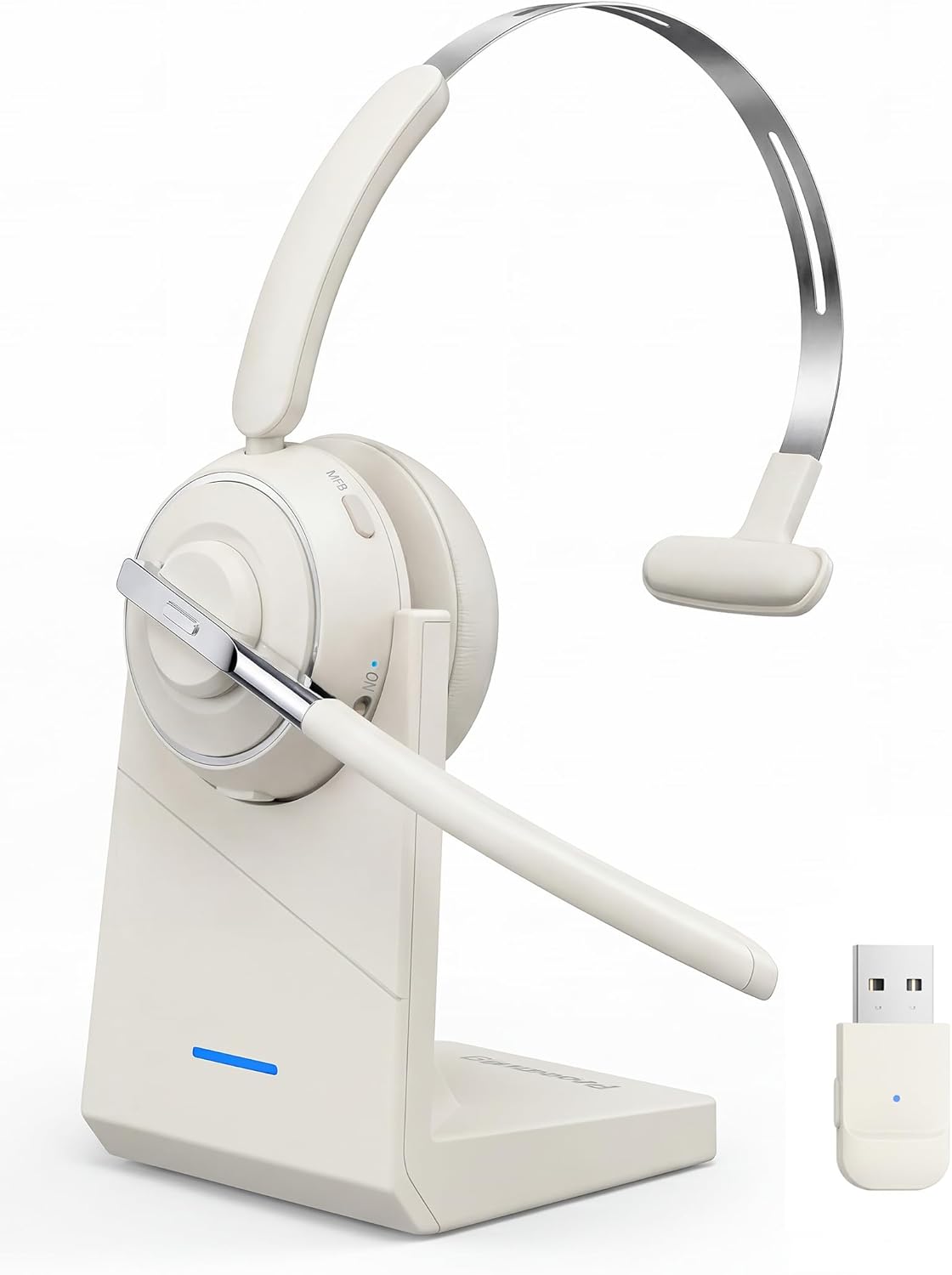
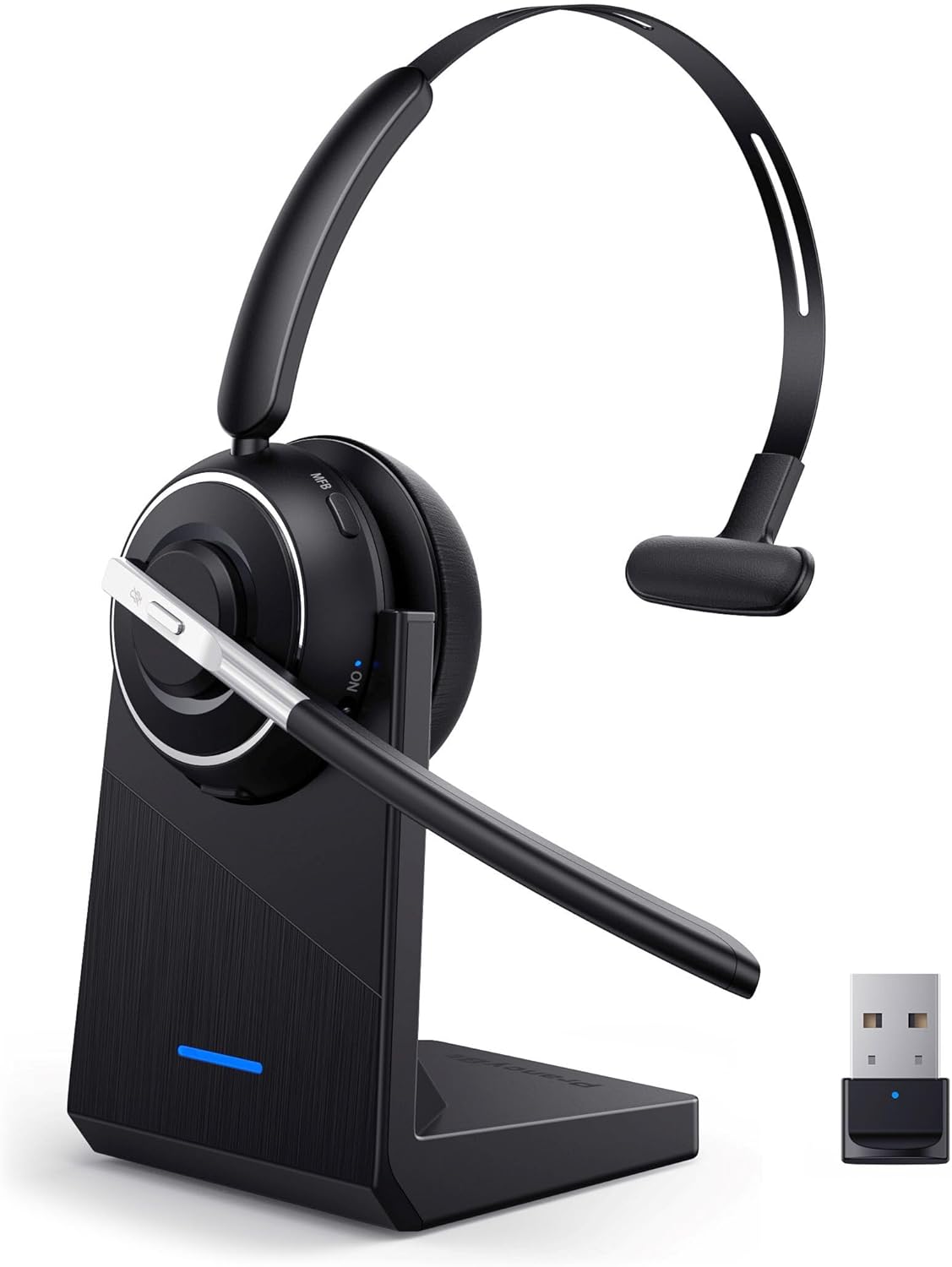
Bluetooth Headset V5.2 Wireless Headset with Mic
Product description
This wireless Bluetooth headset for PC combines easy setup, hands-free operation, and a noise-cancelling microphone for clearer calls whether you work from home or the office. The physical on/off toggle and included USB dongle make pairing fast and reliable, and the headset is built to support conference apps and mobile calls with fewer distractions.
Key Points
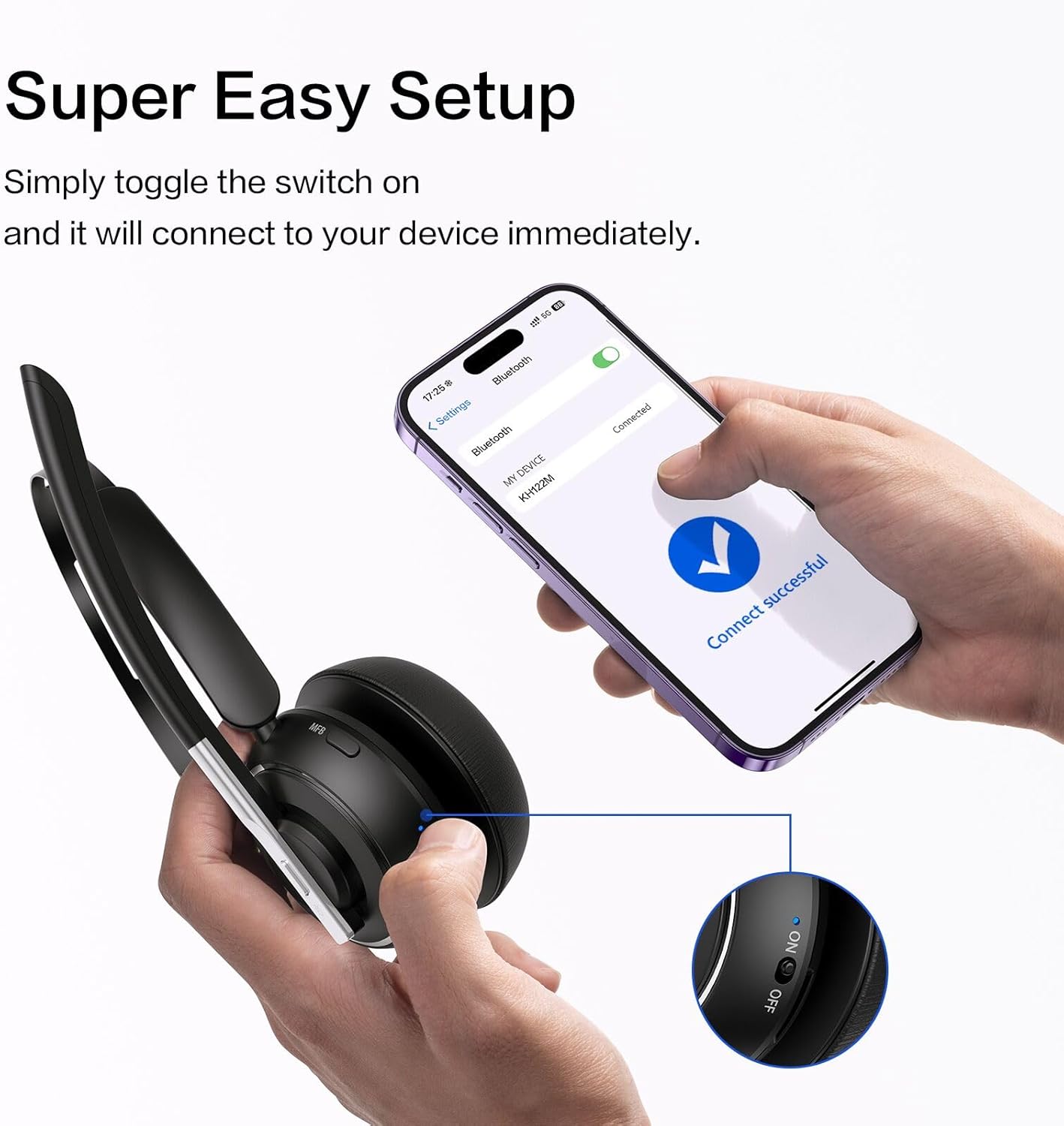
The headset features a one-step auto connection with a physical toggle switch that powers the unit on and off quickly, avoiding long button presses. A USB dongle is included for plug-and-play use on computers without native Bluetooth or where direct Bluetooth connections are restricted. The boom microphone rotates 270 degrees to position the mic close to your mouth while reducing ambient sounds, and a dedicated mute button on the earcup gives instant control over your voice during calls. According to the manufacturer, advanced Bluetooth 5.2 brings faster pairing, improved stability, and lower latency for a better wireless experience. Note that updating a computer’s Bluetooth driver may help if you experience intermittent drops.
Technical Specifications
- Name: Bluetooth Headset V5.2 with USB Dongle
- Bluetooth version: V5.2
- Wireless range: Up to 10 m / 33 ft
- Microphone: Rotatable boom mic with noise cancellation, manufacturer states up to 99.99% background noise reduction
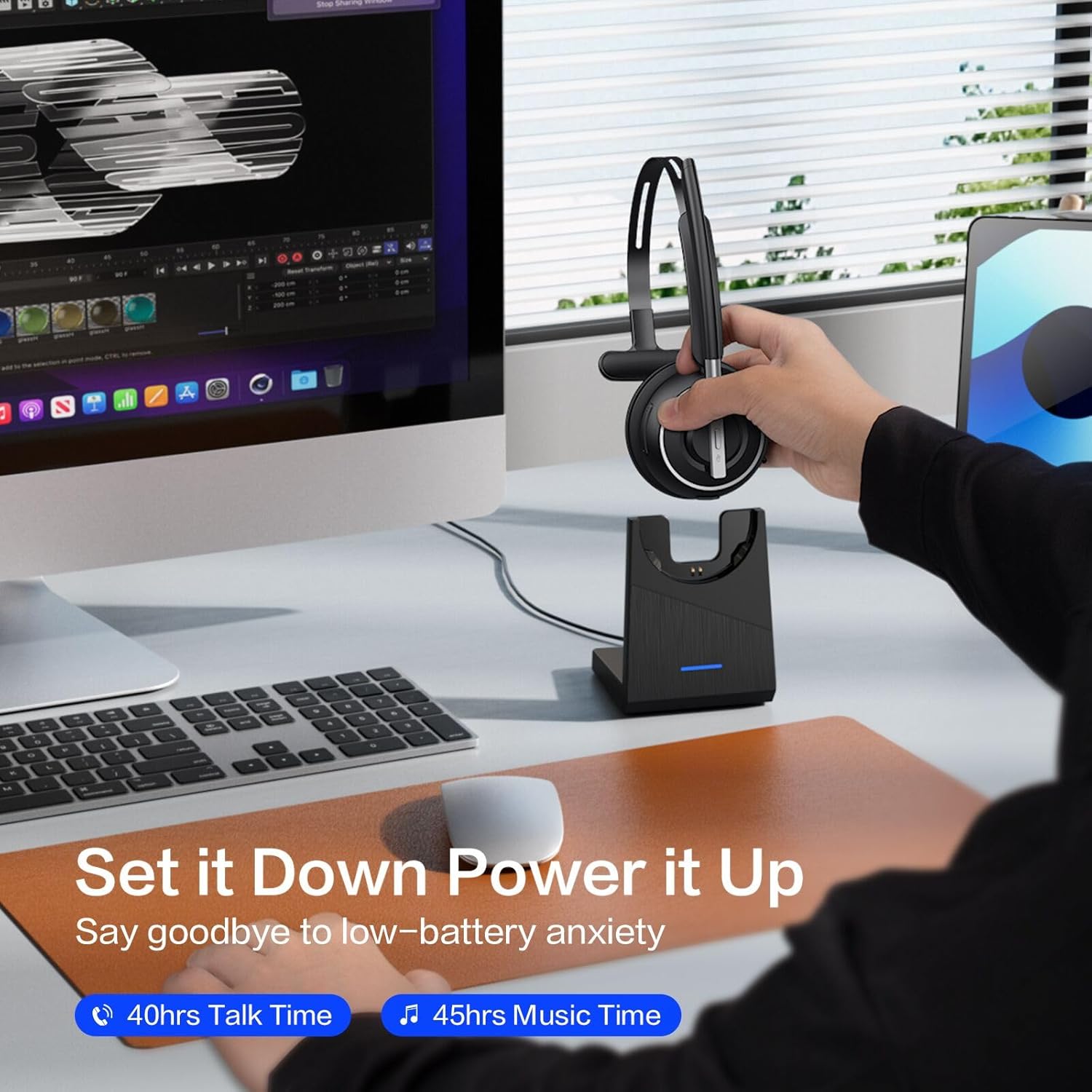
- Extras: USB dongle, charging base, physical on/off toggle, mute button
Benefits
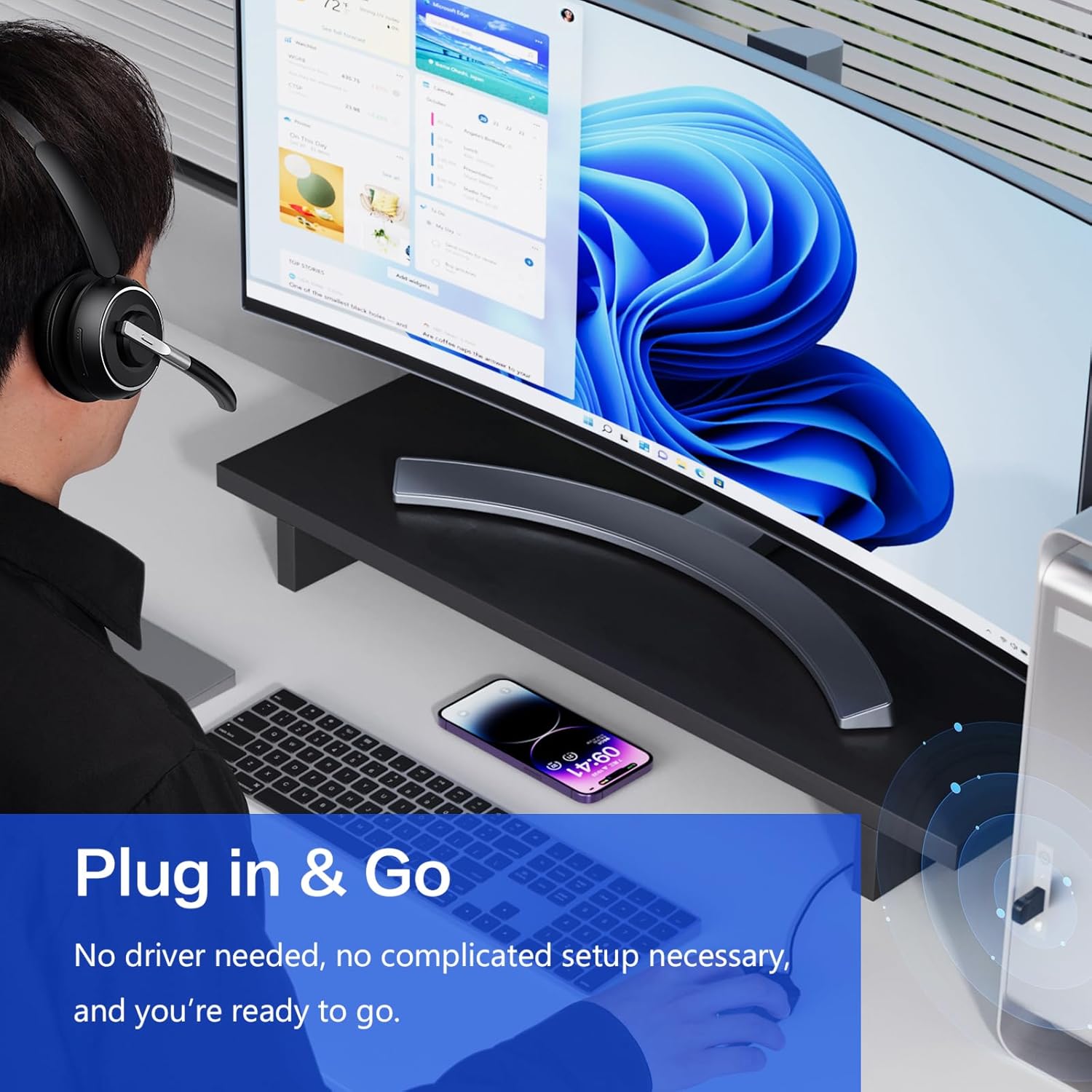

This headset simplifies daily calls by removing common pairing frustrations and delivering clear voice capture for meetings and customer interactions. The included dongle expands compatibility to older PCs and systems with restricted Bluetooth, while the mute button and voice prompts help manage privacy with minimal fumbling. Lightweight wireless movement is supported within typical office range, making it easy to stand or walk briefly without losing connection.
Usage Recommendations
For best results, plug the USB dongle into the computer and allow the headset to pair after the first connection. Position the 270° rotatable mic near your mouth for clearer voice pickup and activate the mute button when needed; voice prompts will confirm mute status. If you notice unstable connections, try updating the Bluetooth driver on your PC. Consider that the claimed 99.99% noise cancellation is a manufacturer figure and performance may vary depending on the environment and competing noise sources.