

avedio links 1x4 HDMI Splitter: Mirror One Source to Four Displays
Product description
What it is and who it’s for
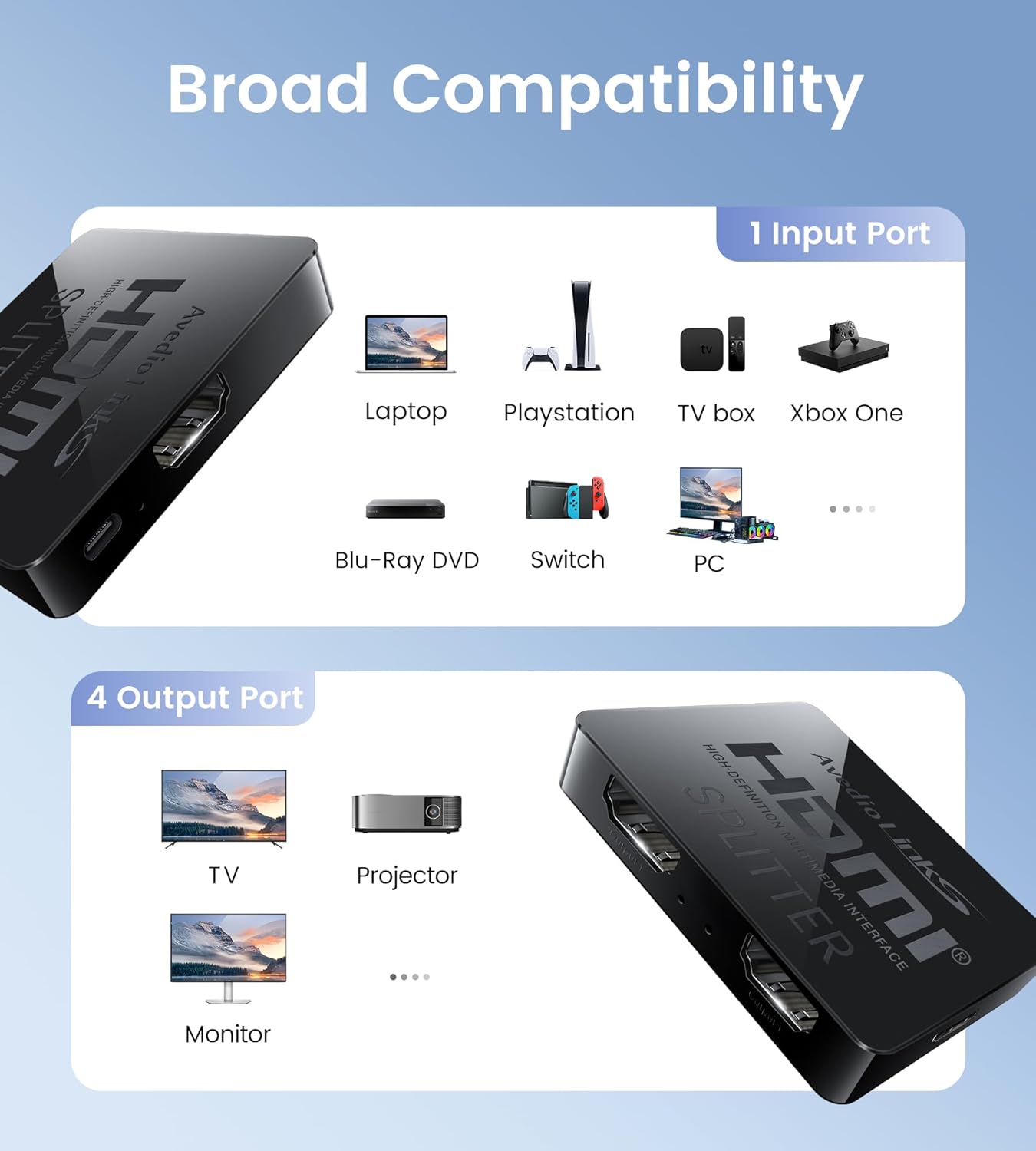
This avedio links HDMI Splitter is a 1 input to 4 output device designed to duplicate one HDMI source across up to four displays. It’s a simple, plug-and-play solution for scenarios where everyone should see the same content on multiple screens, such as presentations, classrooms, or small event setups. It’s not an extender or a switcher, so if your goal is to display different content on each screen or route audio separately, you’ll want to look elsewhere. If your priority is quick mirroring from a single source to several displays with minimal setup, this splitter covers the basics without extra fuss.
How it works
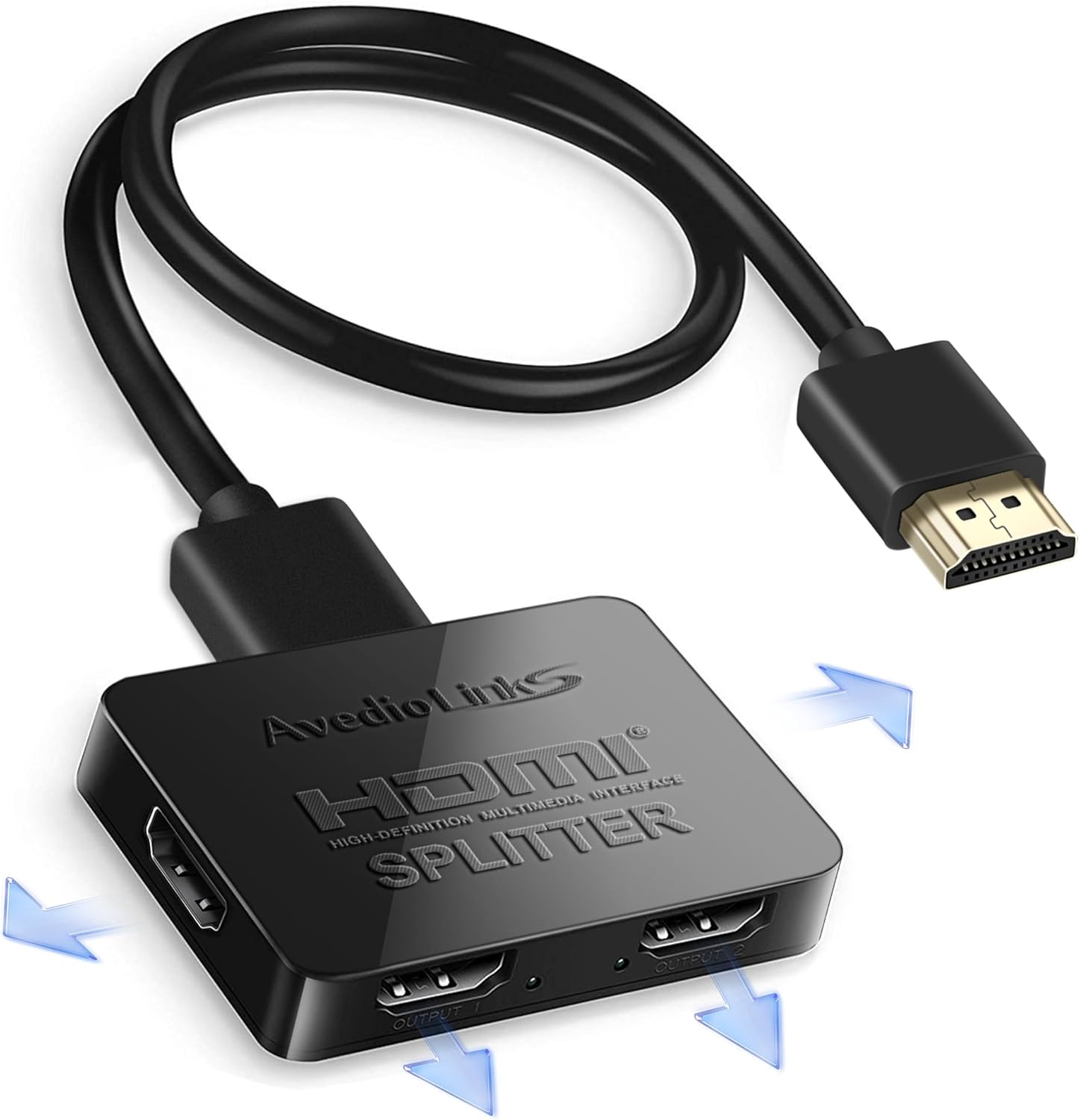
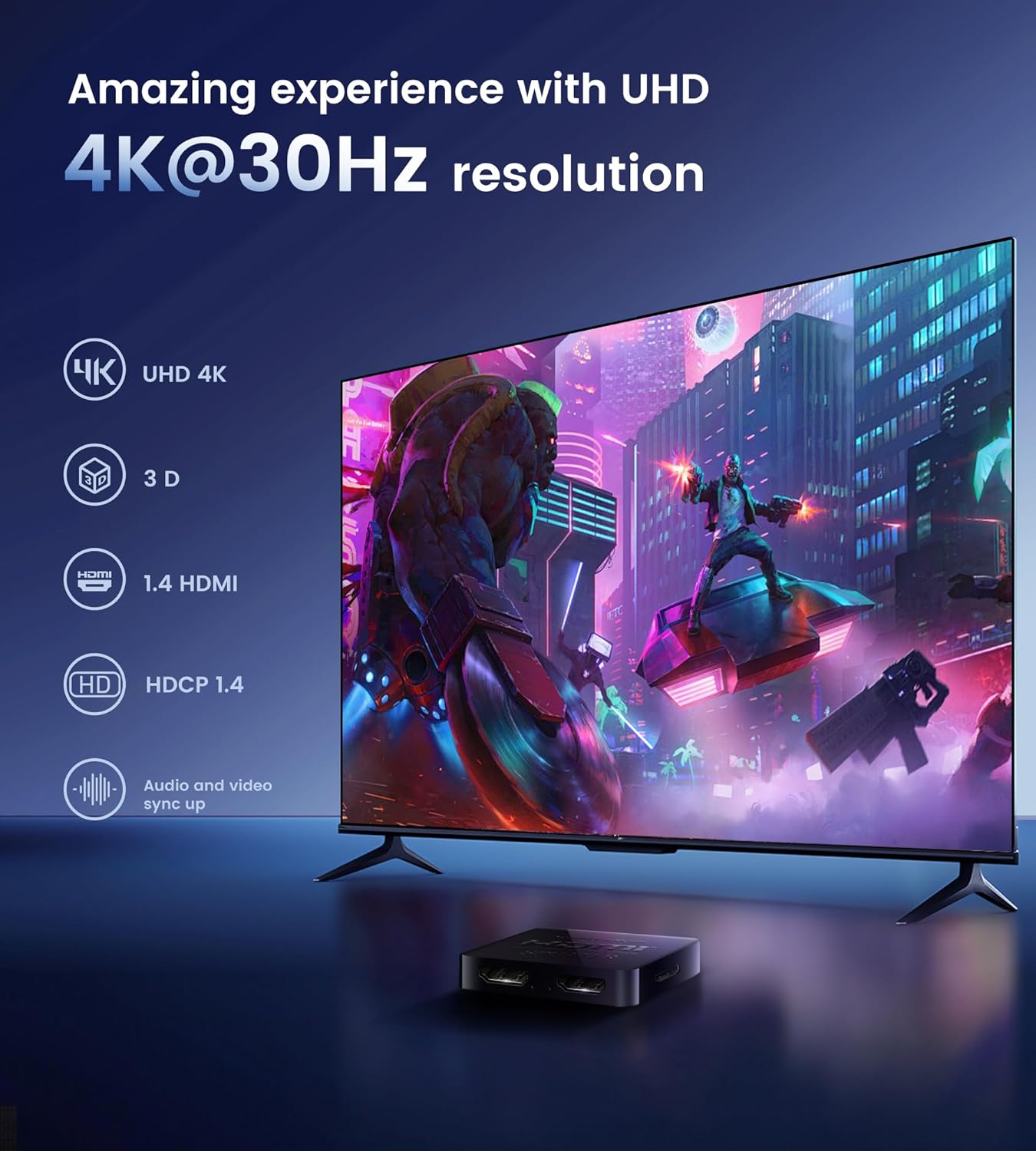
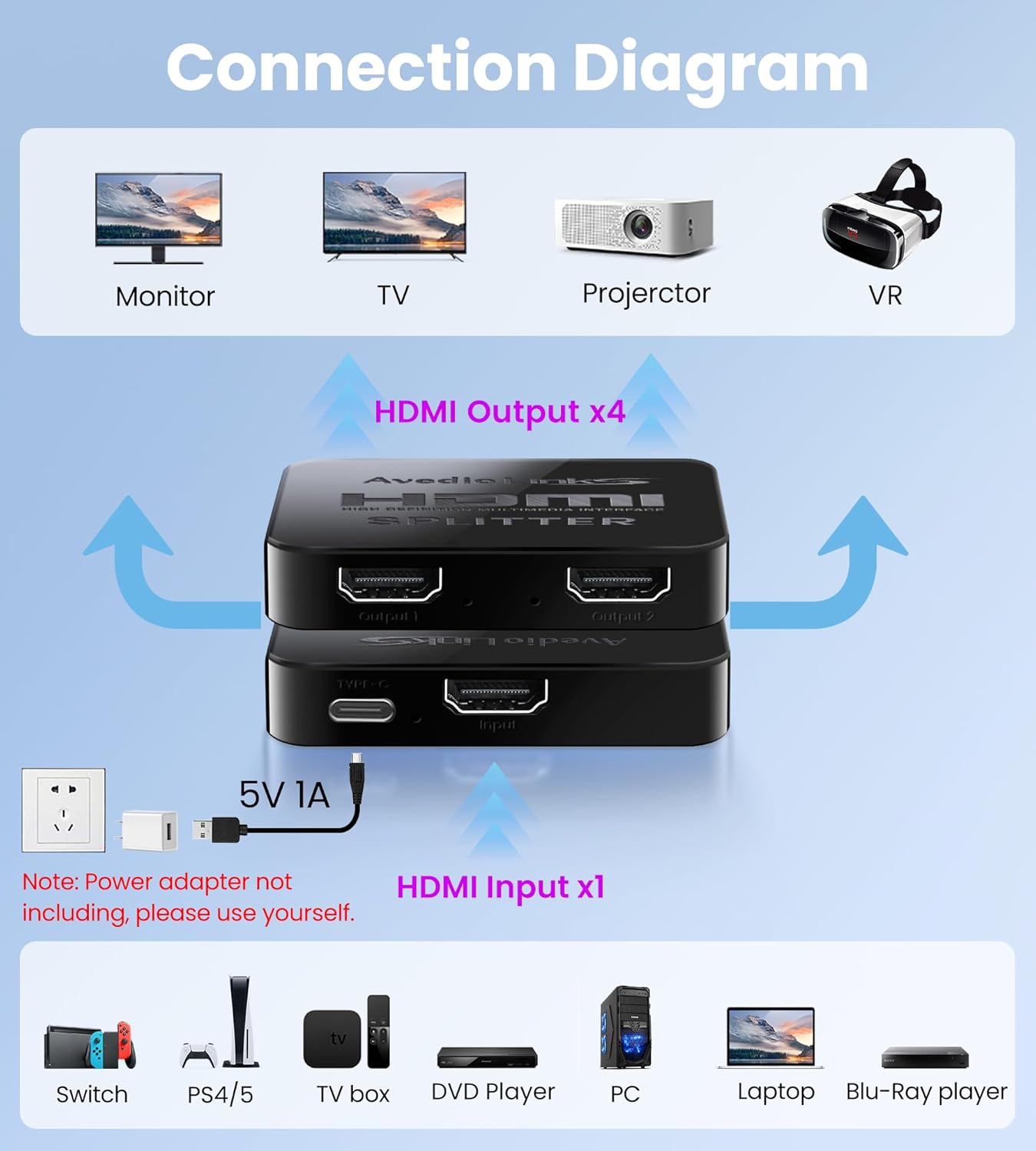
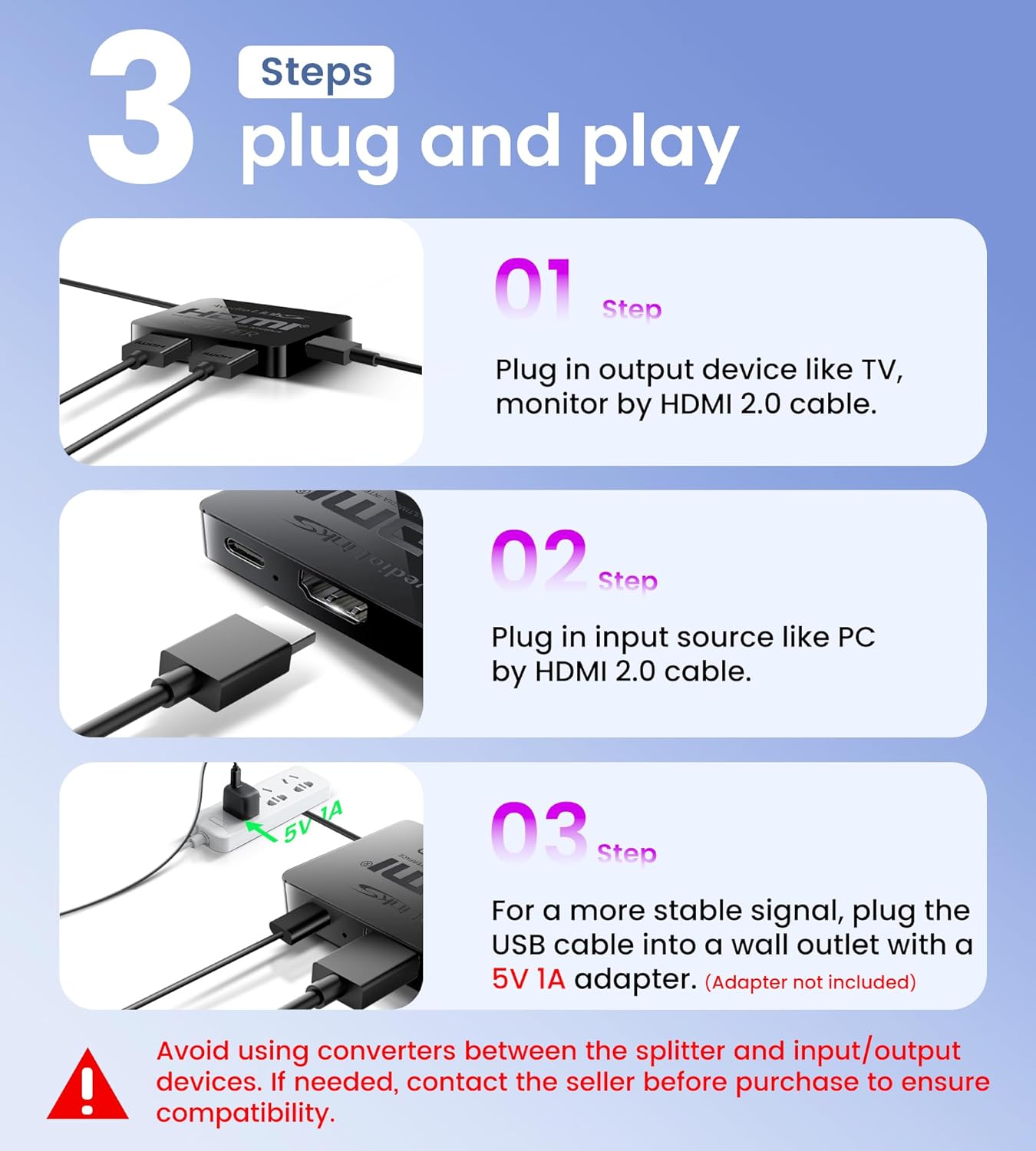
Once you connect your HDMI source (Blu-ray, computer, game console, etc.) to the single HDMI input and run four HDMI cables from the four outputs to your displays, you plug the included USB power cord to power the device. The unit is designed to mirror the same signal to all four outputs, preserving video quality and keeping latency low enough for casual use. It supports resolutions up to 4Kx2K at 30Hz on the 4K path, and 1080p at 60Hz on the standard paths, with backward compatibility for 3D and several common HD formats.
What stands out
On paper, the value proposition is straightforward: one source, four displays, quick setup. It supports HDMI 1.4 and HDCP 1.4, includes a bundled HDMI 2.0 cable, and a USB power option to keep things stable during playback. It’s compatible with a wide range of devices—from PCs and Blu-ray players to TVs, projectors, and capture cards—so you’re not locked into a narrow ecosystem. If you prioritize a simple mirroring workflow over flexibility, this model keeps the steps minimal.
Limitations and caveats
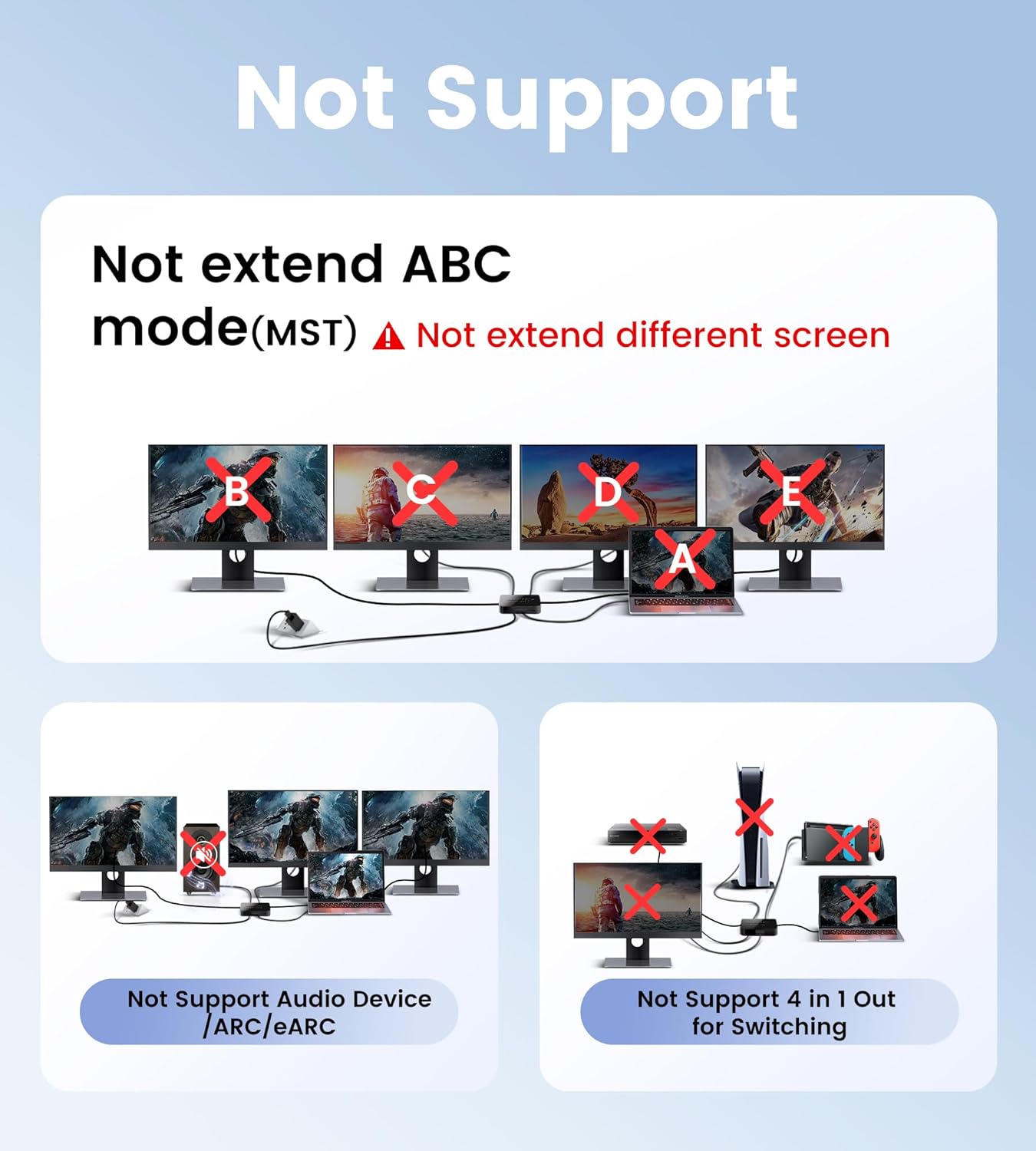
There are a few notable constraints to set expectations correctly. This is not a device for extended desktops or for feeding different content to each screen. It won’t function as an audio extractor or a video switcher, and it does not support ARC/eARC. When multiple displays show different resolutions, the signal will be aligned to the lowest common denominator, which means you may see reduced quality on some screens if their native resolutions differ significantly. For 4K output, remember that the bandwidth constraint means the effective refresh rate is capped at 30Hz, which may be noticeable in fast-paced content. If your setup relies on HDCP 2.2 or newer copy protection schemes, compatibility may vary.
Practical tips for day-to-day use
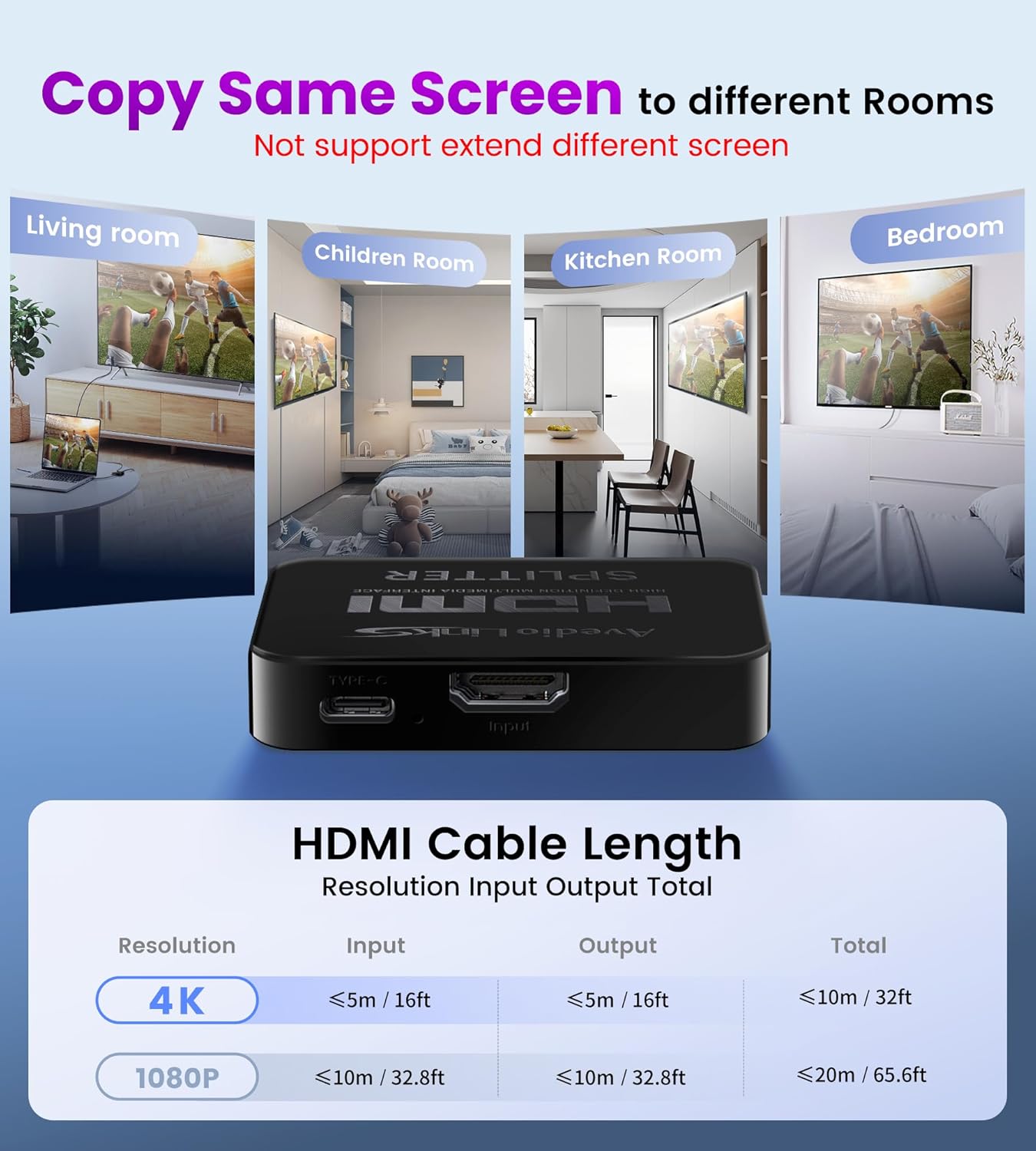
- Use high-quality HDMI cables to minimize signal degradation across longer runs. The kit includes one HDMI 2.0 cable, but longer runs will benefit from reinforced cables.
- Keep the USB power connected to ensure stable operation, especially when all four outputs are active.
- If you notice any color or timing mismatch across displays, try aligning the displays to the lowest common resolution first and then adjust individually if needed (noting that this device mirrors exactly, not scales differently).
- Don’t attempt to mix different resolutions across the four outputs, the device will typically display the same resolution on all four.
Use cases worth considering
This splitter shines in environments where synchronized content across multiple screens matters: conference rooms using four displays for the same presentation, classrooms projecting a lesson to several monitors, or retail setups displaying a single video across several TVs. It’s less suitable if you need independent content on each screen, or if you’re aiming for high-frame-rate 4K content (30Hz may feel choppier for gaming or fast video).
What to check before buying
- Your primary goal: true mirroring across four displays rather than extending or duplicating content in an extended workspace.
- The max resolution you actually need, if you require 4K at 60Hz, this model supports 4K at 30Hz, which is a trade-off to note.
- HDCP requirements: this unit lists HDCP 1.4 support, so newer protected content might not play as expected.
- Cable management: plan for four HDMI outputs and the attached USB power, plus the USB power source if your setup doesn’t provide it.
Quick comparison context
If you’ve considered alternatives, think of this device as a simple mirroring hub rather than a flexible video hub or a multi-display extender. It’s more about ease of use and compatibility with a wide range of HDMI devices than unlocking high-refresh, high-resolution multi-display configurations. It can be a good fit when you want a straightforward, low-maintenance mirror across multiple displays, rather than a customizable multi-monitor setup with varied content.
FAQ (based on available data)
- Does it support extending content to different displays? No, it’s designed for identical content on all outputs.
- Can it pass audio to an external speaker system? It is not an audio extractor, so use your displays’ audio path or another solution.
- What about 4K at 60Hz? Not supported, 4K is limited to 30Hz.
- Is it compatible with HDCP 2.2 devices? The description specifies HDCP 1.4, so HDCP 2.2 content may face issues.
Final decision
Final verdict
If your goal is a simple, plug-and-play mirror across four displays from a single source, and you can accept 4K at 30Hz along with HDCP 1.4 limitations, this avedio links splitter offers a practical, no-frills approach. It’s not the best fit for extended desktops, audio extraction, or high-refresh 4K setups, but it delivers dependable replication for multi-screen viewing in more static, presentation-friendly contexts. Consider it when you value straightforward setup over feature richness, and you’re operating within the stated resolution and compatibility constraints.