

ASUS ROG Delta II Wireless Gaming Headset (Tri-Mode) with Detachable Mic — 2.4GHz/BT/3.5mm, White
Product description
What it is and why people buy it
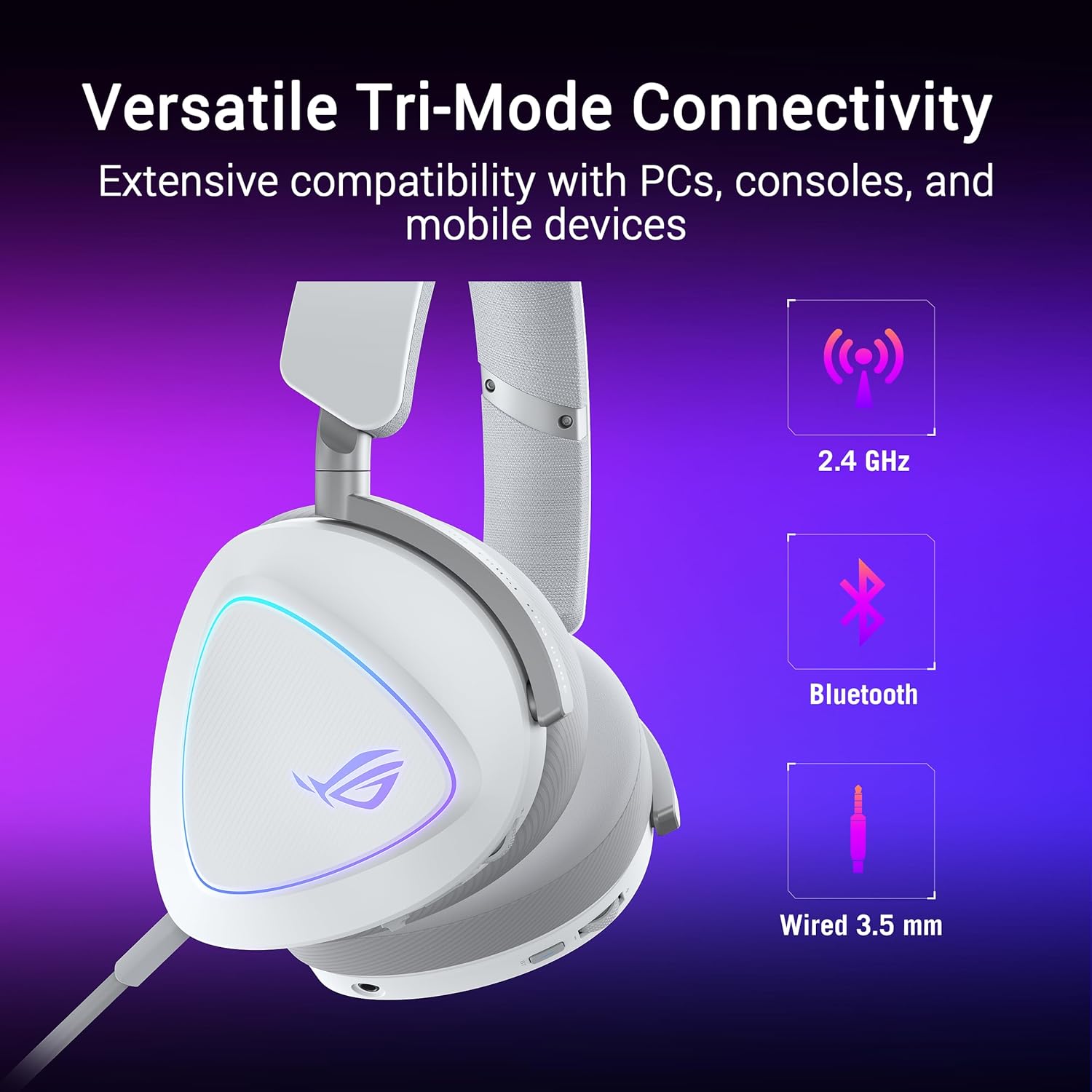
The ASUS ROG Delta II Wireless Gaming Headset is built for players (and streamers) who don’t want to juggle audio accessories every time they switch from PC to a console or a phone. It’s a tri-mode headset, meaning you can run it wirelessly over 2.4GHz (via ASUS ROG SpeedNova), use Bluetooth for mobile, and also fall back to a 3.5mm wired connection when you need “it just works” compatibility.
On paper, it’s aimed at the kind of user who values convenience and fewer friction points: one headset, multiple devices, and a detachable mic for when you’re not in team chat.
Key points to know before you buy
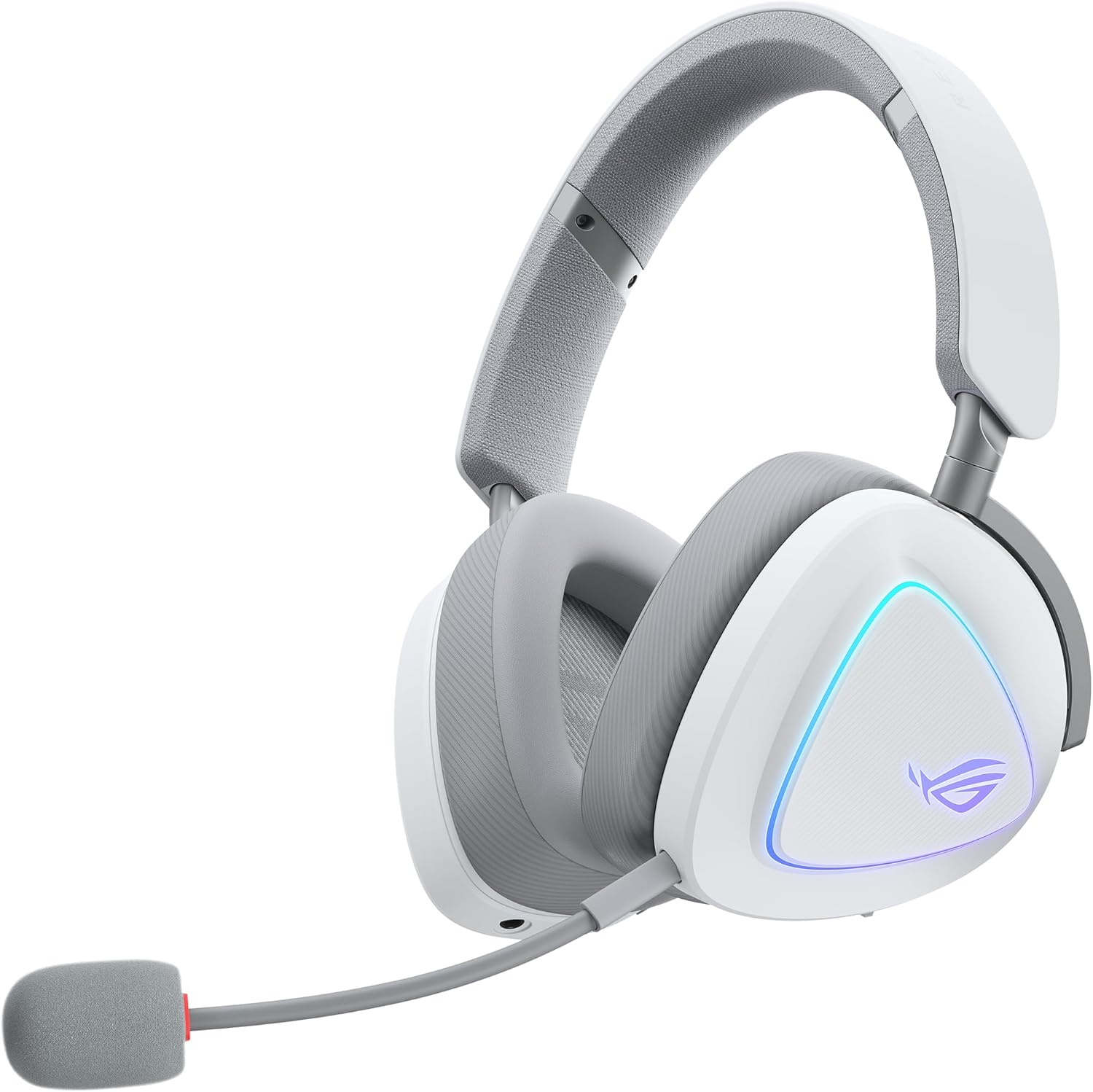
The big story here is connectivity. With tri-mode support, you can keep one headset on your desk and move between platforms without changing headsets or constantly re-pairing. The headset also supports dual connections through 2.4GHz and Bluetooth at the same time, so you can be gaming while also handling a call or switching context quickly.
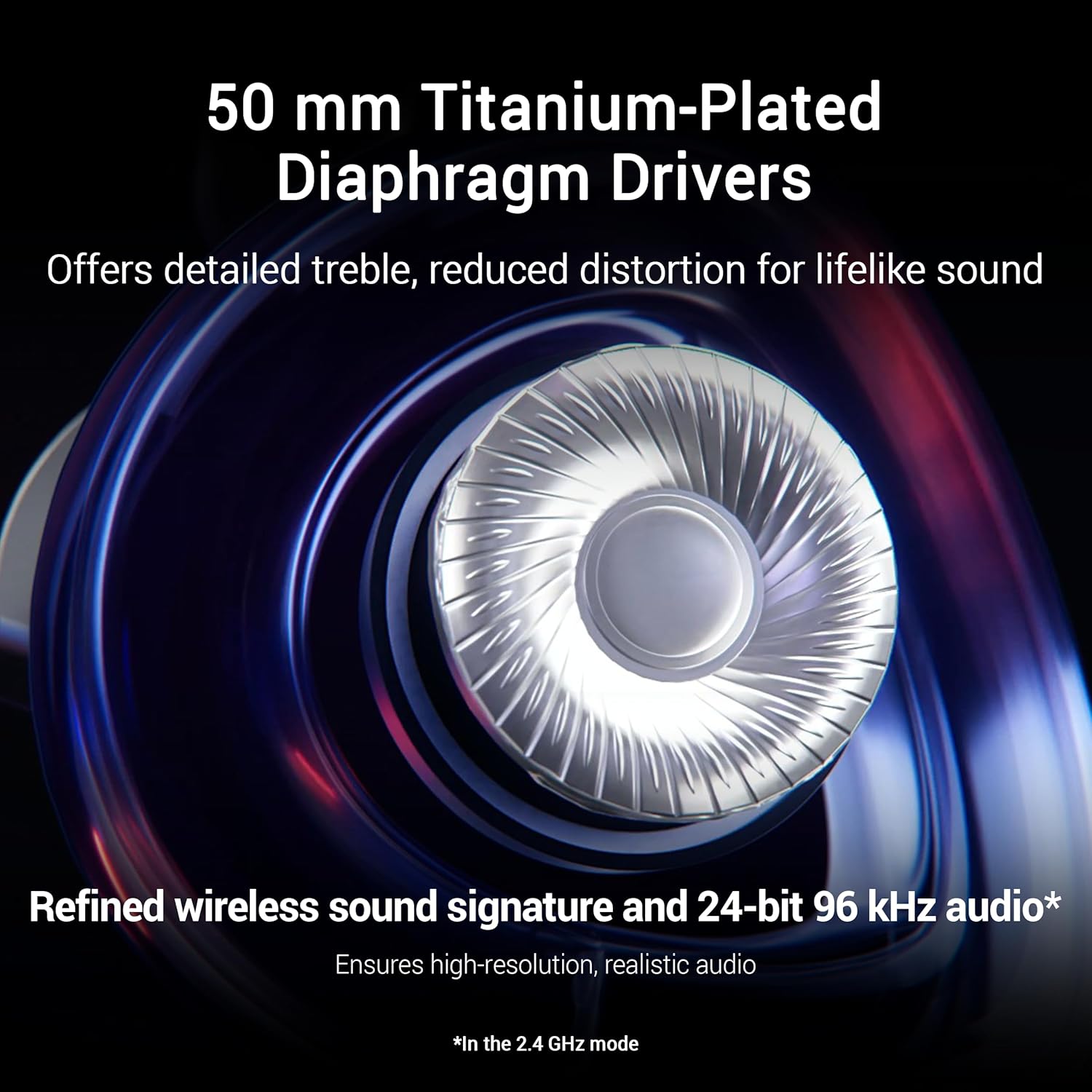
Audio is handled by 50mm titanium-plated drivers. ASUS positions the sound as high-fidelity, with 24-bit/96 kHz audio mentioned for 2.4GHz mode. For most buyers, that translates to a headset that’s meant to sound detailed and natural—useful for games, music listening, and everyday media.
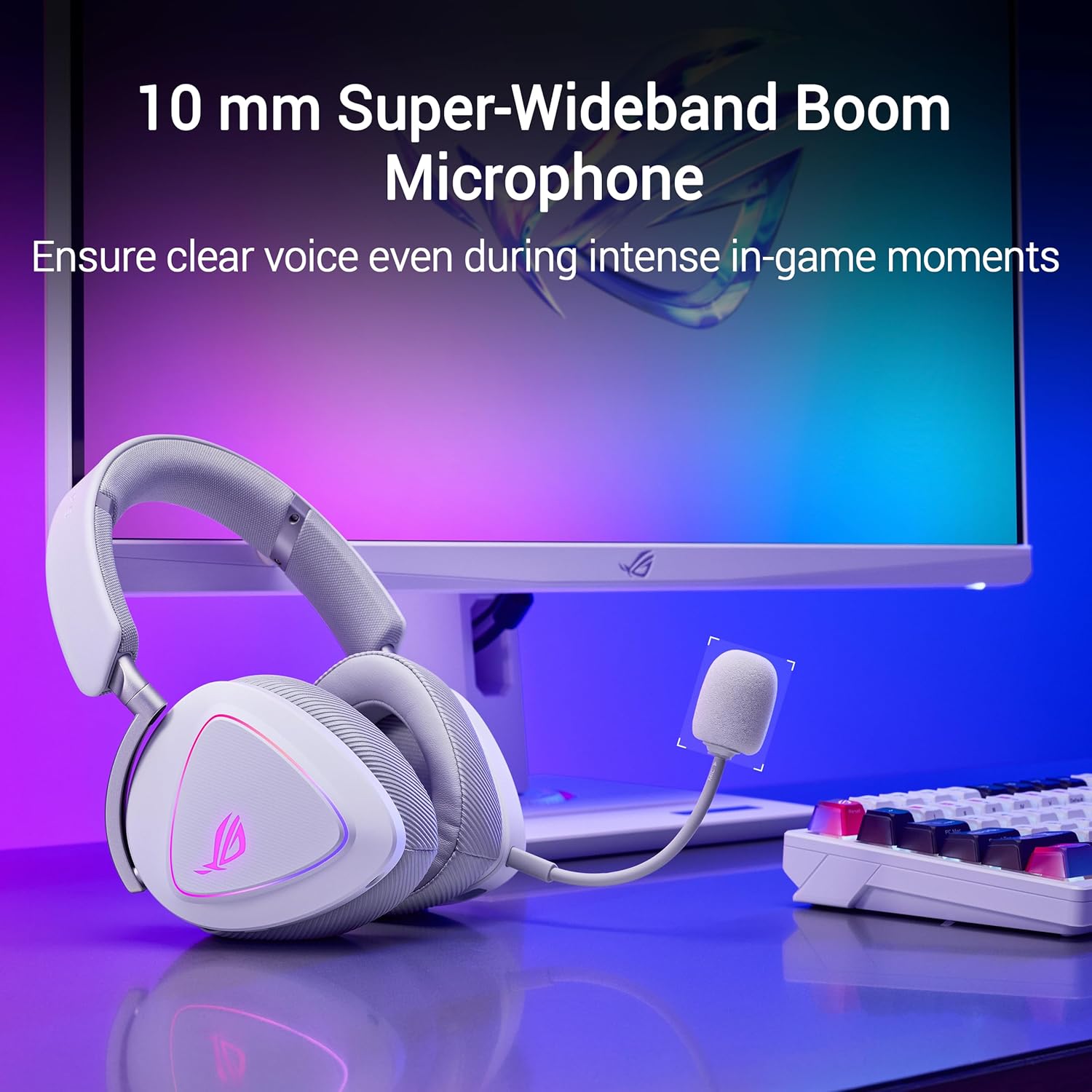
Mic-wise, there’s a 10mm detachable boom mic with super-wideband frequency range for clearer voice pickup during intense matches and calls.
Where it shines in everyday use
If you bounce between devices, the “tri-mode” setup is the main reason this headset feels practical rather than just flashy. Imagine this scenario: you start the day on your PC in 2.4GHz mode for low-latency gaming, then later switch to your phone over Bluetooth for music or a quick call without swapping hardware. The base idea is simple—fewer steps, less time fixing audio settings.
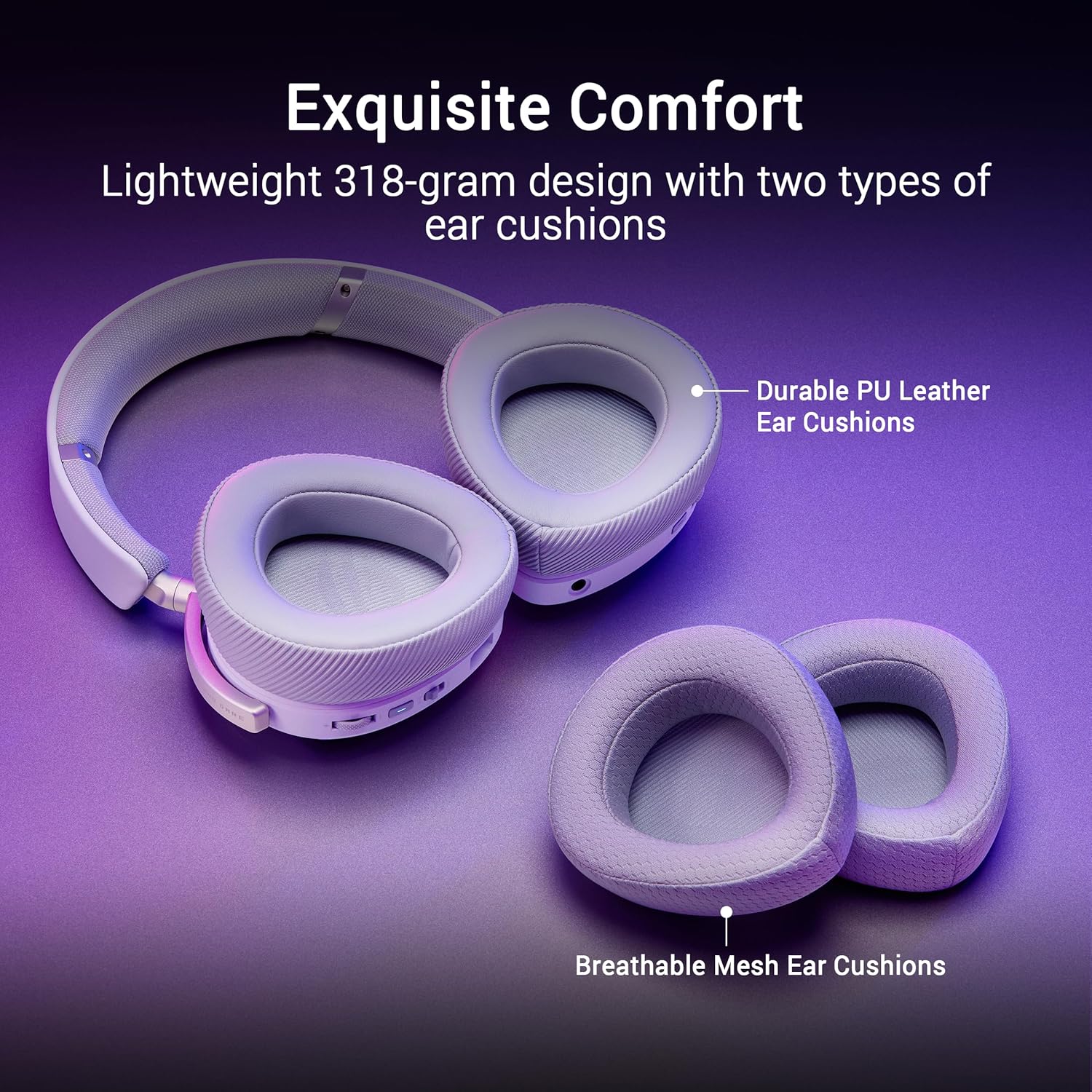
Comfort also matters for long sessions. The headset is described as lightweight at 318g and uses D-shaped ear cushions in an over-ear design. That’s not a guarantee it’ll be perfect for every head shape, but it’s a clear attempt to reduce fatigue for extended play or work calls.
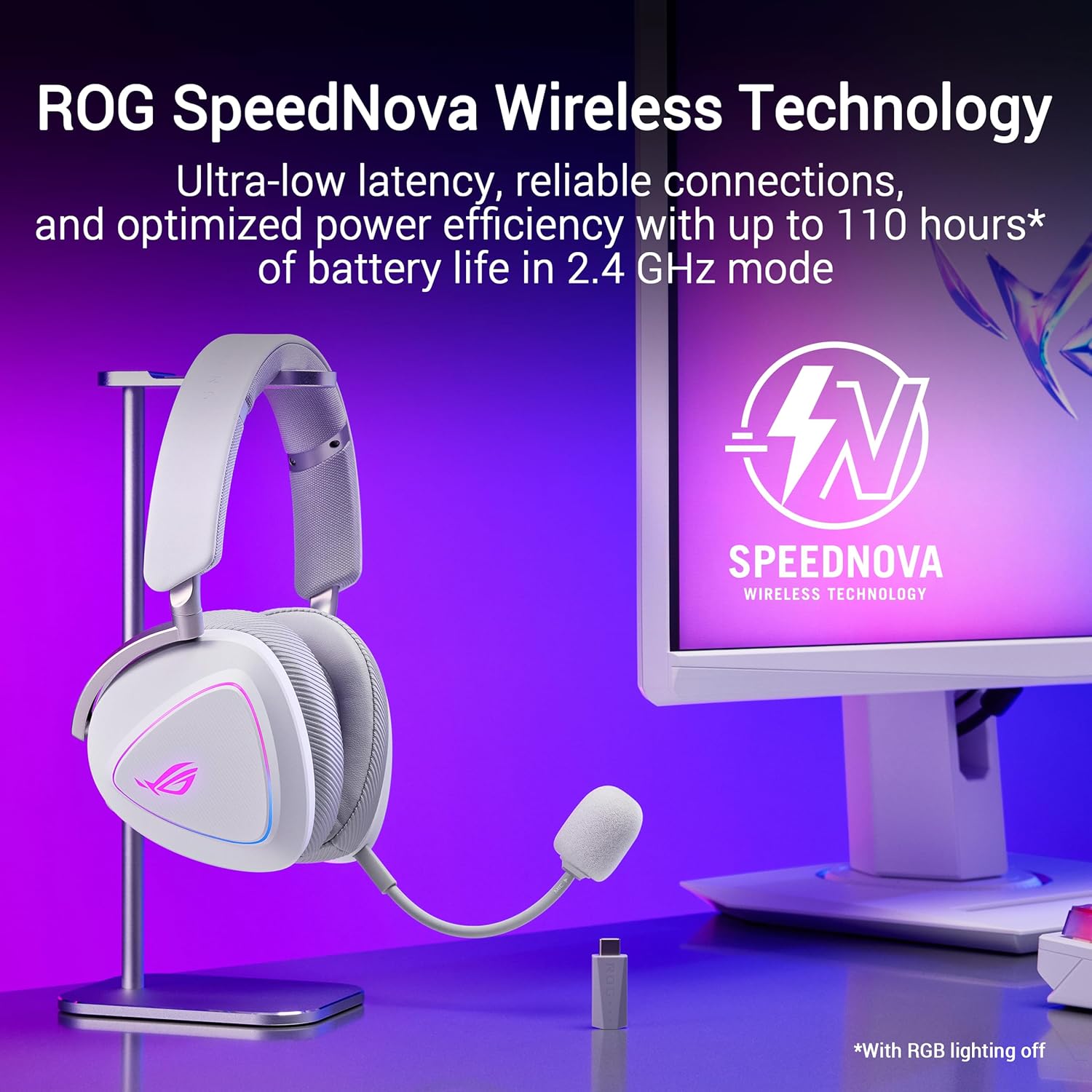
And battery life is a selling point. ASUS states up to 110 hours on 2.4GHz with RGB off, plus fast charging: 15 minutes of charging for up to 11 hours of gameplay.
Tech specs that matter for performance
The ROG Delta II Wireless focuses on a few performance anchors: wireless versatility, driver size/material, and mic bandwidth.
- Name: ASUS ROG Delta II Wireless Gaming Headset
- Type: Gaming headset (over-ear) with detachable boom mic
- Display: N/A (not specified)
- Resolution: N/A (not specified)
- Weight: 318g
- Processor: N/A (not specified)
Pros and where it may not be the best fit
This headset has a clear “strengths first” profile:
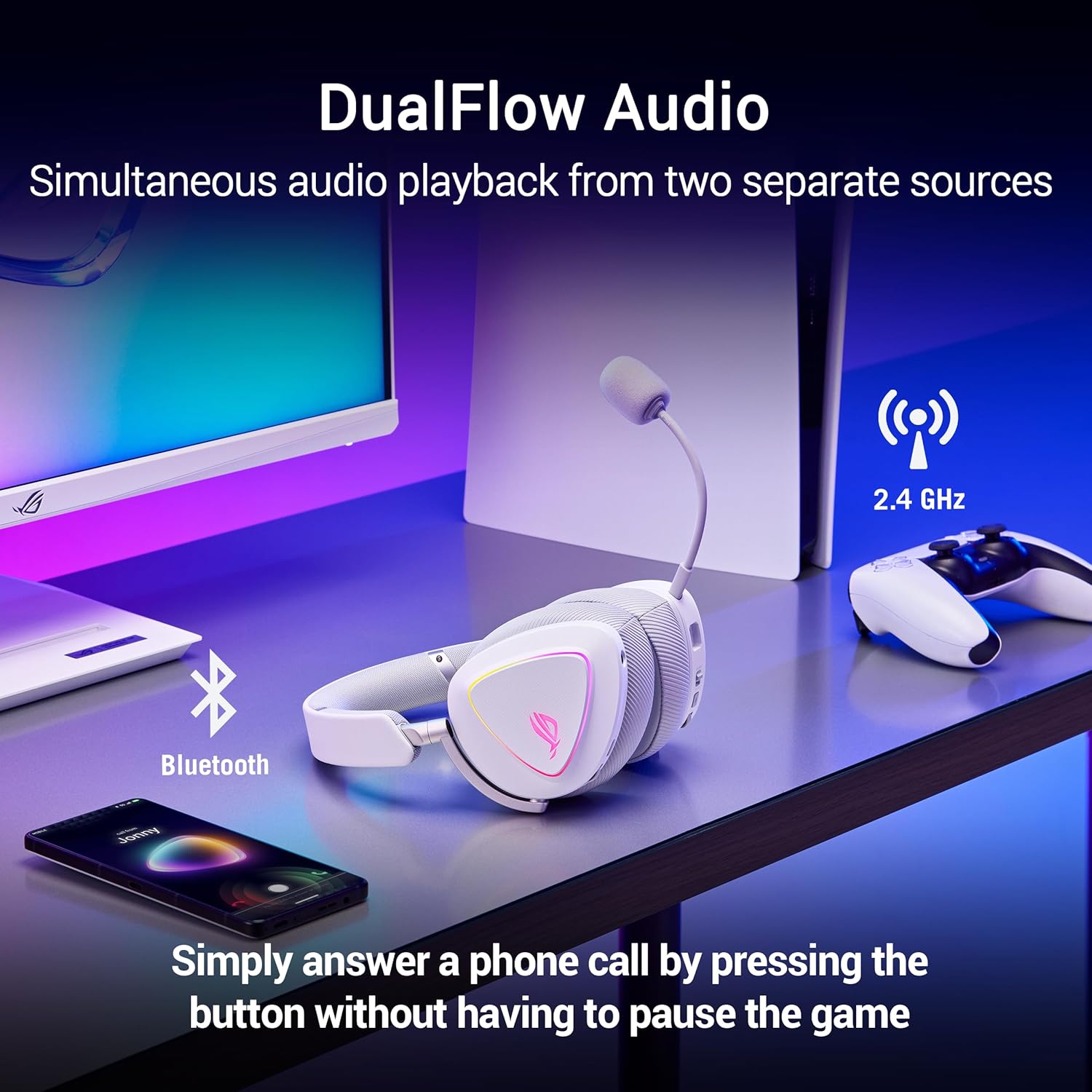
What stands out - Tri-mode connectivity (Bluetooth, 2.4GHz, and 3.5mm) for broader use across PC, consoles, and mobile. - DualFlow audio concept: can connect to two devices at the same time using 2.4GHz and Bluetooth. - Detachable 10mm mic aimed at clearer voice capture for team play and calls. - 110-hour battery life claim on 2.4GHz with RGB off, plus quick charge. - 318g lightweight design intended for longer sessions.
A limitation to keep in mind - While ASUS mentions high-resolution audio (24-bit/96 kHz) for 2.4GHz mode, the wired and Bluetooth experiences aren’t described with the same level of detail. If your priority is consistent “best-case” audio across every connection type, you may want to be realistic about differences between modes. - Also, it’s a gaming-focused headset—great for many people, but if you only need basic audio switching, the extra feature set may feel like more than you need.
It might not be the best choice if you want a super minimal headset setup with fewer connection options, or if you mainly listen via one single device and don’t care about the multi-platform flexibility.
How to get the most from tri-mode connectivity
Getting value from this model mostly comes down to matching the mode to your activity:
In 2.4GHz, you’re using the wireless gaming route with the best detailed audio claim (24-bit/96 kHz mentioned for that mode). For calls and mobile use, Bluetooth is the straightforward path. When you want maximum compatibility or you’re in a setup that only offers a physical audio port, the 3.5mm wired connection gives you a fallback.
One practical tip: if you plan to use dual connections, treat it like “gaming + communication.” That’s where the one-earcup-button switching idea is meant to reduce friction—especially during team sessions.
For gamers and multi-device households: who it fits
Worth considering if you regularly play on PC and also use consoles (PS4/PS5, Xbox Series X|S/One, Nintendo Switch 1/Switch 2) and/or want to use the same headset for phone audio or work calls. The detachable mic also helps you keep the headset usable when you’re not gaming.
You may want to skip it if your use is strictly one platform, you don’t care about wireless switching between devices, or you’re sensitive to mode-to-mode performance differences.
Mini FAQ
Does it work with both wireless and wired setups? Yes. It supports Bluetooth, 2.4GHz wireless, and a 3.5mm wired connection.
Can it connect to two devices at once? ASUS describes DualFlow Audio, letting you simultaneously connect using 2.4GHz and Bluetooth.
How long does the battery last? ASUS rates up to 110 hours on 2.4GHz with RGB off, with fast charging that provides up to 11 hours from 15 minutes of charging.
Is the microphone detachable? Yes. The headset includes a detachable boom mic.
Is it worth it?
If you want one headset that can follow you from PC gaming to console sessions and still cover mobile audio and calls, the ASUS ROG Delta II is the kind of tri-mode setup that can actually reduce daily hassle. The lightweight design, detachable mic, and strong battery life claim make it feel built for long stretches.
That said, if you’re expecting the same “best-case” audio experience across every mode, the details provided mainly emphasize high-resolution audio for 2.4GHz. In other words: it’s a strong all-around multi-platform headset, but it’s not a promise that every connection type will feel identical.